Signs your team needs a project management tool
Introduction
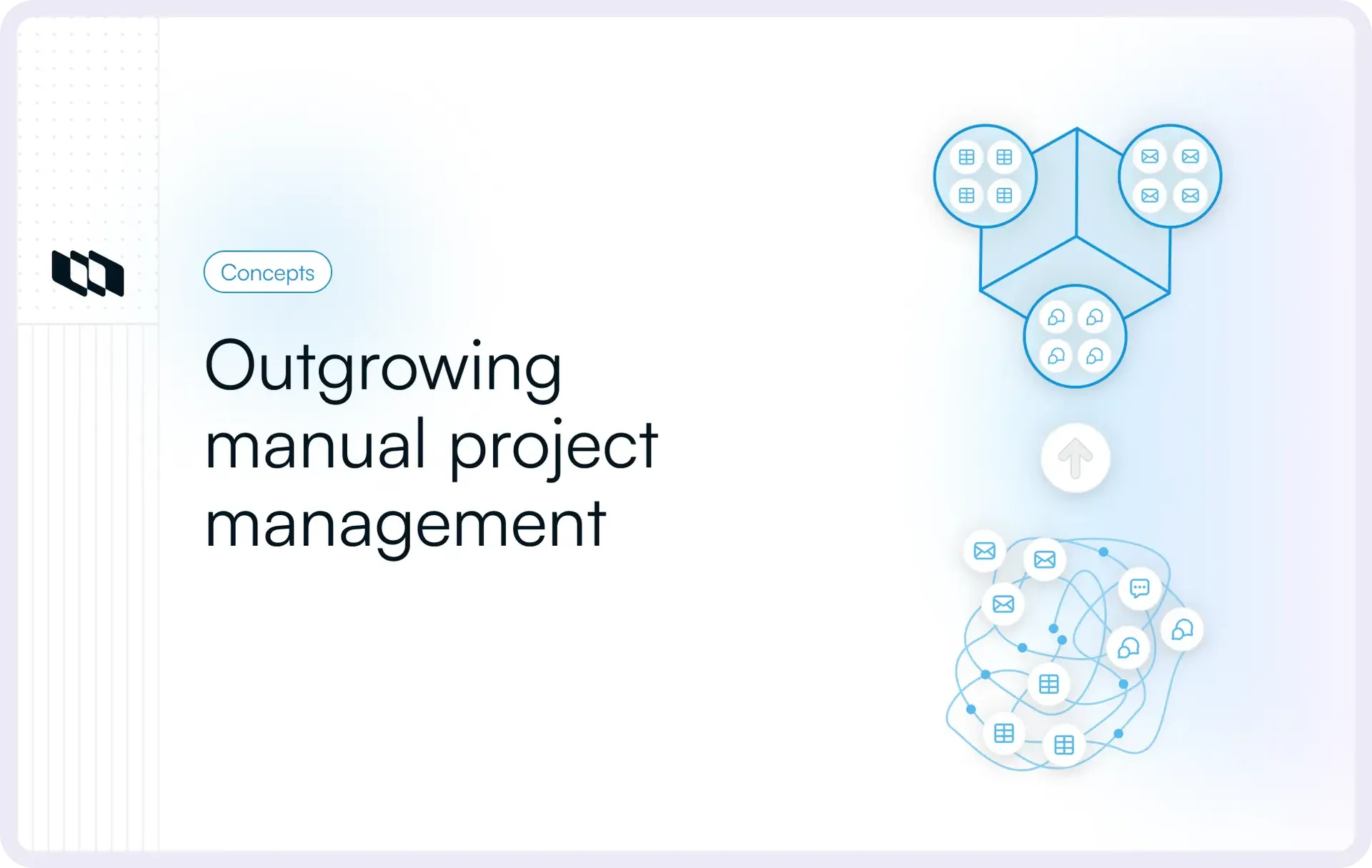
Growth introduces a new problem that effort alone cannot solve. More people mean more coordination, more dependencies, and more decisions happening in parallel. When teams feel this strain, they begin noticing signs that your team needs project management tools without calling them that. The real question becomes when to use project management tools to support scale without slowing execution. This is where project management tools shift from optional helpers to systems that make progress visible and repeatable.
What project management tools actually solve?
Before discussing features or workflows, it helps to understand what project management tools are actually designed to address. Fundamentally, they solve everyday coordination problems that appear as teams grow, projects overlap, and work becomes harder to track through memory or messages alone. This section sets a simple baseline for when to use project management tools, without turning it into a product pitch.
1. Making work visible to everyone involved
Work often exists, but visibility does not. Tasks live in chats, updates stay in meetings, and progress becomes something people explain rather than something teams can see. Project management tools create a shared view of work so anyone can understand what is planned, what is in progress, and what is blocked. This visibility reduces repeated questions and helps teams spot issues early, which is one of the clearest signs your team needs project management tools.
2. Clarifying ownership without constant follow-ups
Ownership breaks down quietly. Tasks get discussed, agreed upon, and then lose a clear owner once the conversation ends. Project management tools for growing teams make ownership explicit by linking work to people, timelines, and outcomes. When responsibility is visible, accountability feels lighter, and progress moves forward without chasing updates.
3. Connecting tasks, timelines, and discussions
In many teams, tasks live in one place, timelines in another, and discussions in a third. This separation forces people to piece context together constantly. Project management tools connect these elements so work stays grounded in its purpose and decisions remain easy to trace. This structure explains when a team needs project management software, especially once work starts spanning multiple contributors or teams.
4. Reducing coordination overhead as work scales
As teams grow, coordination becomes real work. Status meetings increase, messages multiply, and simple alignment starts consuming time. Project management tools reduce this overhead by making updates, progress, and dependencies visible by default. For many teams, recognizing when spreadsheets are not enough for project management marks the point at which structured tools replace constant syncing with shared clarity.
A quick self-check before you read the signs
Before diving into specific signs your team needs project management tools, it helps to pause and look at how work actually moves today. This short self-check is not about evaluating performance. It is about spotting patterns in visibility, ownership, and coordination that often signal when a team needs project management software.
If you answer “yes” to several of these, your team may be outgrowing its current setup.
- Do people need meetings or direct messages to understand what is currently in progress?
- Do tasks move forward without a clearly defined owner once discussions end?
- Do updates live across chats, documents, and spreadsheets rather than in one shared place?
- Do recurring check-ins exist mainly to collect status rather than make decisions?
- Do priorities change faster than your team can realign around them?
- Do you often wonder, "Do I need a project management tool to reduce follow-ups and rework?"
These questions help surface when to use project management tools by focusing on how work is coordinated, not how hard the team is working.
The clearest signs your team needs a project management tool
Most teams experience these signs long before they actively search for project management tools. The friction shows up in small, everyday moments where coordination feels heavier than the work itself. If several of the situations below sound familiar, they usually indicate when to use project management tools to restore clarity and flow.
1. Work isn’t visible unless someone asks
When work lacks visibility, progress exists mainly in people’s heads or conversations. Teams rely on constant check-ins to understand what is happening, which slows execution and increases coordination effort.
You might notice this when:
- Status updates happen only during meetings or in private messages
- Team members ask “What’s the latest on this?” repeatedly
- Leaders struggle to see progress without interrupting the team
This pattern appears when work is scattered across chats, documents, and informal trackers. One of the clearest signs your team needs project management tools is when visibility depends on asking instead of being available by default.
2. Ownership is unclear, and accountability feels awkward
Tasks move forward during discussions but lose momentum afterward. Follow-ups feel uncomfortable because responsibility was never explicitly captured.
This often shows up as:
- Tasks are stalling after meetings despite the agreement
- Duplicate work because ownership was assumed
- People waiting for others to act, unsure who should move next
As teams grow, memory and informal agreements stop scaling. Project management tools for growing teams make ownership visible and persistent, so accountability becomes part of the system rather than a social negotiation.
3. Deadlines slip for predictable reasons
Deadlines usually slip because teams see problems too late, not because people are careless. Dependencies, competing priorities, and capacity constraints surface only when delivery is already at risk.
Common signs include:
- Work is getting blocked unexpectedly by other tasks
- Priority changes disrupting planned timelines
- Last-minute rushes to recover lost time
This is often when a team needs project management software, as structured planning and dependency tracking help teams anticipate issues early rather than react under pressure.
If missed deadlines and shifting priorities feel familiar, you may want to explore our guide on managing uncertainty in long-term projects to understand why visibility matters early on.
4. Communication is scattered across too many places
When communication fragments, context becomes expensive to reconstruct. Teams spend time searching for decisions instead of acting on them.
You might experience this when:
- Decisions live in hard chat threads to trace later
- Context is split between documents, comments, and messages
- New team members struggle to understand why choices were made
Project management tools connect tasks, discussions, and decisions in one place, reducing context loss and helping work stay understandable over time.
5. Meetings exist mainly to collect status
Meetings multiply when teams lack shared visibility. Instead of enabling decisions, they become a way to gather updates that systems could surface automatically.
This becomes clear when:
- Regular meetings exist only to answer “where are we?”
- Teams leave meetings informed but not aligned on next steps
- Progress stalls between syncs
Recognizing these patterns is a strong indicator of the need for project management software, as visibility replaces status meetings with asynchronous clarity.
6. Your team relies heavily on spreadsheets or ad-hoc trackers
Spreadsheets work well for planning but struggle with live execution. Over time, they become fragile and hard to maintain.
Teams often notice:
- Manual updates falling behind reality
- Multiple versions of the same tracker
- Limited visibility into ownership or dependencies
This is a classic moment when teams realize that spreadsheets are not enough for project management and start looking for systems designed to handle change, not static plans.
If work feels blocked by dependencies, you might find our guide on rolling wave planning in project management helpful for understanding how teams plan under uncertainty.
7. Files, links, and decisions are hard to find later
Once work is completed, its context disappears. Teams revisit old projects and struggle to understand what happened or why.
This shows up as:
- Searching across tools to find final documents
- Repeating discussions that already happened
- Losing learning from past projects
Project management tools create continuity by preserving decisions, discussions, and outcomes alongside the work itself.
8. Workload is uneven, and you realize it too late
Some people feel overwhelmed, while others wait for input. This imbalance often becomes visible only when stress or delays surface.
You may see:
- Burnout in specific roles or individuals
- Idle time caused by hidden dependencies
- Late reassignments to meet deadlines
This imbalance highlights when to use project management tools, as visibility into shared workloads allows teams to redistribute work proactively.
9. Onboarding a new teammate takes too long
New hires depend on tribal knowledge to understand how work flows. Processes live in people’s heads instead of shared systems.
This becomes obvious when:
- New teammates rely heavily on shadowing
- Progress slows because context needs repeated explanation
- Knowledge concentrates around a few individuals
These moments often trigger the question, " Do I need a project management tool?" especially for teams that want work to be understandable without constant guidance.
10. Your current way of working breaks as the team grows
Early workflows succeed because teams are small and communication is informal. Growth introduces more coordination, dependencies, and parallel work.
You notice the break when:
- Alignment takes more effort than execution
- Decisions are slow as more people get involved
- Informal systems stop keeping everyone aligned
These are definitive signs your team needs project management tools, as structure becomes necessary to support scale without slowing progress.
What to do when you start noticing these signs
Noticing the signs your team needs project management tools does not mean you need a heavy process overhaul. The goal at this stage is not to add complexity, but to reduce friction by creating a simple, shared structure. For teams wondering when to use project management tools, these steps help move from reactive coordination to intentional execution.
1. Start by centralizing work in one place
The first and most impactful shift is choosing a single system where work lives. Tasks, updates, and decisions scattered across tools force teams to reconstruct context repeatedly. Centralizing work creates a shared reference point, making it easier to understand progress without asking. This is often the moment teams realize when spreadsheets are not enough for project management, as live work requires visibility that static trackers cannot provide.
2. Define basic workflows before adding rules
Workflows do not need to be complex to be effective. Even simple stages like planned, in progress, and done give teams a common language for how work moves. Clear workflows reduce ambiguity and help teams spot blockers early. This structure explains when a team needs project management software, as informal handoffs stop scaling once multiple people or teams are involved.
3. Make ownership and status visible by default
Ownership should be attached to work, not remembered from conversations. Assigning clear owners and updating status in a shared system removes the need for follow-ups and uncomfortable check-ins. For project management tools for growing teams, visible ownership turns accountability into a system-level practice rather than a personal one.
4. Reduce status meetings through shared visibility
When work is visible, meetings shift from reporting to decision-making. Teams no longer need regular syncs to understand progress. Shared visibility enables asynchronous updates, freeing time for focused work. This is one of the clearest answers to whether you need a project management tool, as the reduction in coordination overhead becomes immediately noticeable.
If coordination issues show up mostly during execution, you might find our guide on project reviews helpful.
How to choose a project management tool that actually fits
Once teams recognize when to use project management tools, the next challenge is choosing one that supports how work actually happens. The goal is not to find the most feature-rich option, but to adopt project management tools that fit your team’s work style today while remaining flexible as complexity grows.
aligns with how work actually moves
1. Understand your team’s work style
Every team coordinates work differently. Some move fast with loosely defined scopes, while others operate through structured planning and dependencies. Before evaluating tools, it helps to look at how work flows across your team. Consider how often priorities change, how cross-functional the job is, and how much visibility different stakeholders need. Teams often realize they need project management software when their current setup no longer aligns with how work actually moves.
2. Focus on features that matter early versus later
Early on, teams benefit most from clarity rather than advanced functionality. Features that make work visible, define ownership, and show progress tend to matter far more than complex automation or reporting. As teams grow, needs often expand toward dependency management, multiple views, and cross-team visibility. This progression is common for project management tools for growing teams, where starting simple reduces friction and supports adoption before adding complexity.
3. Avoid tool overload and over-engineering
Adding a tool should reduce cognitive load, not increase it. Over-engineered setups often fail because teams spend more time managing the tool than managing work. Look for project management tools that integrate well with your existing stack and replace overlapping tools rather than adding another layer. This approach helps teams avoid recreating the same coordination problems in a more complicated system.
Choosing the right tool becomes easier when the focus stays on clarity, adoption, and alignment rather than feature checklists.
Common mistakes teams make when adopting project management tools
Even when teams clearly see the signs that your team needs project management tools, adoption can fall short if the shift focuses only on tooling and not on how work actually changes. These mistakes are common, especially for teams early in the adoption curve.
1. Migrating everything at once
Trying to move all existing projects, tasks, and historical data into a new system creates unnecessary complexity. Teams spend weeks setting up instead of seeing value quickly. This often slows adoption and increases resistance. A lighter approach works better. Start with active or upcoming work so the team experiences clarity early, which reinforces when to use project management tools as part of everyday execution.
2. Adding a tool without changing habits
Introducing project management tools without adjusting how updates, ownership, and decisions are handled leads to duplication. Work continues in chats and documents while the tool becomes an afterthought. This disconnect explains why some teams conclude that tools “do not work.” In reality, the habits never shifted to support shared visibility.
3. Treating it as a tracker instead of a shared system
When teams use tools only to log tasks after the fact, they miss the core value. A tracker reflects work that already happened. A shared system supports work as it happens. Project management tools for growing teams work best when planning, discussion, ownership, and progress all live together, making the system a daily reference point rather than a reporting artifact.
Avoiding these mistakes helps teams turn early adoption into sustained clarity instead of short-lived experimentation.
Closing thoughts
Most teams are not short on effort. They are short on shared clarity. People work hard, care deeply about outcomes, and stay committed even as coordination becomes heavier. The struggle begins when work is no longer visible, ownership fades between conversations, and tasks lose connection to timelines and decisions.
Recognizing the signs your team needs project management tools is less about fixing performance and more about fixing the system that supports it. When work becomes visible, ownership stays clear, and progress connects across people and projects, teams regain momentum without adding pressure. This is where project management tools quietly do their best work, not by pushing teams to work more, but by helping work make sense.
Frequently asked questions
Q1. What are the 5 C’s of project management?
The 5 C’s of project management are clarity, communication, collaboration, coordination, and control. Together, they describe what teams need to deliver work consistently. Clarity defines what needs to be done, communication keeps everyone aligned, collaboration enables cross-functional execution, coordination connects tasks and dependencies, and control ensures progress stays on track as conditions change.
Q2. What is the rule of 7 in project management?
The rule of 7 suggests that people can effectively process and remember only a limited amount of information at once. In project management, this translates to keeping plans, priorities, and workflows simple. When teams track too many tasks, statuses, or metrics at once, clarity drops and execution slows.
Q3. What are the 4 P’s of project management?
The 4 P’s typically refer to people, process, plan, and performance. People execute the work; processes define how work flows; plans set direction and expectations; and performance measures whether outcomes match intent. Strong project management balances all four rather than optimizing just one.
Q4. What tools are needed for project management?
At a minimum, teams need tools that support planning, task tracking, ownership, communication, and visibility into progress. As complexity grows, project management tools help connect tasks, timelines, discussions, and decisions in one place, reducing coordination overhead and making work easier to manage at scale.
Q5. What are the 5 pillars of project management?
The five commonly referenced pillars are scope, time, cost, quality, and risk. These pillars help teams plan and evaluate projects holistically. Changes in one area often affect the others, which is why visibility and coordination are critical throughout the project lifecycle.
Recommended for you



 Download for Mac
 Download for Android