What is software project management? Definition, Planning and Best Practices
Software project management is defined as the process of planning, organizing, and overseeing the development and delivery of software projects.
Software project management is defined as the process of planning, organizing, and overseeing the development and delivery of software projects.
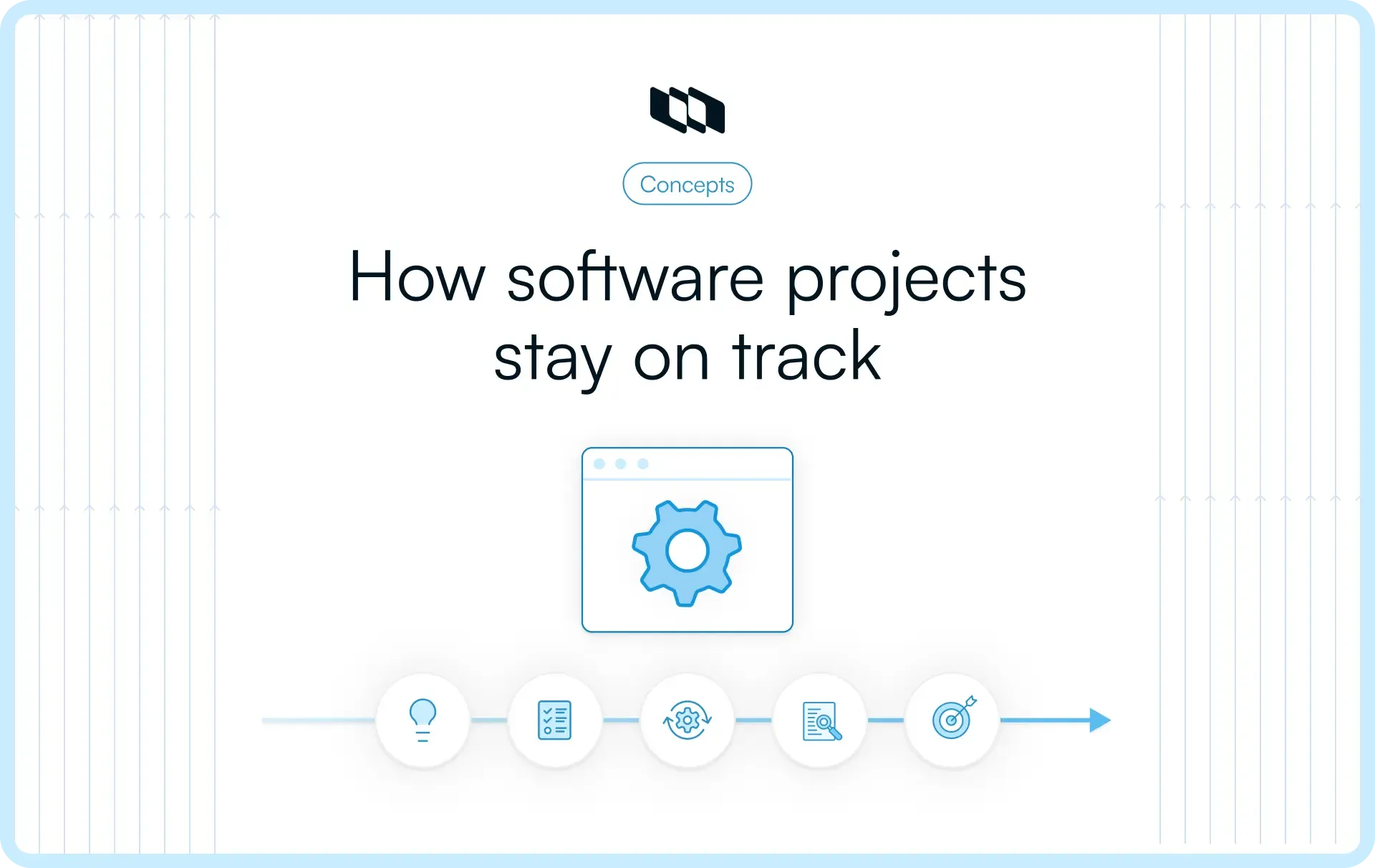
What is software project management?
Software project management is defined as the process of planning, organizing, and overseeing the development and delivery of software projects.
It involves coordinating resources, tasks, and timelines to ensure that the project meets its goals within the constraints of scope, time, cost, and quality.
Software project managers use various methodologies, tools, and practices to manage project risks, track progress, and ensure that the software is developed according to requirements. Effective software project management ensures that teams deliver functional, high-quality software on time and within budget.
The process typically begins with identifying the software’s purpose, defining project requirements, and gathering input from stakeholders. A detailed project plan is then created, which outlines the tasks to be completed, the resources required, and the timeline for delivery.
In the execution phase, project managers must monitor progress, communicate with stakeholders, and make adjustments as needed to handle changes in scope or challenges that arise. Throughout the project, software project managers work to maintain alignment between the development team and the project’s goals.
Various methodologies can be applied in software project management, such as Agile, Waterfall, or Scrum, depending on the project’s needs and complexity.
For instance, consider the development of a customer relationship management (CRM) system for a company. The software project manager would first gather requirements from the sales, marketing, and customer service departments to ensure that the CRM meets the company's needs. They would create a project plan that defines milestones, such as completing the user interface design or developing key features like customer data tracking. As the development team works on the project, the project manager would track their progress, manage risks (e.g., delays or technical issues), and ensure regular communication with the stakeholders. By the end of the project, the CRM would be delivered, tested, and deployed within the agreed timeframe and budget.
Related: What is Scrum project management?
Key phases of software project management
The key phases of software project management are:
- Initiation
The project initiation phase focuses on defining the project at a high level and getting approval to proceed. It involves identifying the project’s objectives, scope, and deliverables. The project manager assesses the feasibility of the project, considering risks, resources, and constraints, and presents the project to decision-makers for approval. This phase lays the groundwork by setting clear expectations and securing the necessary support for the project.
- Planning
The project planning phase includes defining the project’s scope, creating a work breakdown structure (WBS), estimating timelines, and determining resource requirements such as team members, tools, and budget. Risk management strategies are developed to identify potential risks and outline mitigation measures. Additionally, a communication plan is established to ensure that all stakeholders are informed throughout the project’s life cycle. The planning phase is critical as it provides a roadmap for how the project will be executed, monitored, and completed.
- Execution
This phase is where the software is developed and project deliverables are created. The project team works according to the project plan to complete the tasks and produce the final product. Regular communication with stakeholders continues, and project updates are provided. As issues arise, they are addressed, and necessary adjustments are made to keep the project on track.
- Monitoring and controlling
Running concurrently with the execution phase, the project monitoring phase involves tracking the project’s progress to ensure it stays within the planned scope, budget, and schedule. Key performance indicators (KPIs) such as cost variance and schedule variance are monitored, and project progress is compared against the baseline plan. Additionally, change requests are managed, ensuring that any modifications to the project scope or deliverables are carefully controlled. This phase ensures that the project meets its objectives without unnecessary delays or cost overruns.
- Closure
The final phase of software project management is closure, where the project is formally completed and handed over. This phase includes delivering the final product, obtaining formal acceptance from stakeholders, and completing any remaining administrative tasks, such as closing contracts and finalizing payments. A post-project review is often conducted to evaluate the project’s performance and document lessons learned. This information is valuable for future projects, helping teams refine their processes. Proper closure ensures that all project activities are wrapped up and that the software is successfully transitioned to users or the support team.
Software project management methodologies with examples
Software project management methodologies are frameworks or approaches that guide the planning, execution, and monitoring of software development projects. Different methodologies are used based on the project’s requirements, complexity, and team dynamics.
Here are the key software project management methodologies, with examples:
1. Waterfall Methodology
The waterfall methodology is a traditional, linear approach to software project management. In this methodology, each phase of the project must be completed before the next phase begins, and there is little room for changes once a phase is closed. This makes it suitable for projects where the requirements are well-defined and unlikely to change. The linear nature of this methodology ensures that progress is easily tracked, and each phase has specific deliverables.
Key Phases: The waterfall methodology typically follows a series of phases, starting with requirements gathering, then moving to system design, implementation (coding), integration and testing, deployment, and finally maintenance and support. Each phase is dependent on the completion of the previous one, which ensures that any errors are caught early and addressed before the next phase begins.
Example: An example of using the waterfall methodology is in the development of a healthcare management system. Since such systems often need to comply with strict regulatory requirements, following a structured, phase-by-phase approach ensures that all compliance standards are met. Once the requirements are gathered and locked in, the team proceeds through each phase without revisiting earlier steps, ensuring a clear and controlled process.
2. Agile Methodology
Agile is an iterative and flexible methodology that focuses on delivering smaller pieces of functionality in short, repeatable cycles called sprints. Agile embraces change and continuous improvement, allowing teams to adjust requirements and priorities as the project evolves. It’s highly collaborative and emphasizes ongoing communication between the development team and stakeholders.
Key Phases: Unlike the waterfall method, Agile doesn’t follow a rigid sequence. Instead, the project is broken down into small increments called sprints, each lasting 2 to 4 weeks. Each sprint involves planning, designing, developing, testing, and reviewing a specific feature or component. Feedback is gathered at the end of each sprint, and any changes are incorporated into future sprints, allowing the project to adapt to new insights and requirements.
Example: A software development company creating a mobile app might use Agile to adapt to rapidly changing market trends. During each sprint, the team delivers a functional piece of the app, such as the login feature or search functionality, while gathering feedback from users. This feedback can then be used to refine the product in subsequent sprints, ensuring that the final product aligns with customer needs.
3. Scrum Methodology (A Type of Agile)
Scrum is a popular Agile framework that is designed to help teams break down complex projects into manageable tasks and deliver them in short bursts. Scrum relies on regular feedback, daily stand-up meetings (called "scrums"), and sprint reviews to keep the team aligned with the project goals.
Key Phases: Scrum involves sprint planning, daily scrums, sprint execution, sprint review, and sprint retrospective. The process begins with planning what will be accomplished in the upcoming sprint (usually 2–4 weeks long). During the sprint, the team holds daily scrums to discuss progress and any obstacles. At the end of the sprint, the team reviews the work done and gathers feedback from stakeholders.
Example: A company developing an e-commerce platform may adopt Scrum methodology to manage this software project. Each sprint might focus on delivering a new feature, such as product browsing or payment integration. The team holds daily meetings to assess progress and pivot if needed. The iterative nature of Scrum allows the startup to react quickly to market demands and customer feedback, ensuring a flexible and responsive approach to development.
4. Kanban Methodology
Unlike Agile and Scrum, Kanban doesn’t prescribe specific roles or iterations, making it more flexible. The goal of Kanban is to ensure a smooth and continuous flow of work, where each task moves through various stages of completion as efficiently as possible.
Key Phases: Kanban manages task flows through stages such as "To Do," "In Progress," and "Done." Tasks are visualized on a Kanban board, where team members can track progress in real time. There are no defined sprints in Kanban, and the workflow is continuous, allowing teams to pick up new tasks as soon as they finish others. Work-in-progress (WIP) limits are set to prevent bottlenecks and ensure that team members are not overwhelmed.
Example: A software maintenance team might use Kanban to manage bug fixes and feature requests. Each task is added to the Kanban board, and team members pull tasks into the "In Progress" column as they complete other work. By limiting the number of tasks being worked on at any time, the team ensures that work progresses efficiently and that no task is left unattended for too long.
5. Lean Methodology
Lean method seeks to deliver high-quality products quickly and efficiently by removing any steps that do not add value to the end product. Lean emphasizes speed, efficiency, and continuous improvement throughout the project’s lifecycle.
Key Phases: Lean follows several principles such as defining value from the customer’s perspective, mapping the value stream, creating continuous workflow, and implementing feedback loops. The focus is on delivering small, incremental improvements and optimizing processes to reduce waste in areas like time, resources, and effort.
Example: A company building a software tool for supply chain optimization might use Lean to ensure that they only focus on features that provide real value to their customers. By continuously assessing their processes and eliminating unnecessary steps, the team can deliver a streamlined product that meets user needs without wasting time or resources on unnecessary features or processes.
Related: What is project cycle management?
Software project management planning: Key steps
Software project management planning involves several critical steps to ensure the successful delivery of a software project. Each step helps define the project’s scope, manage resources, mitigate risks, and set a roadmap for the project team. Here are the key steps in software project management planning:
1. Define the project scope
Defining the scope is the first and most crucial step in software project planning. During this step, the project manager gathers input from stakeholders to ensure a shared understanding of what the software should achieve. This step also includes setting clear expectations on what will and won’t be included in the project. A well-defined scope helps prevent scope creep, where uncontrolled changes can disrupt the project.
2. Identify project requirements
Once the scope is clear, the next step is to gather detailed project requirements. This includes understanding the functional and non-functional needs of the software, such as user interface specifications, performance criteria, and security protocols. Collaboration with stakeholders, including users, clients, and technical experts, is key to gathering comprehensive requirements.
3. Develop a work breakdown structure (WBS)
The work breakdown structure is a hierarchical breakdown of the project into smaller, manageable tasks. The WBS helps the project manager and team understand the entire scope of work and assign specific tasks to team members. Breaking down the project into smaller components makes it easier to estimate time, resources, and dependencies, helping teams manage the workload effectively. The WBS ensures that no task is overlooked and provides a structured approach to project execution.
4. Create a project schedule
After the WBS is developed, the project manager creates a detailed project schedule. This includes estimating the time required for each task, identifying task dependencies, and sequencing activities in the correct order. The schedule also incorporates key milestones, deadlines, and buffer periods to account for unexpected delays. Gantt charts or project management tools are commonly used to visualize the project timeline. An accurate schedule helps ensure that the team stays on track and meets project deadlines.
5. Estimate resources and budget
Resource and budget estimation is essential to ensure the project is completed within the available constraints. This step involves determining the human resources, tools, equipment, and materials needed for the project. The project manager must also estimate the project’s total cost, including salaries, software licenses, hardware, and other expenses. A well-planned budget helps ensure that resources are used efficiently and that there are no cost overruns.
6. Identify risks and develop a risk management plan
In this step, the project manager identifies potential risks that could affect the project’s success, such as technical challenges, resource shortages, or timeline delays. Each risk is assessed based on its likelihood and impact, and a risk management plan is developed to mitigate these risks. This plan outlines strategies for avoiding, transferring, or mitigating risks, and provides a contingency plan in case they occur.
7. Plan for quality management
Ensuring that the software meets quality standards is an important part of project planning. In this step, the project manager defines quality benchmarks for the software and establishes processes for quality assurance and testing. This may include setting up review processes, code audits, and user acceptance testing to ensure the software functions as expected. A quality management plan ensures that the project team adheres to industry standards and delivers a high-quality product.
8. Develop a communication plan
Clear and consistent communication is vital to project success. The communication plan outlines how information will be shared among team members, stakeholders, and external parties. It defines the frequency and format of meetings, status reports, and updates. The plan also identifies key communication channels, such as email, project management software, or face-to-face meetings. A strong communication plan ensures that all parties are informed about the project’s progress and any changes that may arise.
9. Finalize and review the project plan
The final step is to consolidate all the elements—scope, schedule, budget, risks, quality, and communication—into a comprehensive project plan. This plan serves as the official document that will guide the project team throughout the project’s lifecycle. Regular reviews and updates to the plan may be required as the project progresses.
Recommended for you




 Download for Mac
 Download for Android