50,000+ teams run Plane in production












Air-gapped project management inside your network
Projects, Wiki, and AI inside your network. Deploy from your own registry, activate offline, run it without internet, and send no telemetry. Built for Defense, Banking, and Government agencies.
50,000+ teams run Plane in production
When project data cannot leave
your network
Project work, documents, and model requests stay inside your network boundary.
Your data stays internal
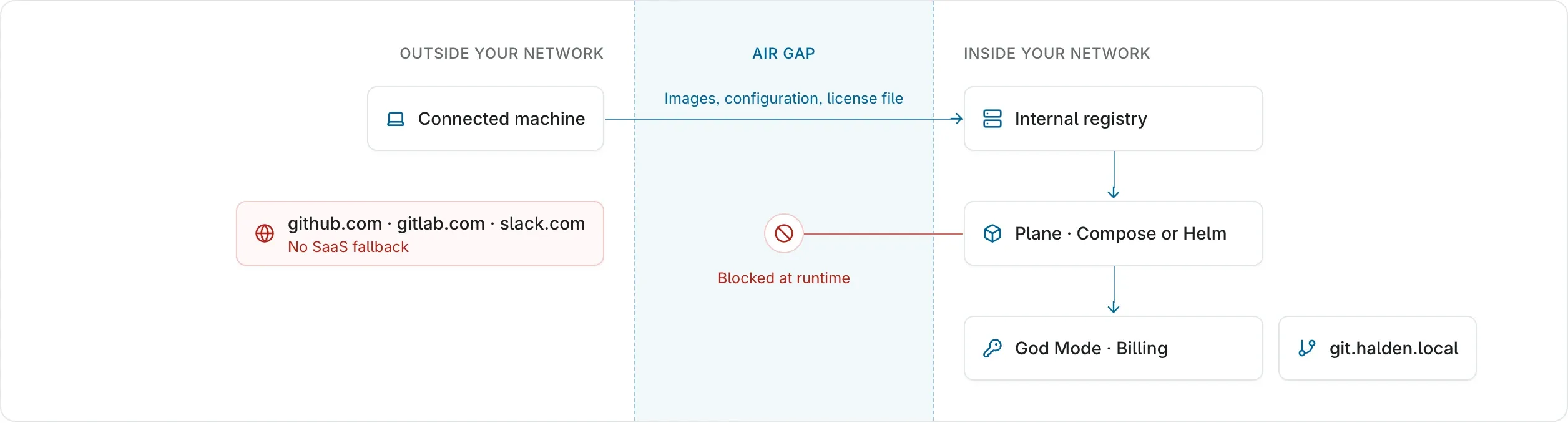
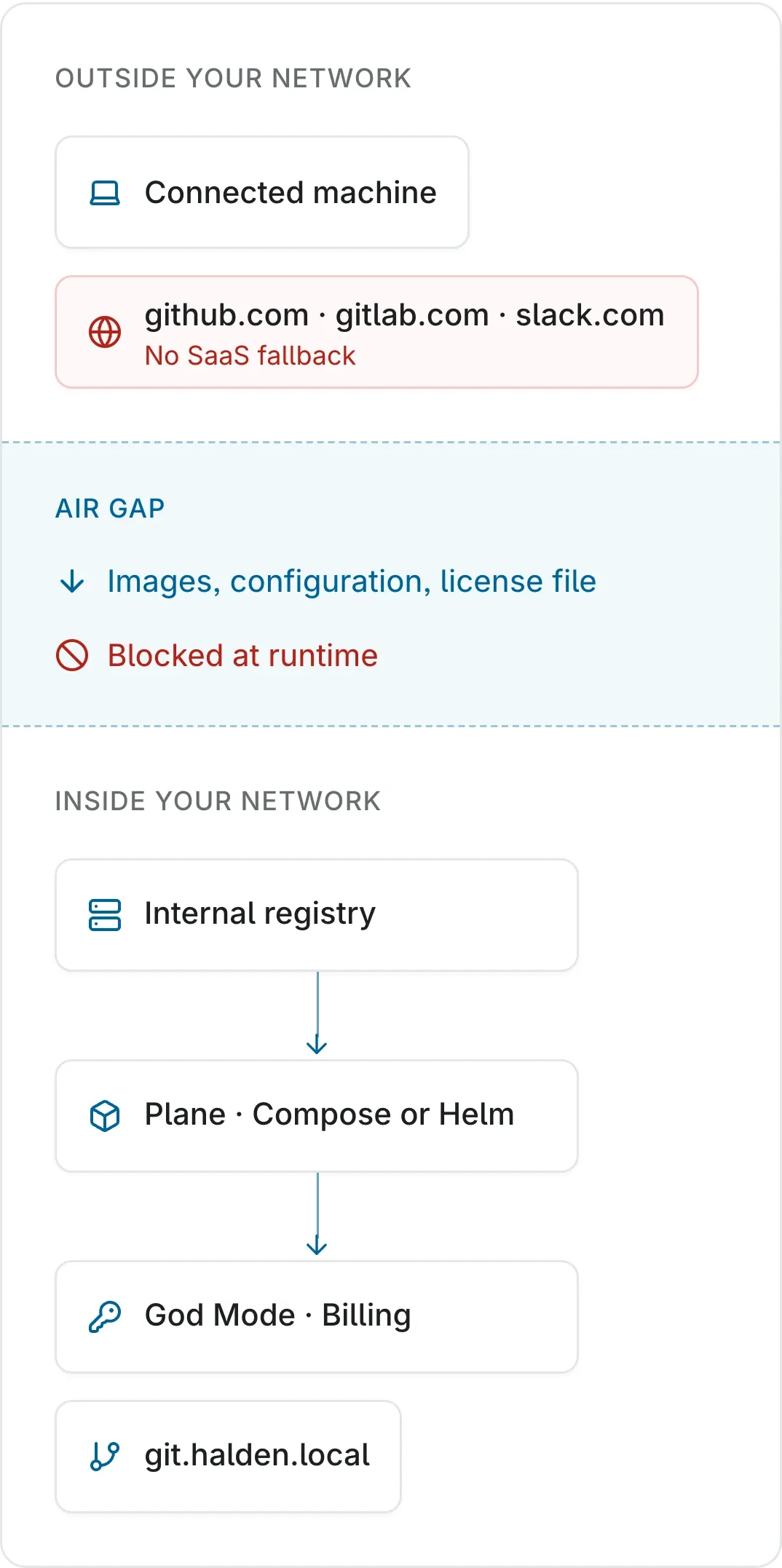
Work items, pages, and AI requests are stored and processed on your infrastructure.
License checks stay offline
Activate with a file from the Prime portal. Plane never calls a license server.
Services stay inside
Plane depends on no external APIs or CDNs at runtime.
Controls your security review will ask for
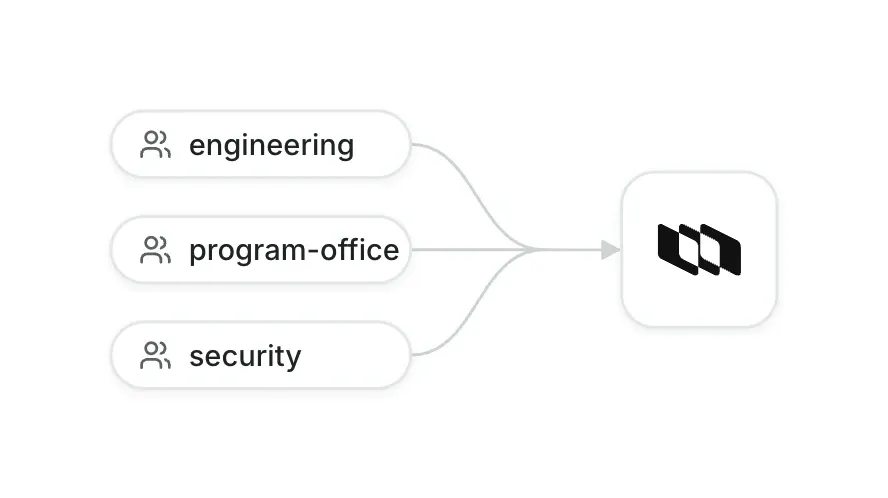
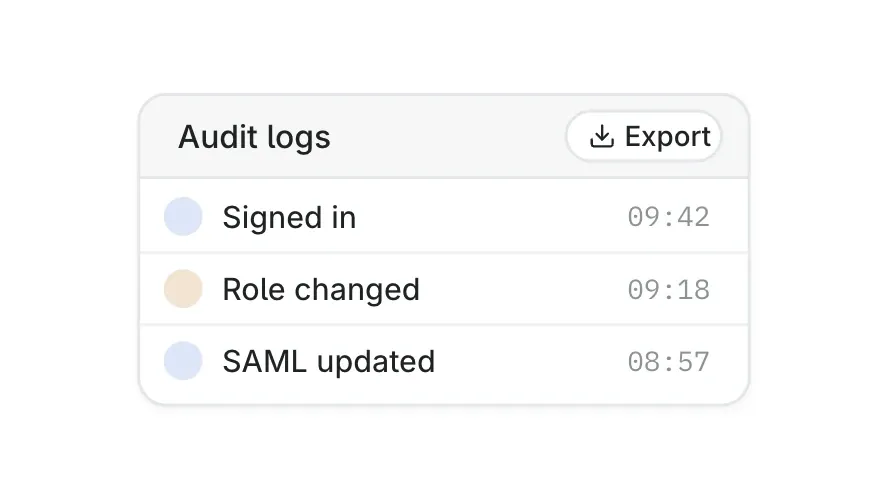
Identity, audit records, data scanning, and cryptography, all inside your network.
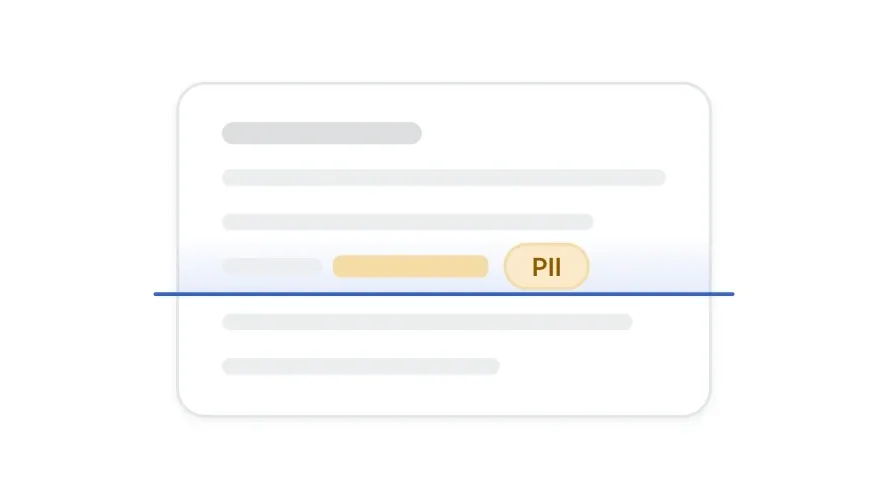
The full product inside the air gap
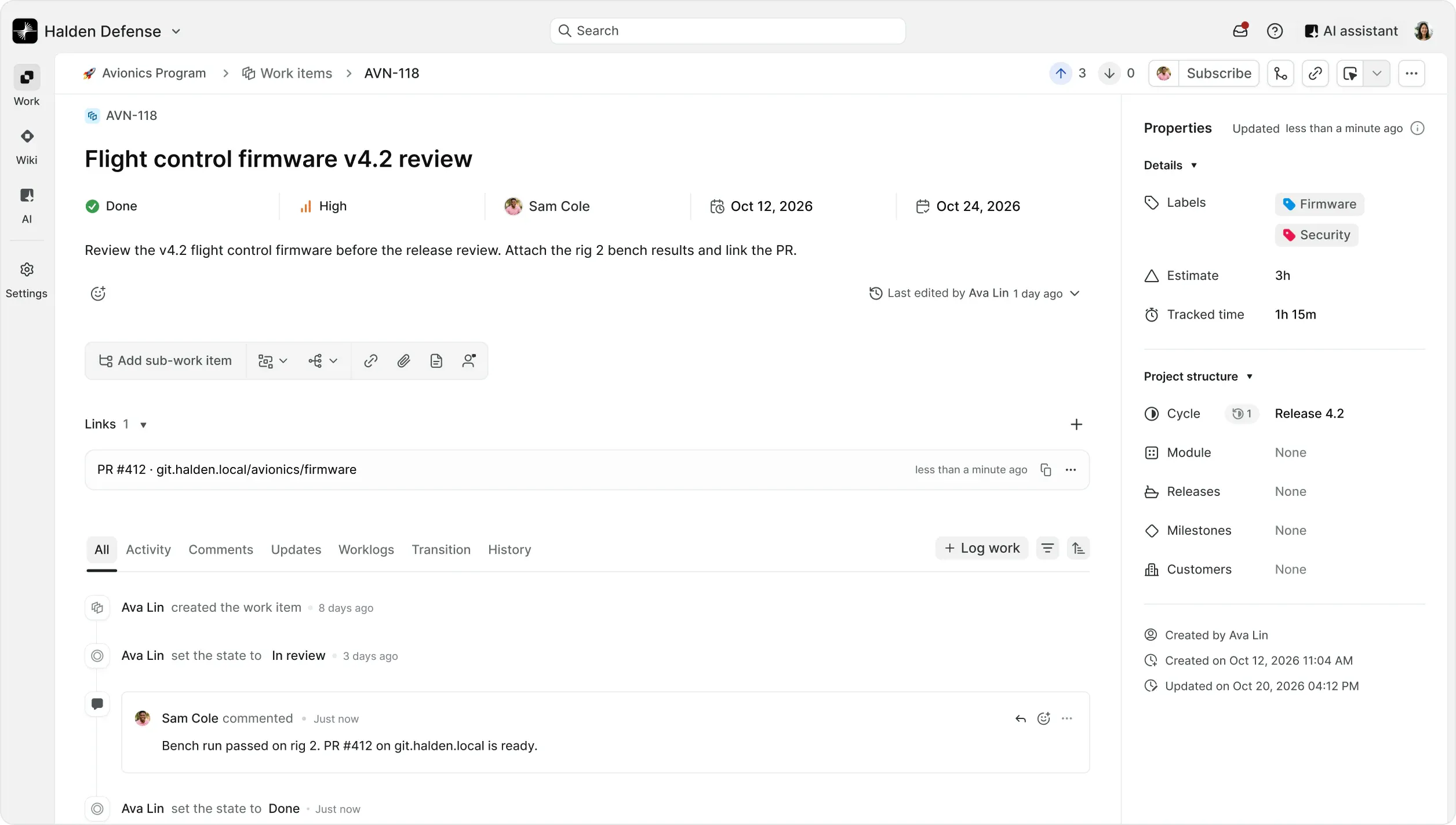
Full parity with the Commercial Edition. Integrations and AI connect only to the Git servers and model endpoints on your network.
Install and update from your own registry
Your team controls every step and decides when each release goes in.
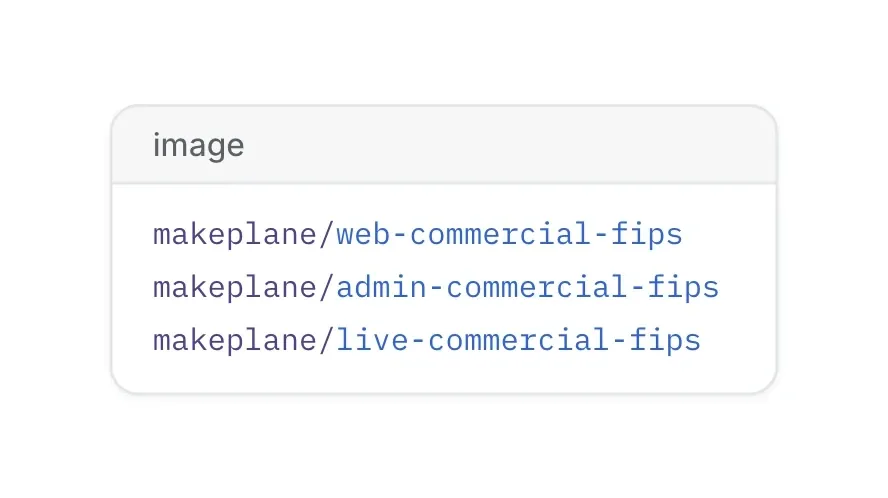
Copy Plane's images to your internal registry with crane. Mirror PostgreSQL, Valkey, RabbitMQ, MinIO, and OpenSearch too, unless you run your own.
Use the airgapped Compose file from prime.plane.so, or the plane-enterprise Helm chart with airgapped mode on.
Download your license file from the Prime portal. Upload it in God Mode, the instance admin panel, under Billing.
Updates follow the same path: mirror the new images, then follow the update guide for your deployment method.
What your infrastructure team needs
Choose the edition your network allows
Pick the Airgapped Edition when the deployment cannot reach the internet. Pick connected self-hosting when outbound HTTPS to prime.plane.so is allowed.
Questions about air-gapped Plane
Your network boundary, identity provider, infrastructure, what you are moving from, and seat count. Ask about trials, exceptions to the 100-seat minimum, and support terms.
Plan your air-gapped deployment
Discuss seats, licensing, support, and migration with sales. Use the deployment guide for your technical review.


 Download for Mac
 Download for Android
