Plane for Defense

Purpose-built, air-gapped
project management for defense

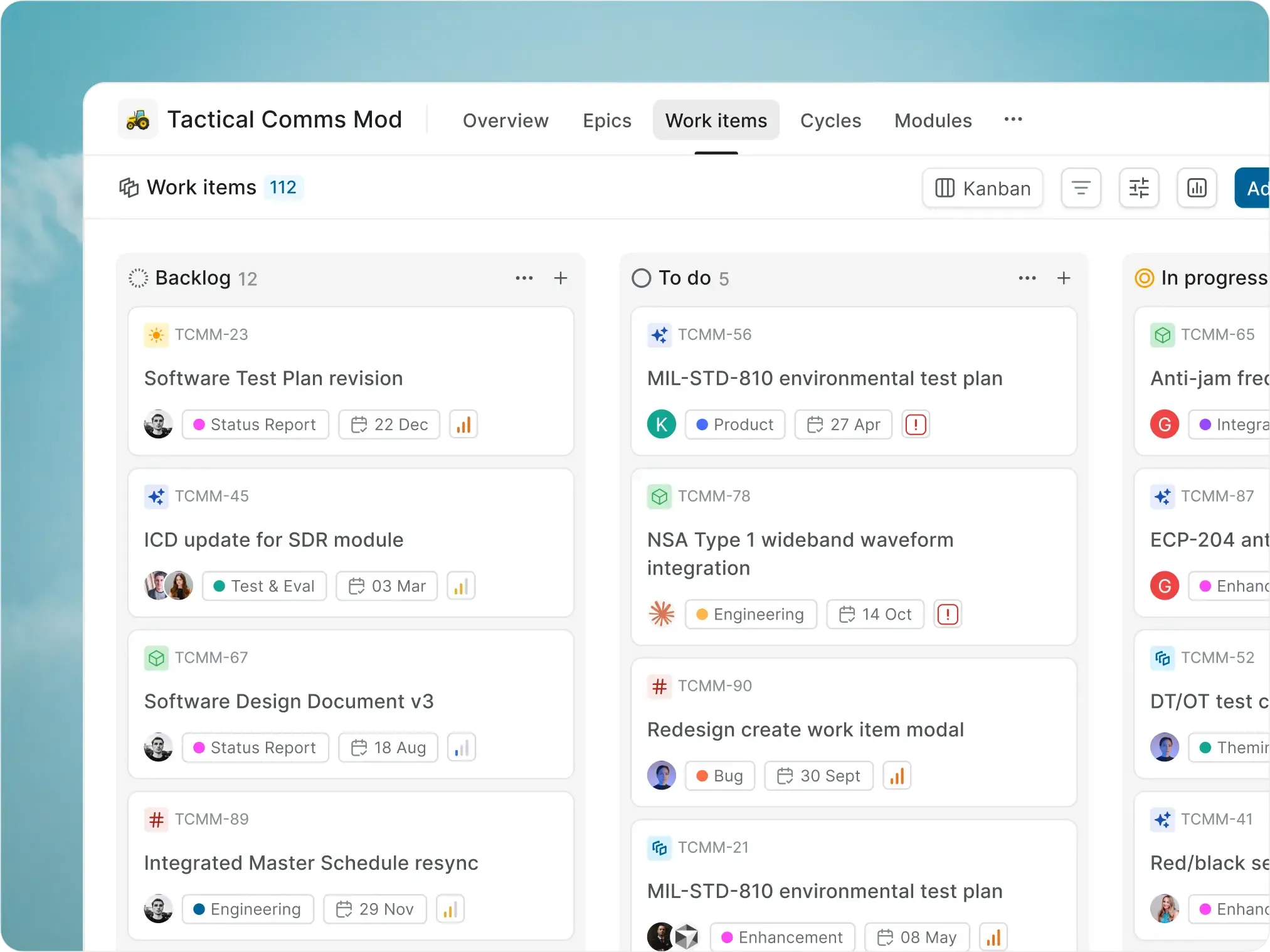
The system of record — modern, AI-native, sovereign. Every approval, signature, and state change preserved without compromise.
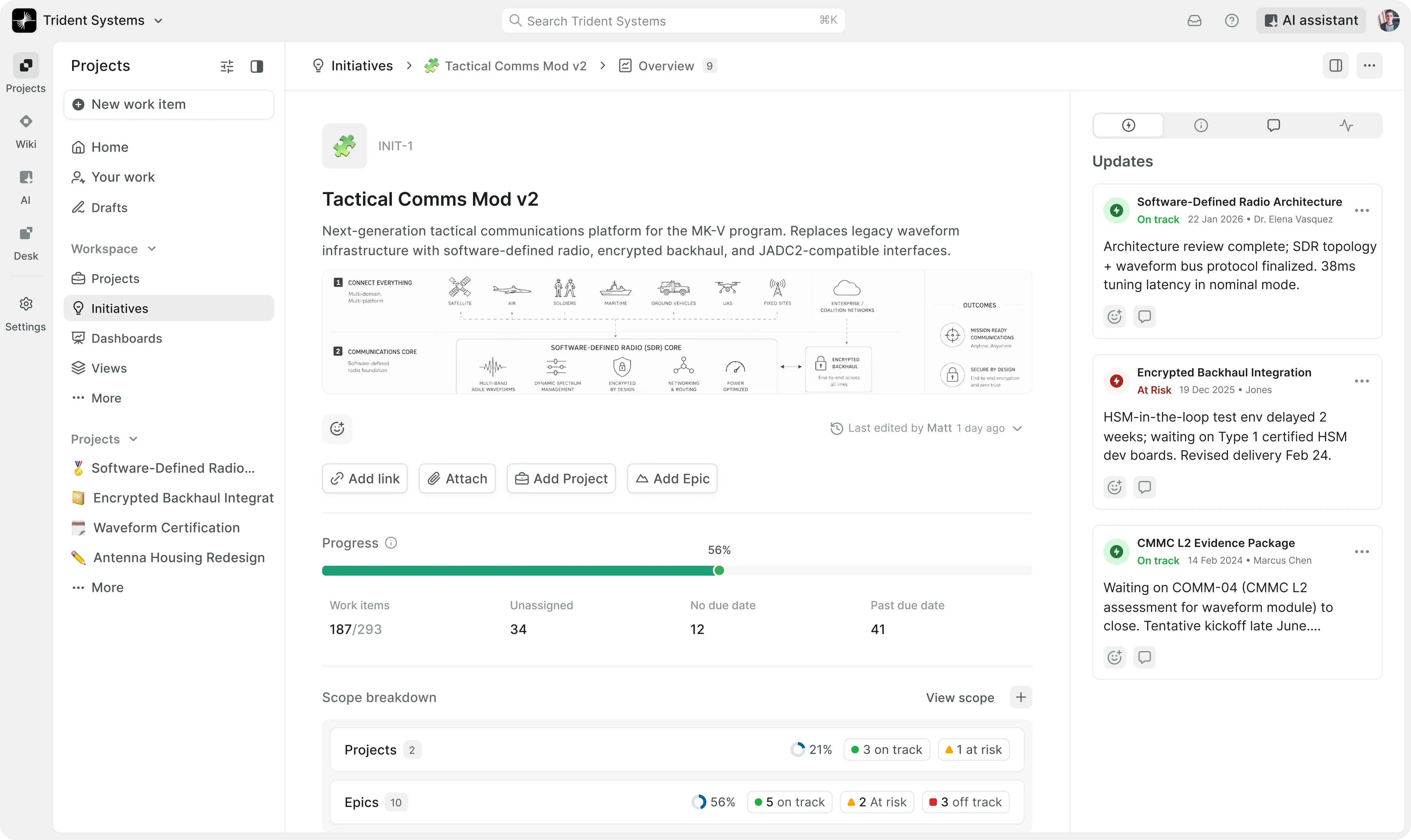
screenshot-defense-initiatives-hero

Frontier defense and intelligence programs now run on Plane

slot-1-defense

Built for defense's full work taxonomy

  • CDRLs, ECPs, POA&Ms, controls, and clearance reviews follow their own workflows and approvers.

slot-2-defense

Audit trail captured as work happens

  • Every approval, state change, signature, and decision recorded with author and timestamp.

slot-3-defense

Cleared partners in one workflow

  • Intake forms, external read-only views, and clearance-aware access — no extra seats for primes, subs, or FFRDCs.

Manage complex defense and intelligence workflows, end to end

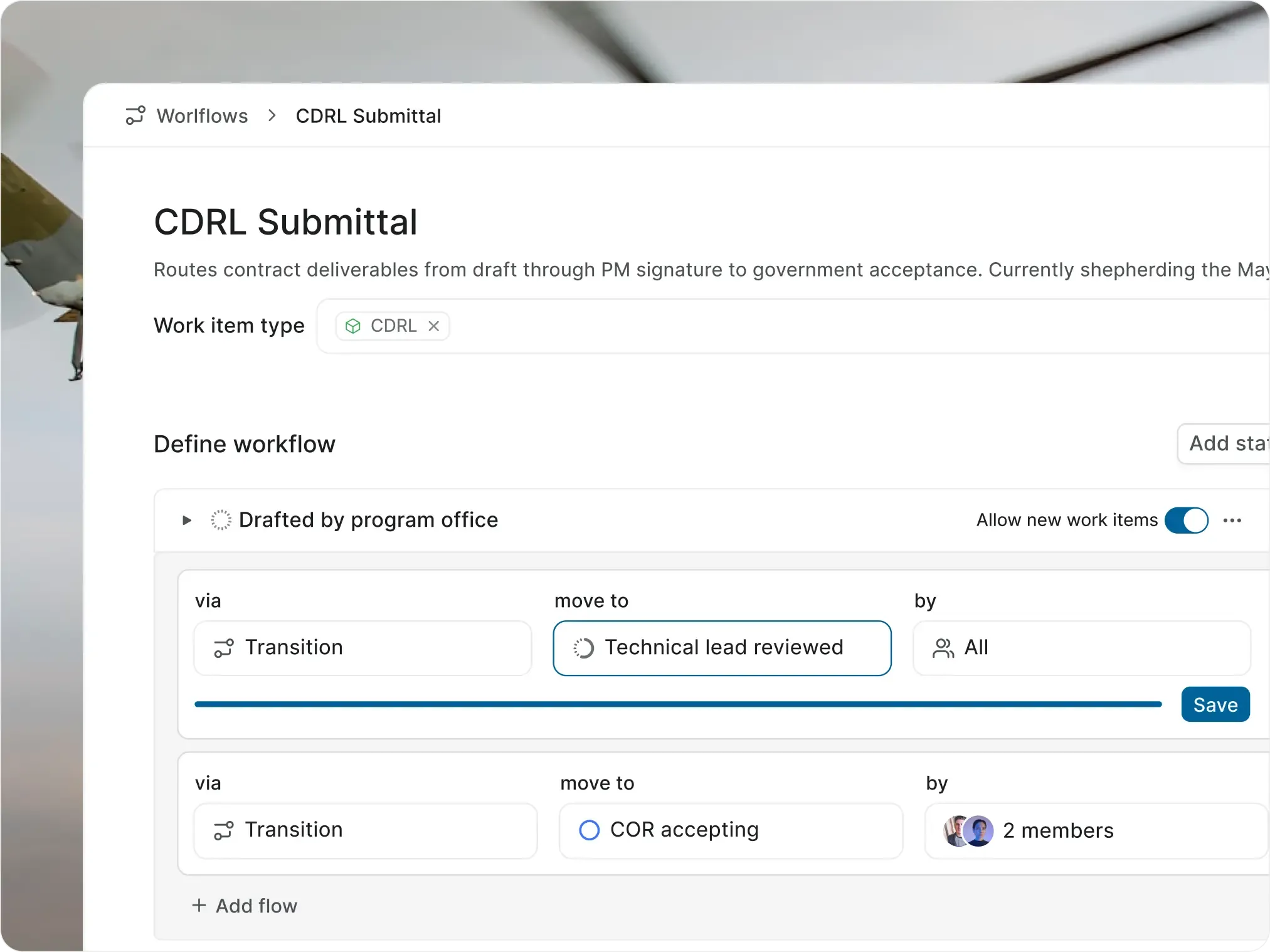
Contract deliverables and government acceptance

Move every contract deliverable from draft to acceptance

  • Capture, route, and submit every deliverable — with contract, CLIN, DID, and submittal deadline on the same record.

screenshot-kanban-cards
Features used
  • Distinct types for CDRL, DID, deliverable, submittal, and acceptance, each with its own properties and workflow.

    Custom Work Item Types

  • Enforce contract, CLIN, DID, classification level, submittal date, and approver before submission.

    Required properties

  • Route through PMO, technical lead, contracts, and government acceptance with role-based approvers.

    Approval gates

  • Schedule recurring monthly, quarterly, or milestone-driven deliverables automatically.

    Recurring work items

  • Share read-only dashboards with COR, KO, and government oversight without giving them workspace access.

    External views

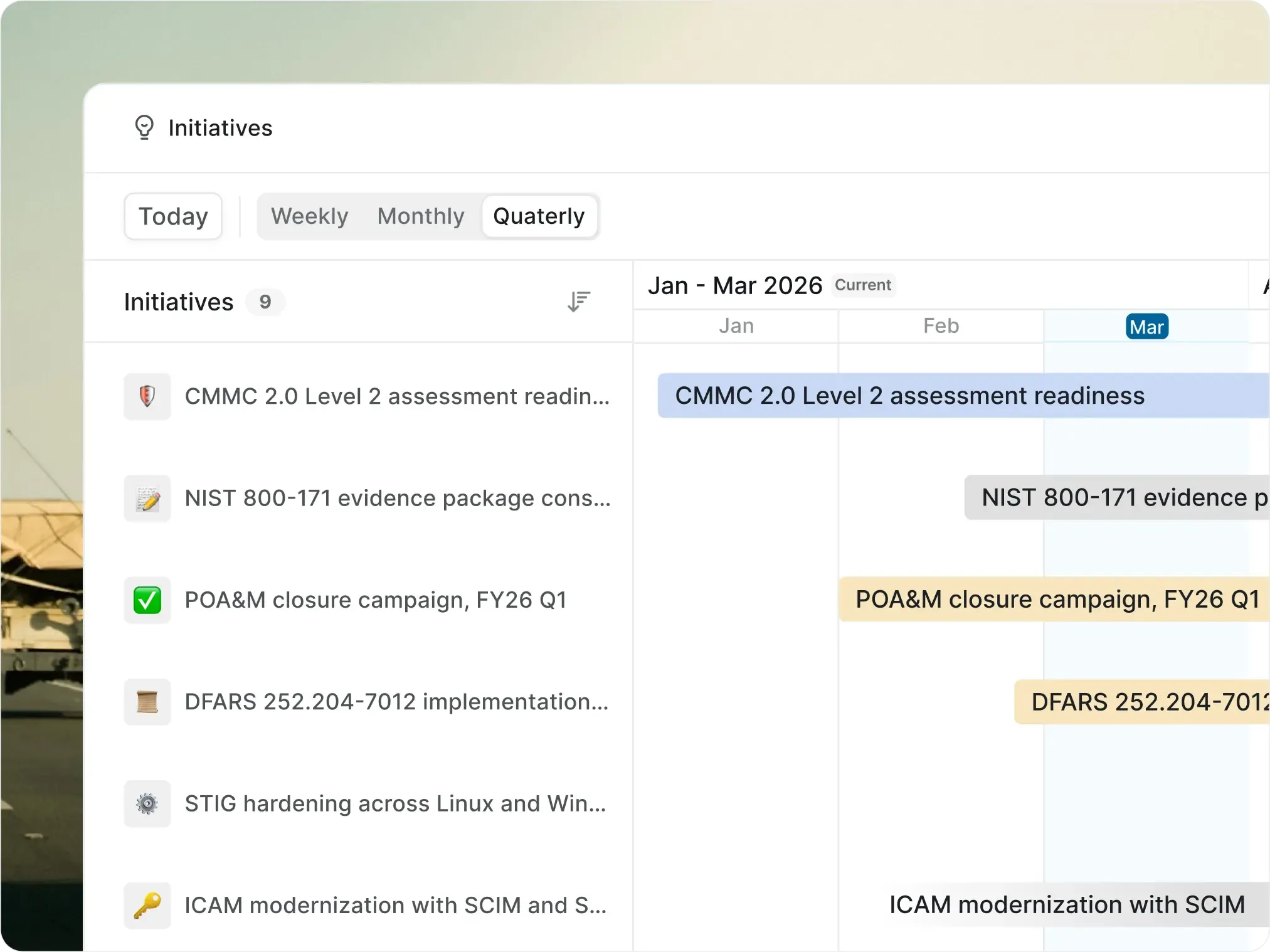
Cybersecurity compliance and assessment readiness

Stay assessment-ready year-round, not at audit time

  • Track, review, and approve every control, finding, and remediation — with framework, reviewer, and evidence on the same record.

screenshot-initiatives-cards
Features used
  • Distinct types for control, finding, exception, POA&M item, and corrective action.

    Custom Work Item Types

  • Route evidence through CISO and assessment team review before it can move to an accepted state.

    Approval gates

  • Every state change, edit, and comment captured with author and timestamp for assessor review.

    Activity history

  • Connect controls, findings, exceptions, and corrective actions so the evidence package stays intact.

    Linked work items

  • Author SSPs, plans of action, and assessment narratives linked to the work.

    Wiki pages

Engineering change and configuration management

Move engineering changes from proposal to approved release

  • Capture, review, and release every change — with affected items, configuration baseline, and TDP impact on the same record.

screenshot-workflows-cards
Features used
  • Distinct types for ECP, ECN, deviation, waiver, and TDP update, each with its own properties and workflow.

    Custom Work Item Types

  • Enforce program, item identifier, configuration baseline, severity, and CCB review level before submission.

    Required properties

  • Route through engineering, quality, configuration management, and Government CCB with role-based approvers.

    Approval gates

  • Spawn linked implementation tasks under the approved ECP.

    Parent-child relationships

  • Visualize ECP effectivity and rollout windows across the program.

    Timeline view

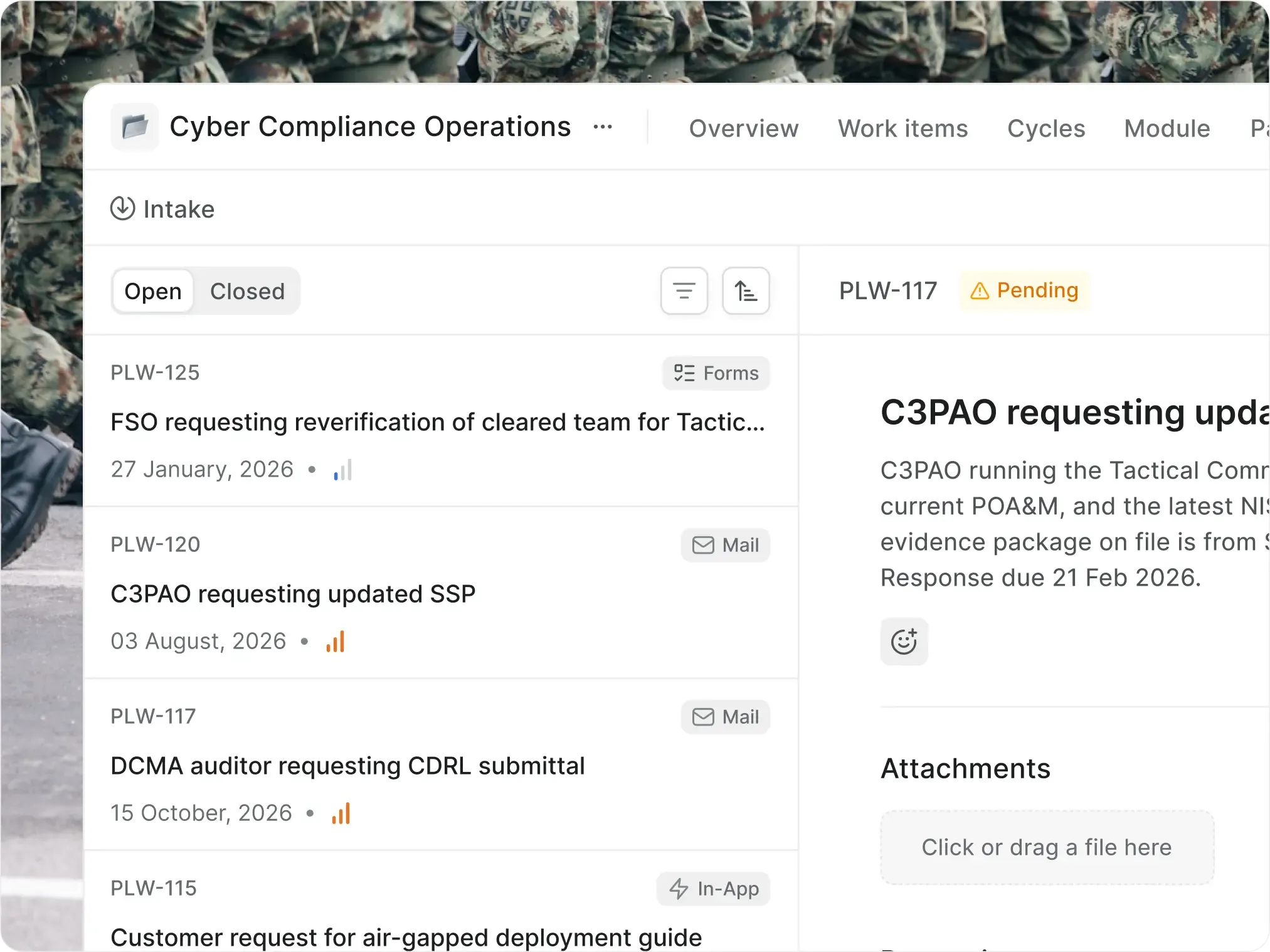
Subcontractor coordination and clearance tracking

Onboard, verify, and renew cleared partners and personnel

  • Onboard, verify, and renew every cleared partner — with contract, classification, and access scope on the same record.

screenshot-intake-cards
Features used
  • Distinct types for subcontract, task order, clearance verification, DD 254 review, and access request.

    Custom Work Item Types

  • Enforce subcontractor, contract, classification level, clearance type, and access scope before submission.

    Required properties

  • Route through FSO, PM, and security committee with role-based approvers.

    Approval gates

  • Schedule recurring clearance reverifications and security training requirements.

    Recurring work items

  • Share read-only subcontractor task dashboards with cleared partners and FFRDC collaborators.

    External views

AI and agents

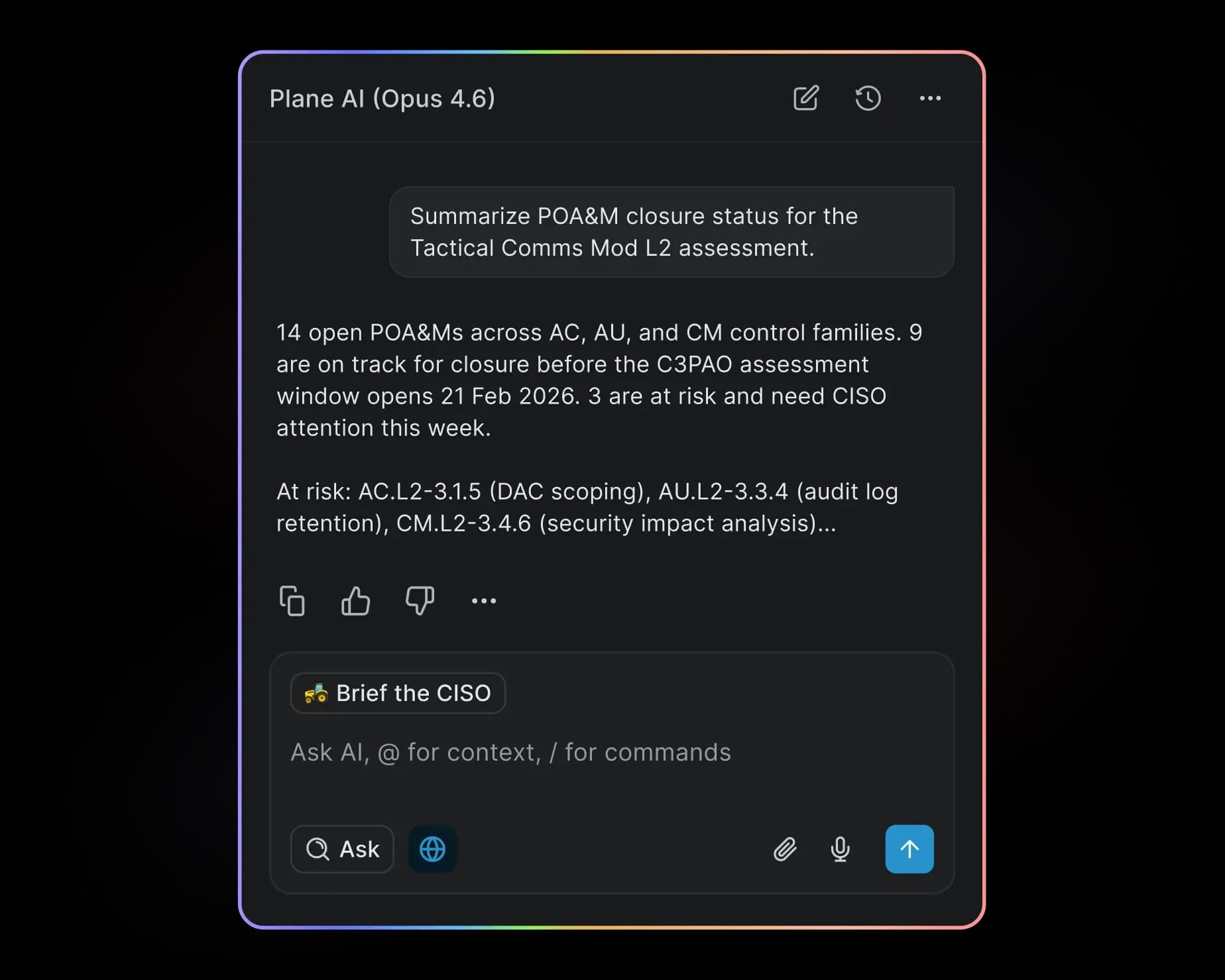
AI and agents, on the infrastructure you control

  • Plane AI and agents run fully on your infrastructure: on-prem, private cloud, GovCloud, or fully air-gapped. Controlled data never leaves your network.

  • Automate tasks and set workflows for agents to run

  • Agents follow the same RBAC and approval gates as your team

  • Bring your own model: Bedrock GovCloud, Azure Government, Anthropic, OpenAI, or fully local

screenshot-ai-cards-2
Security & deployment for regulated work

Run defense work where
your data already lives

screenshot-cli-grids

Self-hosted by default

  • Run Plane in your VPC, data center, Kubernetes cluster, or Docker environment.

screenshot-airgapped-grids

Air-gapped deployment

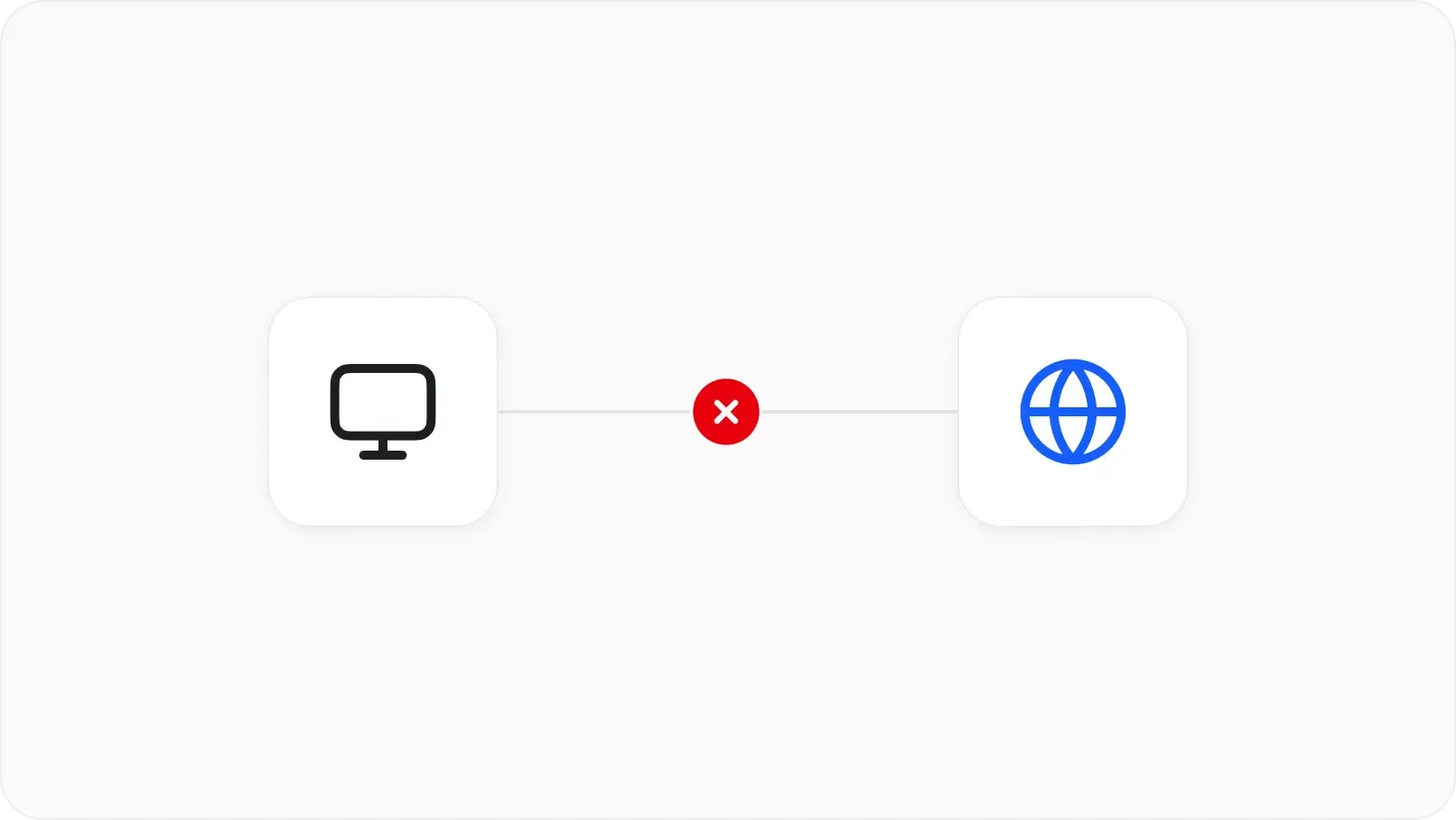
  • Zero external calls. Offline updates. Signed bundles. No telemetry.

screenshot-rbac-saml-grids

Identity and access

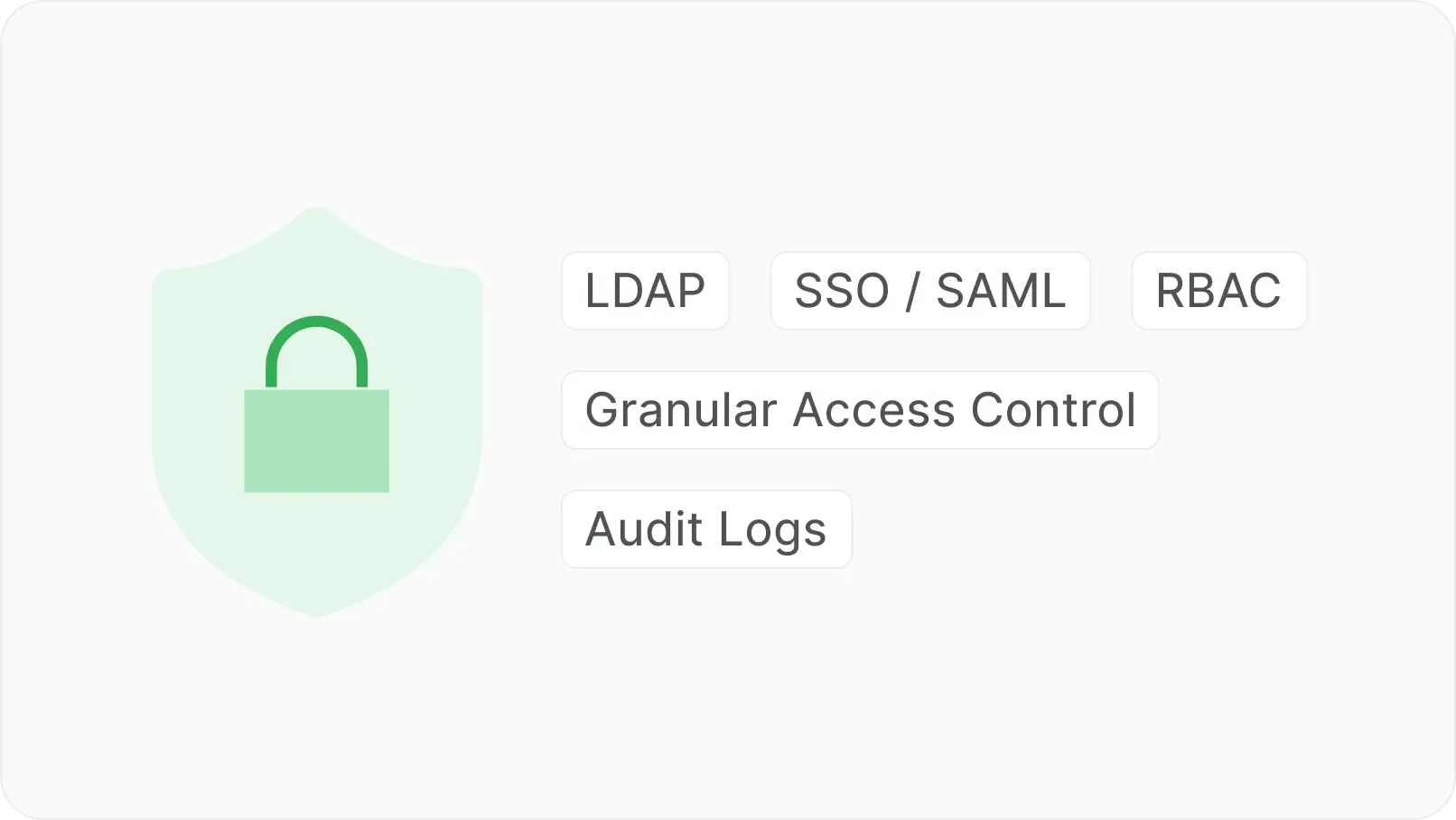
  • SAML, LDAP, SCIM, RBAC, and workspace permissions on every record.

screenshot-ai-customization-grids

AI under your control

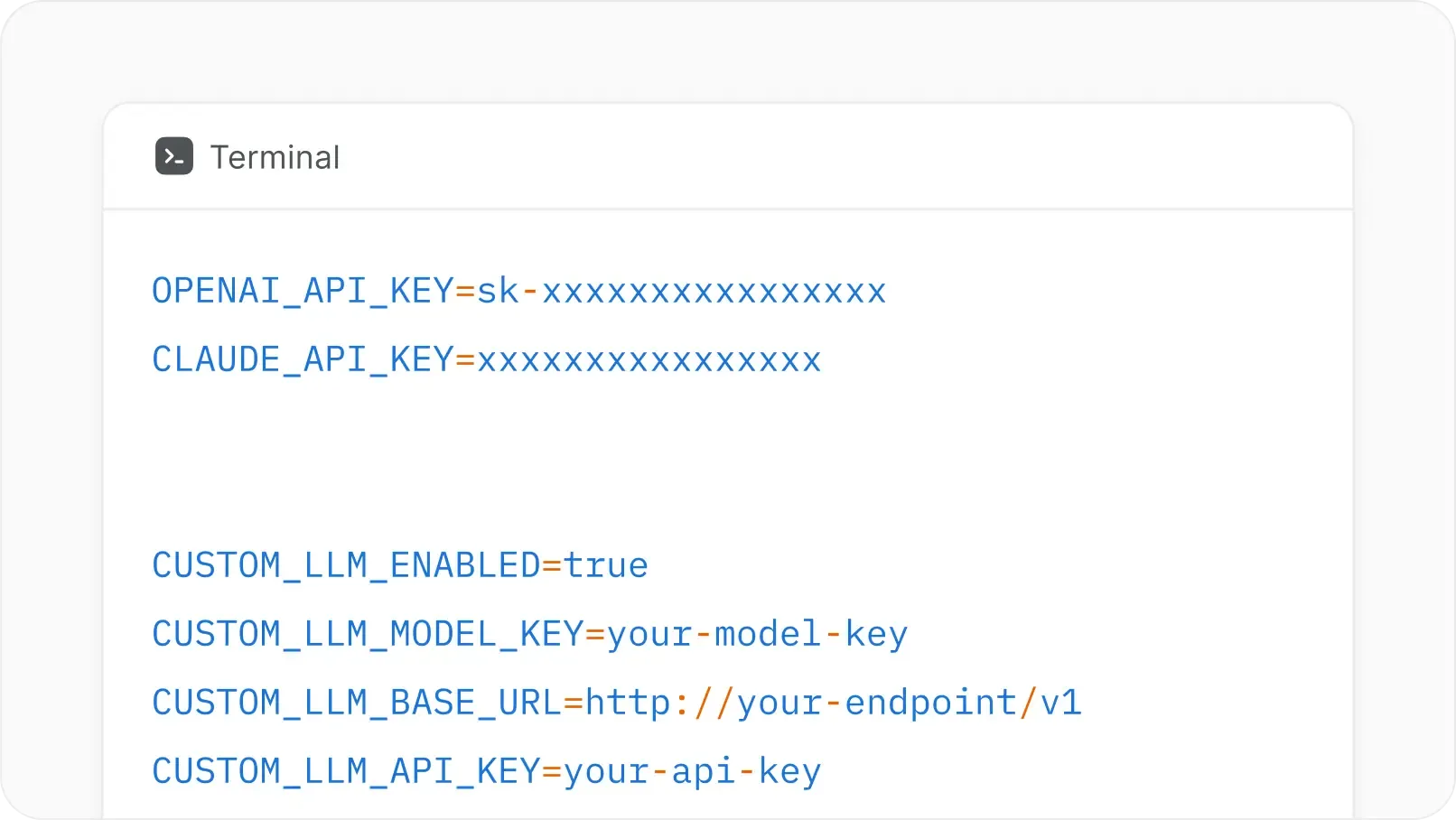
  • Customer-controlled providers, local models, or self-hosted AI workflows.

screenshot-activity-grids

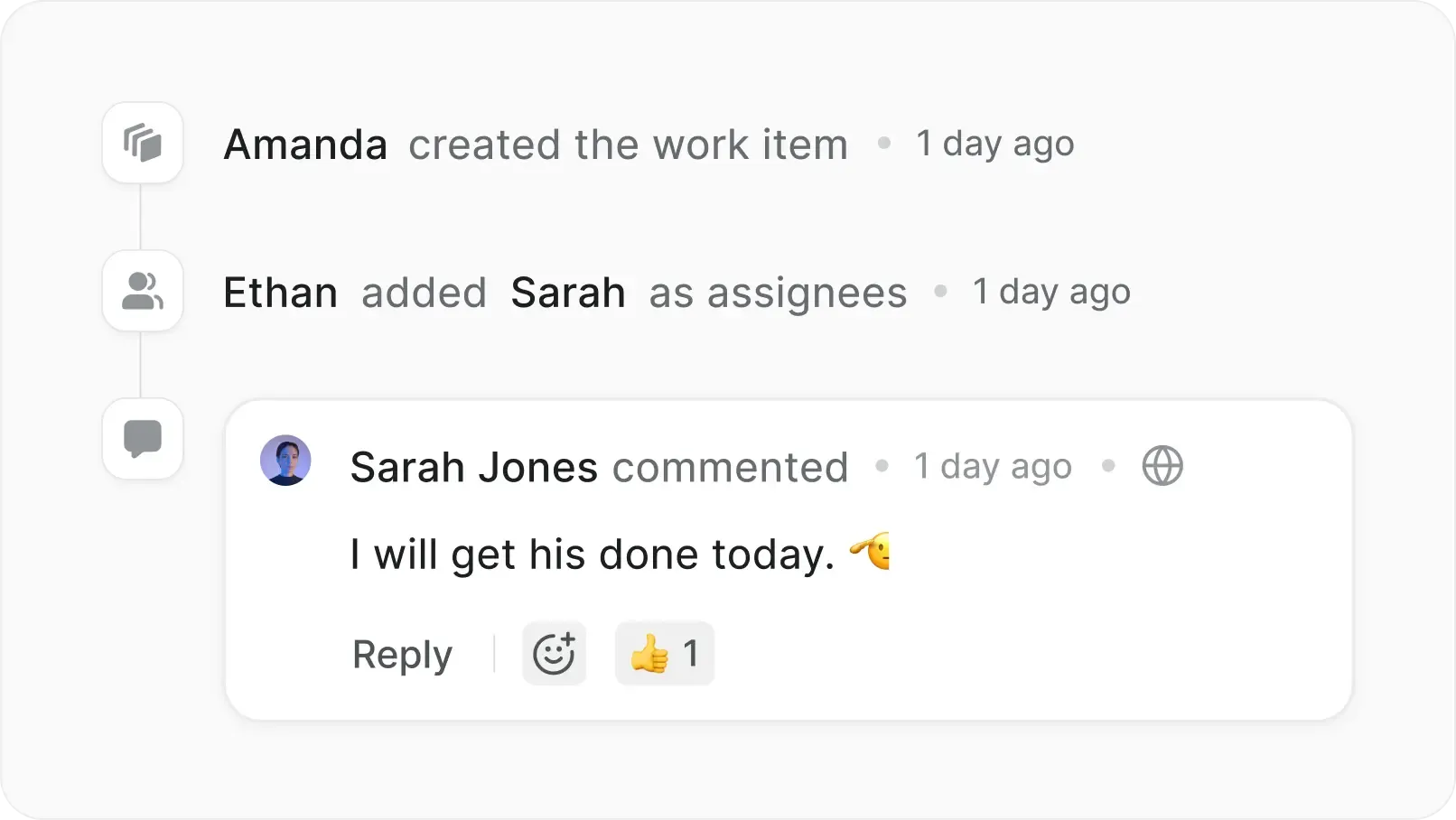
Audit trail on every action

  • Every state change, edit, comment, and approval preserved with author and timestamp.

screenshot-publish-views-grids

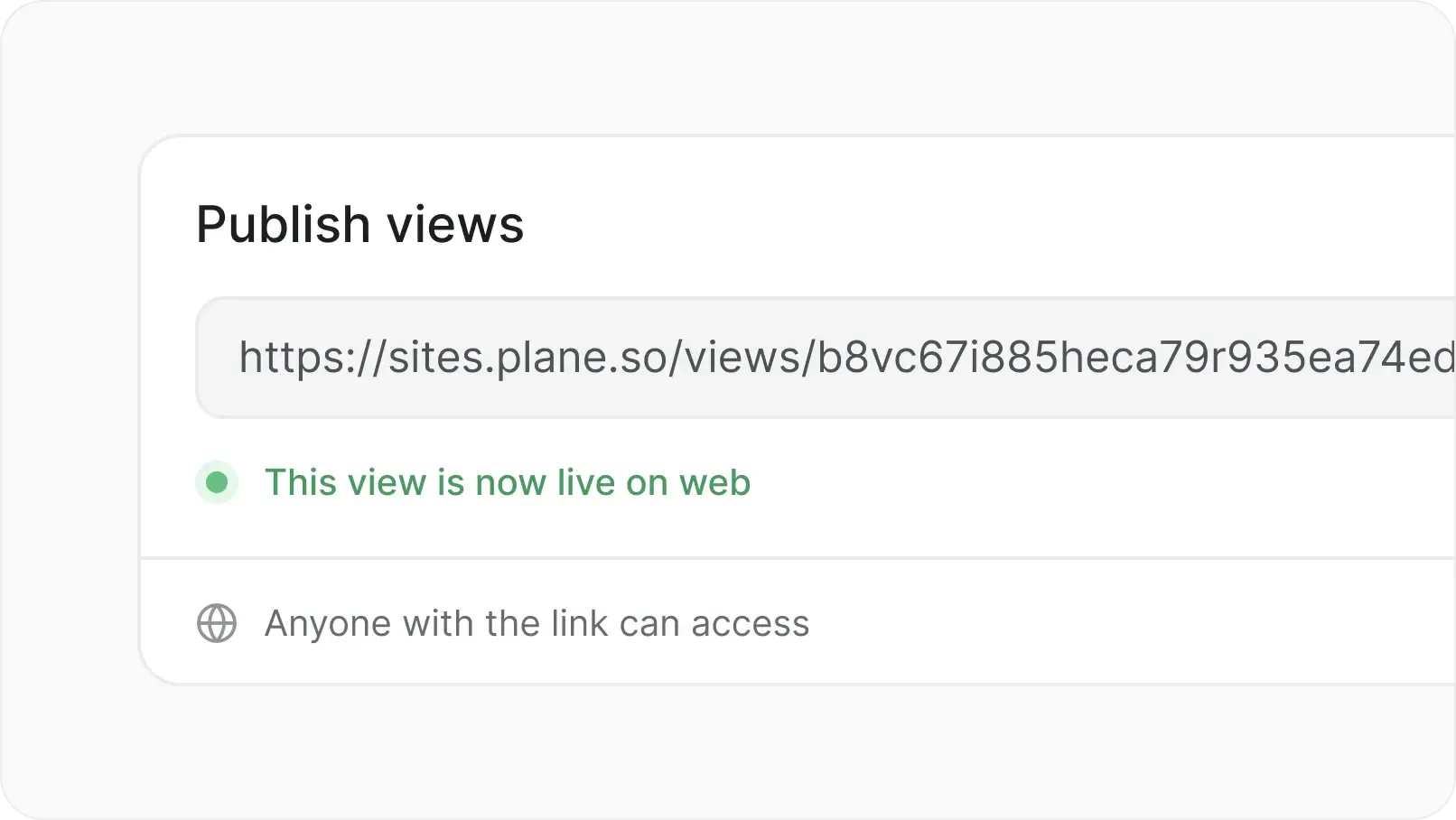
Publish externally

  • Share boards and views with stakeholders outside Plane. Collect feedback without giving full project access.

Move off Jira Data Center

Migrate work, mappings, and history without rebuilding workflows from scratch. Clinical care doesn't pause for a tool migration.

  • Workflow translation, not rebuild

  • White-glove migration team

  • Issue types mapped to Work Item Types

  • Custom fields and history preserved

FAQs

Plane is built for teams where trust boundaries matter. Certified, encrypted, and governed for organizations that take security.

Yes. Plane's migration team maps your Jira issue types into Work Item Types, ports your workflows, and preserves comments, attachments, and history. No rebuild from scratch.

Yes. Work Item Types give each kind of work its own properties, templates, workflow, and required fields.

Yes. Each work type can follow its own workflow with its own reviewers, gates, and escalation rules.

Yes. Cleared partners submit through Intake forms (no account needed) and view shared boards through read-only published views.

Yes. Every state change, edit, comment, and approval is logged with author and timestamp. Exportable for assessor review.

Yes. Fully air-gapped with offline updates, signed bundles, and no telemetry.

Yes. Self-hosted or air-gapped deployment keeps CUI inside your perimeter. Plane never sees the data.

FedRAMP applies to multi-tenant SaaS. Plane Commercial is single-tenant and customer-controlled, deployed inside your authorized environment for FedRAMP-equivalent posture.

Plane
Nacelle