Easy dashboards for every team

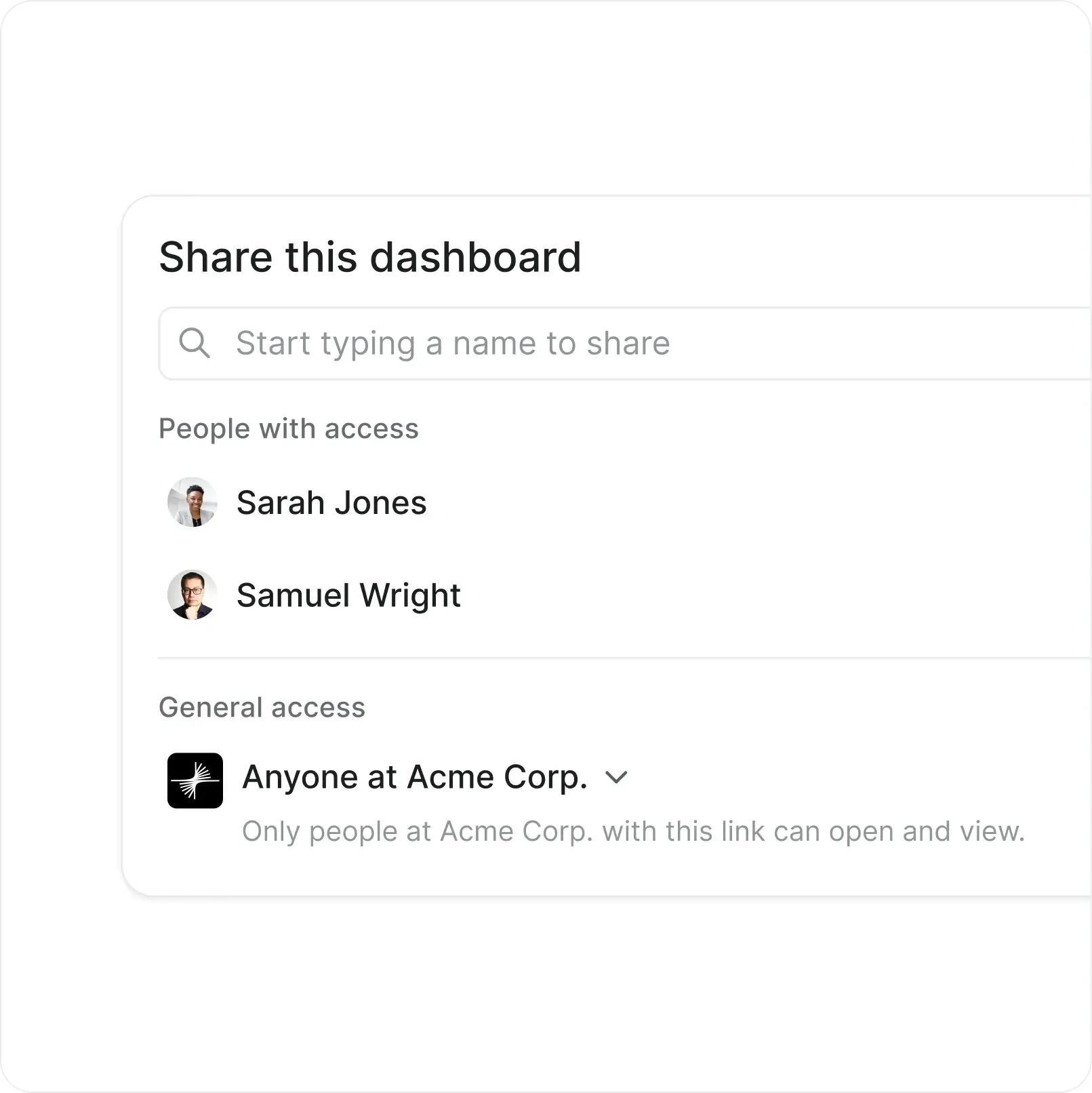
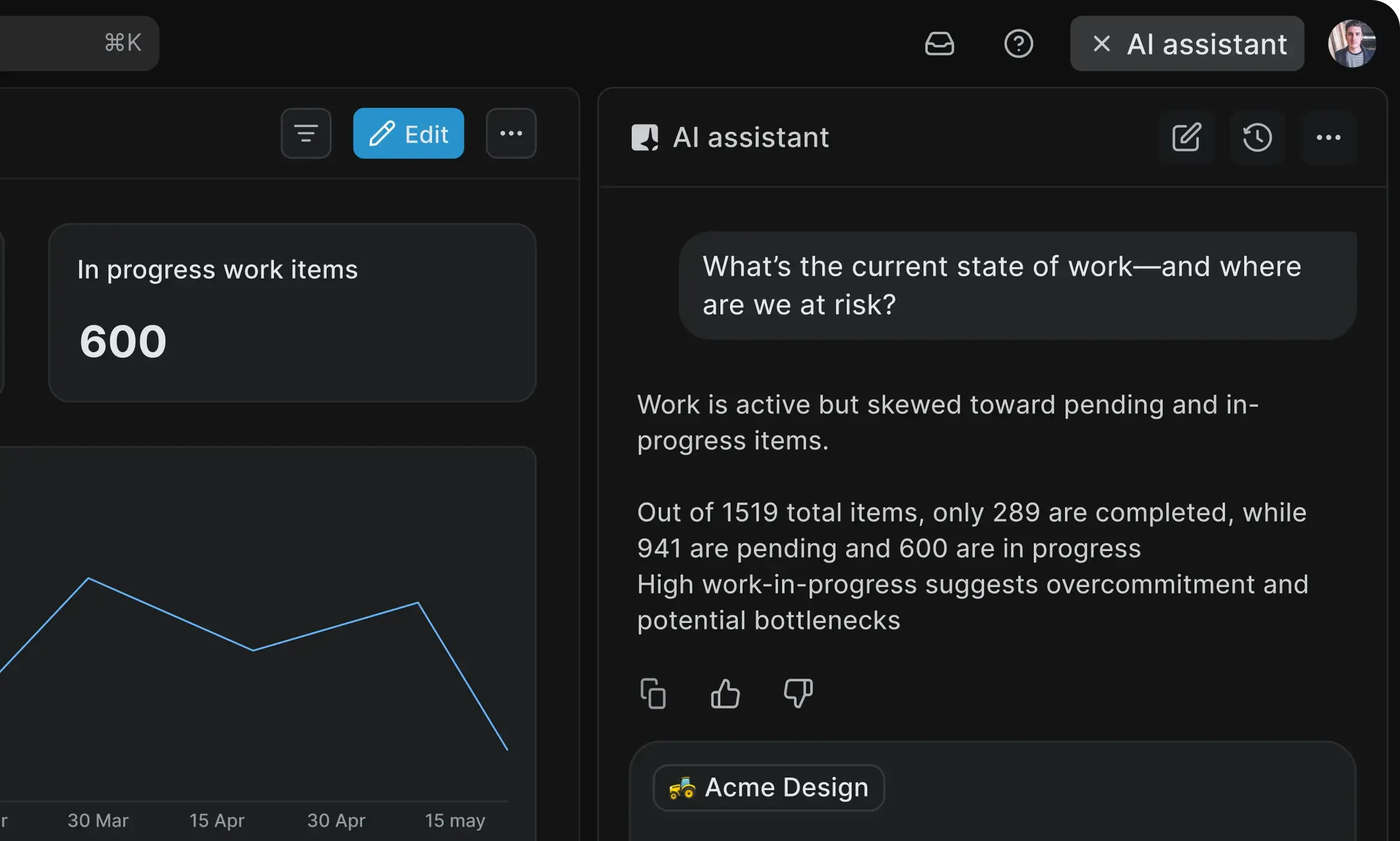
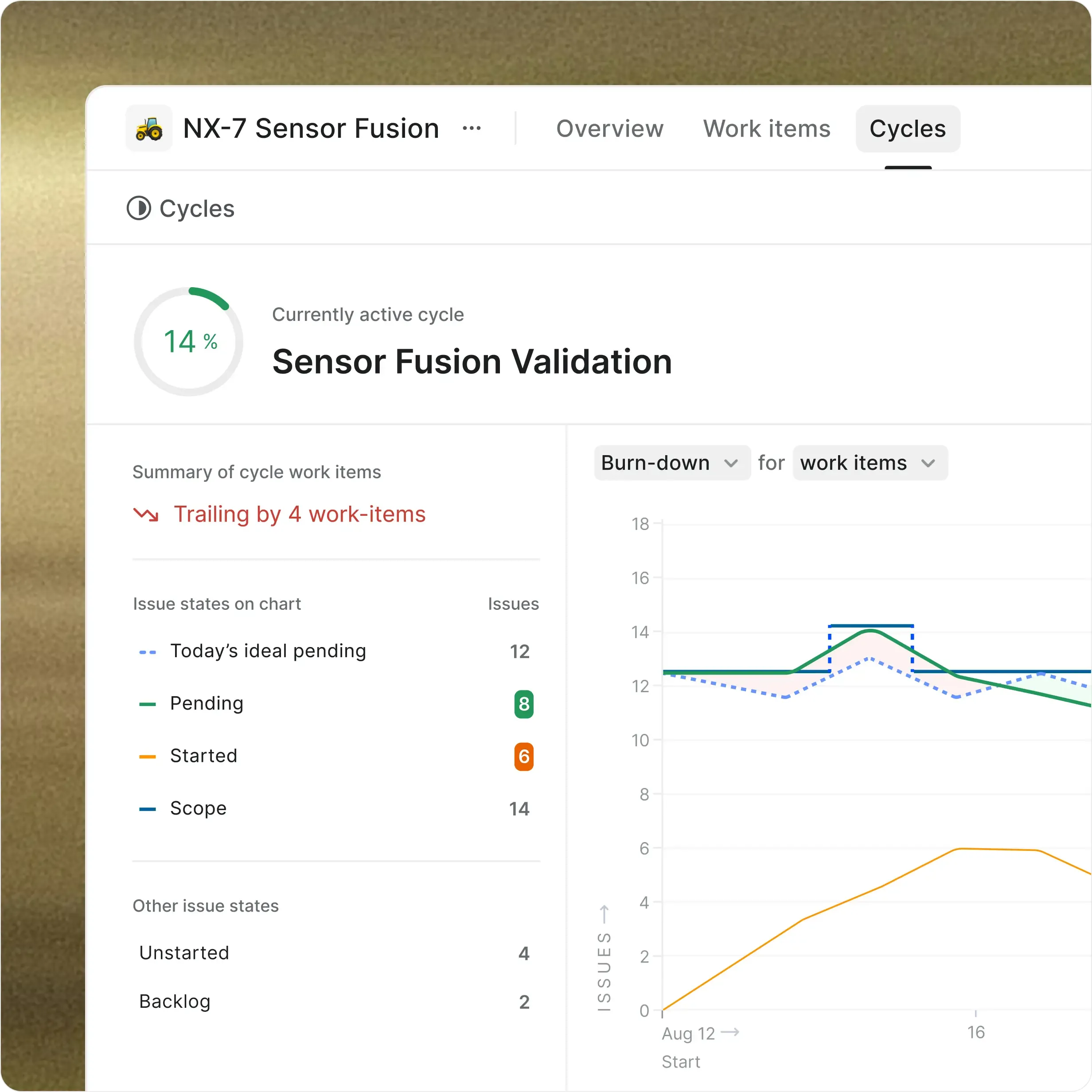
Get real-time visibility into project health, team performance, and blockers
with personalized and shareable dashboards for the entire org.

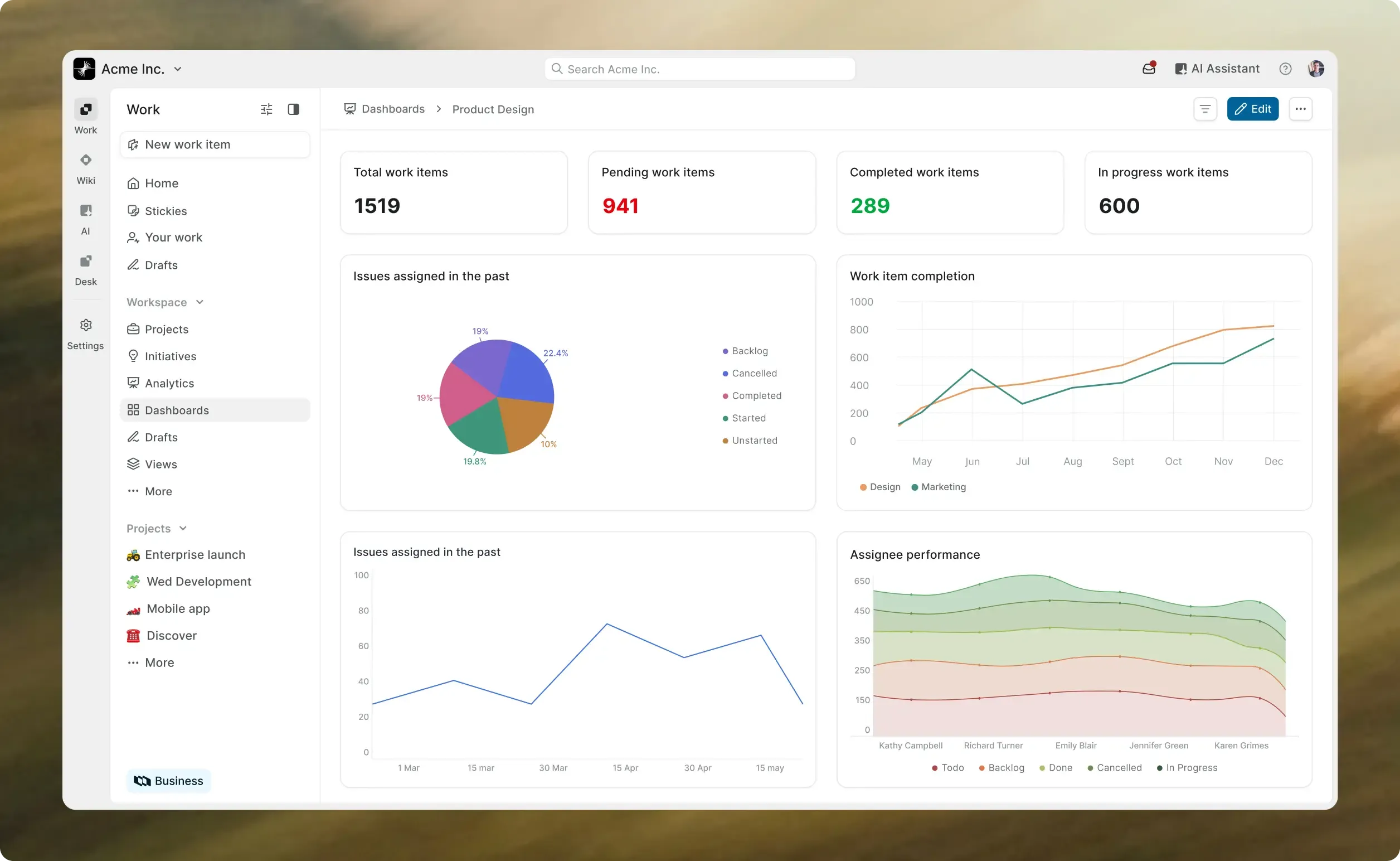
dashboard-hero-desktop-light.webp
Sony-logo-color
Datum-logo-color
40au logo
Accenture-logo-color
dolby-logo-color
able-logo-color
publicgrid-logo-color
Nothswim Academy

What dashboards help our customers do

How Plane Dashboards give you more

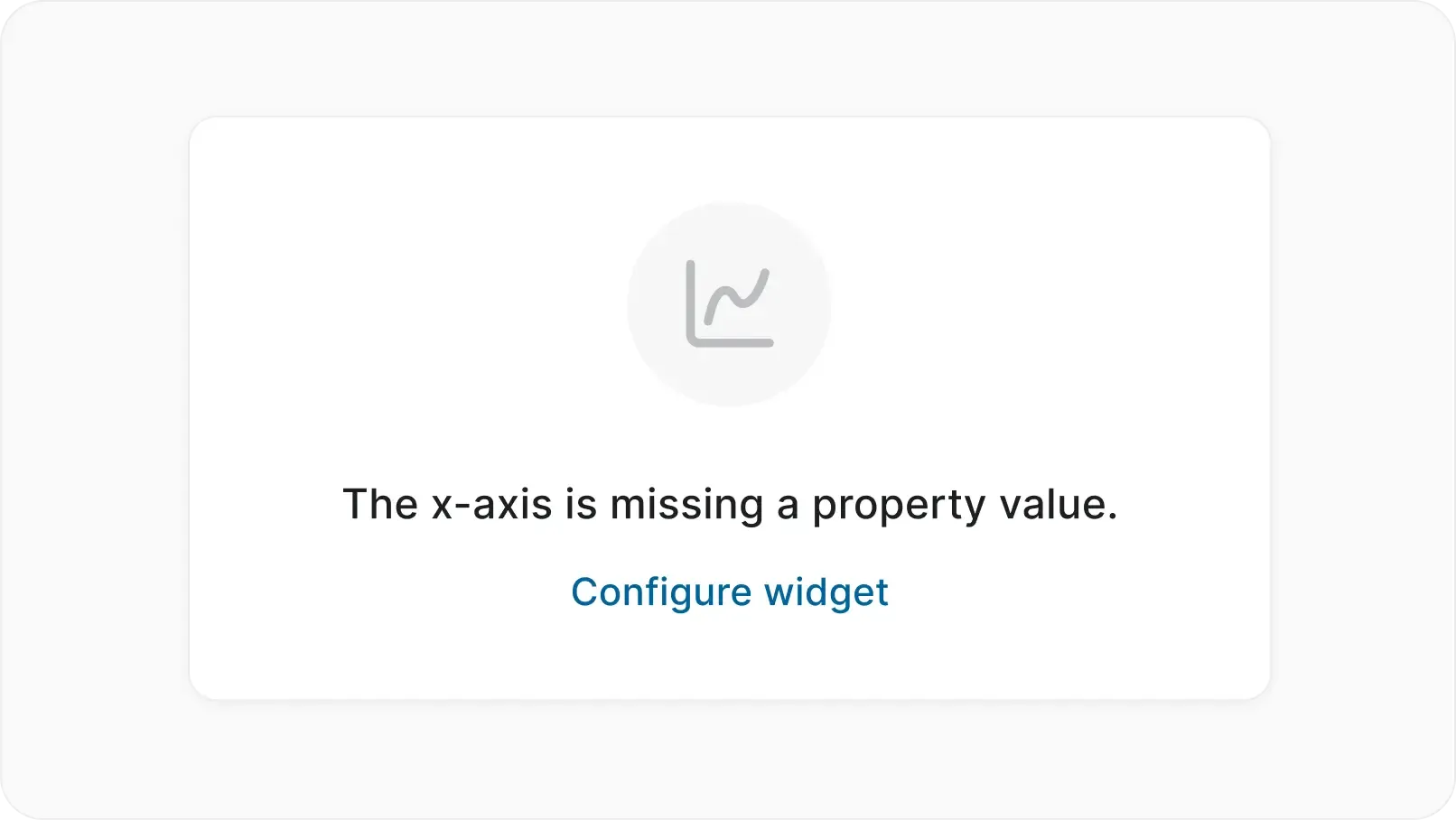
Get helpful empty states to guide you
  • Know instantly if a metric or dimension is required.
  • Let your non-data natives configure theirs in easy steps.
  • Get from blank canvas to insights in seconds, not hours.
dashboards-empty-states-desktop-light.webp
dashboards-organise-on-a-canvas-desktop-light.webp
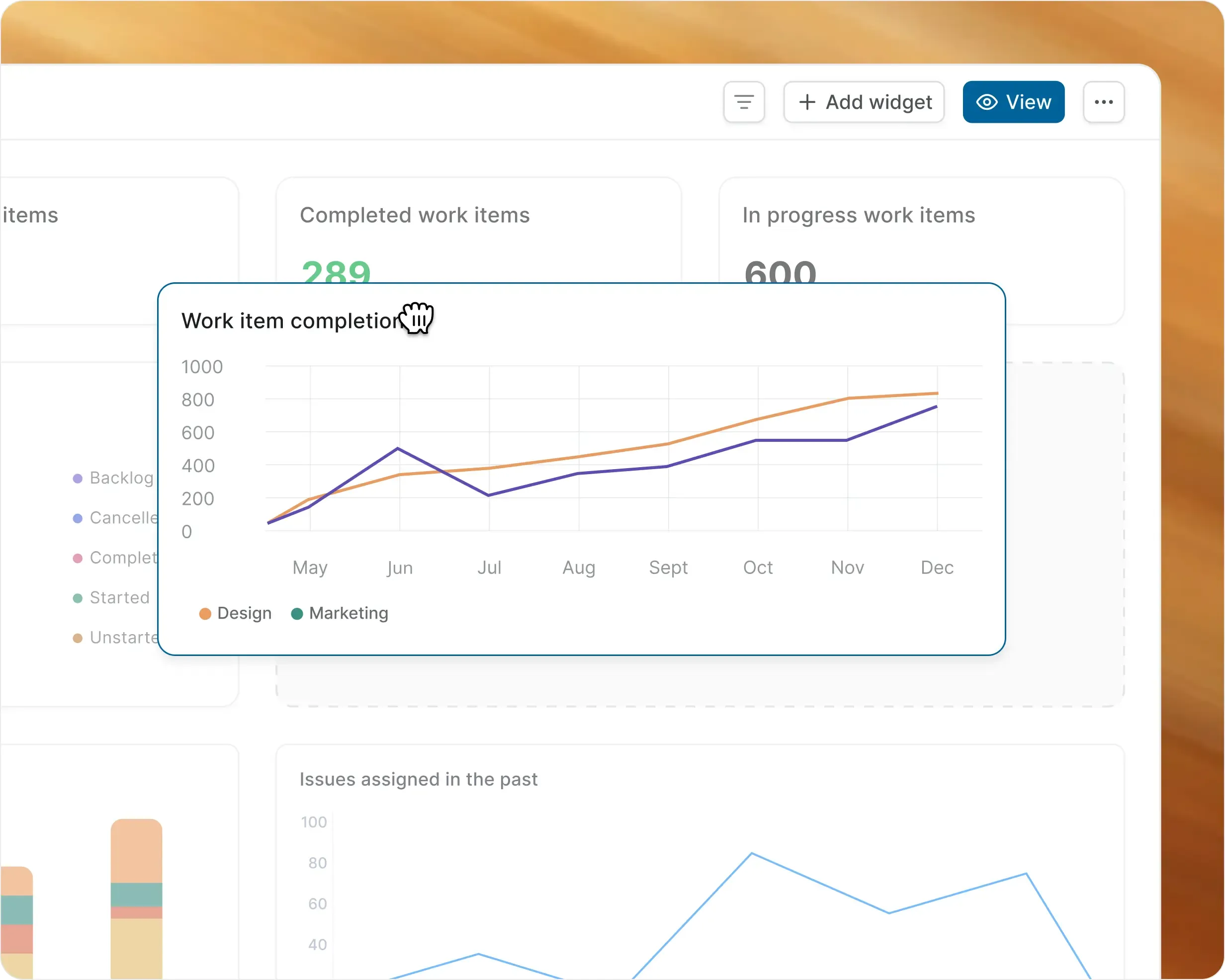
Organize on an unrestricted canvas
  • Mix and match unlimited widgets across different chart types.
  • Drag and drop to build a layout that works for you.
  • Name each widget to match your team's shared language.
  • Resize, reorder, and reconfigure without constraints.
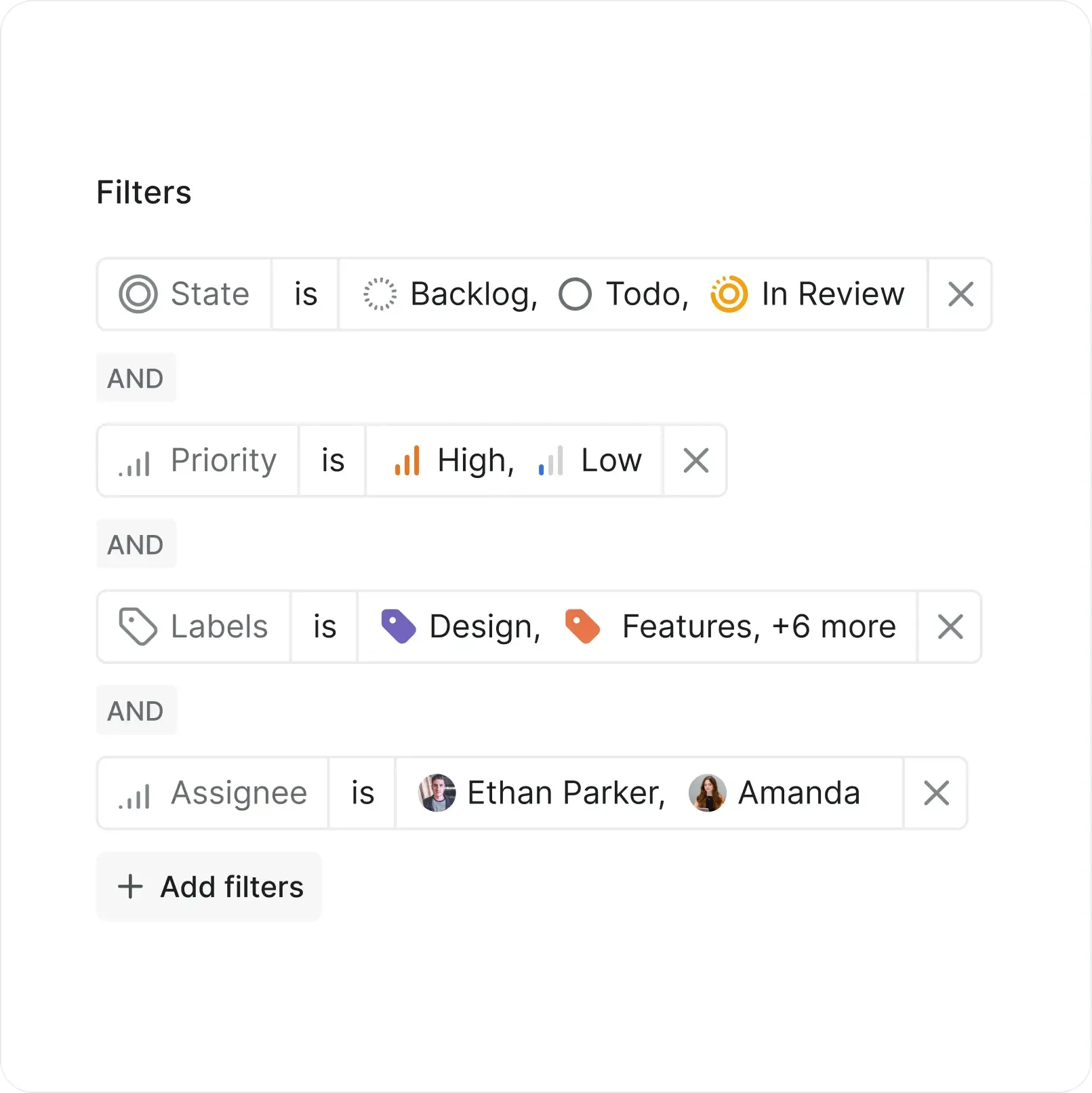
Filter the big picture or drill into details
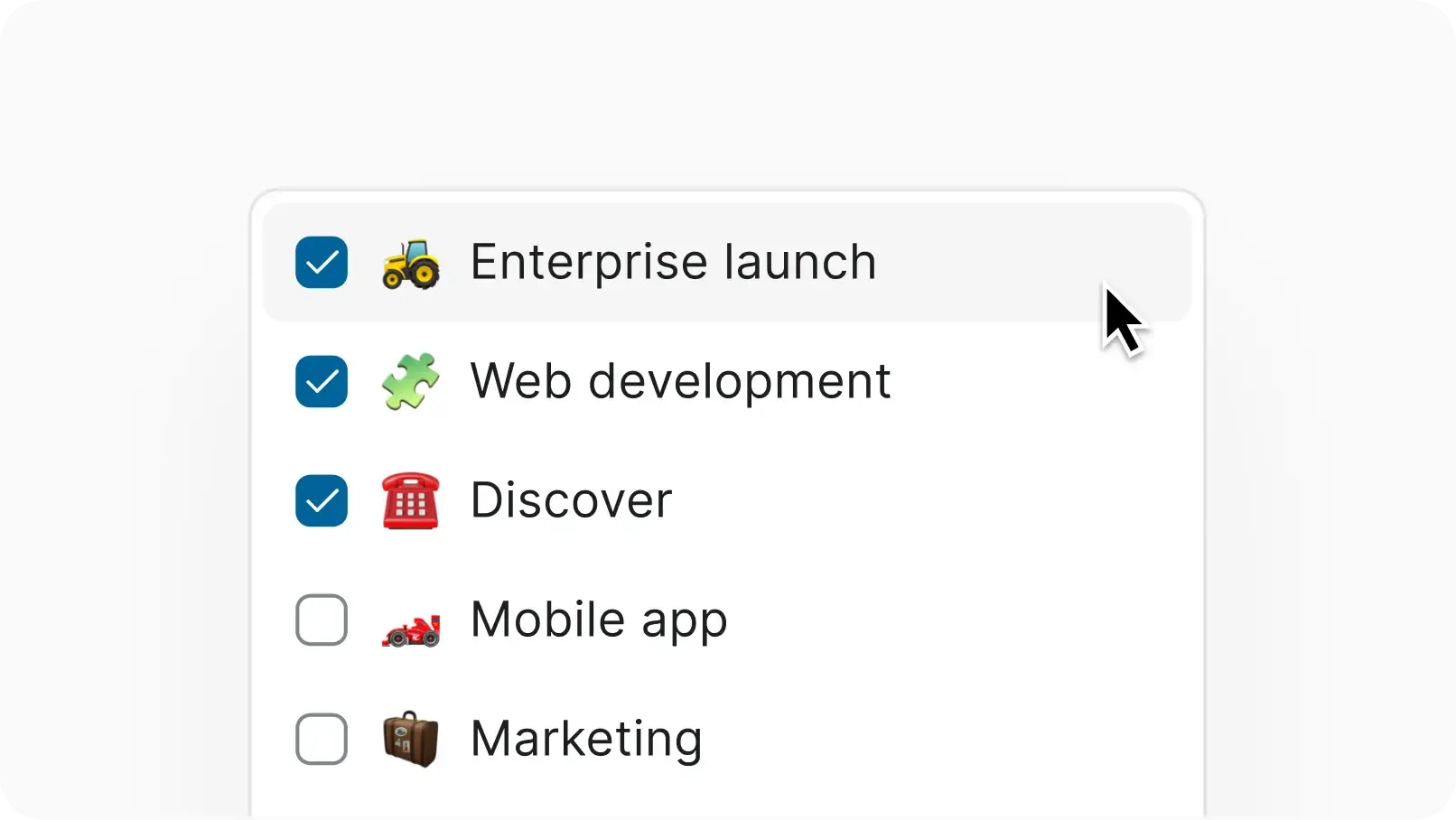
  • Filter each widget for the perfect insight you need.
  • Apply the same familiar filters you already use with work items.
  • Coming soon: Dashboard-level filters that cascade across all widgets
dashboards-filters-desktop-light.webp
dashboards-hover-desktop-light.webp
See accessible and actionable details
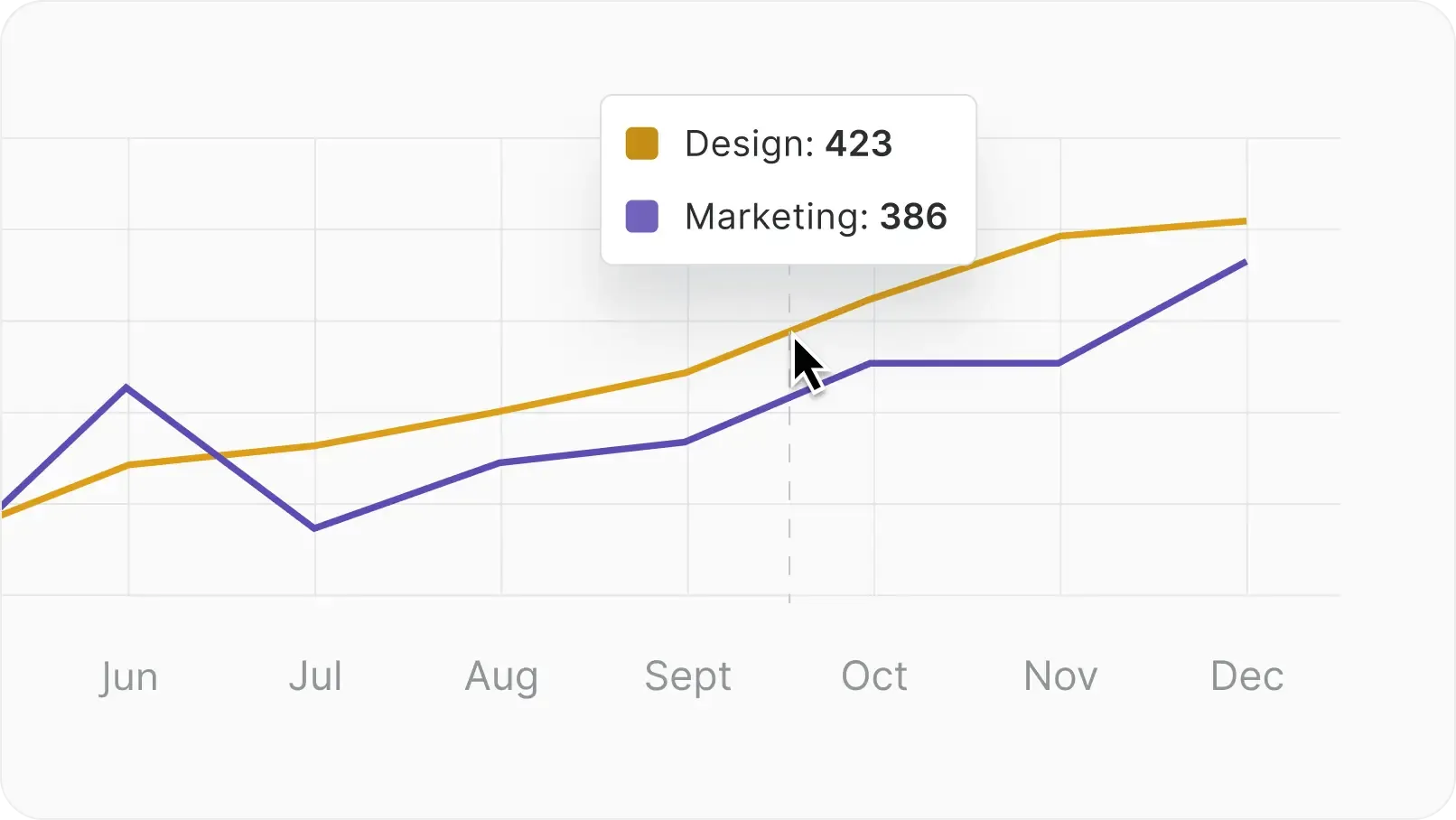
  • Hover over any legend to highlight it across the entire chart.
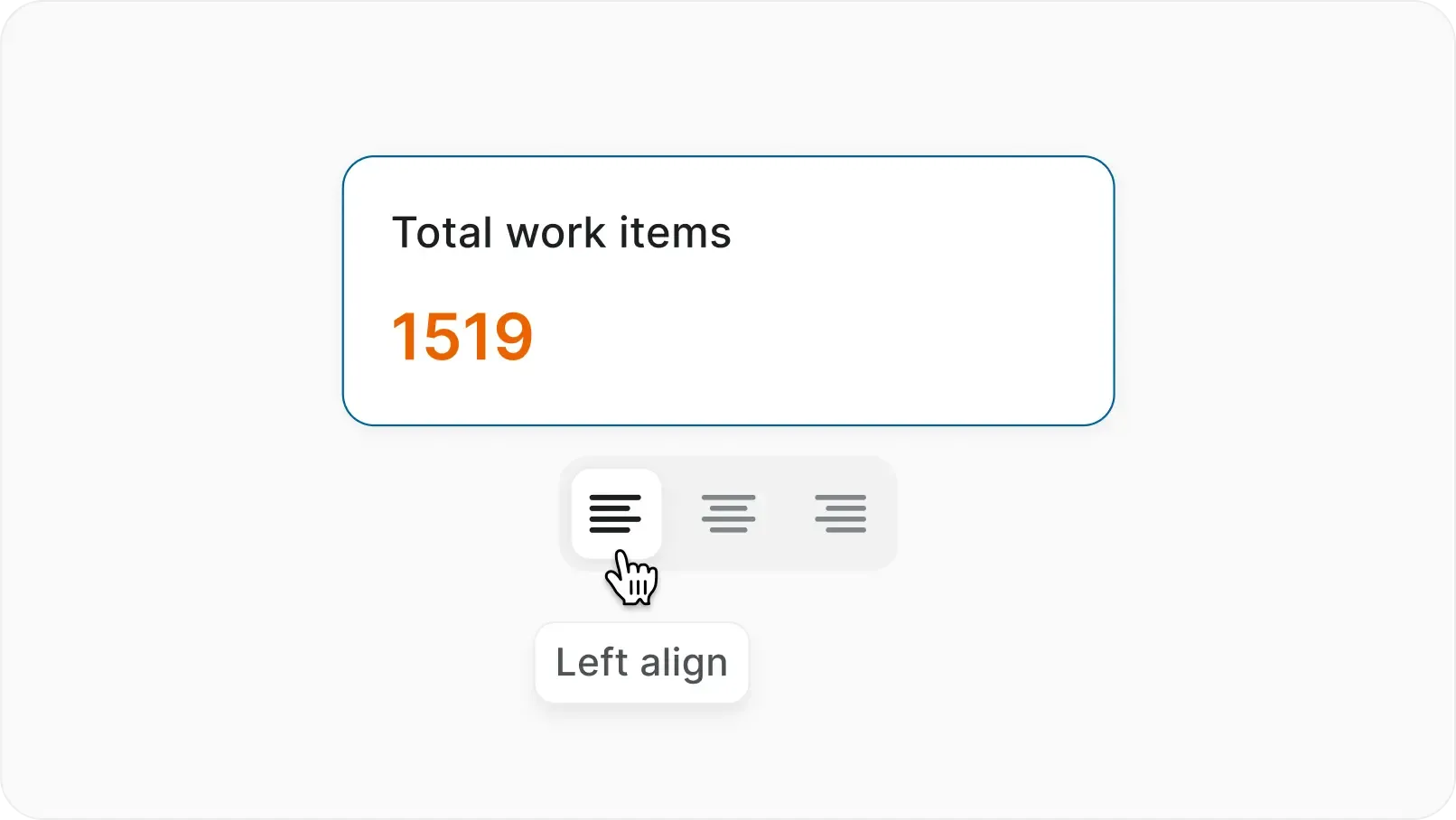
  • Align text widgets left, center, or right based on your design.
  • Get immediate visual feedback as you explore your data.
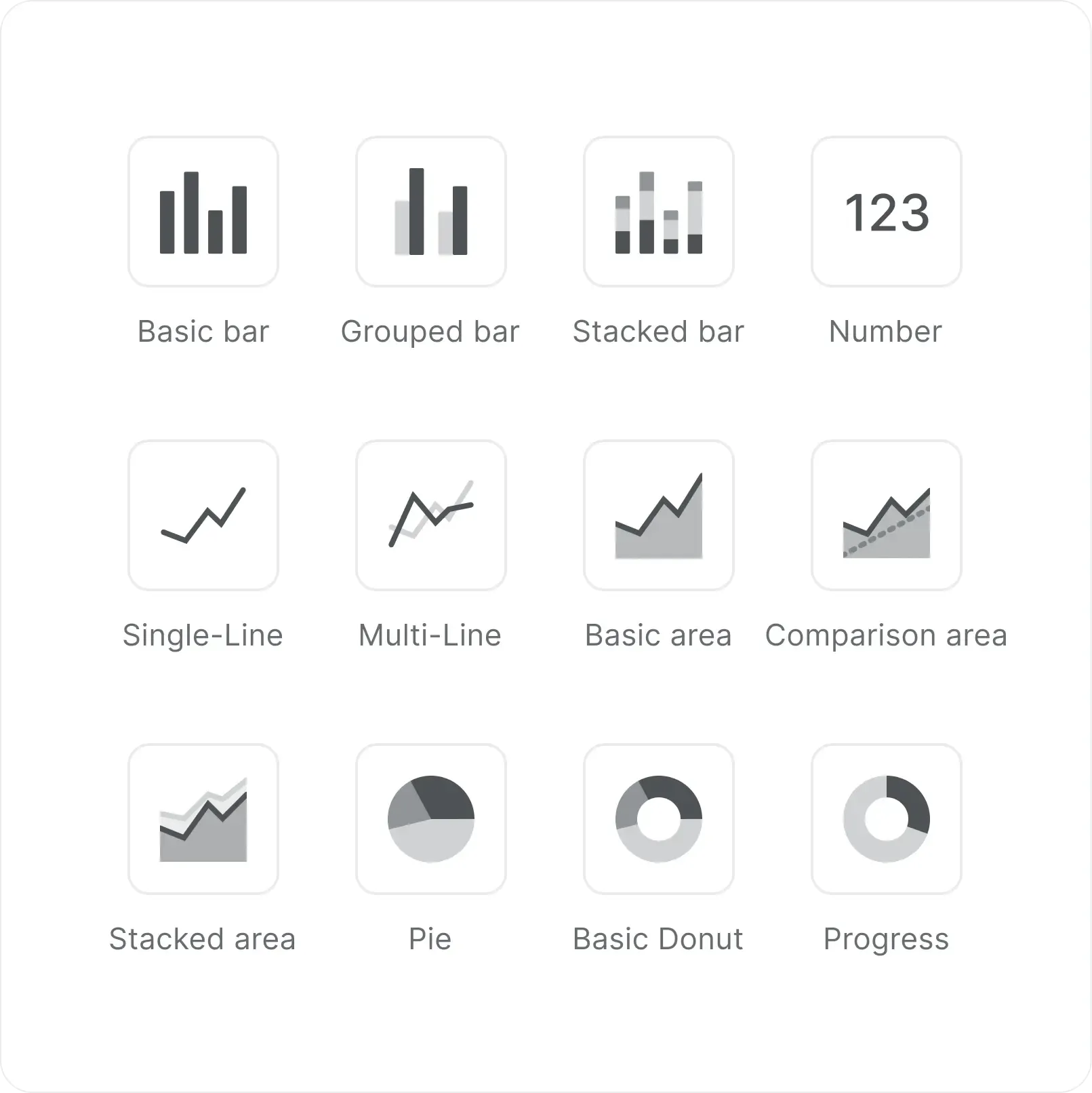
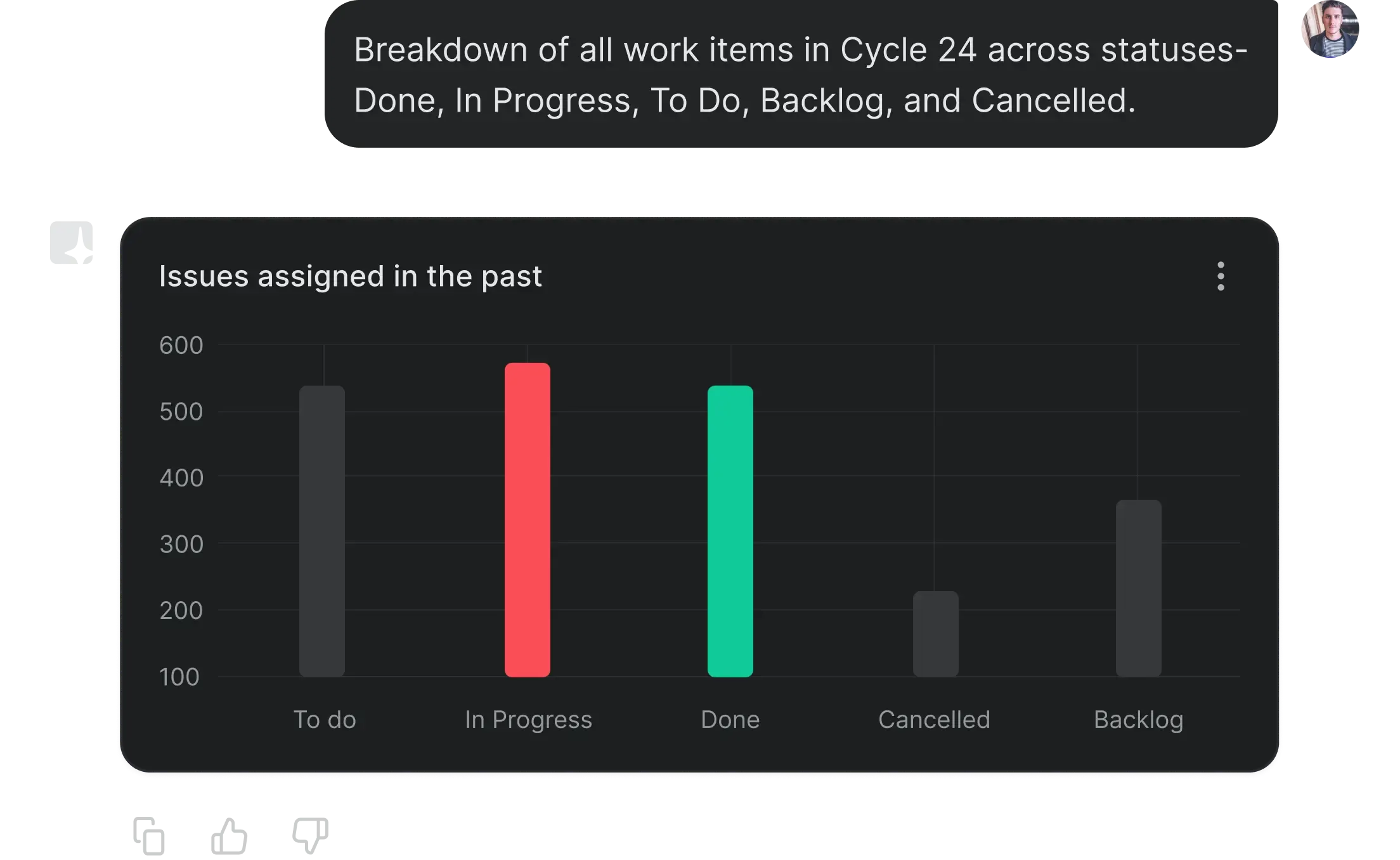
Get endless possibilities with six widget types
  • Choose from 6 core widget types with multiple sub-types.
  • Use any work item property as a dimension.
  • Match your widget type to your question—counts, progress, trends, or distributions.
  • Every widget connects directly to your actual work items.
dashboards-six-widget-types-desktop-light.webp
dashboards-customize-to-the-pixel-desktop-light.webp
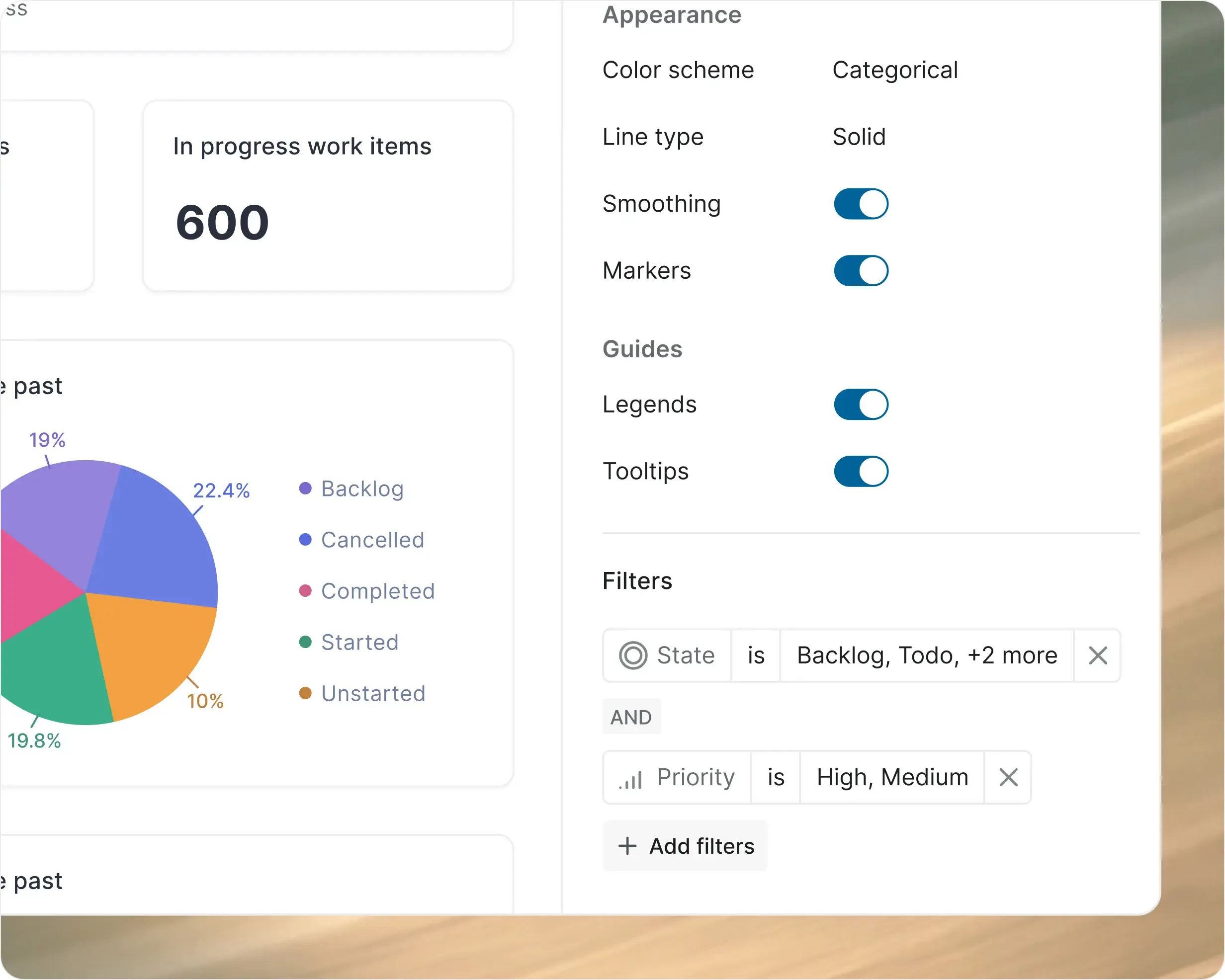
Customize down to the pixel
  • Adjust opacity for layered data views.
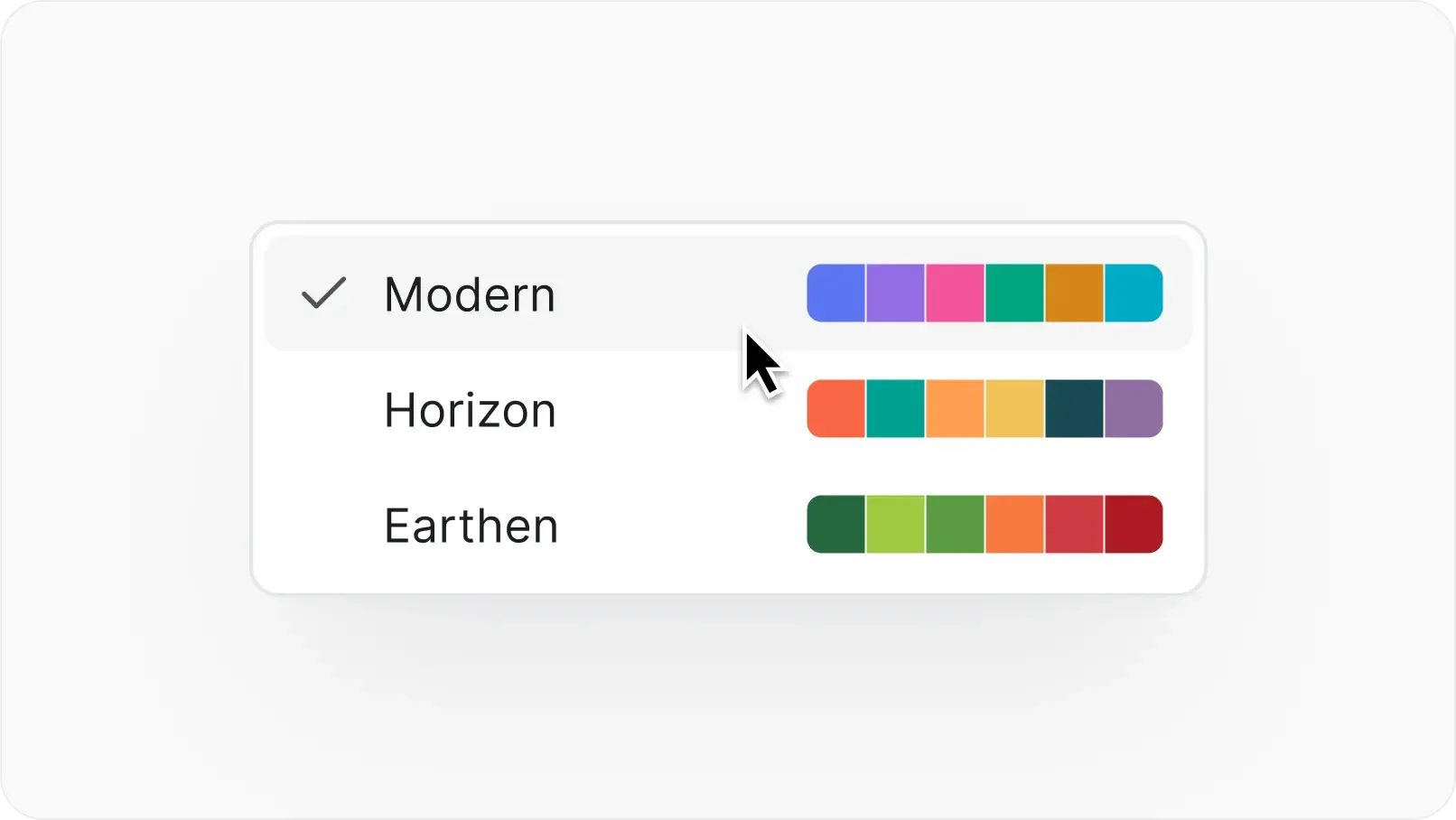
  • Pick custom colors for every chart element.
  • Control curve smoothness, markers, and boundaries for useful viz.
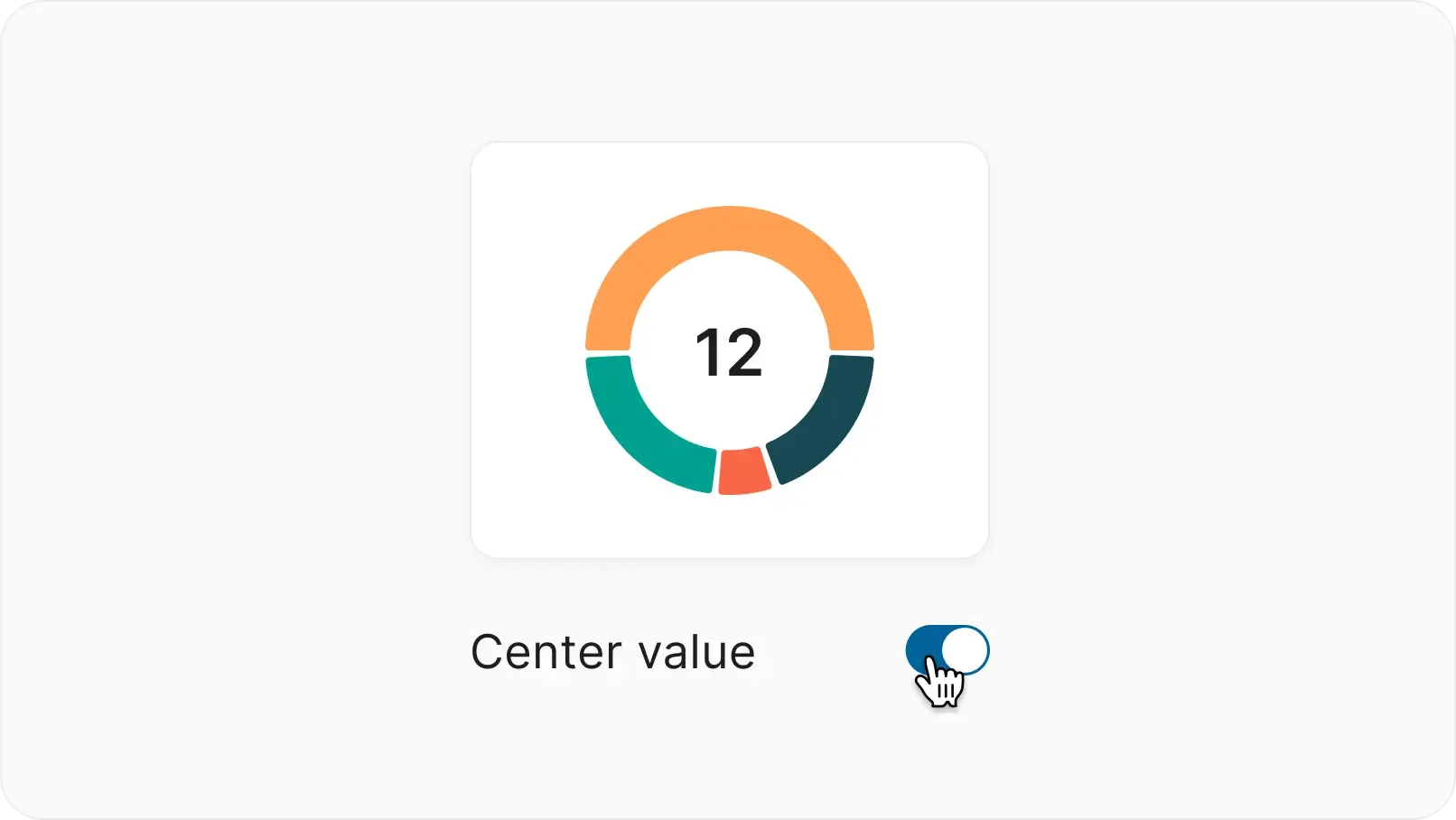
  • Show or hide legends and labels based on what matters.
Plane

Ready to get to work?

Hundreds of Jira, Linear, Asana, and ClickUp customers have rediscovered
the joy of work.
We’d love to help you do that, too.

Download the Plane App
Nacelle