Self-hosted project management on your infrastructure
Projects and knowledge management in one workspace, deployed on your
infrastructure. AI that runs on your models. Docker, Kubernetes, or fully air-gapped.

50,000+ teams run
Plane in production
Some work has to stay
inside your walls
Regulated industries, defense, government, and teams under strict data residency rules cannot ship data to a vendor cloud. Plane self-hosted runs entirely inside your perimeter.
Minimal outbound by design
License and seat sync are the only required calls
All data and AI context stay in your perimeter
Every outbound call is logged and inspectable
White-glove deployment and support
Deployment engineer support from day one
Enterprise SLA with guaranteed response times
Direct line for upgrades, audits, and incidents
Telemetry you control
Every outbound call documented in public
Usage metrics toggle off from God Mode
Air-gapped ships with zero telemetry
What self-hosting Plane looks like
Install, configure, and back up your instance without fighting your infrastructure.

Deploy in minutes,
scale to thousands
One command to install. Six deployment methods.
The smallest infrastructure footprint in the category.
Minimum: 4 CPU cores, 8 GB RAM, 50 GB storage, Under 2 GB image size
Docker Compose
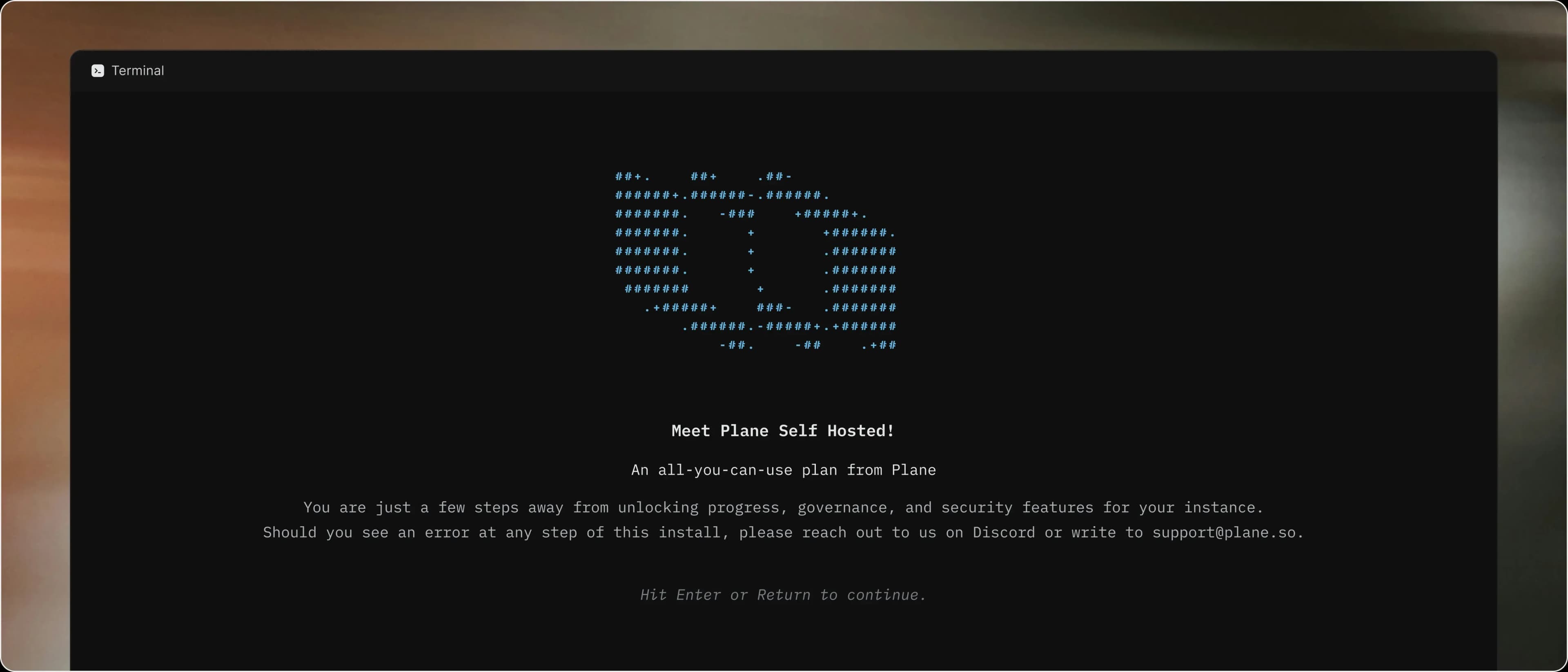
Single-command install via Prime CLI. Express mode uses Plane's defaults. Advanced mode connects your own Postgres, Redis, and S3.
Kubernetes (Helm Charts)
Production-grade deployment with auto-scaling and high availability. Native secret management. Version 1.8.3 or higher.
Docker Swarm
Multi-node deployment for teams already running Swarm clusters. Failover, rolling updates, and service discovery out of the box.
Docker All-in-One
Single container for evaluation and testing. Fastest path from zero to a running instance. Not for production.
Managed platforms
One-click deployment on AWS, DigitalOcean, Coolify, and Portainer. Cloud-like setup on infrastructure you control.
Official AWS Marketplace listing
Procure Plane through your AWS account. Billing runs on your existing AWS invoice. Available on the public Marketplace listing.
AI that runs on
your infrastructure
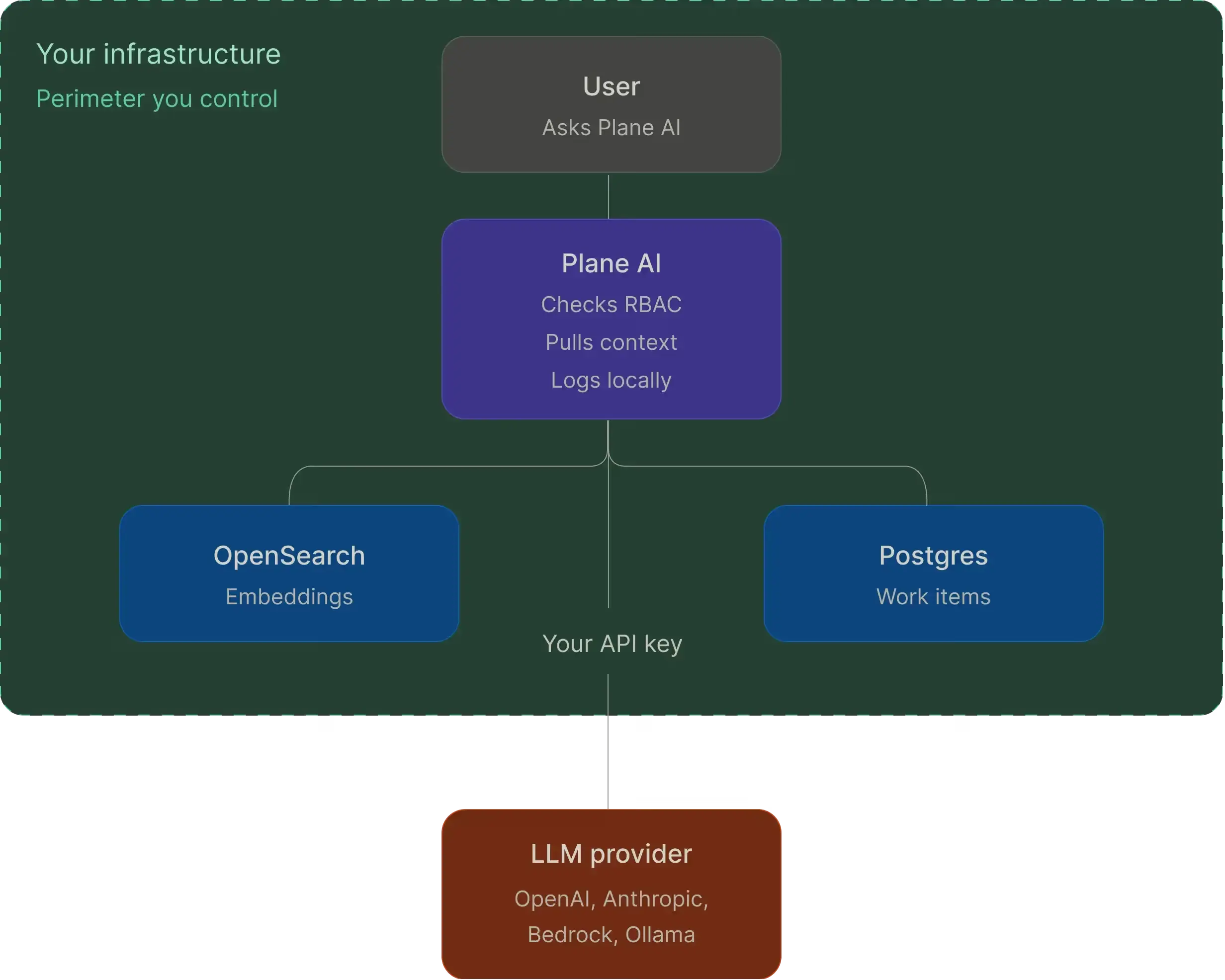
Plane AI runs inside your perimeter. Bring your own OpenAI, Anthropic, AWS Bedrock, or local Ollama key.
Prompts, responses, and actions logged locally
Usage and spend analytics across workspaces
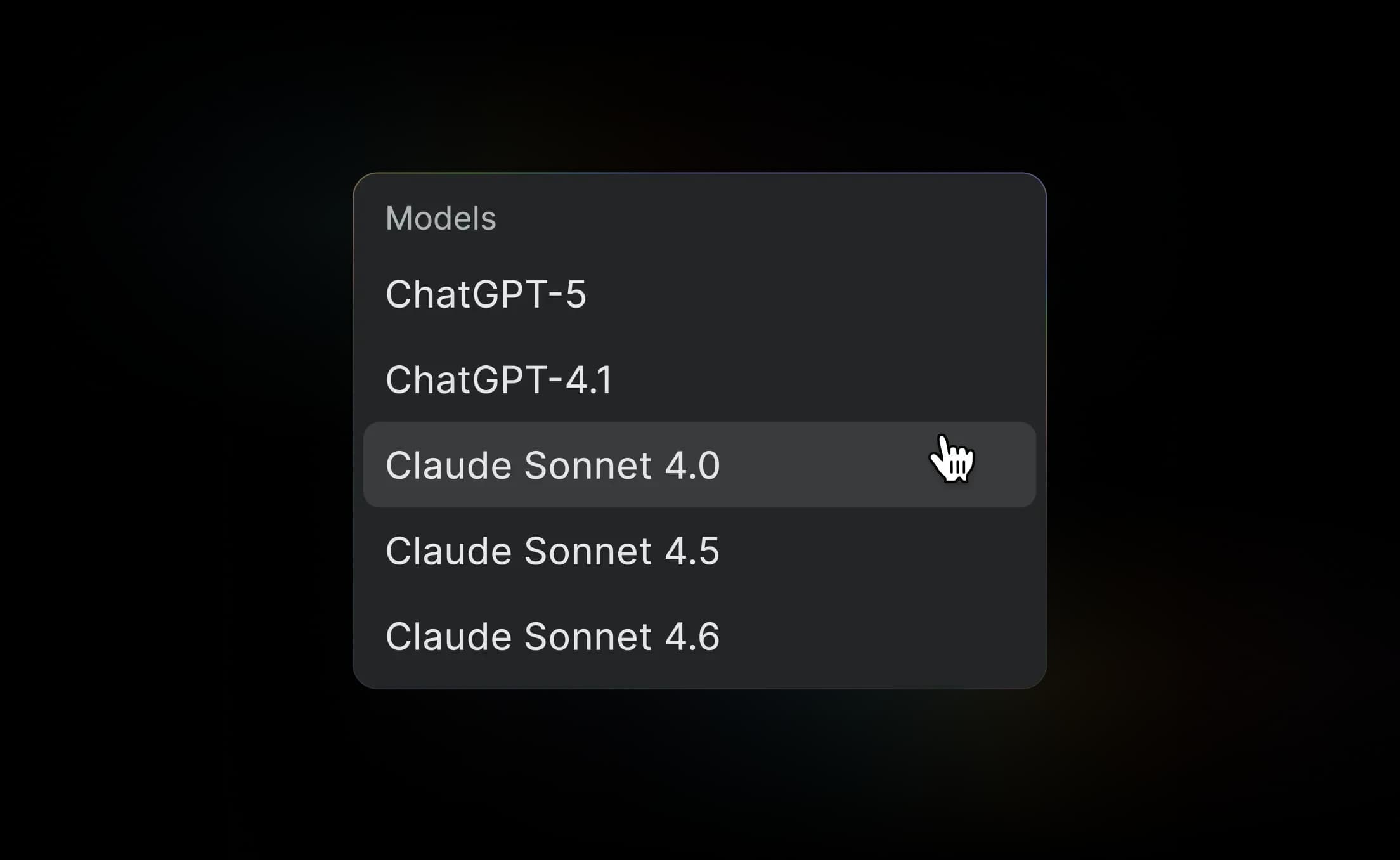
Switch providers without a redeploy

Bring your own LLM
Connect OpenAI, Anthropic, AWS Bedrock, or any OpenAI-compatible endpoint. Self-hosted runtimes like Ollama work too. Run one provider or many.

Semantic search across everything
Work items, pages, and projects indexed automatically. New content vectorized in the background. Powered by OpenSearch.

The full product, running on your infrastructure
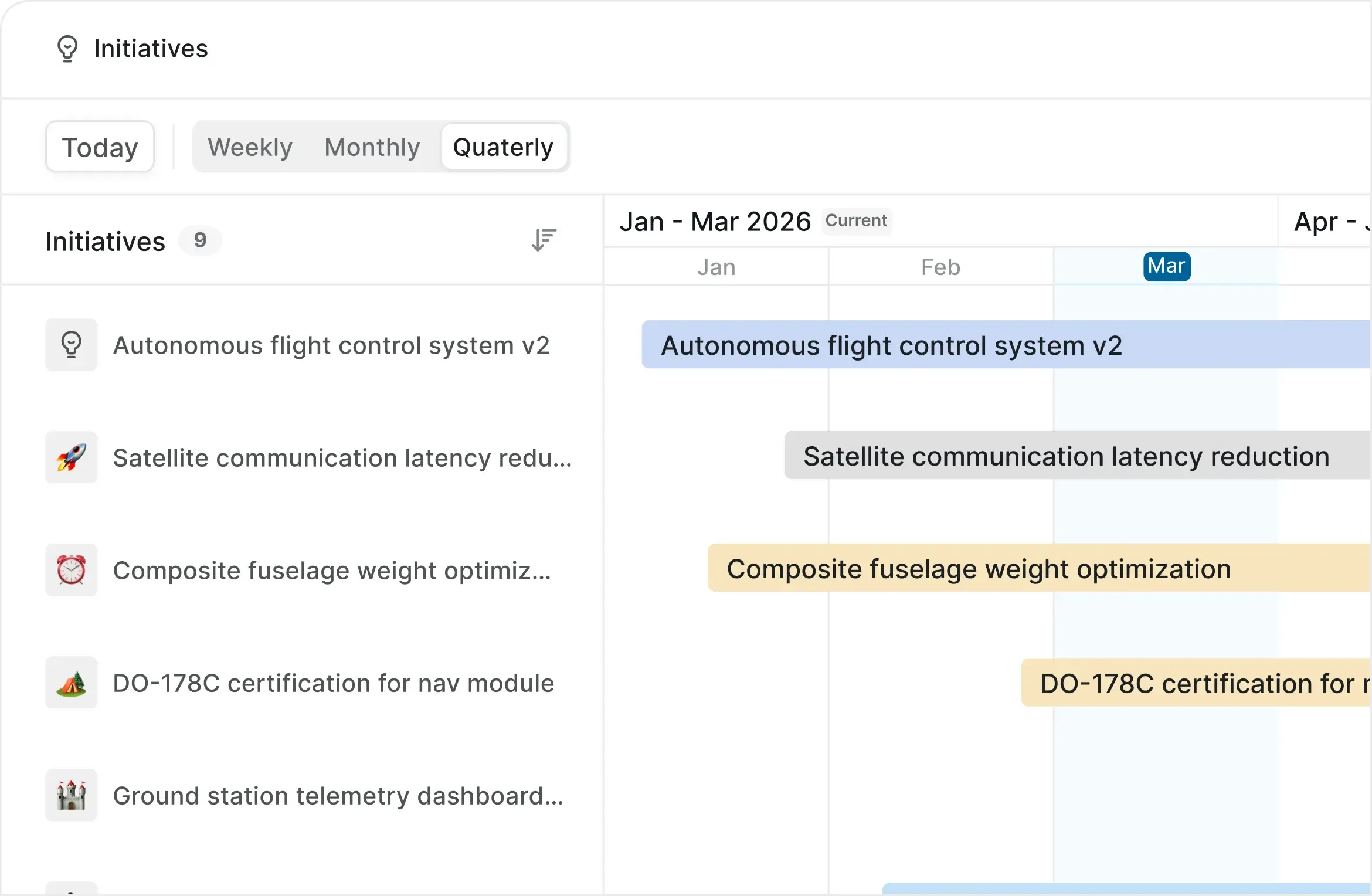
A hierarchy that scales with your org
Initiatives, epics, projects, cycles, and work items. Nest as deep as you need.

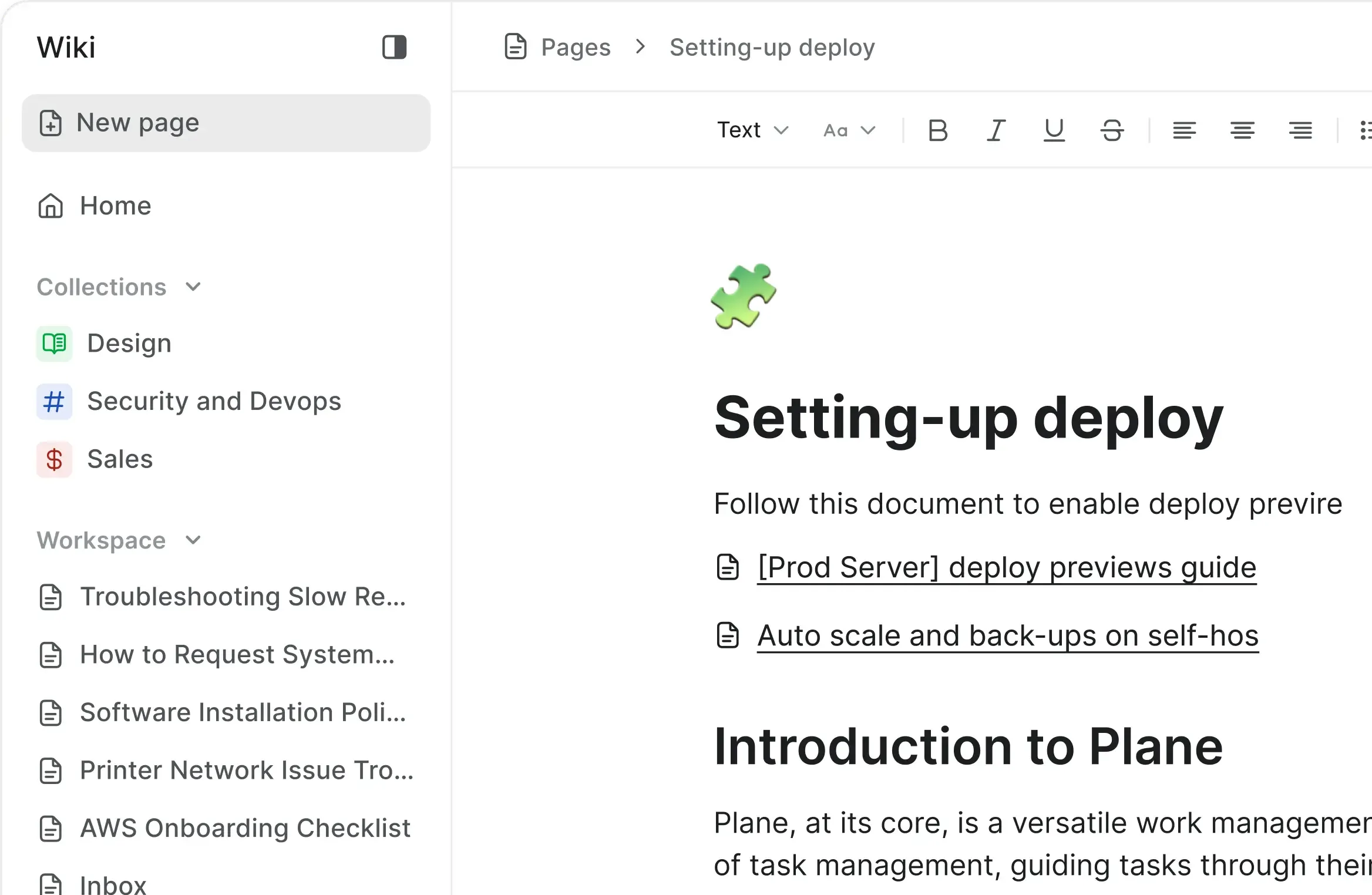
A full Wiki, built in
Docs, specs, and decisions live next to the work. No second platform.

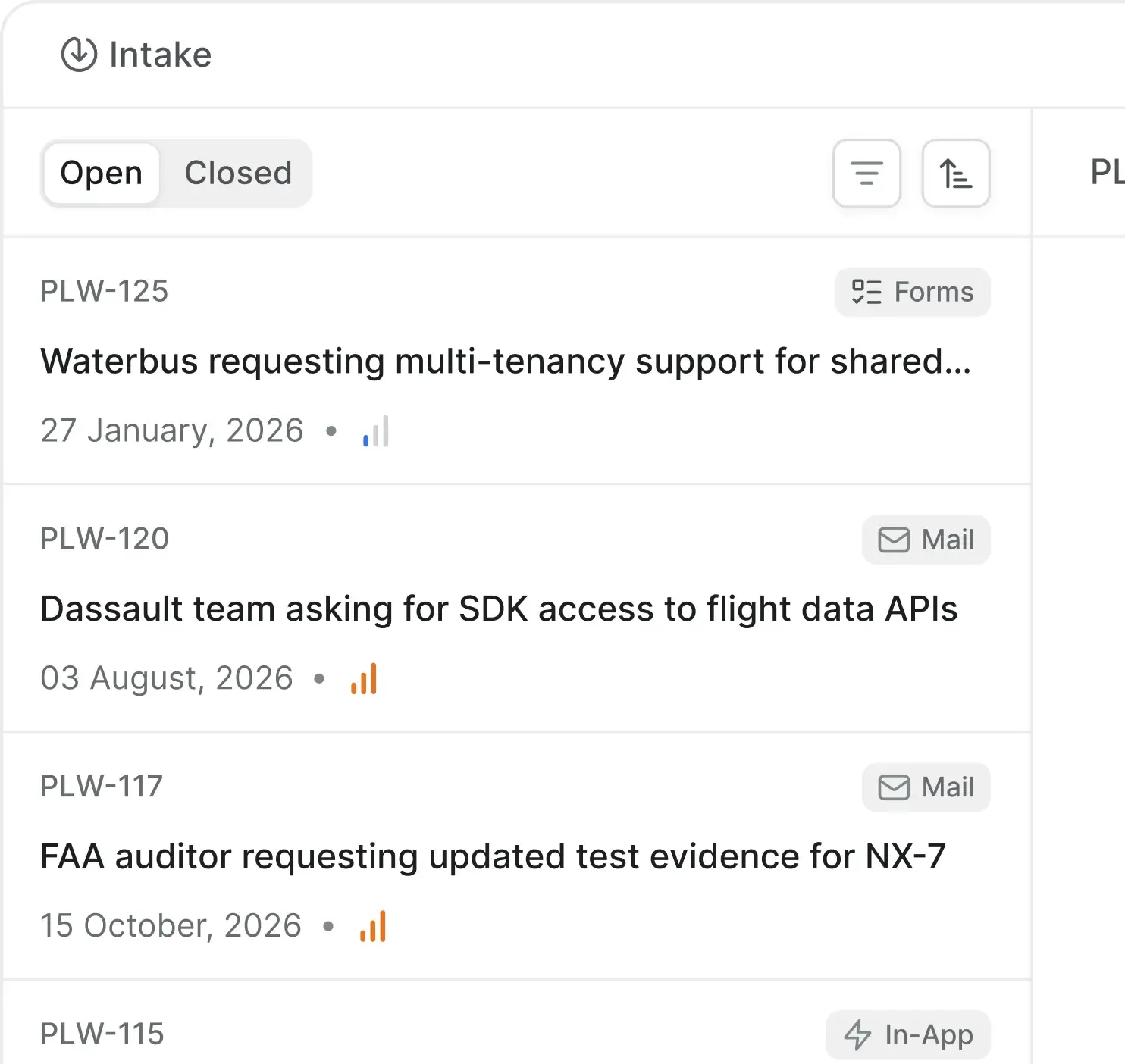
Intake from every channel
Email, forms, and in-app requests route into one triage queue.

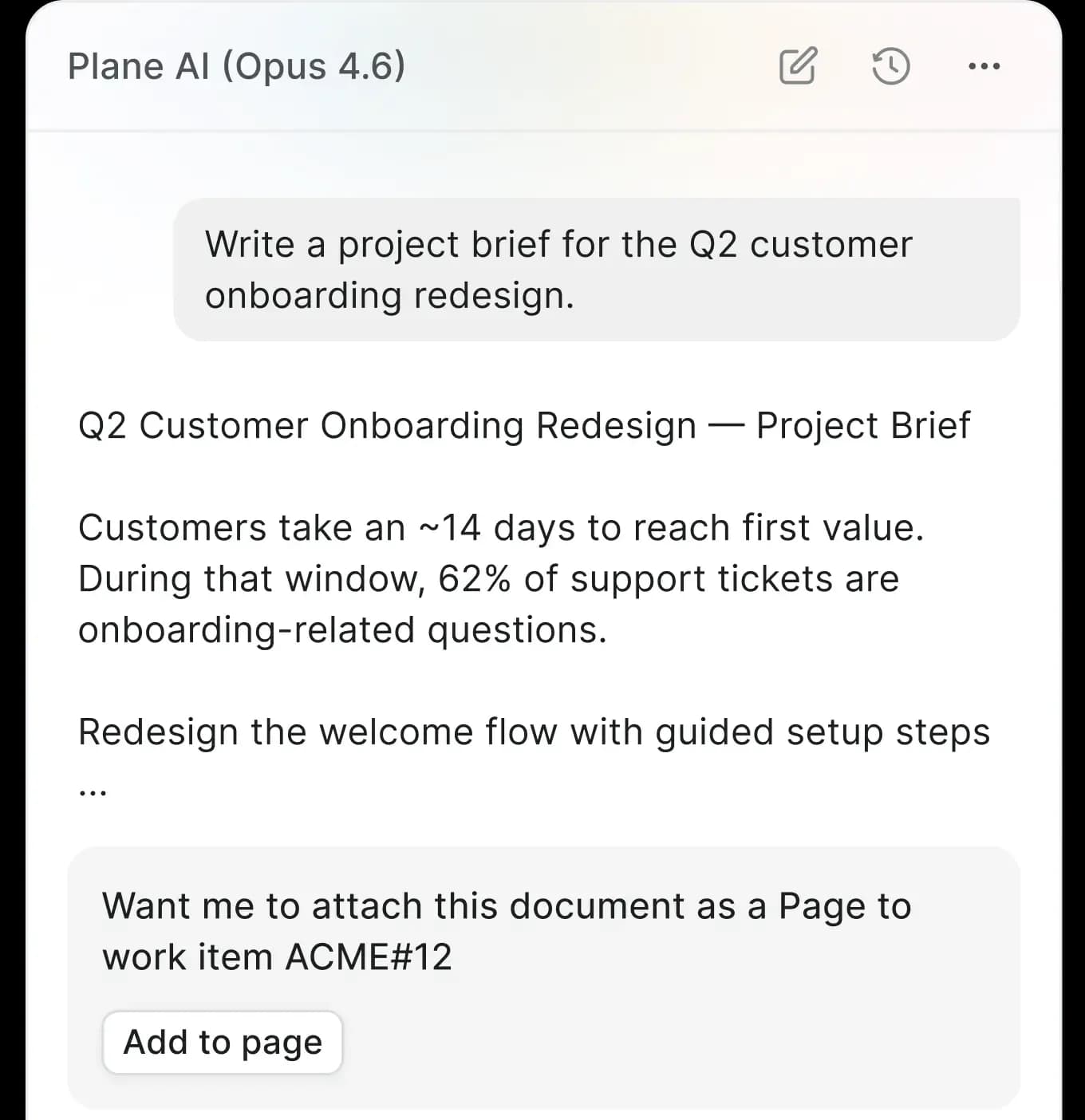
AI on your infrastructure
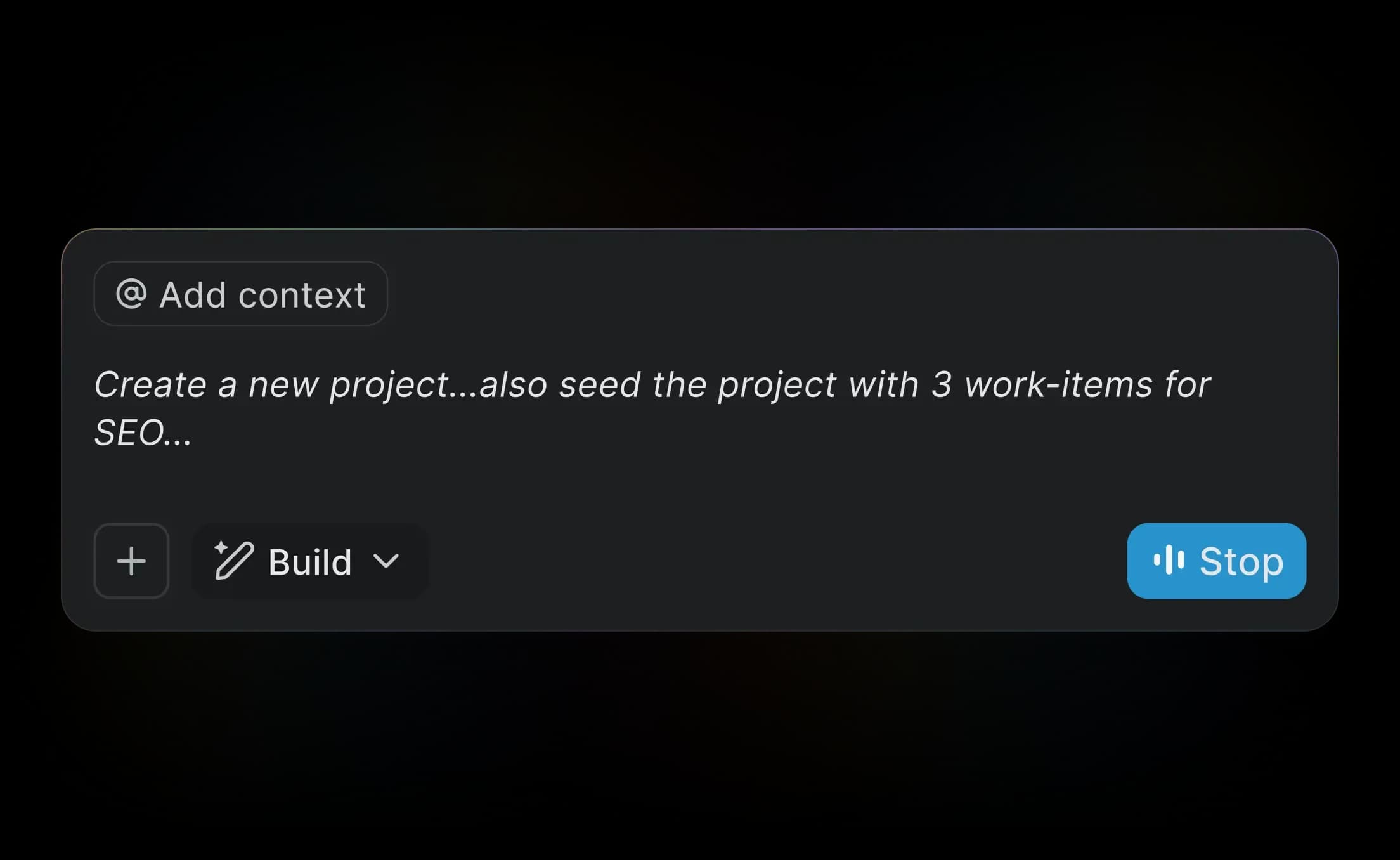
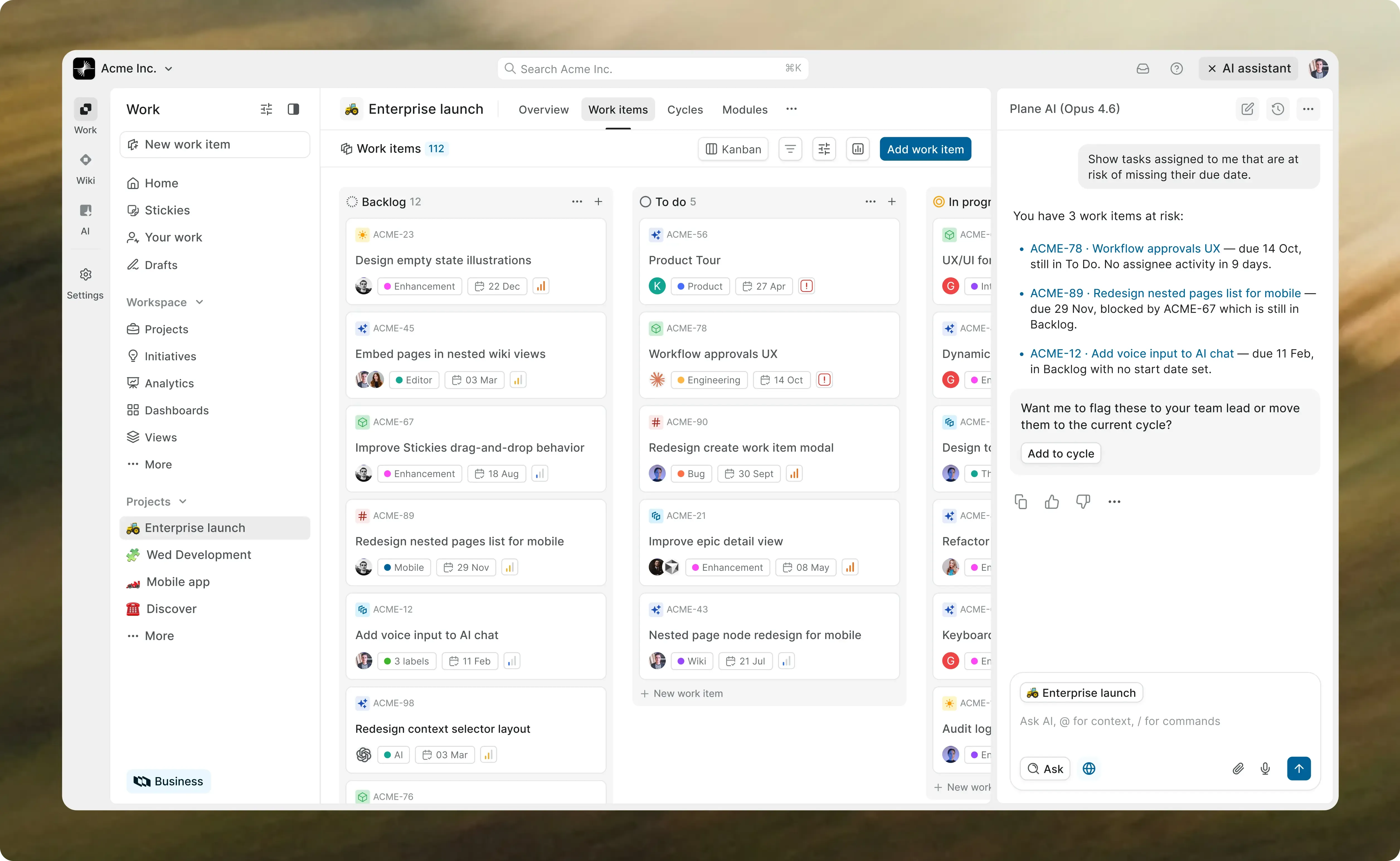
Plane AI Chat runs inside your perimeter. Your models, your keys, your logs.

Mobile apps for self-hosted
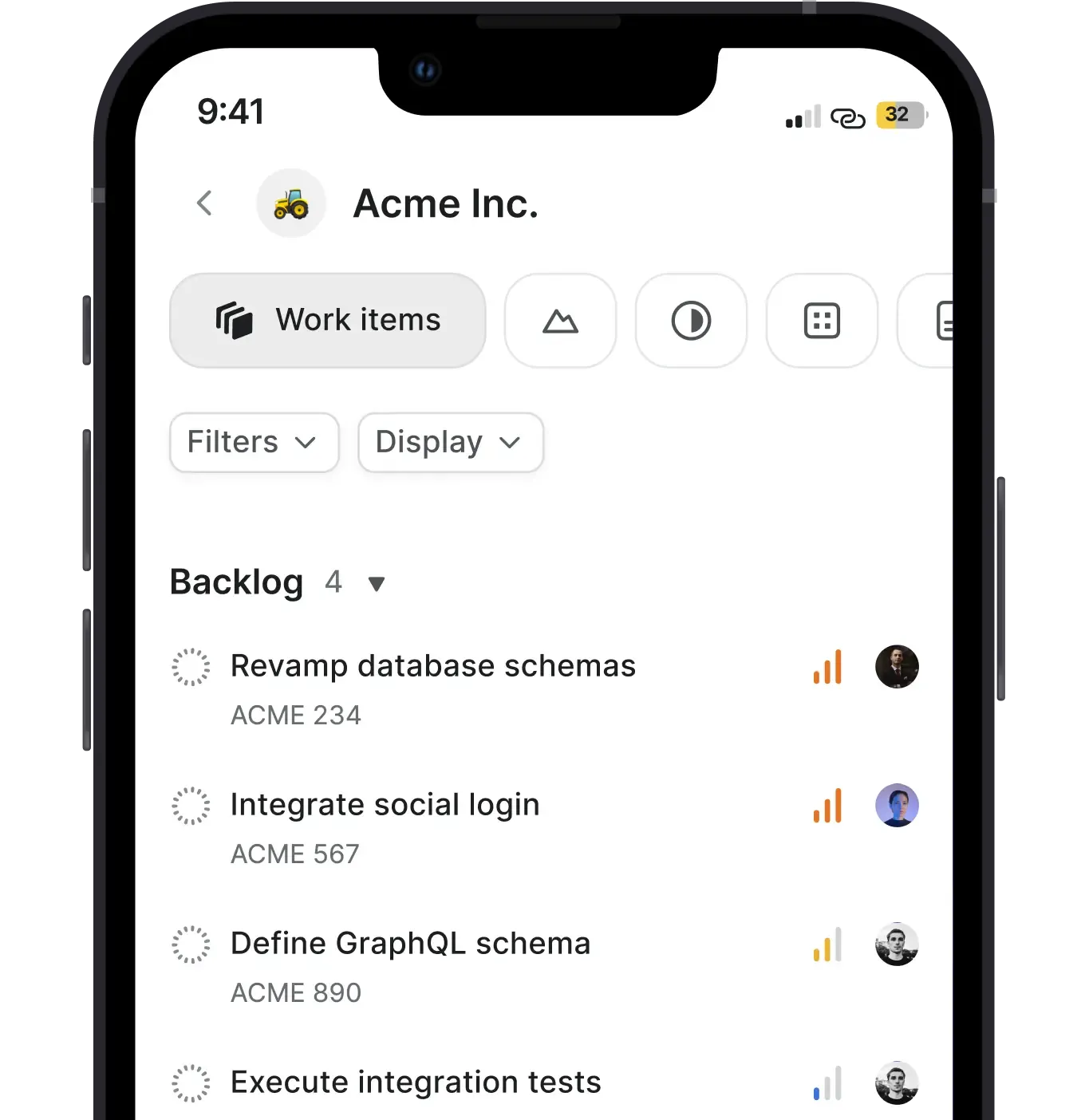
iOS and Android apps connect to your self-hosted deployment over any network it is reachable on.

Plane for air-gapped environments
Full Commercial feature set. Zero external calls. Signed offline bundles. License file activation. No telemetry.
License file activation
Signed-offline bundle under 2GB
Docker image cloning for internal registries
Offline updates on your schedule
Full Plane AI with local models
Designed for classified networks and SCIF environments
Self-hosted ships
with the full stack

Open source core
48,000+ GitHub stars. AGPL v3.0. Audit the code before you deploy it.

Ready importers
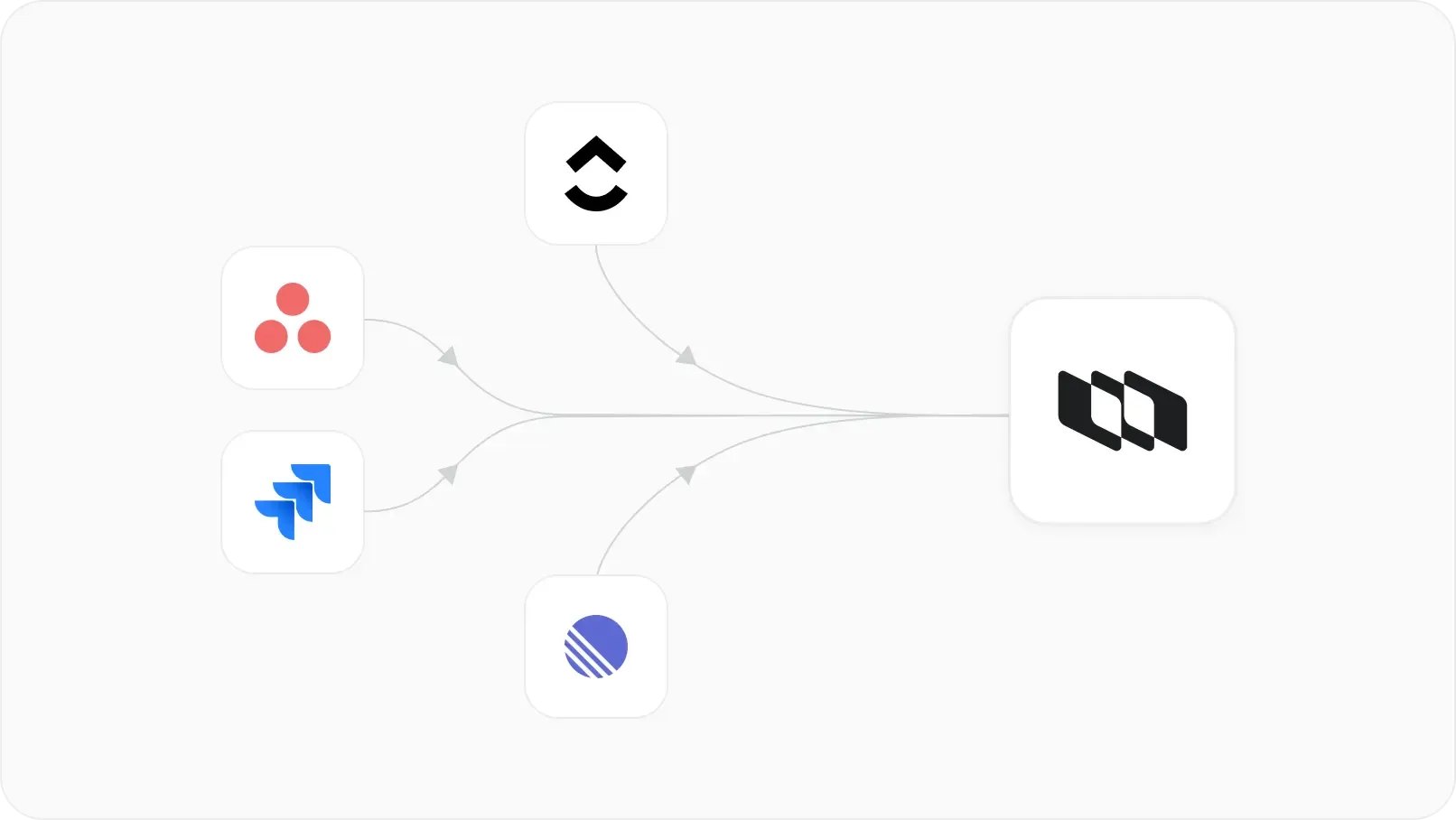
Native importers on every edition, including Community. No third-party migration tools needed.

Full REST API and webhooks
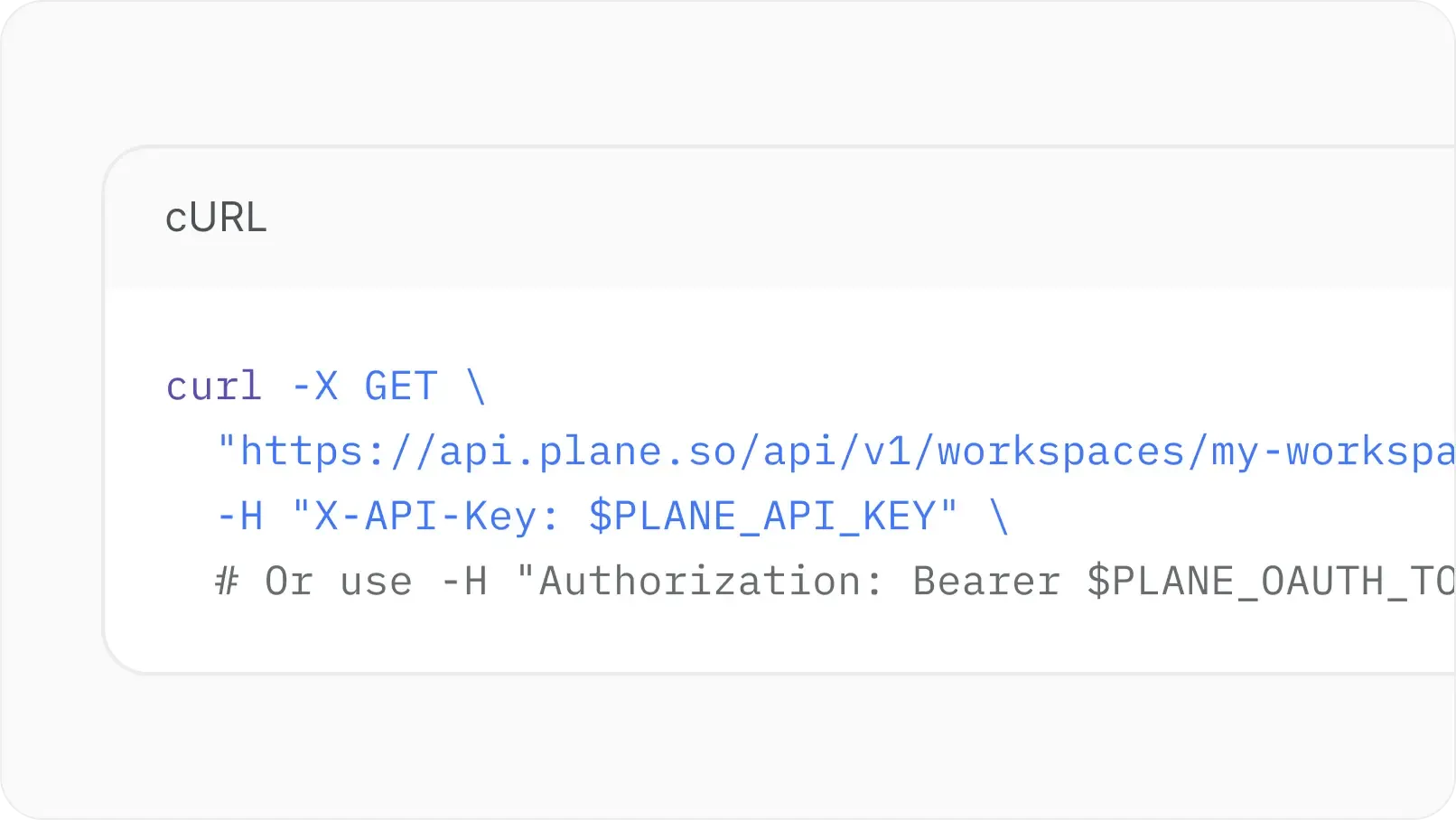
REST endpoints for every resource. Webhooks for every event. Connect internal tools directly.

Agents and integrations
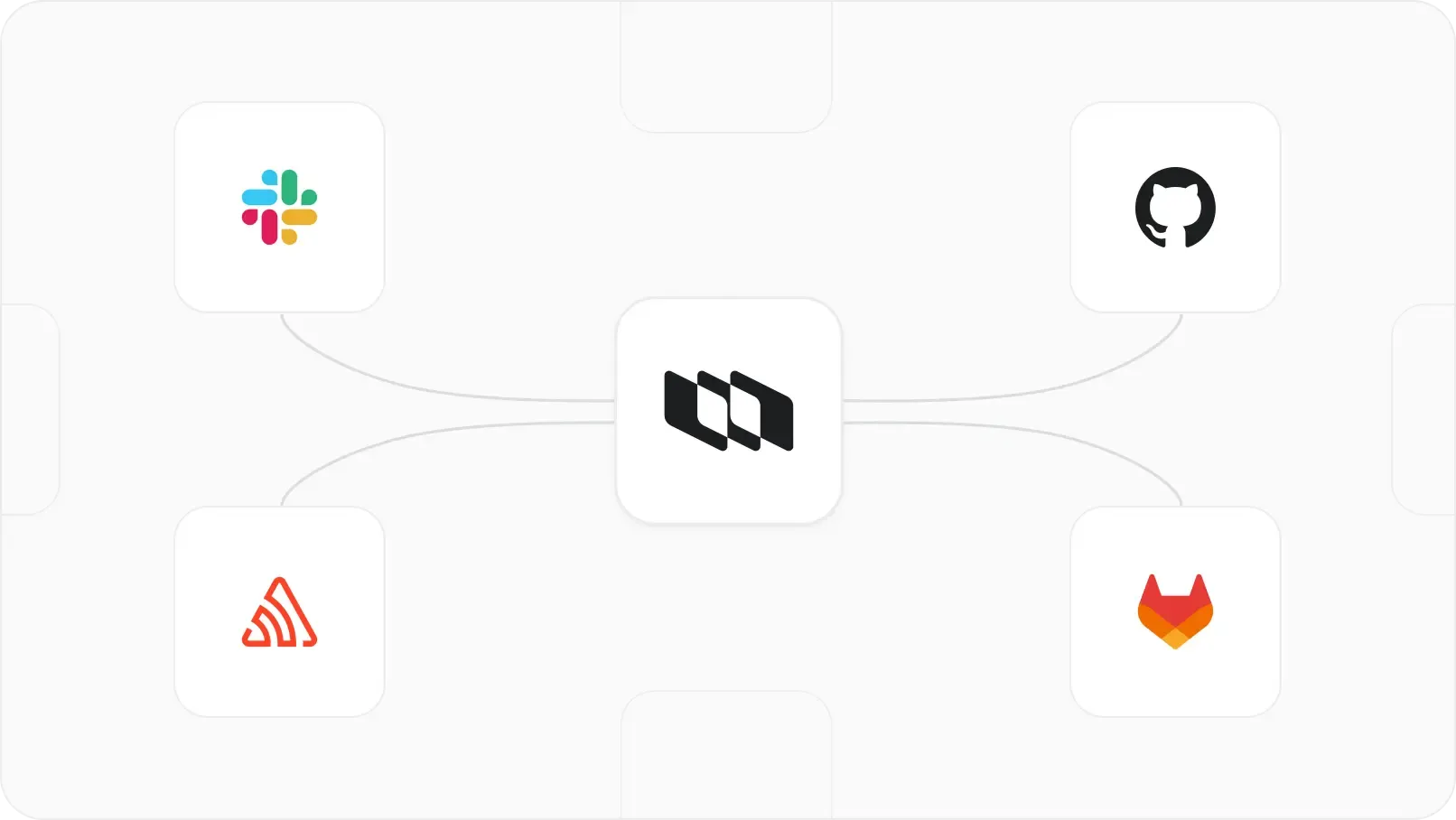
Works with GitHub Enterprise Server, self-hosted GitLab, GovSlack, and AI agents you can assign to work items.

Developer docs
Every deployment method, configuration option, and troubleshooting guide documented at developers.plane.so.

Signed file storage
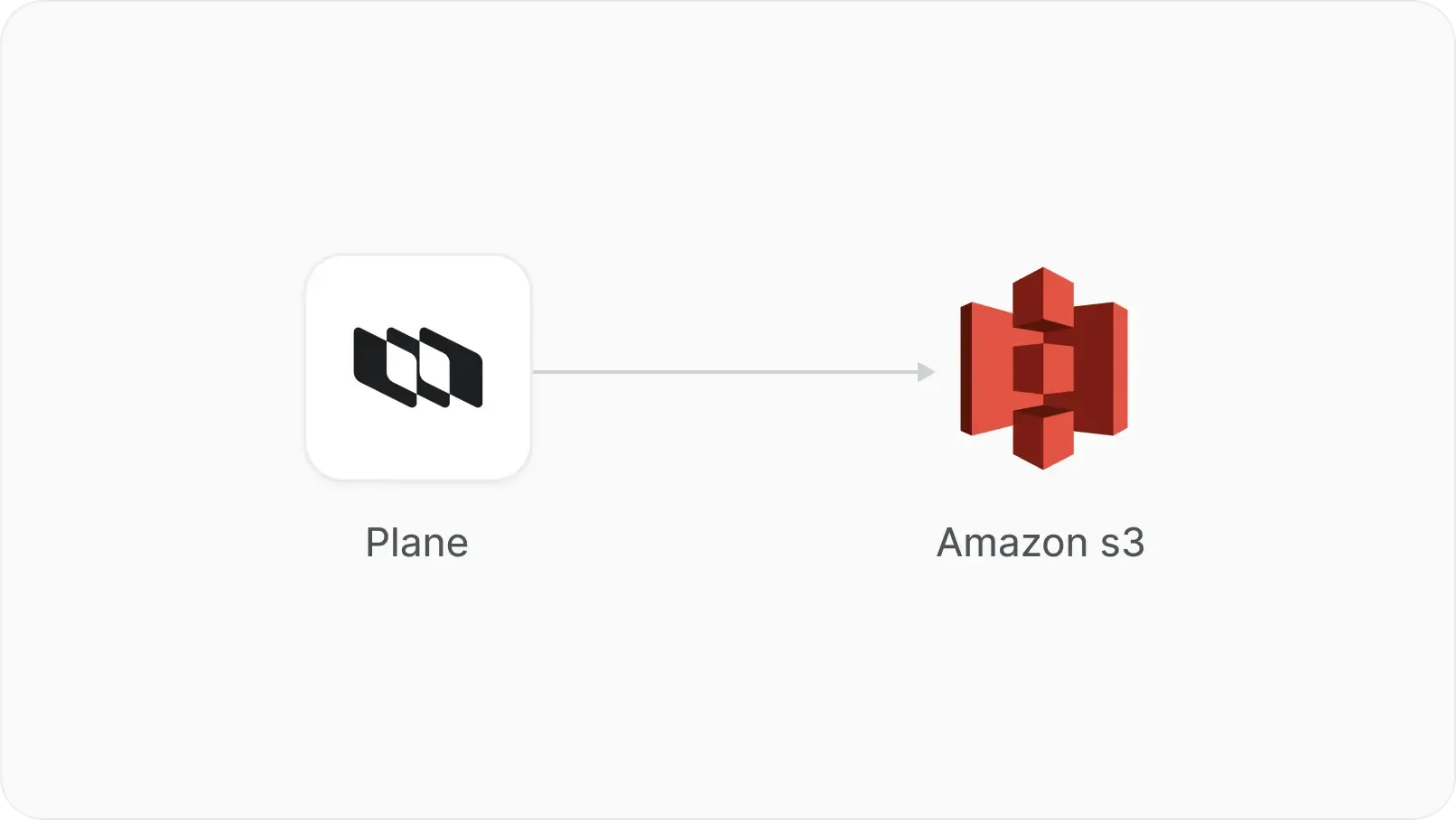
Signed URLs and access control for every uploaded file. No public buckets.
Common questions
What buyers ask before they license.
Requirements depend on your deployment method and workload. Docker Compose runs on supported 64-bit machines; Kubernetes and high-availability deployments need different sizing. Plane AI adds OpenSearch, a dedicated database, and separate services. Follow the installation guide for your chosen setup and allow additional capacity for AI.
Standard Commercial deployments use internet connectivity for license activation, plan synchronization, and downloading updates. For networks without outbound access, choose the Airgapped Edition. It runs within your isolated environment using imported container images and uploaded license files. Integrations must also connect to services available inside that network.
Yes. Instance admins can disable optional usage telemetry in God Mode. This setting is separate from Commercial license activation, plan synchronization, and billing information. If your requirements prohibit outbound communication, the Airgapped Edition operates without sending telemetry outside your network.
Your team manages backups. Commercial Docker installations created with Prime CLI support its backup and restore commands. For Kubernetes and other deployments, use your platform’s tools to back up PostgreSQL and object storage. Save configuration files separately, keep backups away from the installation, and test your restore process.
You control when to upgrade. Back up your instance, review the release notes, and follow the update instructions for your edition and deployment method. Prime CLI manages upgrades for Commercial Docker installations created with it. Plan a maintenance window because updates can restart services and cause downtime.
Yes. Plane AI supports a self-hosted model through an OpenAI-compatible endpoint. Chat and embedding providers are configured separately, so choosing a local chat model alone does not keep every AI request local. Without an embedding model, Plane uses keyword search. Review both configurations before enabling AI.
Yes. Commercial Edition includes importers for Jira Cloud and Jira Server or Data Center. They bring across work items, comments, attachments, relationships, and supported custom fields. Unsupported field types are skipped, and some mappings depend on enabled features. Review the importer’s coverage and validate a sample project before migrating.
Run Plane on your infrastructure