Plane Mobile - iOS and Android
All of Plane, right in your pocket
All of Plane, right in your pocket
Projects, work items, wiki, and AI in one app. Full power on the move. Nothing left behind at your desk.
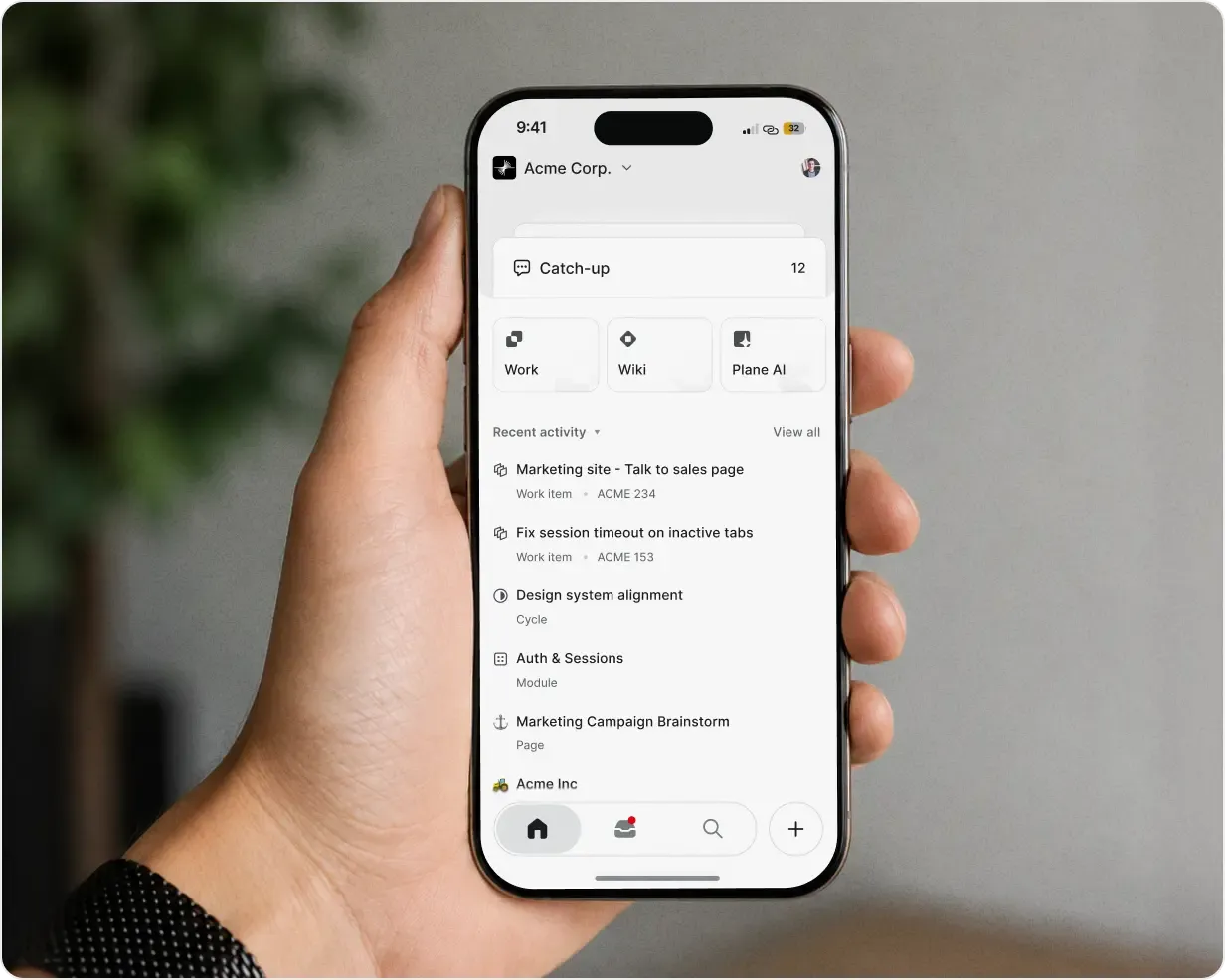
All of Plane, right in your pocket
Projects, work items, wiki, and AI in one app. Full power on the move. Nothing left behind at your desk.
Join 50,000+ teams
that actually enjoy work






Built for the moments between your deep work
Review requests, respond to your team, and unblock work without waiting to reach a desk.
Review and approve requests without reaching a desk
Respond to your team and unblock work in seconds
Capture ideas and create work from anywhere
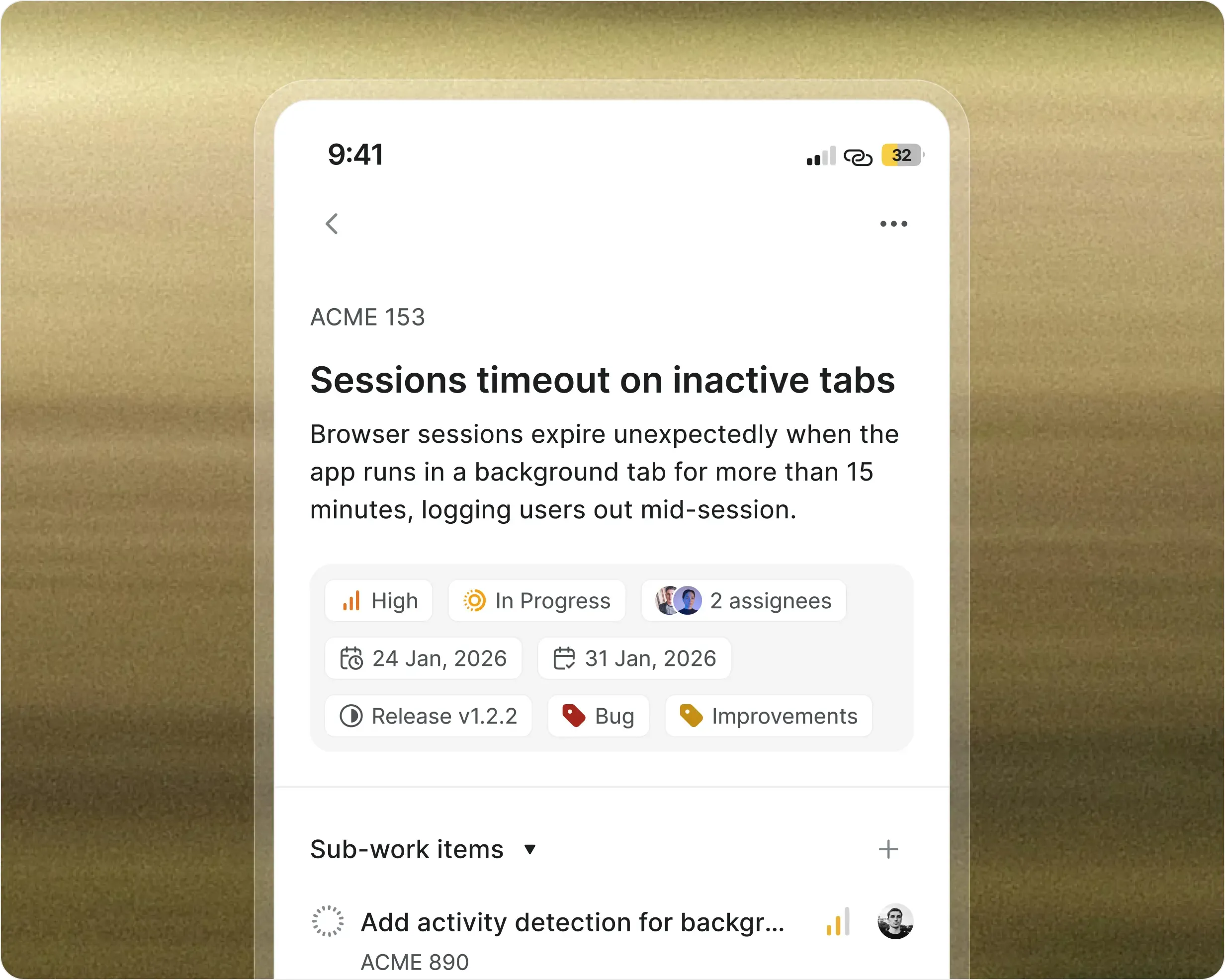
Your whole workspace travels with you
Projects & work items
Open any project. Edit properties, track cycles, filter and search.
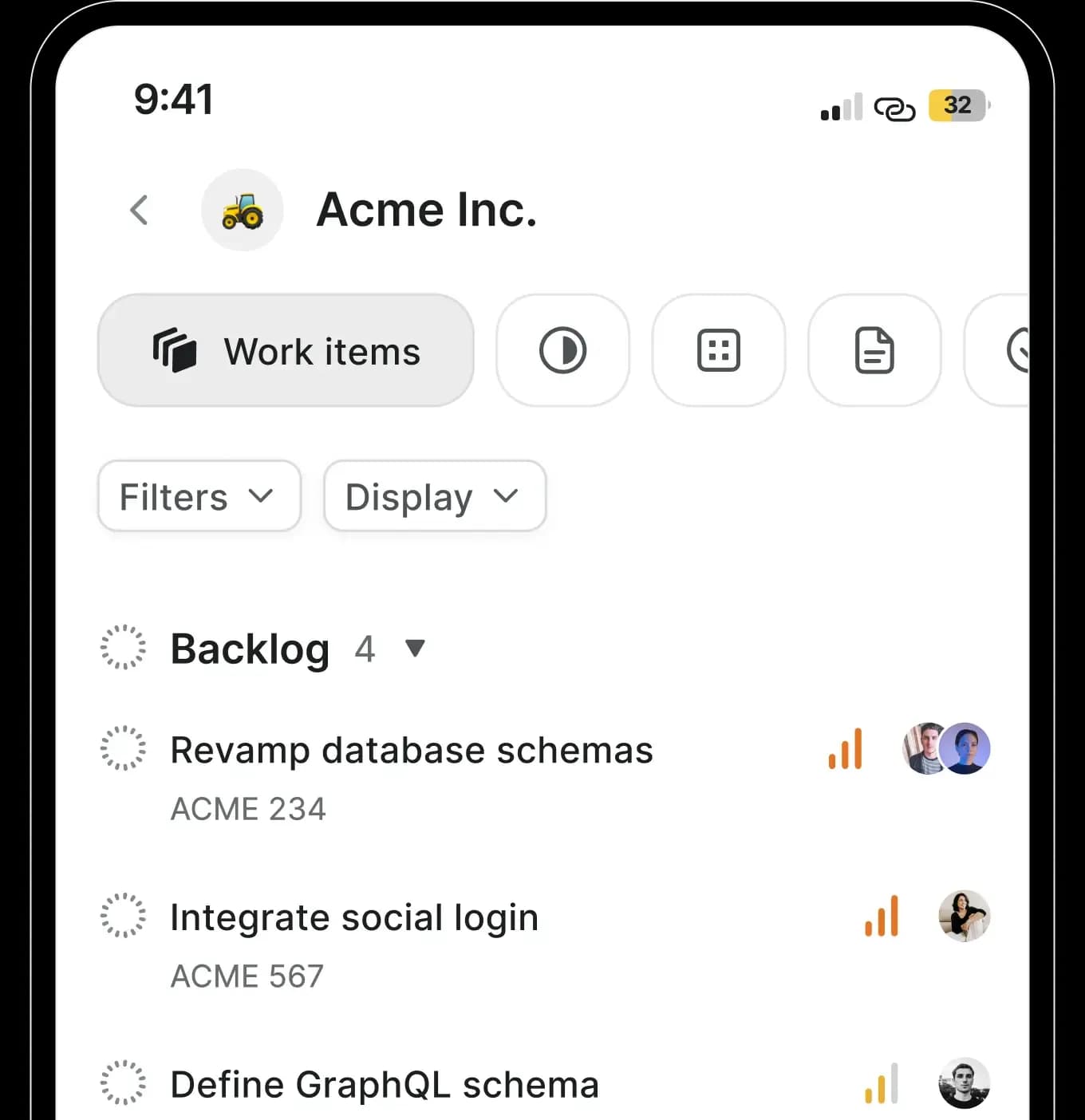
Wiki & docs
Read, write, and edit pages with the full toolbar. No second tool.
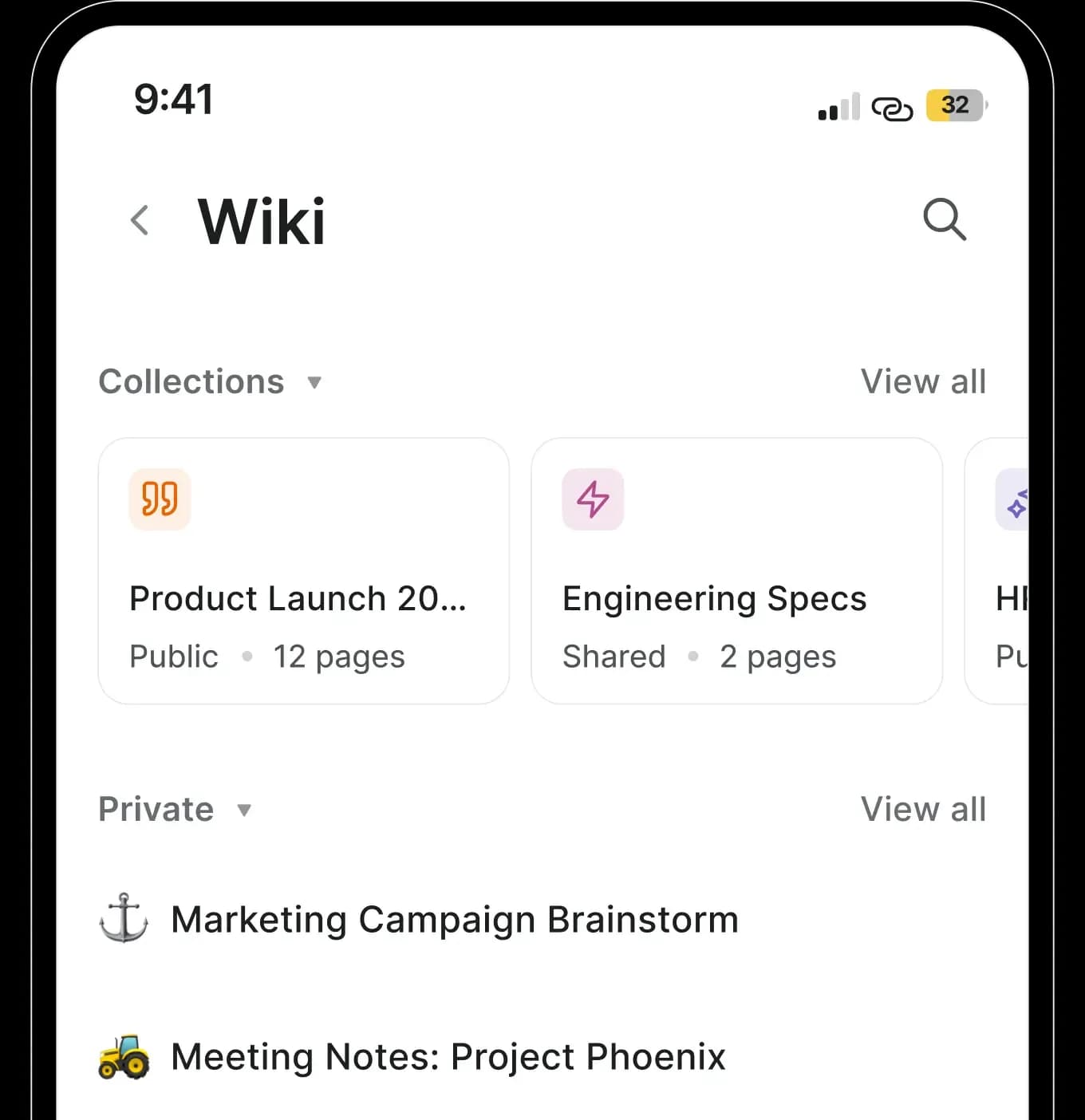
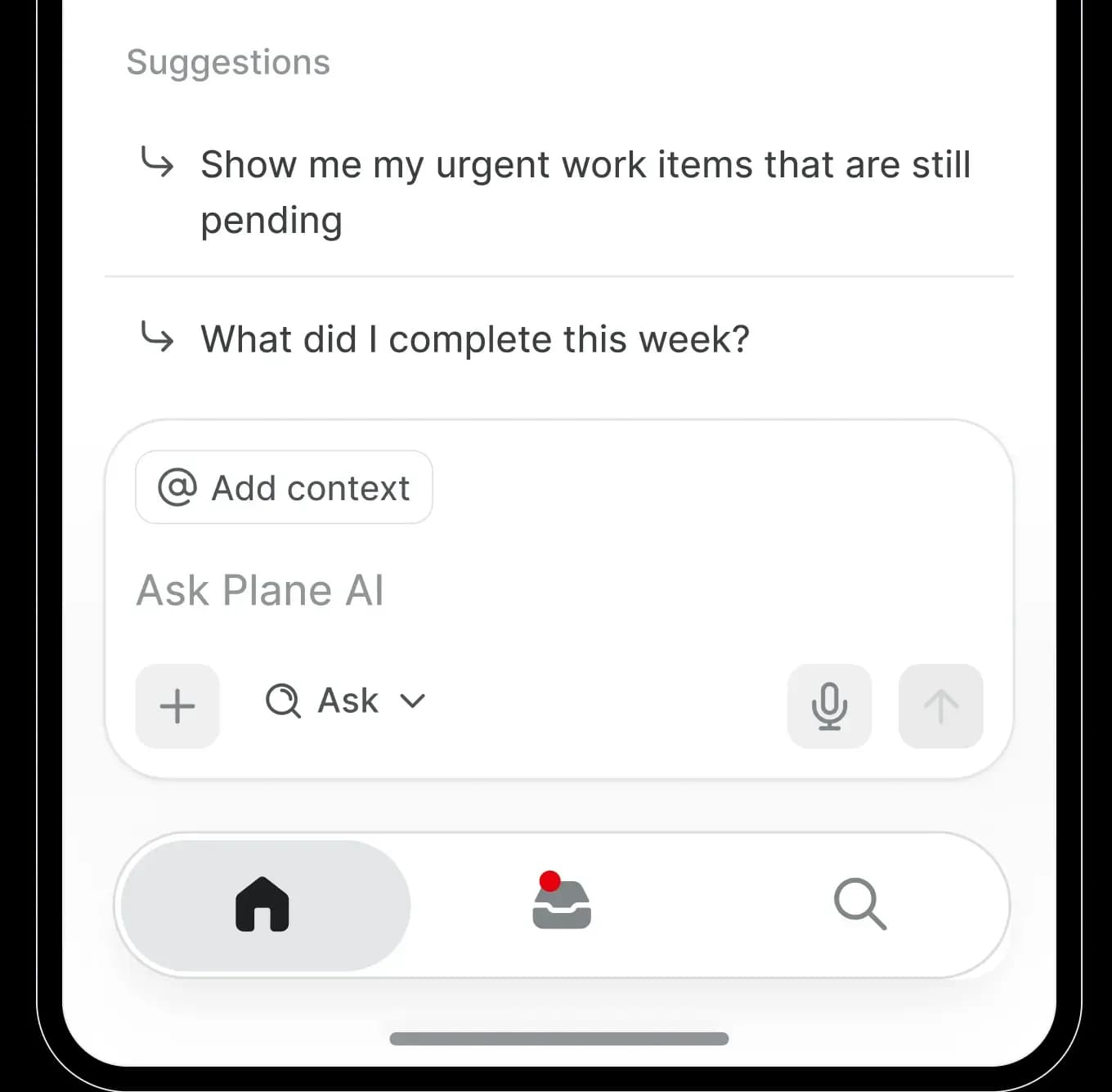
Plane AI
Summarize, draft, and act on work. The same assistant as desktop.
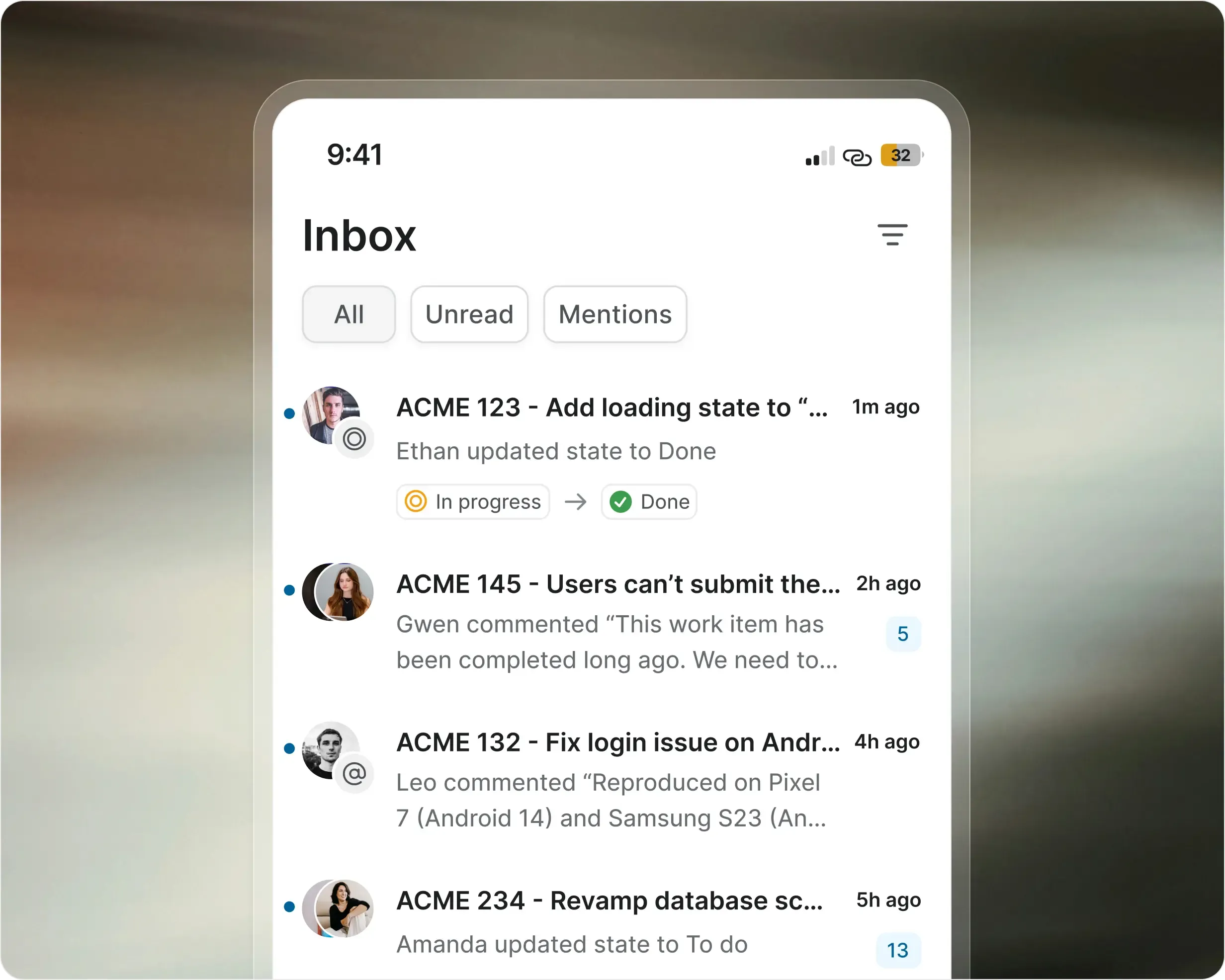
Stay on top of your work
Get notified about work you created, are assigned to, or are mentioned in. Tap to act without leaving the alert.
Push notifications in realtime on Plane Cloud
One Inbox across every workspace you belong to
Catch up on everything that happened while you were away
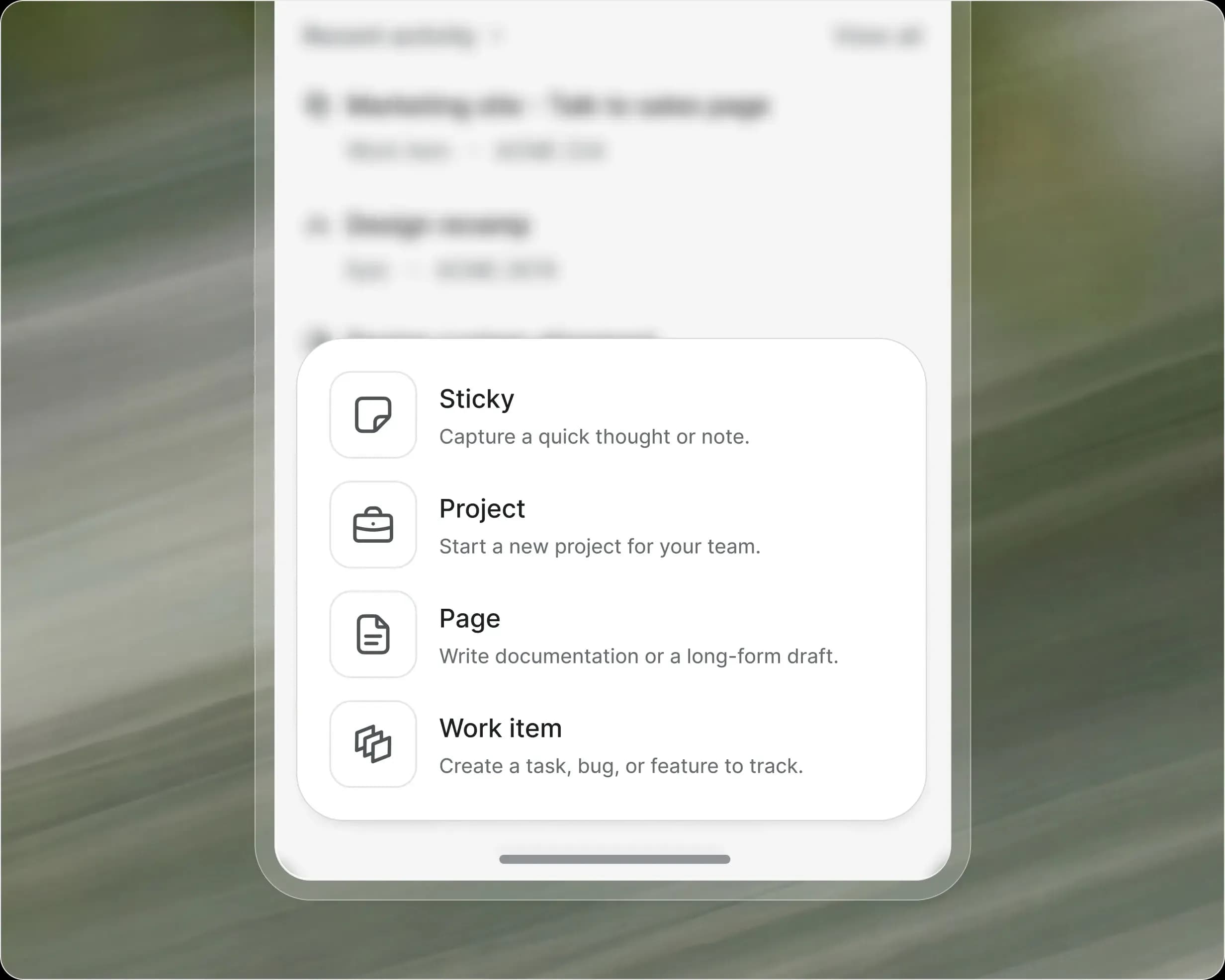
Capture work the moment it strikes
A fast composer for work items and pages. Pick a project, add details, done. It's in your workspace before the thought is gone.
New work items, pages, and projects from anywhere
Assign members, priority, state, cycle, and module inline
Full block toolbar for rich descriptions
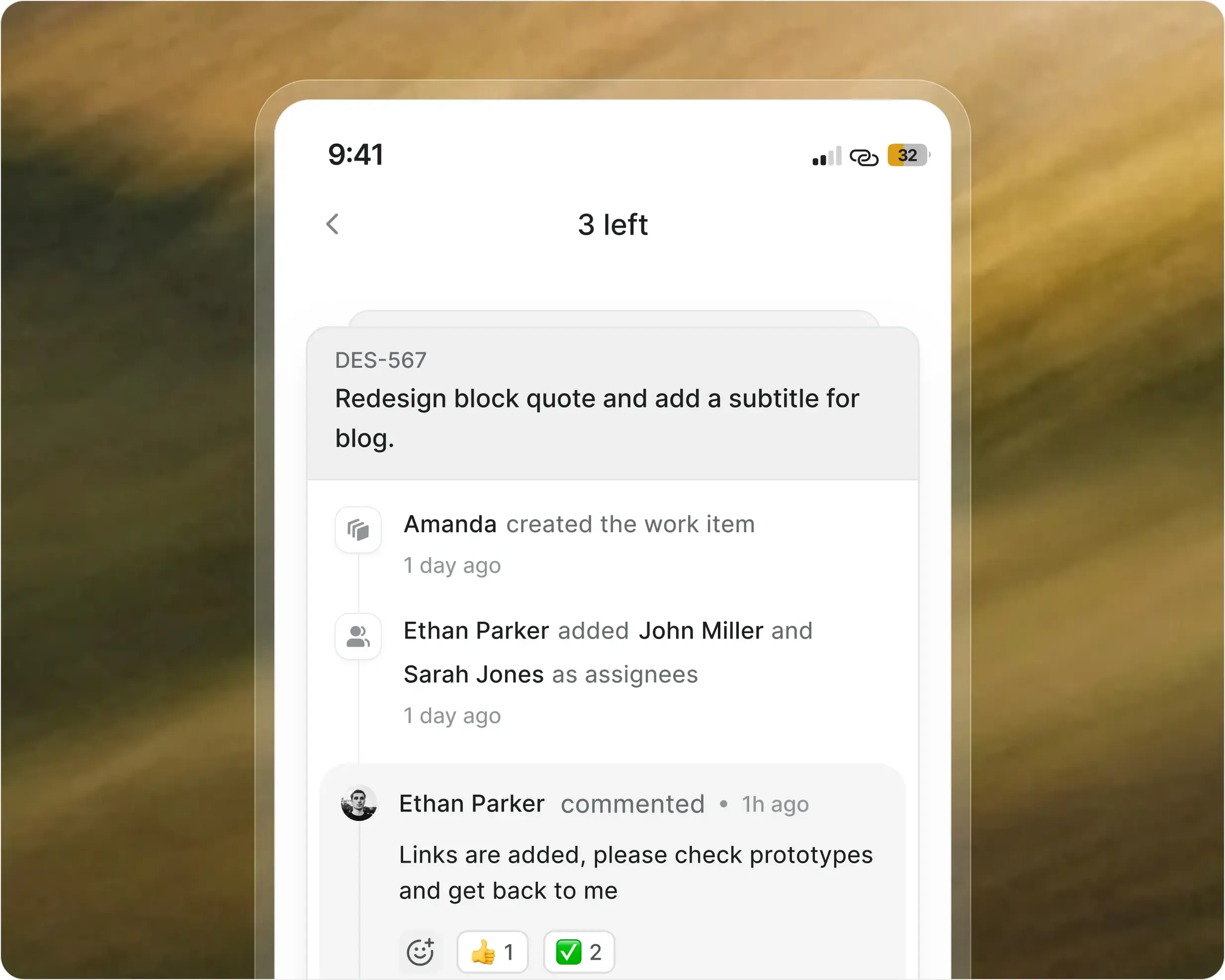
Unblock the team in a few taps
Open any work item to see its activity. Comment, react, copy a link, or share with a note.
Comments, replies, and reactions
Swipe through sub-items, relations, links, and attachments
Edit priority, state, and dates without a desk
Details that make mobile feel native
Not a shrunk-down web view. Small touches, built for life away from the desk.
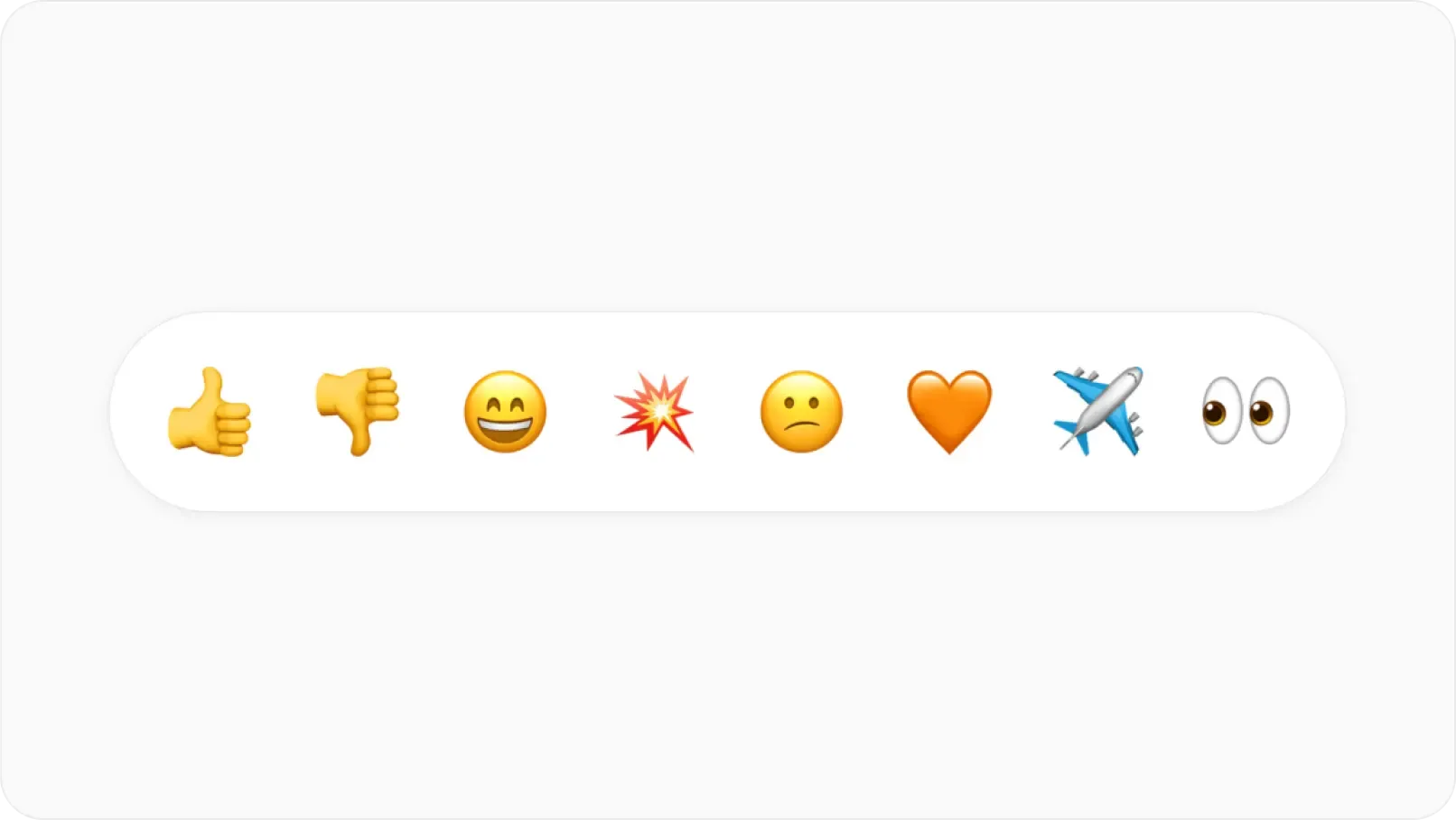
Replies & reactions
Full keyboard navigation for shortcuts, property changes, and configuration. Built for speed at every level.
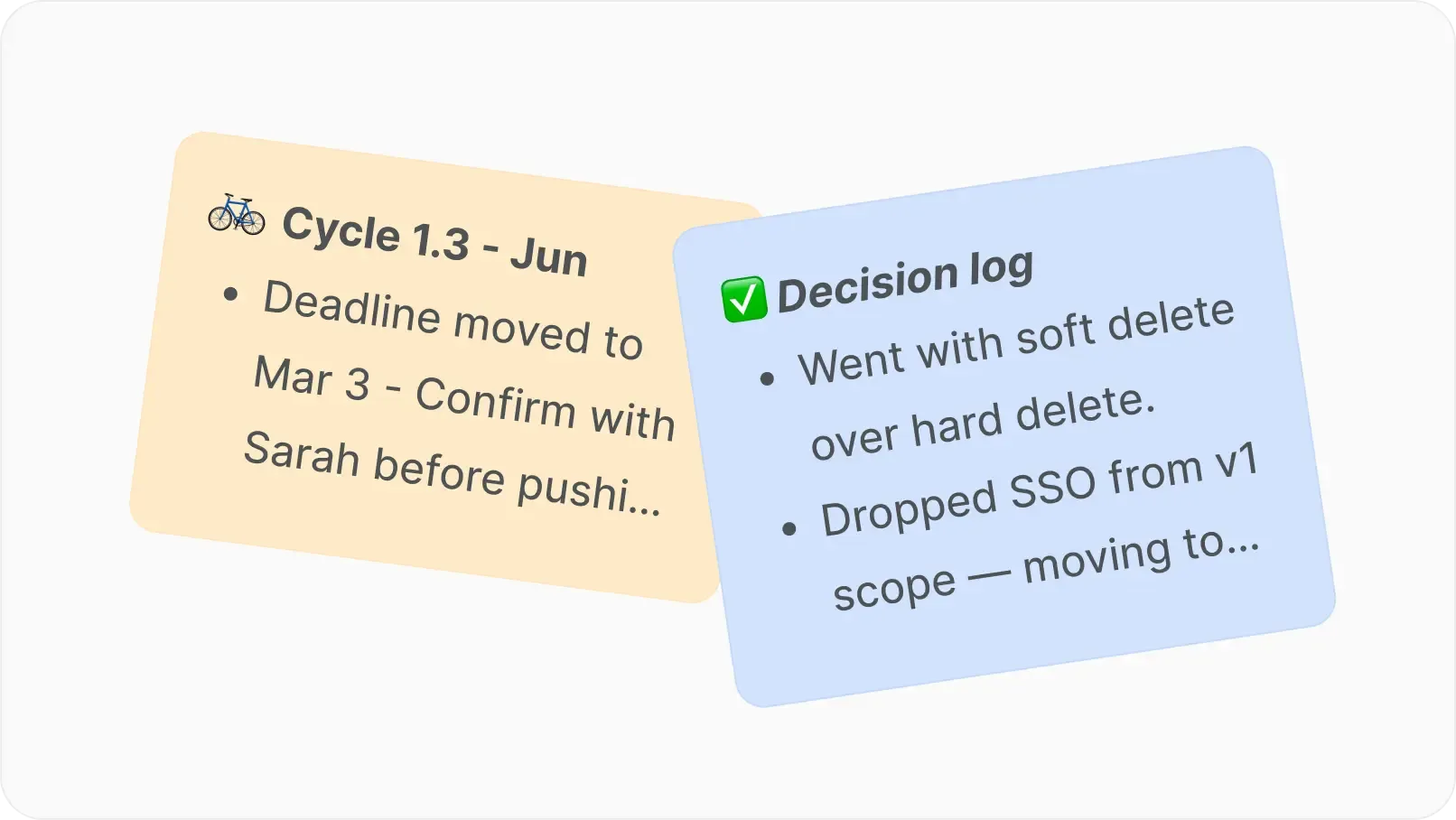
Notes on work items
Jot context onto work items as you go. Nothing lives only in your head.
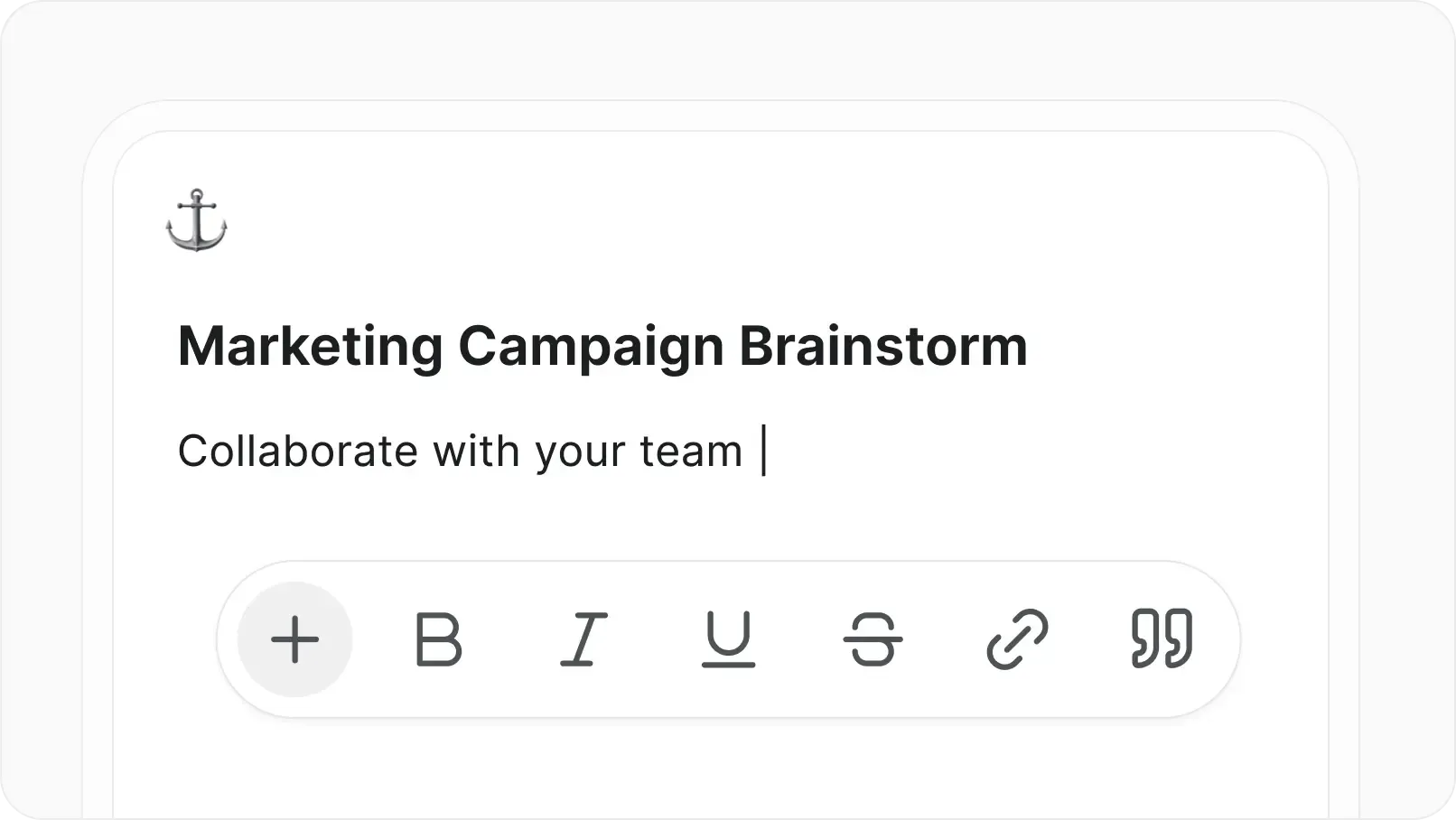
Edit the wiki on the go
Update pages and docs from your phone. No separate app. No waiting for a laptop.
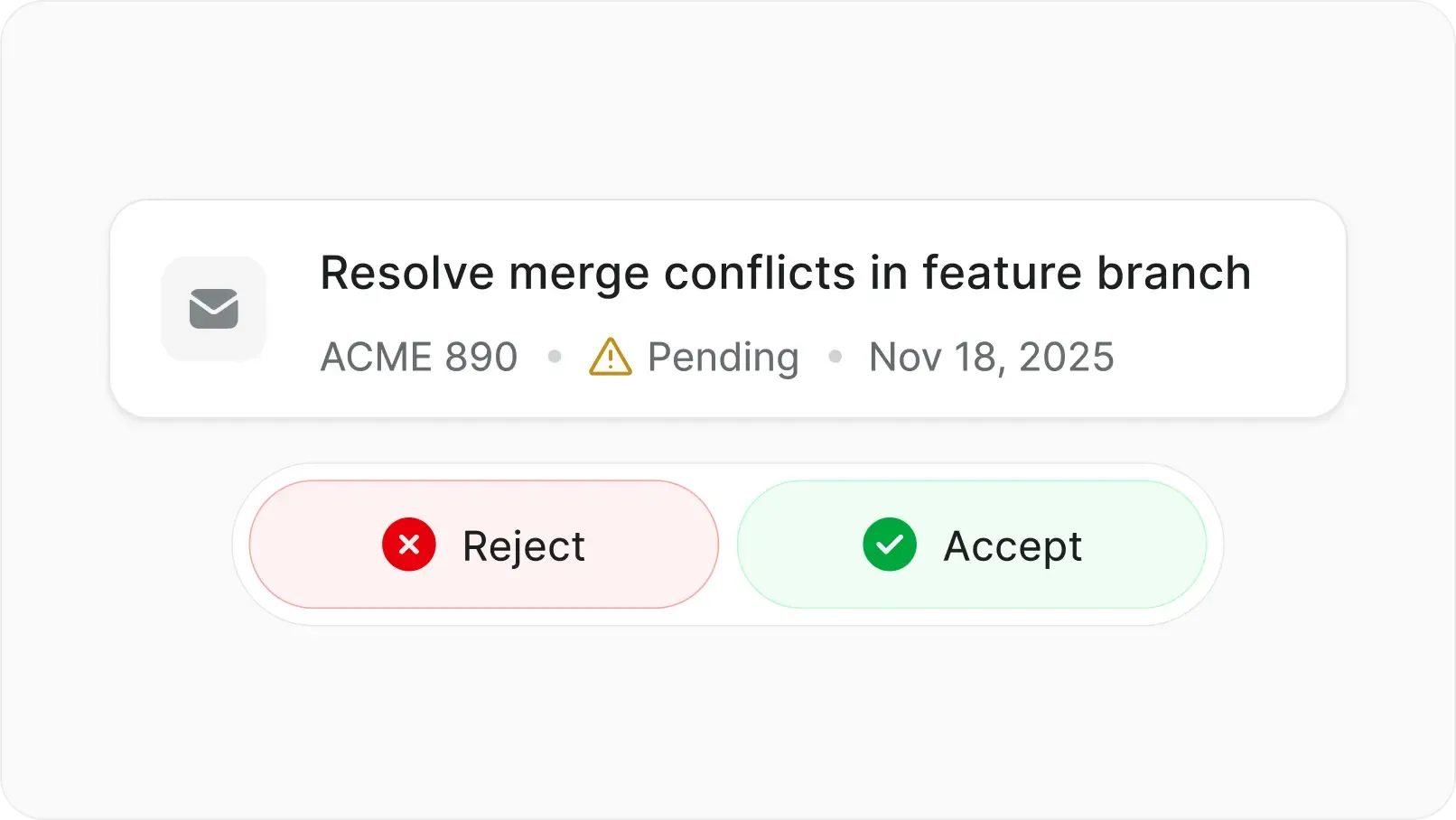
Create & triage requests
Receive, create, and triage intake requests. Act on their notifications from anywhere.
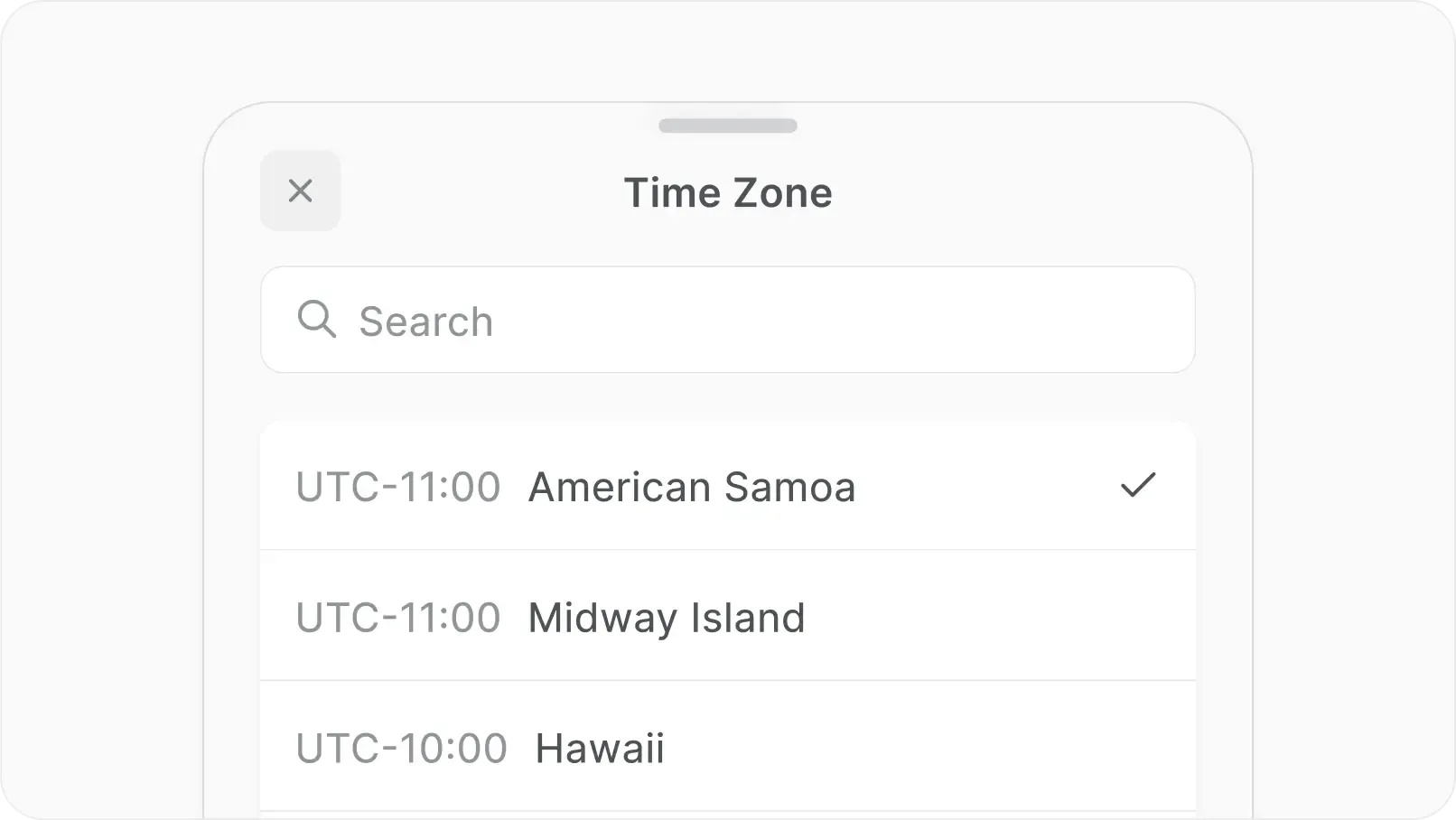
Travel-aware timezone
Detects when you change timezones. Keeps dates and schedules matched to where you are.
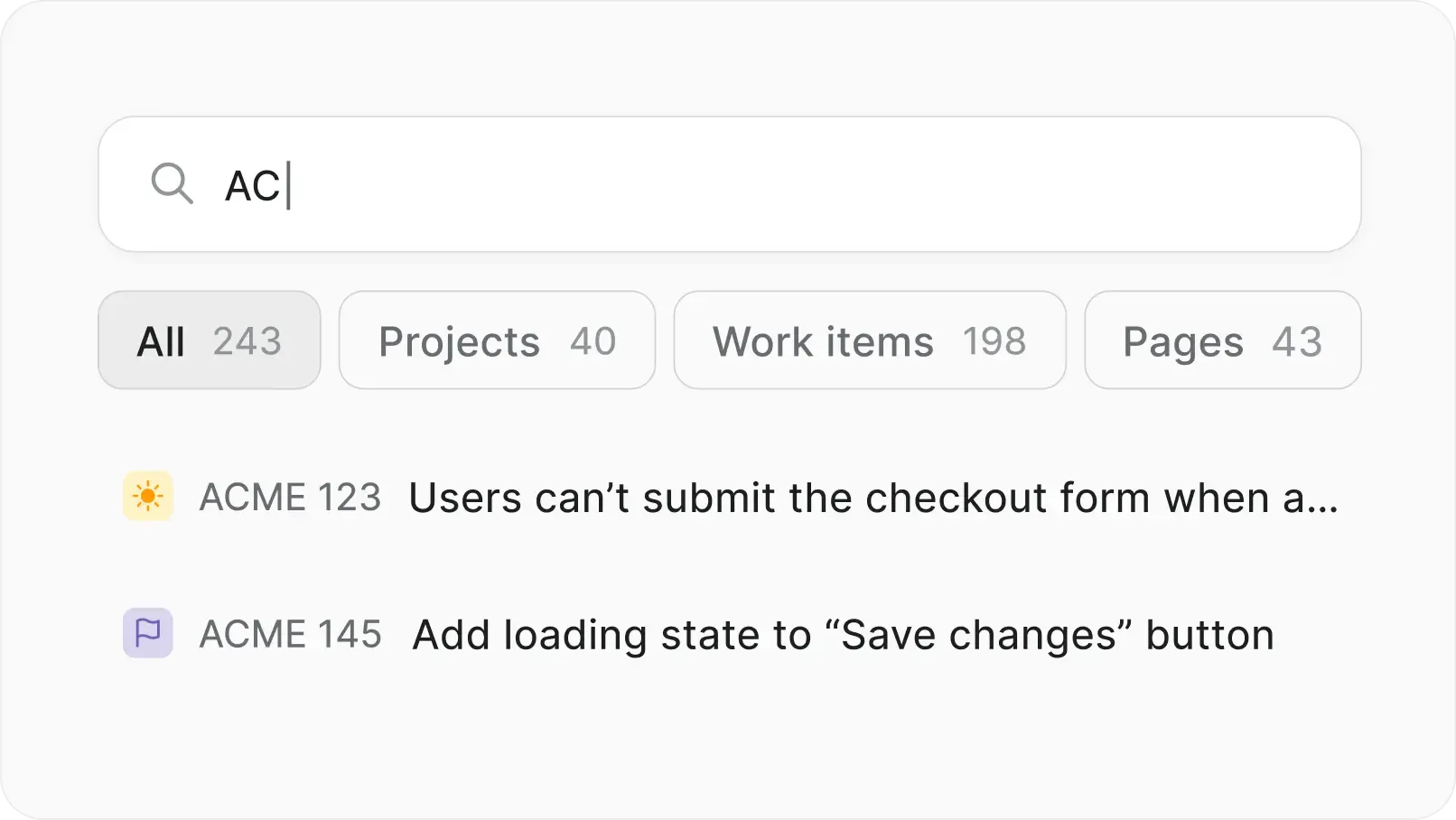
Search the whole workspace
Global search from the home screen. Find projects, work items, cycles, modules, and pages in seconds.
Why settle for legacy when you can self-host modern?
Plane AI comes along. Summarize a thread, draft an update, see what changed. The same assistant behind Build mode on desktop.
Summarize work items and long discussions
Draft comments, descriptions, and updates
Build mode — ask AI to do the hard work for you
@mention AI agents to take on work items
Web search — pull live answers from the internet
Runs wherever your Plane runs.
Sign in to Cloud, or point the app at your self-hosted URL. The full app comes with you. A few capabilities depend on where your instance lives.
Capability | Plane Cloud | Self-hosted | Air-gapped |
Full app — projects, work items, pages, comments, reactions | |||
Sign in (Cloud or self-hosted URL) | v1.12.0 + | ||
Push notifications | |||
Deep links into the app | |||
Plane AI | Coming soon | Coming soon |
FAQs
Plane is built for teams where trust boundaries matter. Certified, encrypted, and governed for organizations that take security seriously.
Every Cloud plan, including the Free tier.
Every commercial self-hosted plan, including its free tier. At the moment Plane Mobile app doesn’t support Community edition.
No. The mobile app is available on commercial editions only.
No. The same Plane app works for both Cloud and self-hosted — just enter your instance URL to sign in.
No. Push notifications are available only on Plane Cloud. On self-hosted instances, you can view all notifications in your Inbox.
Tap your workspace icon in the top-left corner of the Home screen to switch workspaces. You can move between all workspaces you belong to without signing in again.
iOS binds a domain to whichever app opened it first. Open the link in Safari, tap the Open banner up top, and links route to the app from then on.


 Download for Mac
 Download for Android