Plane Pro, structure and context for modern teams
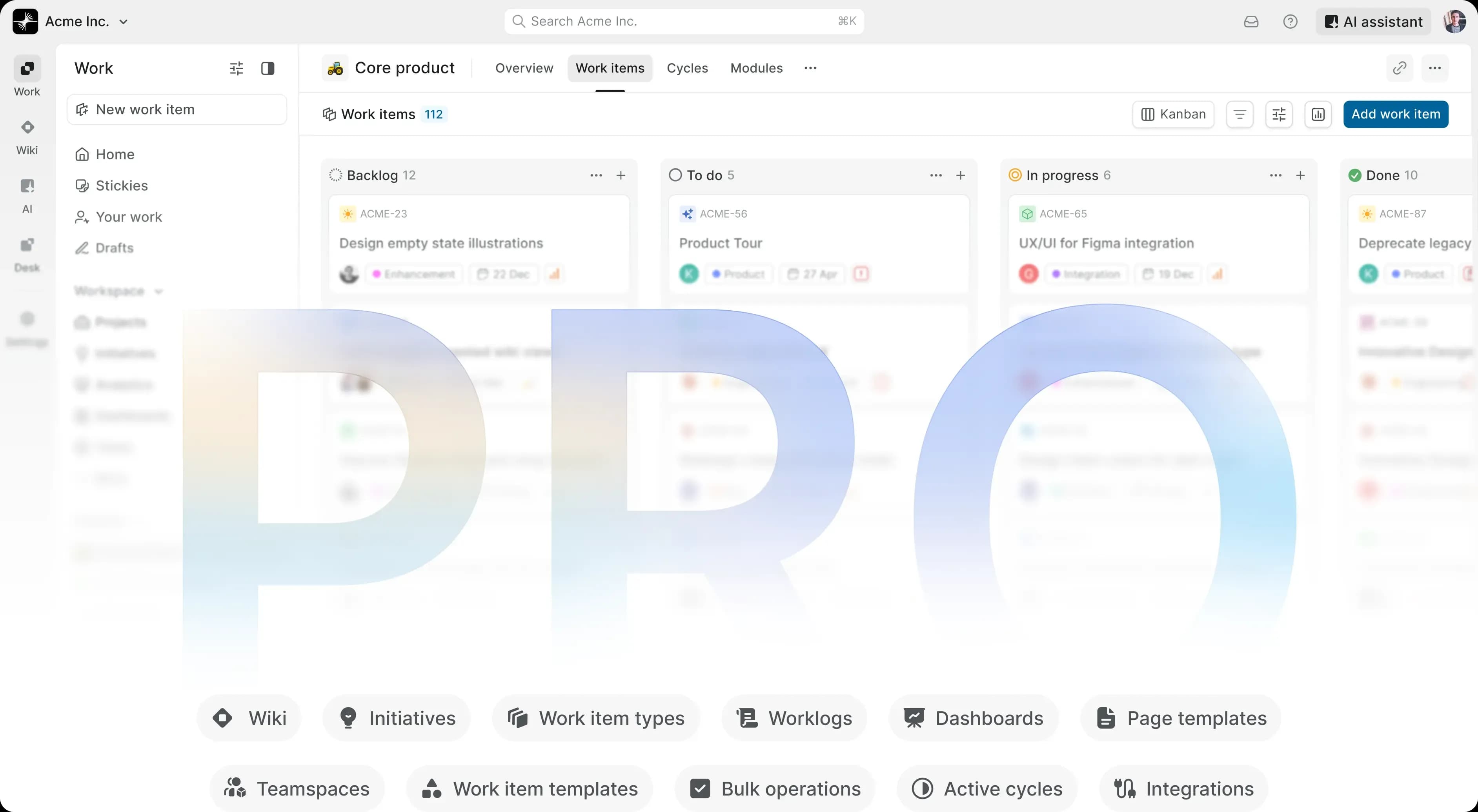
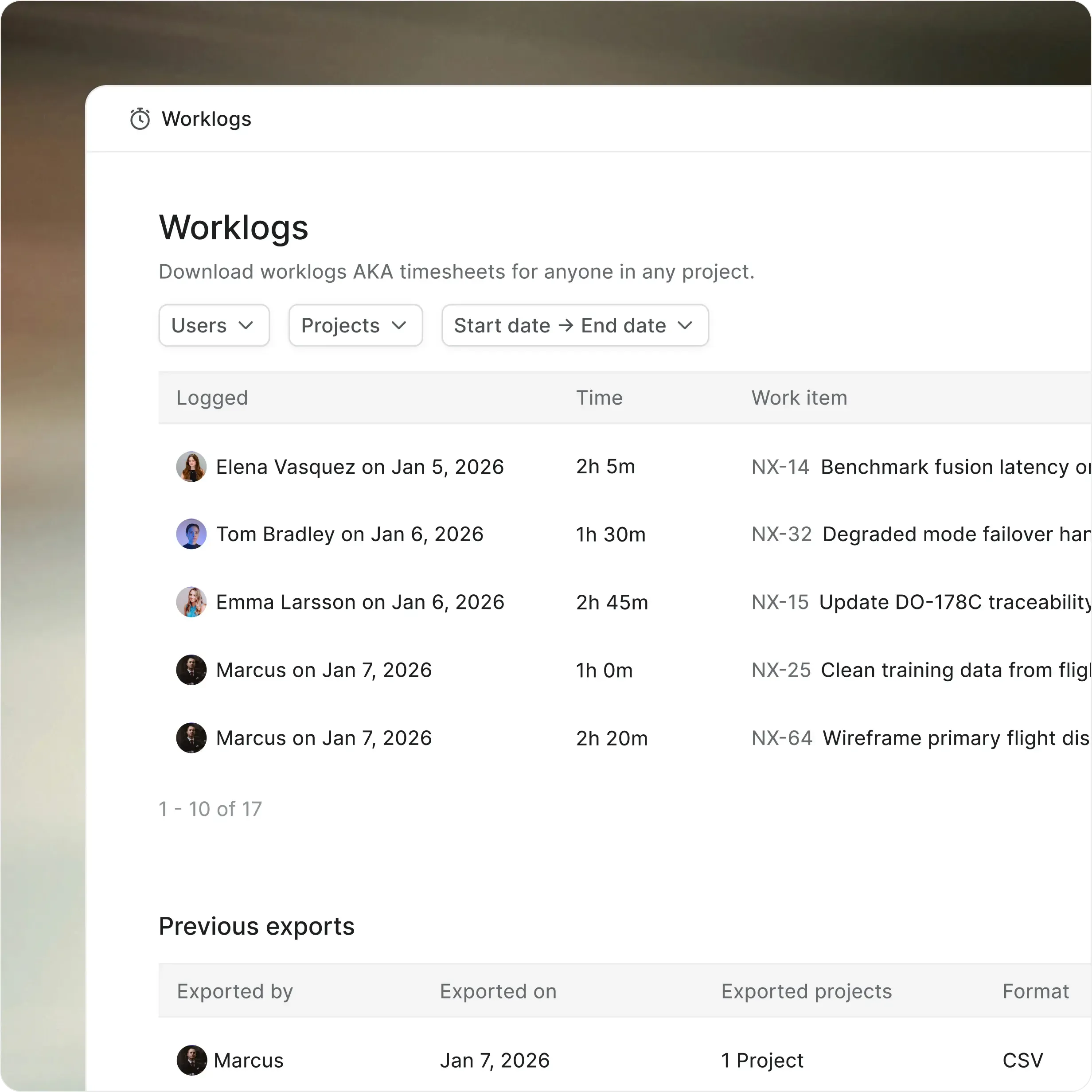
One system for teams and agents. Custom work item types, Wiki,
templates, dashboards, time tracking, and teamspaces in one planr


Every team works differently,
Pro makes that official
Pro adds the structure, shared context, and cross-project
visibility growing teams need next.


Define work your way
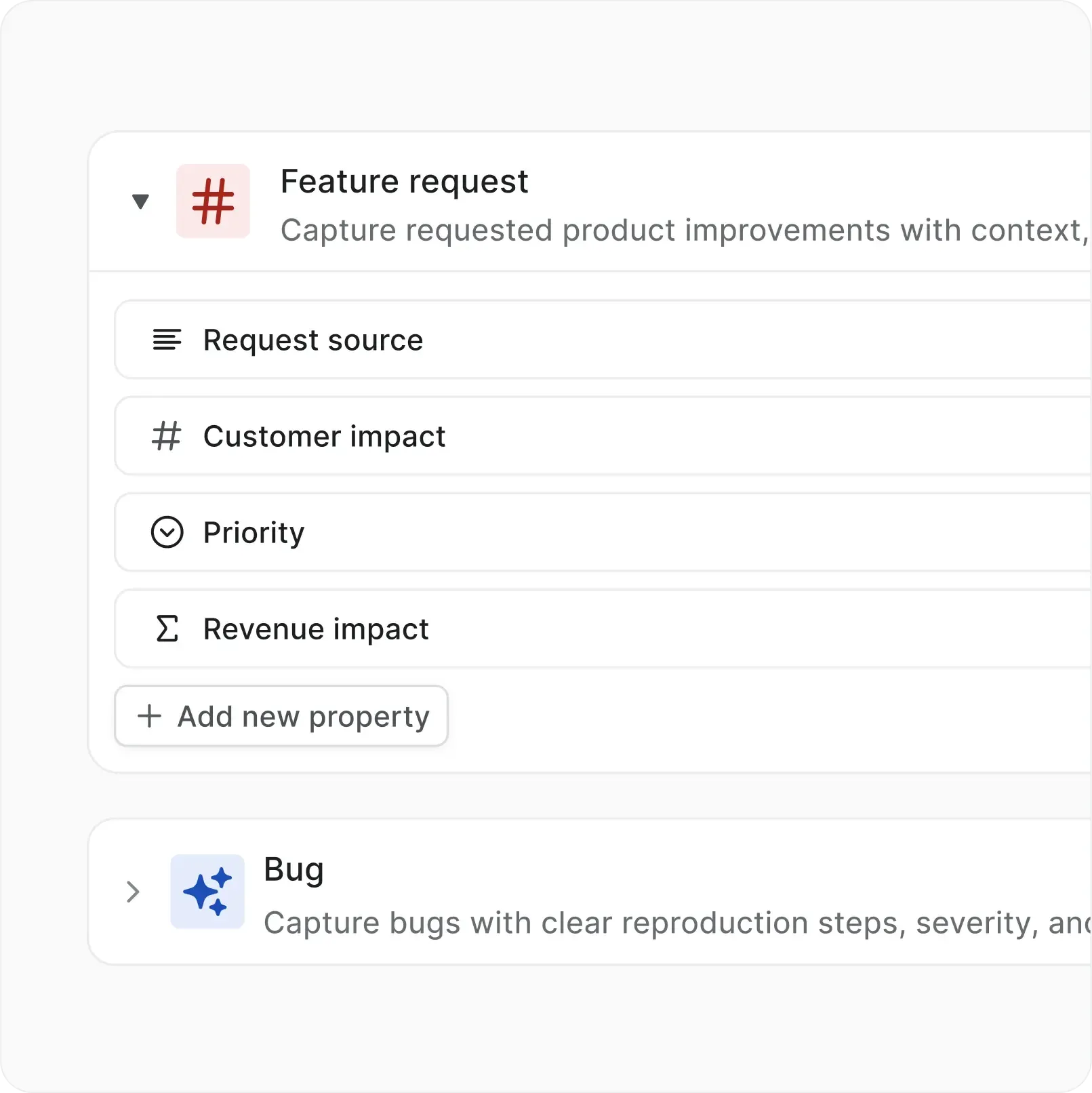
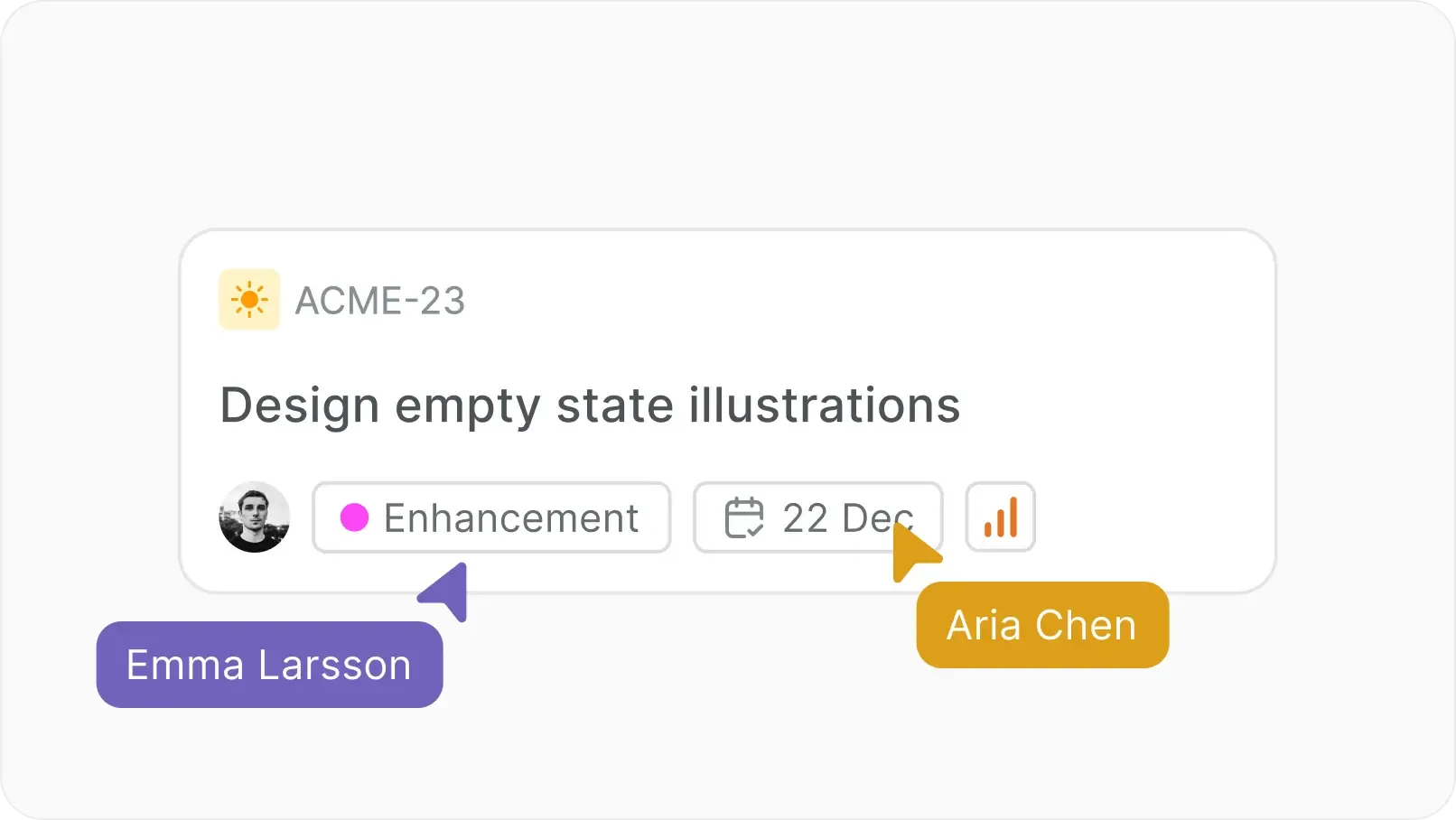
Work Item Types let projects define their own vocabulary, icons, and custom properties.


Keep context with execution
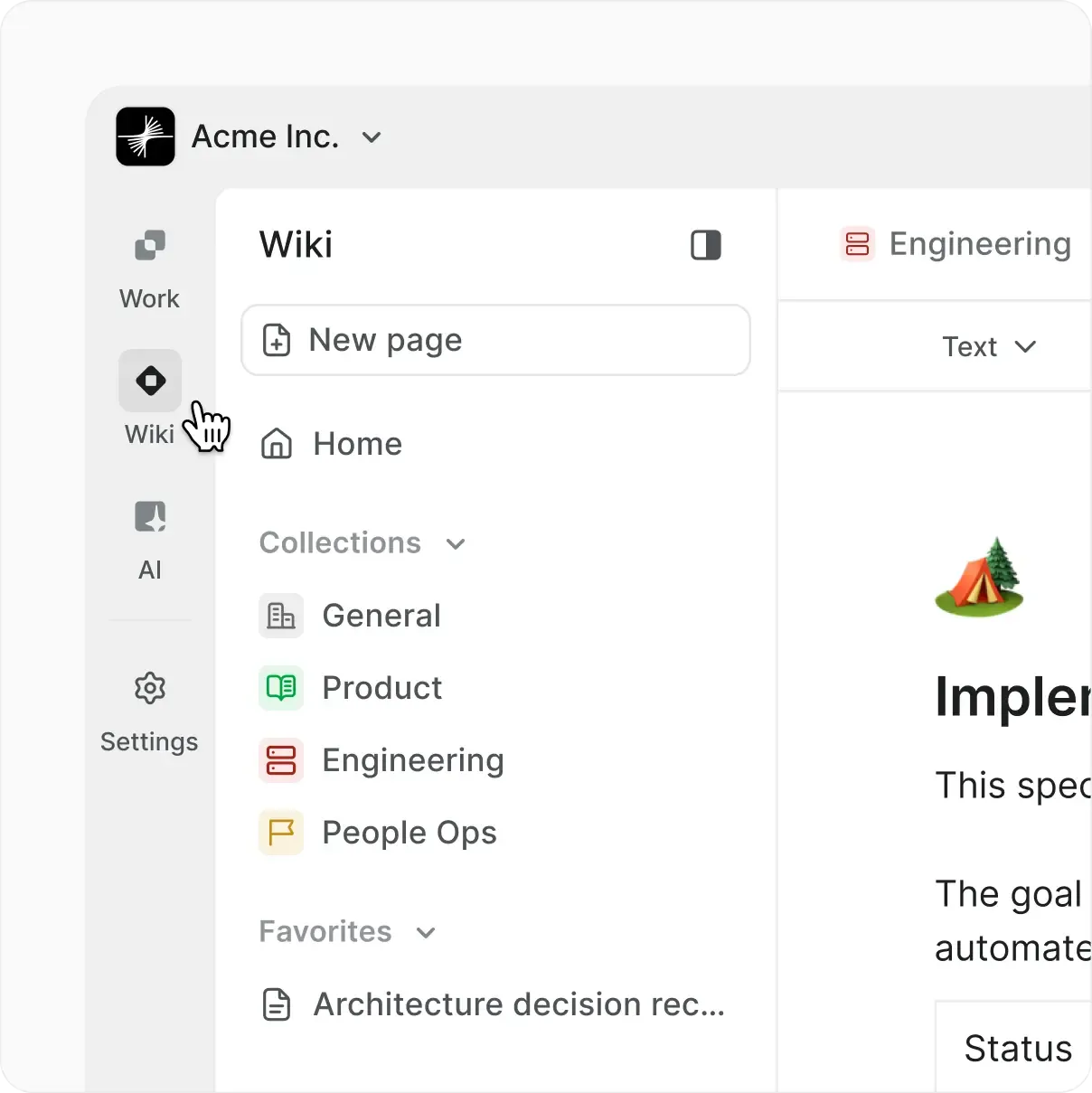
Workspace Wiki keeps processes, specs, and docs connected directly to the work.


See execution across teams
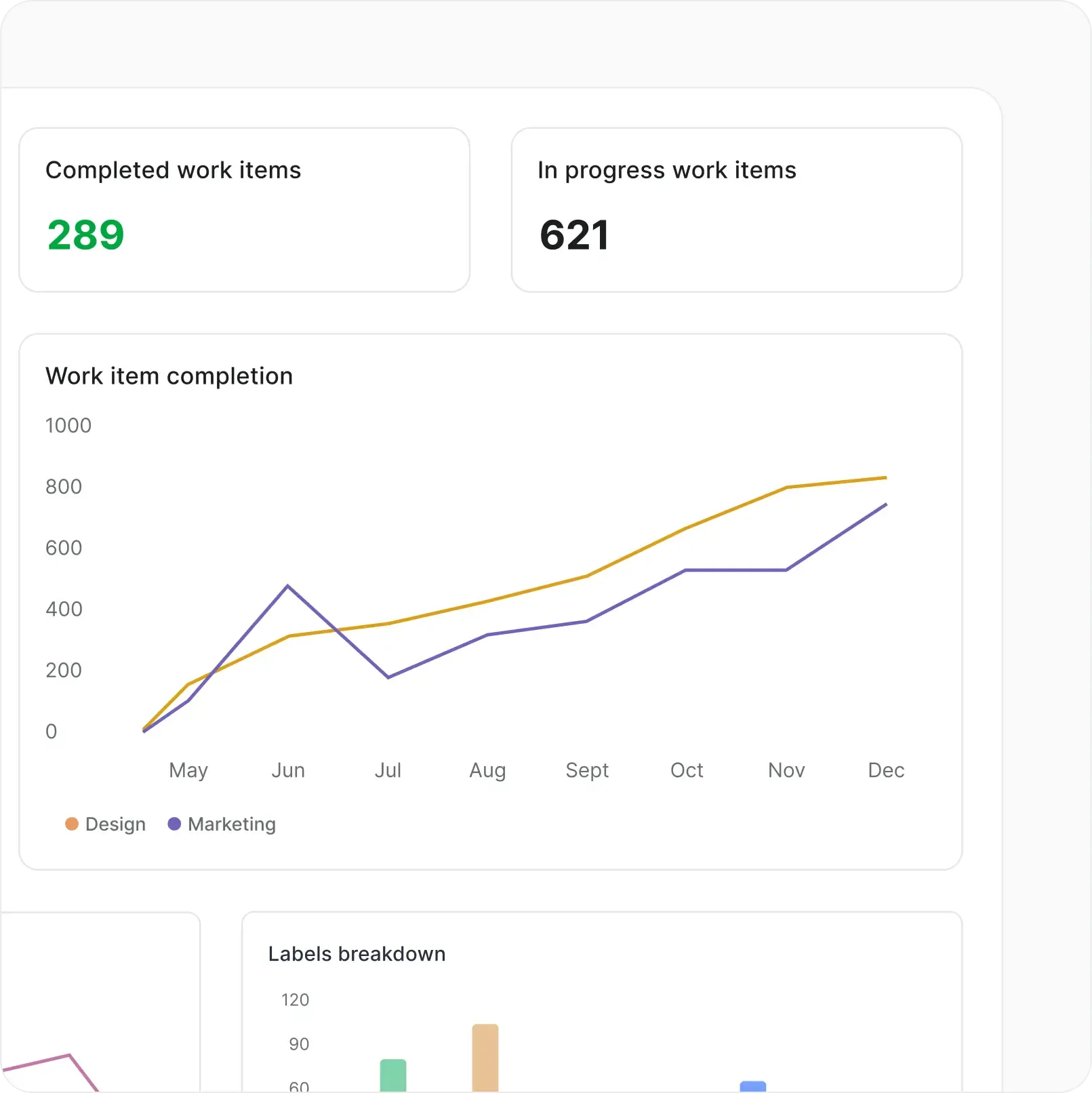
Dashboards, initiatives, and teamspaces make cross-project progress visible from one place.
Unlock depth as your
team grows
Pro adds the capabilities that make daily execution cleaner,
faster, and easier to standardize.


AI that works where your
team already does
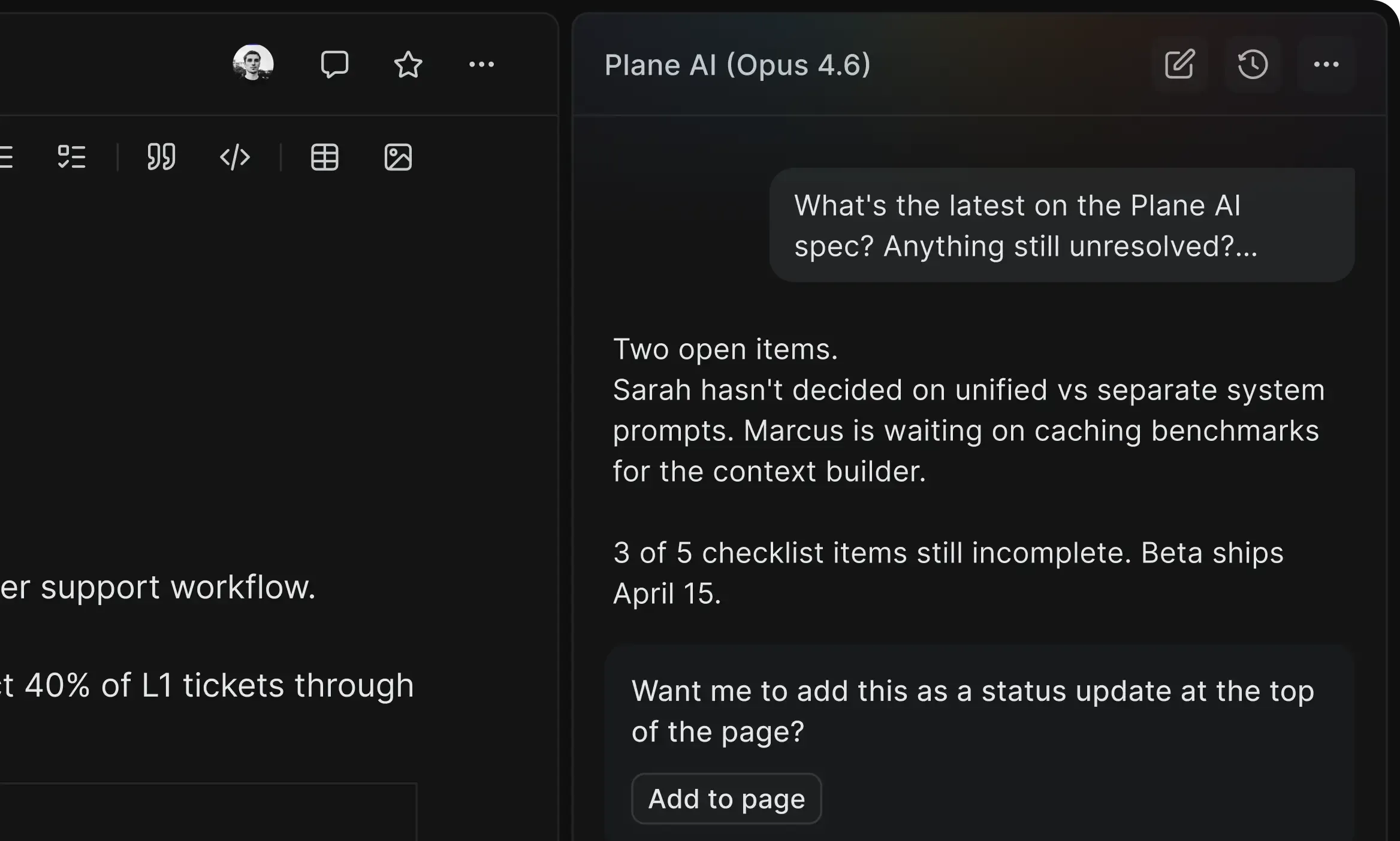
Use AI for everyday creation, summaries, and search right where work already lives
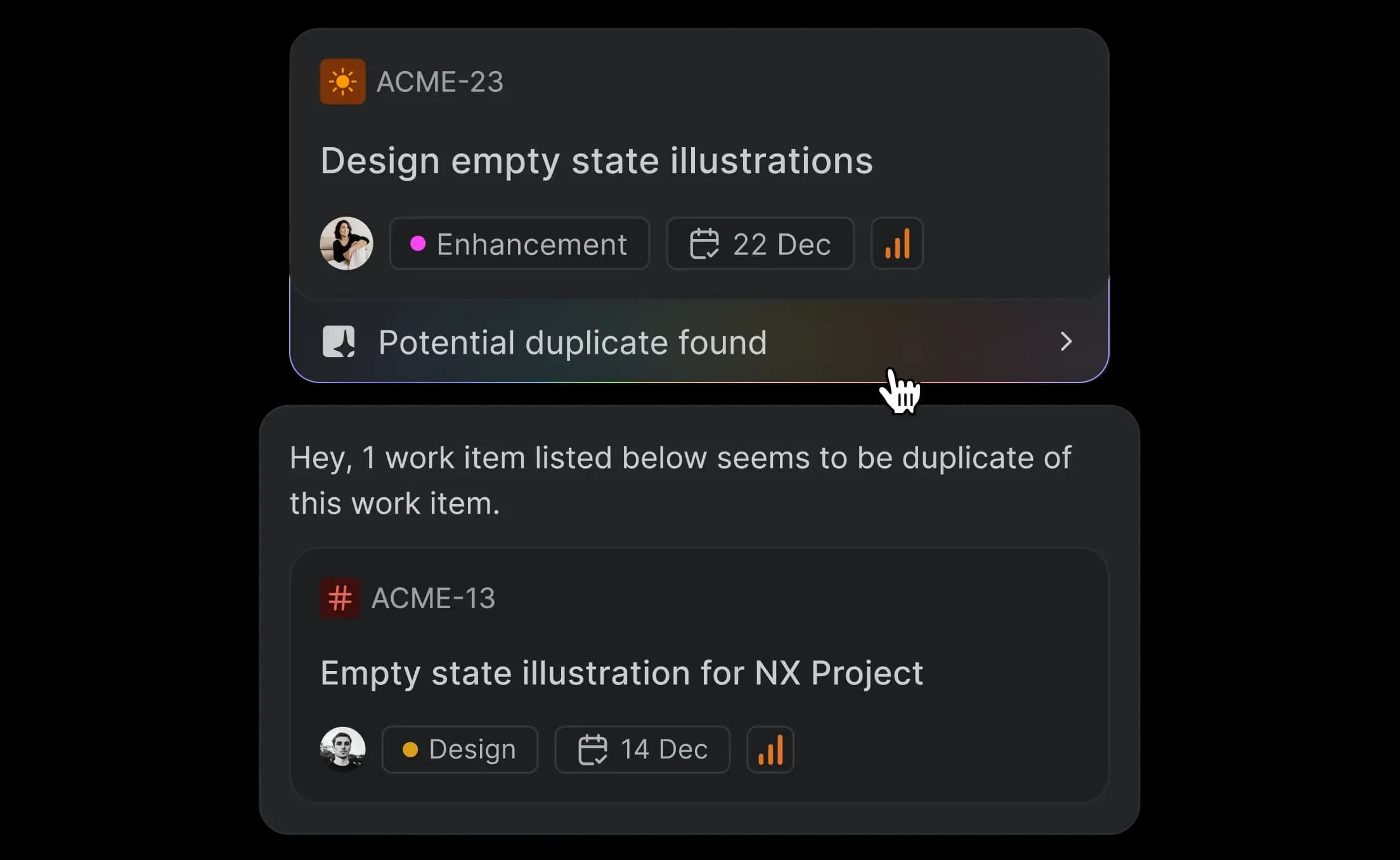
Duplicates caught before creation
Every new work item gets matched against your backlog. Similarities surfaced before anyone clicks create.


First drafts, written and attached
Describe the work. Plane AI generates the brief and attaches it as a Page. Edit, not author.


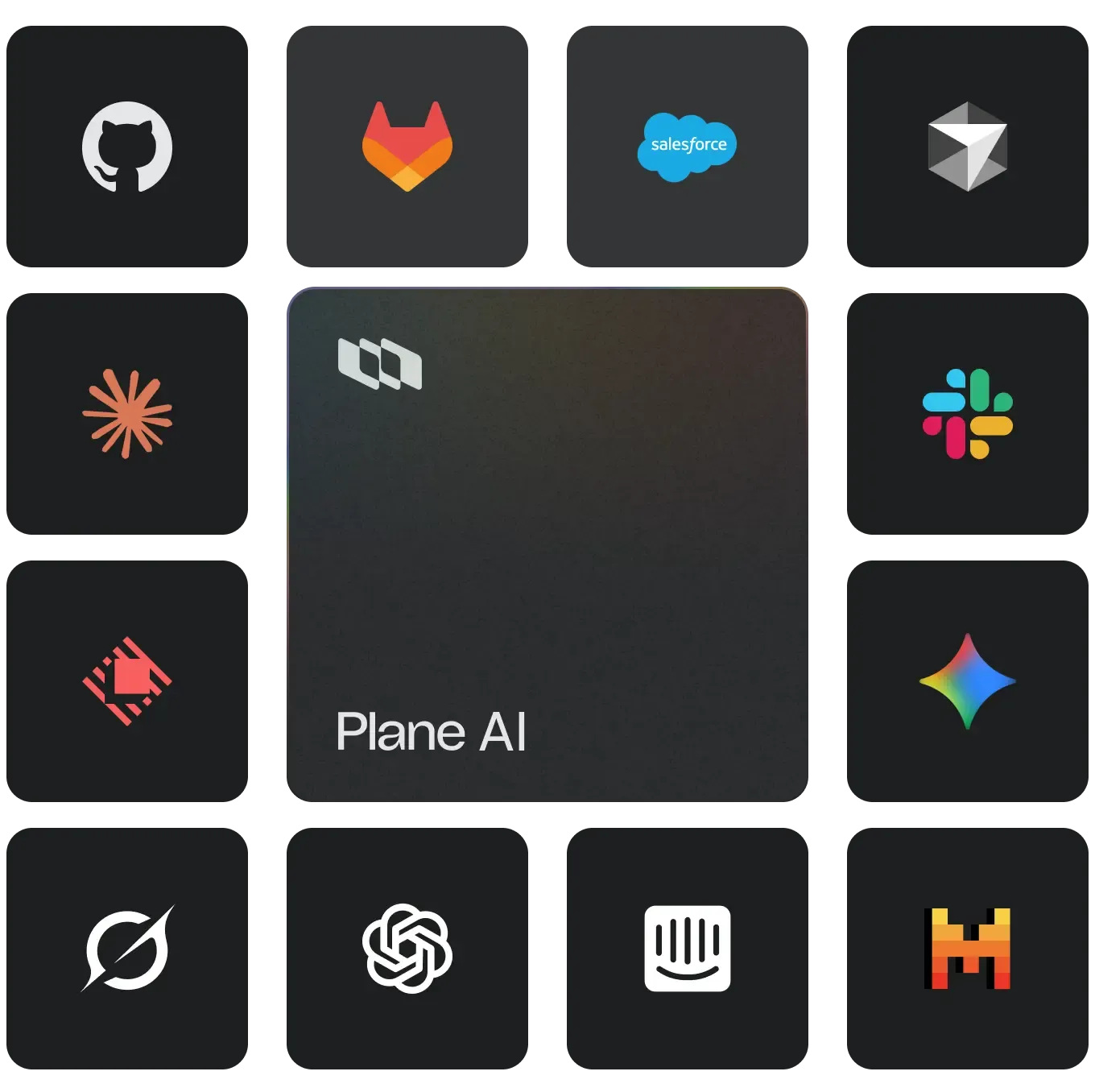
Plane AI across your stack
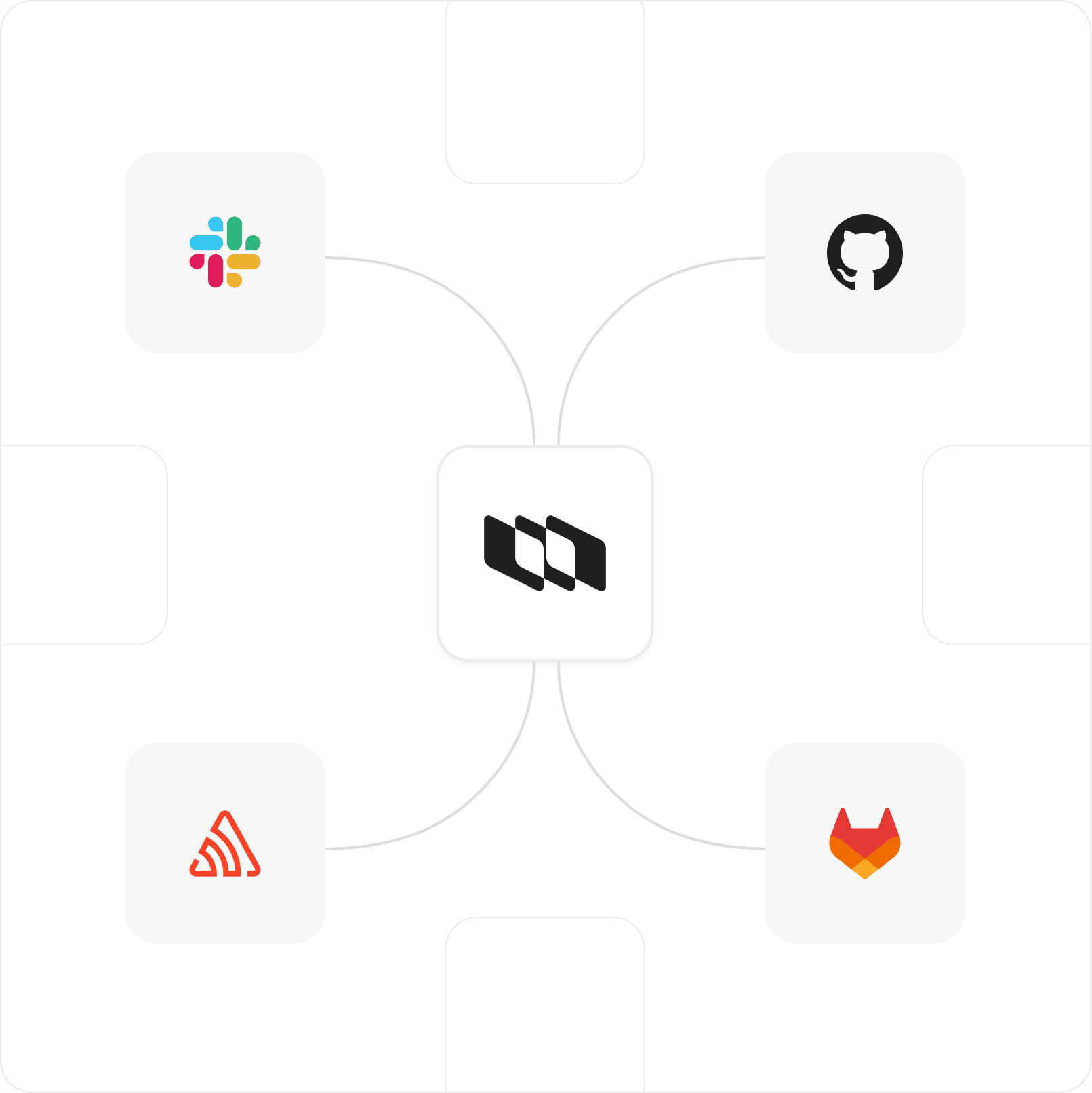
Connect through integrations, agents, and importers. Slack, GitHub, GitLab, Sentry, and more


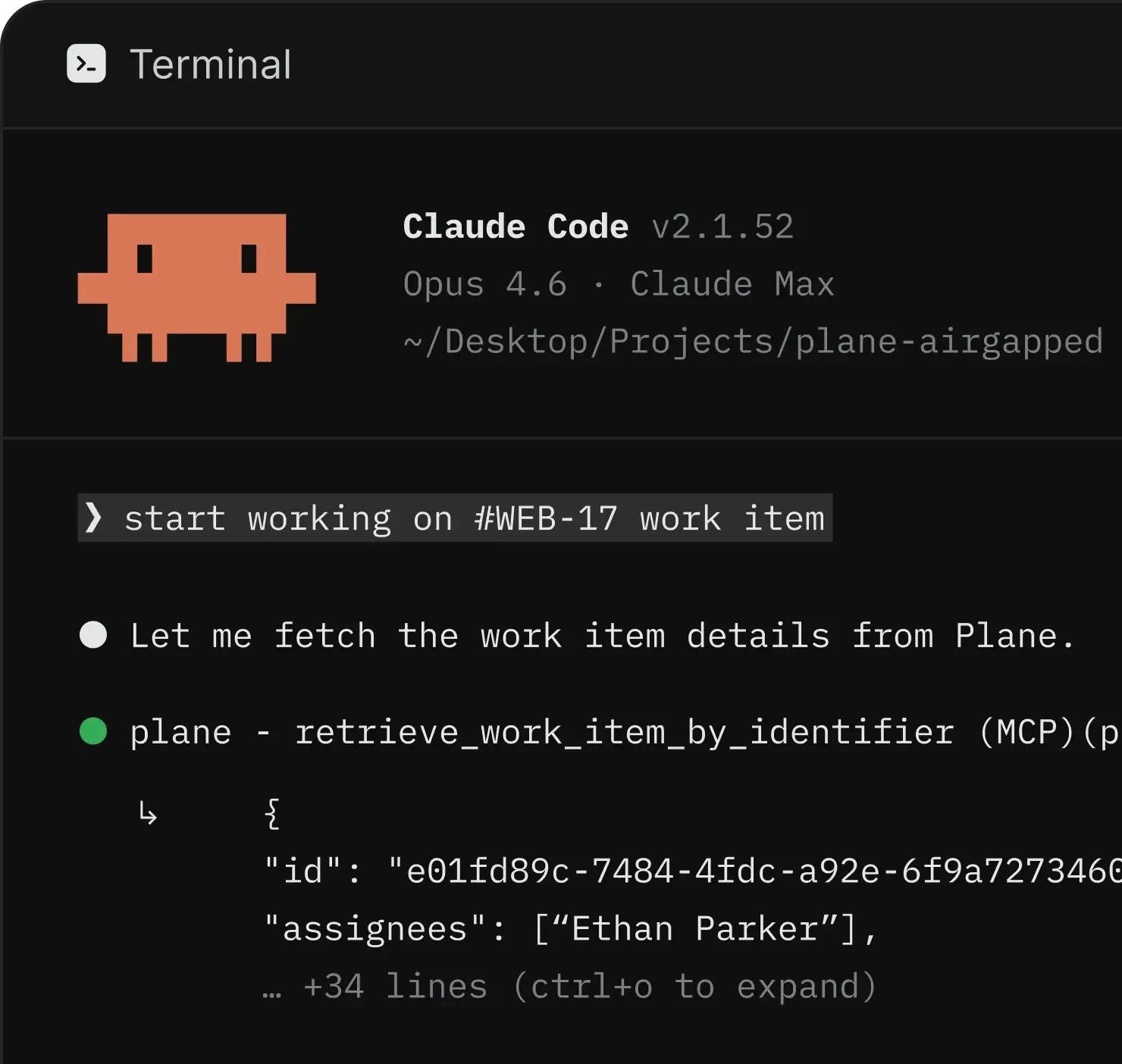
Open-source MCP, any client
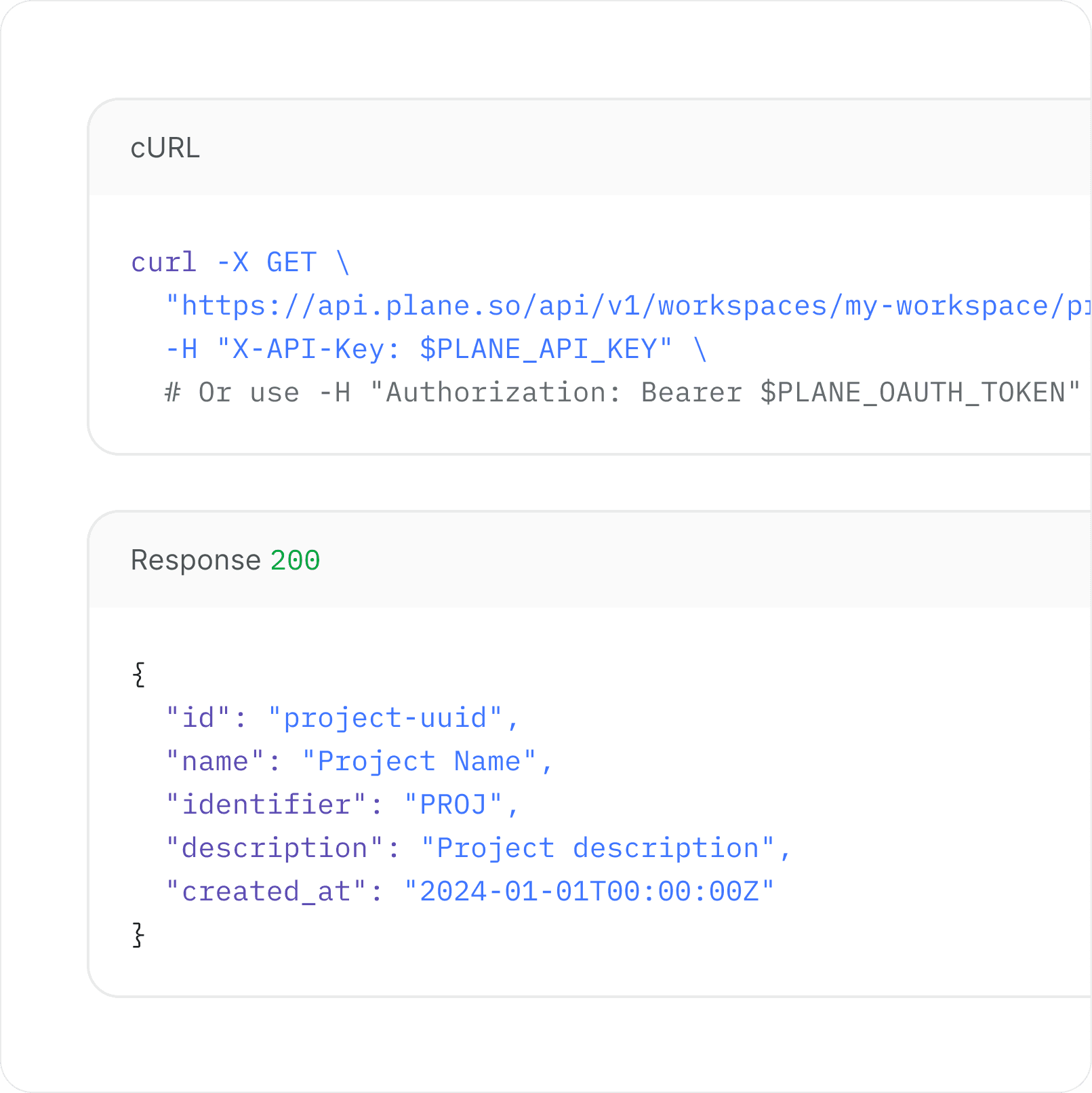
Open API, webhooks, OAuth apps, and a native MCP server.


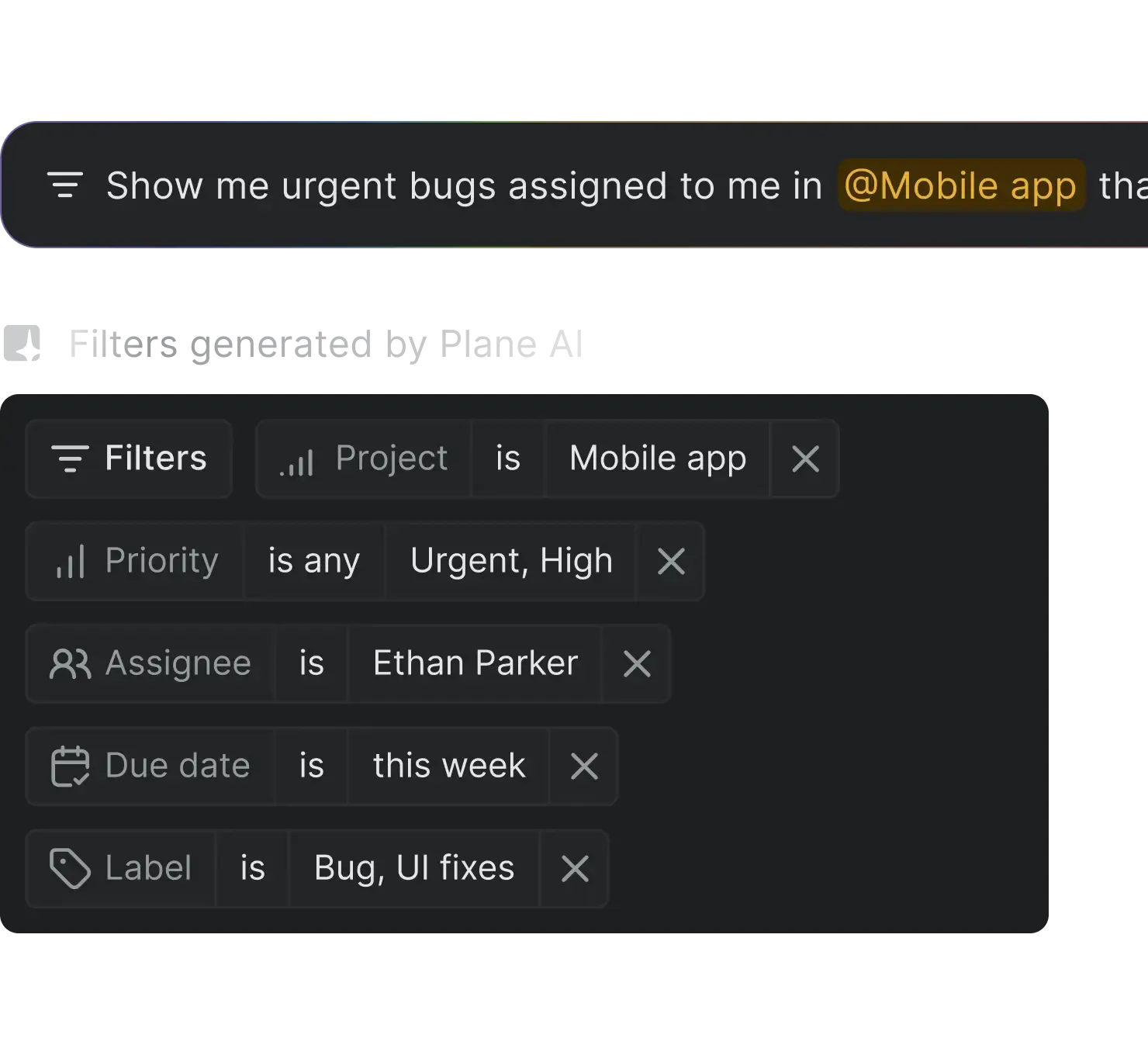
AI-powered filters
Ask for work naturally and Plane builds the right filters, views, and results for you.


Speed in every corner
of the workspace
Pro unlocks the small details that make work faster. Command-K navigation
and AI search to real-time collaboration and powerful documentation tools.


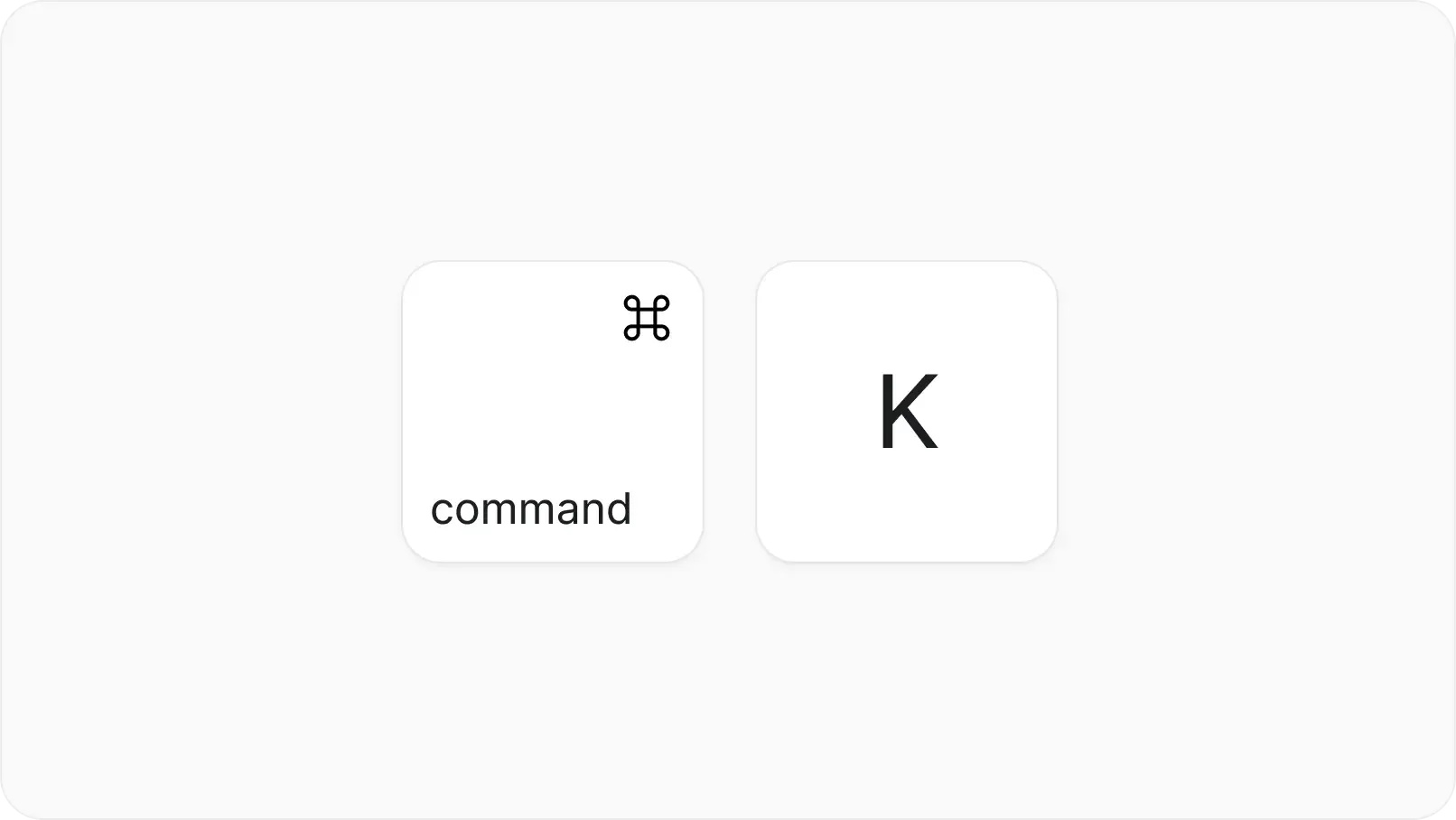
Command K everything
Full keyboard navigation for shortcuts, property changes, and configuration. Built for speed at every level.


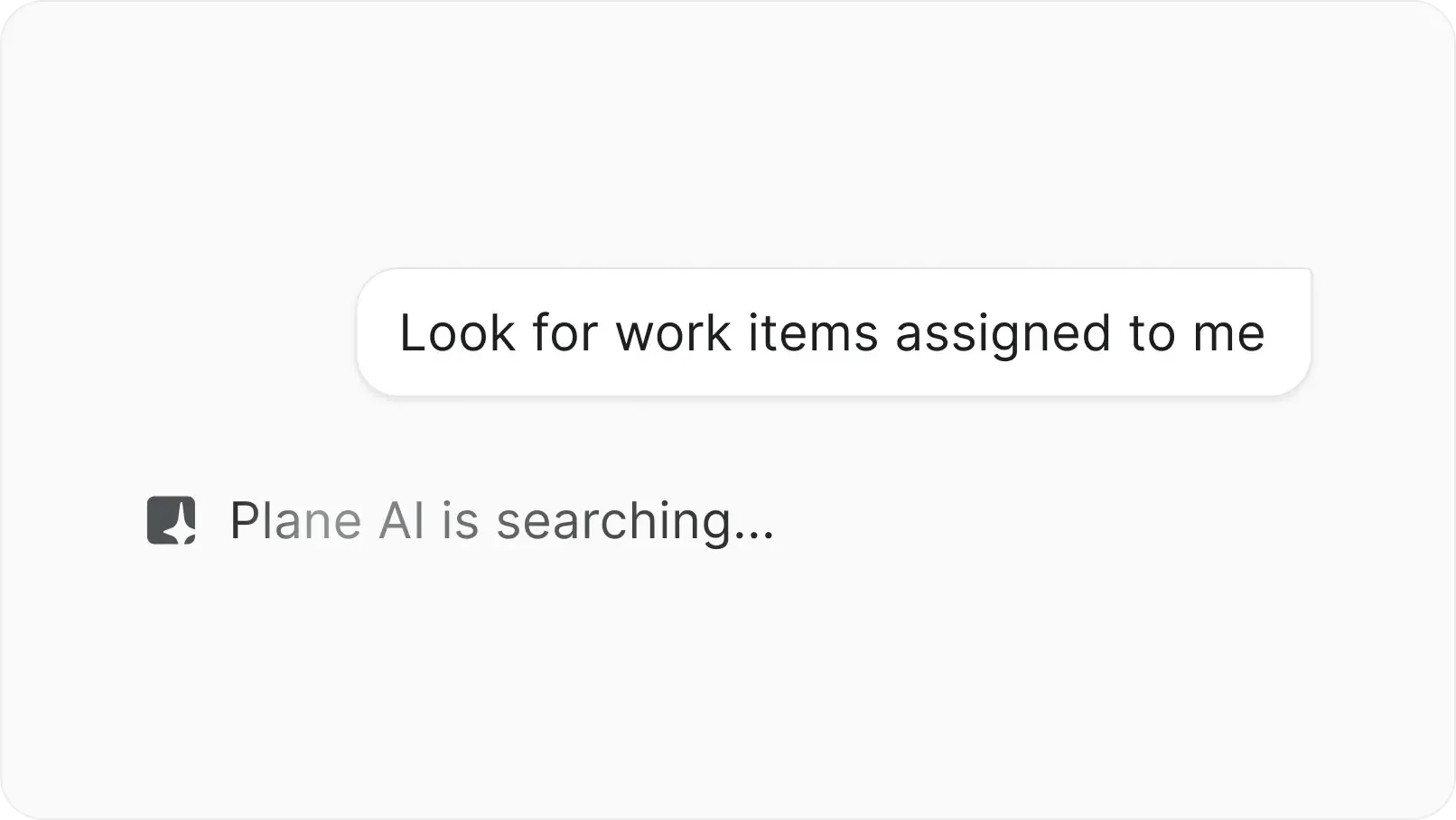
AI-powered search
Search in natural language. AI finds what you need from across your entire workspace.


Real-time collaboration
Every change on work-item syncs instantly. Teams work simultaneously without conflicts or lost data.


Progressive complexity
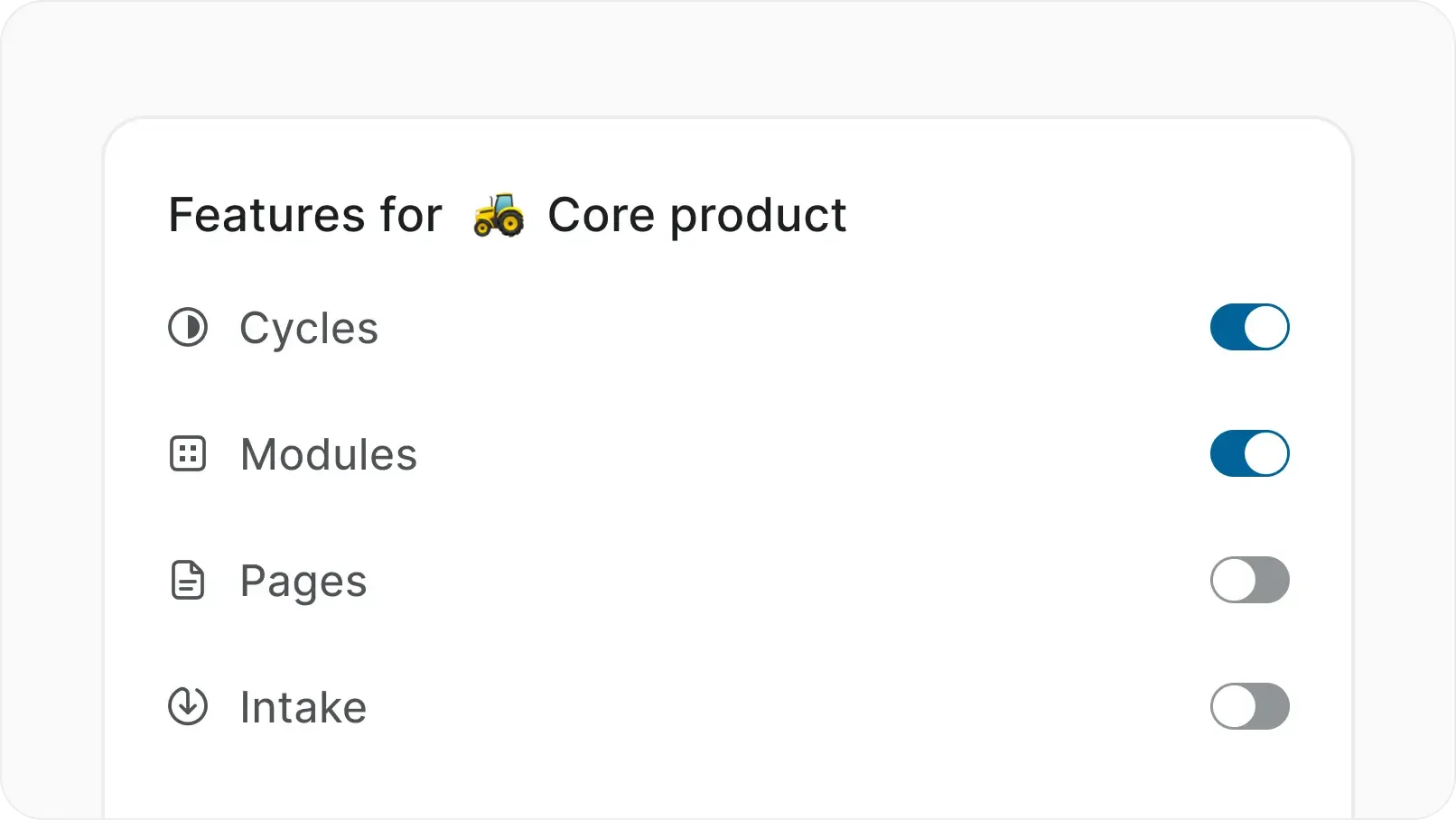
Every feature is off by default. Turn on cycles, modules, automations, and more only when your team is ready.


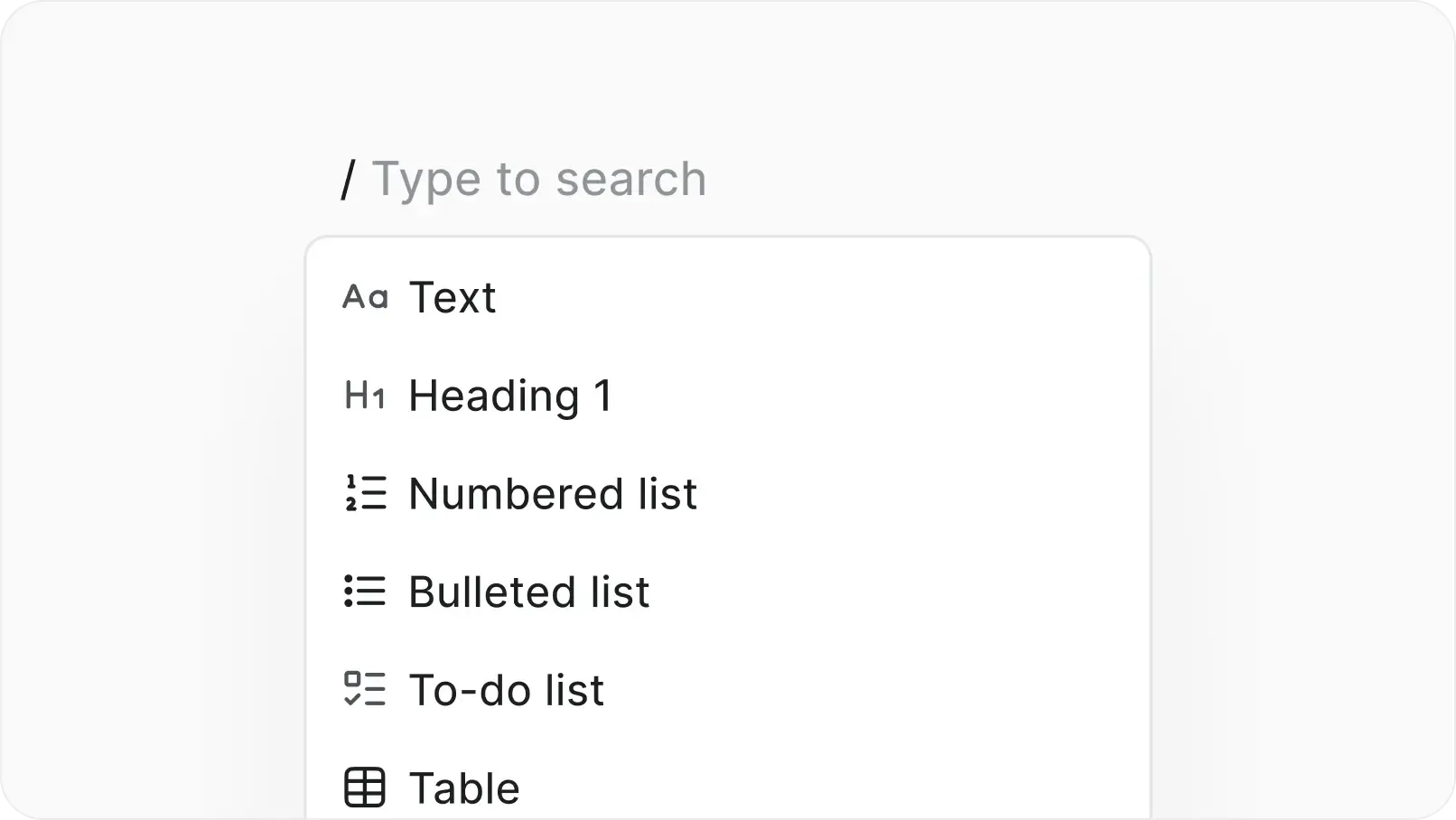
Slash commands everywhere
Type / to insert blocks like tables, code, embeds, diagrams, and more while documenting work.


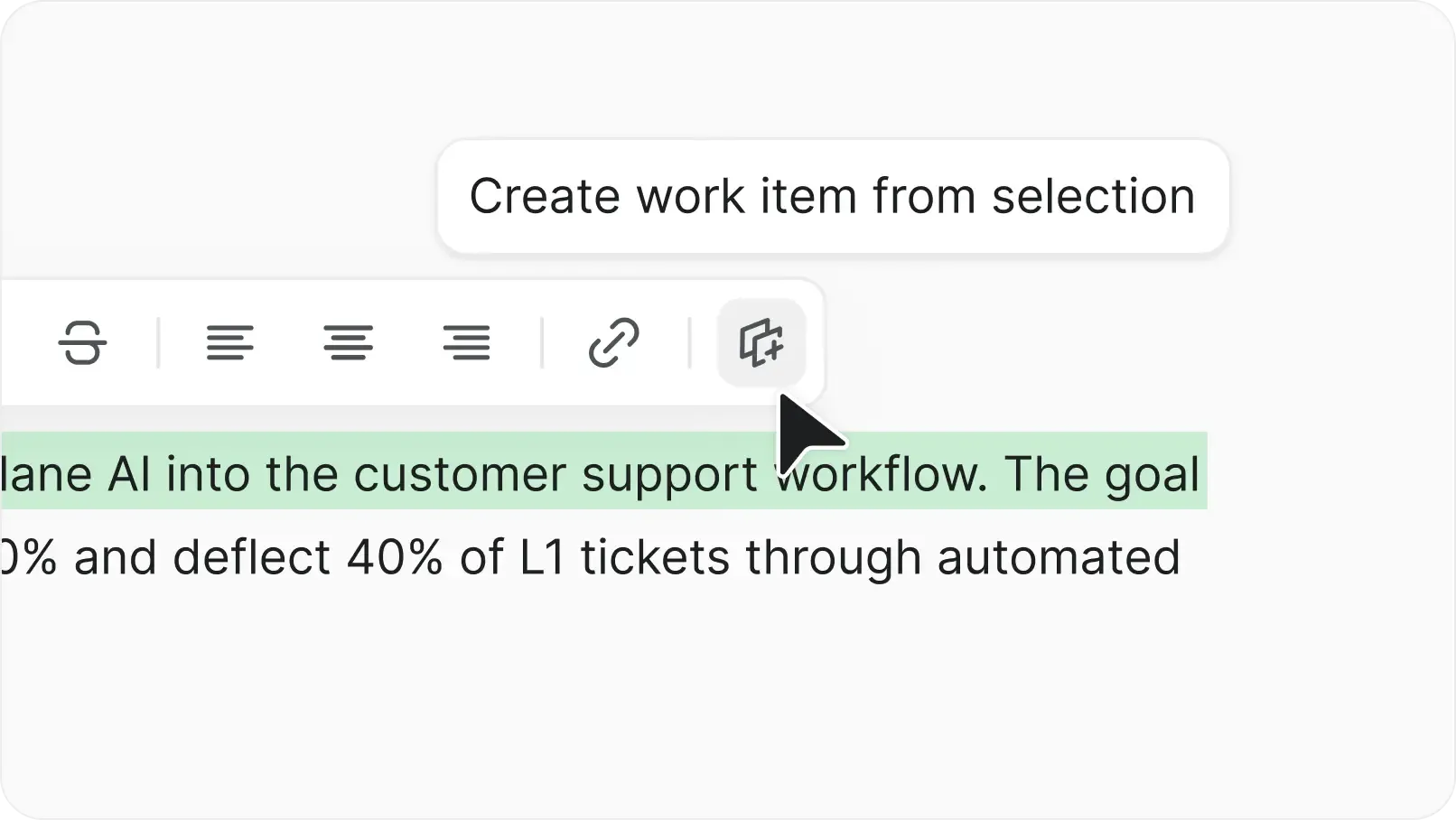
Turn text into work items
Highlight any sentence in the wiki and convert it into a work item linked back to the doc.
Agents, APIs, and integrations that work inside your stack
Install apps from the Marketplace. Connect internal tools through REST APIs and webhooks. Assign AI agents to work items and track every action.


Connect your favorite apps
GitHub, GitLab, Slack, Sentry, and more from the Plane Marketplace. Install in clicks, stays in sync.


Build with APIs and webhooks
Full REST API and webhooks for every event. Build custom workflows or connect internal tools in real time.


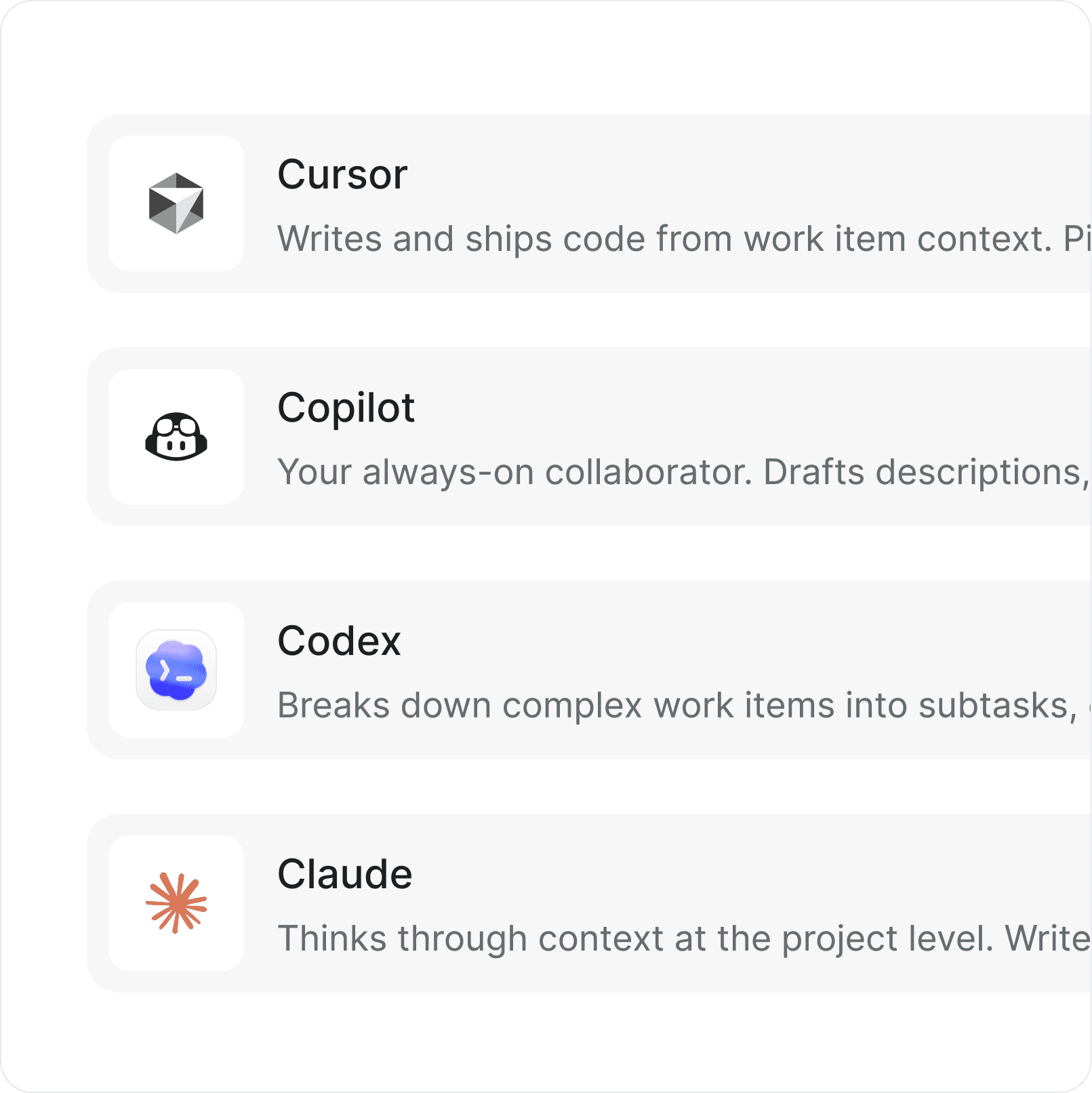
Bring your own agents
Assign AI agents to work items and let them handle triage, updates, and repetitive work across your projects.
Pro capabilities for self-hosted
project management
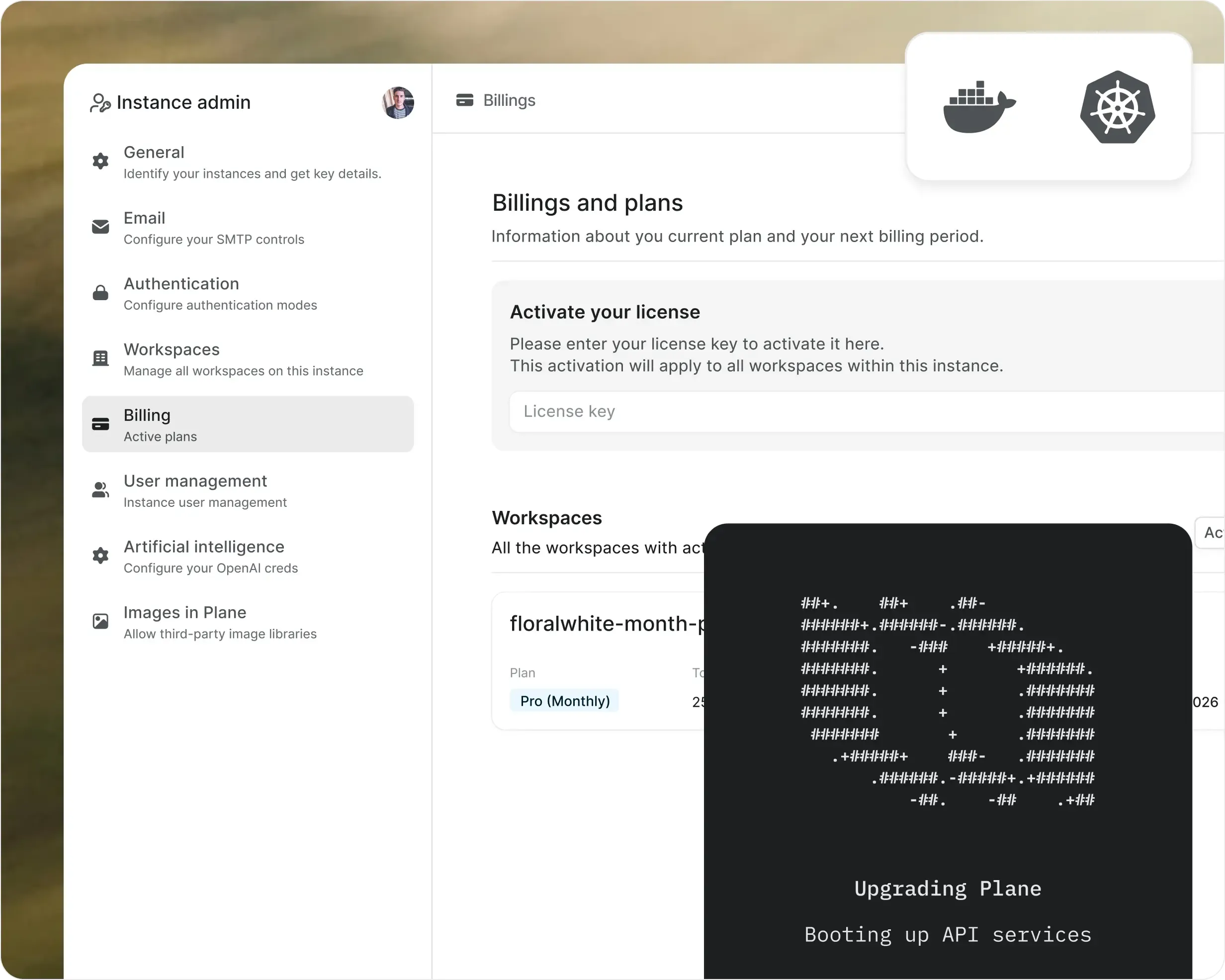
Run Plane inside your own infrastructure with the full governance layer. Workflows, approvals, SSO, dashboards, and AI in your environment.
Full infrastructure control
AI and agents in your environment
Built for restricted environments


Enterprise-grade security, compliance, and control
Plane is built for teams where trust boundaries matter. Certified, encrypted, and governed for organizations that take security seriously.


Certified across four compliance standards
SOC 2, ISO 27001, GDPR, and CCPA compliance out of the box. Independently audited, continuously monitored.


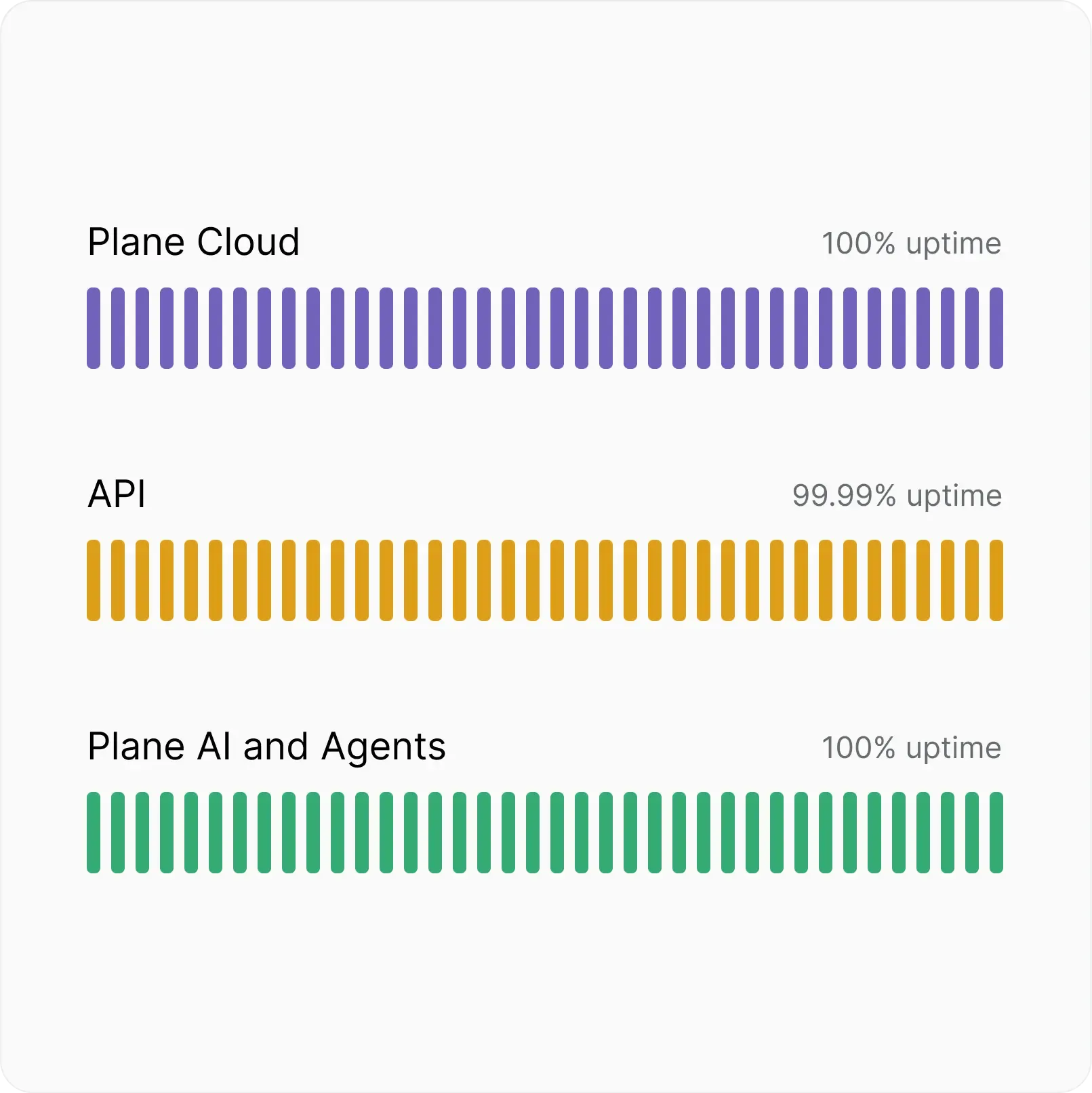
Infrastructure that stays up
Automatic backups, real-time scaling, and multi-layer failovers. 99.95% uptime, built in.


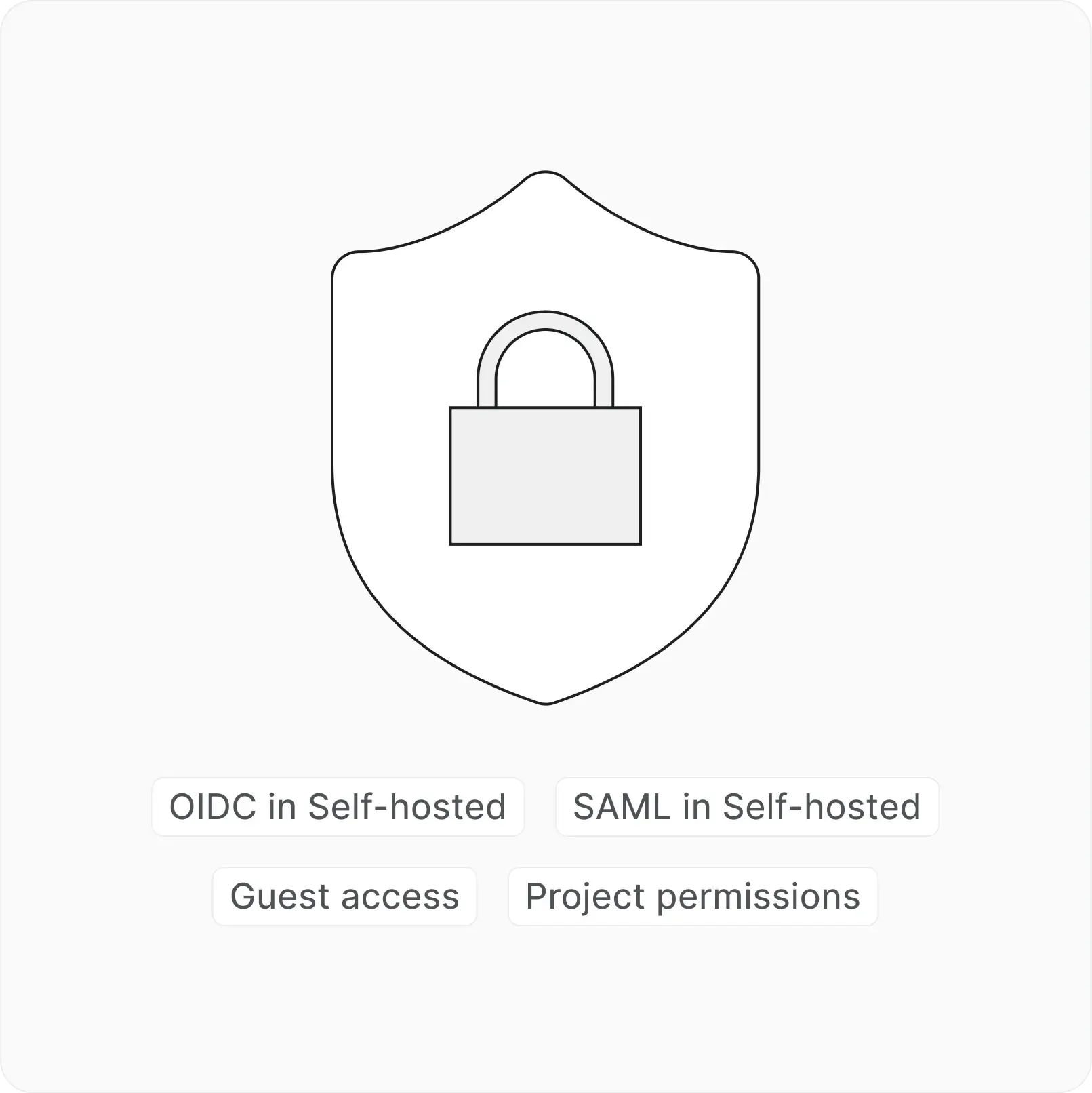
Access that follows the work
Workspace roles, project permissions, and guest access built in. Control who sees what without an admin layer.
Everything you need to know
Quick answers to the most common questions about Plane Pro
Everything on Free, plus unlimited seats, custom work item types, epics and initiatives, time tracking, bulk ops, workspace Wiki, published pages and views, active cycles, advanced estimates, teamspaces, and 1,000 AI credits per seat per month. Self-hosted Pro also includes SAML and OIDC SSO.
$6 per seat per month billed annually. You only pay for Admins and Members. Guests are free at 5 per paid seat. A 20-person team costs $120/month.
Yes. 14 days, no credit card required. Your data stays intact whether you continue on Pro or move back to Free.
Pro covers execution: time tracking, epics, initiatives, Wiki, and AI. Business adds governance: automations, workflows and approvals, intake, nested pages, project templates, advanced dashboards, RBAC, and Cloud SSO.
Each seat gets 1,000 credits per month, pooled across the workspace. Credits power AI writing, summaries, duplicate detection, and natural language work item creation. Unused credits roll over for 1 month. Top-ups start at $2 per 1,000 credits. Currently Credits are in Beta.
Yes. Cloud, self-hosted, with full feature parity. Self-hosted Pro includes SSO. Install takes under 10 minutes.
Built-in importers for Jira, Linear, Asana, ClickUp, Notion, Confluence, and CSV. Available on all plans including Free, so you can test your migration before upgrading.
Upgrade to Business anytime from billing settings. All data, configuration, and AI credits carry over. No re-migration required.
Next-gen project
management starts here