Plane for Manufacturing

Run manufacturing programs with quality, traceability, and control

Plane brings engineering change, supplier quality, launch readiness, and docs into one workspace, with the approvals and deployment control manufacturing requires.

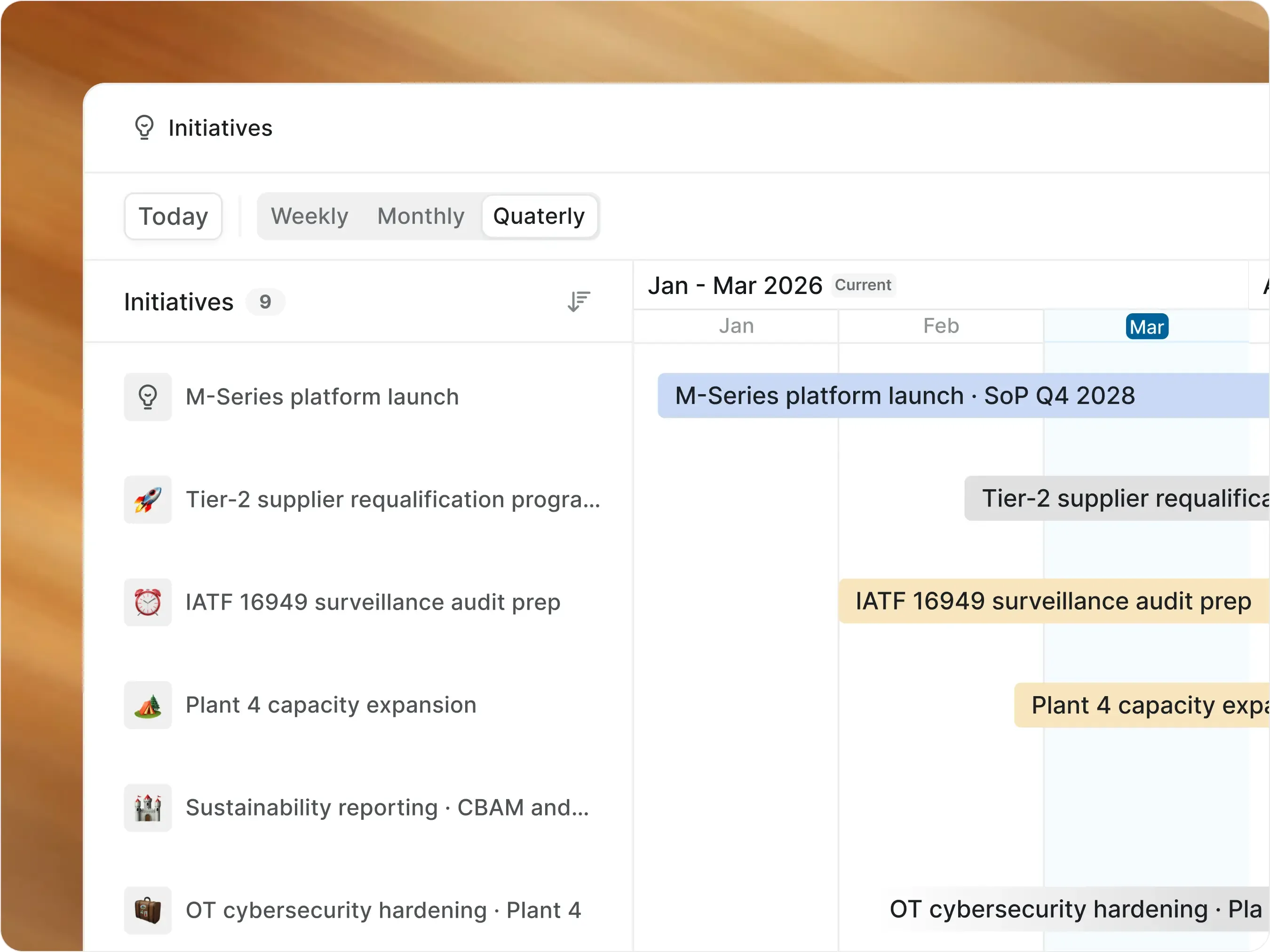
screenshot-initiatives-hero-manufacturing

The next gen of global manufacturing programs now run on Plane

abstract-concept-to-launch-cards

From concept to launch, in one place

  • Sub-programs, phase gates, deliverables, and risks each get their own type. Every one rolls up to the program above.

abstract-audit-ready-cards

Audit-ready by default

  • Every change, approval, and comment logs with author and timestamp. Ready for IATF, VDA, or customer audits.

abstract-ip-sensitive-cards

Built for IP-sensitive programs

  • Self-hosted, air-gapped, or regional. Vehicle architecture, chip designs, and supplier data never leave your perimeter.

Manage complex manufacturing workflows, end to end

Platform and program management

Run vehicle, equipment, and silicon programs from concept to launch

  • Sub-programs, gates, deliverables, and risks all live on one program record through every team rotation.

screenshot-initiatives-cards
Features used
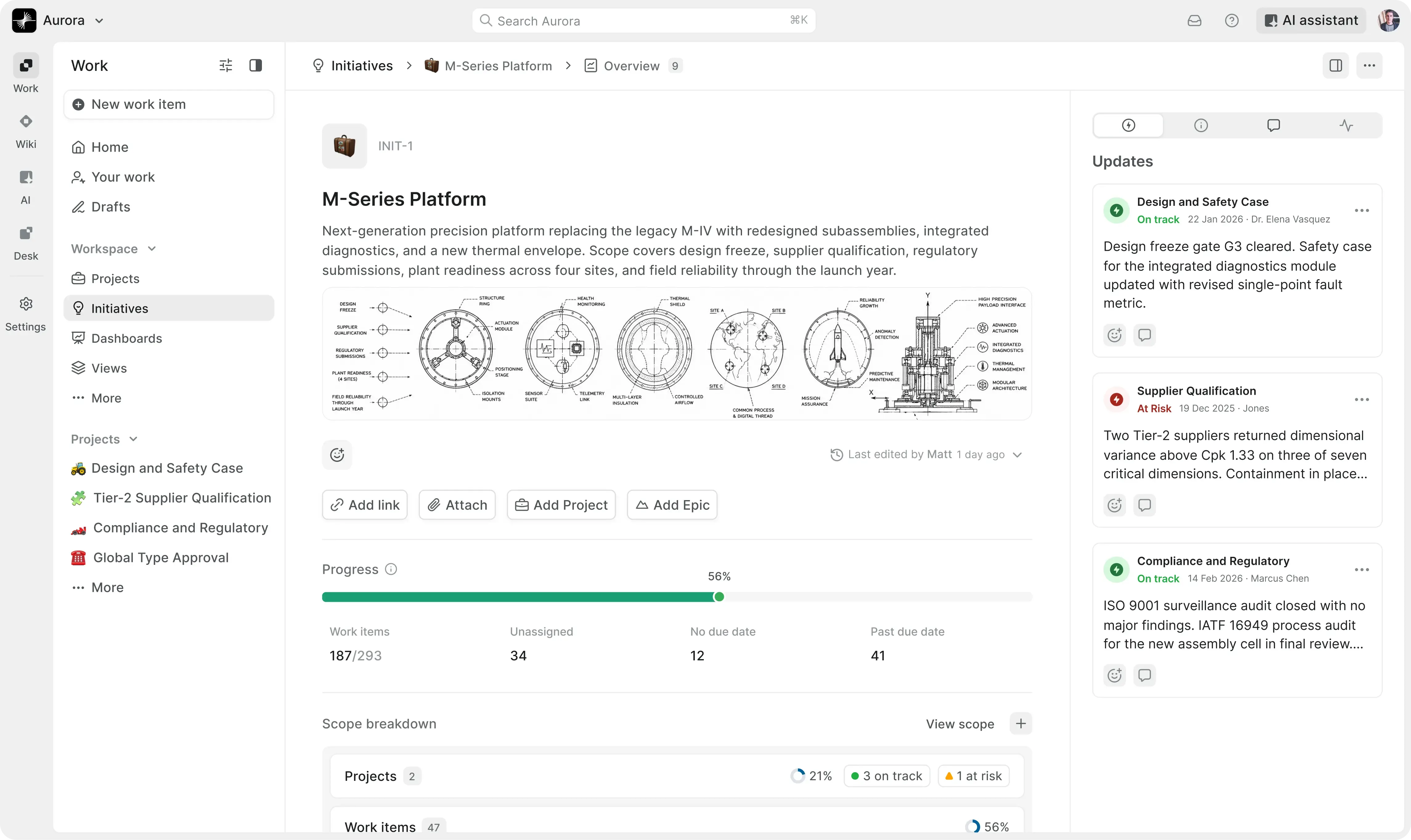
  • Group vehicle, equipment, or silicon programs and their projects under one strategic record with Gantt-style scope and timeline.

    Initiatives

  • Phase gates, critical path, and predecessor/successor links across the program horizon.

    Milestones and Timeline dependencies

  • On Track, At Risk, or Off Track status posts on the program, with threaded discussion for SteerCo reviews.

    Initiative updates

  • Architecture decisions, trade-offs, and lessons-learned preserved as program teams rotate.

    Wiki with nested pages

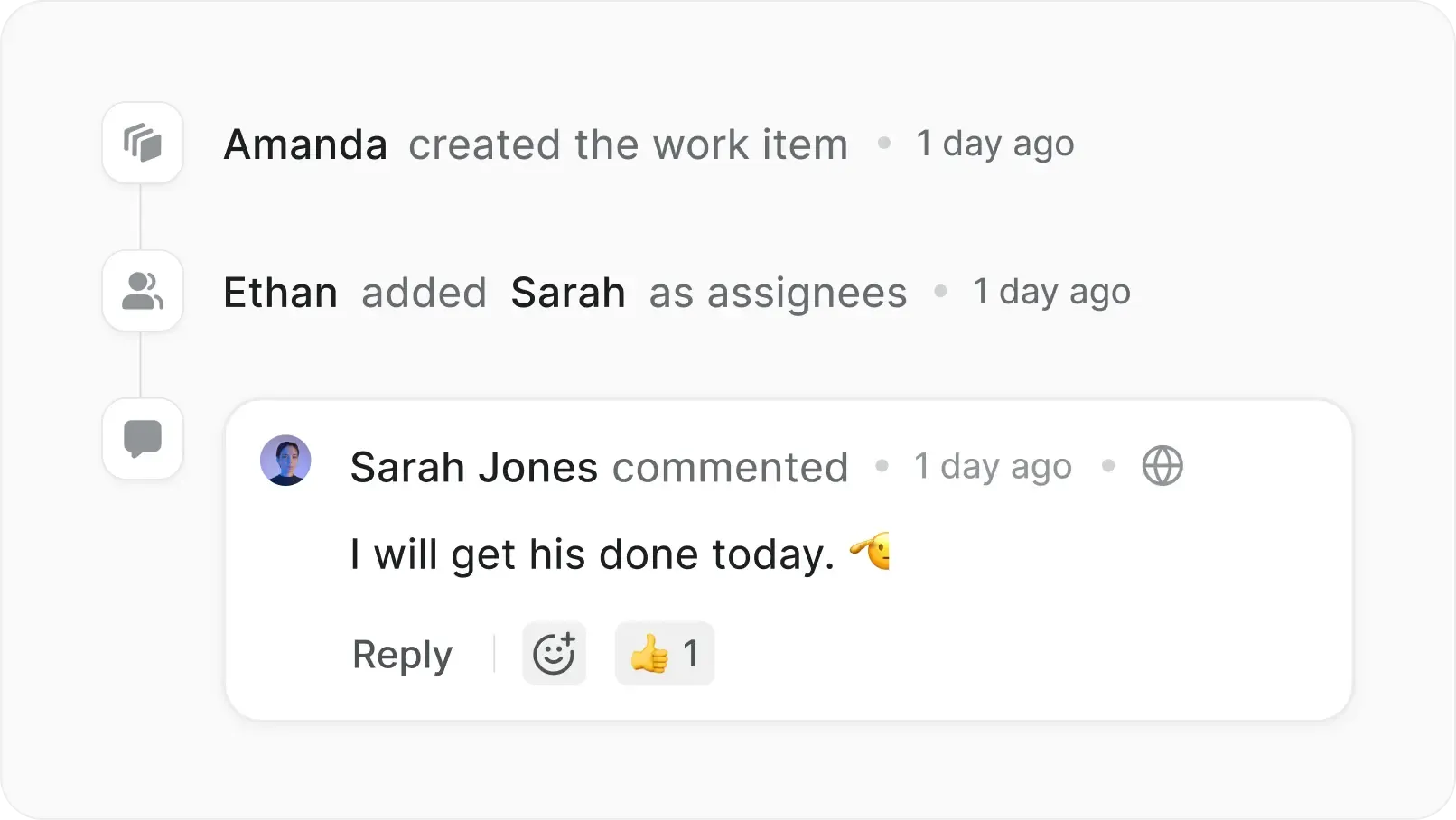
  • Every state change, approval, and decision recorded with author and timestamp.

    Activity history

Engineering change and configuration

Move engineering changes from proposal to released part

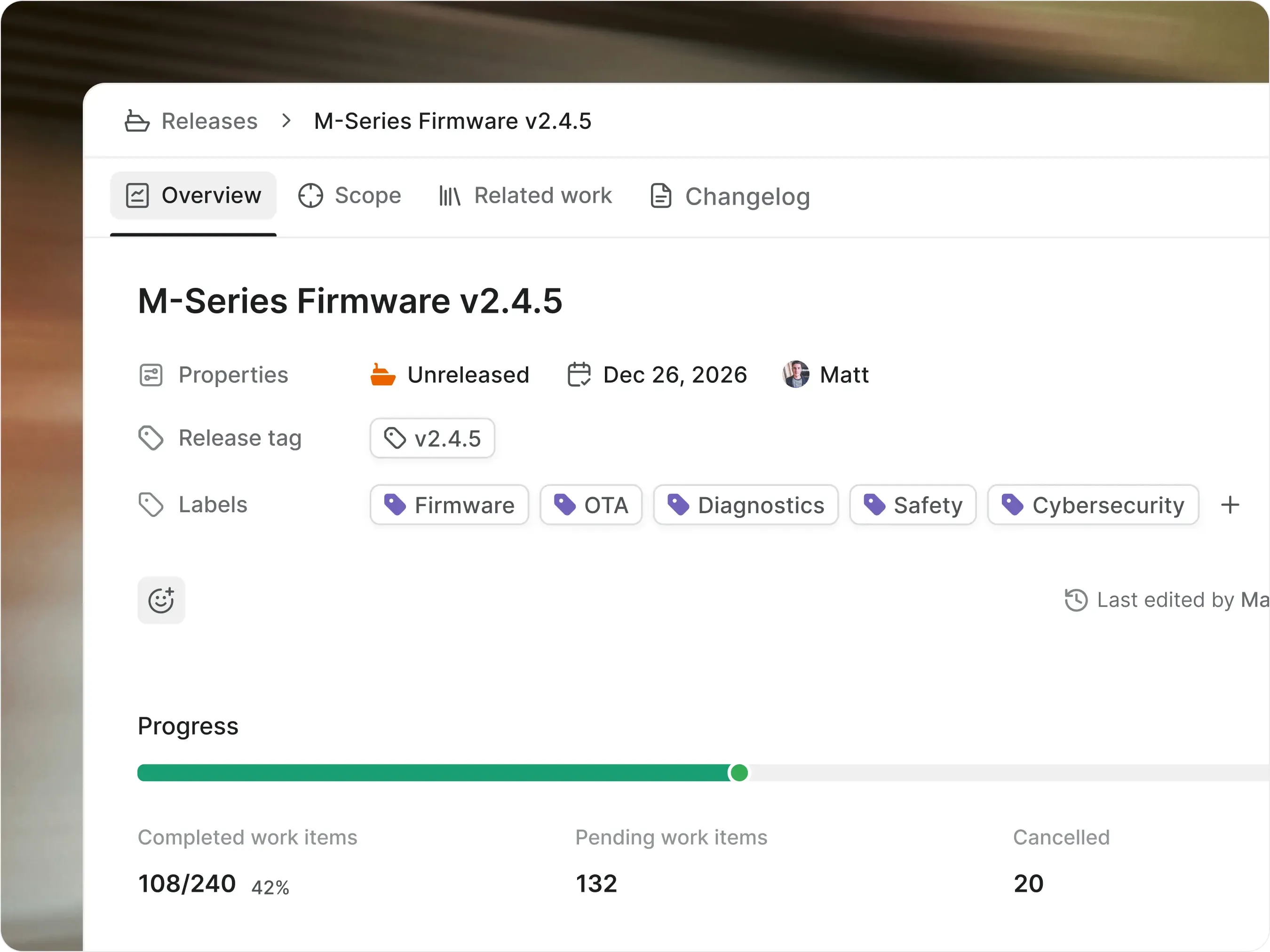
  • Variants, plants, suppliers, and design records all live on one change order through every approval.

screenshot-releases-cards
Features used
  • Routing through engineering, quality, manufacturing, and Change Control Board before a change can ship to production.

    Workflows with approval gates

  • Pre-validate BOM impact, plant effectivity, and severity before a change can move out of triage.

    Transition conditions

  • Sandboxed scripts that push approved changes back into Teamcenter, Windchill, or 3DEXPERIENCE and update work instructions in MES.

    Plane Runner

  • Bi-directional sync with PLM, ERP, and MES so the change record stays in lockstep with the system of truth on either side.

    Webhooks and REST API

  • Effectivity windows, plant cutovers, and rework periods visualized across variants and regional launches.

    Timeline view

Suppliers and partners

Run supplier work from onboarding through corrective action

  • Qualifications, audits, scorecards, and corrective actions all live on one supplier record across every region.

screenshot-intake-cards
Features used
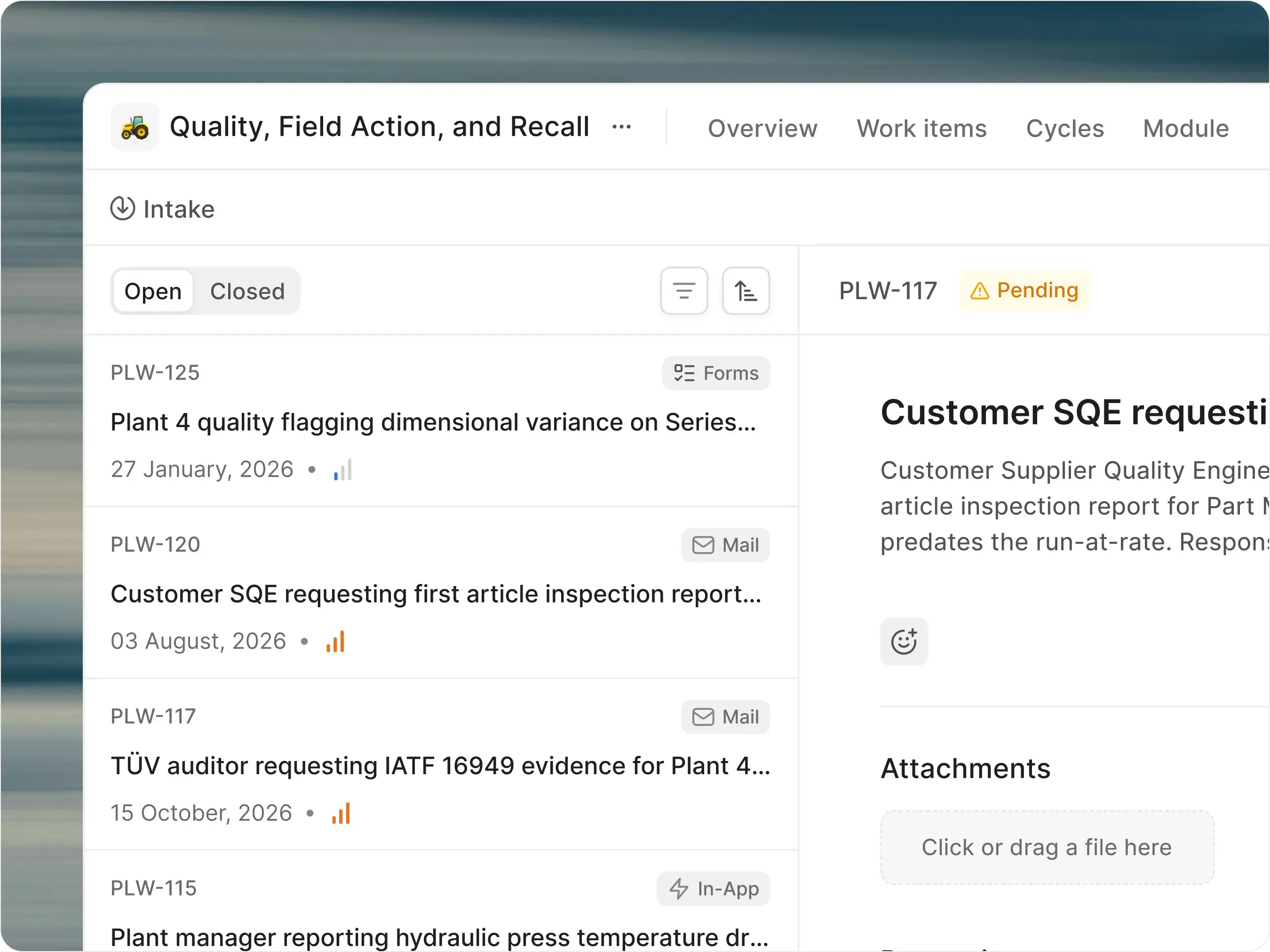
  • Suppliers submit work through public forms or a dedicated email address. No Plane seats required.

    Intake forms and email

  • Scoped external access by supplier, commodity, or program. No workspace seats.

    Guest and Contributor roles

  • Scheduled supplier audits, requalification windows, and quarterly business reviews on cadence.

    Recurring Work Items

  • Find suppliers by tier, region, commodity, risk class, or open corrective action.

    Plane Query Language

  • Share read-only scorecards and qualification status with suppliers, registrars, and customer auditors.

    Published views

Quality, recall, and field action

From a defect on the line to a recall in the field, on one record

  • Defects, corrective actions, dealer bulletins, and regulator filings all link from production lot to verified closure, with the audit trail preserved on every step.

screenshot-pages-cards
Features used
  • Defects link to lots, corrective actions to root causes, field actions to VIN ranges, and recalls to regulator submissions.

    Custom Relations

  • Auto-trigger a corrective action when a defect pattern crosses a threshold across lots, plants, or shifts.

    Custom Automations

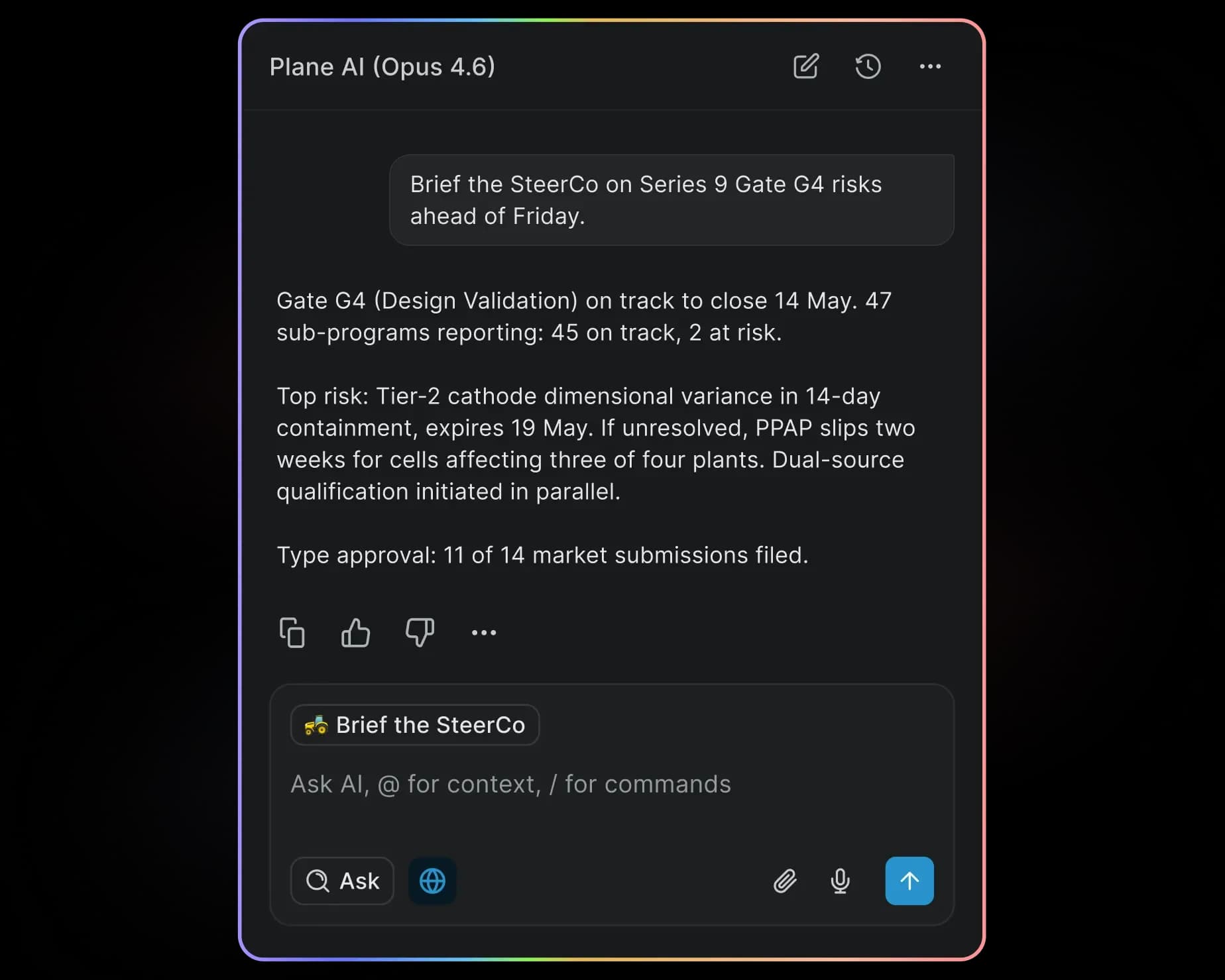
  • Detect duplicate non-conformances, summarize CAPA history, and draft regulator briefs from the case file.

    Plane AI

  • Update VIN ranges, affected lots, or dealer notifications across hundreds of records at once.

    Bulk Operations

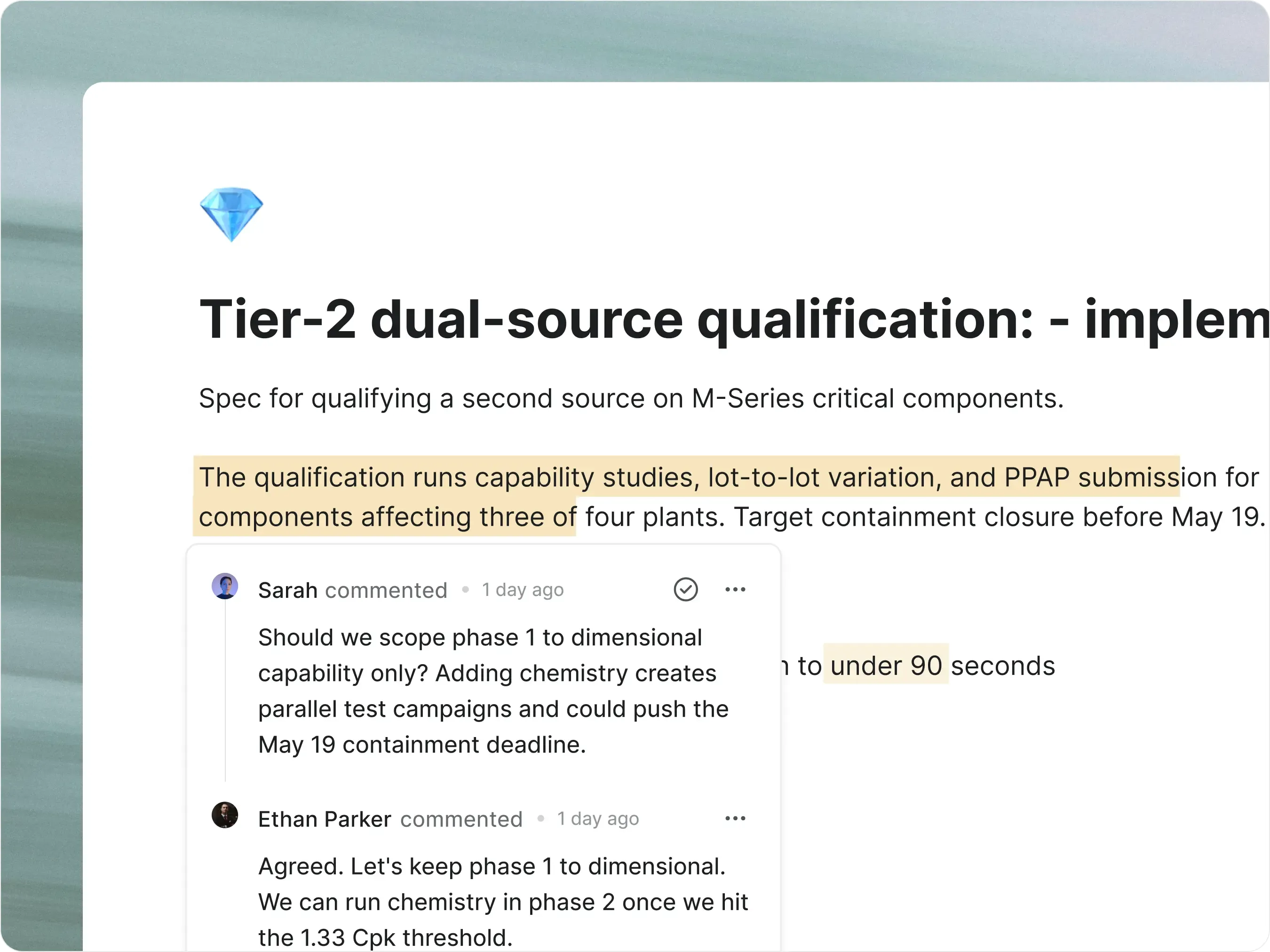
  • 8D reports, recall playbooks, and regulator correspondence with auditable revision history per edit.

    Pages with version history

AI and agents

AI and agents, inside the perimeter you choose

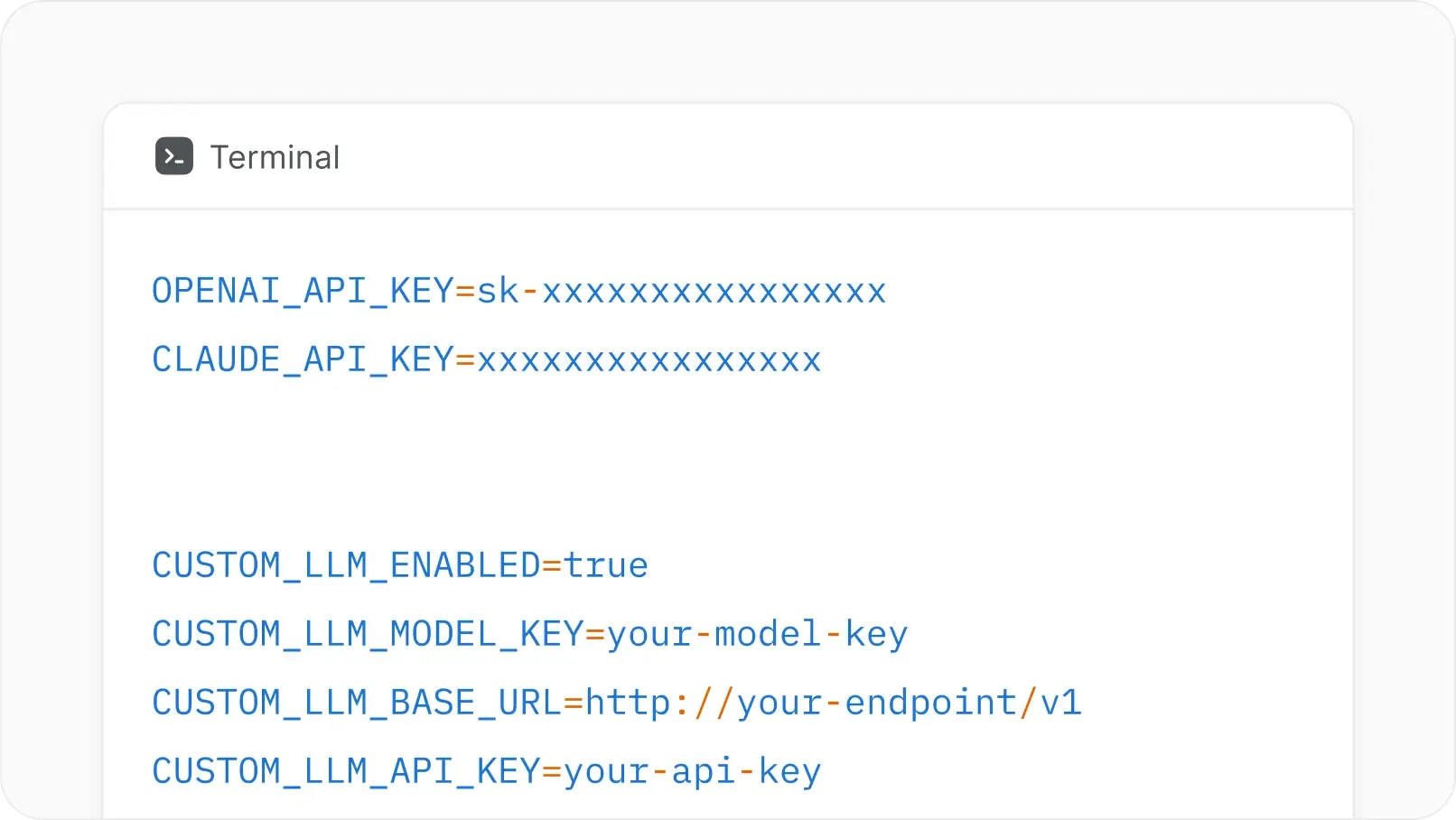
  • Plane AI runs in your region, VPC, or air-gapped. Bring your own OpenAI, Anthropic, Bedrock, Azure, or local model. Your IP stays inside the perimeter, and no provider trains on your data.

  • Draft program briefs and CCB summaries from the work

  • Agents follow the same RBAC and approval gates as your team

  • Bring your own model: OpenAI, Anthropic, Bedrock, Azure, or fully local

screenshot-ai-cards
Security & deployment for regulated work

Run global manufacturing on cloud, self-hosted (on-prem), or air-gapped

screenshot-enterprise-cloud-grids

Enterprise Cloud (Managed + Private)

  • Managed by Plane with regional residency, or single-tenant private cloud.

screenshot-selfhosted-airgapped-grids

Self-hosted + Air-gapped

  • Run Plane in your VPC, data center, Kubernetes, or Docker. Offline updates, zero external calls.

screenshot-rbac-saml-grids

Identity and access

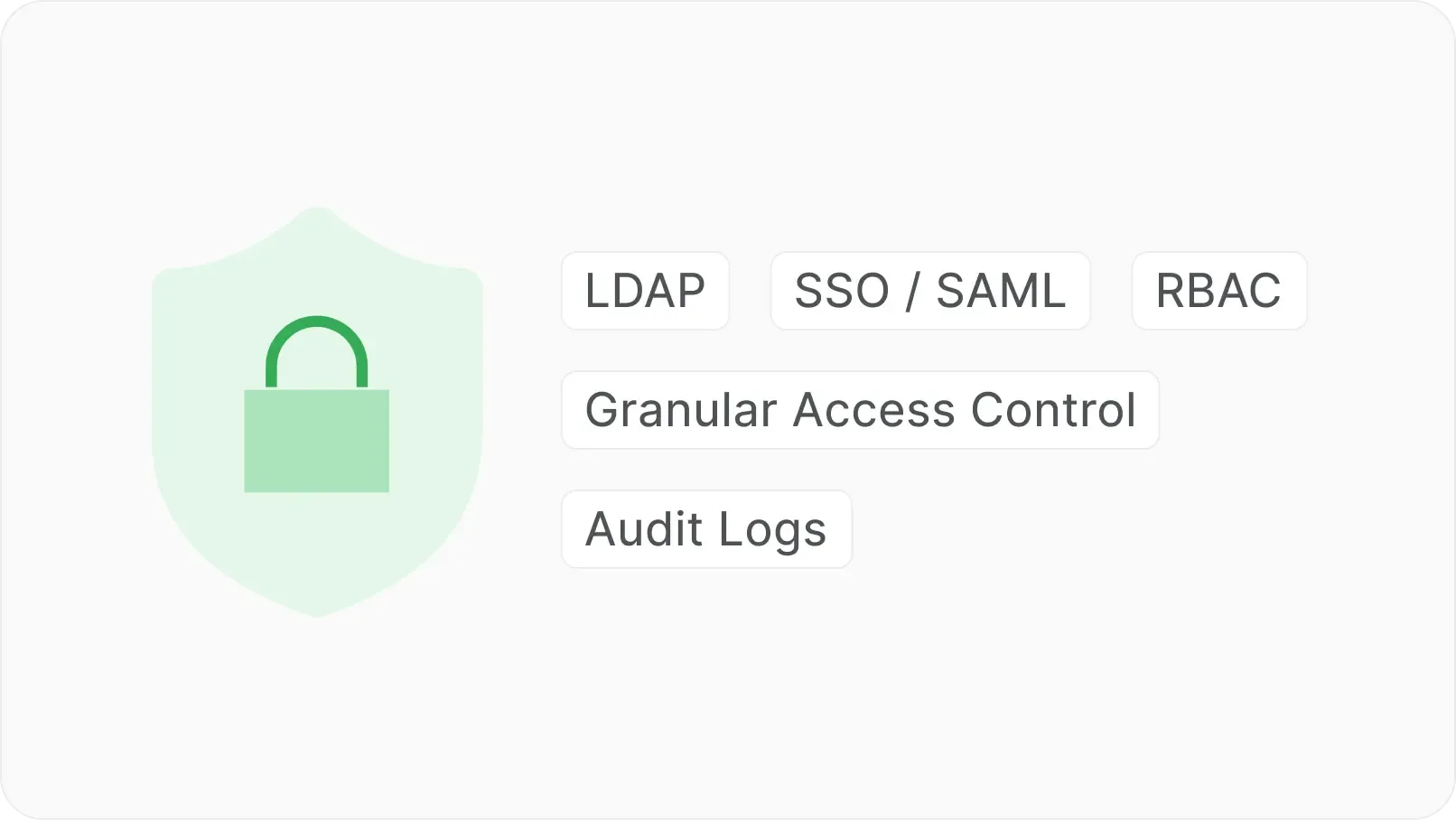
  • SAML, LDAP, SCIM, RBAC, and workspace permissions on every record.

screenshot-ai-customization-grids

AI under your control

  • Customer-controlled providers, local models, or self-hosted AI workflows.

screenshot-activity-grids

Audit trail on every action

  • Every state change, edit, comment, and approval preserved with author and timestamp.

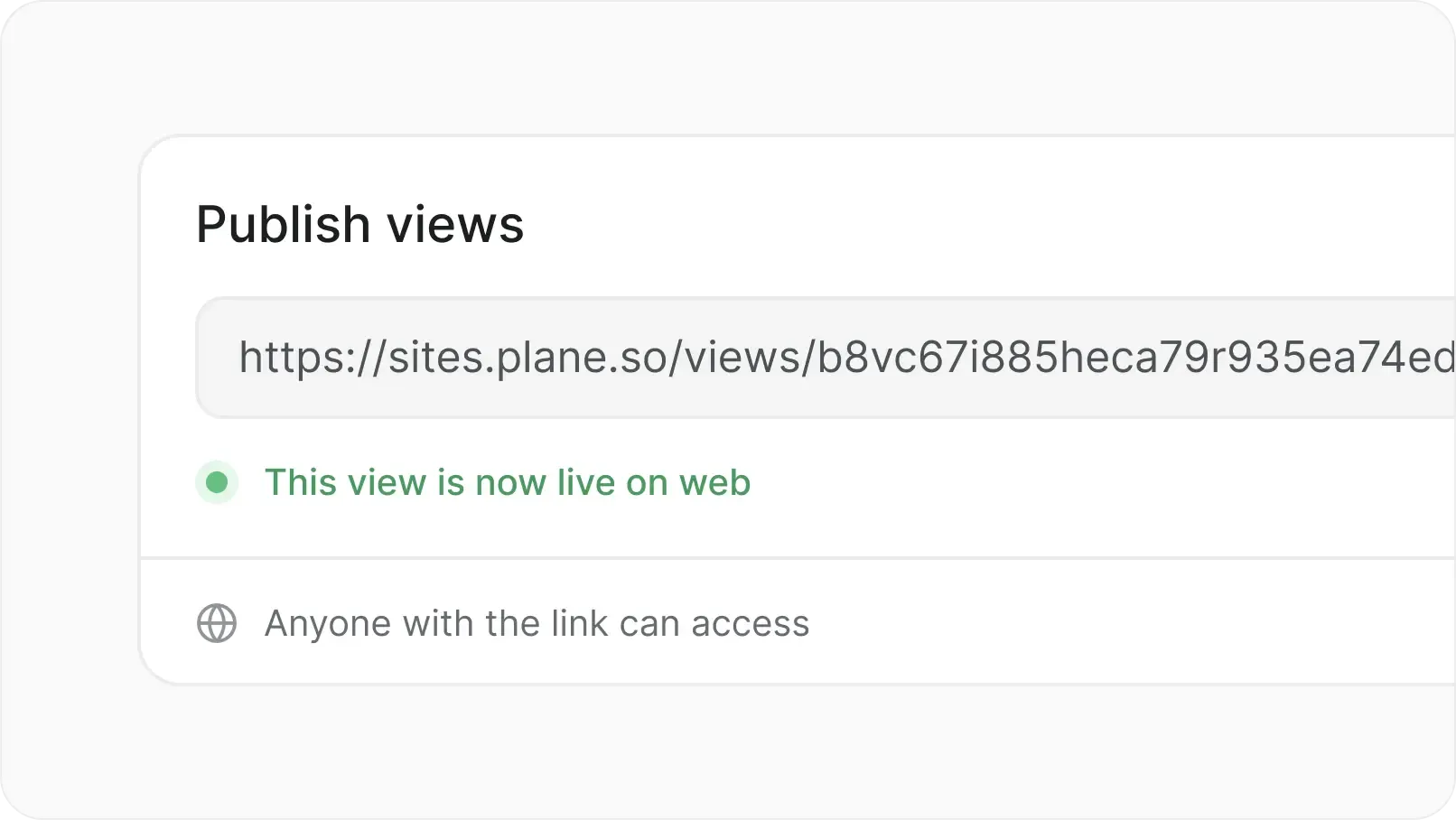
screenshot-publish-views-grids

Publish externally

  • Share boards and views with stakeholders outside Plane. Collect feedback without giving full project access.

Move off Jira Data Center

Migrate work, mappings, and history without rebuilding workflows from scratch. Clinical care doesn't pause for a tool migration.

  • Workflow translation, not rebuild

  • White-glove migration team

  • Issue types mapped to Work Item Types

  • Custom fields and history preserved

FAQs

Common questions from operations, quality, supplier development, and IT teams.

Yes. Plane's migration team maps your Jira issue types into Work Item Types, ports your workflows, and preserves comments, attachments, and history. No rebuild from scratch.

Yes. Work Item Types give each kind of work its own properties, templates, workflow, and required fields.

Yes. Each work type can follow its own workflow with its own reviewers, gates, and escalation rules.

Yes. Suppliers, customers, and auditors submit work through Intake forms with no Plane account required. Read-only published views can be shared with them under role-based access.

Yes. Every state change, edit, comment, and approval is logged with author and timestamp. Exportable for assessor review.

Yes. For most manufacturers, Plane Cloud with regional residency is the right starting point. For IP-sensitive programs (chip design, vehicle architecture, capital equipment), Plane deploys self-hosted on Docker, Kubernetes, private cloud, or fully air-gapped.

Yes. Plane integrates with Teamcenter, Windchill, 3DEXPERIENCE, SAP, Oracle, and MES via API and webhooks. Plane is the work and approval record, not a replacement for your PLM or ERP.

Plane Cloud offers regional residency in the EU, US, and APAC. For programs with stricter data sovereignty needs, self-hosted and air-gapped deployment keep data inside your network.

Plane
Nacelle