Cycles
Ship faster with time-boxed
work that runs itself
Ship faster with time-boxed
work that runs itself
Cycles turn the backlog into a plan. Teams commit to a fixed
window of work, track progress, and carry forward what's left.
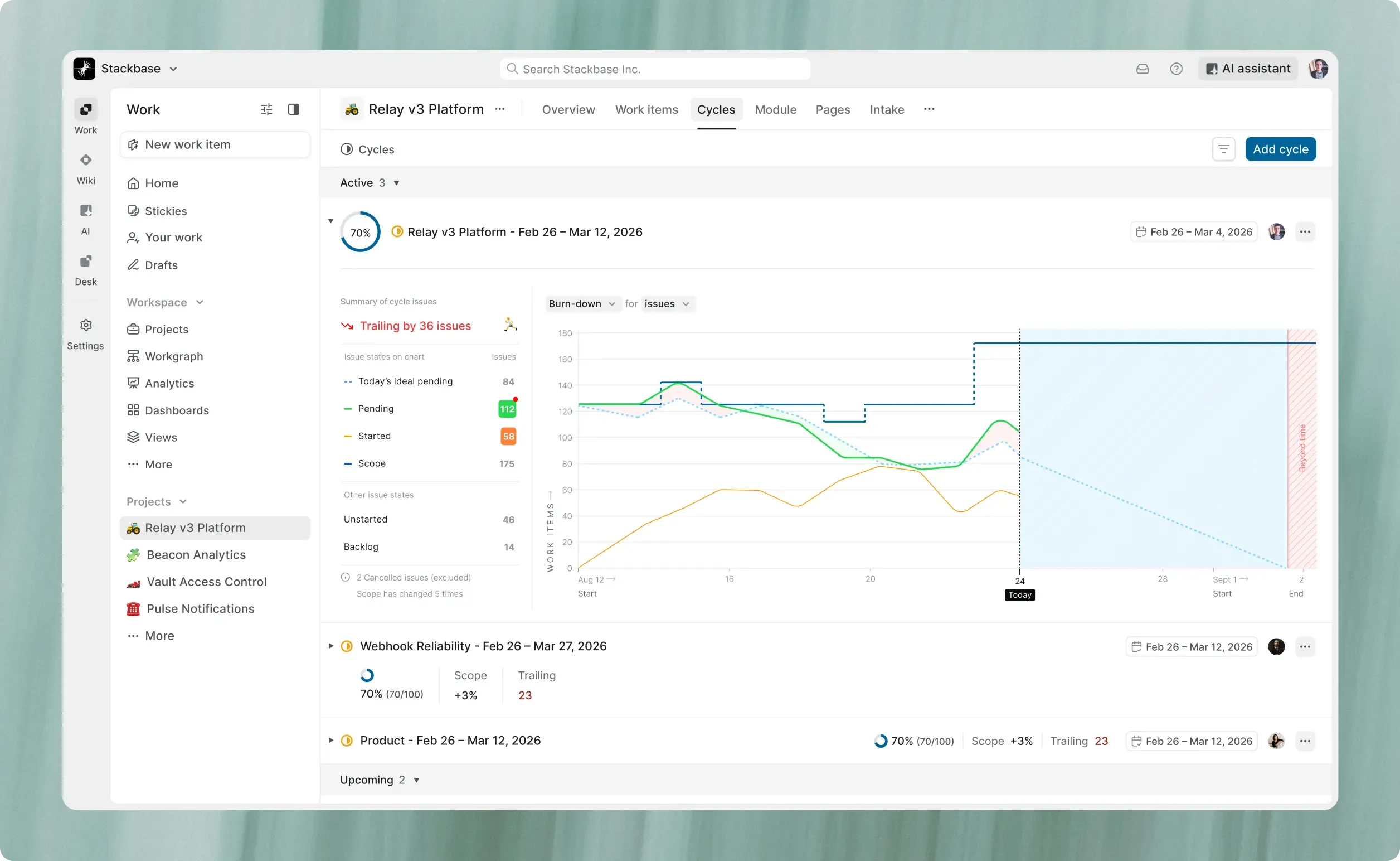
Ship faster with time-boxed
work that runs itself
Cycles turn the backlog into a plan. Teams commit to a fixed
window of work, track progress, and carry forward what's left.
Join 50,000+ teams
running on Plane






Turn your backlog into focused sprints
Planning splits across boards, backlogs, and status syncs. Cycles put it in one place.
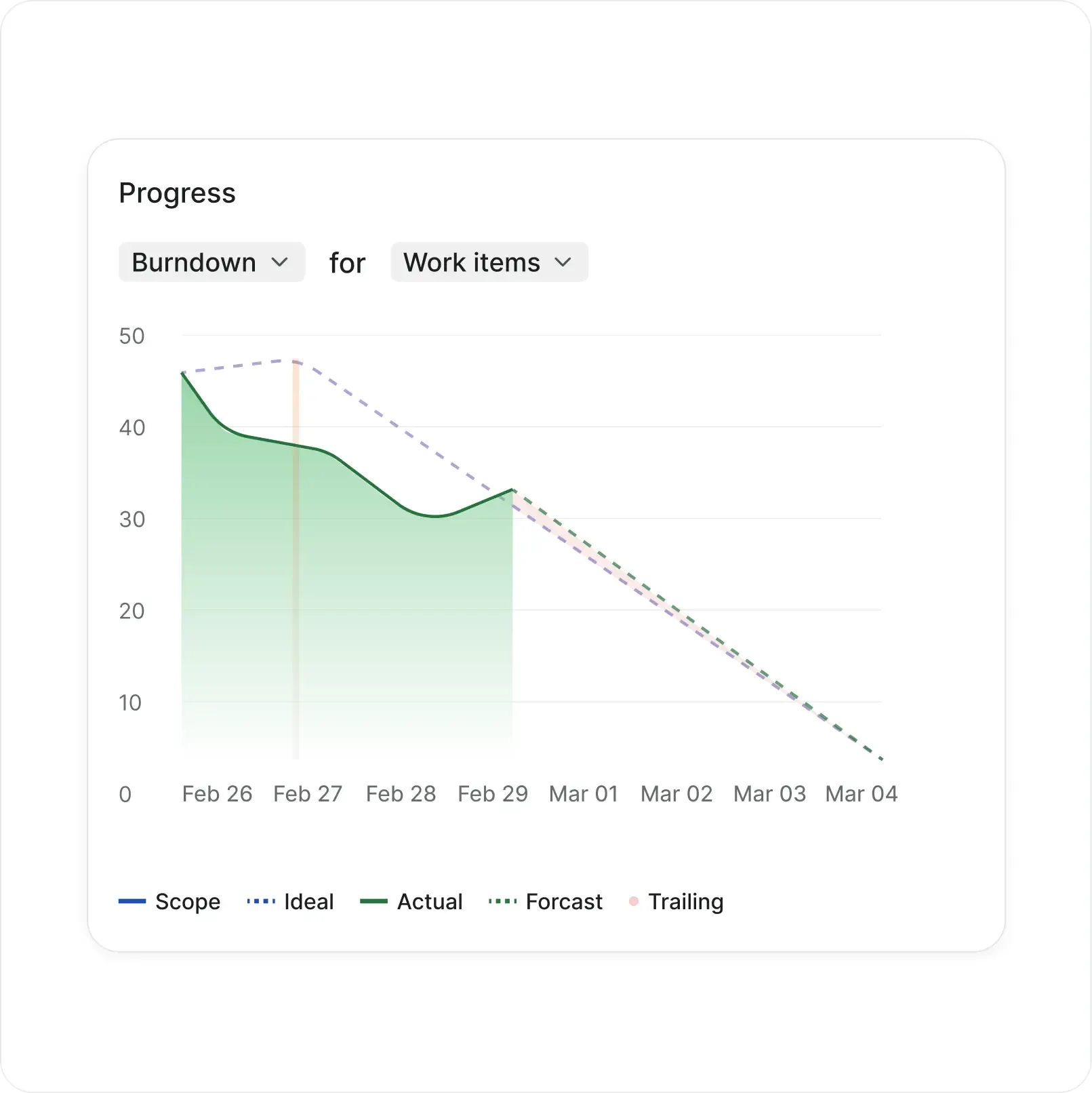
Progress visible at a glance
Burn-down and build-up charts show whether the team is ahead or behind before anyone has to ask.
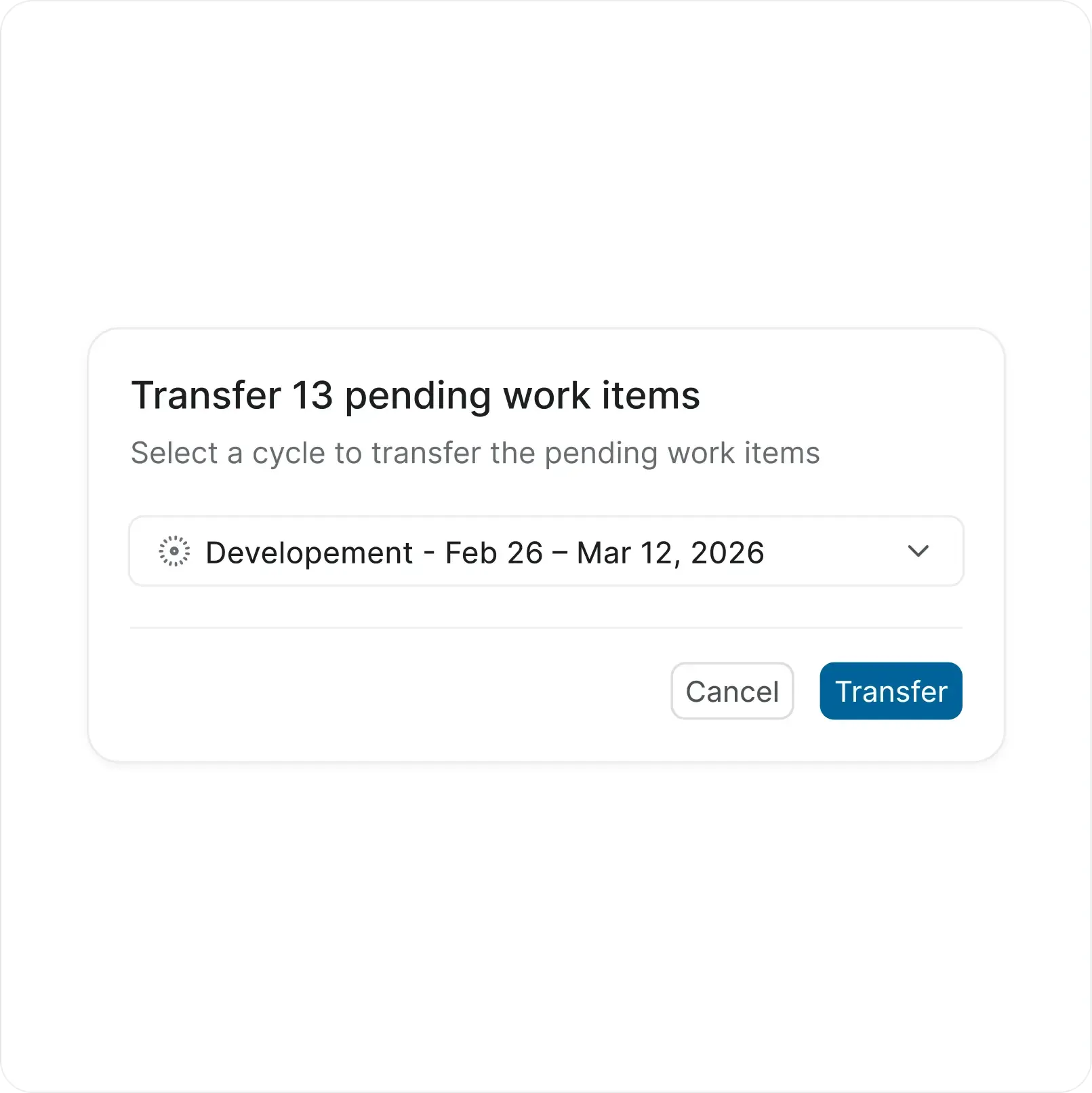
Incomplete work rolls forward
Pending items transfer to the next cycle in one click so the team starts with scope already set.
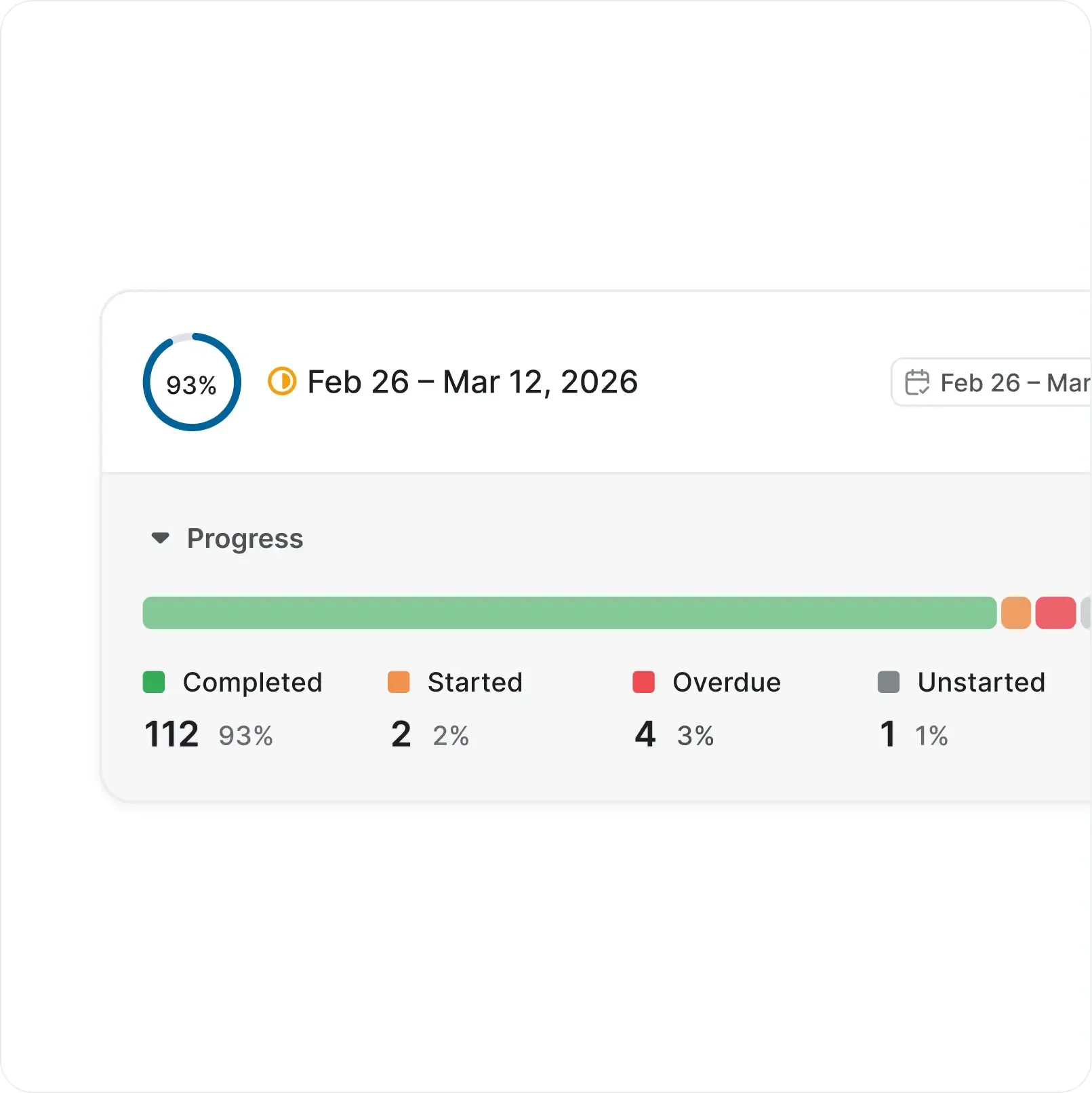
Velocity that builds across iterations
Every completed cycle logs scope and pace so the next one is planned from data, not gut feel.
Run your Cycles on autopilot or take the wheel
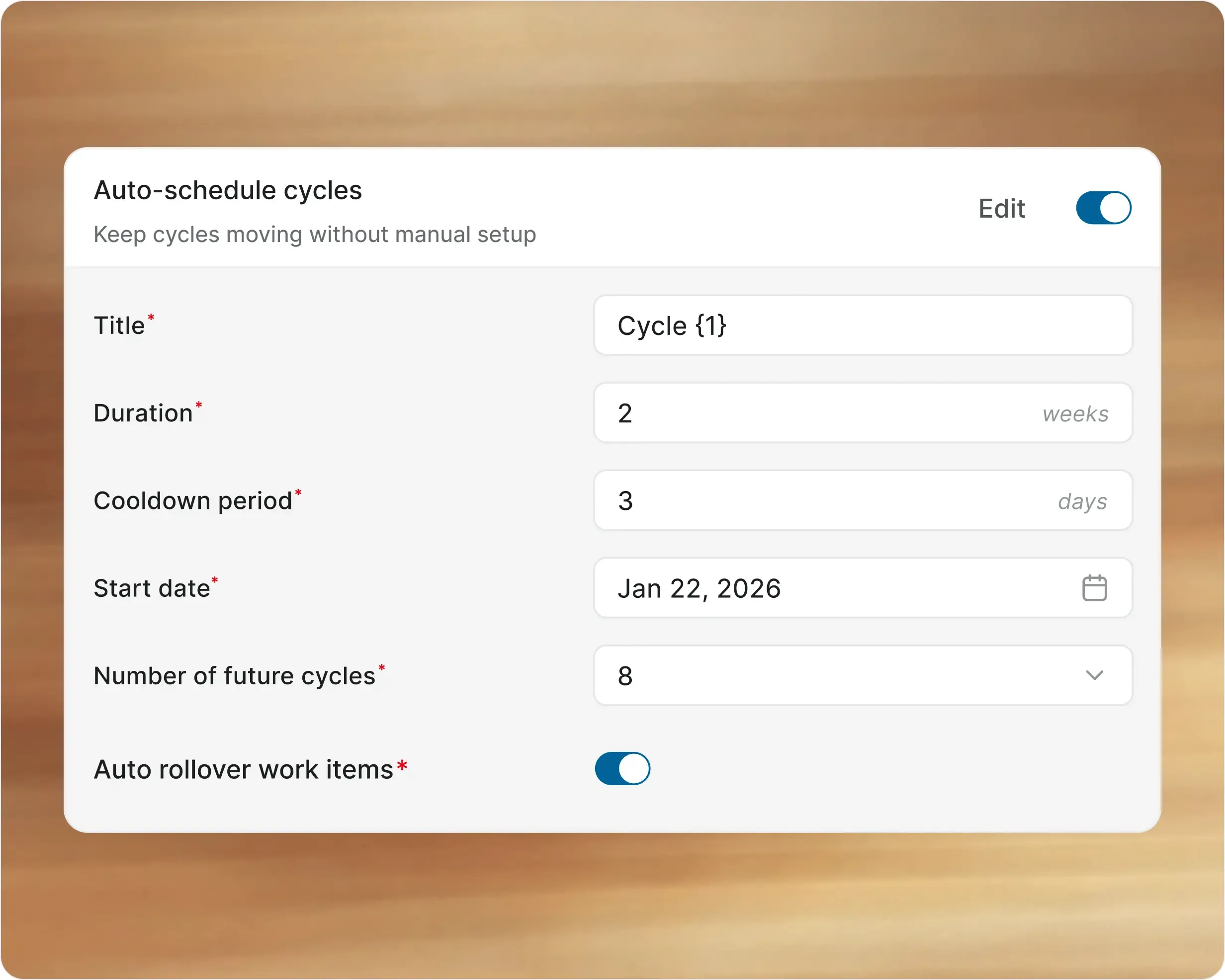
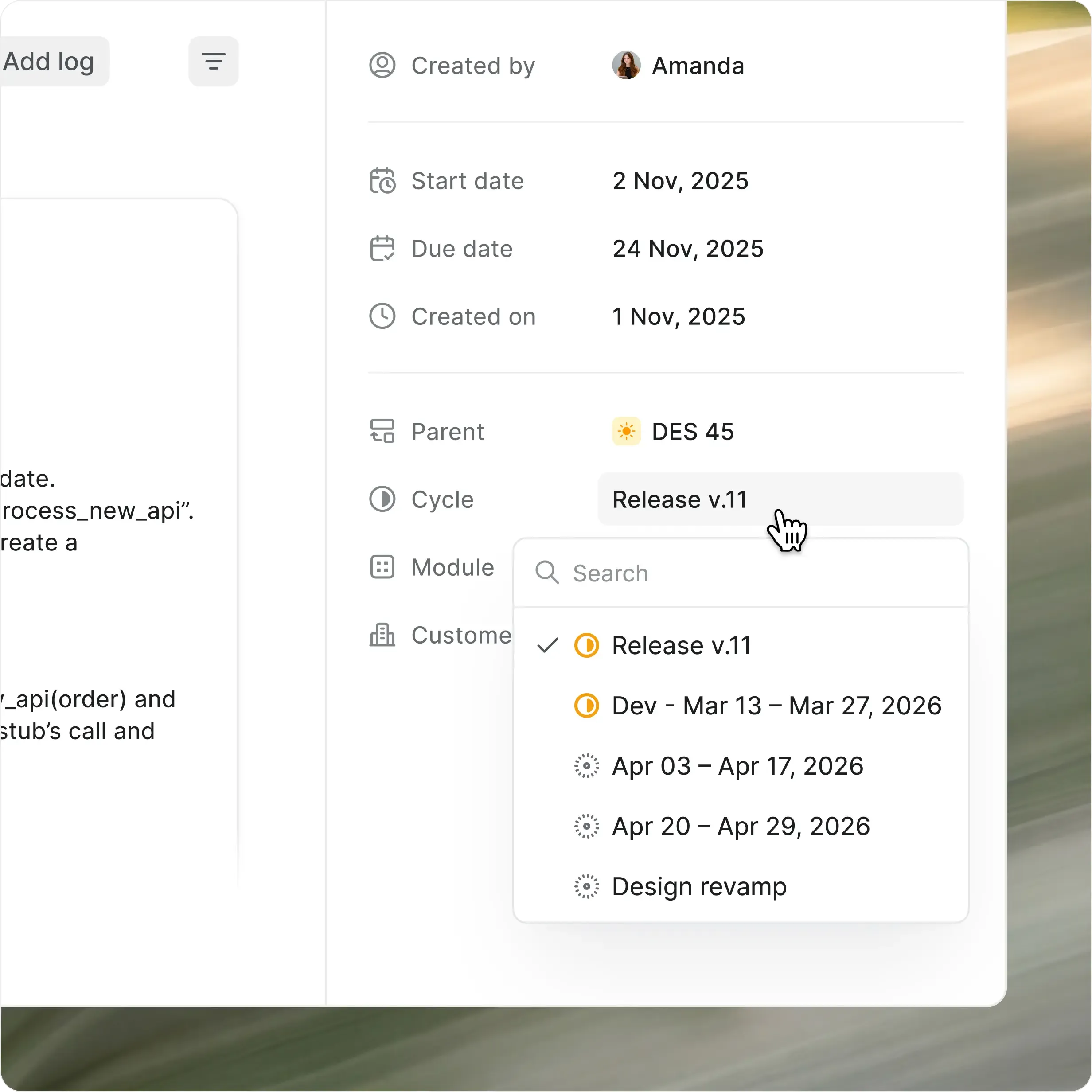
Set a cadence and Plane creates cycles automatically with optional cooldown between them. Or start and stop cycles manually when the team decides.

Auto-create cycles with custom config or fixed durations

Optional cooldown periods between cycles

Start early or end now with manual overrides
Clear states, with no ambiguity
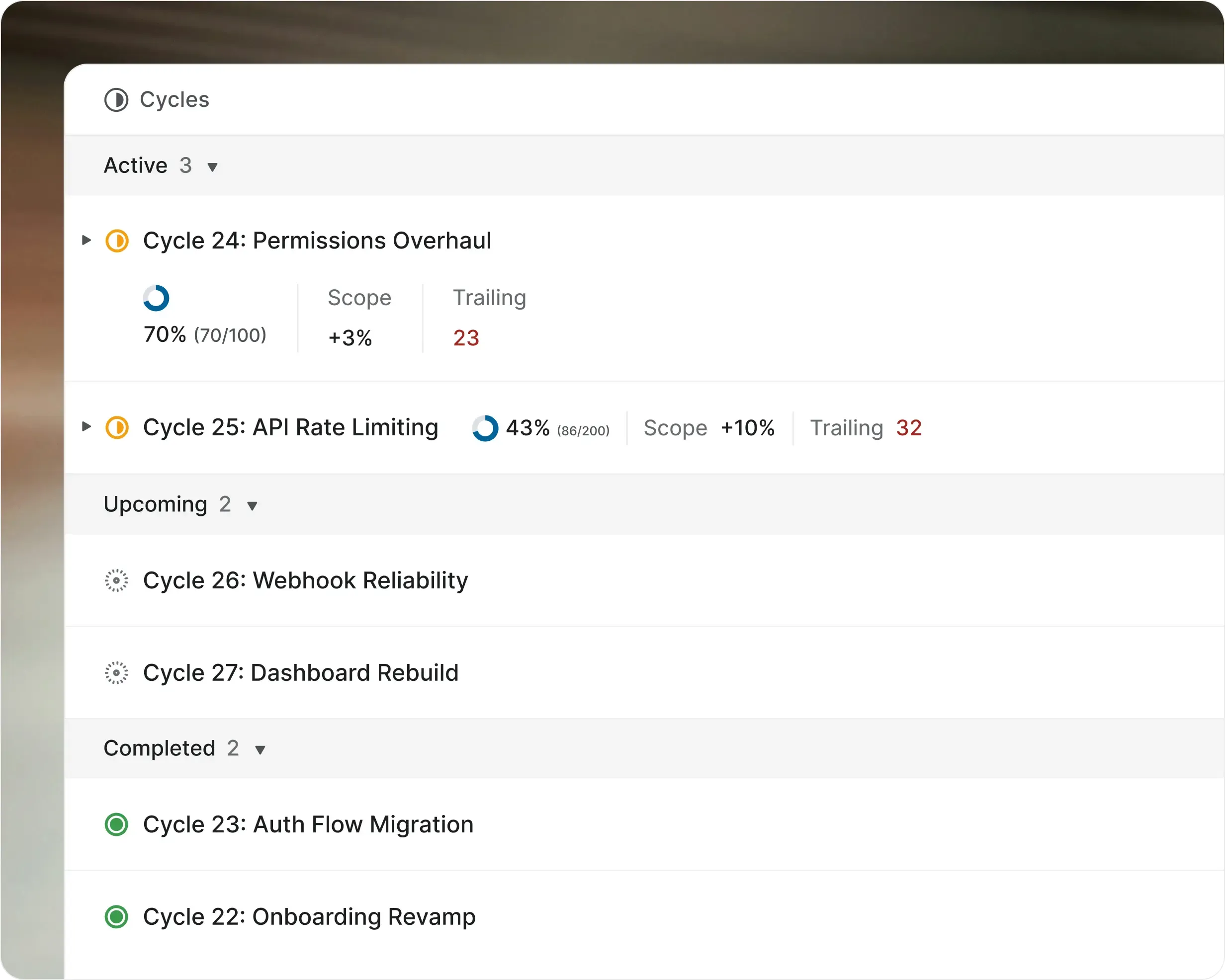
Every cycle moves through a clear lifecycle. One active at a time, upcoming ones ready to go, completed ones locked with transferable work.

Active, upcoming, and completed states at a glance

Transfer incomplete work to the next cycle in one click

Lock completed cycles to preserve the historical record
AI that keeps cycles moving
before your team has to
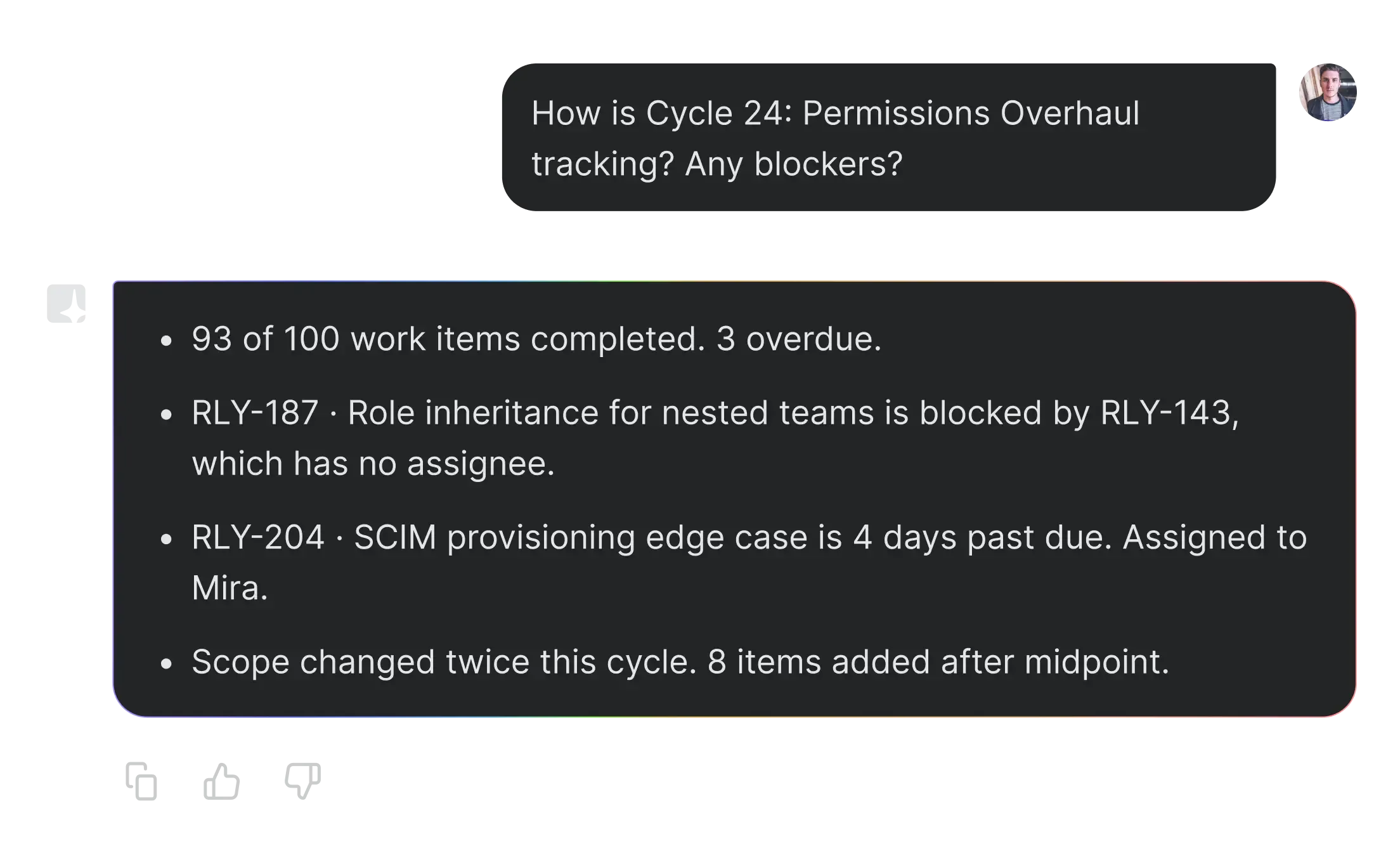
Ask questions in natural language
Query any cycle in plain language. Progress, blockers, scope changes, who's working on what. Plane AI answers from live data.
Auto-tag work items to cycles
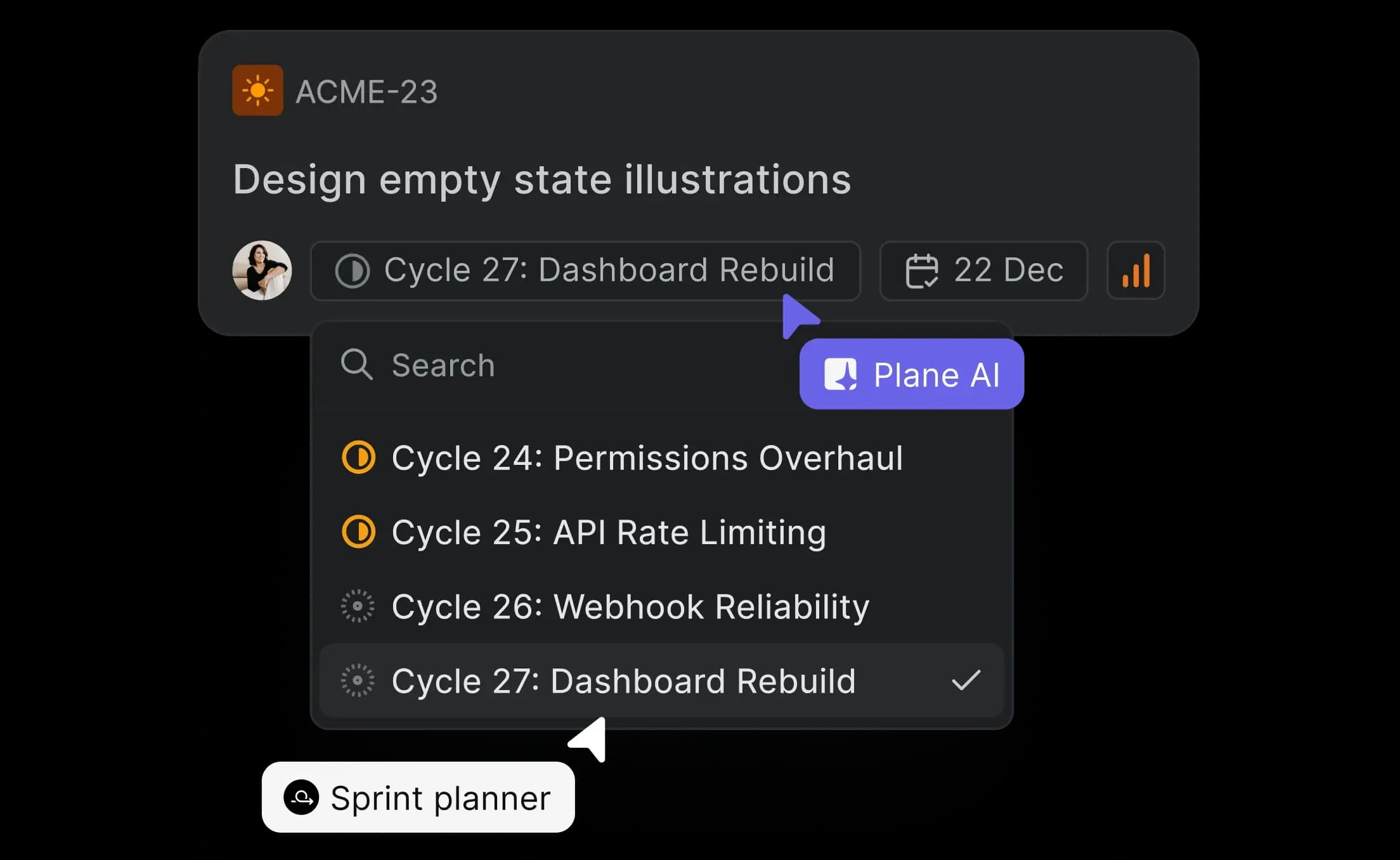
New work items get matched to the right active or upcoming cycle based on project, priority, and timing. No manual sorting.
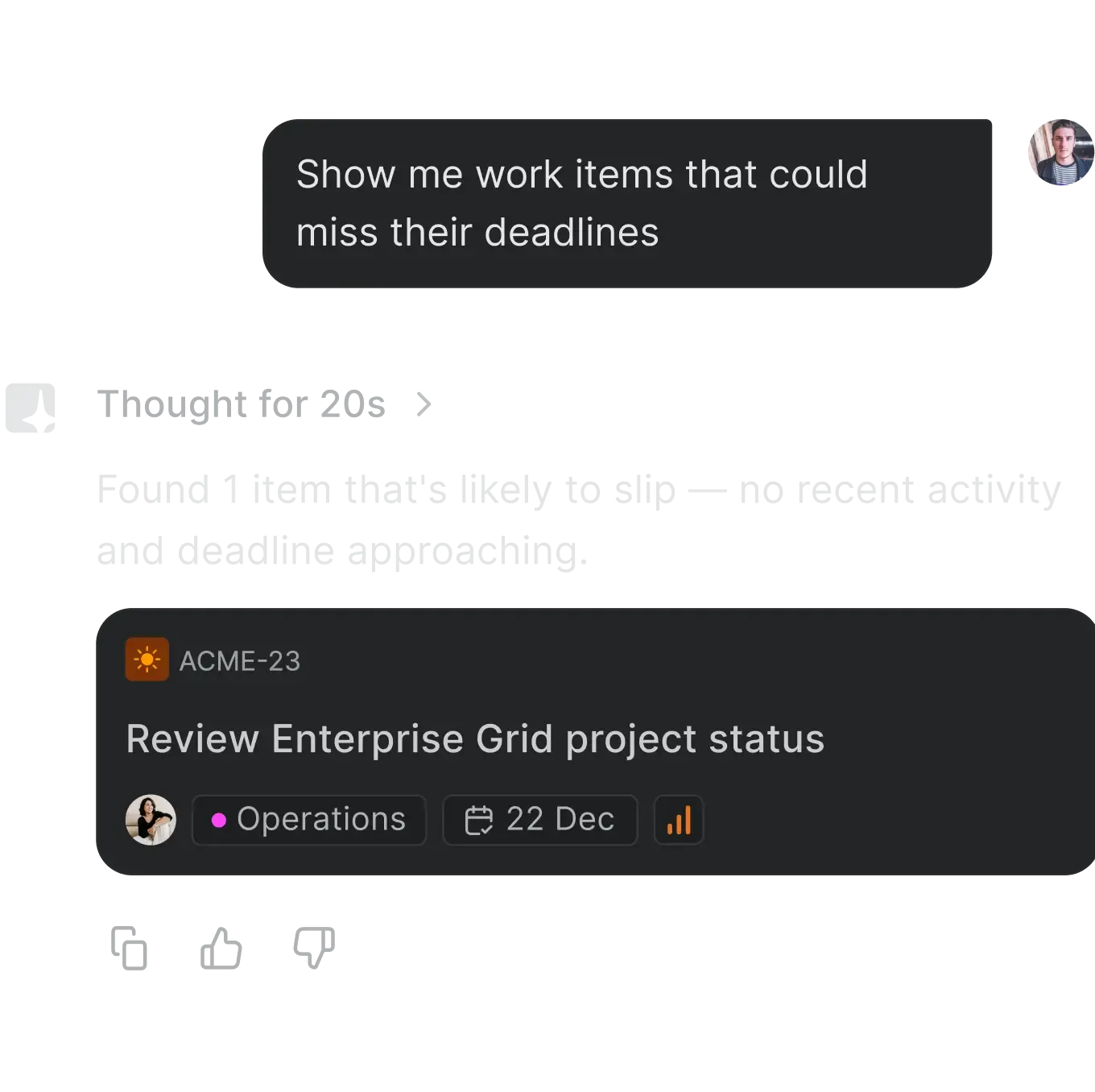
Flag at-risk items early
AI highlights items falling behind before the cycle review does.
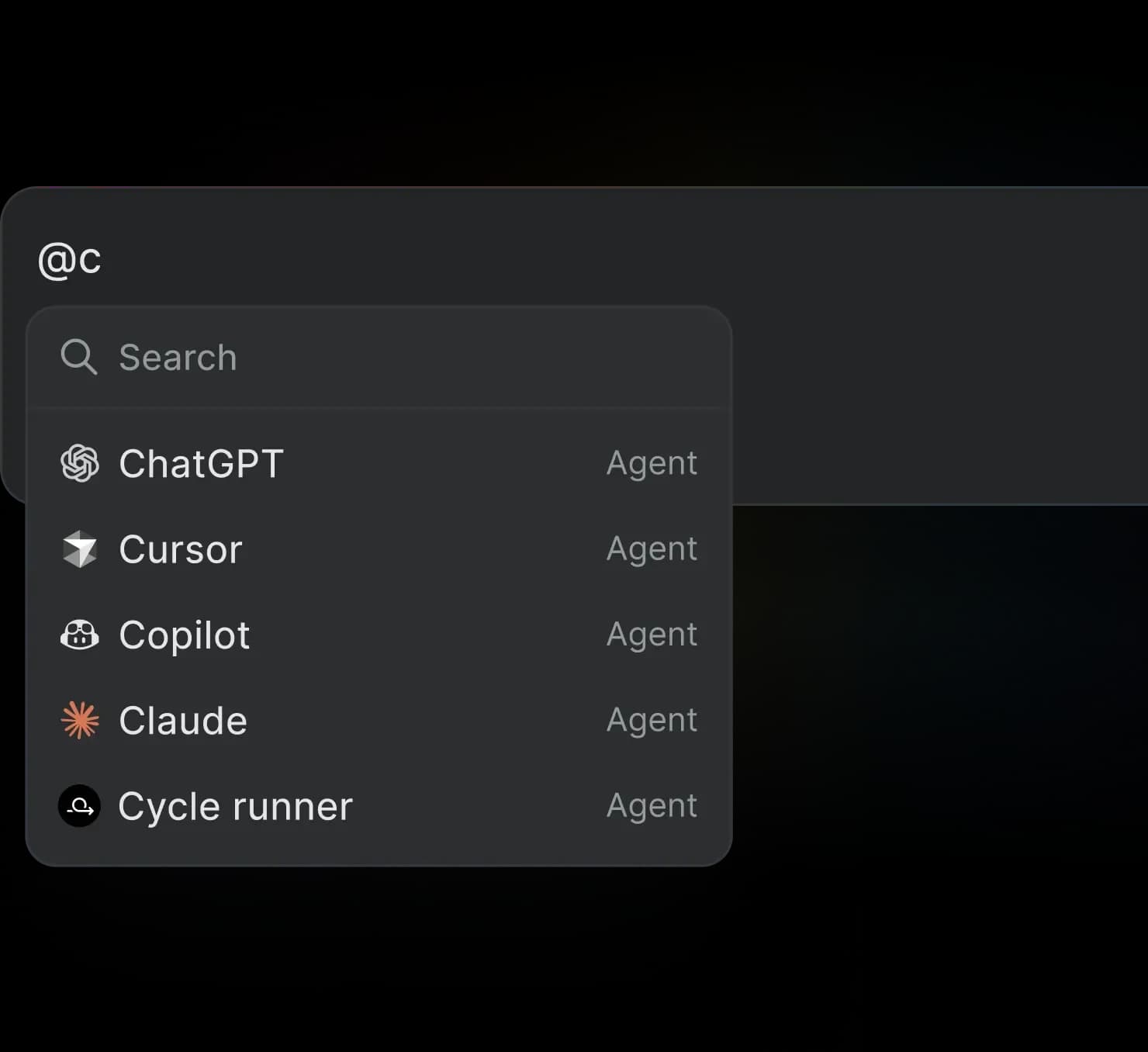
Assign agents to cycle work
@mention an agent on any work item inside a cycle. It picks up context and acts.
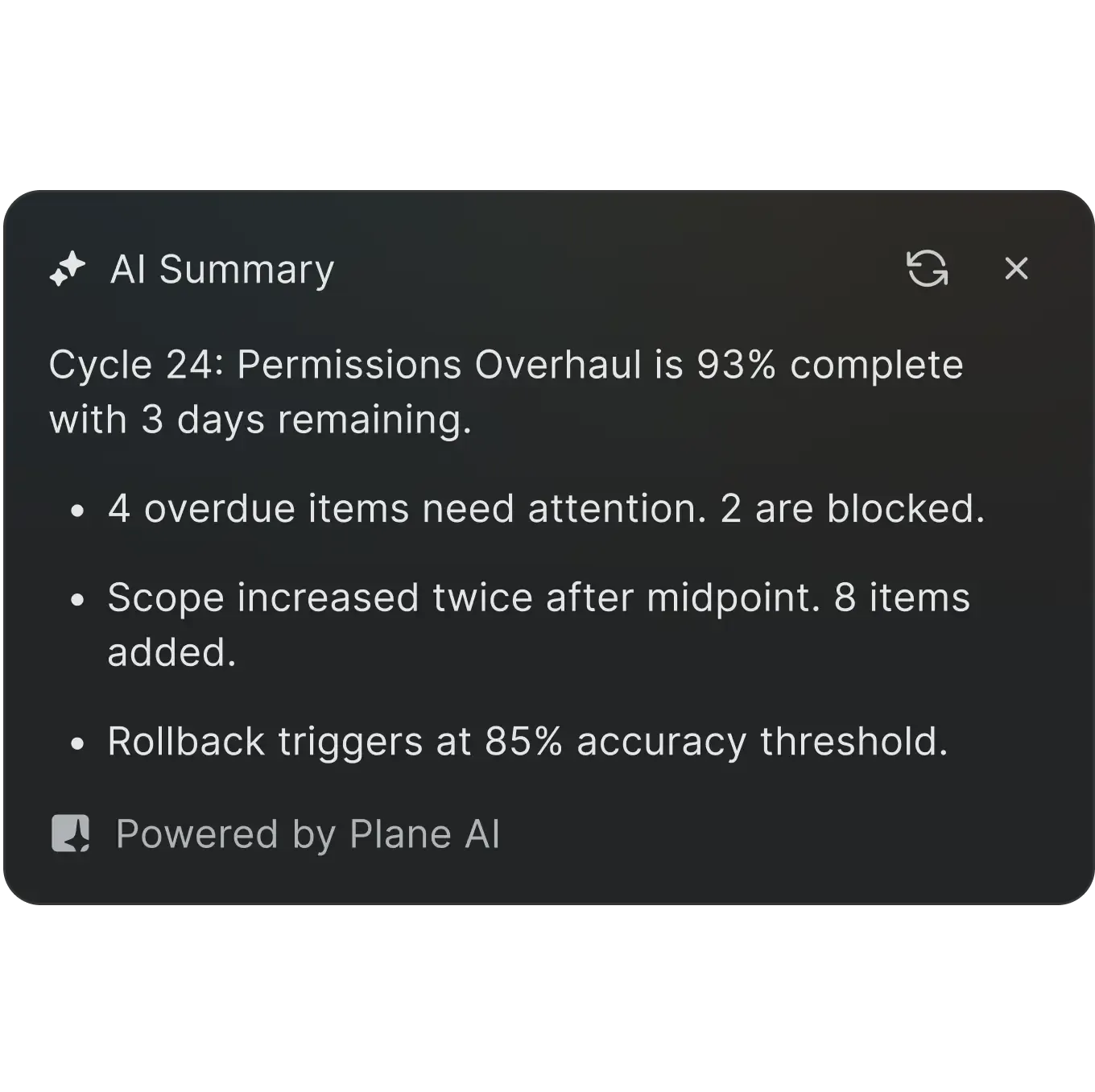
Summarize cycle progress
One click turns every update and state change into a single status summary.
Designed to keep your team
in flow, not in process
Details that make Plane easy to love
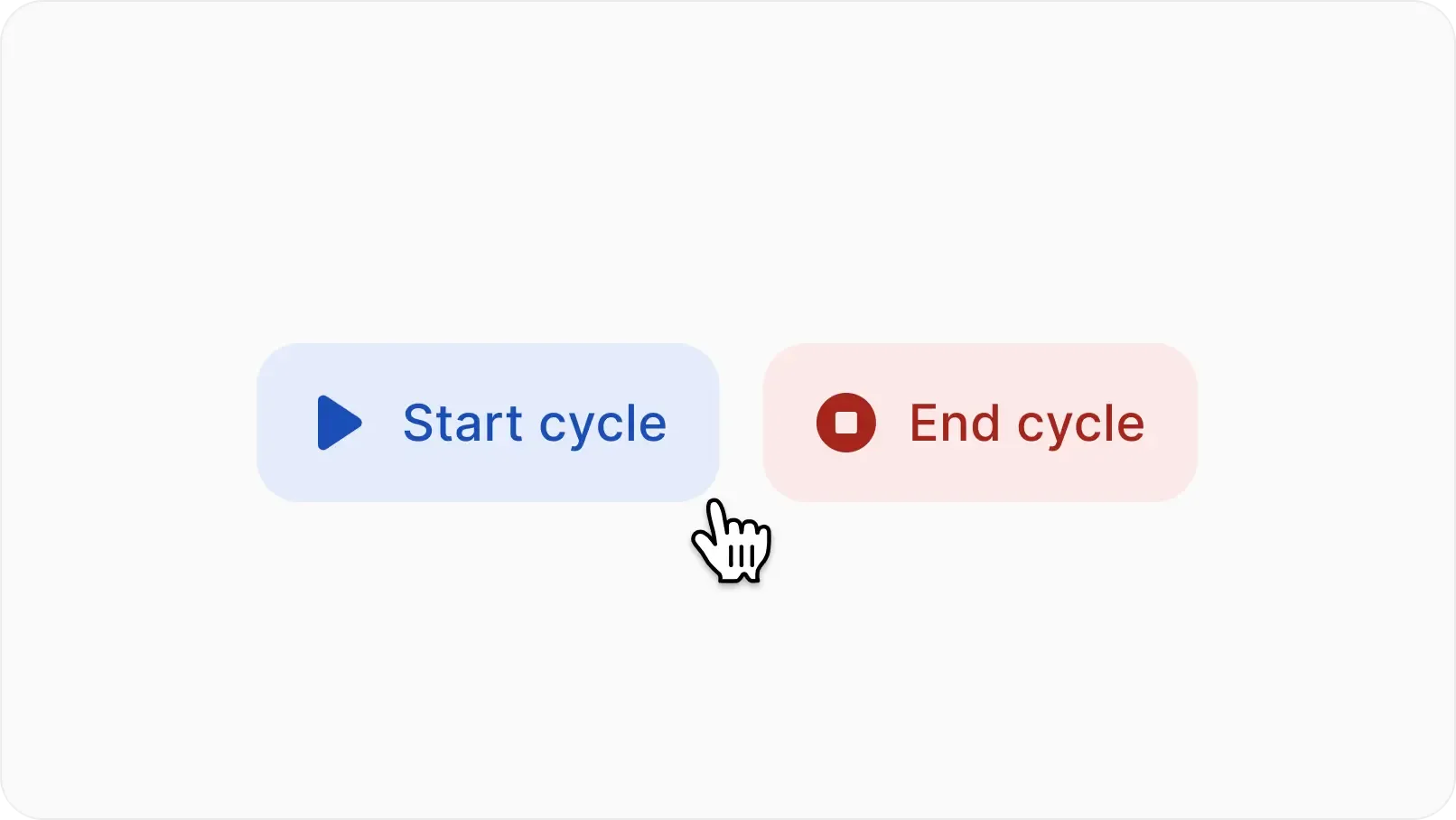
Manual start and end
Dates follow your team, not the other way around. Start or stop a cycle whenever the team is ready.
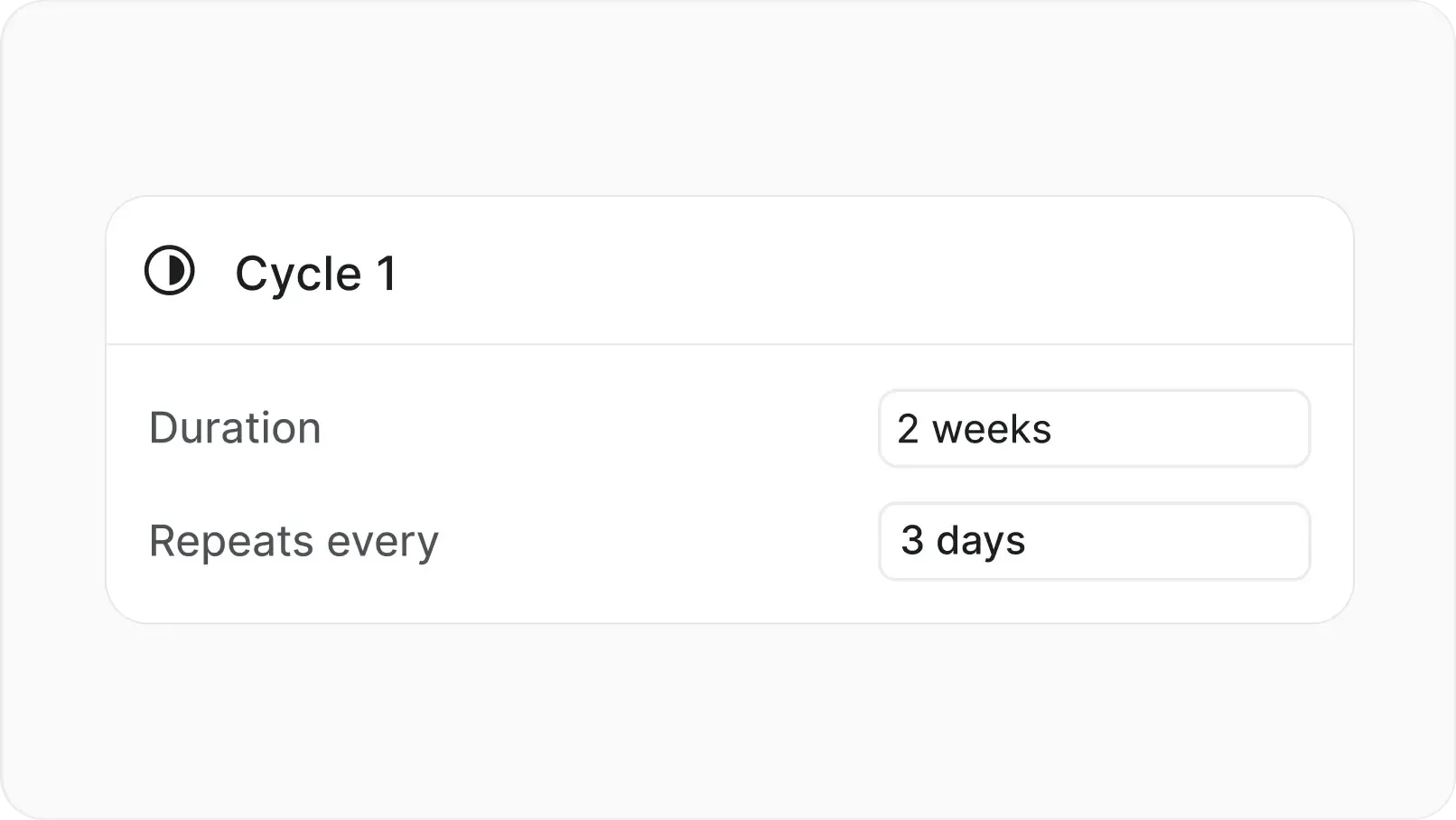
Auto-scheduling
Set a cadence once and Plane creates every future cycle automatically with optional cooldown between them.
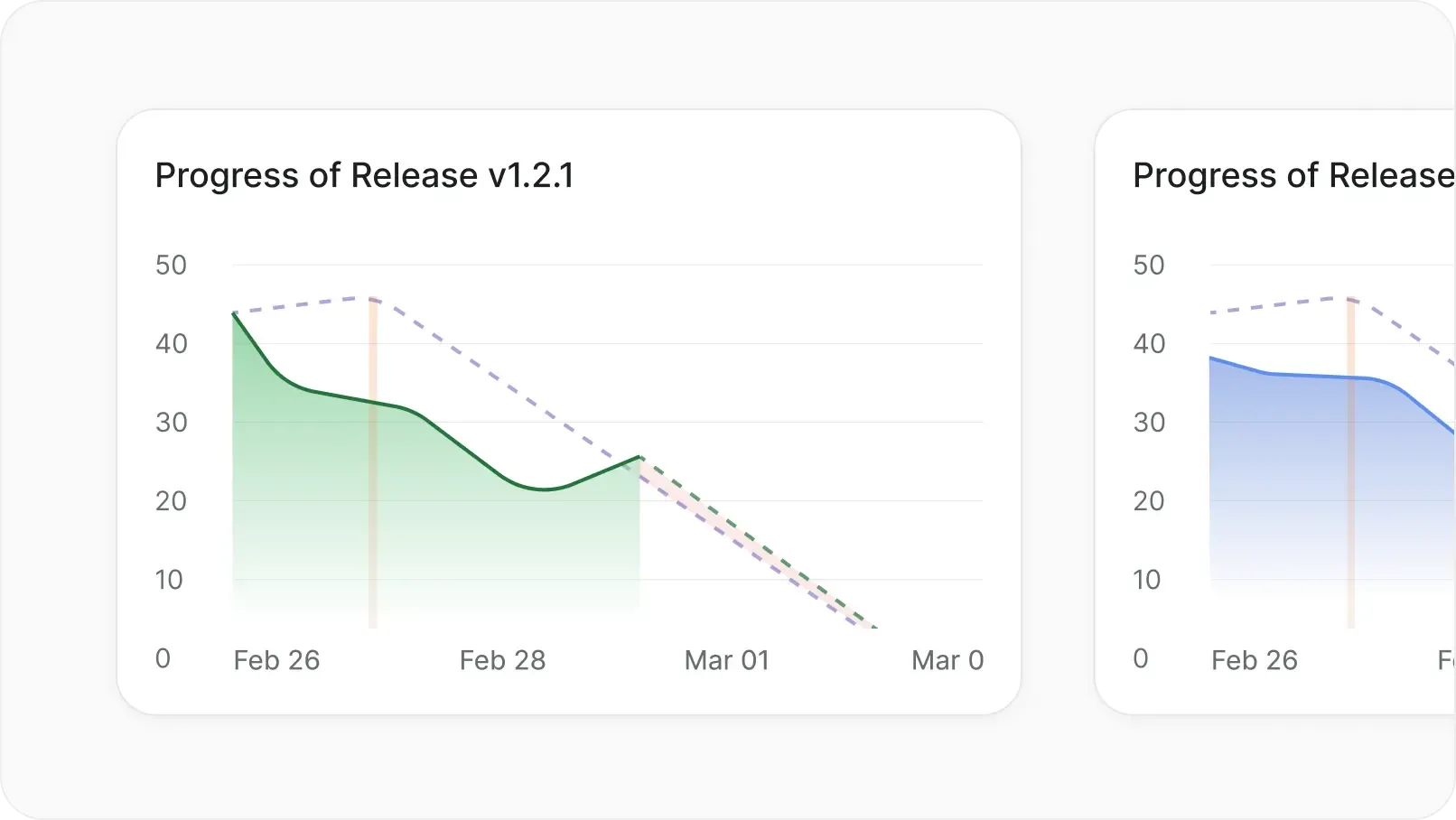
Active cycles across the workspace
See every running cycle across every project from a single view within the workspace
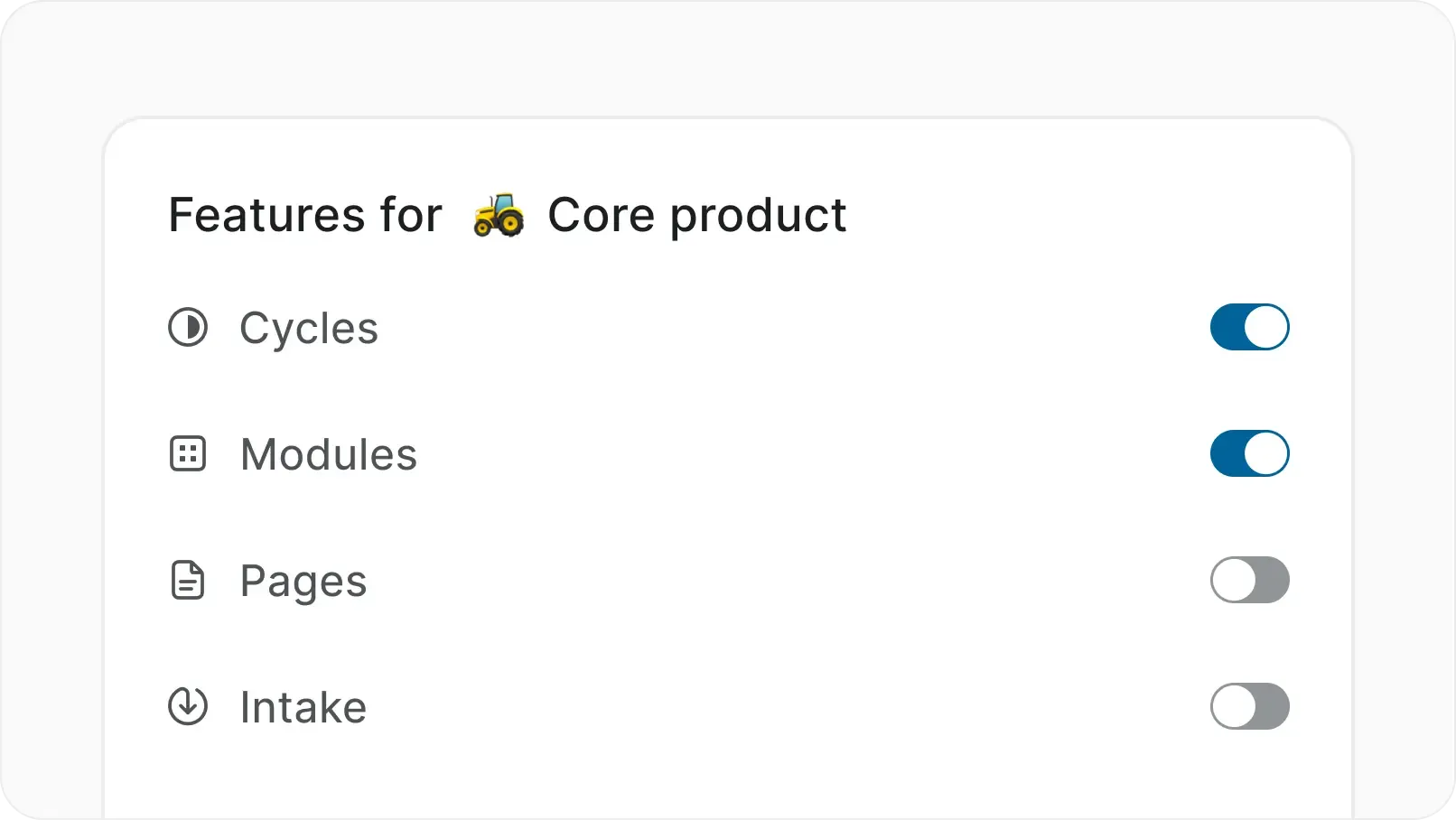
Progressive complexity
Every feature is off by default. Turn on cycles, modules, automations, and more only when your team is ready.
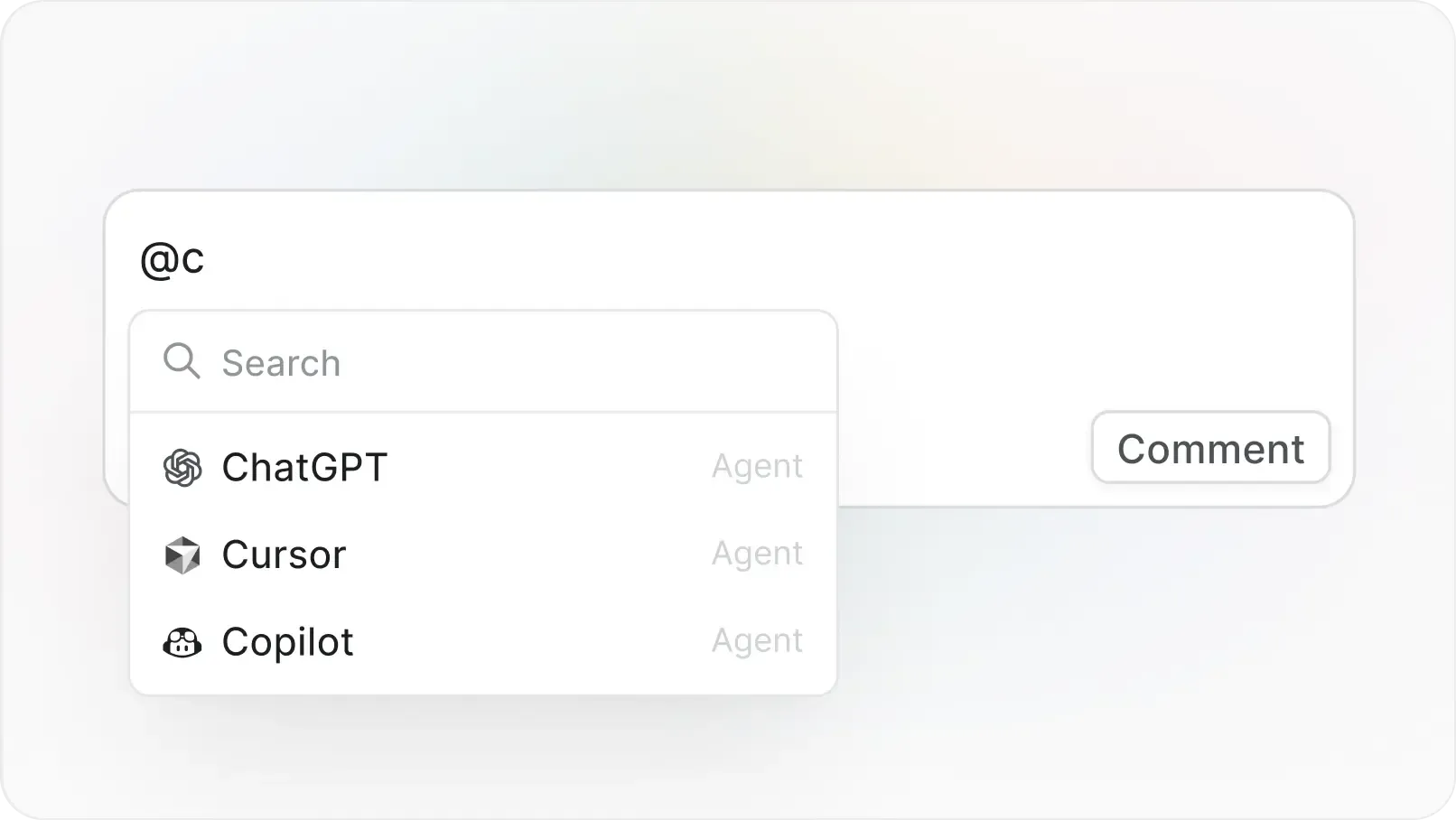
@mention AI agents
Tag agents in work items and comments. Assign tasks, ask for context, or let them act on your behalf.
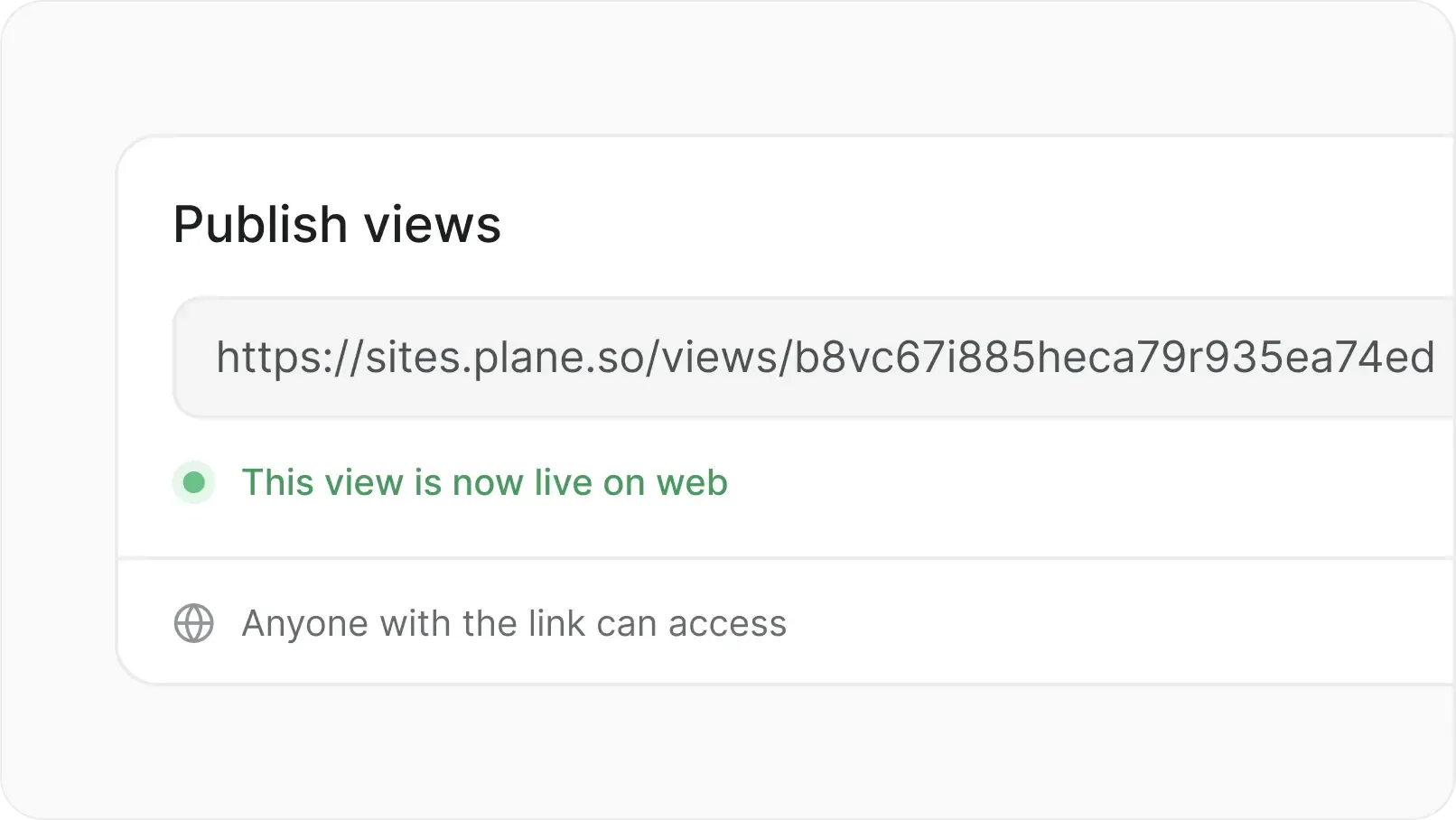
Publish externally
Share boards and views with stakeholders outside Plane. Collect feedback without giving full project access.
Cycles connect to everything downstream
Cycles are how Plane turns a backlog into a rhythm. Every connected feature makes that rhythm more useful.
Your Cycles. Your infrastructure.
Everything you get on cloud, deployed on your infrastructure. Same speed, same capabilities, zero trade-offs.
Install in under 10 minutes
Deploy on Docker or Kubernetes
One-click backups
God mode for instance config
Air-gapped available
Migrate from Jira DC seamlessly
Admin panel for SMTP, auth, and more
Prime CLI to manage your instance
Enterprise-grade security, compliance, and control
Plane is built for teams where trust boundaries matter. Certified, encrypted, and governed for organizations that take security seriously.

Certified across four compliance standards
SOC 2, ISO 27001, GDPR, and CCPA compliance out of the box. Independently audited, continuously monitored.
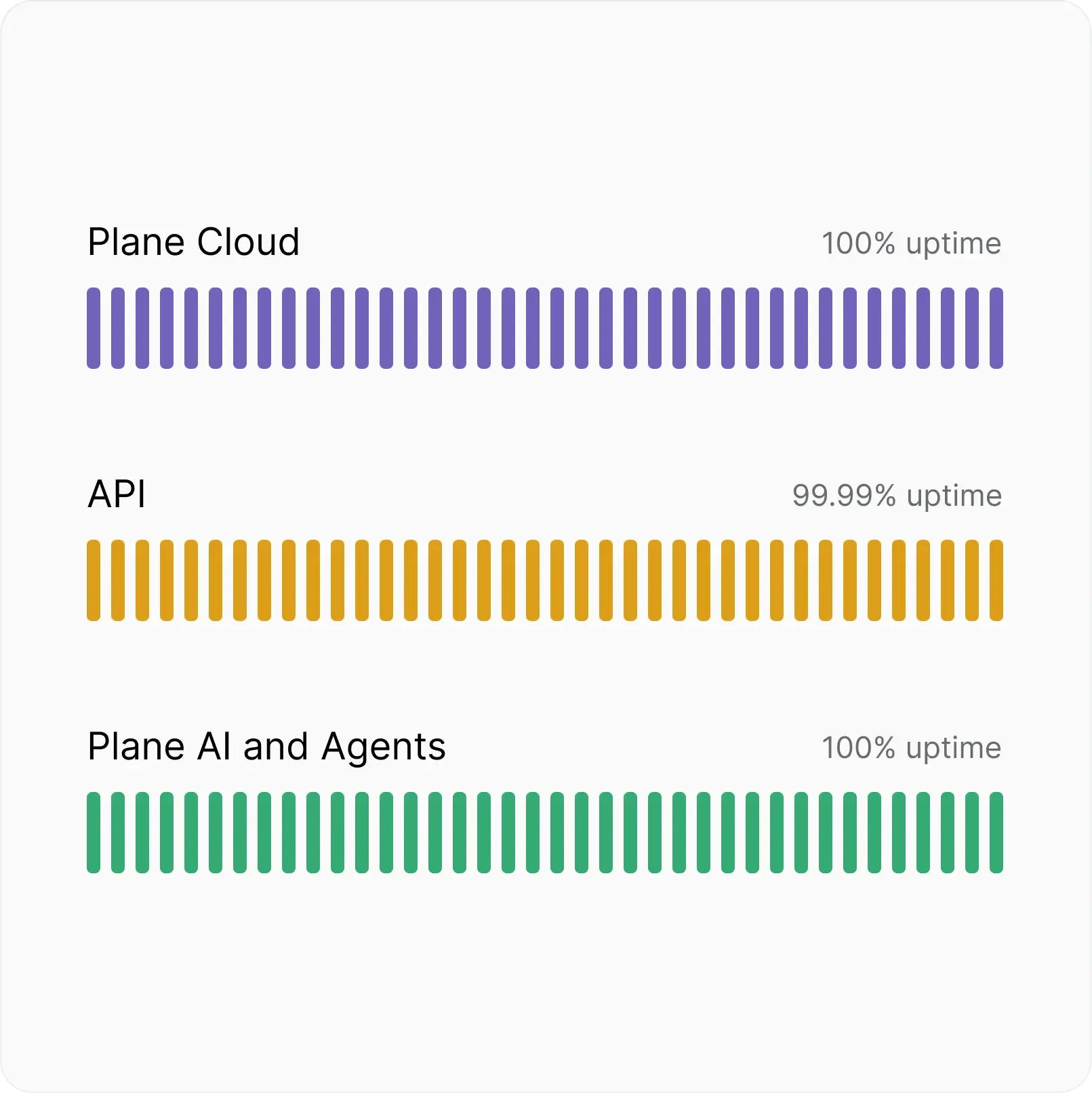
Fully committed uptime SLA
Automatic backups, real-time scaling, and multi-layer failovers. Built to stay up when it matters most.
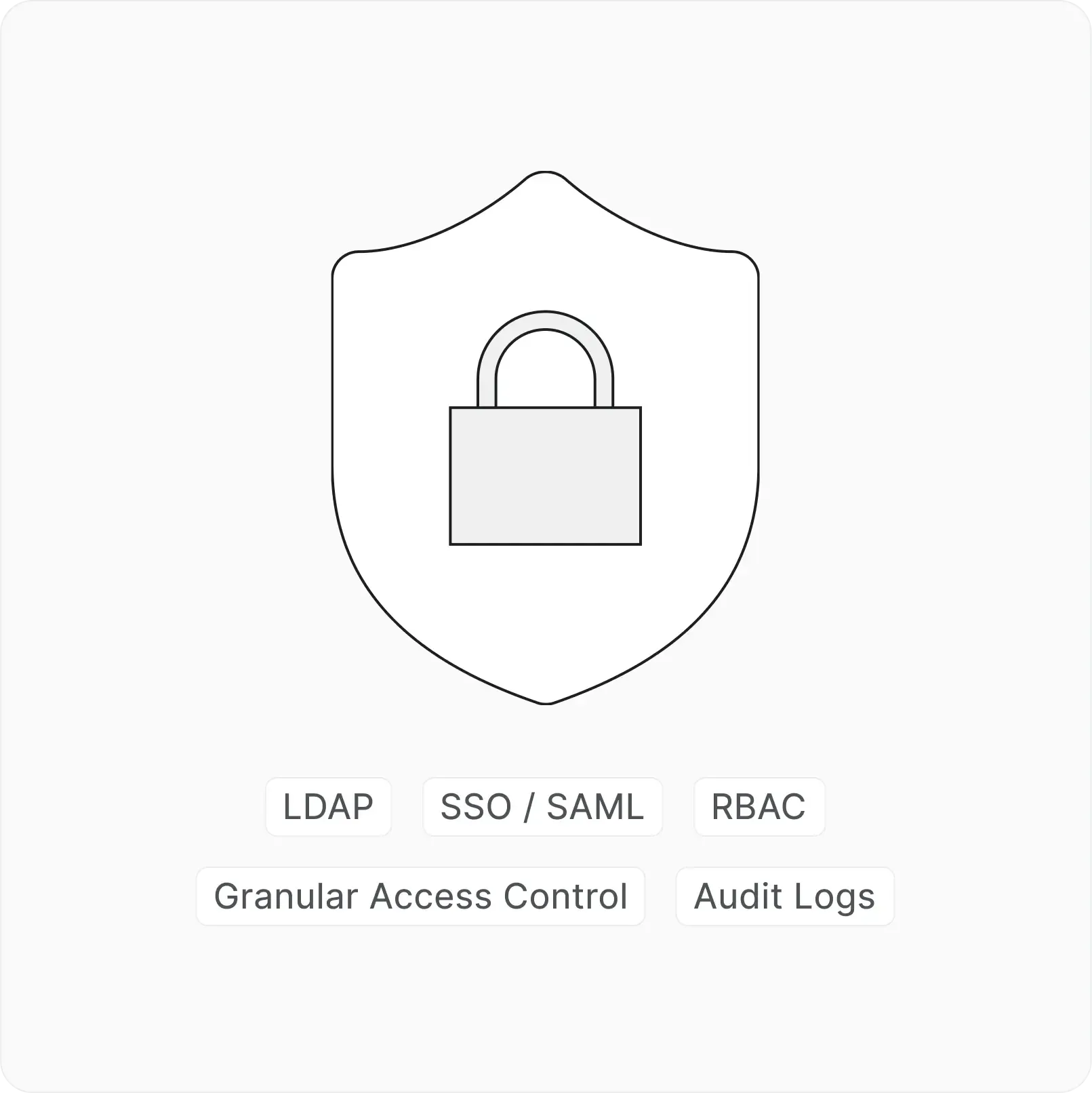
Identity and access at every layer
SSO, SAML, and LDAP across every workspace. Authenticate your way.
Next-gen project
management starts here
Everything you get on cloud, deployed on your infrastructure. Same speed, same capabilities, zero trade-offs.


 Download for Mac
 Download for Android