Work Item Types

Every kind of work, structured exactly how it should be

Work item types give each item its own identity, properties, and rules. Create one
in under a minute. Every item is purpose-built from the moment it exists.
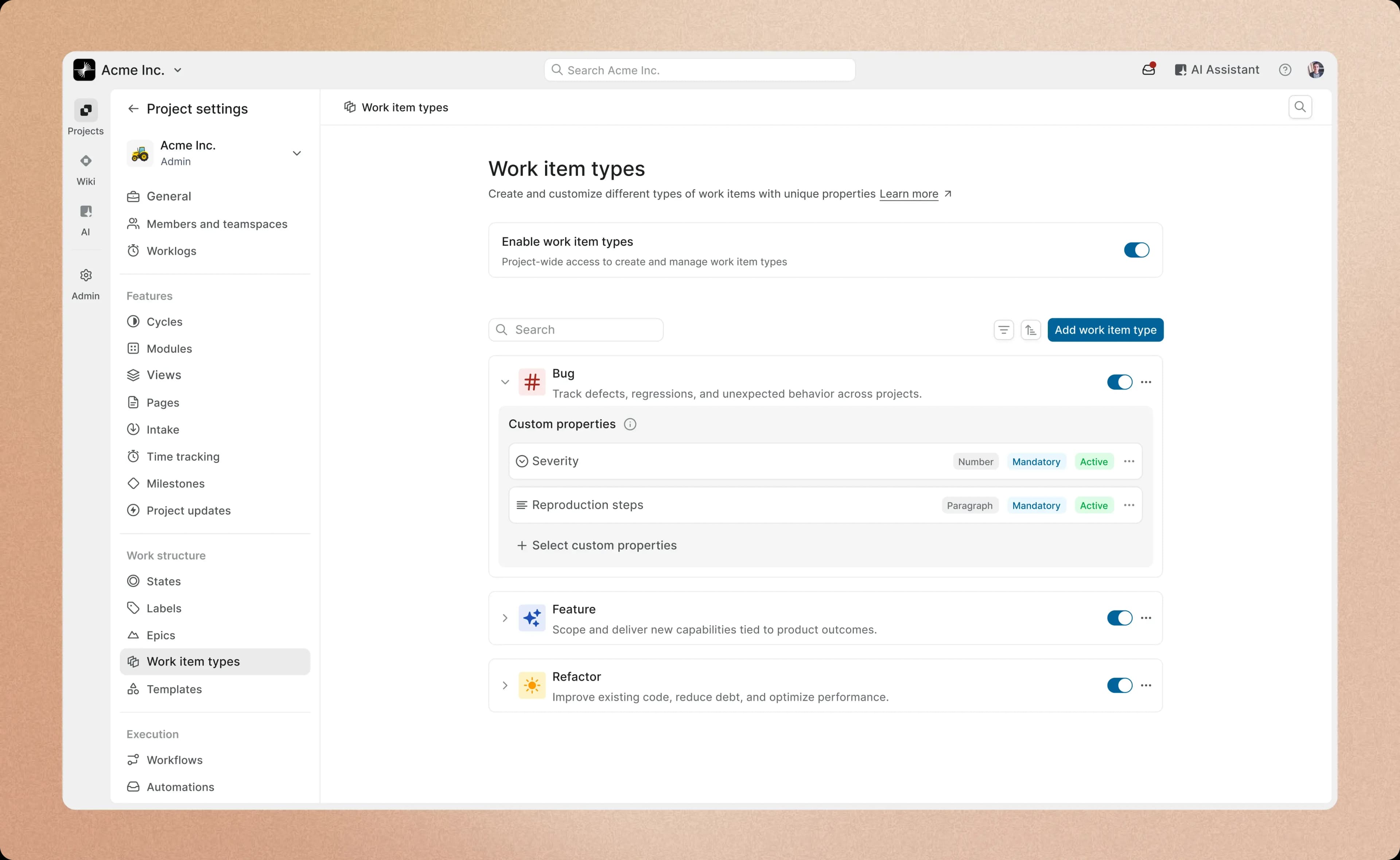

screenshot-work-item-types-hero.webp
Inside every work item

Create, configure, and control your issues work items in clicks

Name a type, add the properties it needs, and decide what is required.

That is the entire setup.

screenshot-identity-cards

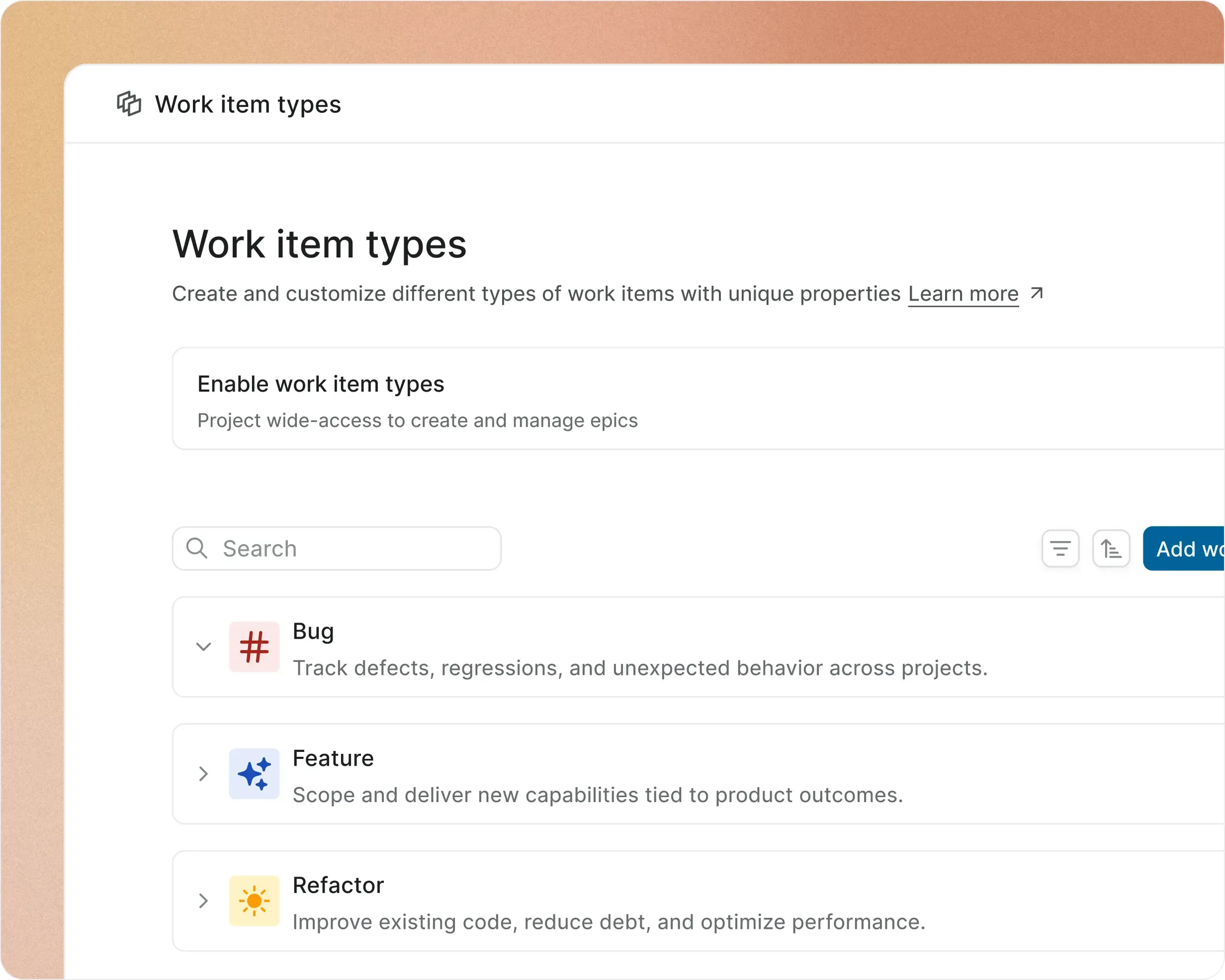
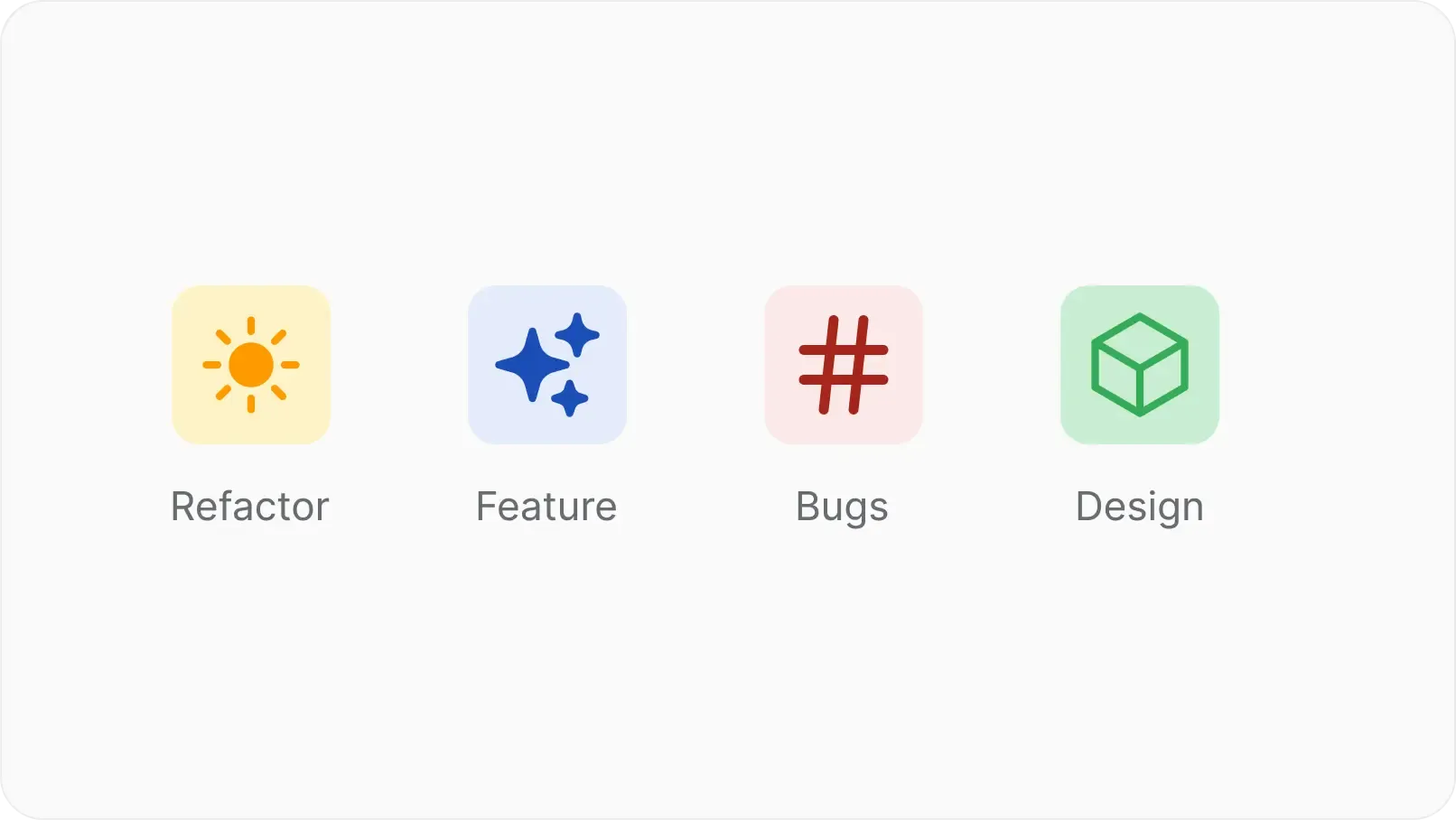
Give every type its own identity

  • Assign a name, icon, and color so bugs, features, and content items are visually distinct across every view.

screenshot-fields-that-matter-cards

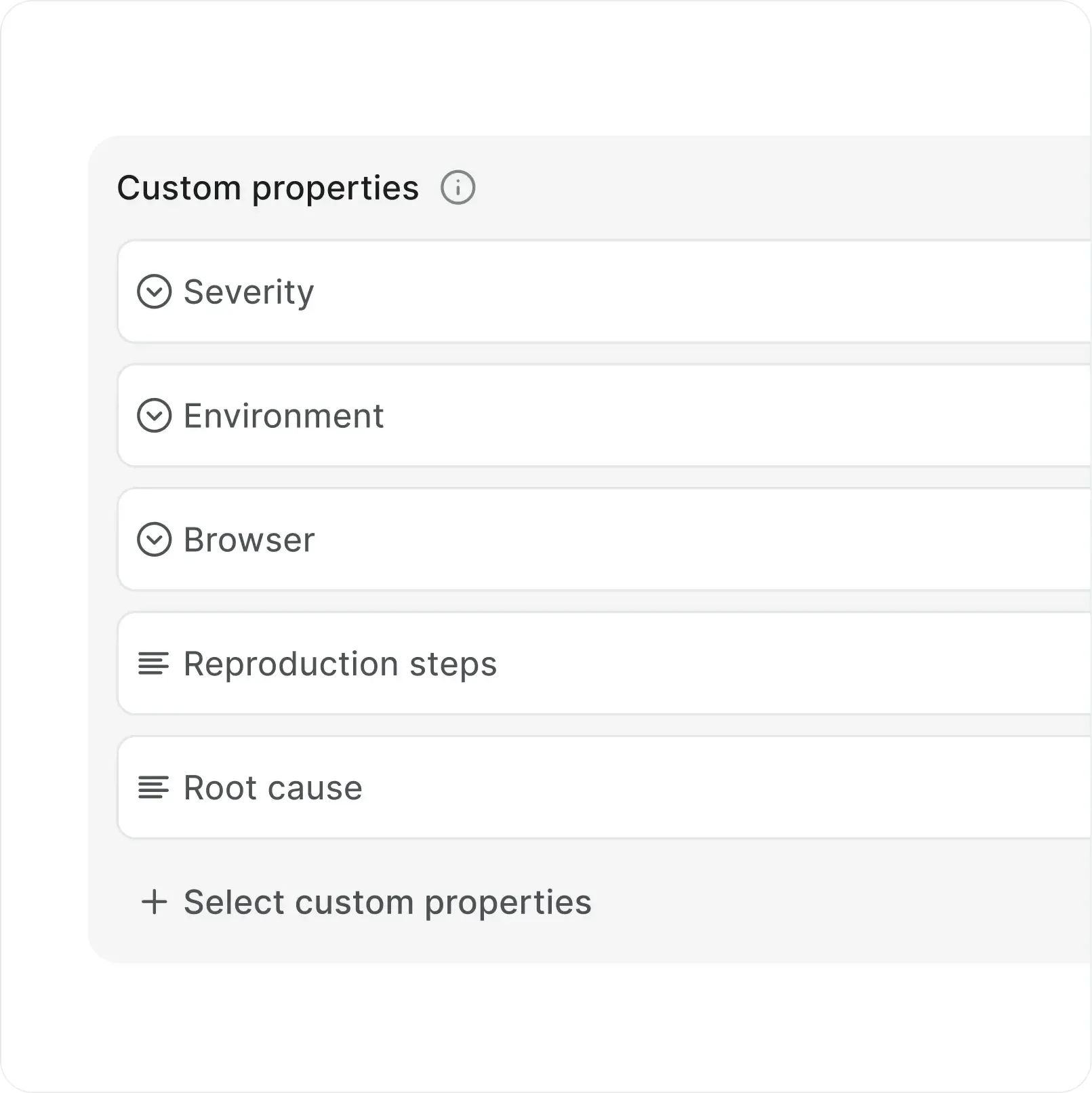
Add only the fields that matter

  • Attach properties to specific types so each one captures exactly what the work requires.

screenshot-control-property-cards

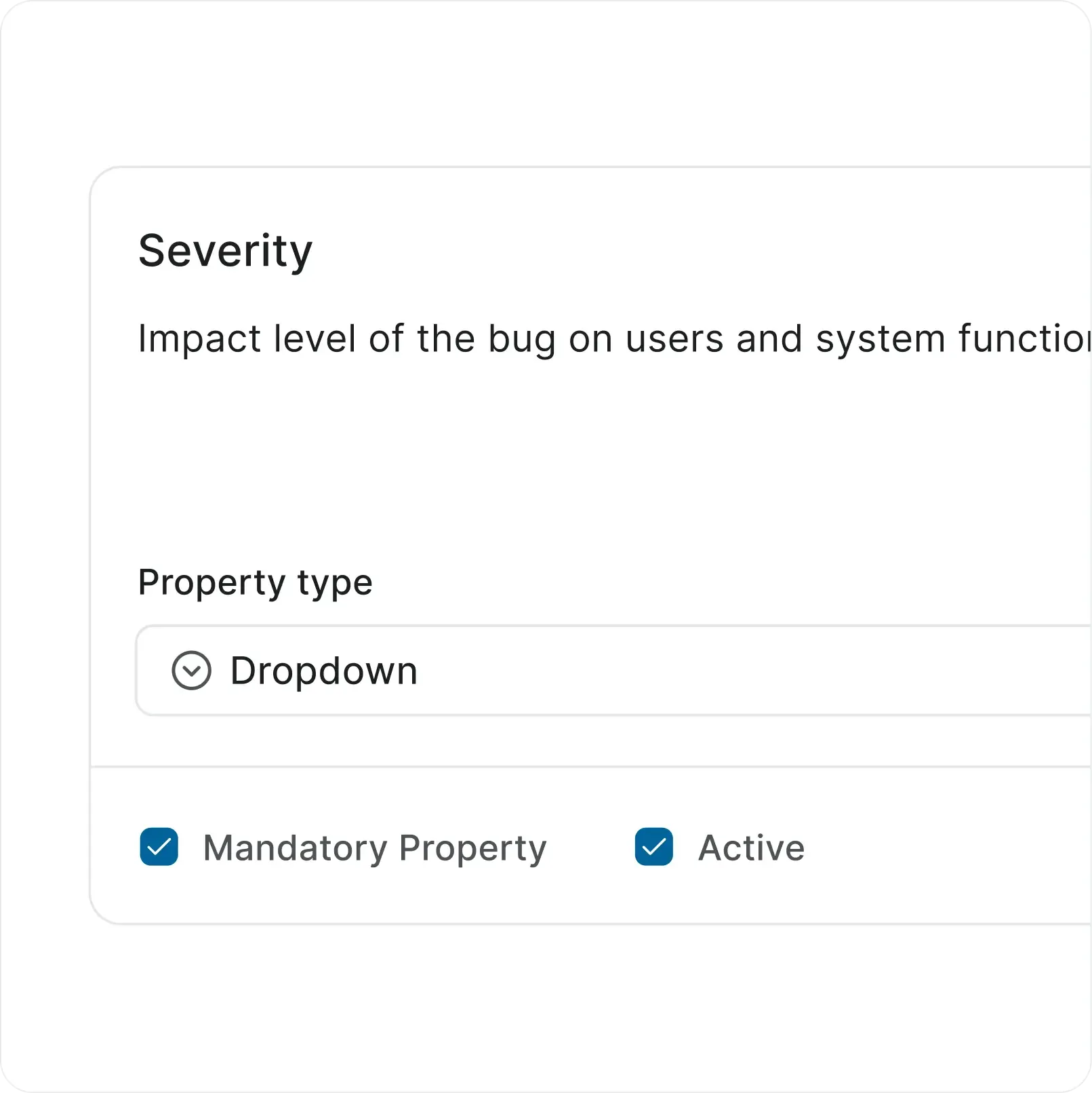
Control what is required and optional

  • Mark any property as mandatory, pre-fill defaults, and toggle fields active or inactive without losing data.

TYPE BUILDER

Managed by the teams that own the work

  • Project admins create, update, and toggle types within their scope. Existing work items stay intact through every change.

  • edit-filled

    Name, describe, pick an icon and color

  • toggle-filled

    Toggle types on or off without affecting existing items

  • cursor-02

    Assign types per project to keep scope clean

screenshot-type-builder-cards
CUSTOM PROPERTIES

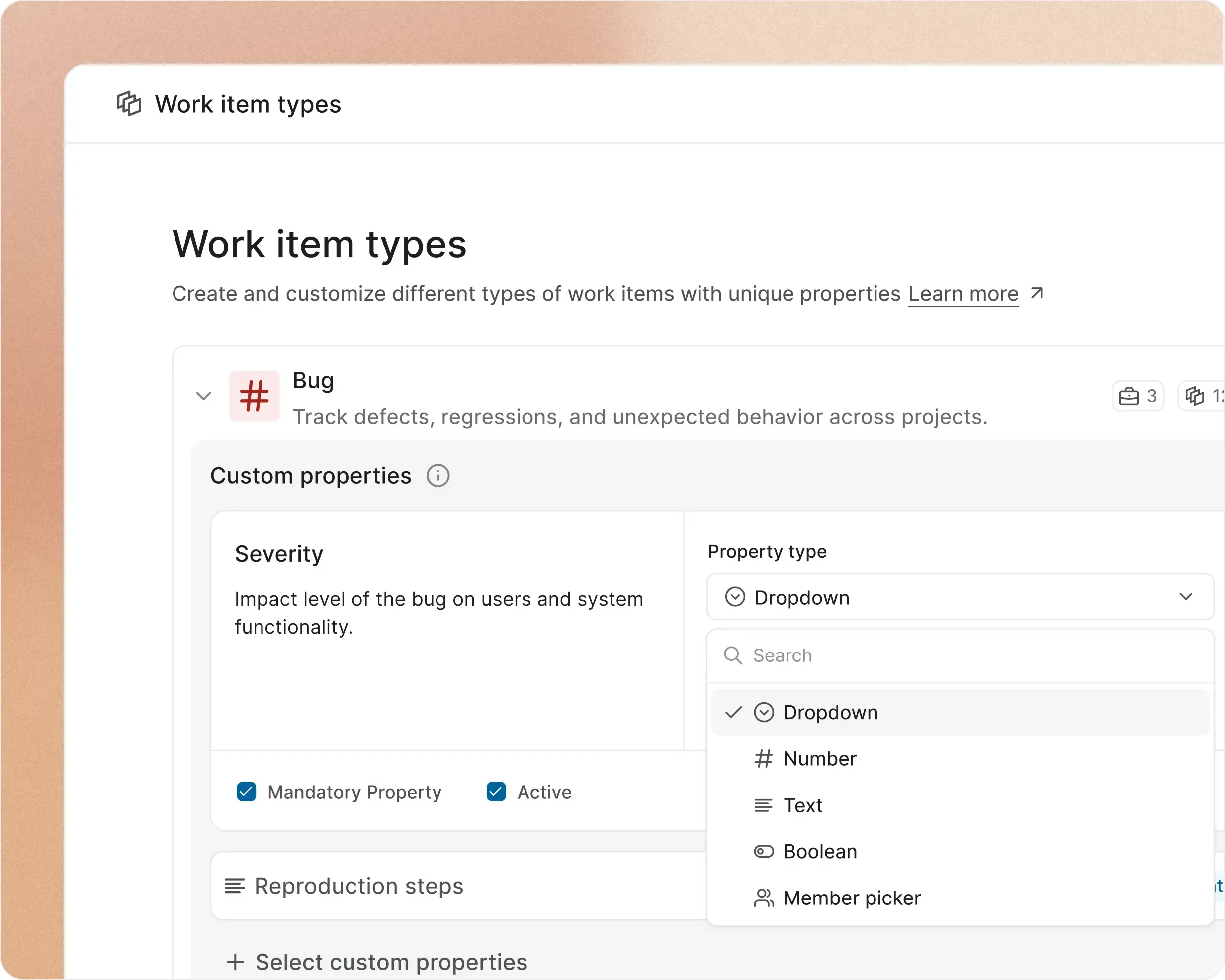
Six property types, unlimited combinations per type

  • Text, number, dropdown, boolean, date, and member picker. Single-select or multi-select where it matters.

  • dropdown-filled

    Dropdown options configured per property with custom values

  • properties-filled-primary

    Default values pre-fill on creation for faster input

  • History

    Every property change tracked in the work item activity trail

screenshot-property-types-cards
AI ASSIST

AI that learns from your
types and properties

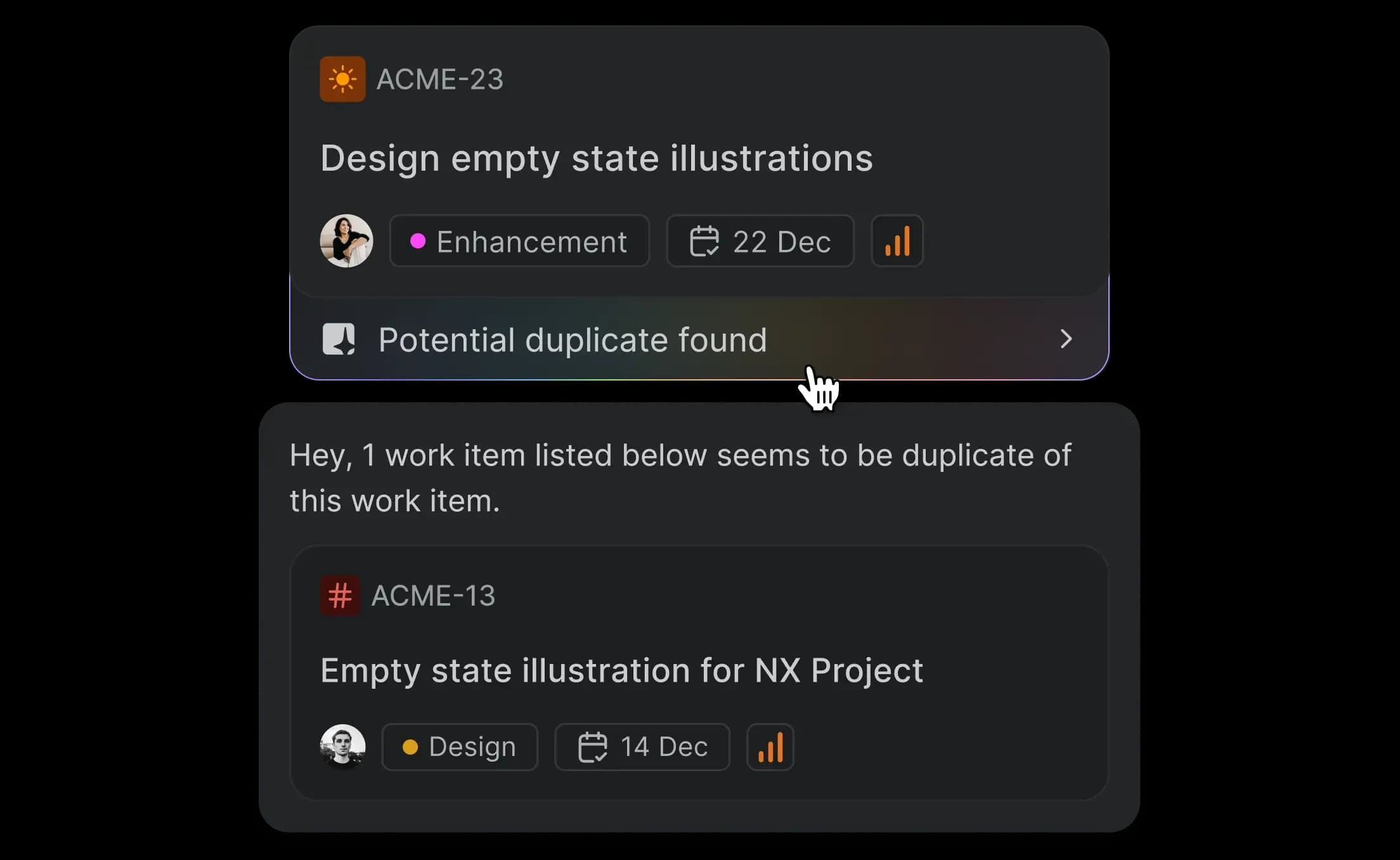
Catch duplicates across types

Every new work item runs against the existing backlog. AI surfaces matches with a confidence score before two teams build the same thing in parallel.

screenshot-dedupes-cards

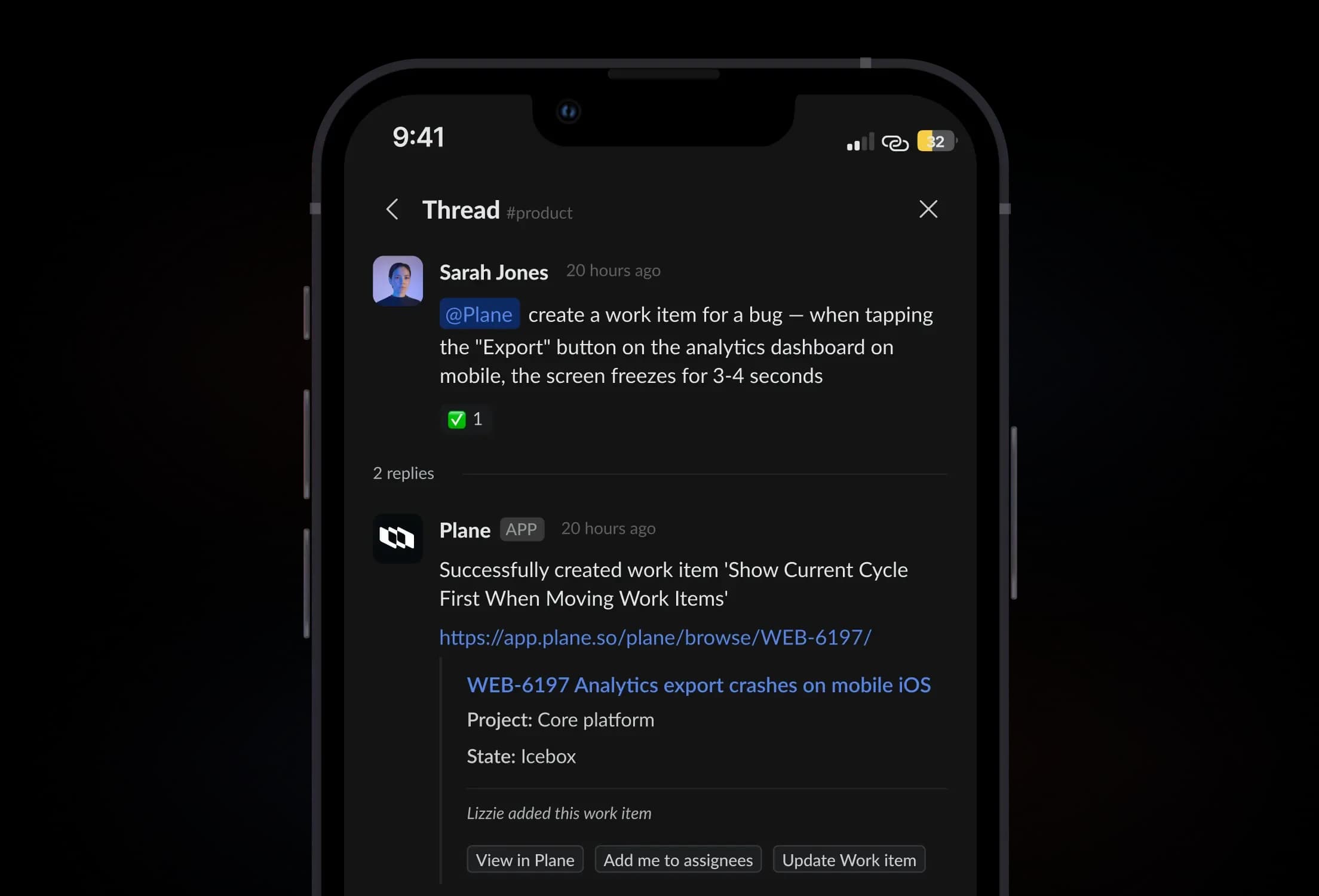
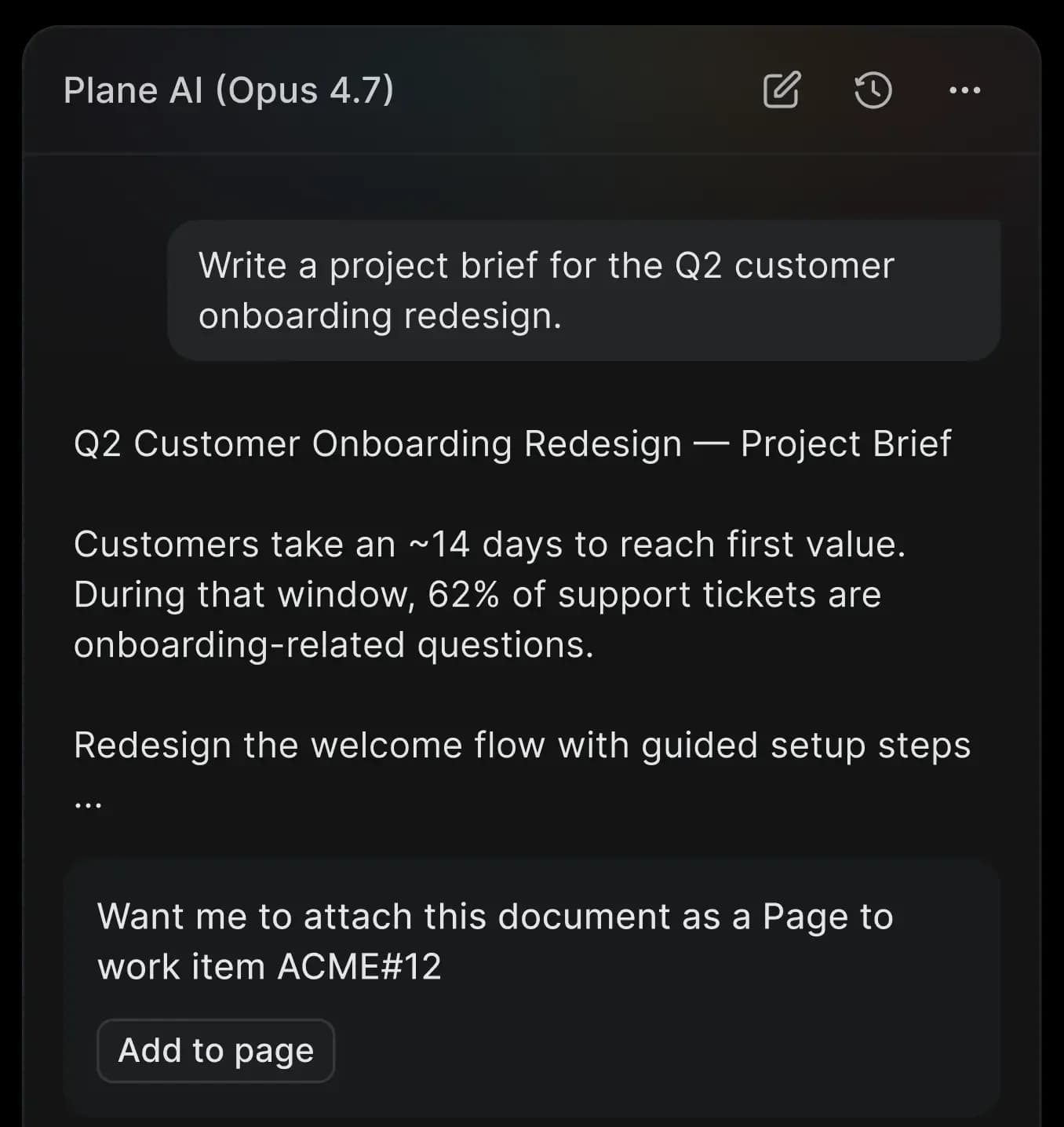
Create work items from conversation

Describe what needs to happen in Plane AI chat. You get a structured work item with the right type, title, description, and properties, ready to review.

screenshot-slack-bento

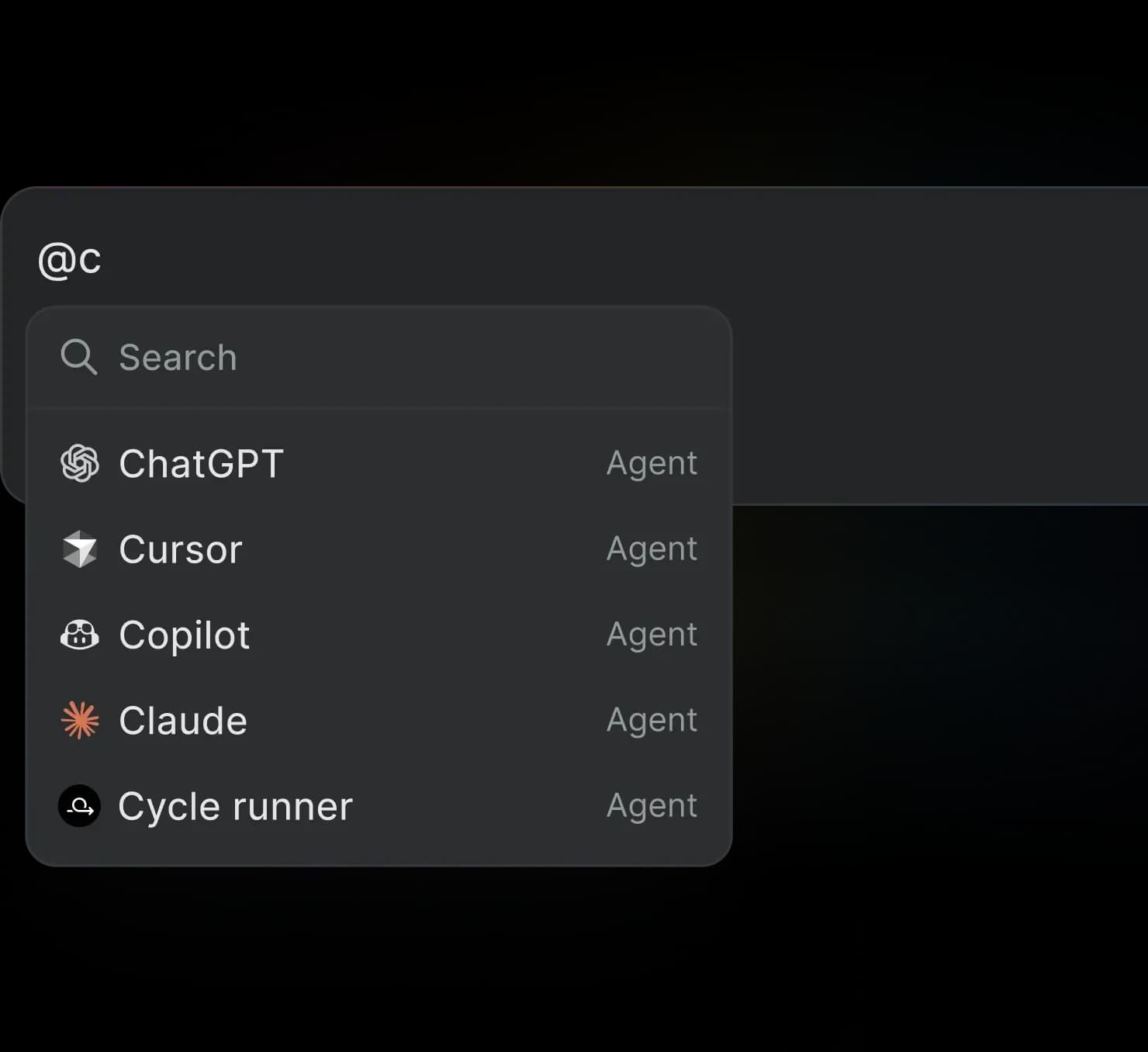
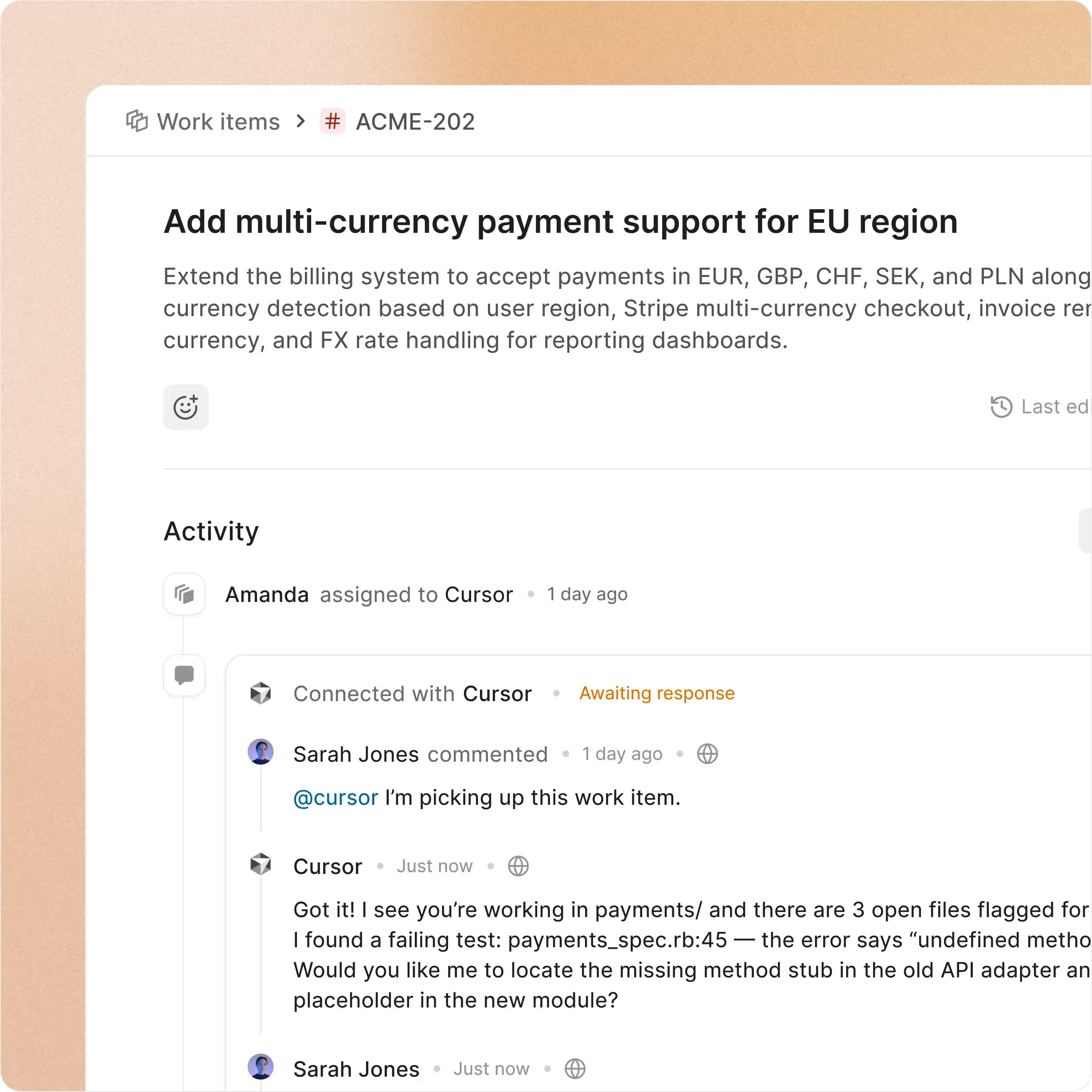
@mention an agent on any work item

Assign an agent like a teammate. It reads the type and properties, then acts.

screenshot-mention-bento

Ask Plane AI anything

Query any project, cycle, or work item in plain language. Answers come from live data.

screenshot-sidecar-bento

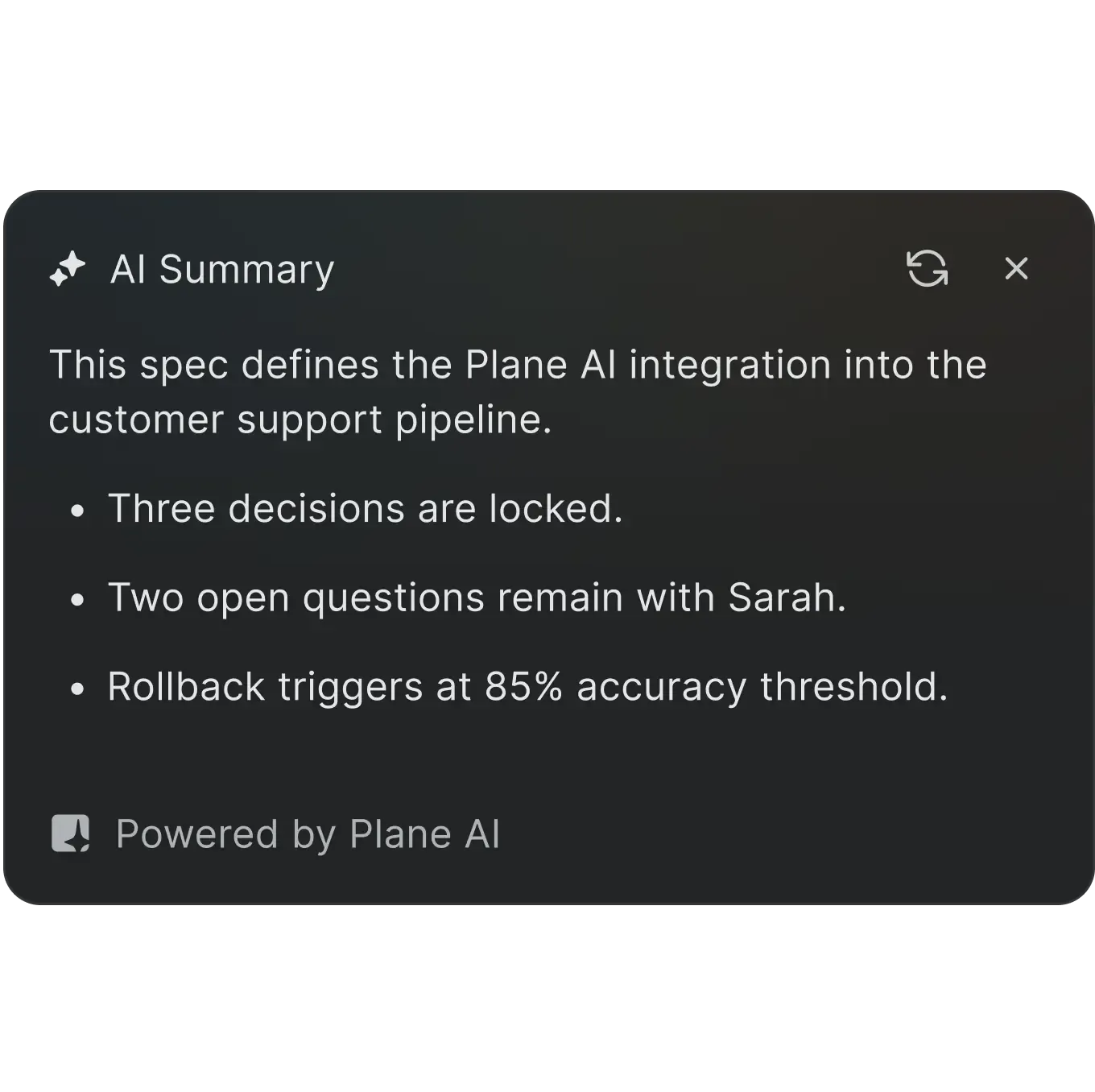
Instant summaries on work items

One click generates a progress summary across comments, activity, and linked items.

screenshot-ai-summary-bento
Under the hood

Small details that make

work item types easy to love

Designed to keep your team structured, not constrained.
Turn on what your team needs. Ignore the rest.

screenshot-work-item-types-grids-1

Switch types on existing items

  • Change a work item's type after creation. Properties update automatically.

screenshot-bulk-update-grids

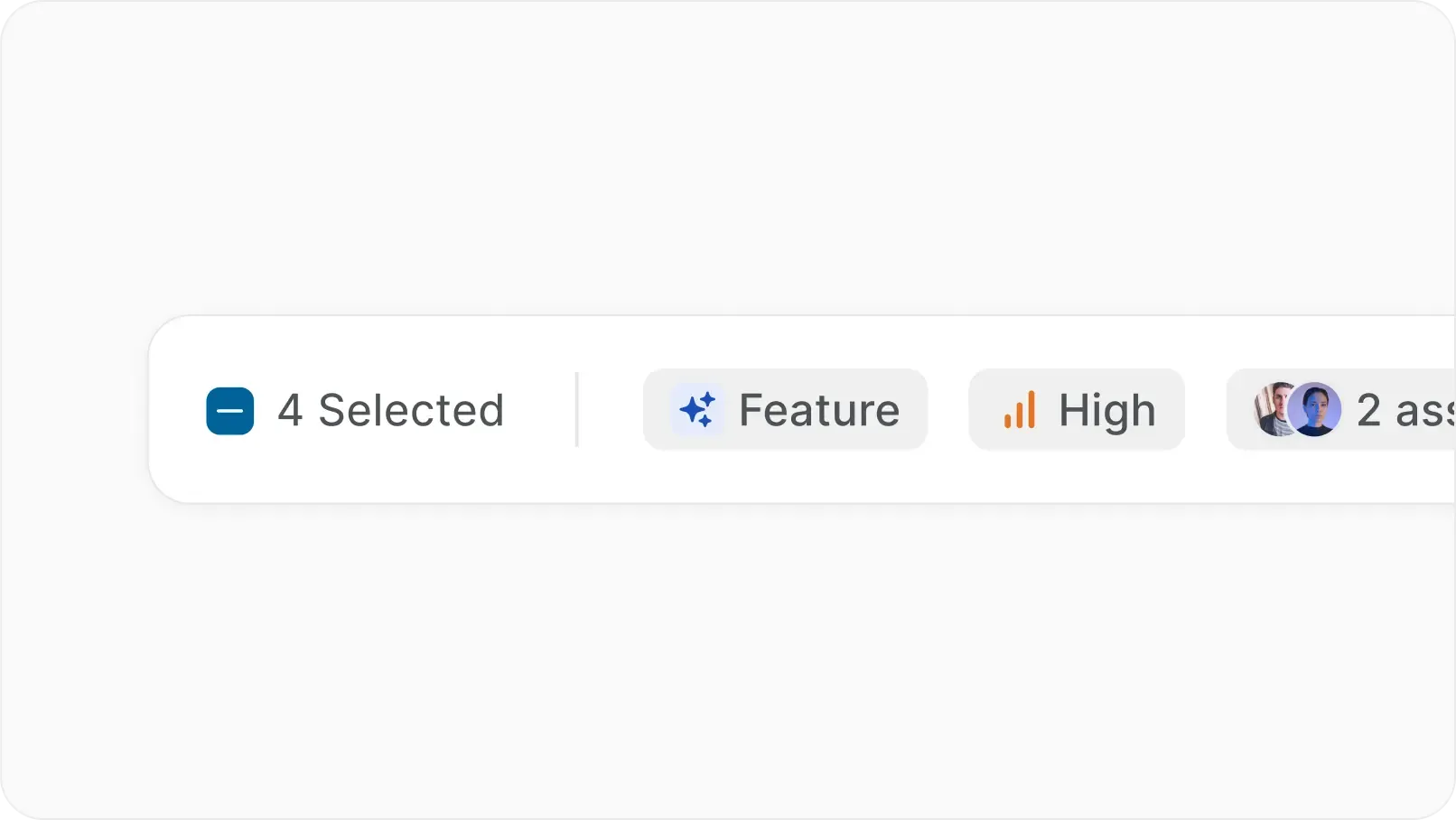
Bulk type updates

  • Select multiple items in spreadsheet view and change their type in one action.

screenshot-import-grids

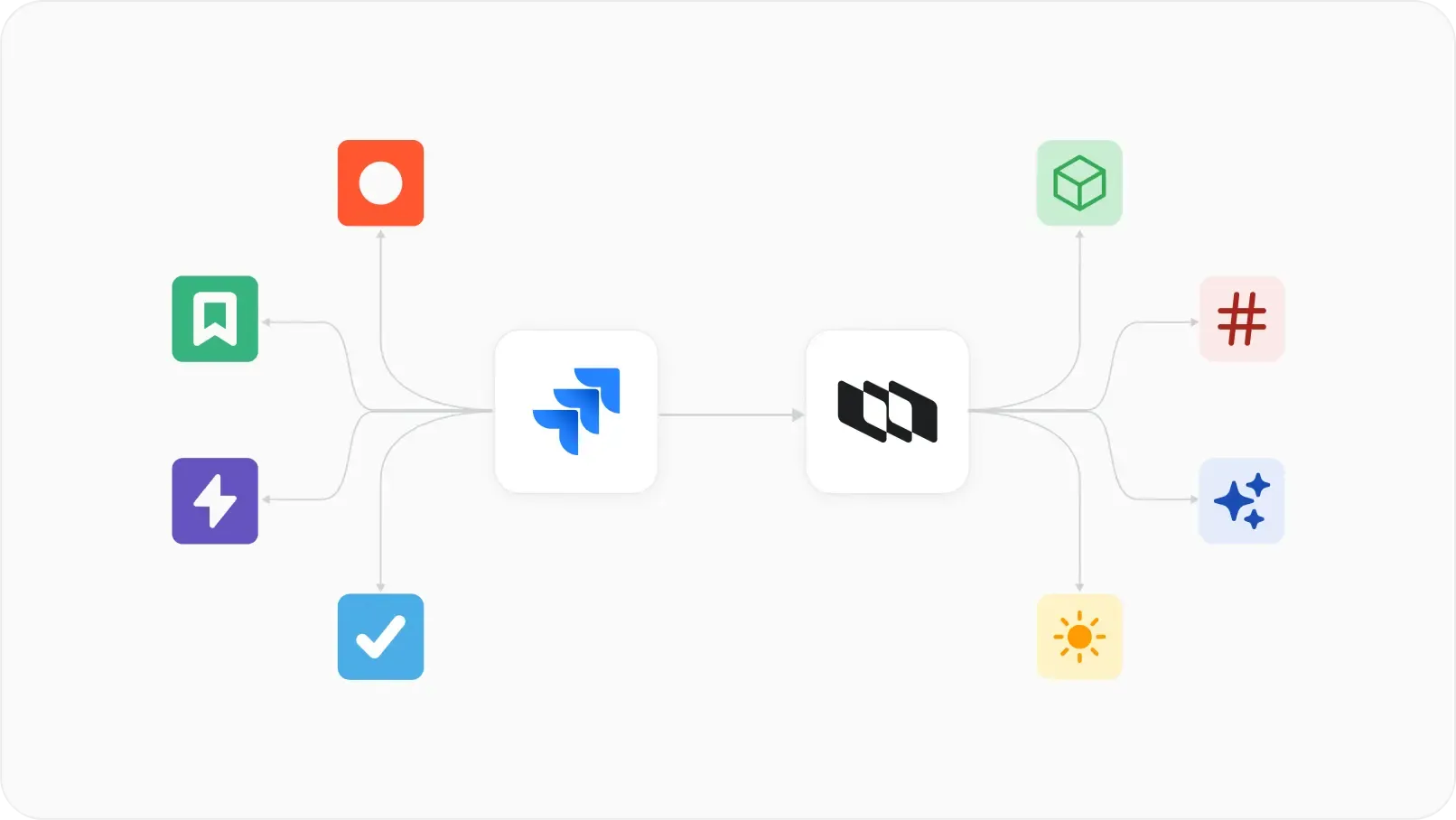
Import types from Jira

  • Plane maps Jira issue types and custom fields to work item types during migration.

screenshot-enable-disable-grids

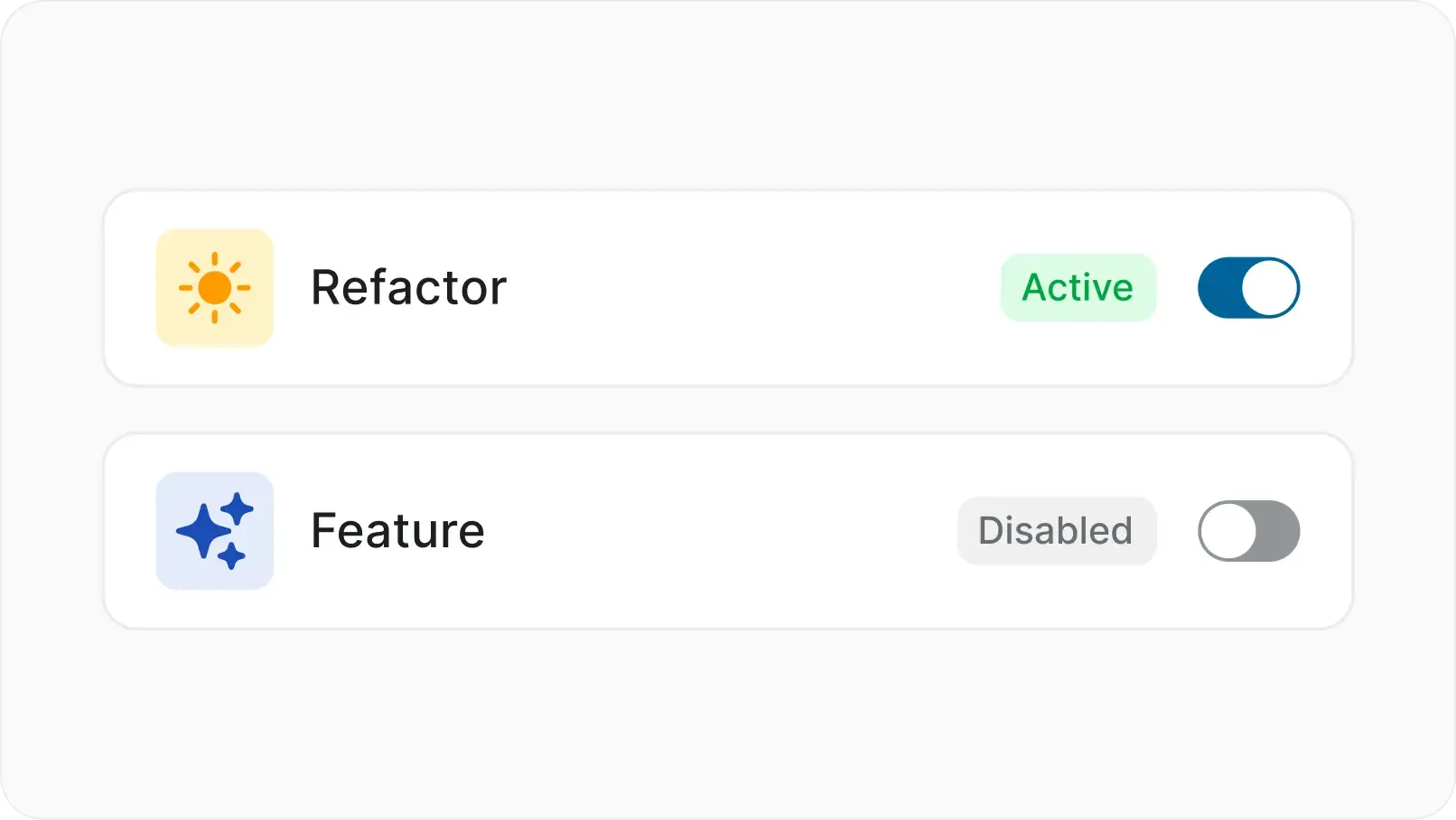
Disable without deleting

  • Toggle a type off without affecting existing items. Reactivate anytime.

screenshot-workflow-grids

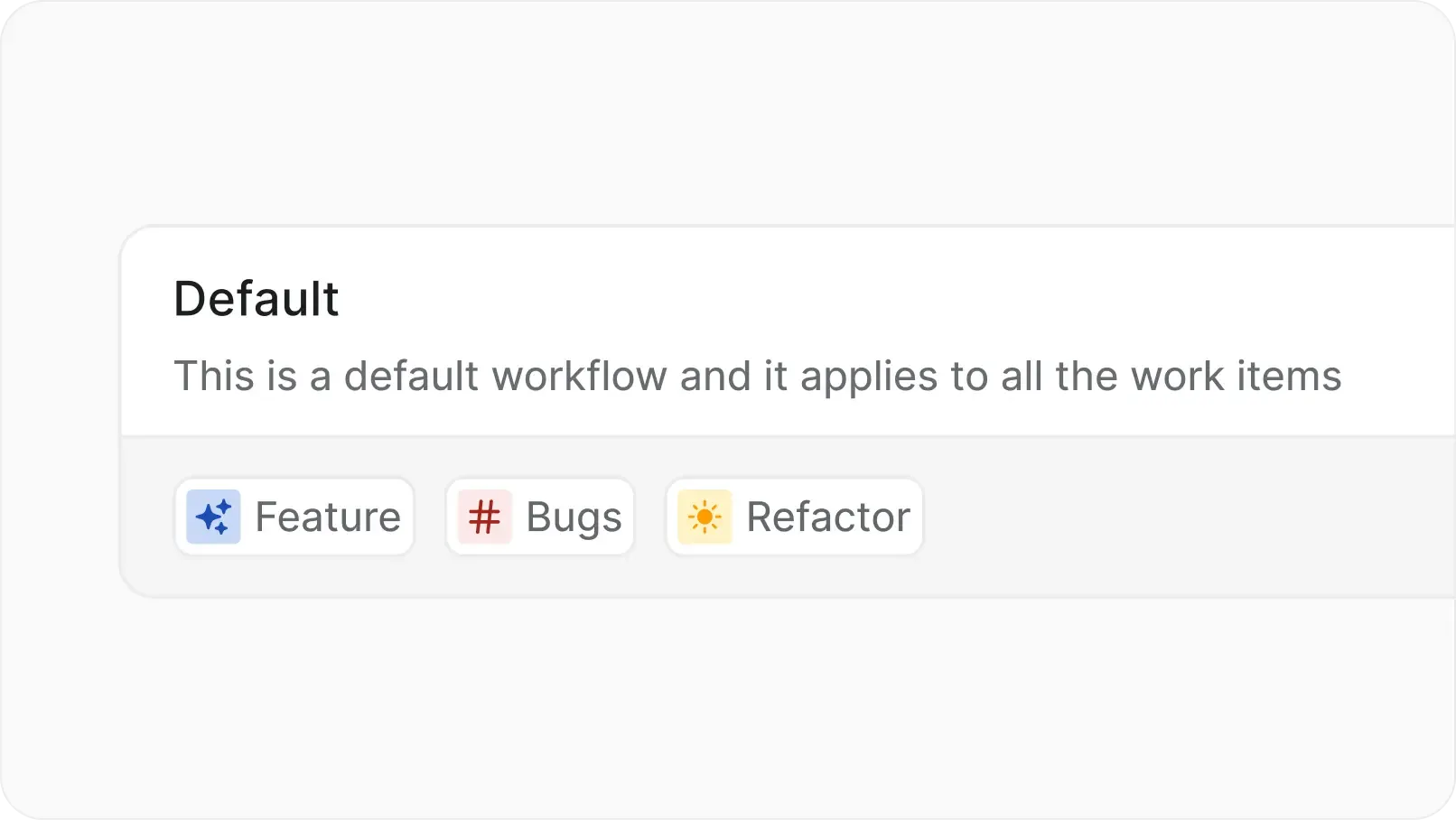
Type-specific workflows

  • Assign different workflows to different types within the same project.

screenshot-activity-grids

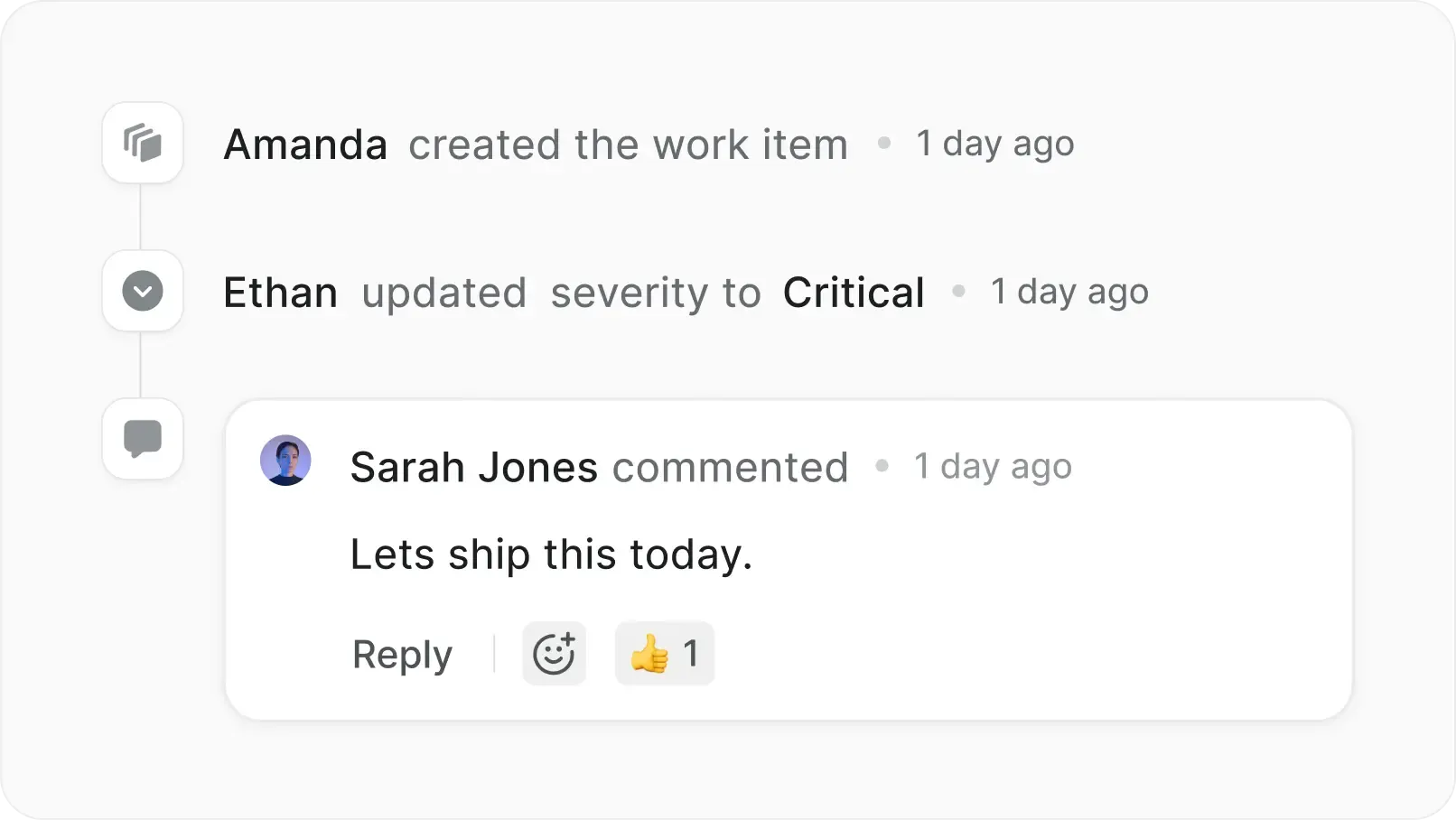
Activity trail per property

  • Every custom property change logged with author and timestamp.

CONNECTED FEATURES

Work item types shape everything downstream

Types are not just labels. They determine which properties appear, which workflows apply, and how AI interprets the work.

screenshot-wi-detail-tabs

Your work items, your infrastructure

Everything you get on cloud, deployed on your infrastructure. Same speed, same capabilities, zero trade-offs.

  • Install in under 10 minutes

  • Deploy on Docker or Kubernetes

  • One-click backups

  • God mode for instance config

  • Air-gapped available

  • Migrate from Jira DC seamlessly

  • Admin panel for SMTP, auth, and more

  • Prime CLI to manage your instance

Enterprise-grade security, compliance, and control

Plane is built for teams where trust boundaries matter. Certified, encrypted, and governed end to end.

certified-project-management

Certified across four compliance standards

  • SOC 2, ISO 27001, GDPR, and CCPA compliance out of the box. Independently audited, continuously monitored.

uptime-projectmanagement

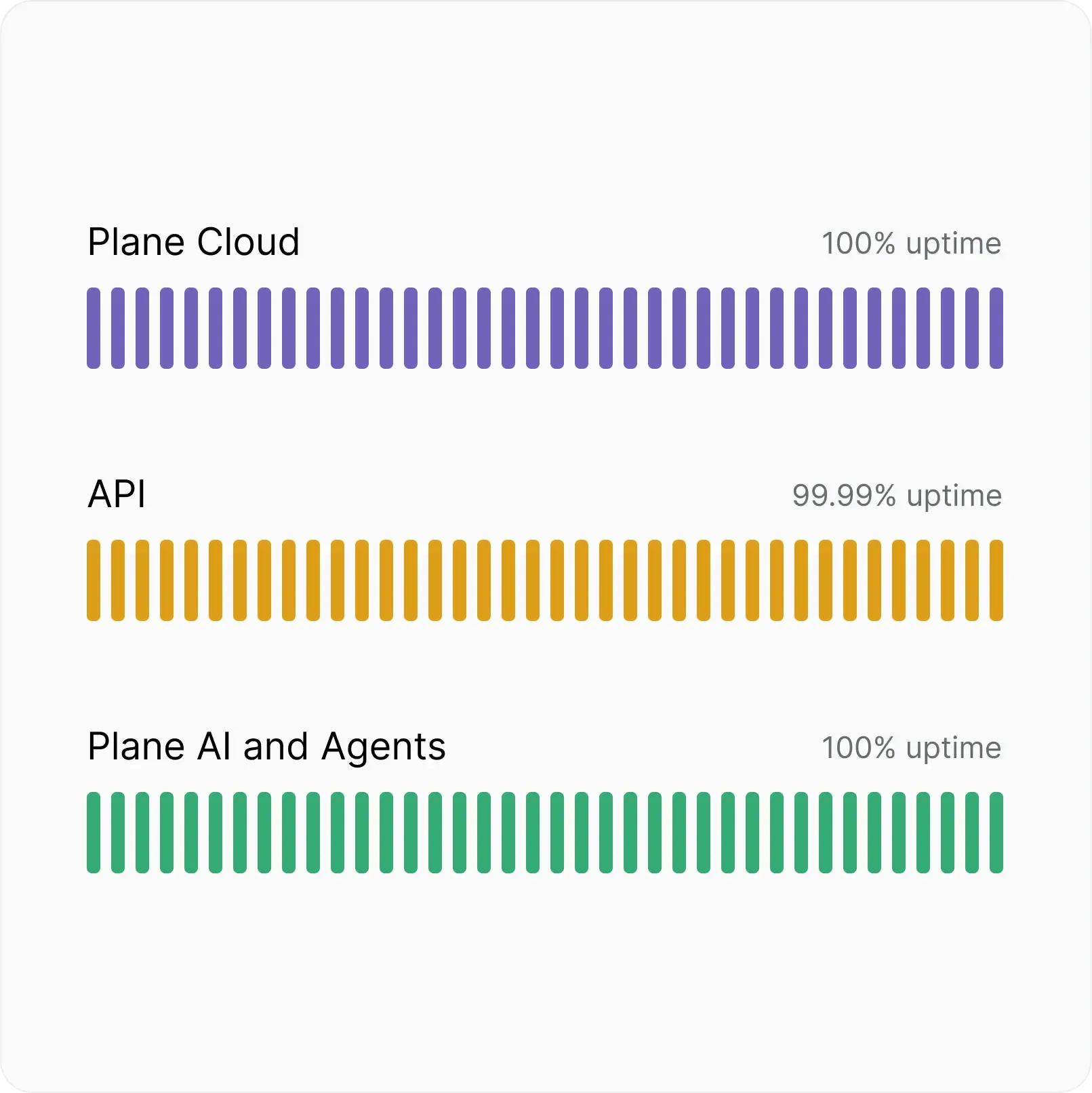
Fully committed uptime SLA

  • Automatic backups, real-time scaling, and multi-layer failovers. 100% Cloud uptime, 99.99% API uptime.

authenticate-project-management

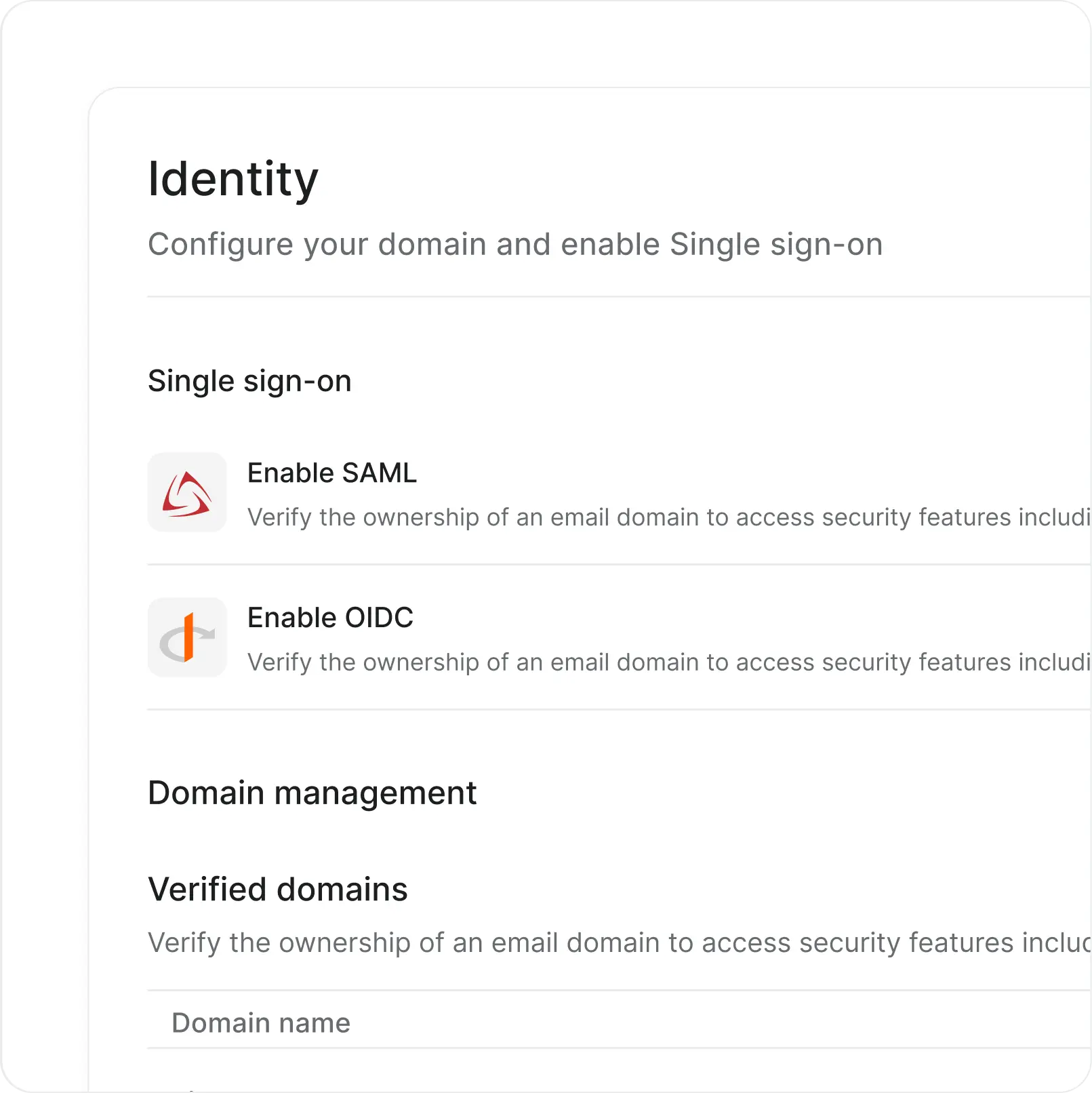
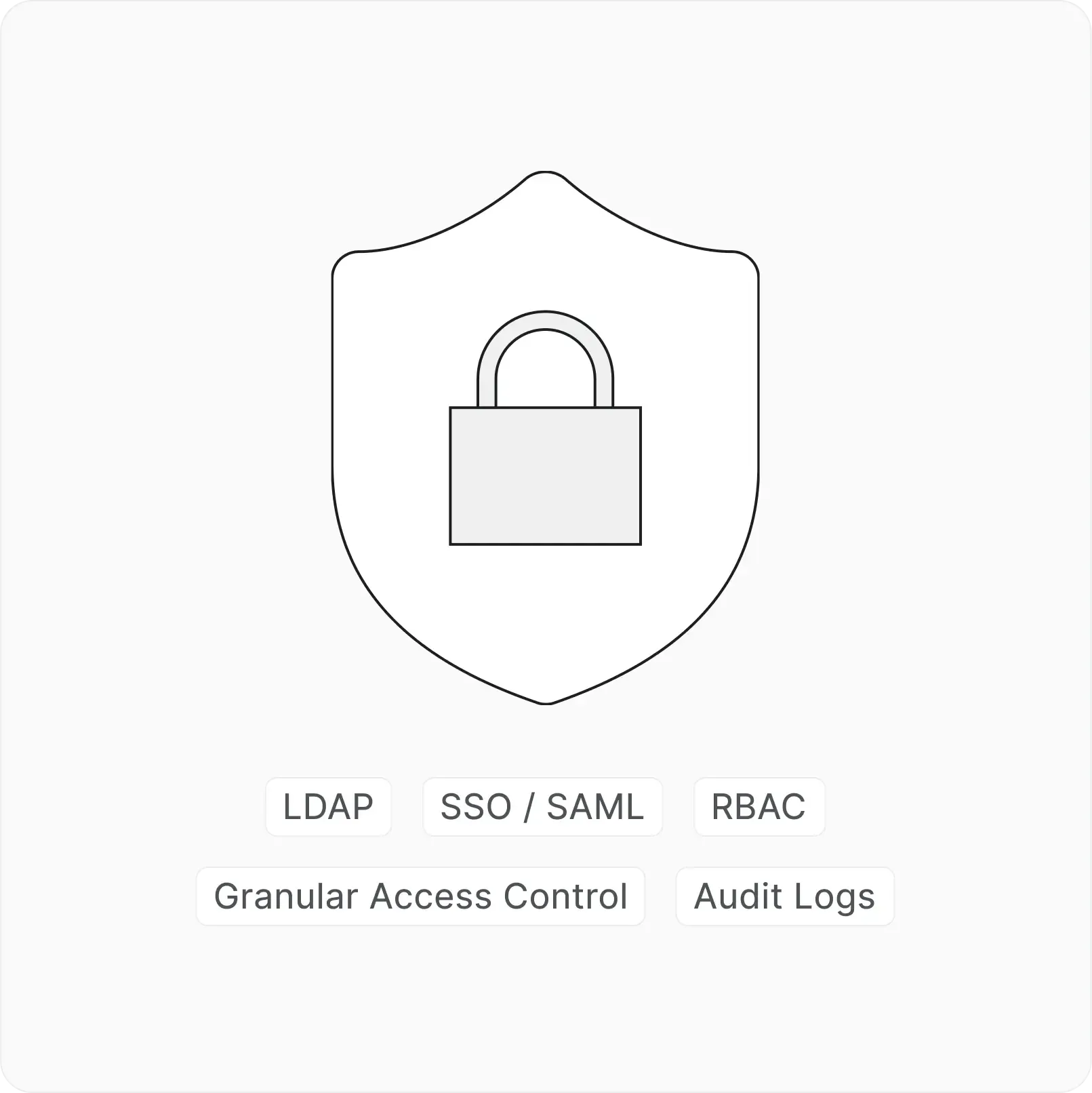
Identity and access at every layer

  • SSO, SAML, LDAP, RBAC, granular access control, and audit logs across every workspace.

Next-gen project

management starts here

Plane
Nacelle