PLANE VS MONDAY
Switch from Monday.com
Move from board sprawl to governed project management. Docs, intake, cycles, and analytics built in—sub-second fast.
Move from board sprawl to governed project management. Docs, intake, cycles, and analytics built in—sub-second fast.
Customers who chose Plane as their preferred platform






.svg?dpl=dpl_5ZabKTBsrogpypP42rkqZzqu8qWo) | .png&w=3840&q=75&dpl=dpl_5ZabKTBsrogpypP42rkqZzqu8qWo) | |
Speed | Delivers sub-second performance on large boards and roadmaps. | Fast on small and medium boards, but is slow with high item counts and automations. |
Setup | One workspace across Product, Design, Marketing, Ops, and CS. Pages and Intake included. | Uses Workspaces → Boards → Groups → Items; consistency depends on column conventions and templates. |
Usability | Cross-functional. Pages and Issues stay within the same context window. | Offers many visual views, but behavior and availability vary by board configuration. |
Structure | Workspace (Initiatives, Releases, Teamspaces) → Project (Cycles, Modules) → Work items (work item types) | Keeps schema at the board level (Items/Subitems), so cross-board normalization is manual. |
Visibility | Dashboards with aging WIP, carry-over, dependencies, and readiness built in. | Provides dashboards, but plan quotas and board limits make cross-board rollups fragile. |
Docs | Full-function Pages and Wiki. Turn notes into work items inline. Keeps knowledge next to work. | Includes Workdocs near boards, with hierarchy managed through folders and links. |
AI and Automation | Rules and AI across work items, pages, and Intake, all native. | Offers recipe-based automations with monthly action caps, and AI features on paid tiers. |
Cost to scale | TCO is much lower and reduces further as you go over 500 seats, no unpredictable costs for add-ons | TCO is shaped by seats along with quotas on automations, integrations, and dashboards. |
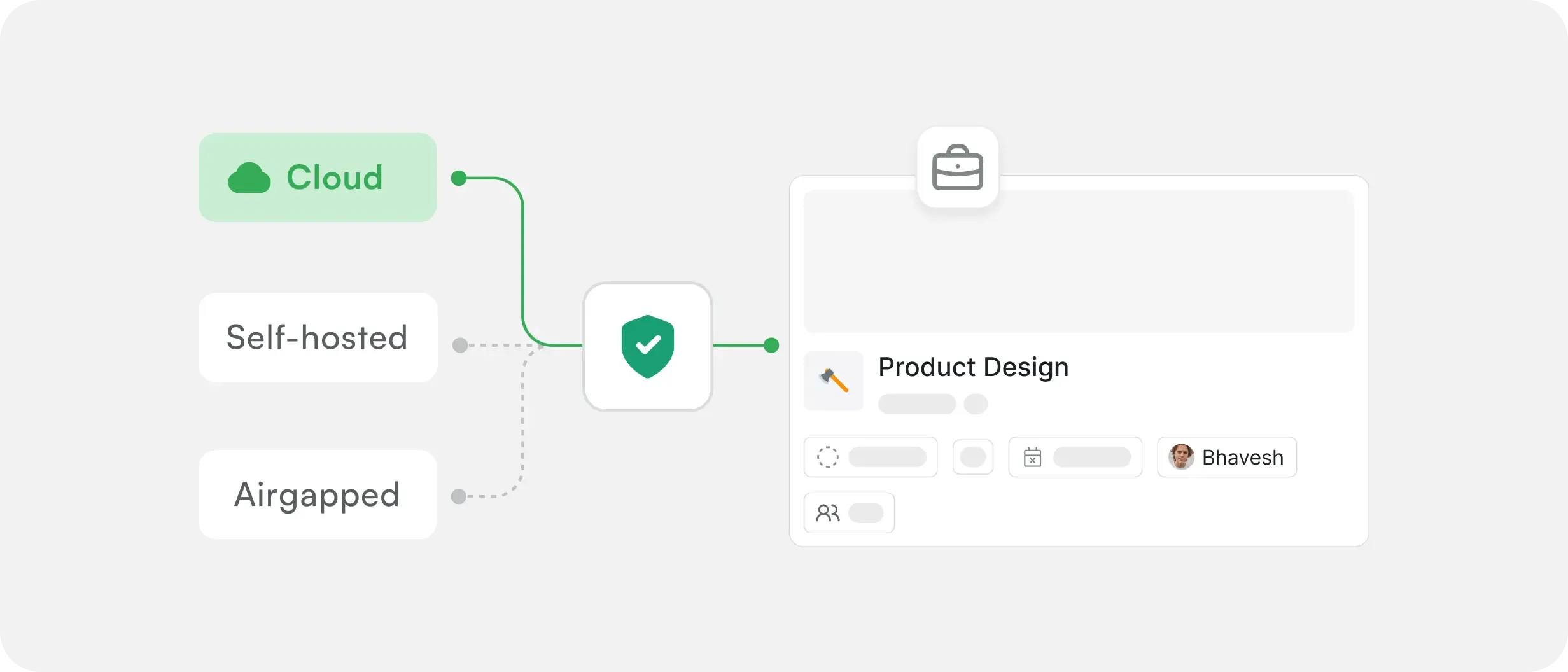
Deployment options | Cloud, self-host, or air-gapped. Same UX. | Cloud only. No self-host or air-gapped edition |
Move off Monday.com with a controlled import that brings Workspaces, Boards,
Groups, Items, Subitems, comments, and files into Plane while Monday stays reference-only during cutover.
Most teams finish a first dry run in under three hours; larger workspaces pilot a few projects, then migrate the rest over 3-7 days
Connect. Map. Import. Go live.
Authenticate, select Workspaces and Boards, and set scope
Shared types, required fields, and status sets across projects. Views, filters, and dashboards align immediately without cleanup.
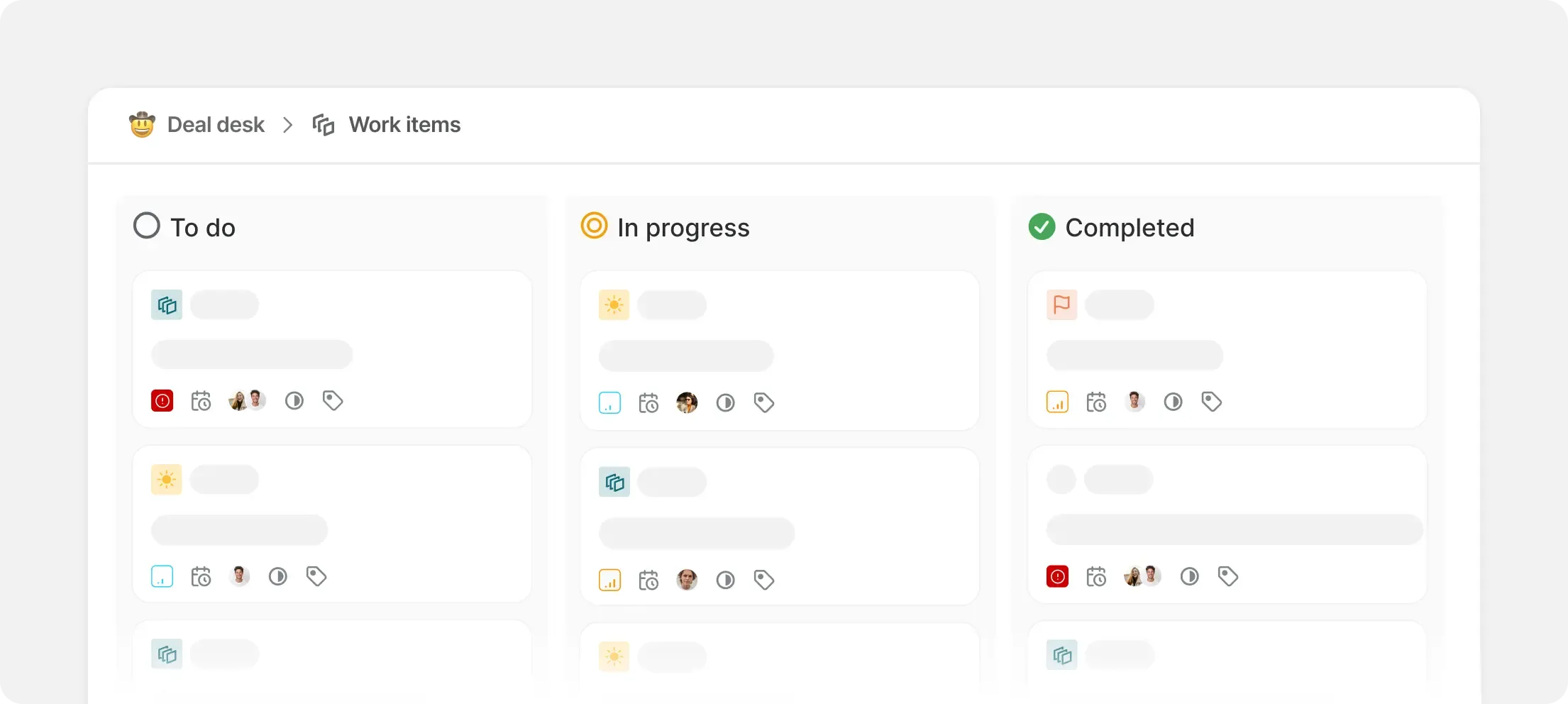
Teams → Projects → Modules → Work Items, scheduled in Cycles.
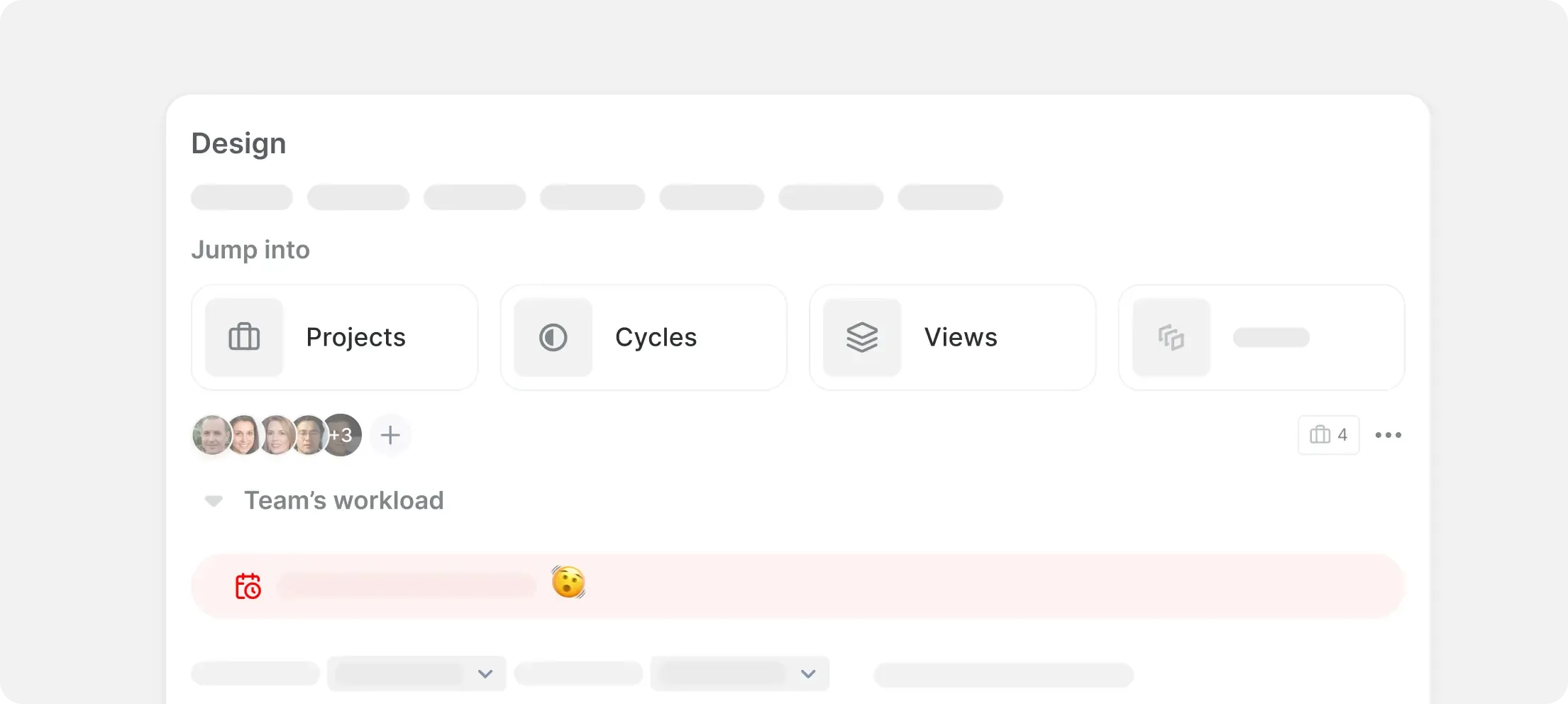
Aging WIP, carry-over, dependencies, and readiness are built in. Cross-project health is reliable, not a fragile rollup.
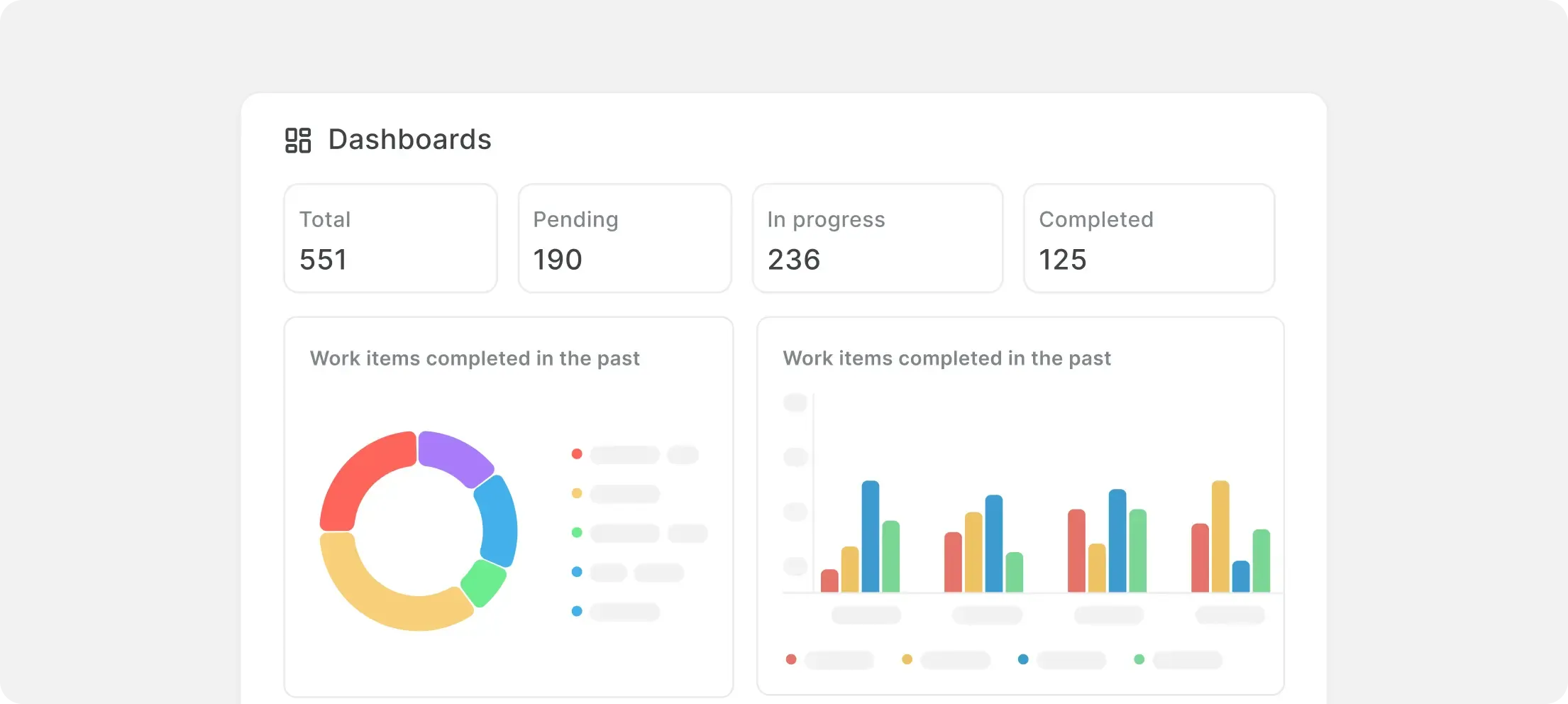
SLAs, timers, and escalations as first-class Rules across issues, docs, and Intake. Auditable and dependable without recipe sprawl.
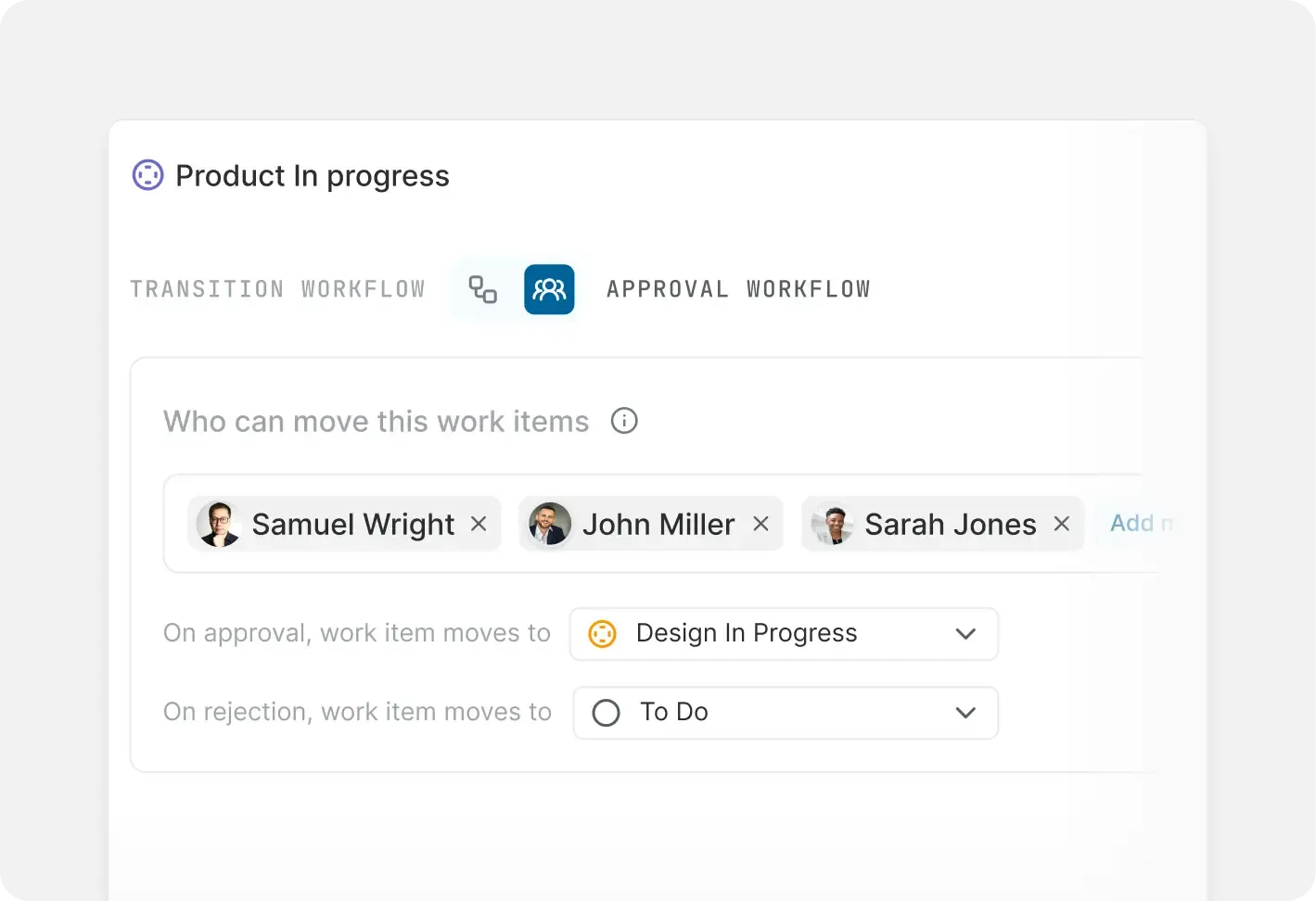
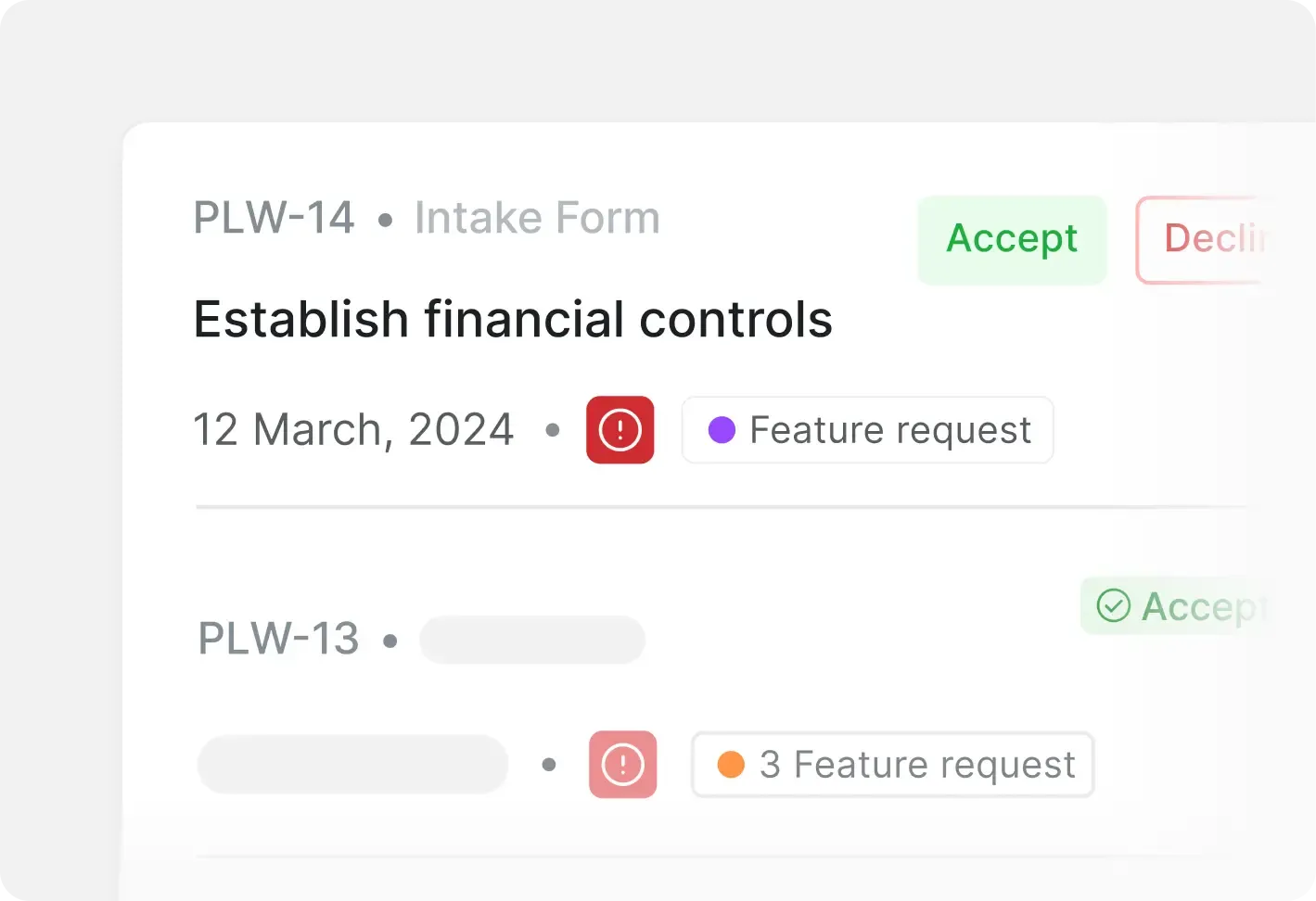
Required fields at submission, automatic routing, SLA timers, and escalation. Every request has a clear owner and path to done.
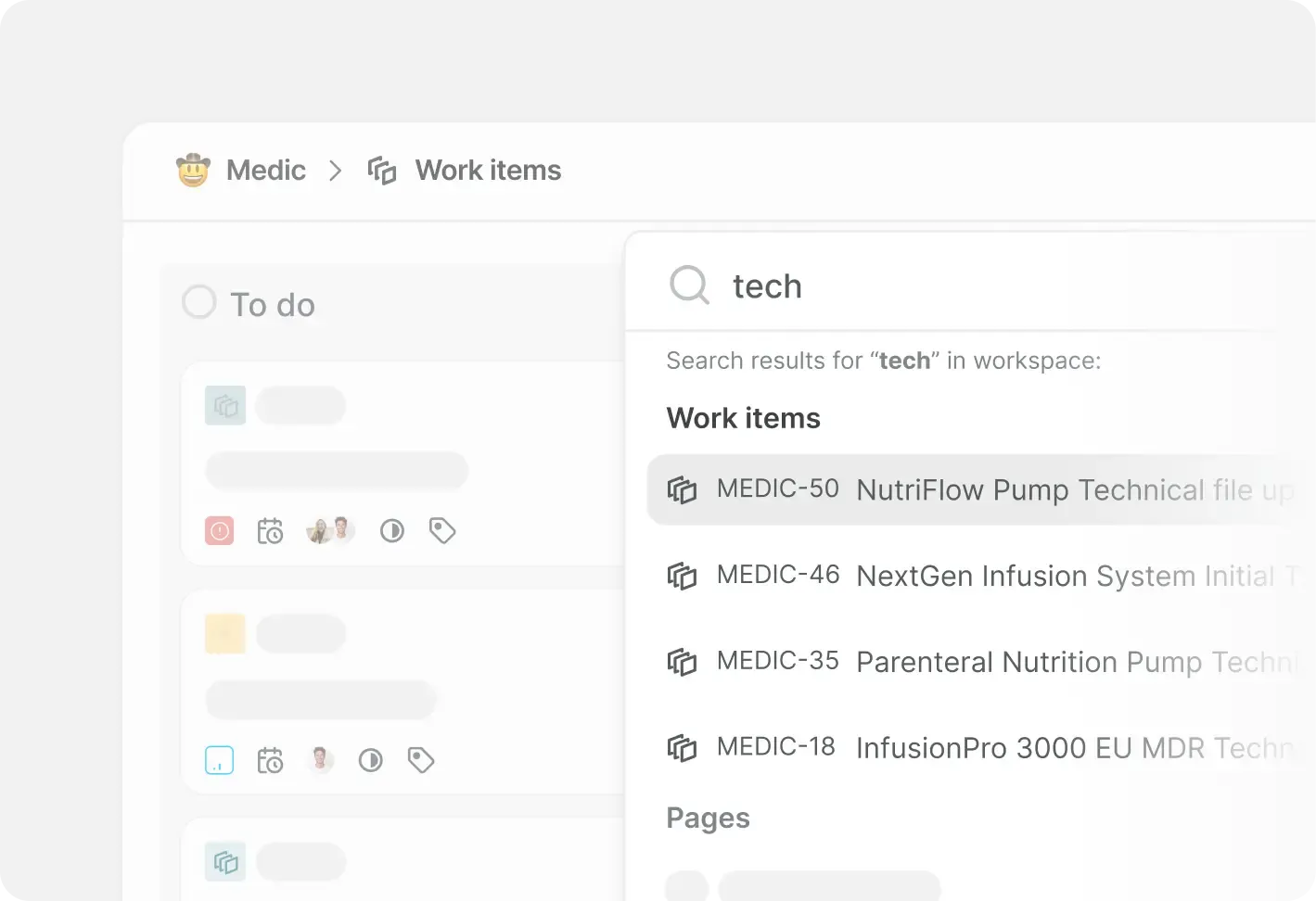
Large boards and roadmaps stay responsive under heavy use. Fast search, filters, and bulk operations hold at volume.

Get white-glove migration and onboarding for teams with 100+ seats,
from importer setup and field mapping to rollout playbooks.
Issues, cycles, roadmaps, and Wiki in one place.
per user, per month
per user, per month
*Have fewer than 12 users? Take advantage of our Free Plan. All our
plans provide access to Plane’s core features
Run Plane your way. Choose between fully managed cloud, self-hosted or completely offline airgapped.
Plane Cloud is the fully managed edition that gives you the fastest, lowest-friction path from rollout to real operational value.
Run Plane your way. Choose between fully managed cloud, self-hosted or completely offline airgapped.
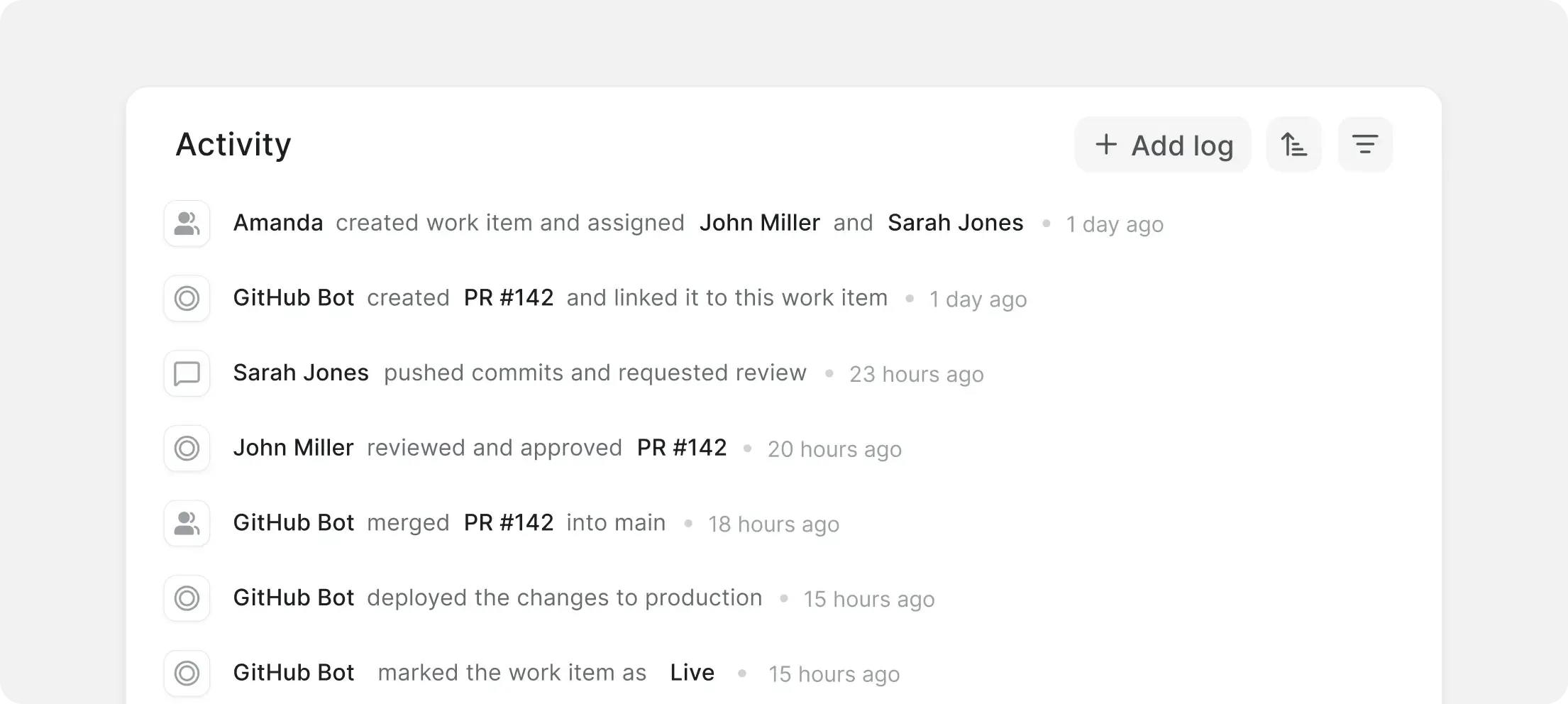
Plane’s GitHub integration syncs issues and PRs, mapping states both ways and auto-linking branches, commits, and pull requests.
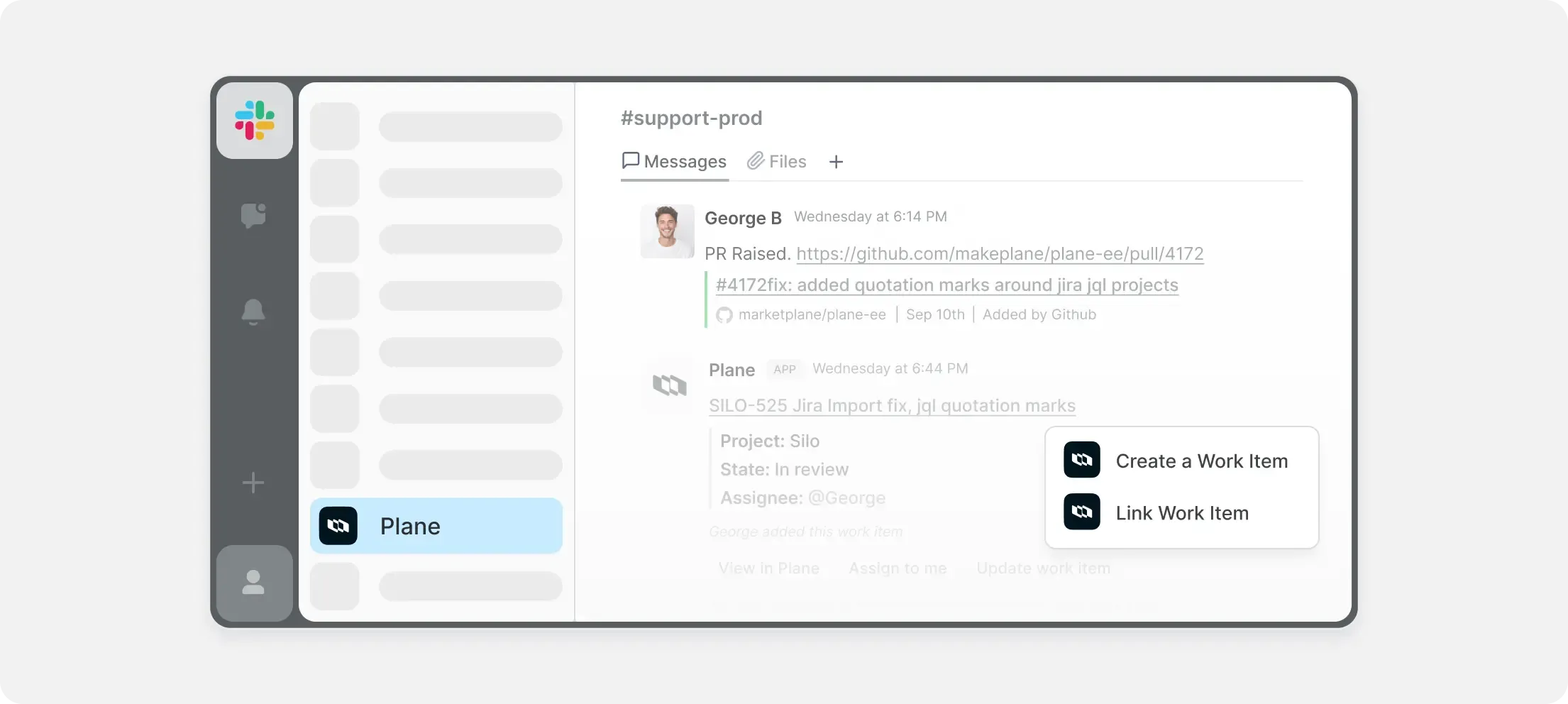
Create work items from Slack messages, sync thread replies both ways, and keep updates in the channel.
| | |
Layouts | List, Board, Calendar, Gantt, Kanban — all included | Board-first visuals; Calendar and Timeline/Gantt unlock on higher tiers. |
Core model | Workspace (Initiatives, Releases, Teamspaces) → Project (Cycles, Modules) → Work Items (Work Item Types). Shared schemas keep views aligned. | Workspaces → Boards → Groups → Items → Subitems; schema is board-local via columns. |
Project management | Unified workspace with projects, work items, cycles, modules, and pages — no add-ons. | Board-centric work management; cohesion follows team conventions and column discipline. |
Docs and Wiki | Pages and Wiki are available out of the box. | Workdocs near boards; hierarchy and governance handled with folders and links. |
Issue tracking | Streamlined, intuitive tracking in all plans. | Status-driven items and dependencies via columns/automations; deeper dev flows use Monday Dev or externals. |
Cloud option | Modern cloud platform with quick setup. | SaaS only; no self-hosted or air-gapped deployment. |
Templates | Project and Pages templates available out-of-the-box. | Large gallery for boards and docs; value depends on consistent adoption. |
Storage limits | Free (5GB), Pro (1TB), Business (5TB), Enterprise (Custom) with transparent file size limits | Plan-based storage and item quotas; higher tiers relax caps. |
Custom fields | Available in Pro+ plans with no limits — supports text, number, date, dropdown, user, boolean fields, and more | Columns are core; advanced types (Formula, Dependencies, Time Tracking) arrive on higher tiers. |
Time tracking | Native time-tracking | Time Tracking column available on Pro/Enterprise tiers. |
Admin overhead | Minimal by design | Governance scales with board count; alignment enforced via templates and policies. |
Custom dashboards and widgets | Modern, ready-to-use dashboards with customizable widgets. Point-and-click customization | Dashboard widgets and connected boards capped by plan; rollups shift as boards evolve. |
Intake and Approvals | Built-in Intake and Approvals. | Forms create items; routing, SLAs, and escalations modeled with automations. |
Integrations | Growing marketplace with native integrations, available both on cloud and self-hosted | Broad native catalog with monthly action limits; heavier use may require plan upgrades. |
Self-hosting | Complete self-hosted option | Not offered; cloud tenancy only. |
Security features | RBAC, LDAP, audit logs included in Enterprise | SSO/SAML/SCIM and advanced controls offered on enterprise tiers; residency within vendor regions. |
AI and Automations | Native automations and AI assistance. | Recipe-based automations with monthly run caps; AI available on paid tiers. |
Support | Community, email on Pro+, priority on Business+. | SLAs and dedicated services on Enterprise. |
Pricing transparency | Simple plans with more features included. | Effective cost shaped by seat tiers, add-ons, and automation/action quotas. |
Import a live project, keep Monday read-only for a week, and see how
work feels when boards, docs, and analytics live in one place.


 Download for Mac
 Download for Android