Run the work |
Work models and custom properties How different kinds of work are structured | Custom properties added to a Tasks database by hand. No per-item types or required fields. | Work item types with custom properties, required fields, defaults, visual identity, and activity history. |
Cycles Timeboxes, progress, and unfinished work | Sprints of one to eight weeks. No burndown or velocity. | Project-based cycles with manual start and stop, burn-down charts, and unfinished-work transfer. An active-cycles view spans projects. Business adds automatic scheduling. |
Dependencies What blocks what when plans change | Blocked-by and blocking links only. No start-to-start, finish-to-finish, or critical path. | Finish-to-start, start-to-start, and finish-to-finish dependencies, with dates that move when upstream work changes. Critical path shows on the Timeline. |
Estimates and time tracking Effort and hours on the work | No native estimates or time tracking. Teams add number properties and templates. | Estimates by points, categories, or time. Time tracking with worklog reports on Pro. |
See the whole picture |
Cross-project planning How work rolls up across the organization | No goals or initiatives. Built by hand with relations and rollups. | Initiatives connect projects across teams with owners, states, dates, and updates. Teamspaces show each team’s work across projects. |
Project updates How leaders see progress and risk | No structured project updates. Teams assemble them from templates. | On-track, at-risk, and off-track updates with ownership, dates, and progress, rolled up to initiatives. |
Dashboards Reporting people can open themselves | One chart on Free. Dashboard views only on Business and above. | Dashboards start on Pro. Business adds advanced widgets for analysis across projects and teams. |
Keep control |
| Statuses inside three fixed groups. No transition rules. | Control who moves work between states, with type-specific workflows and designated approvers. |
Approval gates Required sign-off before work moves | No native approvals. Teams build them from buttons and automations. | Designated approvers sign off before work moves, with a fallback state for rejected work. |
Roles and permissions Who can see, manage, and change work | No custom content roles. Row-level permissions only on Business and above. | Admin, Contributor, Commenter, and Guest roles per project. 5 free Guests per paid seat on Pro and Business. Custom roles and granular permissions on Enterprise Grid. |
Configuration as code Review project structure in Git | Notion as Code is an apply-to-join beta, marked alpha in Notion’s own repo. | Plane Compose defines states, workflows, types, labels, and custom fields in YAML for Git review, versioning, and reuse. |
One workspace |
Docs and wiki Long-form context beside the work | Nested pages and wikis. Verifying pages outside a wiki needs Business. | Pages inside each project, next to the work they describe, plus a workspace Wiki with nested pages, collections, page locking, external publishing, and Notion/Confluence imports. |
Request intake Turn outside requests into trackable work | Forms on every plan. Email intake only through paid Custom Agents. | In-app Intake starts on Free. Business adds email intake and public forms that need no account. |
Git integration Pull requests linked to work | GitHub and GitLab only, with syncs only on Business and above. No Bitbucket. | GitHub (including Enterprise Server) and GitLab (including self-managed) with two-way sync. Bitbucket Cloud and Data Center for pull request automation. |
Customer requests Link work to the customers who asked | No customer object. Teams build one as another database. | Customers on Business link requests to customer profiles and the work items they drive. |
AI in the work |
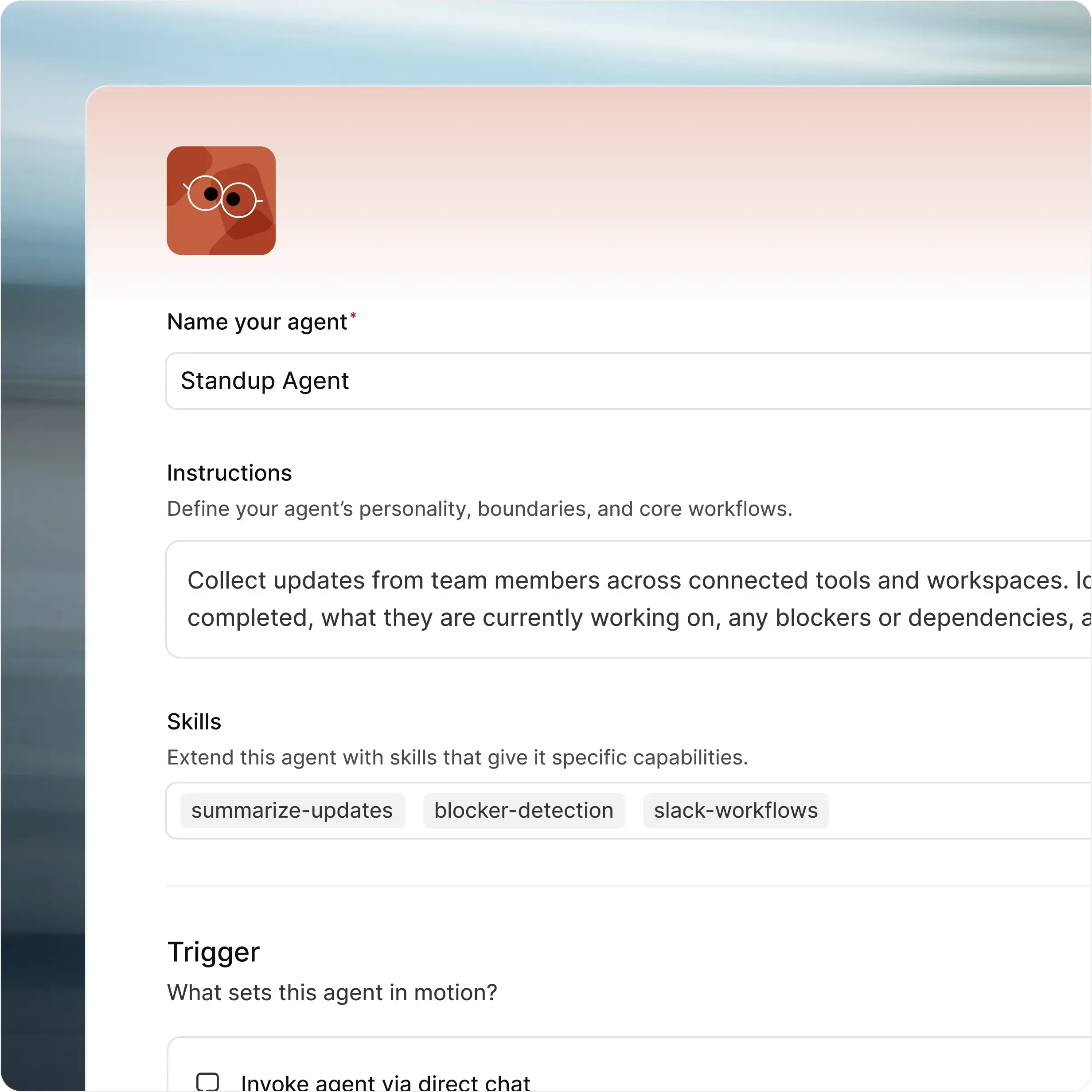
Assignable agents AI teammates that take work | Custom Agents only on Business and above, as a paid add-on. | Plane Agents take assignments and mentions, run on schedules or work item events, and show up in the same activity trail as people. |
MCP server Use AI clients with your workspace | Hosted MCP. The self-hostable server is no longer maintained. | MIT-licensed MCP server, hosted by Plane or run on your infrastructure. |
Bring your own model Your provider and your keys | No customer keys. Admins pick from Notion’s model list. | Self-hosted Plane (Commercial Edition) uses your OpenAI or Anthropic keys, AWS Bedrock, Ollama, or any OpenAI-compatible endpoint. |
Yours to run |
Self-hosted deployment Run in your infrastructure | | Deploy Plane on your infrastructure using Docker or Kubernetes. |
Airgapped deployment Run without external network access | | Yes. Run Plane fully isolated, with no external network dependencies. Updates come from your own registry. |
Identity and audit Controls procurement expects | SAML from Business. SCIM, audit log, and IP allowlisting only on Enterprise. No LDAP. | SAML and OIDC with any identity provider, from Business (Pro on self-hosted). LDAP, granular access controls, and API-enabled audit logs on Enterprise Grid, plus IdP group sync on self-hosted. |
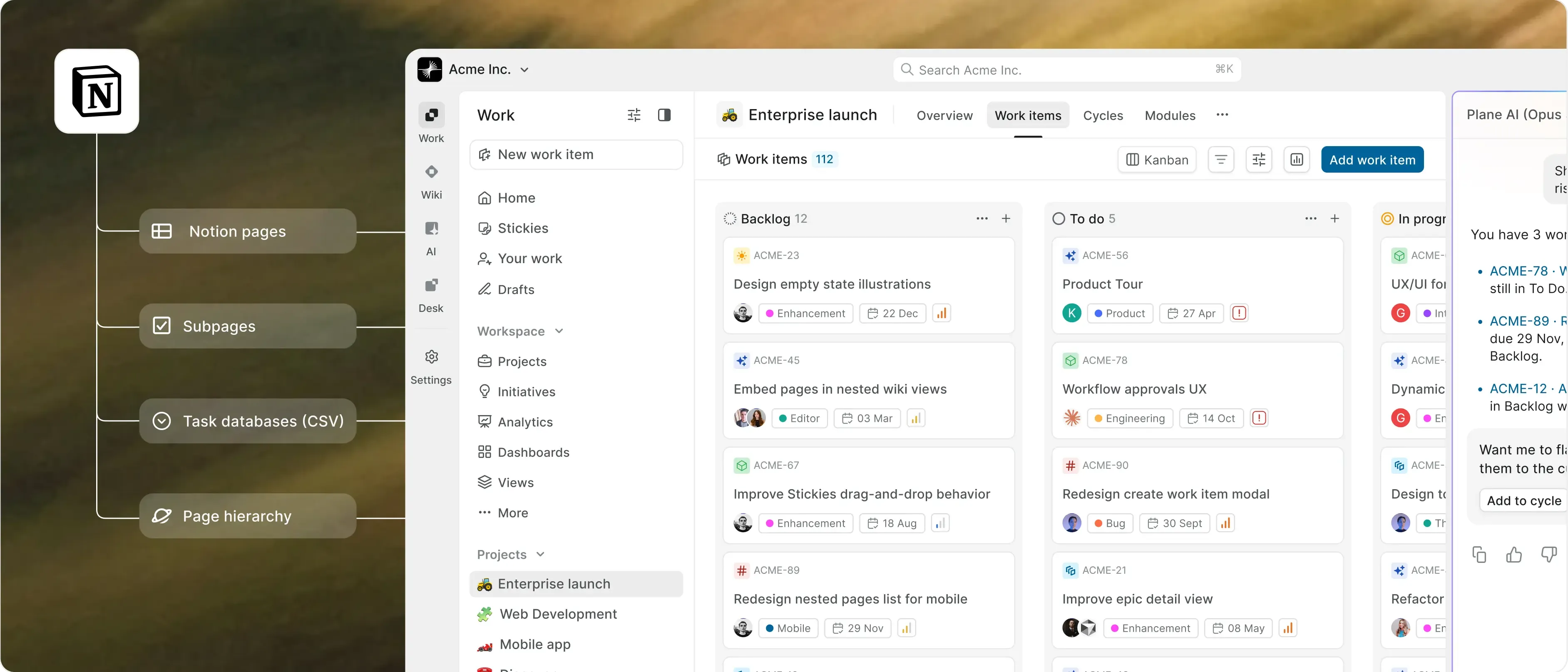
Moving from Notion What comes with your workspace | | Notion pages import into the Wiki on Business, and task databases come in as work items through CSV. Enterprise Grid adds migration and implementation services. |























.svg?dpl=dpl_5ZabKTBsrogpypP42rkqZzqu8qWo)




 Download for Mac
 Download for Android