Run the work |
Work models and custom properties How different kinds of work are structured | One fixed issue model. No custom fields or work item types on any plan. | Work item types with custom properties, required fields, defaults, visual identity, and activity history. |
Cycles Timeboxes, progress, and unfinished work | Cycles run per team on a fixed cadence. | Project-based cycles with manual start and stop, burn-down charts, and unfinished-work transfer. An active-cycles view spans projects. Business adds automatic scheduling. |
Dependencies What blocks what when plans change | Blocking links on issues. Projects support end-to-start only. | Finish-to-start, start-to-start, and finish-to-finish dependencies, with dates that move when upstream work changes. Critical path shows on the Timeline. |
Keyboard-first execution The speed people feel every day | Command menu and keyboard shortcuts. | Power K and shortcuts for navigation, search, filters, and common work-item actions. |
Time tracking Hours logged against the work | | Log time on work items and review worklogs across the workspace, from Pro. |
See the whole picture |
Cross-project planning How work rolls up across the organization | Initiatives group projects. Sub-initiatives only on Enterprise. | Initiatives connect projects across teams with owners, states, dates, and updates. Teamspaces show each team’s work across projects. |
Project updates How leaders see progress and risk | Project and initiative updates with a health status. | On-track, at-risk, and off-track updates with ownership, dates, and progress, rolled up to initiatives. |
Dashboards Reporting people can open themselves | No Insights on Free or Basic. Dashboards only on Enterprise. | Dashboards start on Pro. Business adds advanced widgets for analysis across projects and teams. |
Keep control |
| Statuses per team inside fixed categories. No transition rules. | Control who moves work between states, with type-specific workflows and designated approvers. |
Approval gates Required sign-off before work moves | | Designated approvers sign off before work moves, with a fallback state for rejected work. |
Roles and permissions Who can see, manage, and change work | Fixed roles, no custom roles on any plan. Guests are billed as full members. Owner role only on Enterprise. | Admin, Contributor, Commenter, and Guest roles per project. 5 free Guests per paid seat on Pro and Business. Custom roles and granular permissions on Enterprise Grid. |
Configuration as code Review project structure in Git | No native config as code. | Plane Compose defines states, workflows, types, labels, and custom fields in YAML for Git review, versioning, and reuse. |
One workspace |
Cross-functional work Every team in one workspace | Built for only product development teams. | Engineering, product, operations, marketing, and support run their own projects and workflows in one workspace. |
Docs and wiki Long-form context beside the work | No workspace wiki. Documents sit on teams, projects, and issues. | Project Pages plus a workspace Wiki with nested pages, collections, page locking, external publishing, and Notion/Confluence imports. |
Request intake Turn outside requests into trackable work | Slack and email intake only from Business. Web forms only on Enterprise, and requesters must sign in. | In-app Intake starts on Free. Business adds email intake and public forms that need no account. |
Git hosting Pull requests linked to work | GitHub and GitLab only. No Bitbucket. GitHub Enterprise Cloud only on the Enterprise plan. | GitHub (including Enterprise Server) and GitLab (including self-managed) with two-way sync. Bitbucket Cloud and Data Center for pull request automation. |
AI in the work |
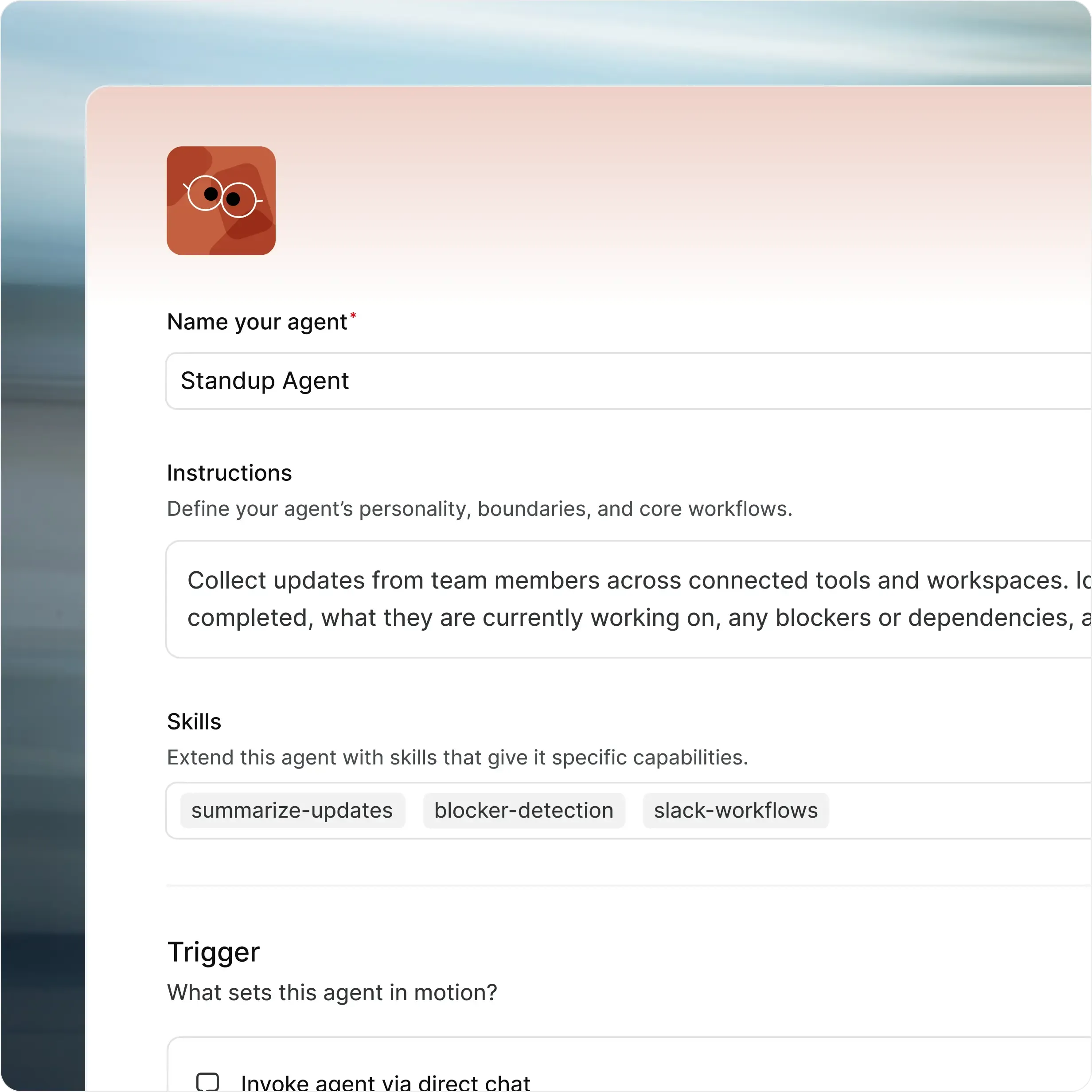
Assignable agents AI teammates that take work | Linear Agent and third-party agents can be assigned. Cloud only. | Plane Agents take assignments and mentions, run on schedules or work item events, and show up in the same activity trail as people. |
MCP server Use AI clients with your workspace | Hosted by Linear only. Not self-hostable. | MIT-licensed MCP server, hosted by Plane or run on your infrastructure. |
Bring your own model Your provider and your keys | No. Linear’s model list only. | Self-hosted Plane (Commercial Edition) uses your OpenAI or Anthropic keys, AWS Bedrock, Ollama, or any OpenAI-compatible endpoint. |
Yours to run |
Self-hosted deployment Run in your infrastructure | | Deploy Plane on your infrastructure using Docker or Kubernetes. |
Airgapped deployment Run without external network access | | Yes. Run Plane fully isolated, with no external network dependencies. Updates come from your own registry. |
Identity and audit Controls procurement expects | SAML, SCIM, IP restrictions, and audit logs only on Enterprise. | SAML and OIDC with any identity provider, from Business (Pro on self-hosted). LDAP, granular access controls, and API-enabled audit logs on Enterprise Grid, plus IdP group sync on self-hosted. |























.svg?dpl=dpl_8xva6VS6tJf4rfr5xBKF3Kbq1B9u)




 Download for Mac
 Download for Android