Shape how you add, edit, and move work forward.
Align teams to shared language, control trackable fields, and configure props on the fly.


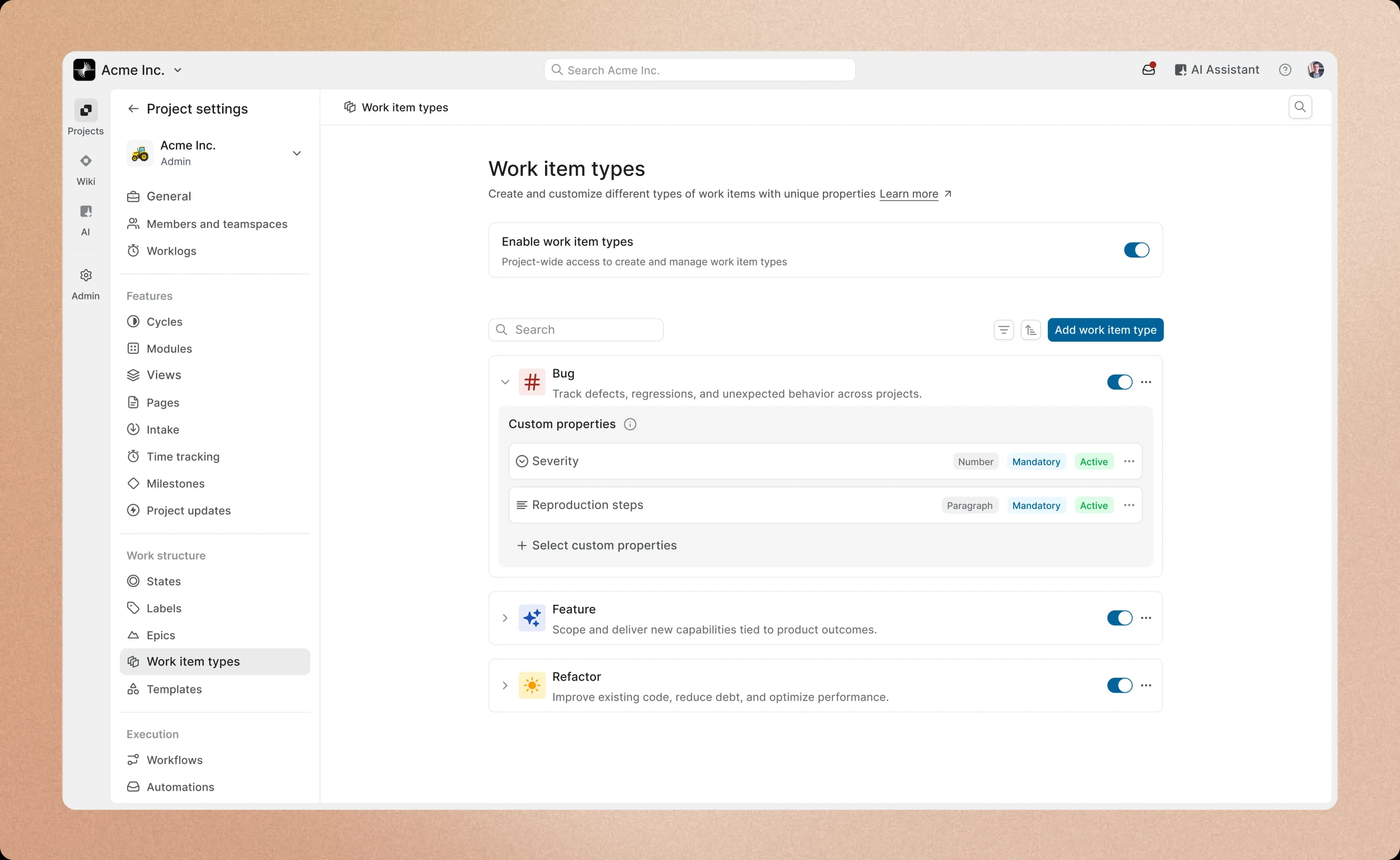
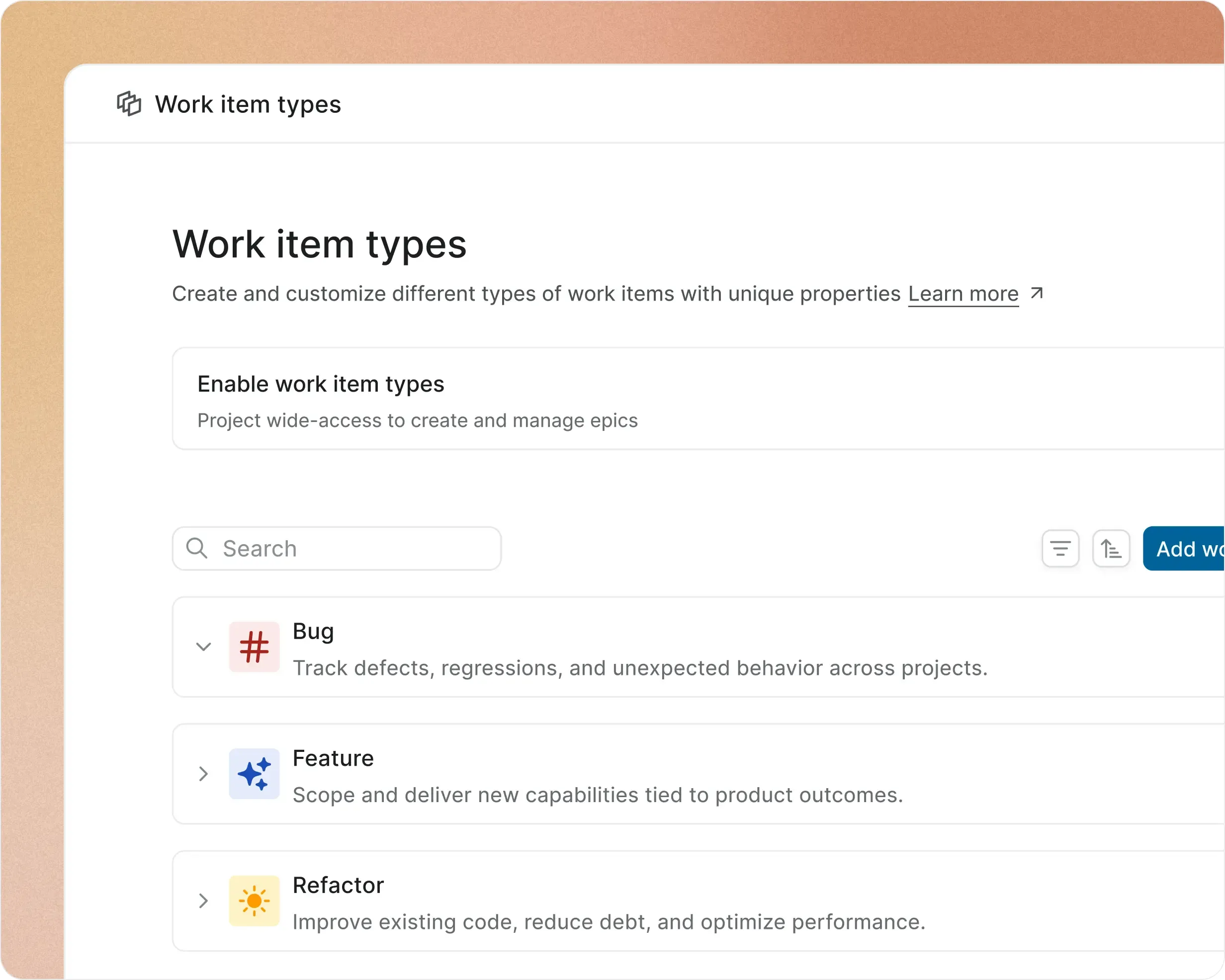
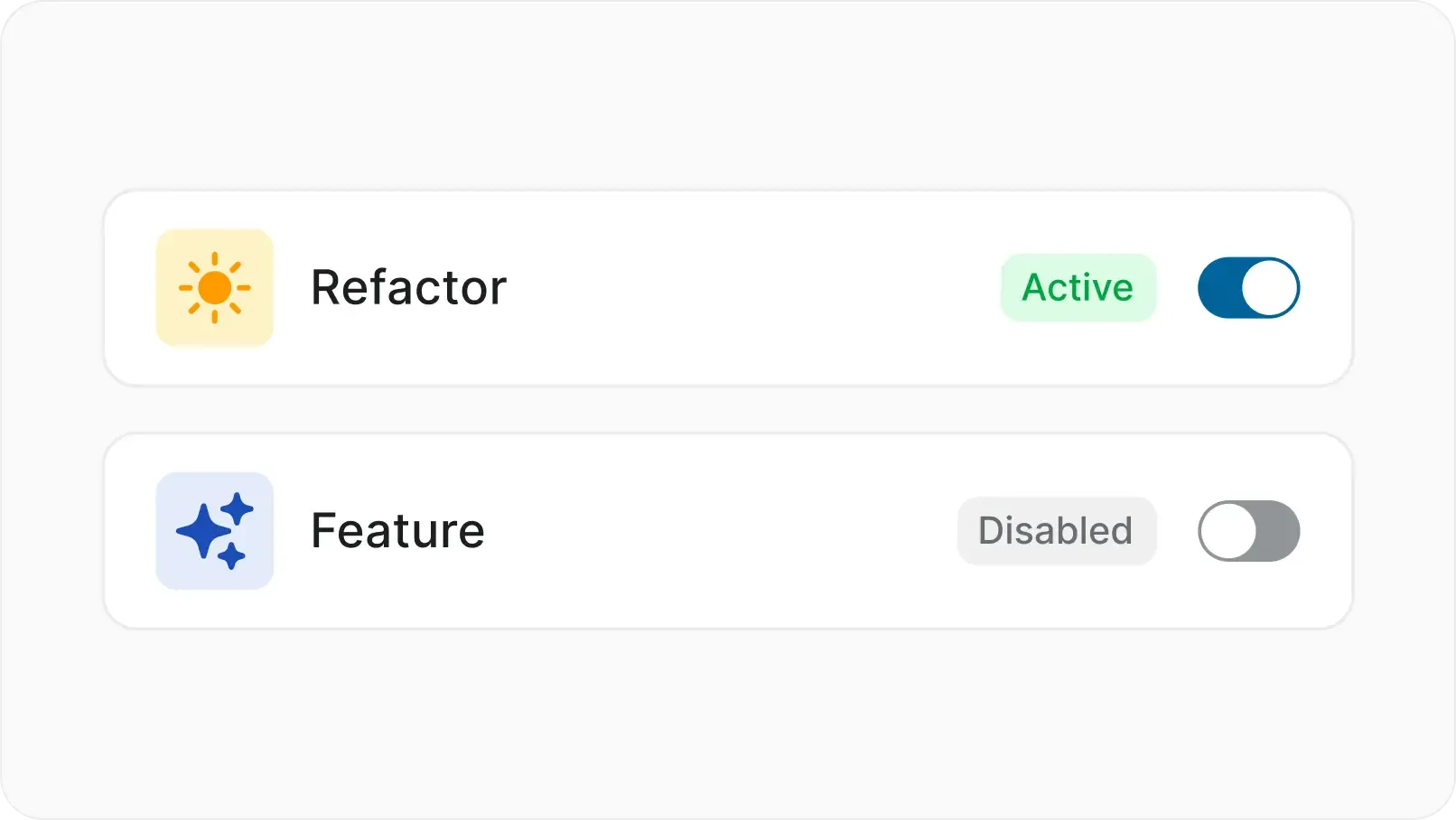
Add a work item type in less than a minute. Configure types at a per-project level.


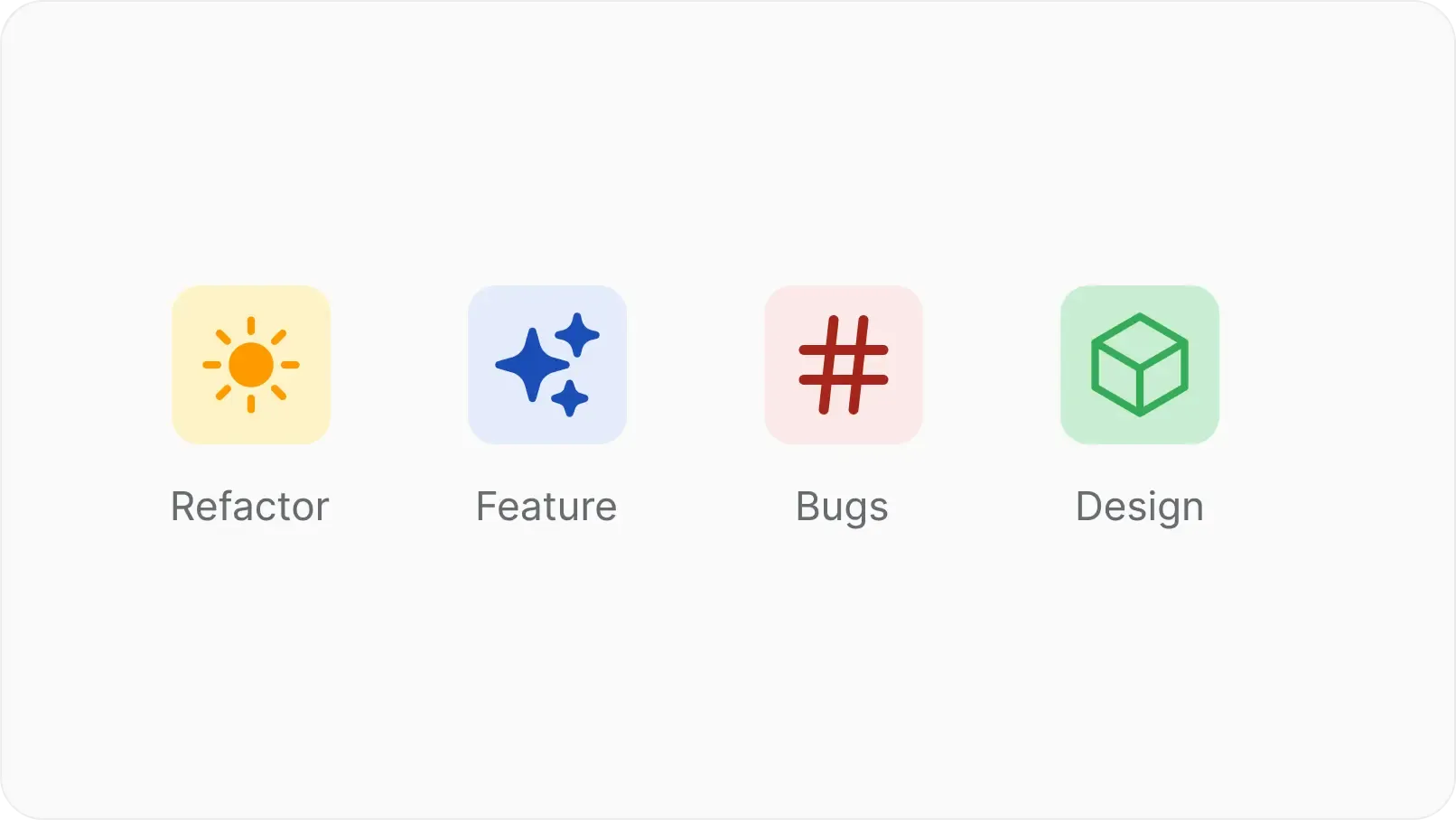
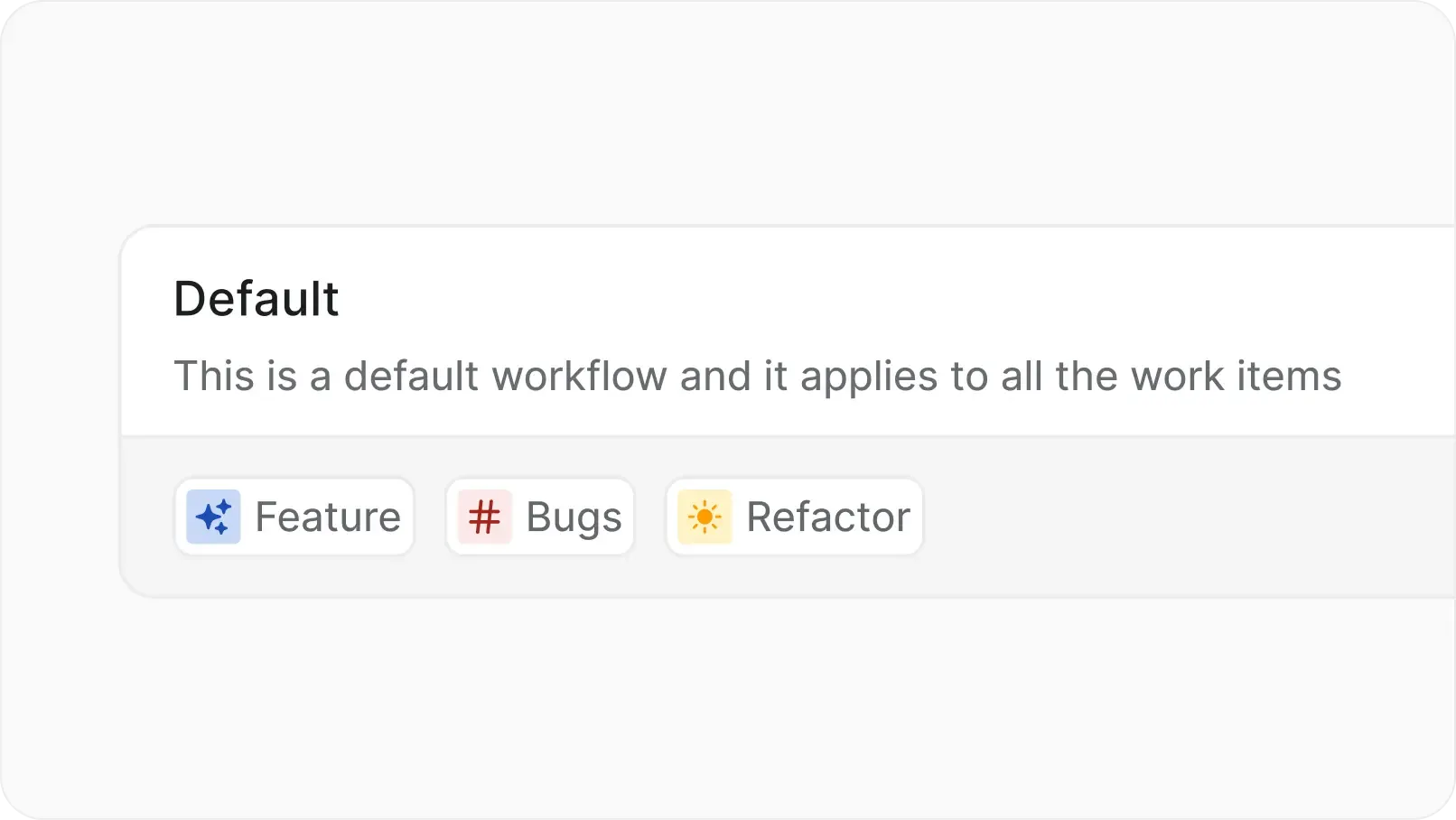
Tell campaigns or bookings apart from strategy or OKRs with familiar names, icons and colors.


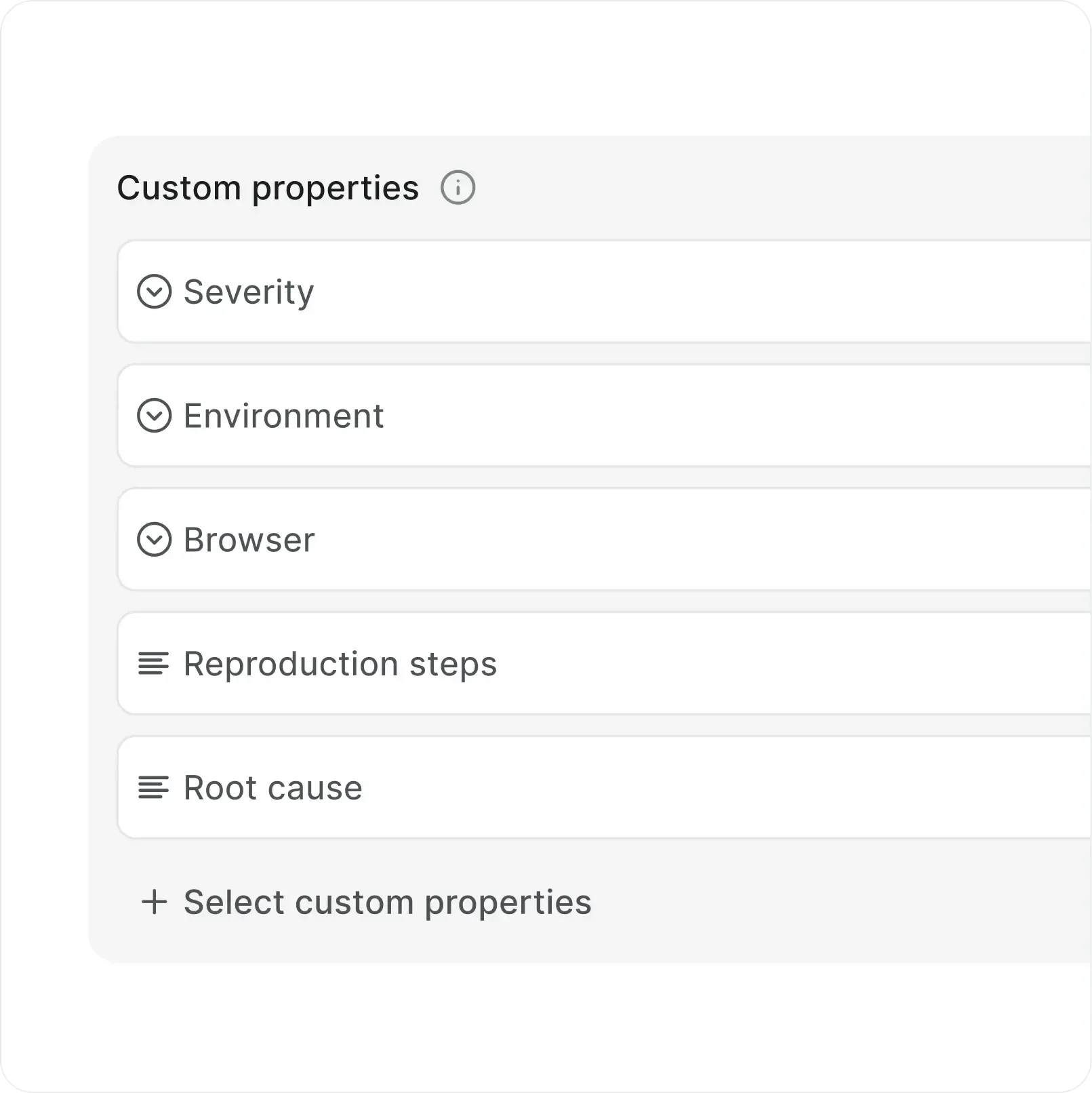
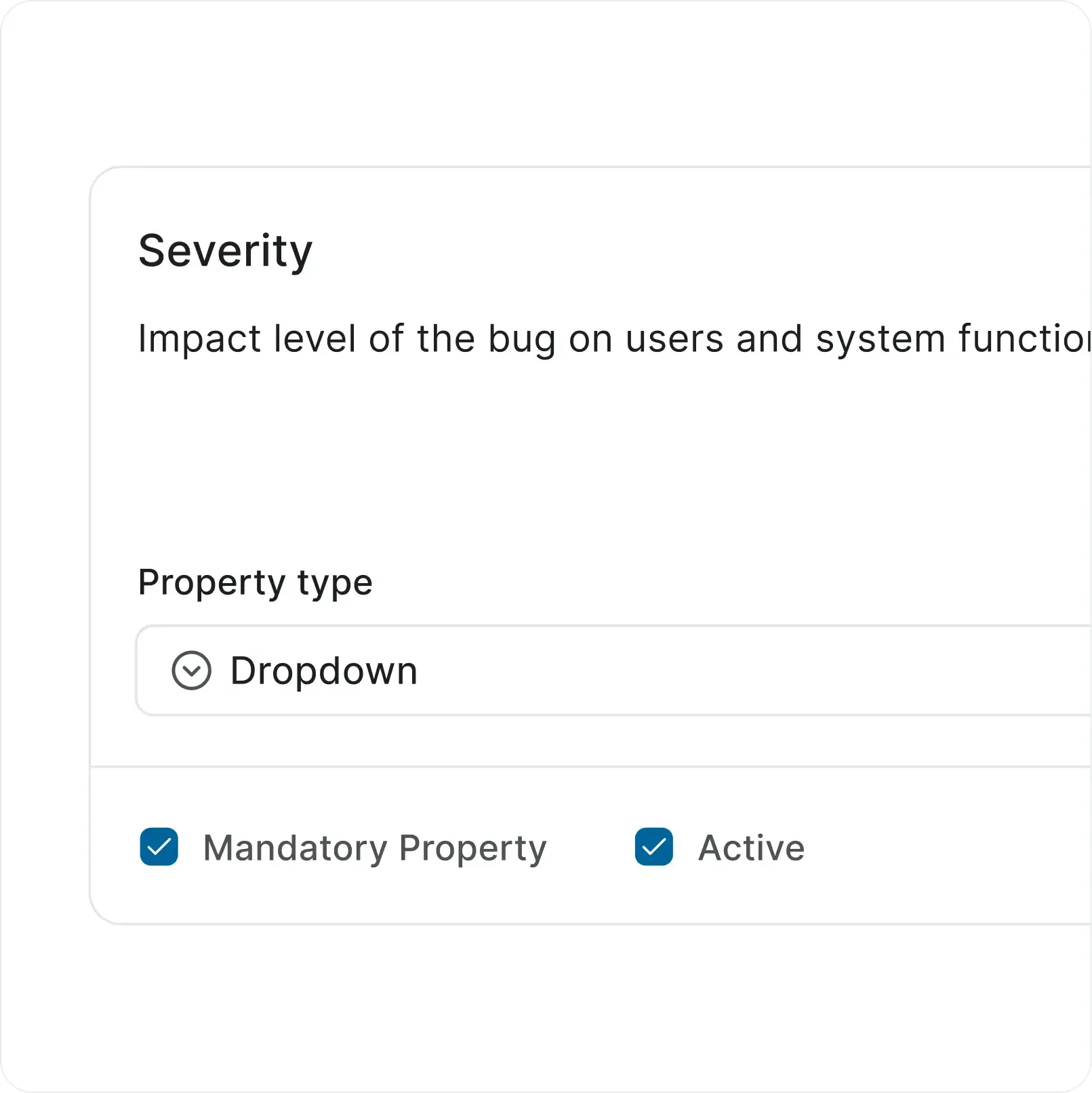
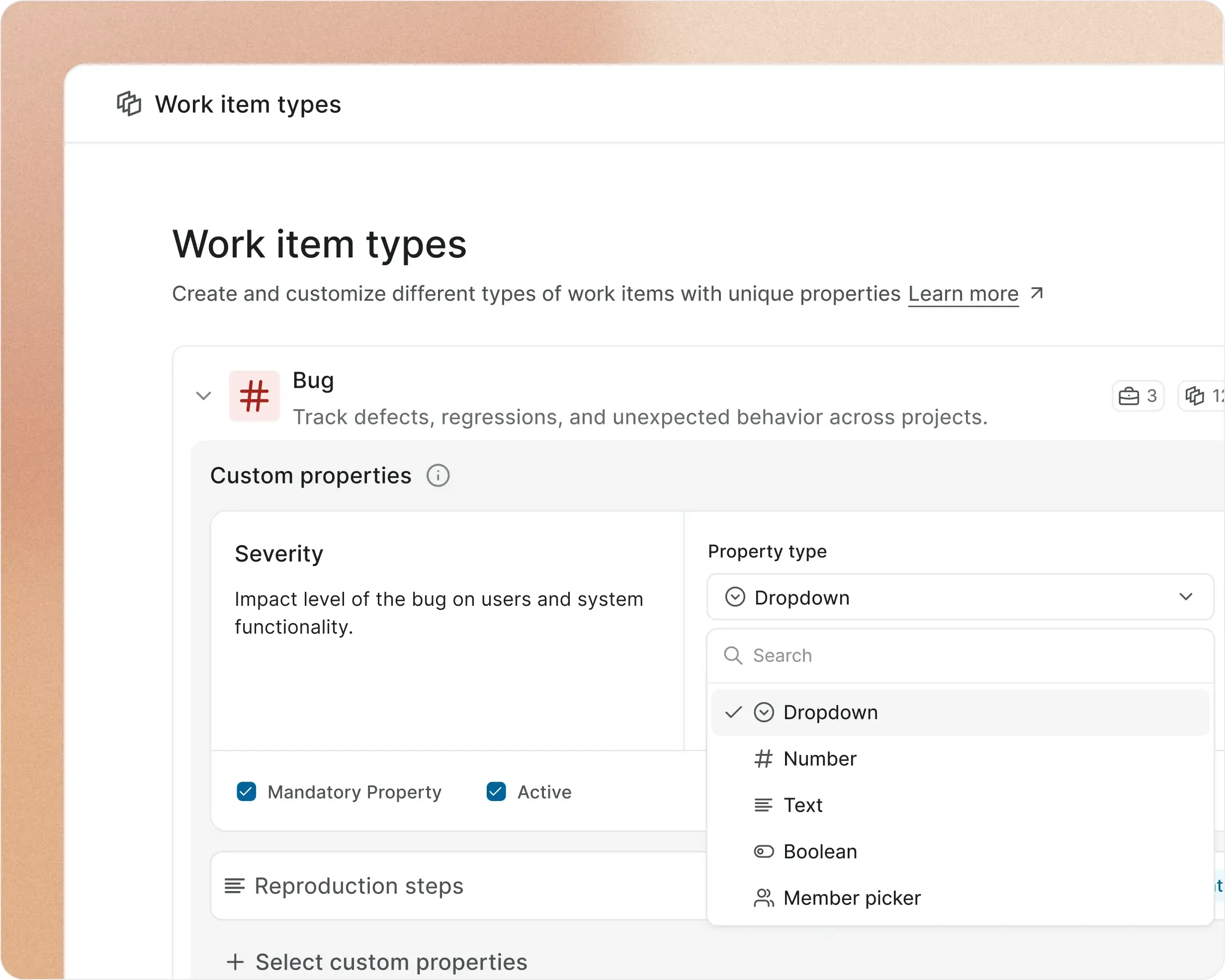
Choose from a list of property types like text, dropdowns and even Boolean, offer selection options when you want to, and assign default values to make it easy for your team.


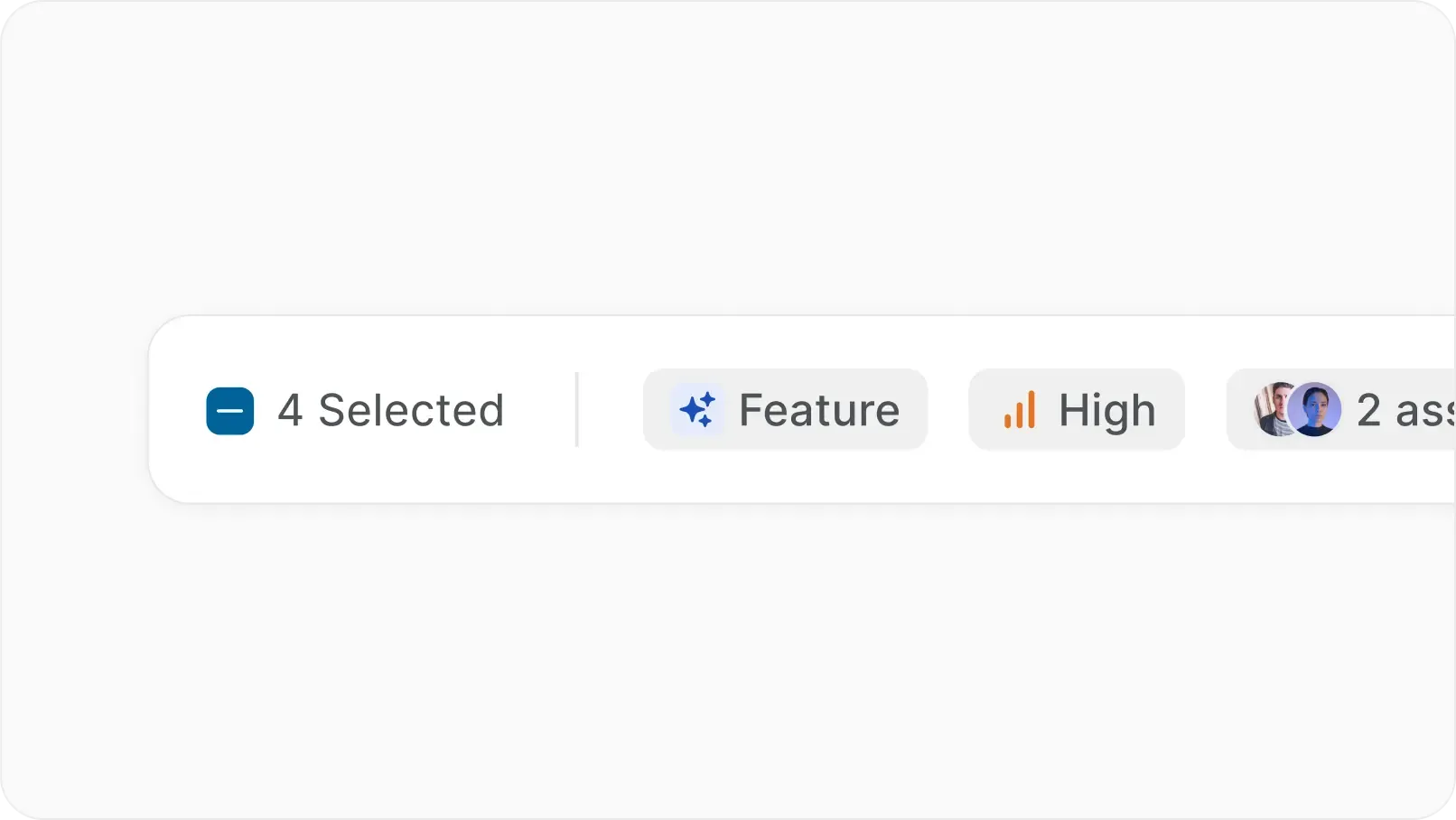
Decide which properties show up and how. Easily mark those that are mandatory for the work item type. Rename and delete properties when you see fit.
Unlock progress, productivity, and performance benefits when you shape how you add and edit work on Plane.
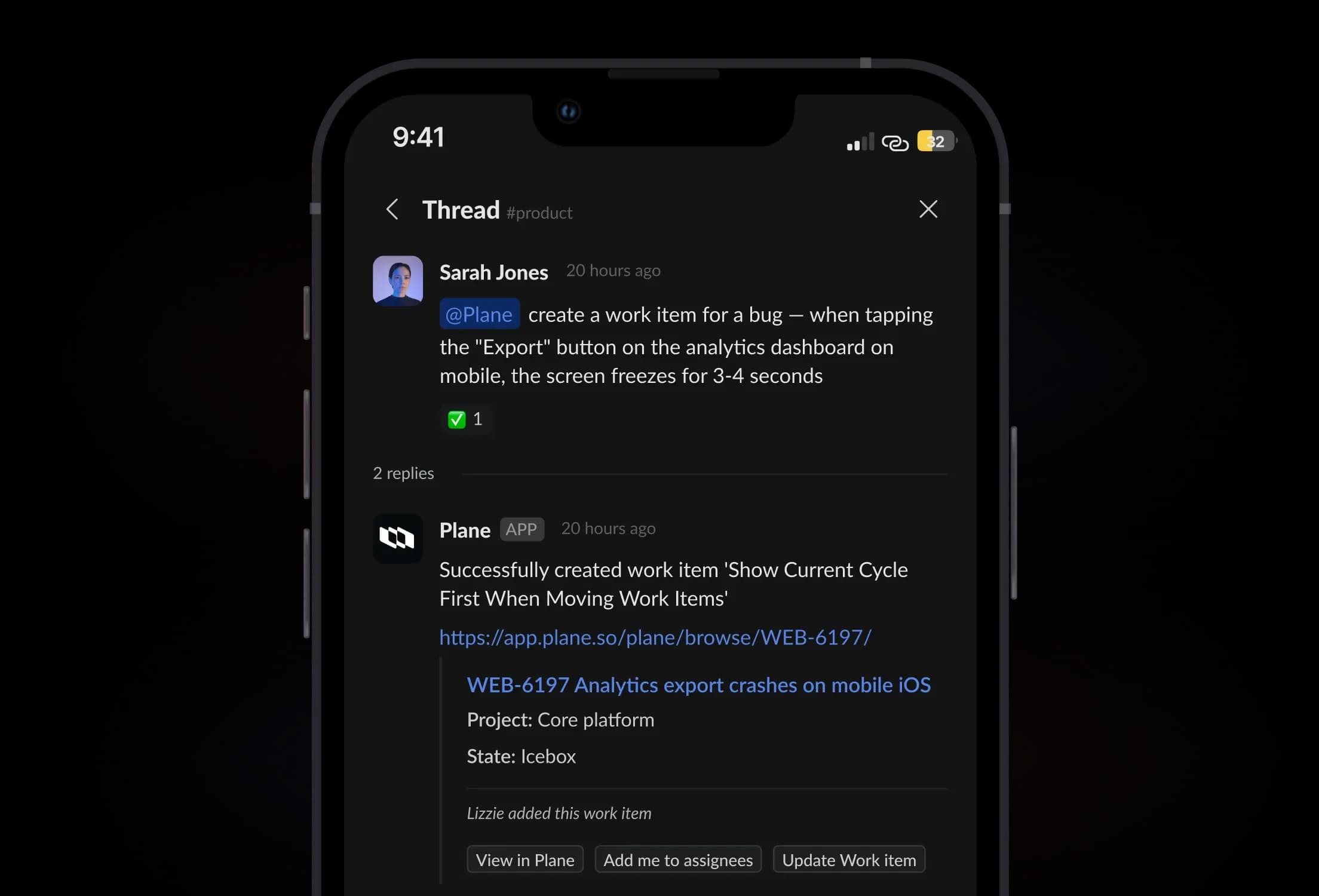
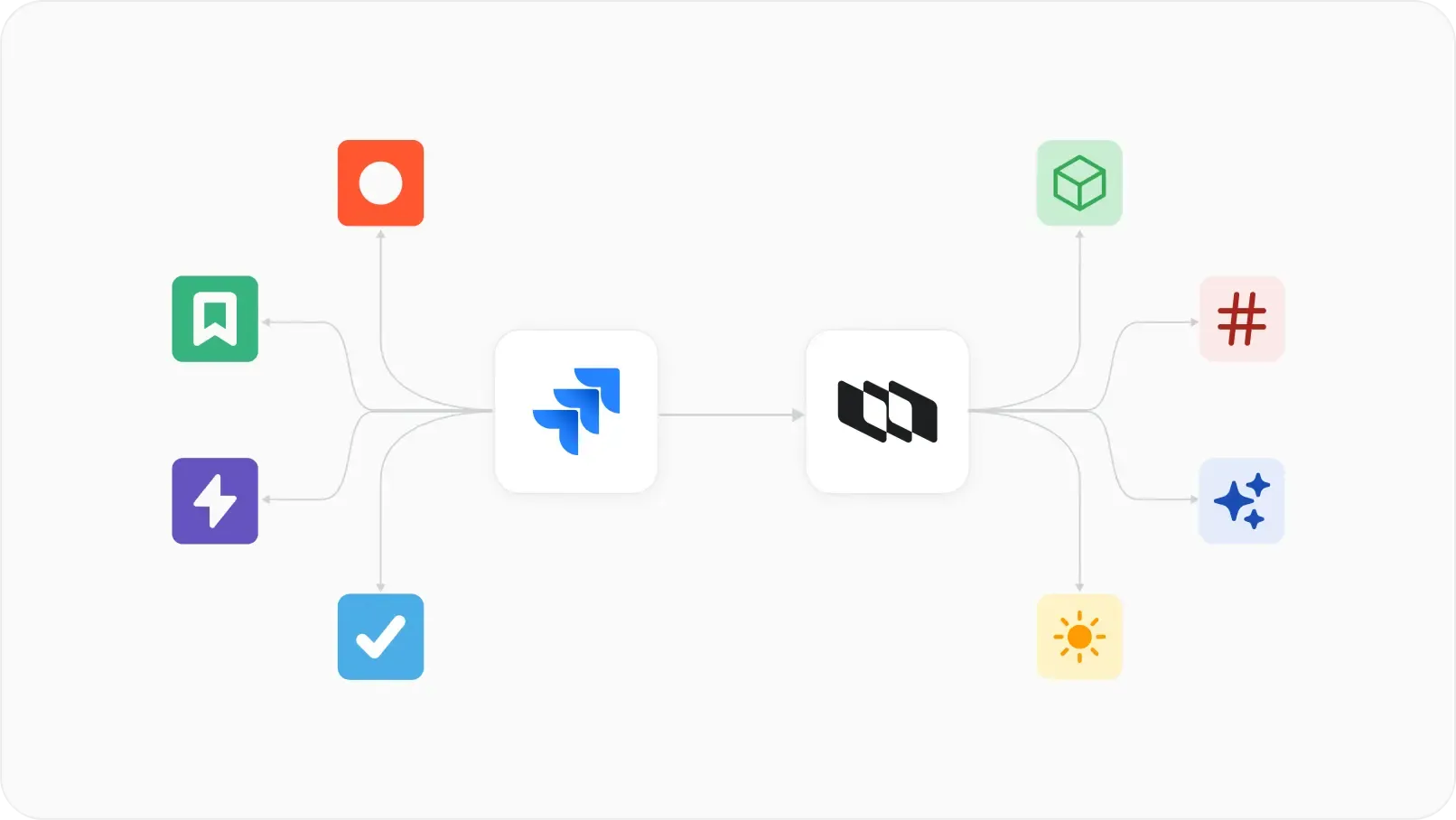
With Work Item Types, you can now map your custom issues in another tool to an issue type in Plane and switch to Plane losslessly in minutes.
Create as many work item types as you want. Let teams configure them granularly to suit their language and best practices.
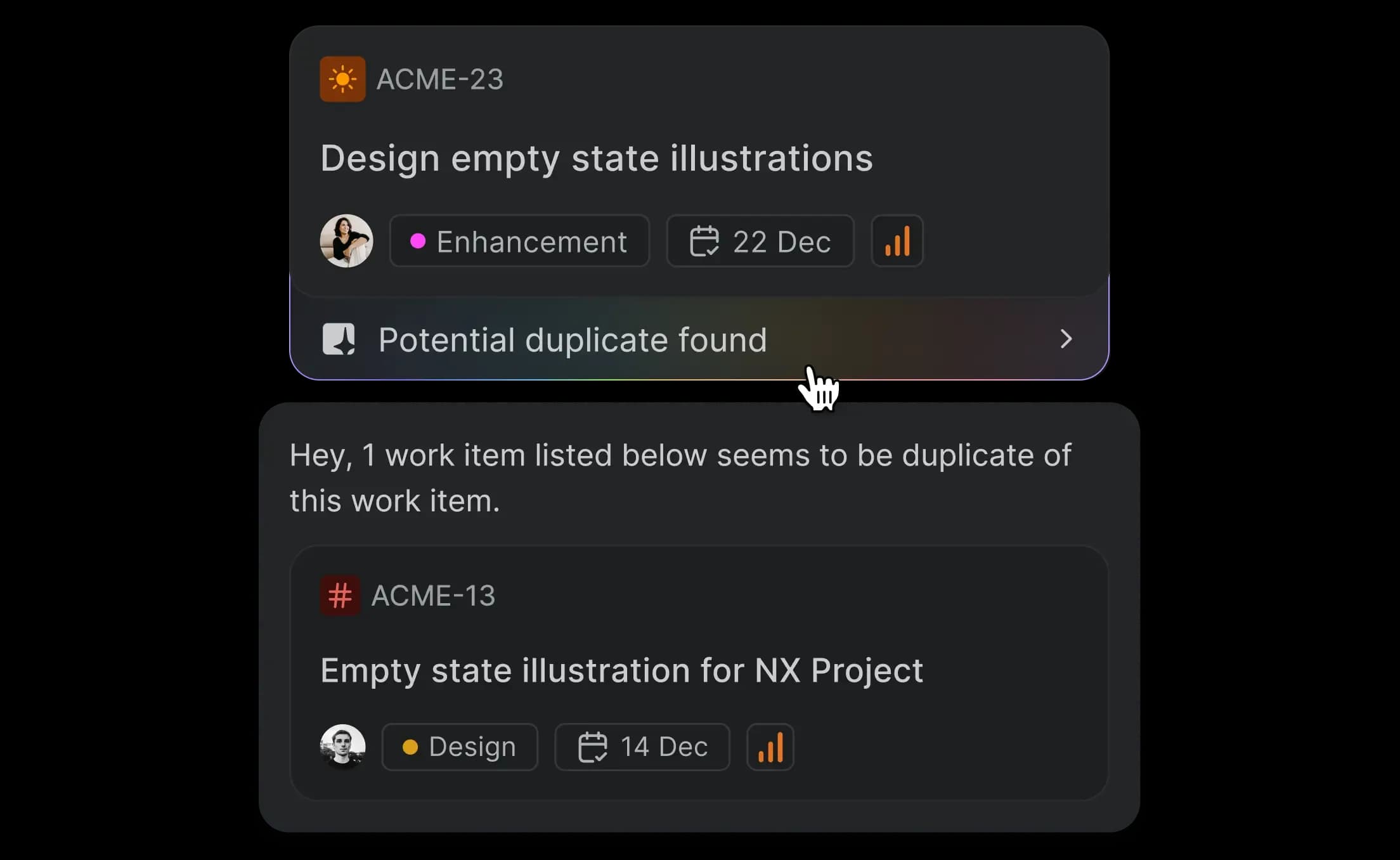
Deliver projects faster with more context when you work with clients, across projects, and between teams.
Reduce your project management surface area to just one when your business runs both offline and online.
Align your internal teams, customers, and external collaborators together to shared definitions of progress, performance, and productivity.