BUILT FOR LITTLE WINS
Plane is delight-full everyday
This is not one of those pages where we say a lot.
We’d much rather just show you what you are missing. 😛
This is not one of those pages where we say a lot.
We’d much rather just show you what you are missing. 😛
Explore delights that save you time, drive focus, and get you from A to B without interface battles.
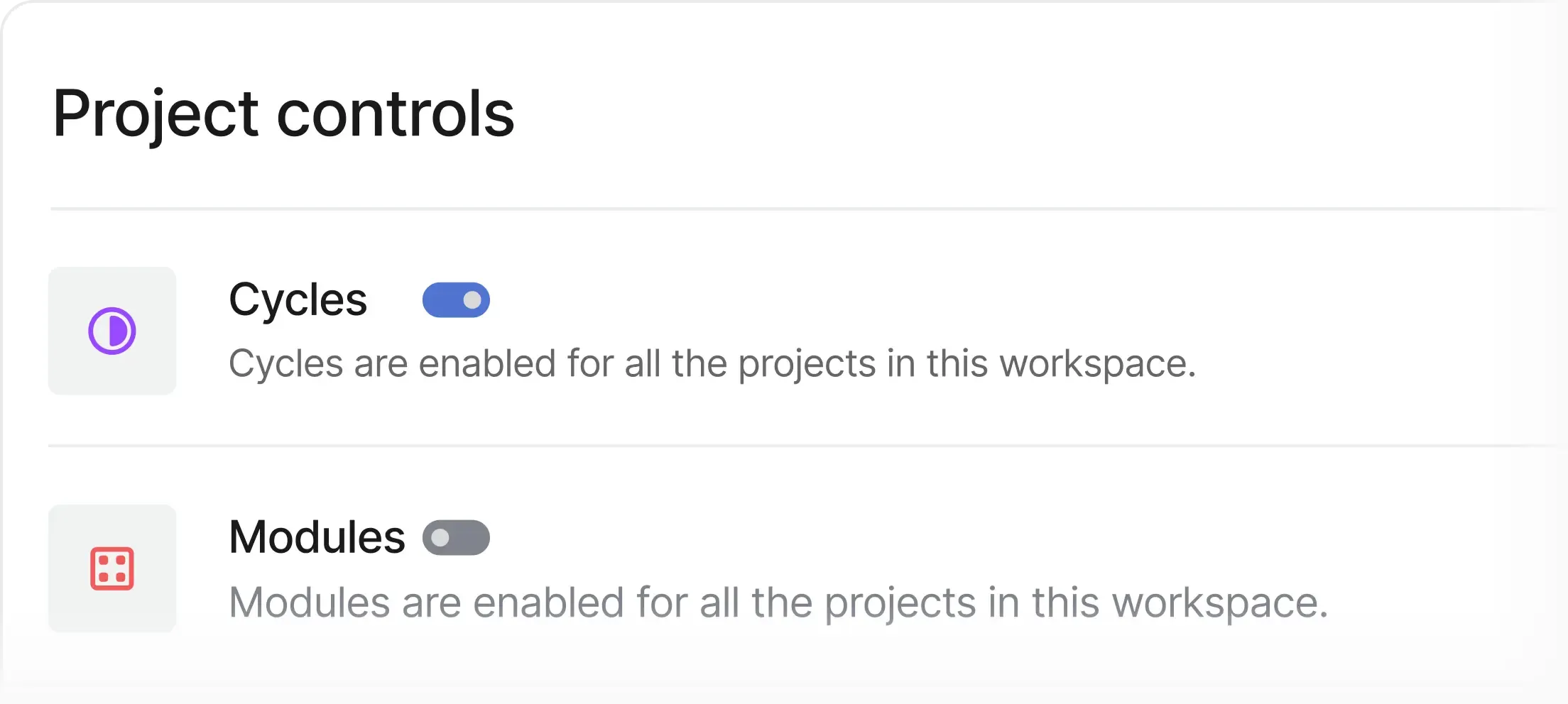
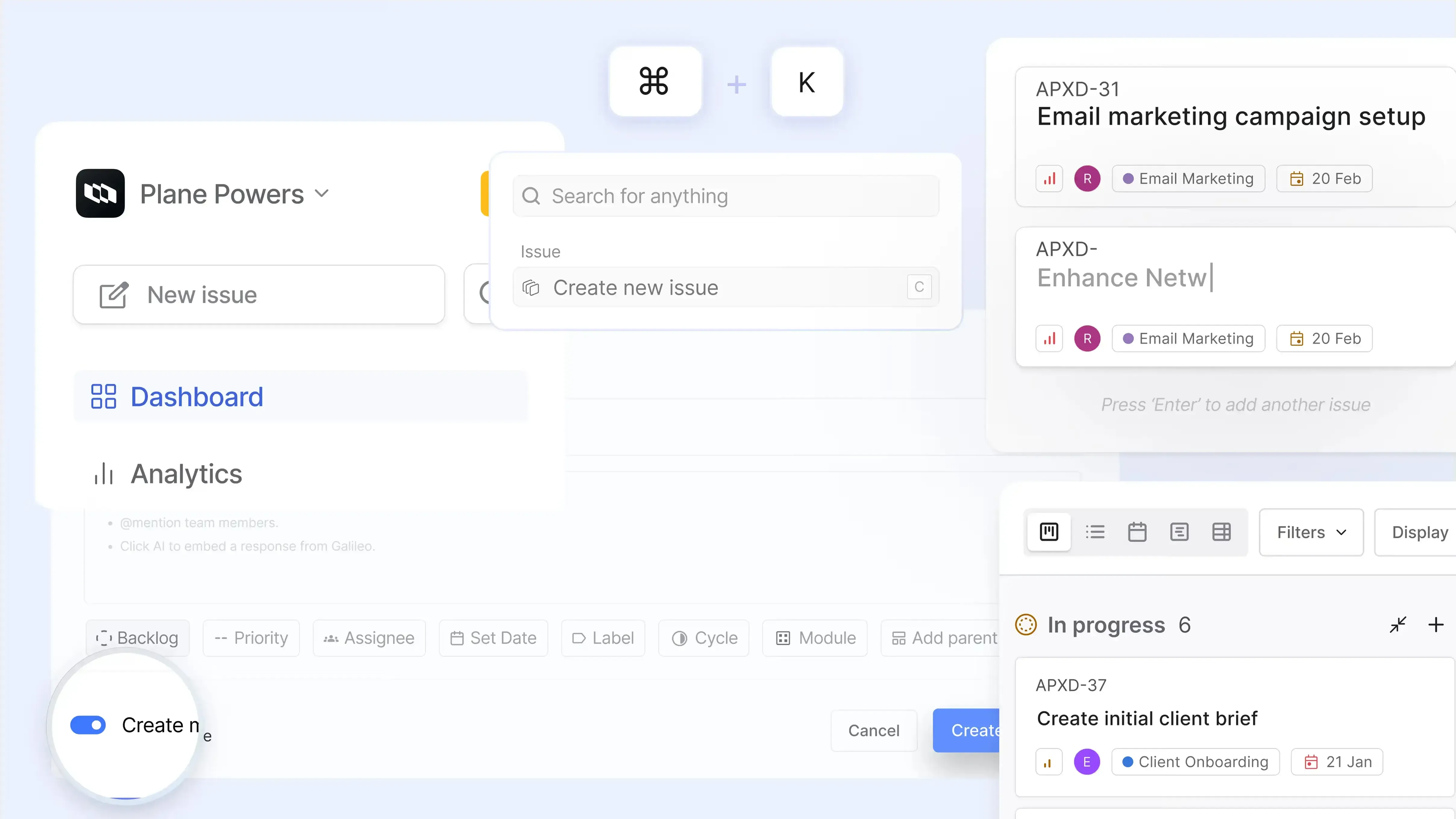
Not everyone wants cycles, modules, pages or premium features. Toggle them off when starting a project or anytime later.
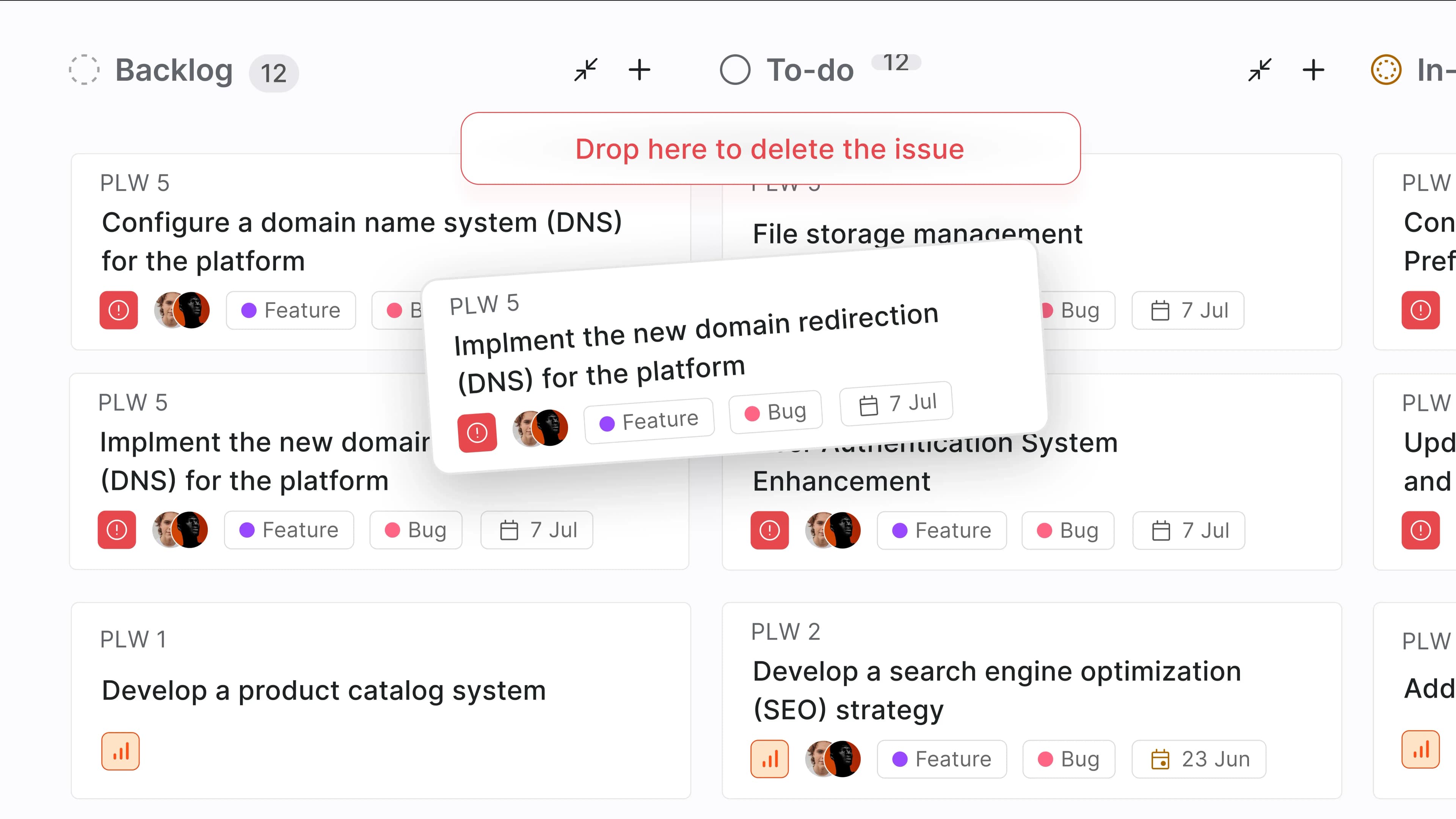
AKA DTD helps mouse-pros delete a work item in one swift motion.
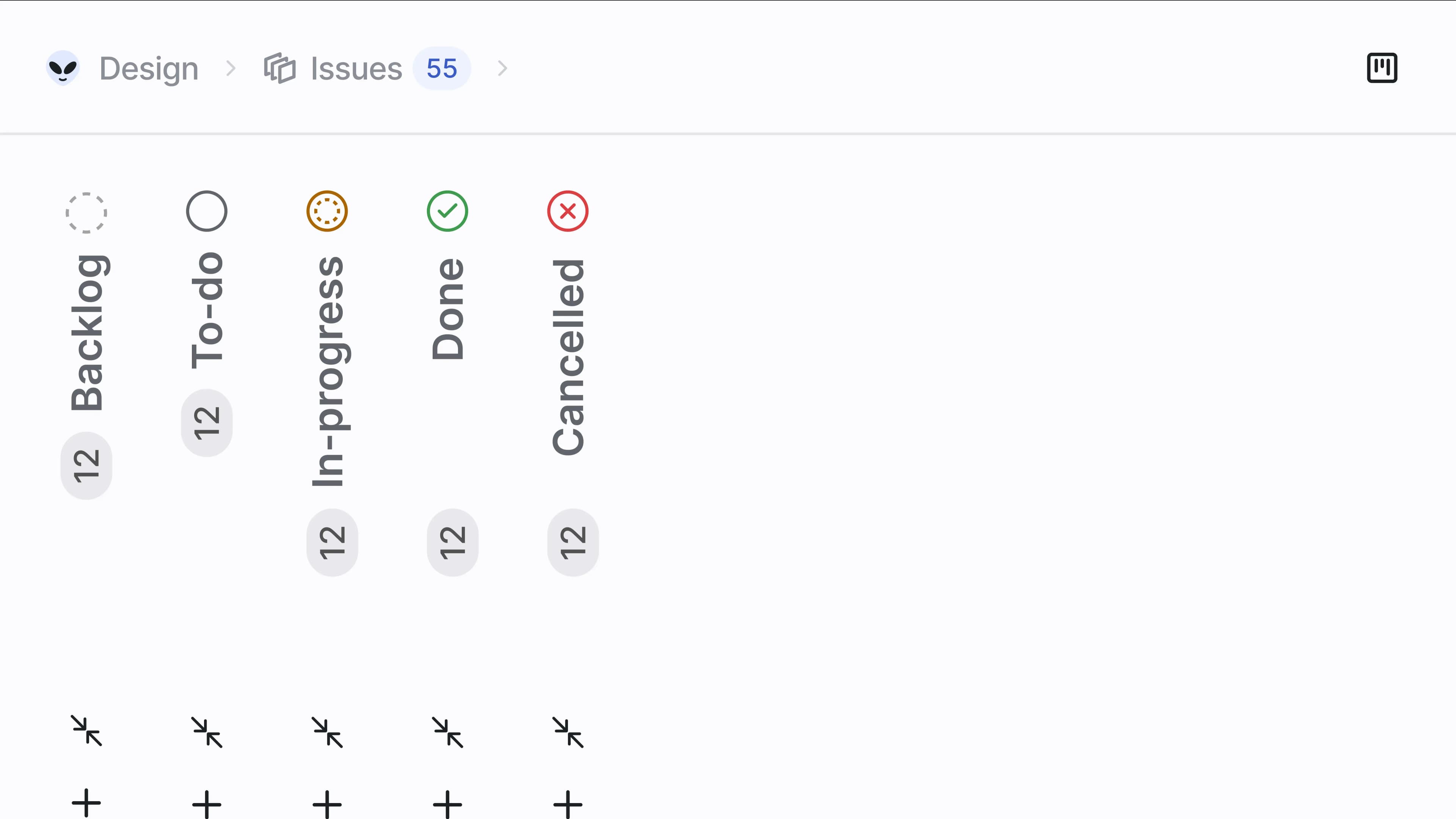
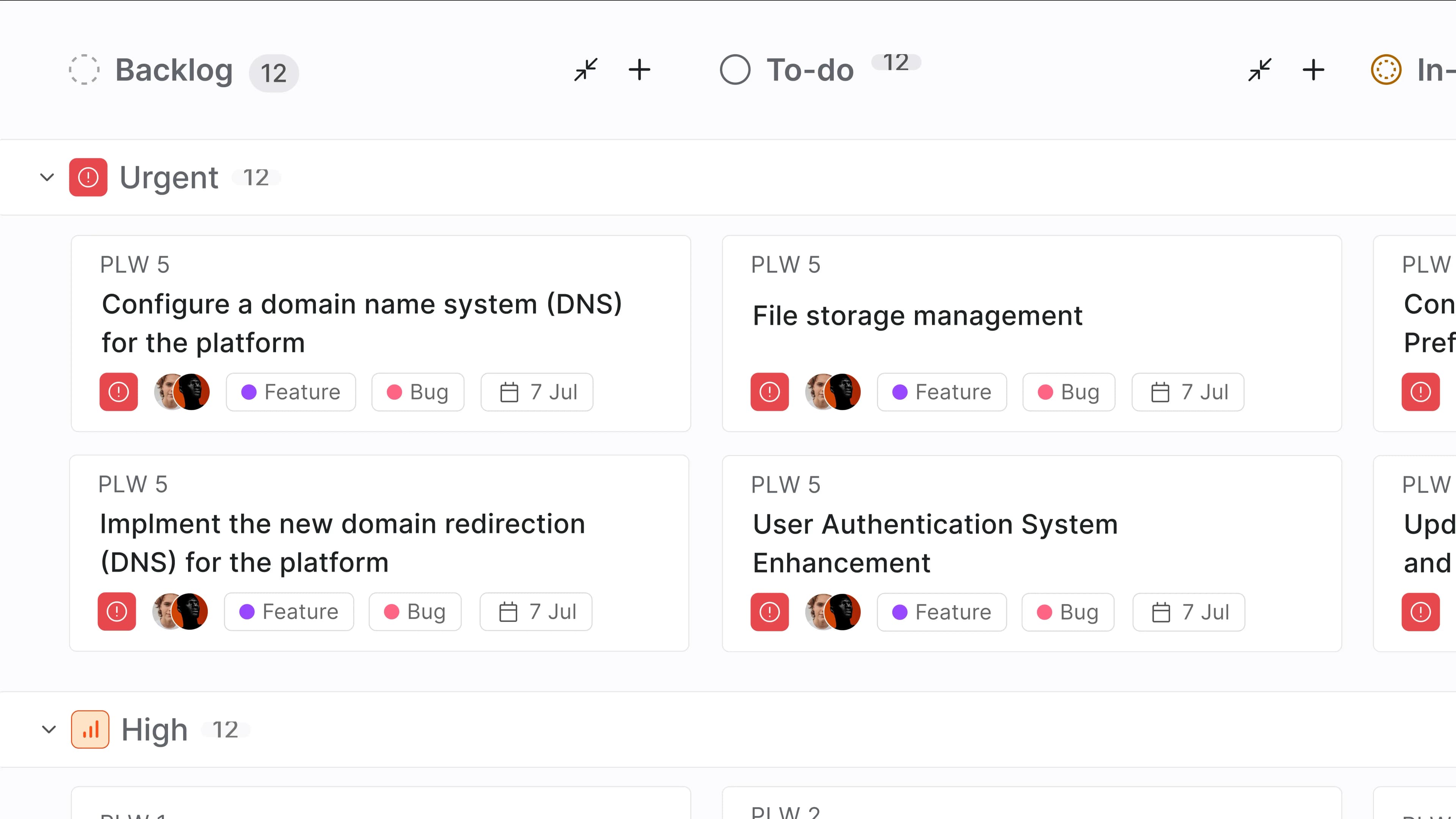
See only the columns you want to with click-to-collapse for all our columns on our Board layout.
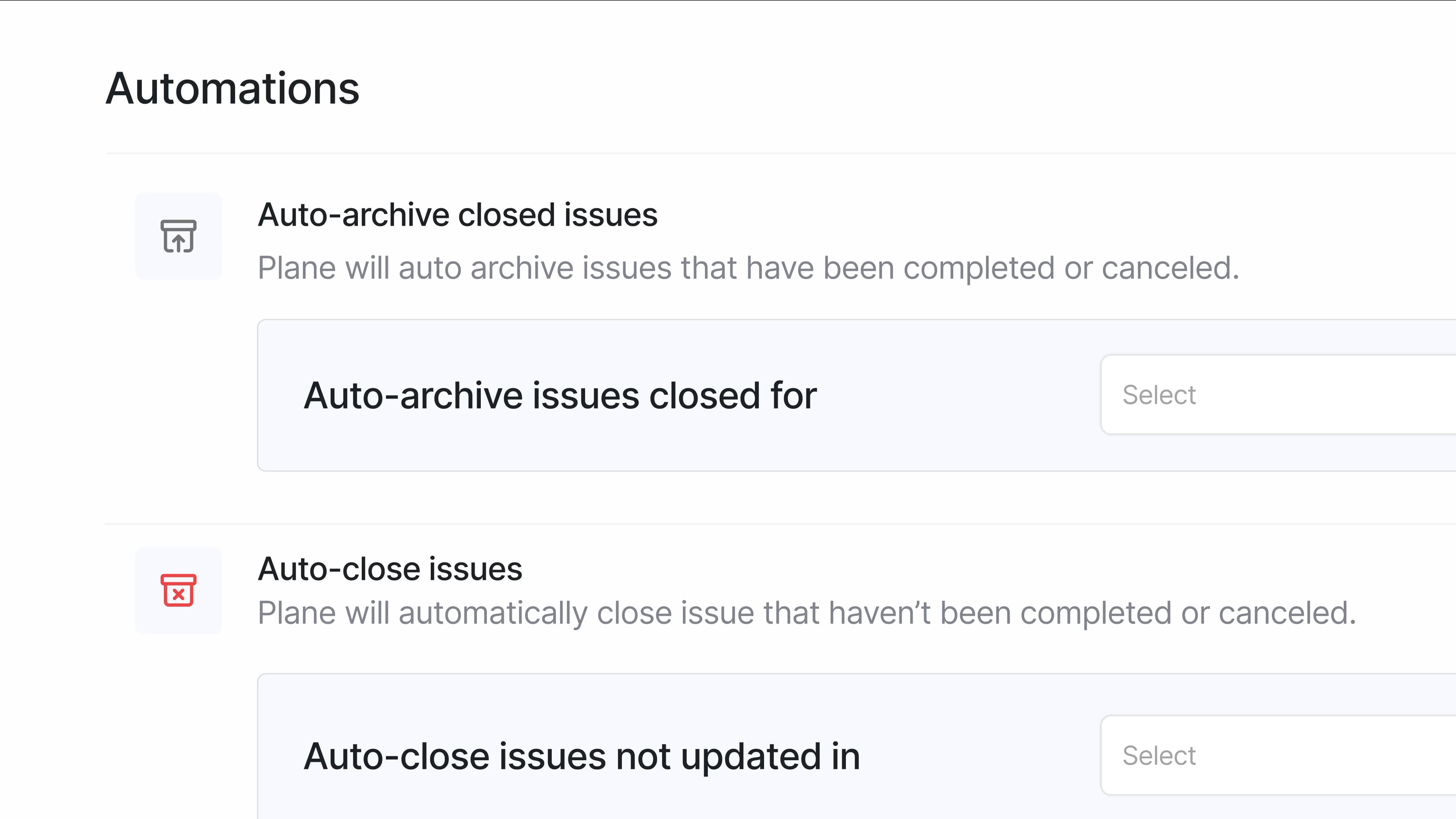
Auto-archive closed work items and auto-close work items without updates for a time or by status. Trigger-based automation via our Automation Builder coming soon.
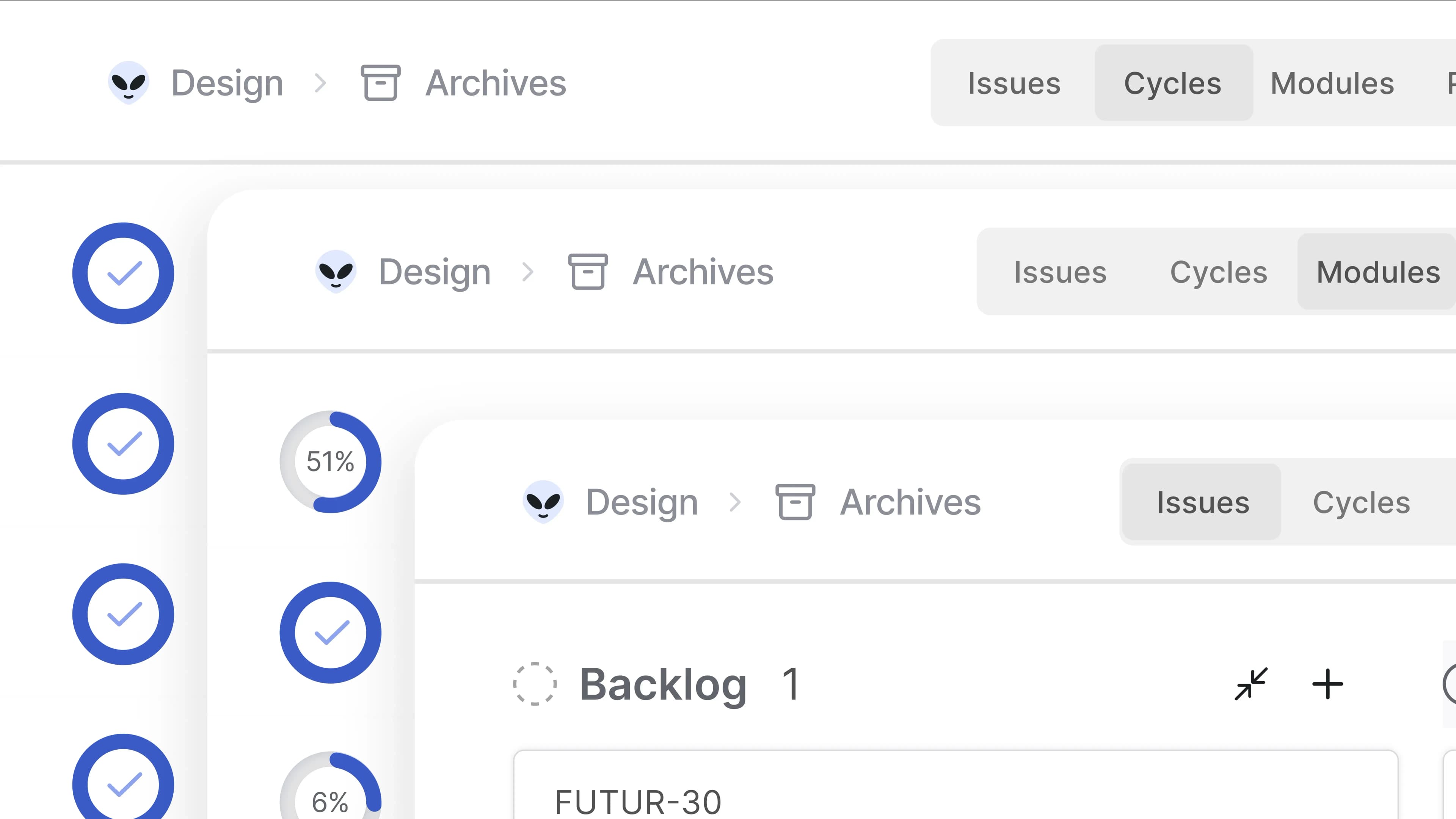
Archive work items, cycles, modules, and pages that you are done with for a cleaner interface.
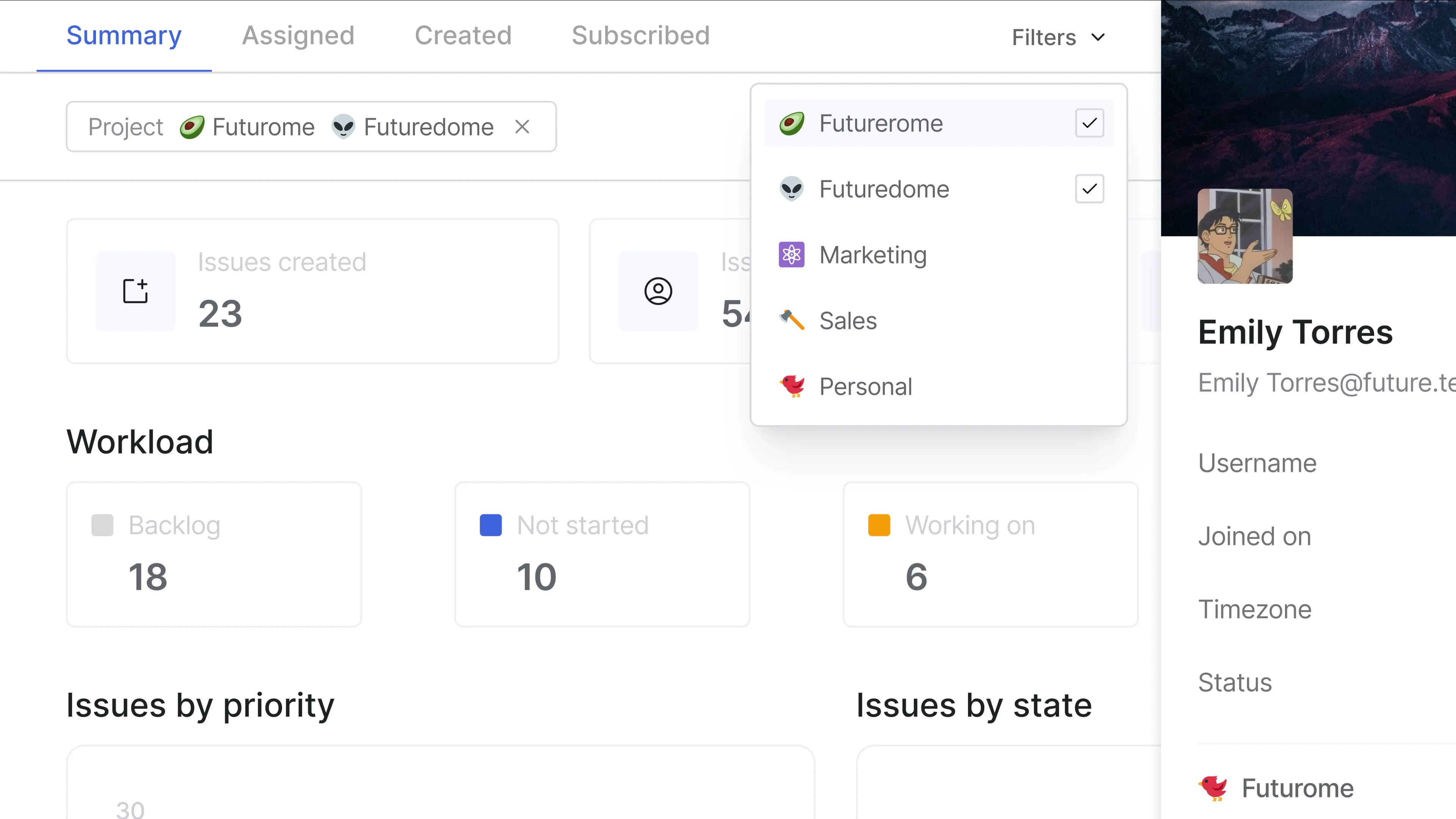
Get unique, on-demand, actionable overviews for any member.
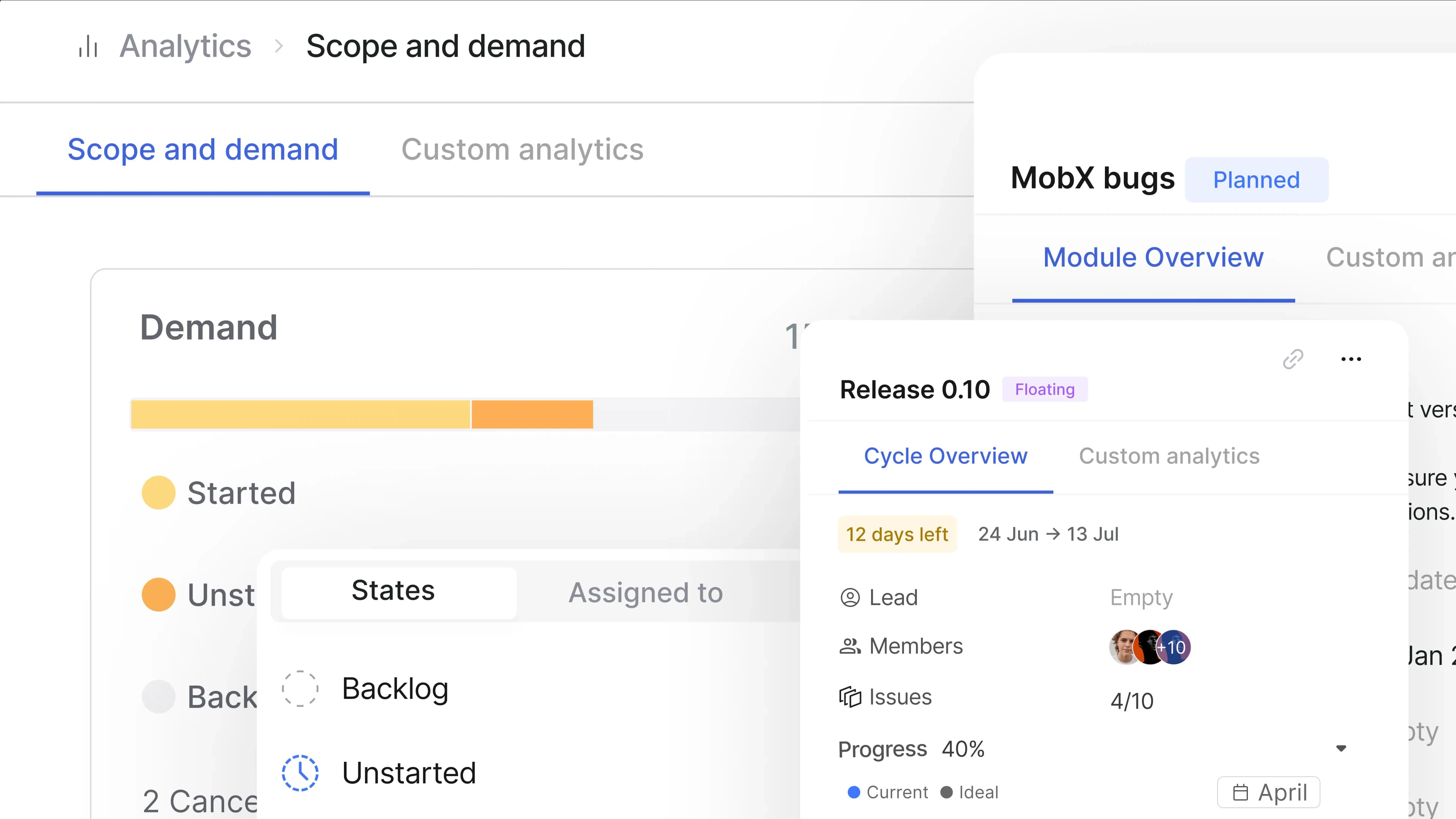
Find insights in cycles, modules, projects, and workspaces. Intuitively. Without trading off context. Smile.
Get eight nifty ways to add issues no matter where you are in Plane.
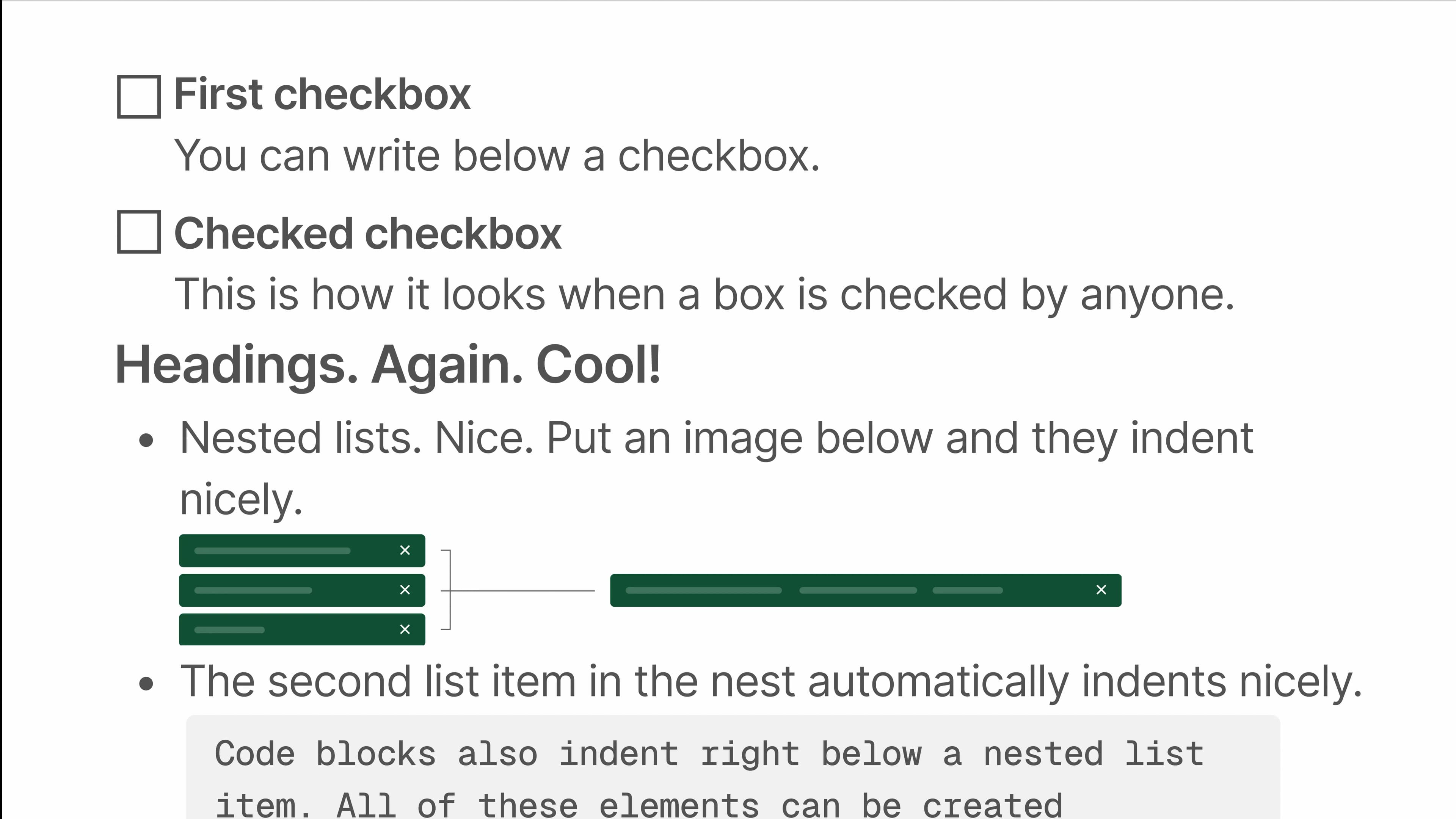
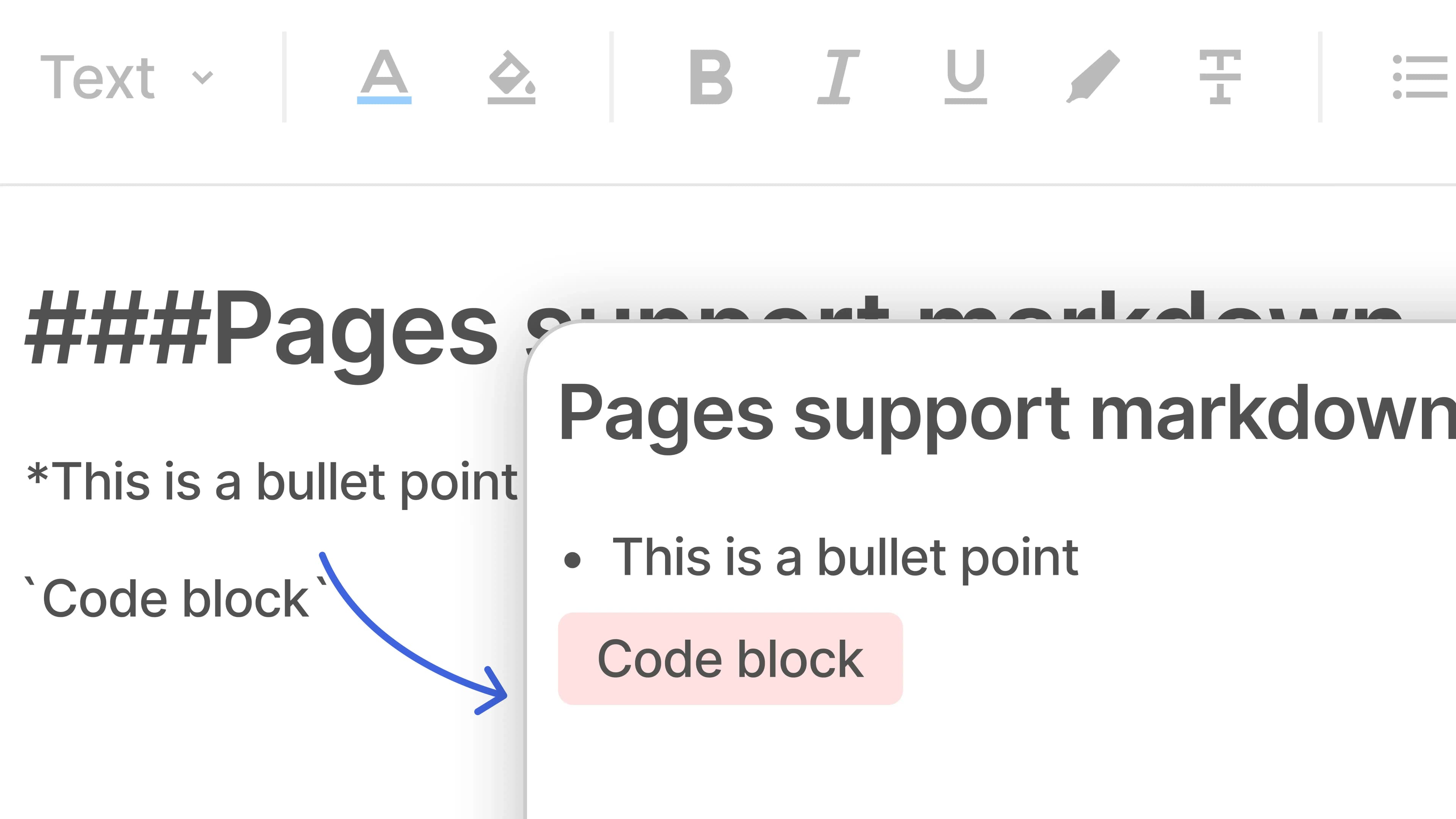
Add images, GIFs, code blocks, in-line code, quotes, and more in issue details.
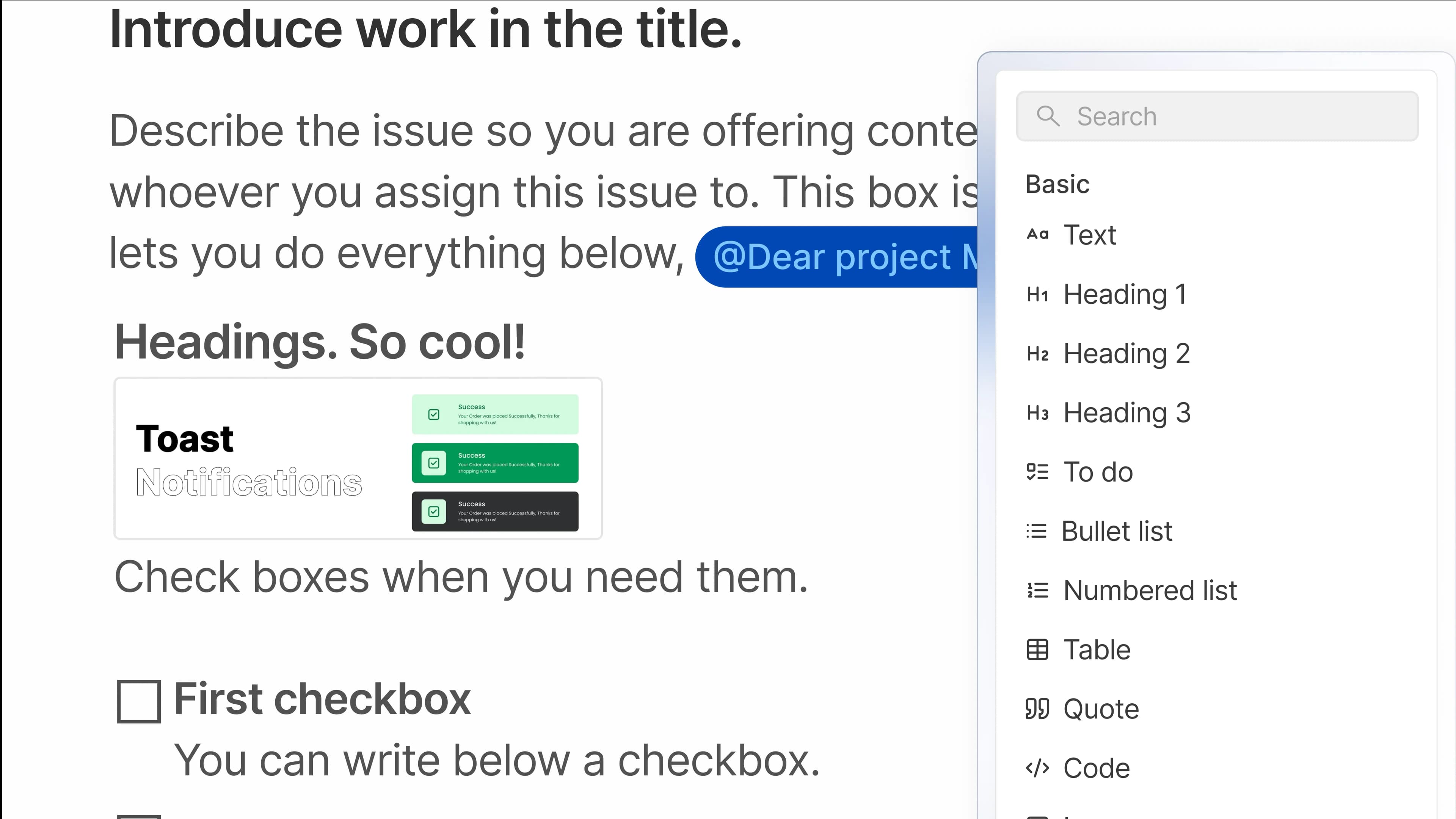
For pre-work considerations in work items, just add to-dos to the description. Simple.
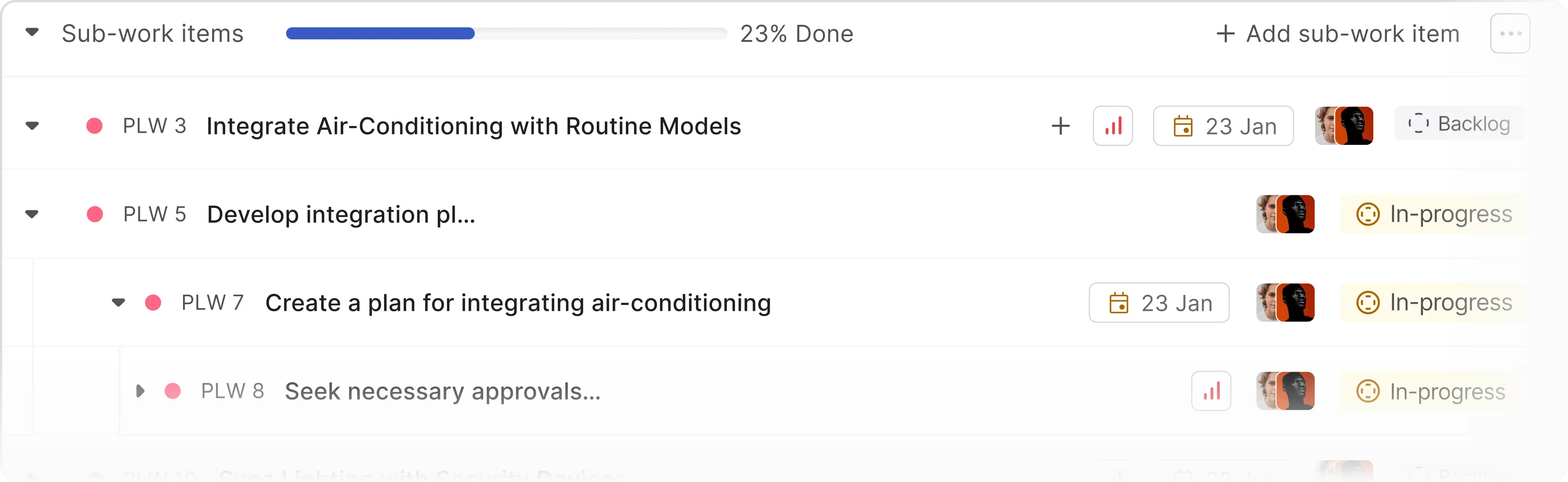
Remember nested pages from above? Same, but for issues. Because, Asana who says you only need five-levels of hierarchy?
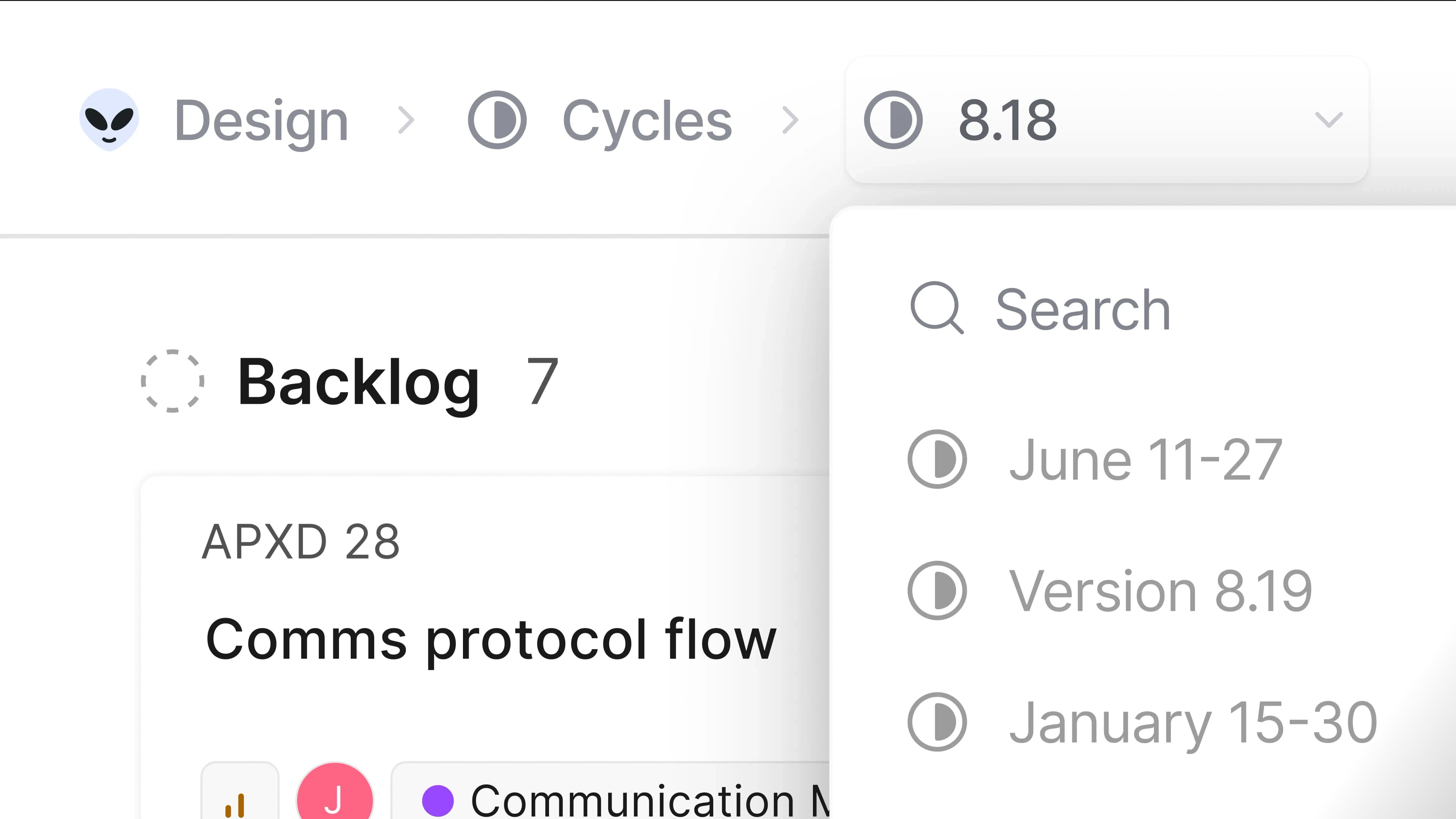
Easily switch from one cycle to another from the cycle picker.
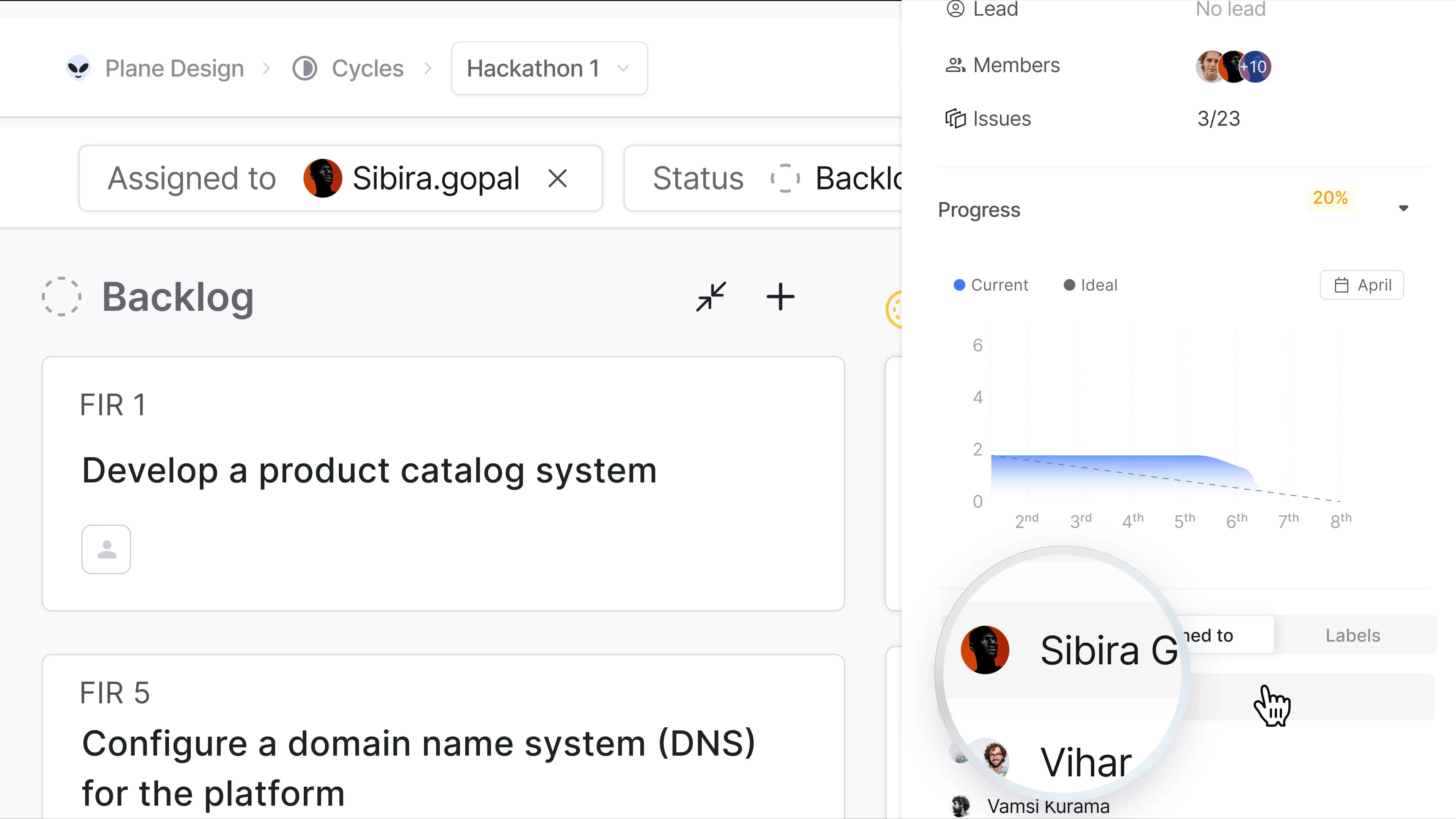
Click the name of an assignee or a label in cycles to filter your project by that property.
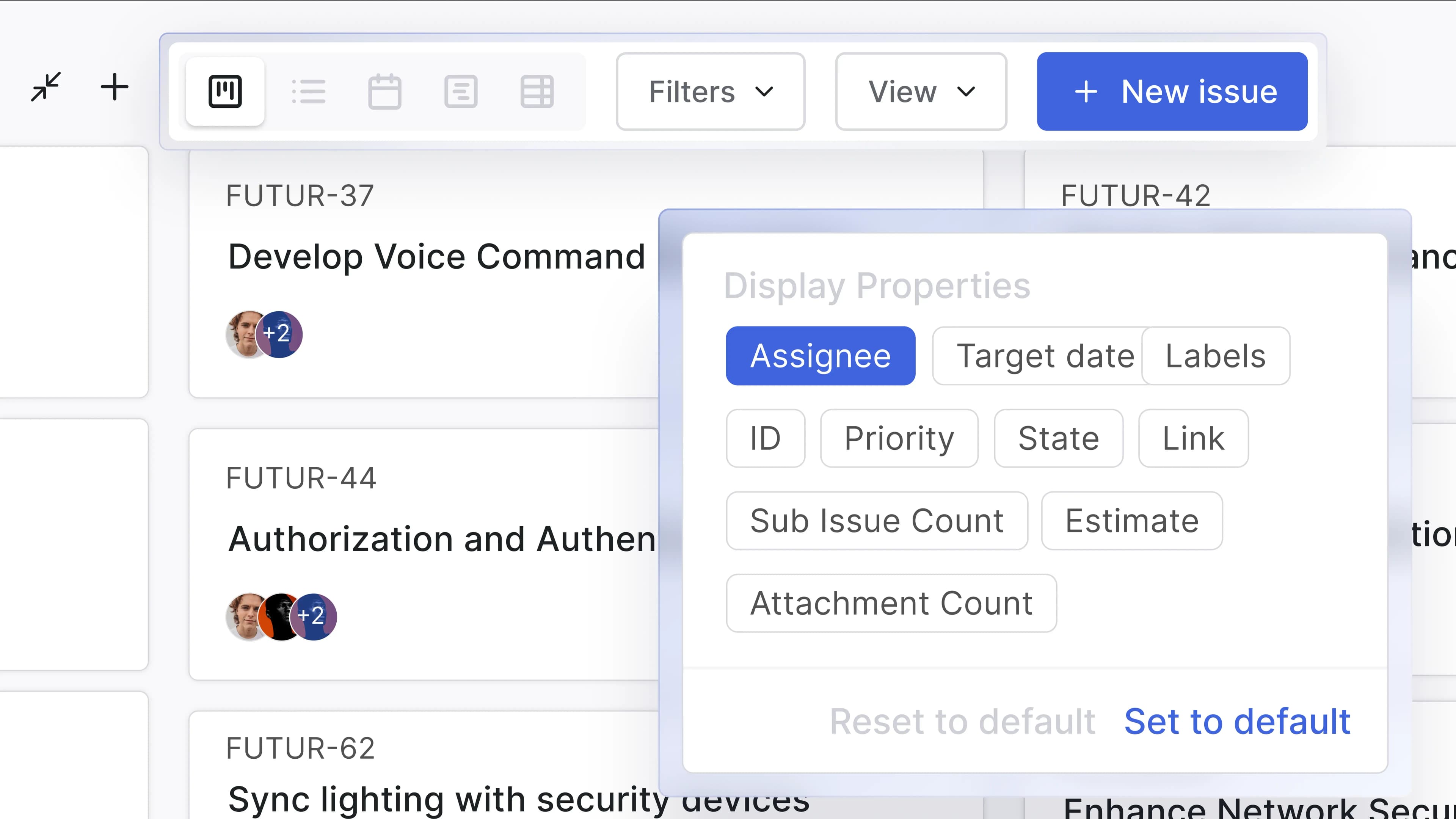
Choose just how much info you want on your screen with Display that you can save to Views.
Get all the swimlanes you ever wanted. Collapse and expand to make viewing issues easier.
Nest pages endlessly like you nest work items.
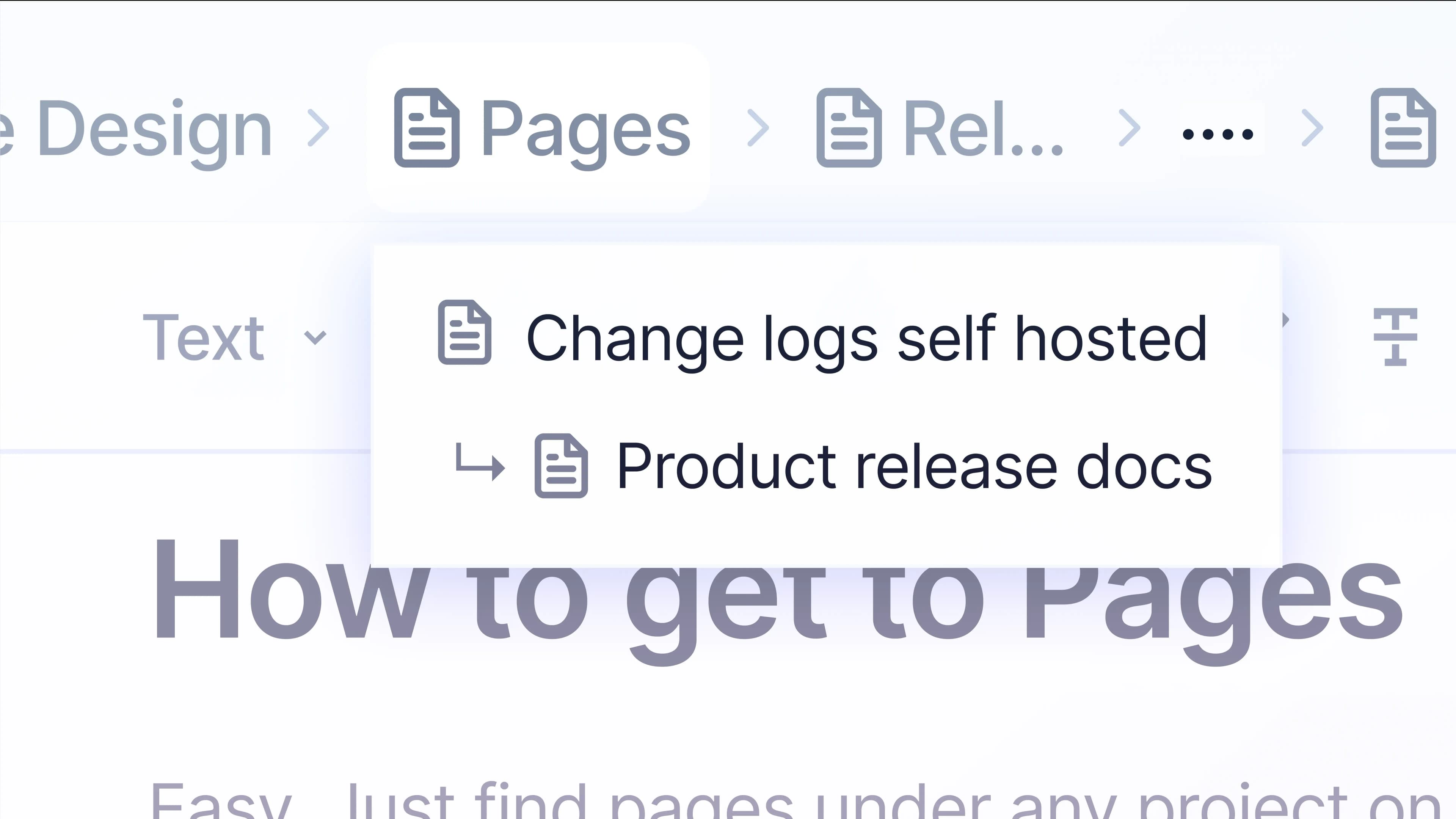
And you can—in Pages, in work item details, and soon, in comments.
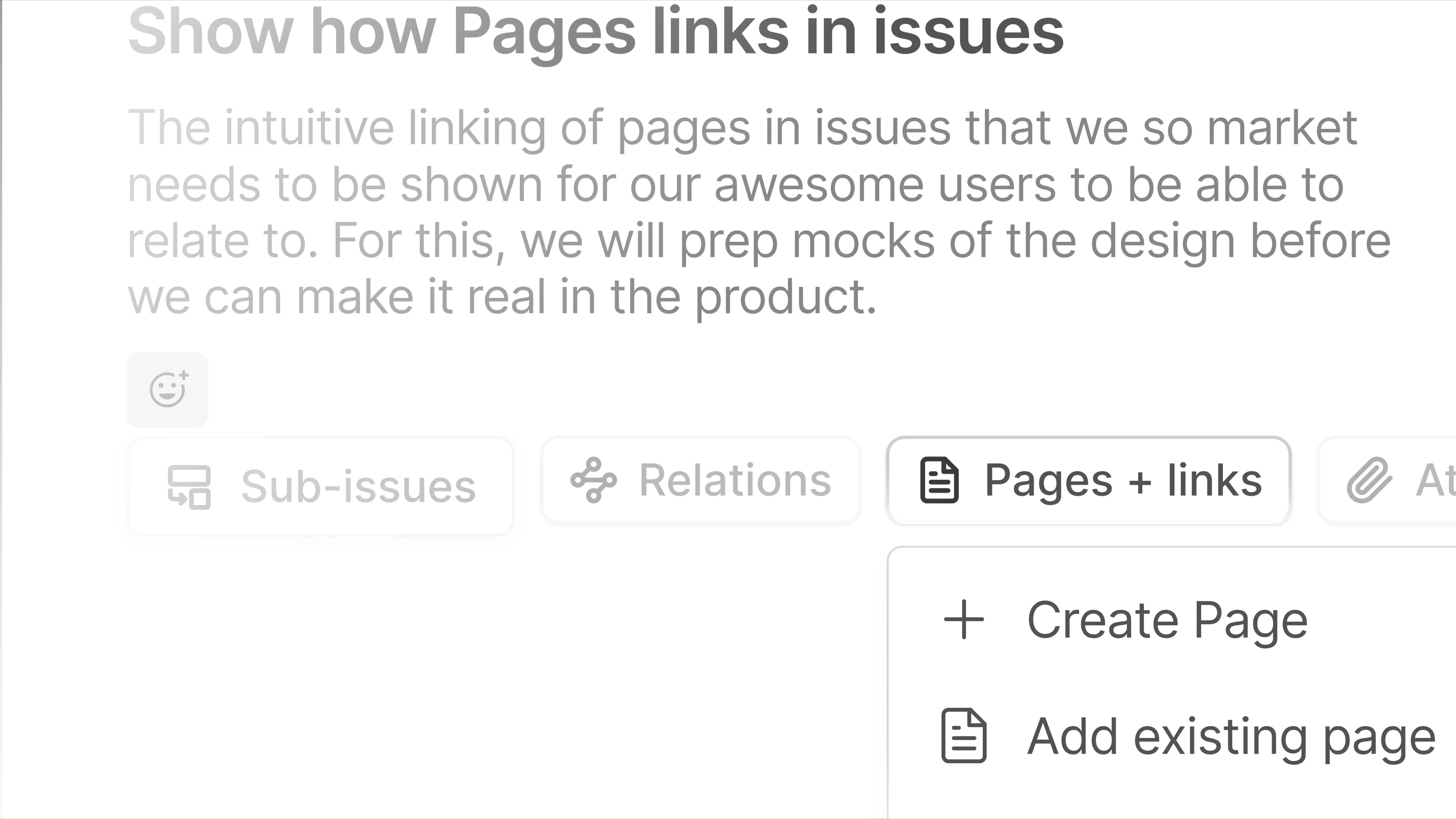
How good is hunting for a page or link in Work Item Details? Not at all. So, Plane shows pages and links in a super-accessible tab.
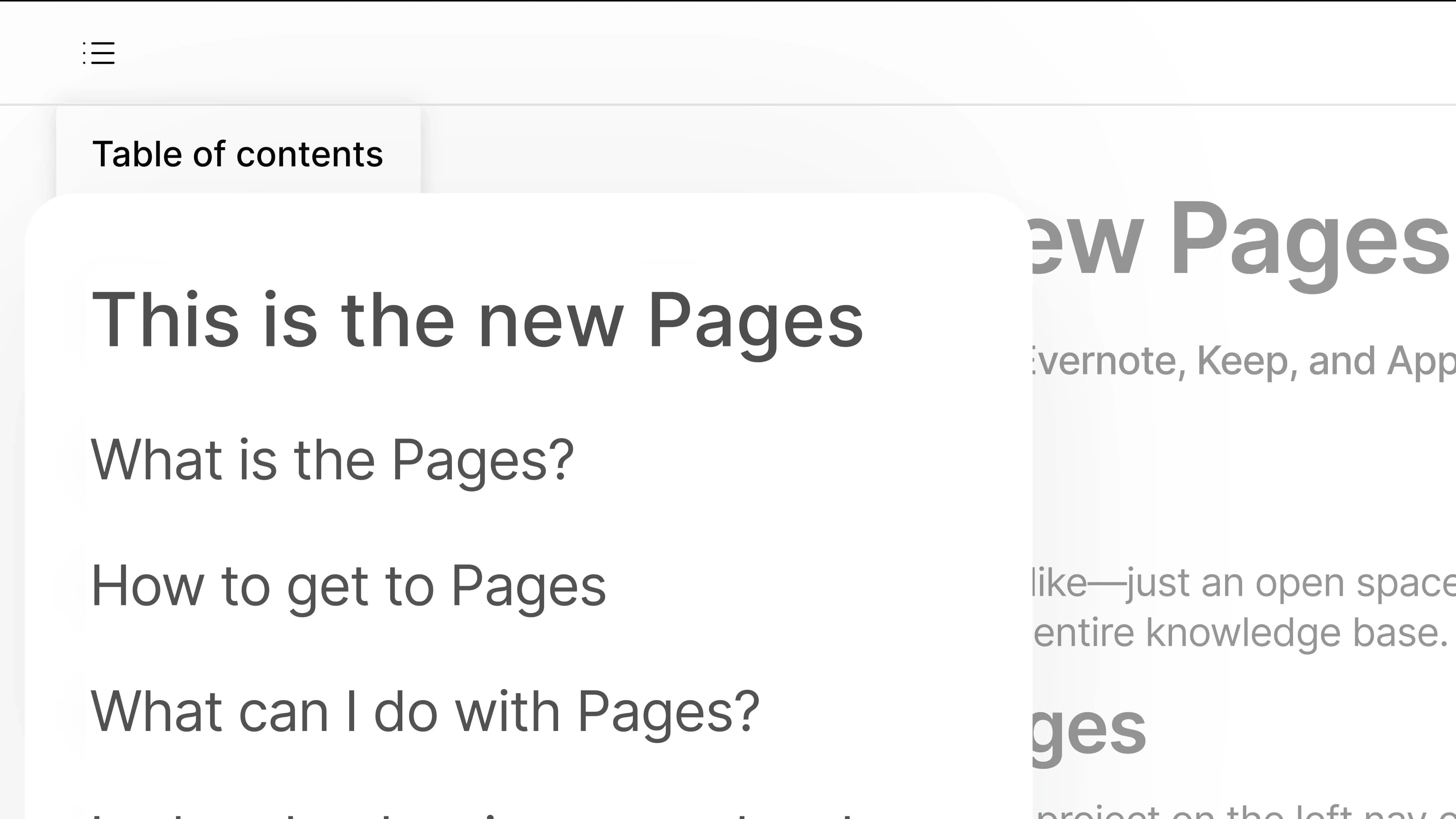
Miniaturize the outline on Pages without trading off ease of navigation.
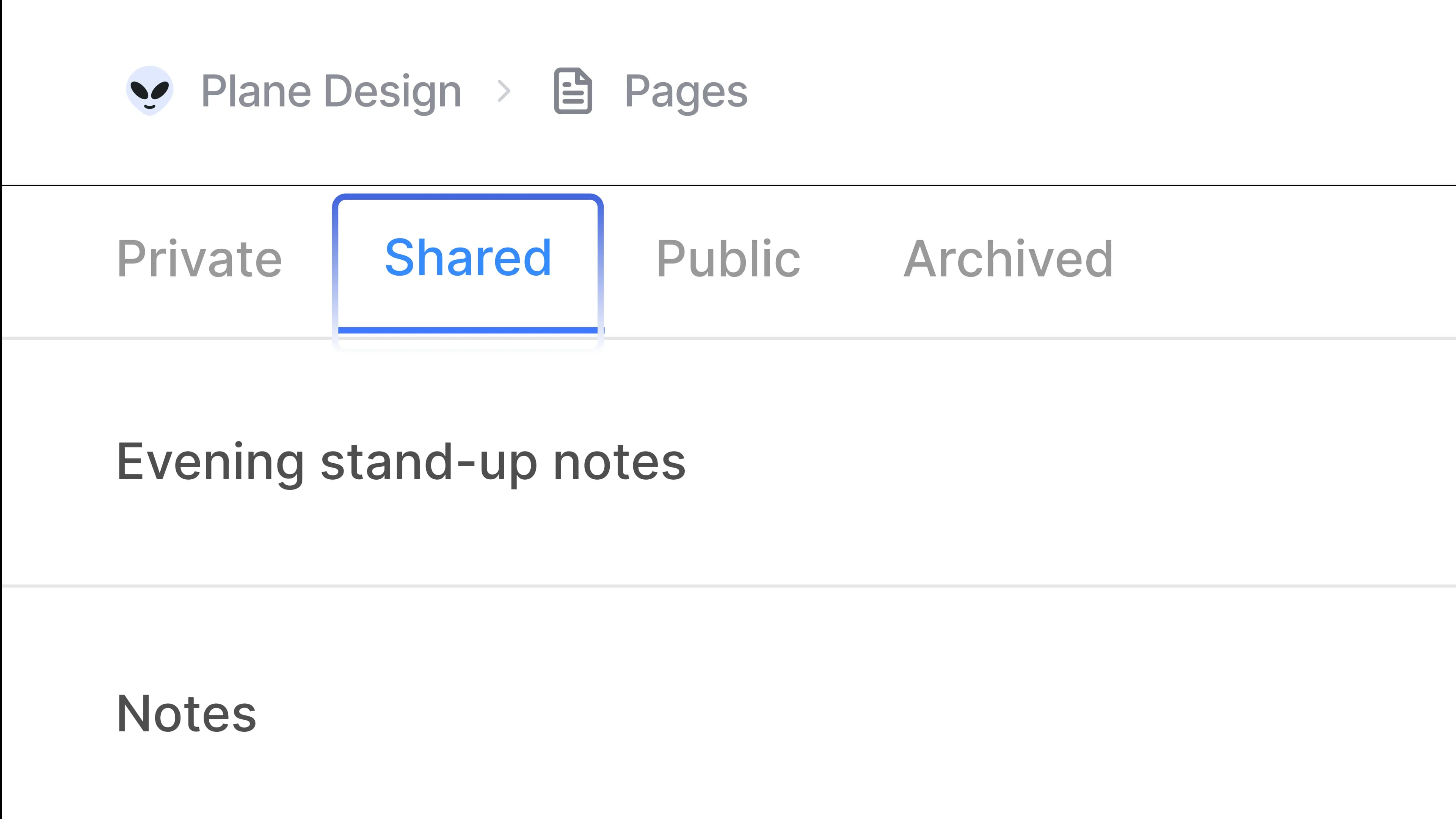
Notice how others hide private docs behind a million clicks? We don't.
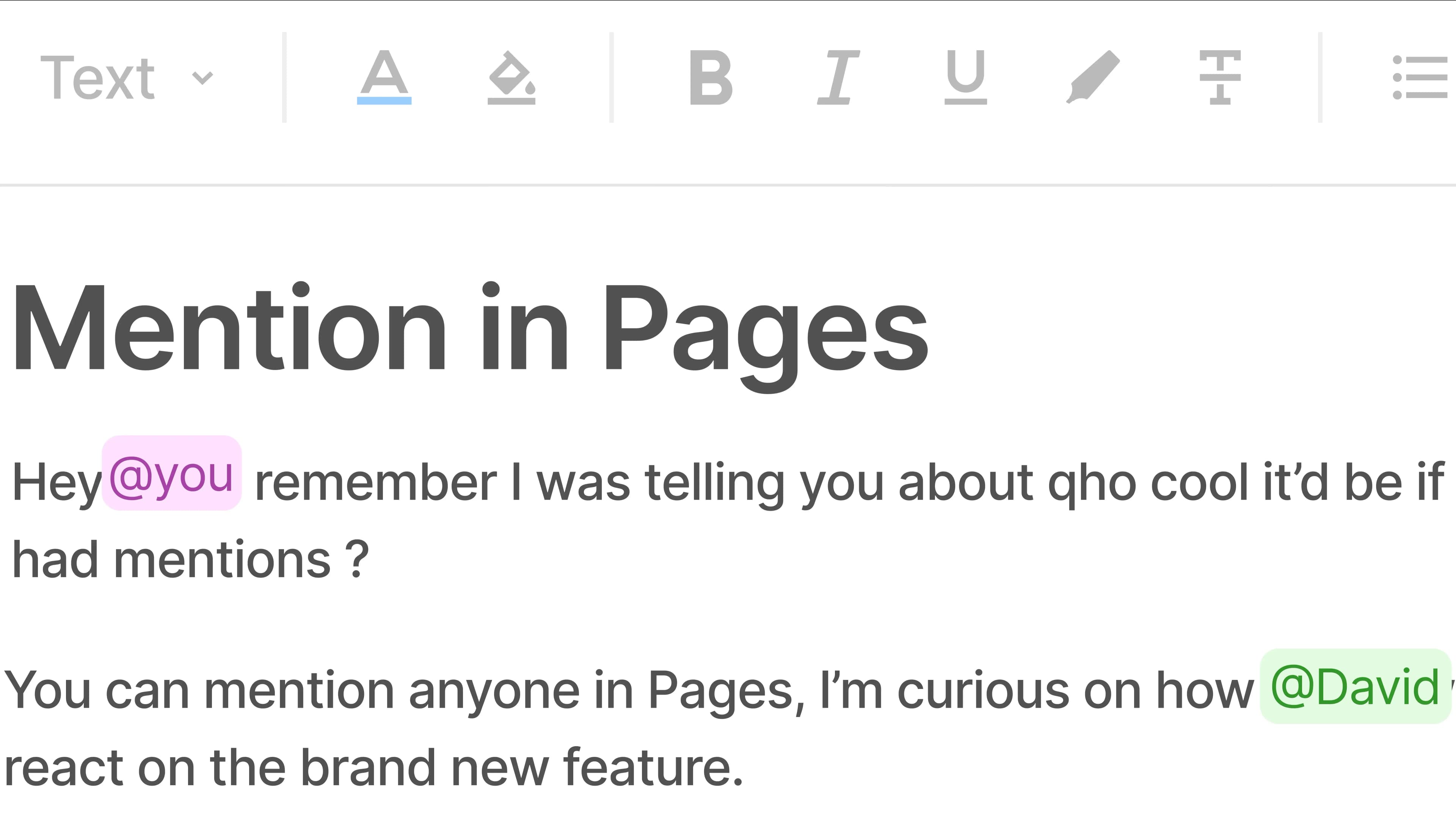
You show up in yellow when someone @mentions you. Others show in blue. Pretty. Simple.
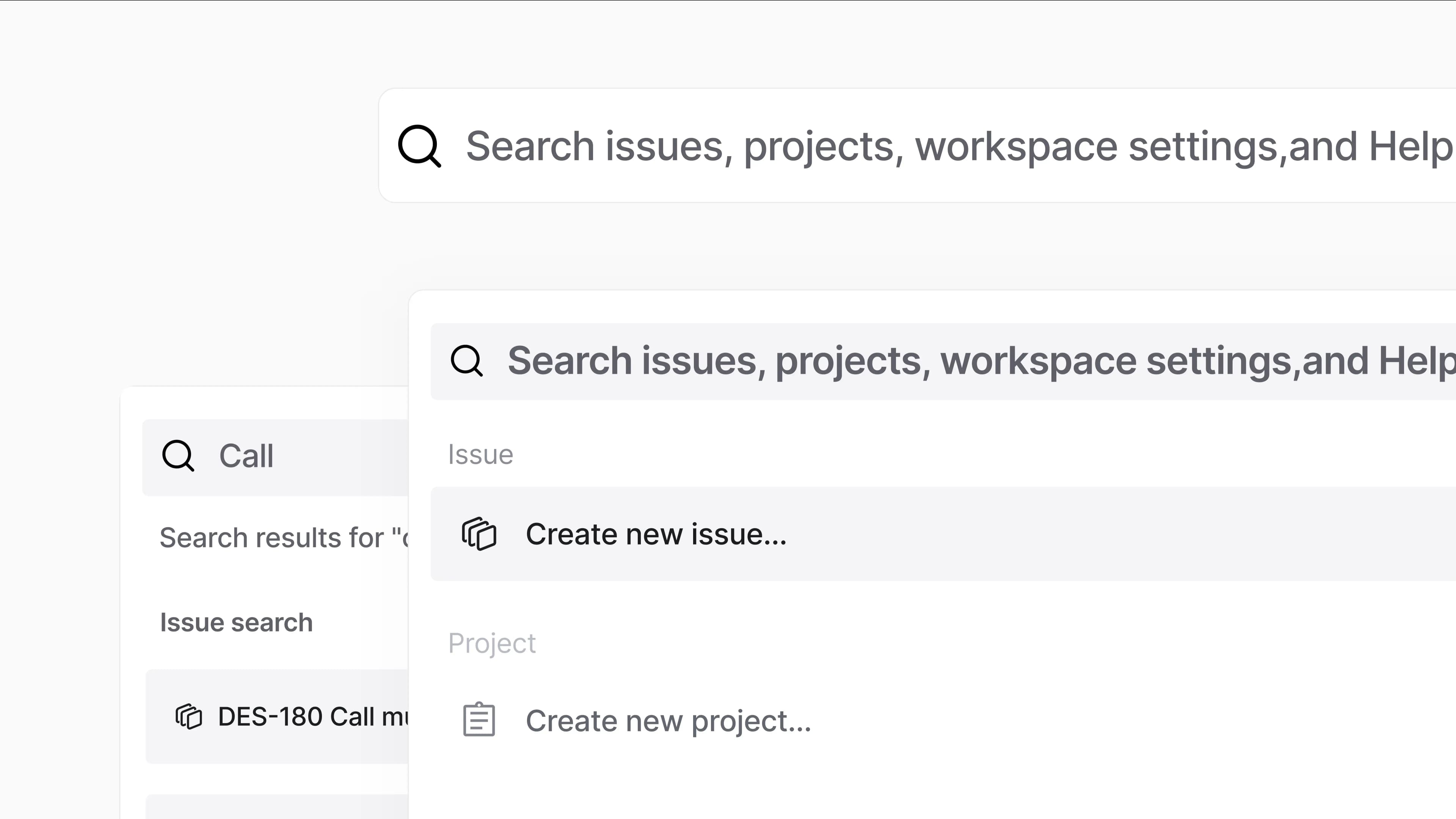
See a gateway to issues, cycles, modules, and anything else in Plane with the simplest shortcut known to humanity.
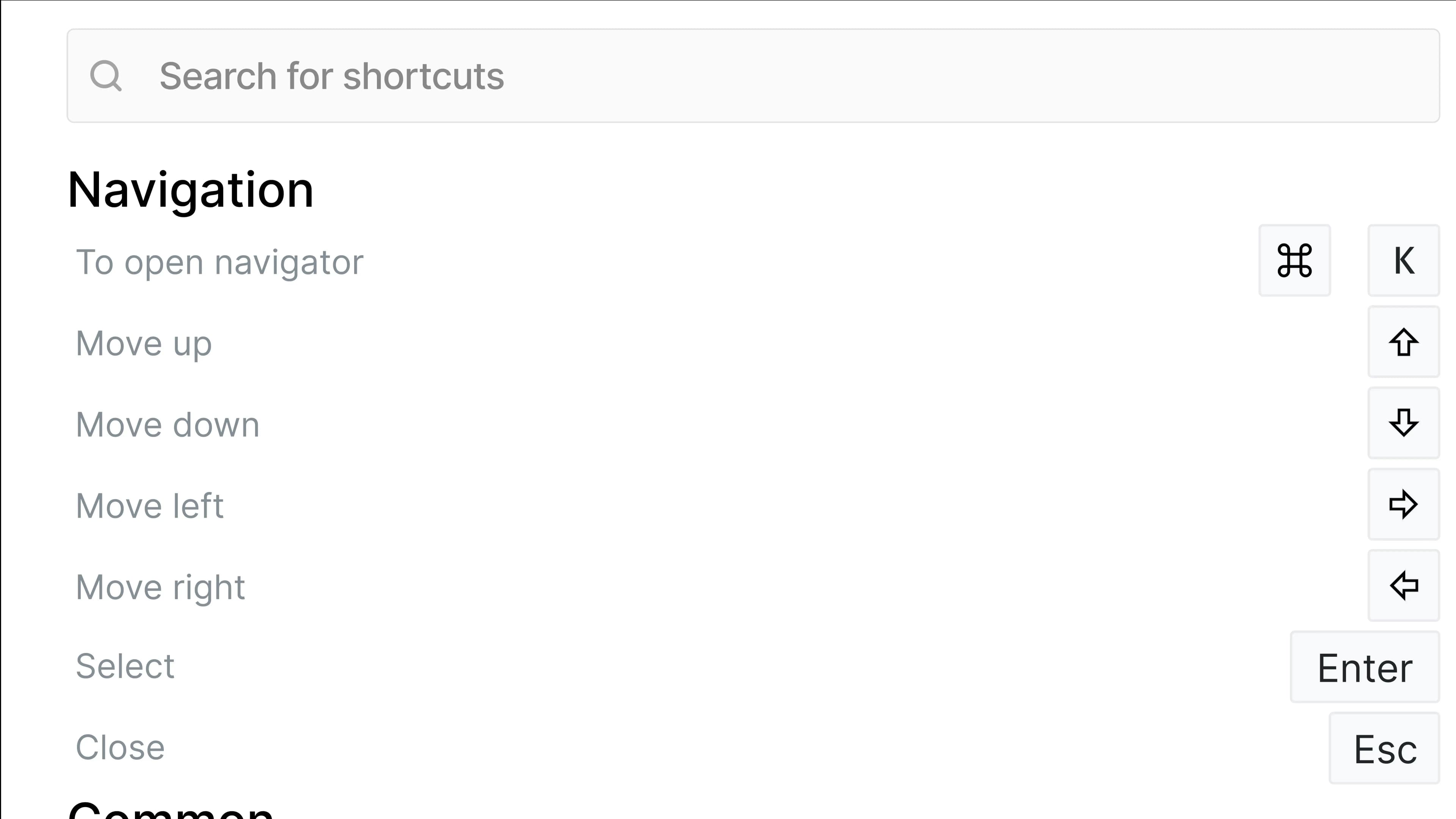
Intuitive shortcuts in Plane unlock keyboard-first navigation for the staunchest mouse lovers.
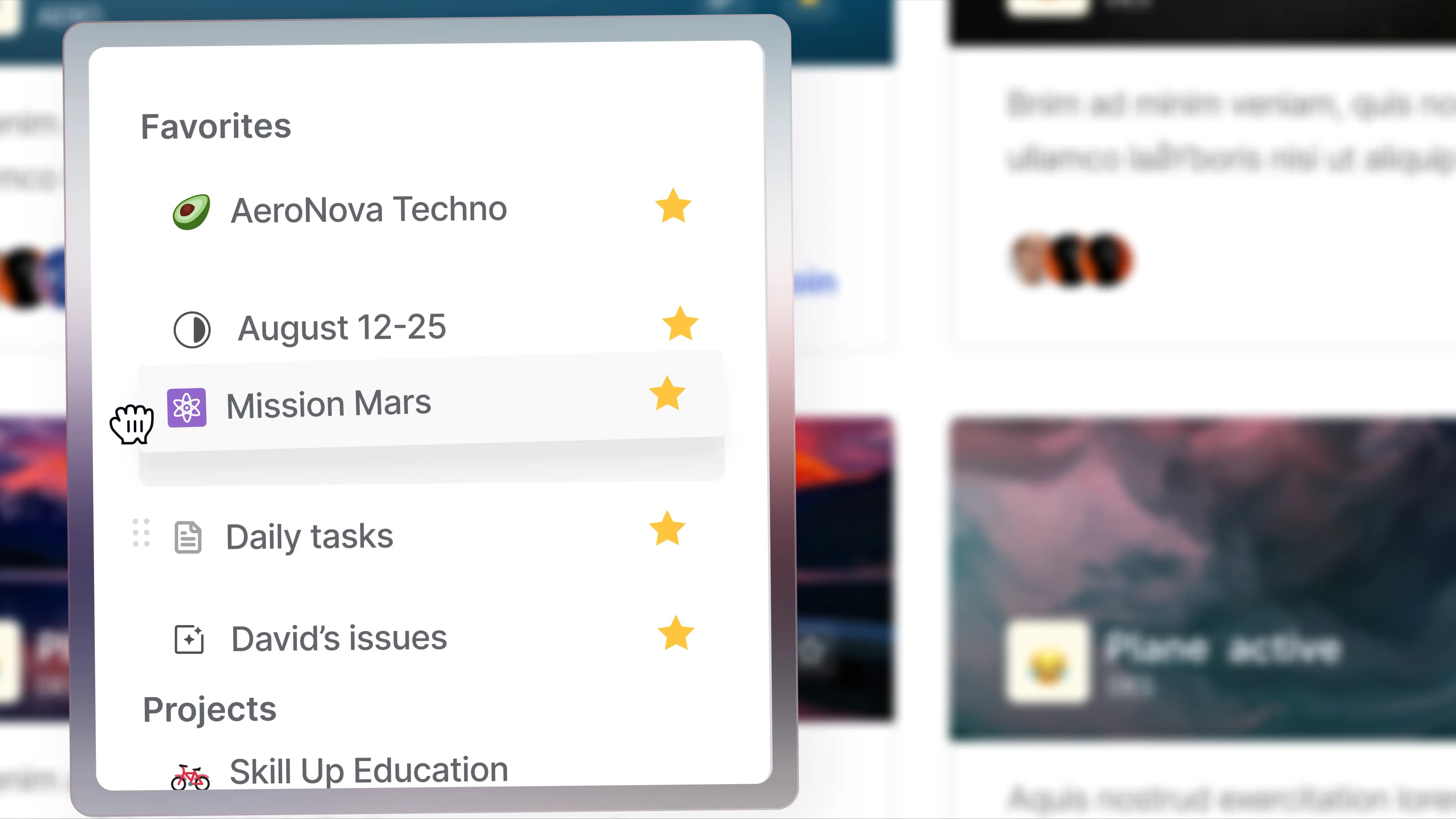
Access anything you favorite from the persistent left sidebar in Plane.
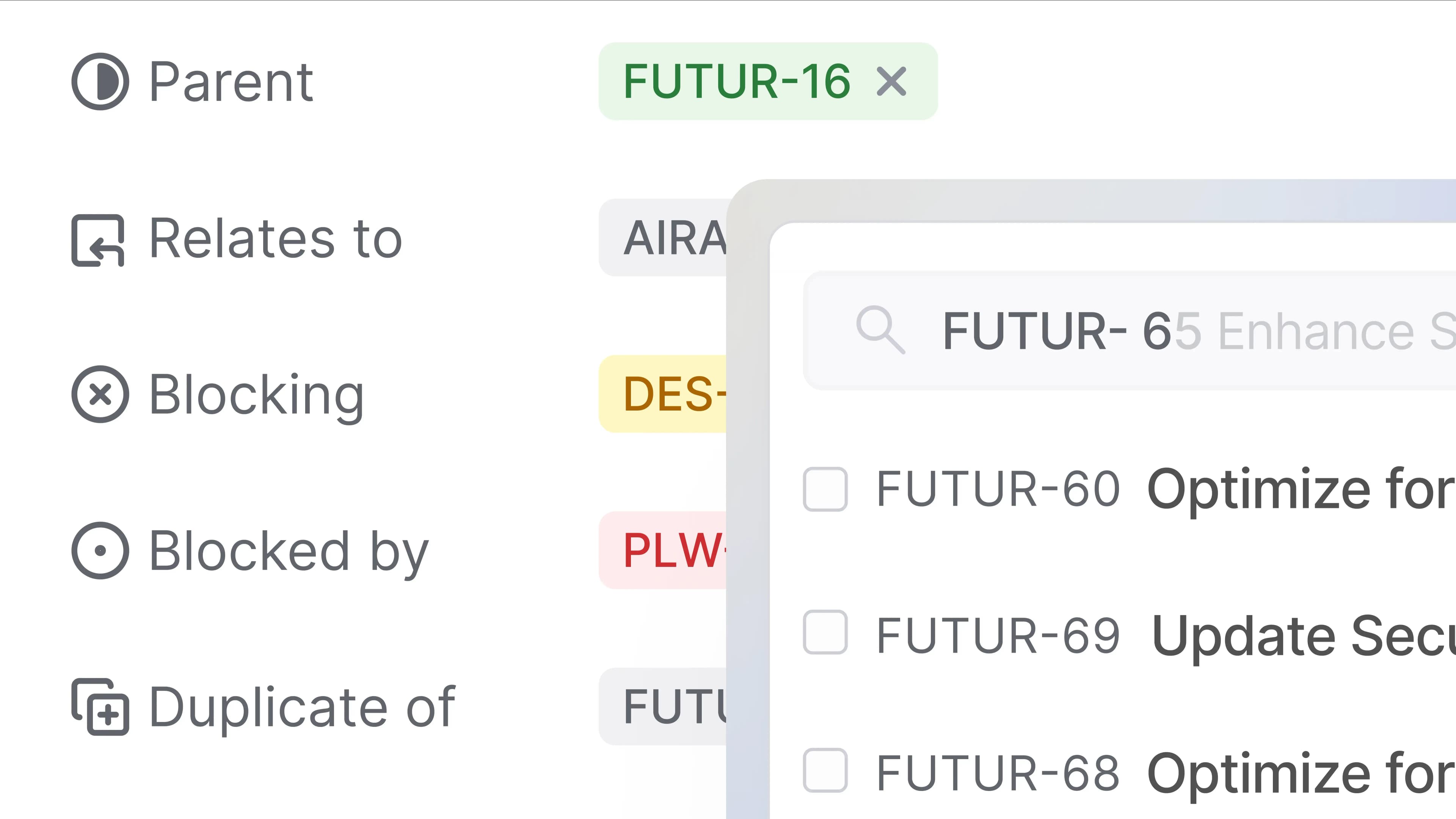
When connecting work items, find one from a different project without losing context.
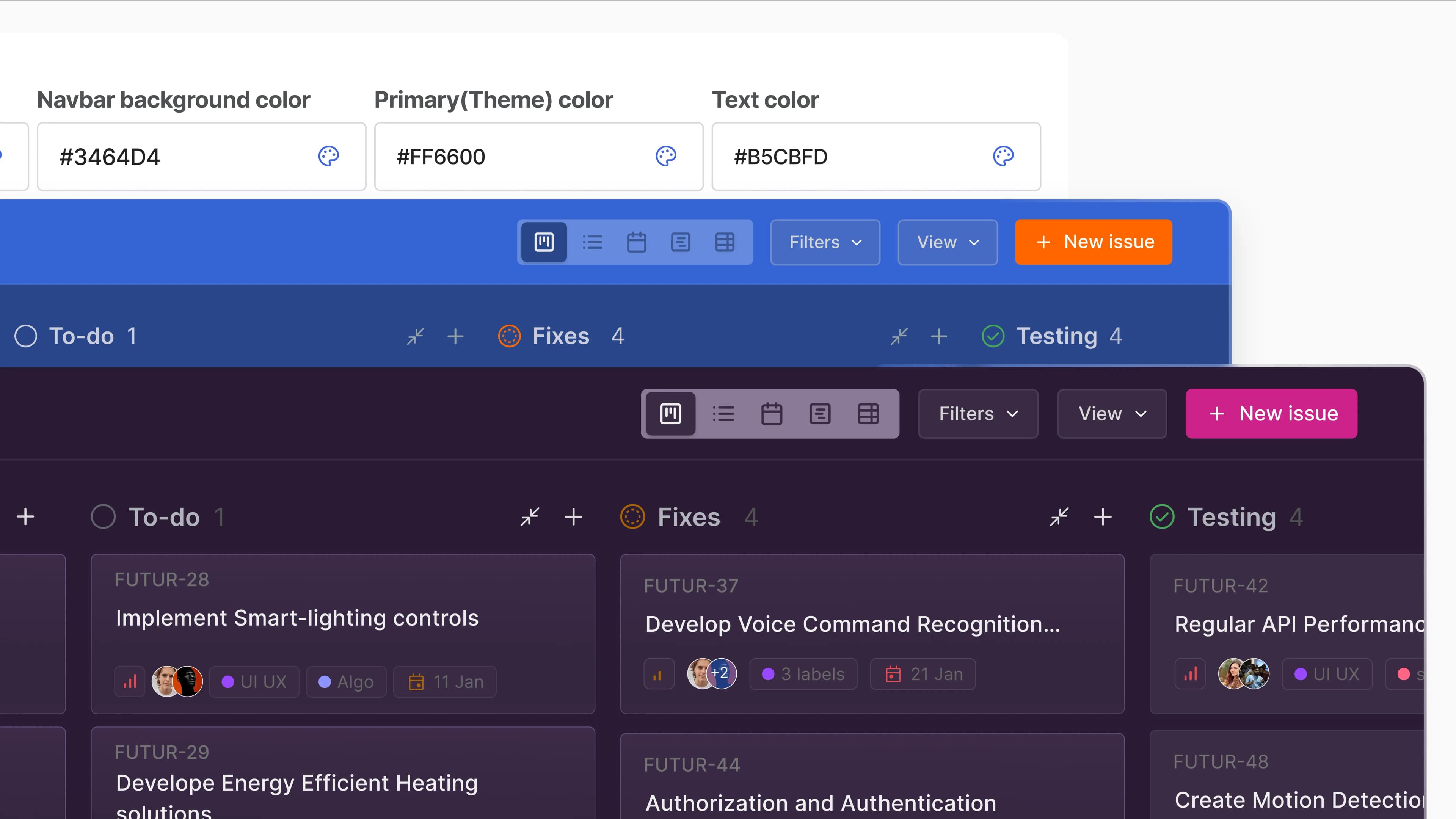
Color your Plane to whatever holds your fancy with Themes.

Sign up free or choose one of our paid plans and switch to delightful work today.


 Download for Mac
 Download for Android