
Plane
vs

Shortcut
Complete comparison
Complete comparison
See how Plane and Shortcut compare on work models, planning, docs, intake, agents, and deployment, and what it takes to move your work.
Complete comparison
See how Plane and Shortcut compare on work models, planning, docs, intake, agents, and deployment, and what it takes to move your work.
50,000+ teams run on Plane, from startups to the Fortune 500


















Alignment from plan to delivery
For us, the biggest benefit is visibility and alignment. Product requirements can move into design, pass through approval gates, and then flow into engineering without losing context. It reduces coordination overhead, makes ownership clearer, and gives the team a reliable view of what is planned, what is blocked, and what is ready for delivery.
CIO, Fortune 500 financial services company
Where Plane goes further than Shortcut
One workspace for every team
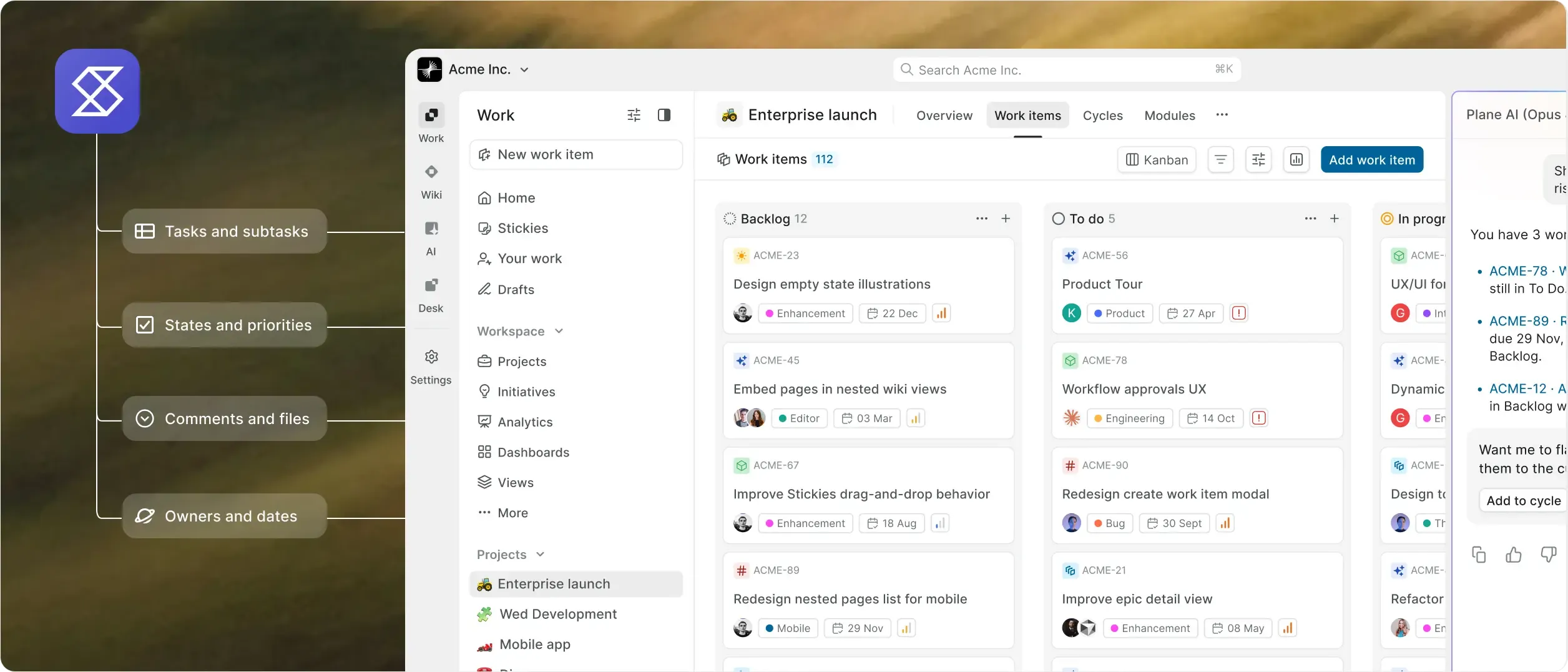
Plane runs every team in one workspace, with a Wiki, request intake, and time tracking beside the work. Shortcut is built for software teams, with no intake forms or time tracking.
Built for the agentic era
Plane Agents work in the same workspace as the work, follow instructions you write, and log every action to the activity trail. Shortcut’s planning agent, Korey, is a separate product with its own subscription.
Runs where you need it
Run Plane in Plane Cloud, on your infrastructure, or fully airgapped, and change it later without changing tools. Shortcut is cloud only, hosted in the US.
Enterprise controls in one console
SAML and OIDC from Business, plus LDAP, custom roles, audit logs, and approval flows on Enterprise Grid, all from one admin console. Shortcut has no approvals, custom roles, or customer audit log.
Let agents run your busywork
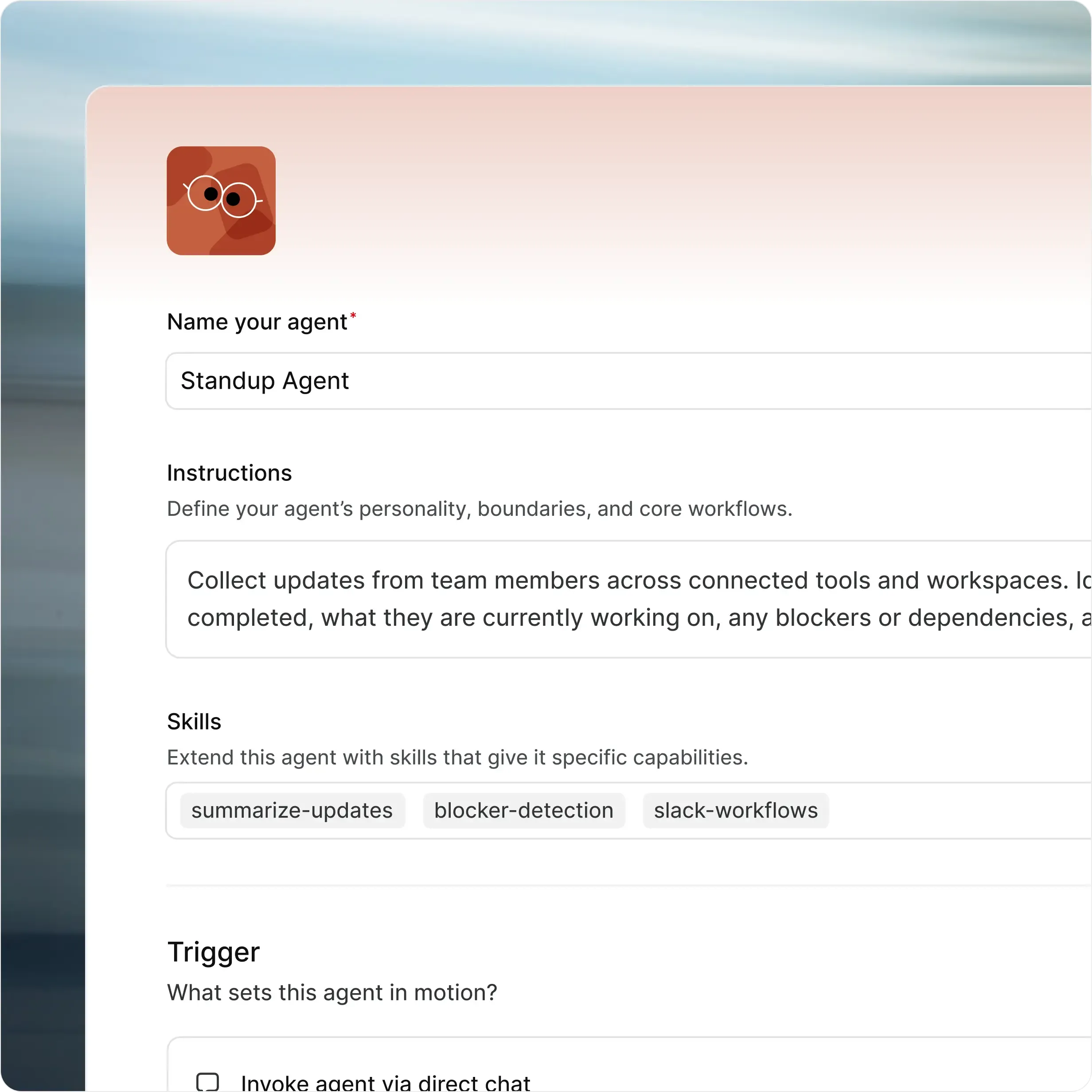
Agents pick up the work nobody schedules: standups, triage, risk flags, spec first drafts, and the status update someone writes twice a week. They work in the same workspace your team already uses.
A Wiki, Intake, and time tracking in one place.

per user, per month
.svg?dpl=dpl_5CY8LVWhuiVWa4jh2ck7ogxJe3kp)
per user, per month
*Have 12 or fewer users? Take advantage of our Free Plan. All our
plans provide access to Plane’s core features
Plane vs Shortcut, feature by feature
Compare twenty-four capabilities across execution, planning, governance, collaboration, AI, and deployment.
Capability | Shortcut |  |
Run the work | ||
Work models and custom properties How different kinds of work are structured | Three fixed story types: feature, bug, and chore. Custom fields are pick-lists only, with up to 20 on Business. | Work item types with custom properties, required fields, defaults, visual identity, and activity history. |
Cycles Timeboxes, progress, and unfinished work | Iterations with burndowns. Automatic rollover of unfinished stories needs a paid plan. | Project-based cycles with manual start and stop, burn-down charts, and unfinished-work transfer. An active-cycles view spans projects. Business adds automatic scheduling. |
Release management Track what ships across teams | No release object. Release work runs through Epics or Iterations. | Named releases gather work across projects with a lead, target date, status, and changelog, from Business. |
Dependencies What blocks what when dates change | Blocking, duplicate, and related-story links. No timeline dependencies or date shifting. | Finish-to-start, start-to-start, and finish-to-finish dependencies, with dates that move when upstream work changes. Critical path shows on the Timeline. |
Keyboard-first execution The speed people feel every day | Keyboard shortcuts for navigation and story updates. | Power K and shortcuts for navigation, search, filters, and common work-item actions. |
See the whole picture | ||
Cross-project planning How work rolls up across the organization | Objectives group epics. Key Results only on Business and above. Separate workspaces don’t report across each other. | Initiatives connect projects across teams with owners, states, dates, and updates. Teamspaces show each team’s work across projects. |
Advanced filtering Find the work that matters | Search operators combine with AND only. No query language. | Plane Query Language for precise filters, saved views, and dashboards, from Pro. Plane AI writes PQL from plain language. |
Dashboards Reporting people can open themselves | No custom dashboards. Metrics reports need a paid plan. | Dashboards start on Pro. Business adds advanced widgets for analysis across projects and teams. |
Keep control | ||
Custom workflows Rules for how work moves | One workflow per team, and one in total on Free. No transition rules. | Control who moves work between states, with type-specific workflows and designated approvers. |
Approvals Required sign-off before work moves | No | Designated approvers sign off before work moves, with a fallback state for rejected work. |
Roles and permissions Who can see, manage, and change work | Fixed roles, no custom roles. Permissions only at the workspace level, and no guests who can comment. | Admin, Contributor, Commenter, and Guest roles per project. 5 free Guests per paid seat on Pro and Business. Custom roles and granular permissions on Enterprise Grid. |
Configuration as code Review project structure in Git | No native config as code. | Plane Compose defines project configuration in YAML. Version it in Git, sync through the CLI, and reuse across workspaces. |
One workspace | ||
Cross-functional work Every team in one workspace | Built for software teams. Other teams share one flat workspace or get their own, with no reporting across workspaces. | Engineering, product, and business teams share one workspace, with dedicated Teamspaces, custom workflows, docs, and cross-project reporting. |
Docs and wiki Long-form context beside the work | No workspace wiki. Docs sit in collections, with no version history for users. | Project Pages plus a workspace Wiki with nested pages, collections, page locking, external publishing, and Notion/Confluence imports. |
Request intake Turn outside requests into trackable work | No intake forms or email intake. Requests arrive through Slack or integrations. | In-app Intake starts on Free. Business adds email intake and public forms that need no account. |
Git tooling Pull requests linked to work | GitHub, GitLab, and Bitbucket Cloud links for branches, commits, and pull requests. | GitHub (including Enterprise Server) and GitLab (including self-managed) with two-way sync. Bitbucket Cloud and Data Center for pull request automation. |
AI in the work | ||
Assignable agents AI teammates that take work | Coding agents can take stories. Spec writing and planning run in Korey, a separate paid product. | Plane Agents take assignments and mentions, run on schedules or work item events, and show up in the same activity trail as people. |
MCP server Use AI tools with your workspace | Hosted by Shortcut only. Not self-hostable. | MIT-licensed MCP server, hosted by Plane or run on your infrastructure. |
Bring your own model Your provider and your keys | No. Korey publishes no model choice. | Self-hosted Plane (Commercial Edition) uses your OpenAI or Anthropic keys, AWS Bedrock, Ollama, or any OpenAI-compatible endpoint. |
Yours to run | ||
Self-hosted deployment Run in your infrastructure | No. Cloud only. | Deploy Plane on your infrastructure using Docker or Kubernetes. |
Airgapped deployment Run without external network access | No | Yes. Run Plane fully isolated, with no external network dependencies. Updates come from your own registry. |
Identity and audit Controls procurement expects | SAML and SCIM are paid add-ons on Business, with SCIM through Okta only. No customer audit log. | SAML and OIDC with any identity provider, from Business (Pro on self-hosted). LDAP, granular access controls, and API-enabled audit logs on Enterprise Grid, plus IdP group sync on self-hosted. |
Security and compliance Certifications, privacy, and contractual safeguards | SOC 2 Type II. No ISO 27001. | SOC 2 Type II, ISO 27001:2022, and GDPR compliance. A standing BAA covers Plane Cloud. |
Moving from Shortcut What comes with you | Not applicable | CSV import with custom properties, interactive field mapping on Plane Cloud, and the REST API for the rest. Enterprise Grid adds migration and implementation services. |
Bring your Shortcut workspace across
Export your Shortcut stories as CSV and import them into Plane, custom properties included. The REST API handles the rest, and Enterprise Grid adds hands-on migration services.
Lower price, fewer upgrade walls
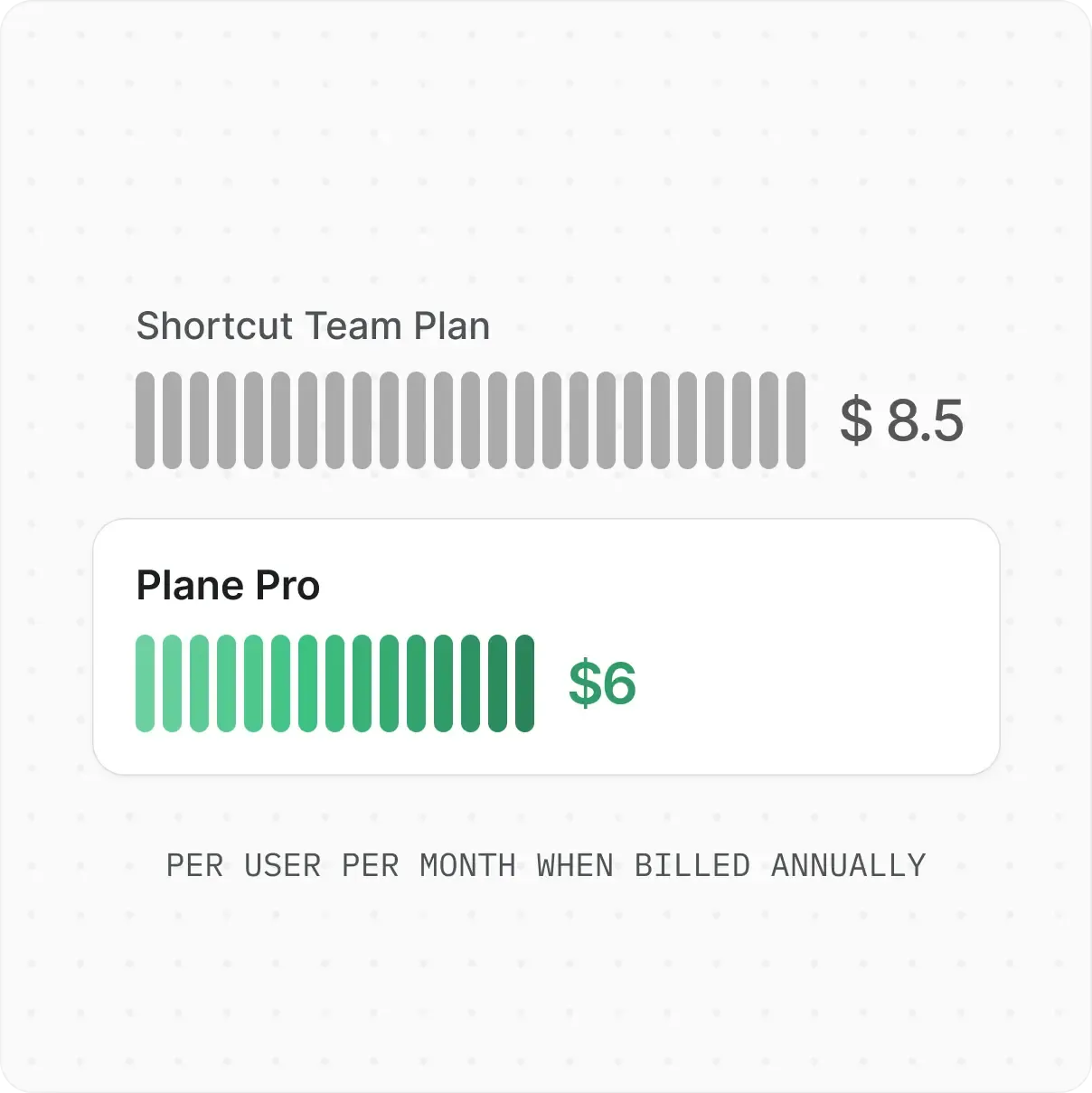
Pro is $6 per seat per month vs Shortcut Team at $8.50, both billed annually. Plane Free covers 12 users; Shortcut Free stops at 10.
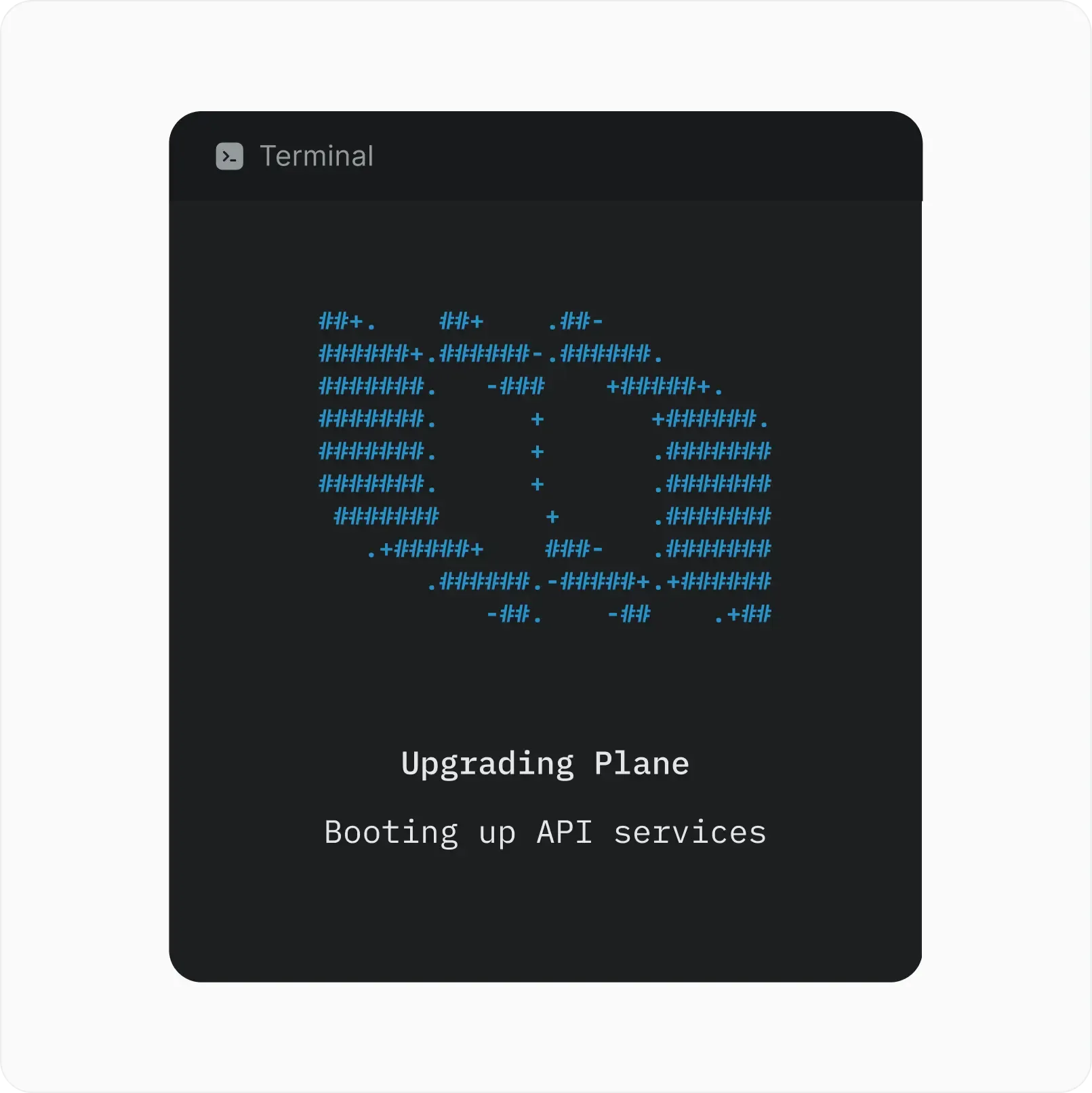
Run Plane anywhere
Choose Plane Cloud or deploy on your own infrastructure with Docker or Kubernetes. Enterprise Grid supports fully airgapped deployments with offline licensing and no external dependencies. Self-hosted Plane supports your AI provider keys or local models.

Ready for procurement
SOC 2 Type II and ISO 27001:2022 certification, plus GDPR compliance. A BAA is available for cloud customers handling PHI. Configure SSO and role-based access, with custom roles, granular permissions, and enforced approval gates on Enterprise Grid. Self-hosted, your data never leaves your infrastructure.
Ready to switch from Shortcut?
Bring your Shortcut stories into Plane, adapt your workflows, and move at your own pace. Enterprise Grid adds hands-on migration services.


 Download for Mac
 Download for Android