
Plane
vs

Asana
Complete comparison
Complete comparison
See how Plane and Asana compare across AI, core project management, pricing, and deployment. When you are ready to switch, bring your Asana work and history with you instead of starting over.
Complete comparison
See how Plane and Asana compare across AI, core project management, pricing, and deployment. When you are ready to switch, bring your Asana work and history with you instead of starting over.
50,000+ teams run on Plane, from startups to the Fortune 500


















Alignment from plan to delivery
For us, the biggest benefit is visibility and alignment. Product requirements can move into design, pass through approval gates, and then flow into engineering without losing context. It reduces coordination overhead, makes ownership clearer, and gives the team a reliable view of what is planned, what is blocked, and what is ready for delivery.
CIO, Fortune 500 financial services company
Why teams switch from Asana to Plane
One workspace for every team
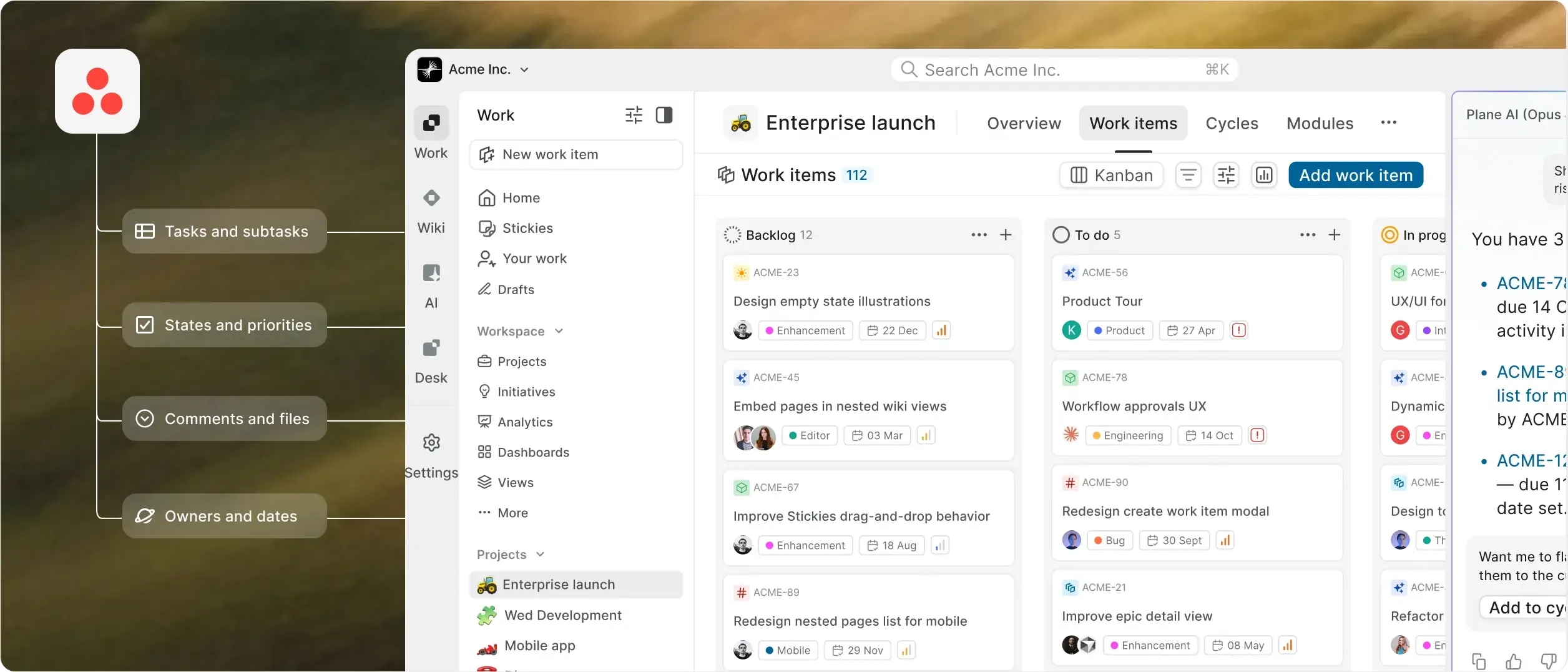
Plane runs every team in one workspace, with Cycles, a Wiki, and Intake beside the work. Asana’s core product has no sprints, and Asana says its Pages aren’t a full wiki yet.
Built for the agentic era
Plane Agents sit inside the workflow: assign them work, mention them in comments, trigger them when something changes, or schedule recurring runs. Asana’s AI Teammates operate only within Asana’s cloud.
Runs where you need it
Run Plane in Plane Cloud, on your infrastructure, or fully airgapped, with the Commercial and Airgapped editions at full parity with Cloud. Asana is cloud-only, with data residency as an Enterprise add-on.
Enterprise controls in one console
SAML and OIDC from Business, plus LDAP, custom roles, audit logs, and approval flows on Enterprise Grid, all from one admin console. On Asana, SAML and SCIM need Enterprise, and custom roles need Enterprise+ or a paid add-on.
Let agents run your busywork
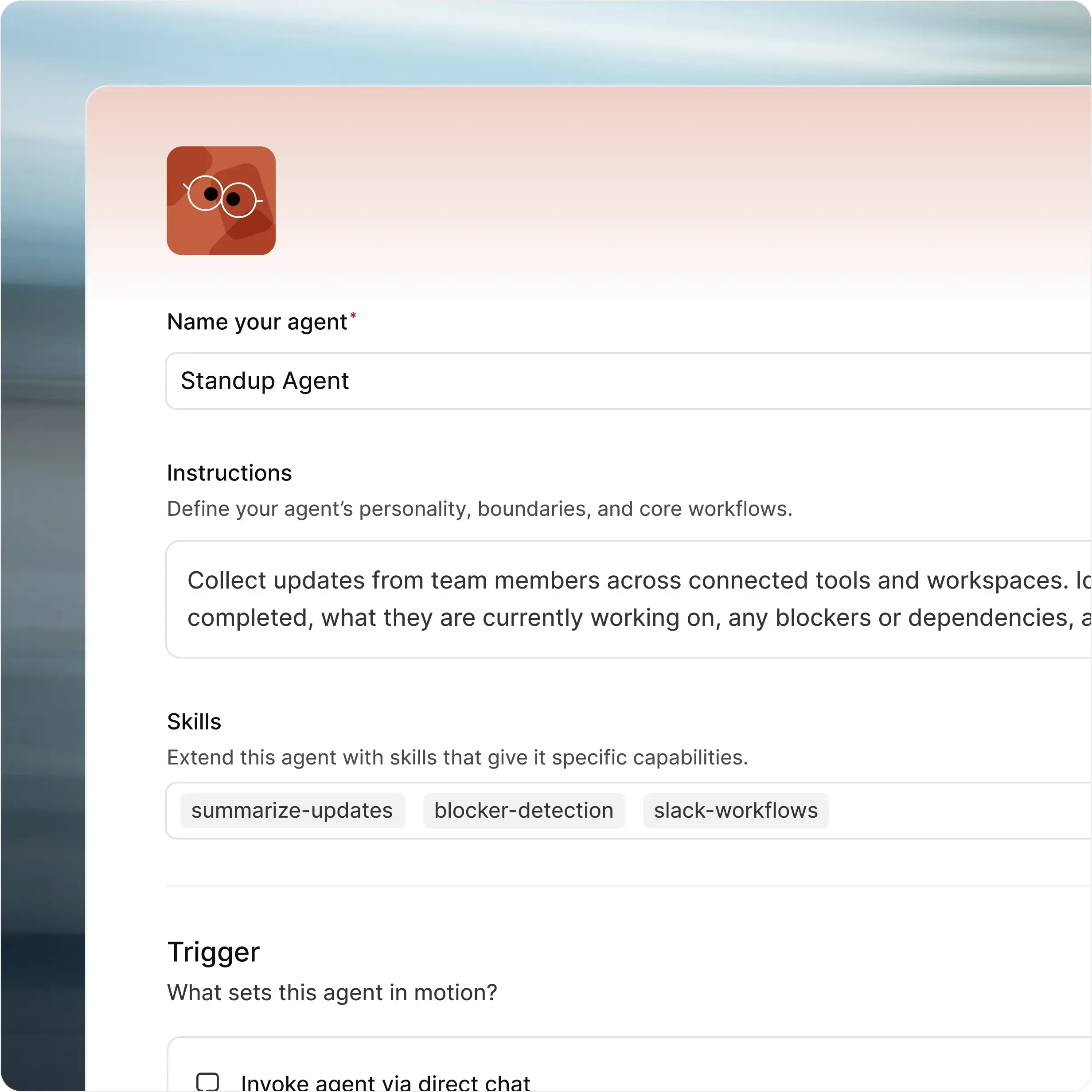
Agents take the work nobody wants: triage, status updates, and spec drafts. The team reviews everything in the activity trail.
Cycles, Initiatives, and time tracking in one place.

per user, per month
.svg?dpl=dpl_5ZabKTBsrogpypP42rkqZzqu8qWo)
per user, per month
Have 12 or fewer users? Take advantage of our Free Plan. All our
plans provide access to Plane’s core features
Plane vs Asana, feature by feature
Compare twenty-seven capabilities across execution, planning, governance, collaboration, AI, and deployment.
Capability | Asana |  |
Run the work | ||
Work item types and custom fields Structure work around your process | Custom task types and fields from Starter. Not on Personal. | Work item types with custom properties, required fields, defaults, visual identity, and activity history. |
Release management Track what ships across projects | No release object in Asana’s core product. | Named releases gather work across projects with a lead, target date, status, and changelog, from Business. |
Sprints Plan and measure timeboxed work | No native sprints in the core product. Asana’s own guide builds them as projects, with burndown charts made by hand. | Cycles on every plan, with unfinished-work transfer. Pro adds burn-down charts and manual start and stop. |
Timeline and dependencies See schedules, blockers, and knock-on effects | Timeline and dependencies from Starter. Critical path only on Advanced and above. | Finish-to-start, start-to-start, and finish-to-finish dependencies, with dates that move when upstream work changes. Critical path shows on the Timeline. |
Time tracking Hours logged against the work | Native time tracking only on Advanced and above. | Log time on work items and review worklogs across the workspace, from Pro. |
Automation Rules and triggers that move work | Rules and Workflow Builder from Starter. None on Personal. | Trigger-and-action rules, agents, and Plane Runner scripts for custom logic. |
Recurring work Recreate repeatable work automatically | Recurring tasks. Custom project templates from Starter. | Recurring work items and project templates, from Business. |
See the whole picture | ||
Dashboards Turn live work into reports | No dashboards on Personal. Portfolio dashboards only on Advanced and above. | Dashboards from Pro, with PQL filters and click-through charts. Business adds advanced widgets. |
Cross-project planning Coordinate work across projects | Portfolios only on Advanced and above. | Initiatives connect projects across teams with owners, states, dates, and updates. Teamspaces show each team’s work across projects. |
Goals Connect delivery to business outcomes | Goals only on Advanced and above. | Initiatives connect projects to higher-level outcomes, and project states and updates report delivery health. |
Query language Find and filter complex work | No query language. | Plane Query Language for precise filters, saved views, and dashboards, from Pro. Plane AI writes PQL from plain language. |
Keep control | ||
Approval gates Require sign-off before work moves | Approval tasks only on Advanced and above. No enforced gate on status changes. | Designated approvers sign off before work moves, with a fallback state for rejected work. |
Custom workflows Control how work moves | Rules and Workflow Builder from Starter. Approvals don’t block status changes. | Control who moves work between states, with type-specific workflows and designated approvers. |
Developer workflows Native agile mechanics | No sprints, epics, or modules in the core product. Built from generic tasks. | Cycles and Modules on every plan. Epics from Pro. |
Roles and permissions Decide who can see and change what | Custom roles only on Enterprise+ or with a paid add-on. | Admin, Contributor, Commenter, and Guest roles per project. Custom roles and granular permissions on Enterprise Grid. |
Audit logs Trace changes and actions | Audit Log API only on Enterprise+, or on Enterprise with a paid add-on. | Tamper-evident, API-enabled audit logs of workspace actions, with CSV export. |
Guests Collaborate without adding full seats | Free guests from Starter, in organizations only. | 5 per paid member on Pro and Business. Custom guests on Enterprise Grid. |
One workspace | ||
Workspace wiki and pages Keep documentation beside the work | Pages on every plan. Asana says it isn’t a full wiki yet, and pages can’t be shared externally. | Project Pages plus a workspace Wiki with nested pages, collections, page locking, external publishing, and Notion/Confluence imports. |
Intake Turn requests into triaged work | Forms from Starter. Email-to-task only for Asana members; outside requesters can’t email in. | In-app Intake starts on Free. Business adds email intake and public forms that need no account. |
Developer integrations Connect work to delivery tools | GitHub without Enterprise Server support. GitLab and Bitbucket only through a paid third-party sync. | GitHub (including Enterprise Server) and GitLab (including self-managed) with two-way sync, plus Bitbucket, Slack, and Sentry, from Pro. |
AI in the work | ||
Assignable agents Give AI a job to own | AI Teammates on paid plans only. Cloud only. | Plane Agents take assignments and mentions, run on schedules or work item events, and show up in the same activity trail as people. |
MCP server Let external AI clients act on work | Hosted by Asana only. Not self-hostable. | MIT-licensed MCP server, hosted by Plane or run on your infrastructure. |
Bring your own model Your provider and your keys | No customer keys. AI runs on Asana’s model list. | Self-hosted Plane (Commercial Edition) uses your OpenAI or Anthropic keys, AWS Bedrock, Ollama, or any OpenAI-compatible endpoint. |
Yours to run | ||
Self-hosted deployment Run in your infrastructure | No. Cloud only. | Deploy Plane on your infrastructure using Docker or Kubernetes. |
Airgapped deployment Run without external network access | No | Yes. Run Plane fully isolated, with no external network dependencies. Updates come from your own registry. |
Identity and audit Controls procurement expects | SAML and SCIM only on Enterprise. No LDAP. | SAML and OIDC with any identity provider, from Business (Pro on self-hosted). LDAP, granular access controls, and API-enabled audit logs on Enterprise Grid, plus IdP group sync on self-hosted. |
Importers Moving from Asana | Not applicable | Asana importer brings tasks, sections as states, labels, priorities, users, comments, and attachments. Enterprise Grid adds migration and implementation services. |
Your Asana history comes with you
Map Asana sections to states, then import tasks, comments, attachments, assignees, and dates with authors intact. Many teams finish a first dry run in under three hours, and re-runs pick up new Asana changes.
Lower price, fewer upgrade walls
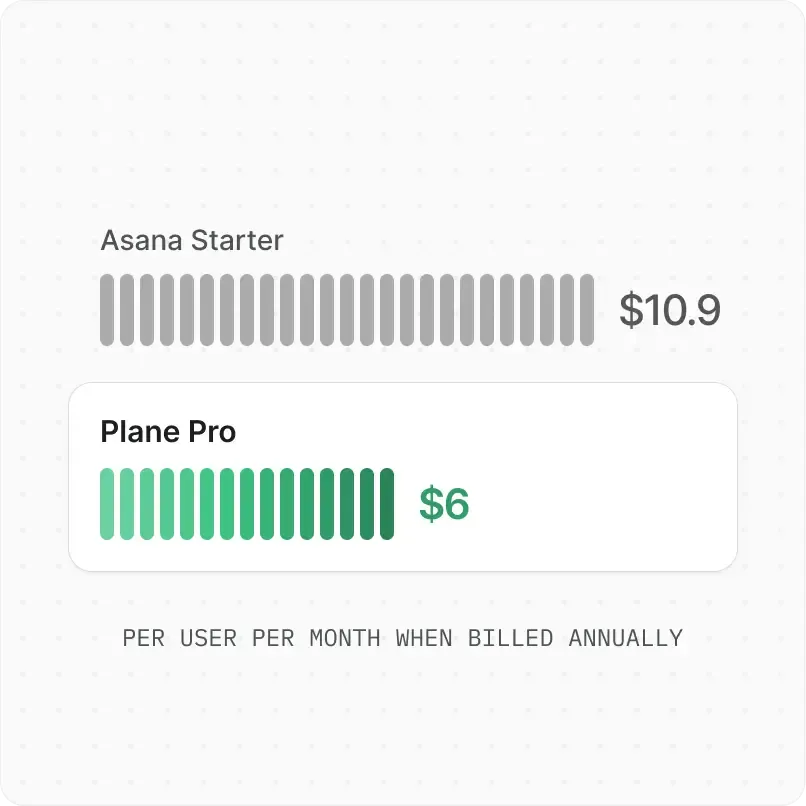
Pro is $6 per seat per month vs Asana Starter at $10.99, both billed annually. On Asana, time tracking, portfolios, and goals need Advanced at $24.99. Plane has time tracking from Pro.
Run Plane anywhere
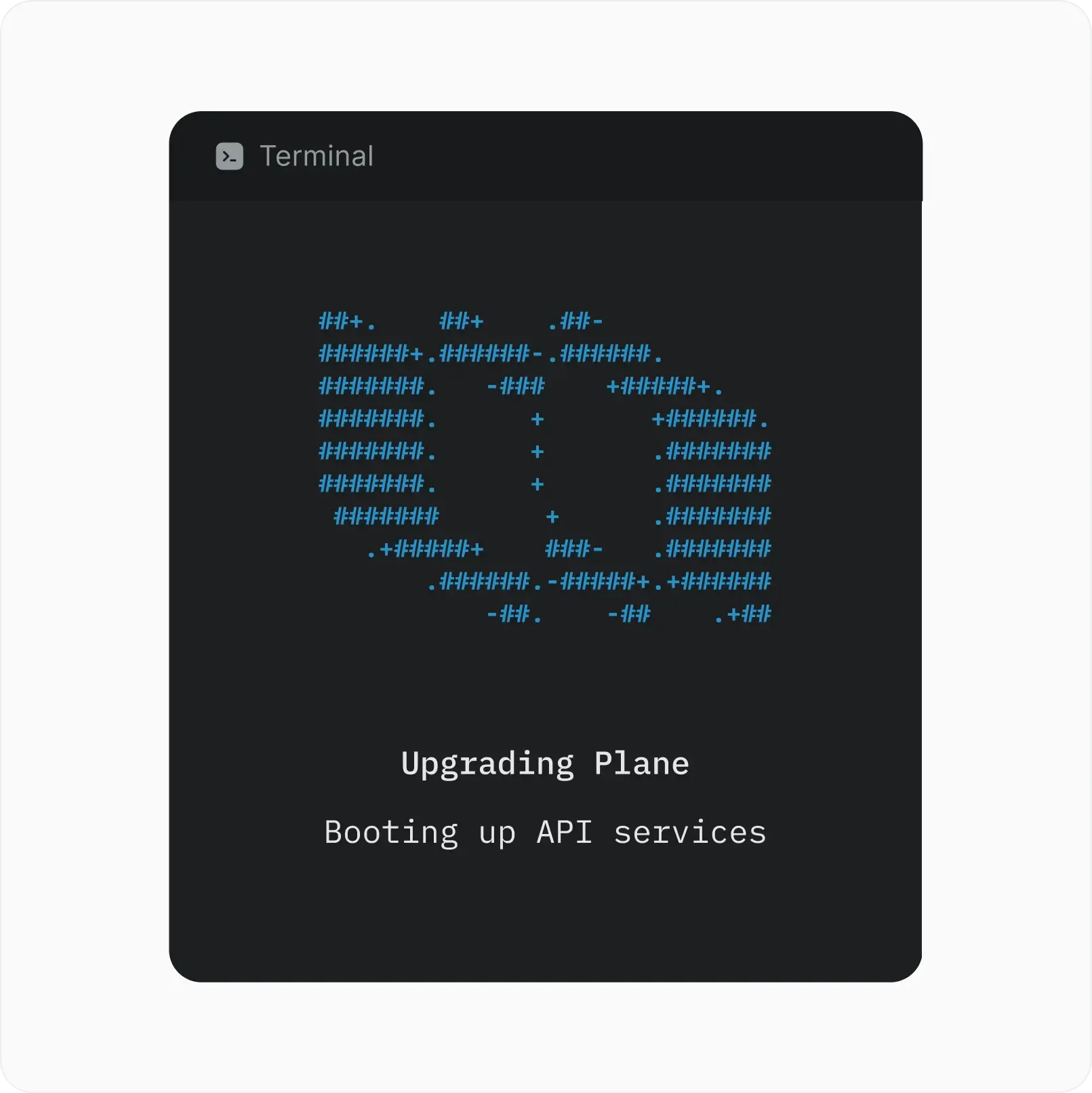
Asana runs in its cloud. Choose Plane Cloud, deploy with Docker or Kubernetes, or run fully airgapped with zero external calls and offline updates. Self-hosted deployments can also keep model logs local.

Ready for procurement
Plane is ISO 27001 certified and SOC 2 Type II audited, with support for GDPR and HIPAA requirements. Data is encrypted with AES-256 at rest and TLS 1.3 in transit. Self-hosted, your data never leaves your infrastructure.
Ready to switch from Asana?
Bring your Asana data into Plane, adapt your workflows, and move at your own pace. Enterprise Grid adds hands-on migration services.


 Download for Mac
 Download for Android