STATE OF PROJECTS
Track all your projects from one place
Set up unique States Of Projects per workspace, track progress of
all your projects, and catch up on updates from one, single place.
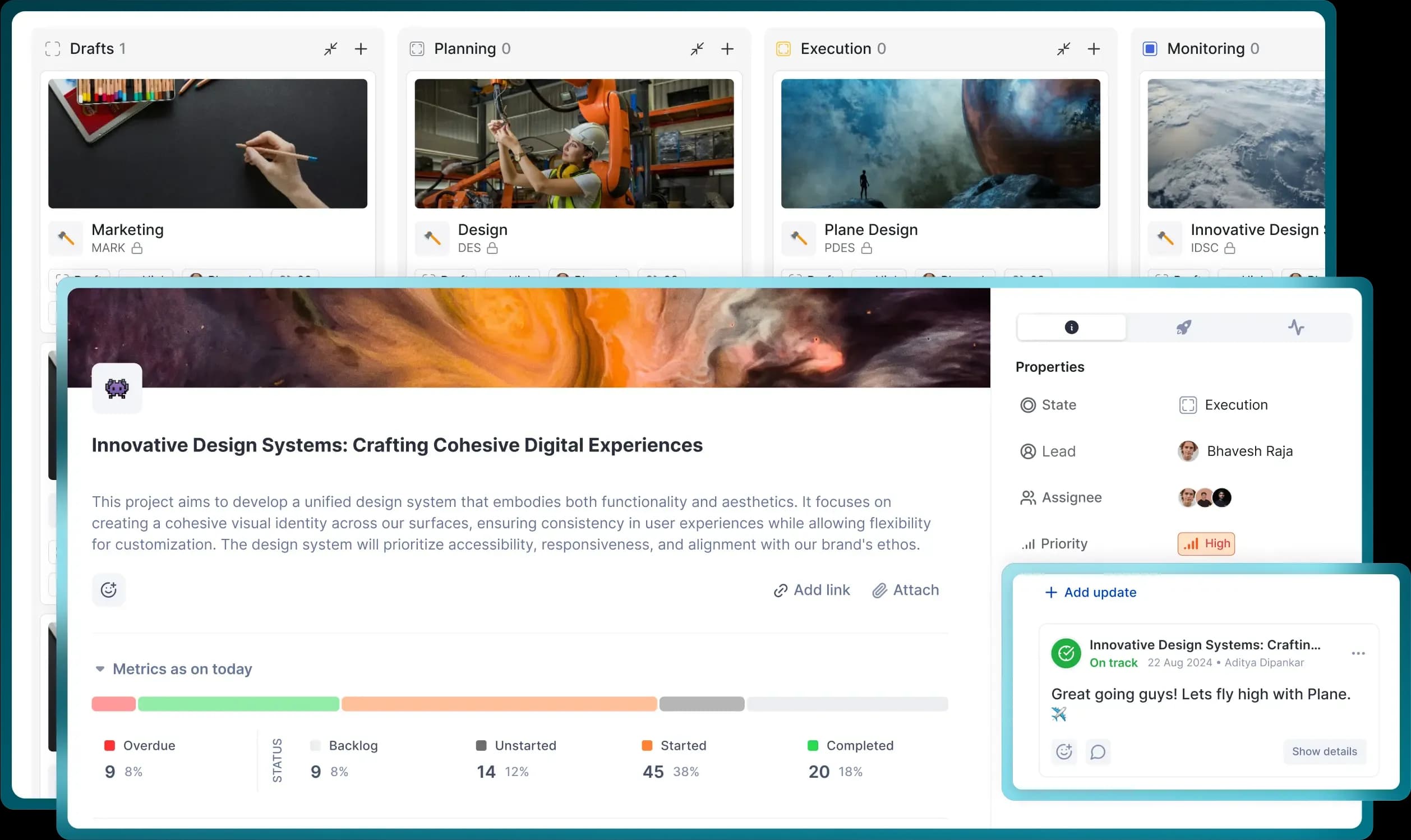
Set up unique States Of Projects per workspace, track progress of
all your projects, and catch up on updates from one, single place.
Create and edit states that work for all your project stakeholders.
Track projects by states and dive down into those that seek your attention—on demand and in real-time.
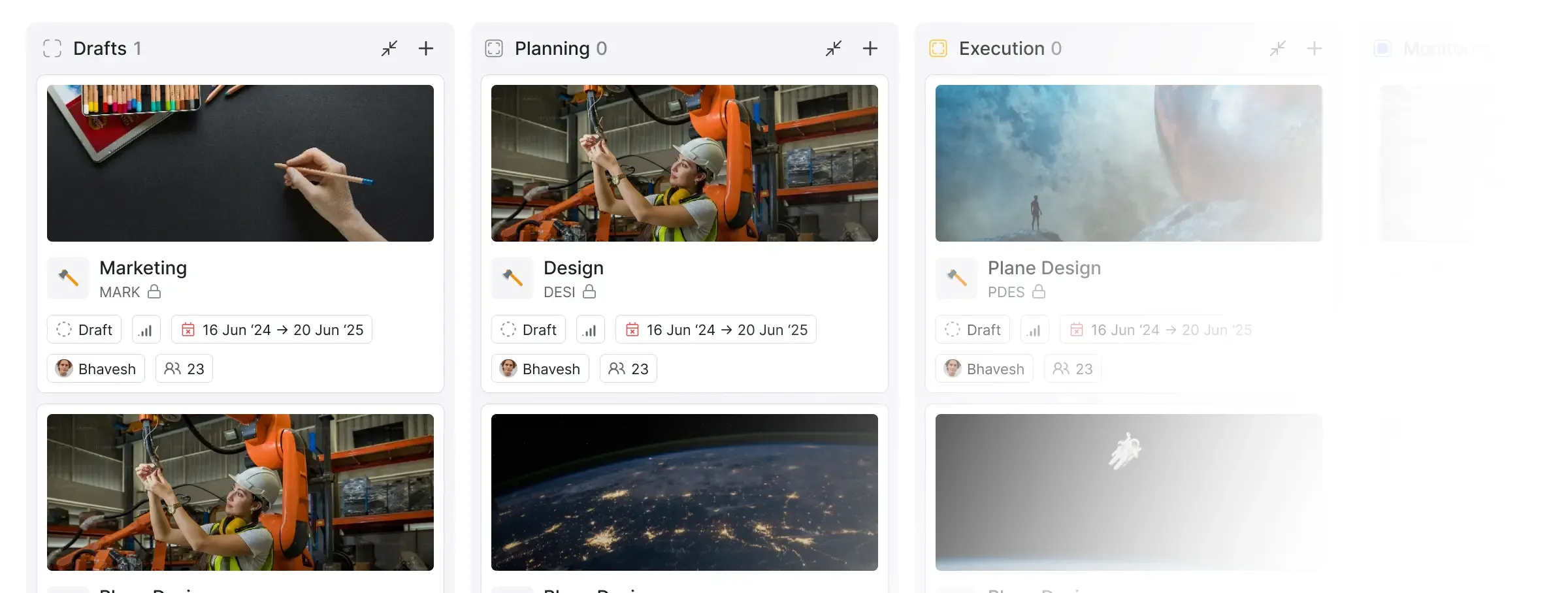
Let your stakeholders and viewers choose what they want to see
without disrupting anyone else’s views.
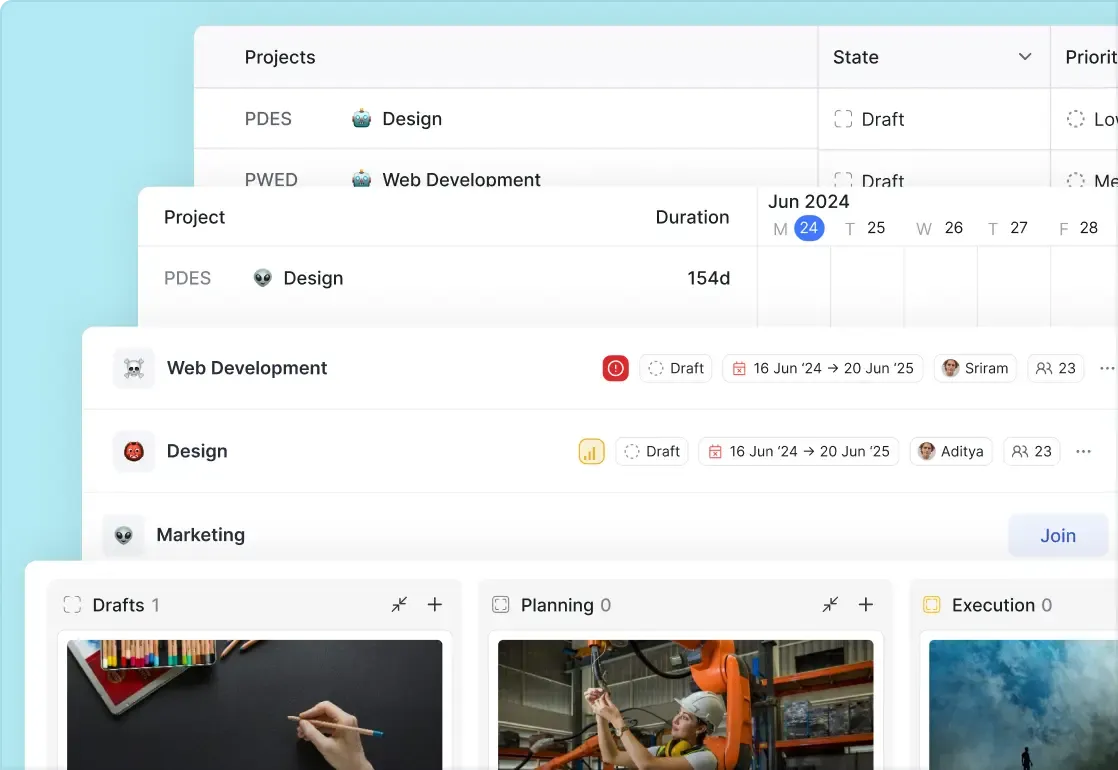
Switch between four familiar layouts to track how your projects are progressing and which ones need attention.
Filter by useful project attributes that don’t overwhelm. Sort by priority, states, and dates to get the view you want.
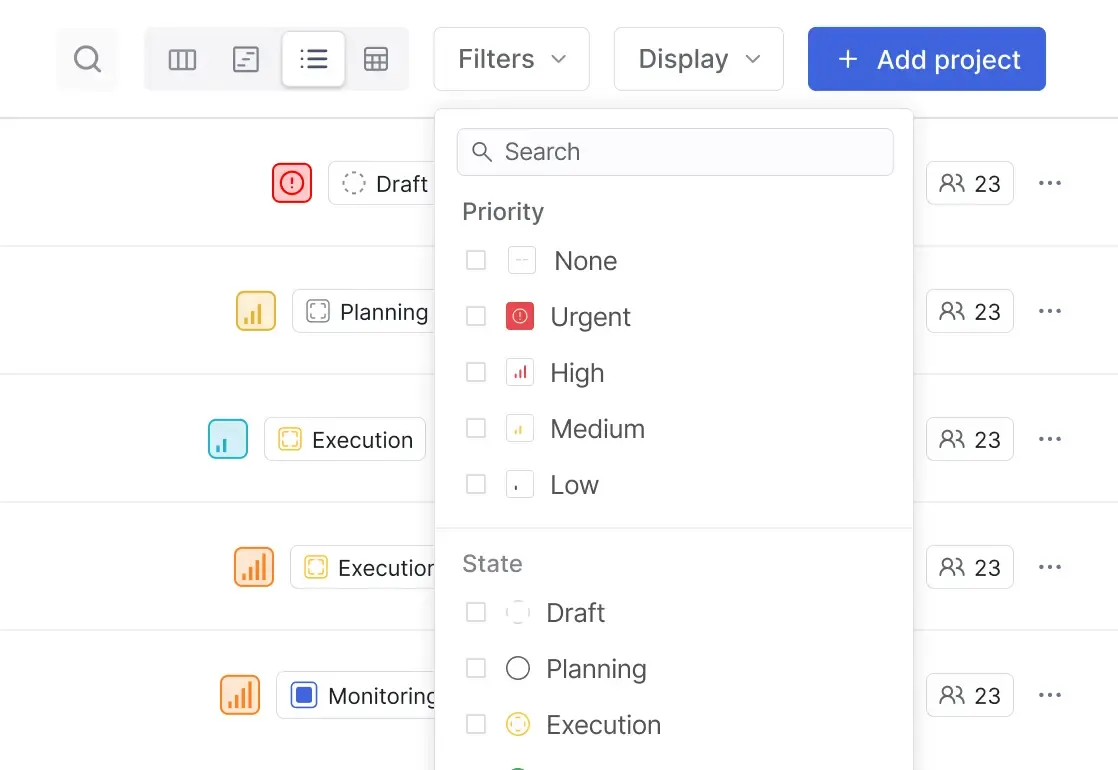
Land on a default view of your choice each time and switch to the other in a click.
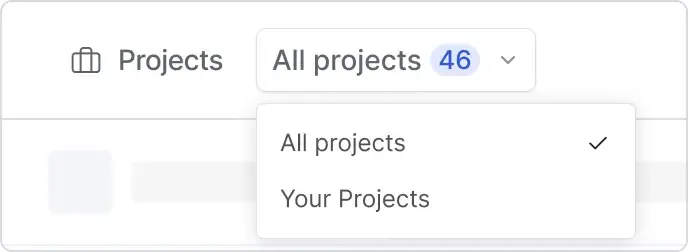
Assign leads to projects without leads or quickly track whoever’s responsible for a project’s success.

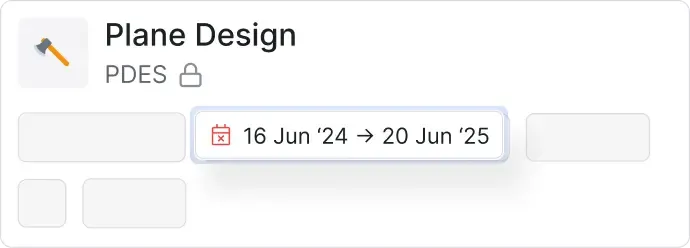
Make your projects time-based deliverables with start and end dates that you can track backwards.
Projects in Plane come as simple as you have wished them to be,
now powered by real-time Updates that you don’t need to
remember to catch up on.




 Download for Mac
 Download for Android