Intake
Autonomous triage for every
request, from every channel
Autonomous triage for every
request, from every channel
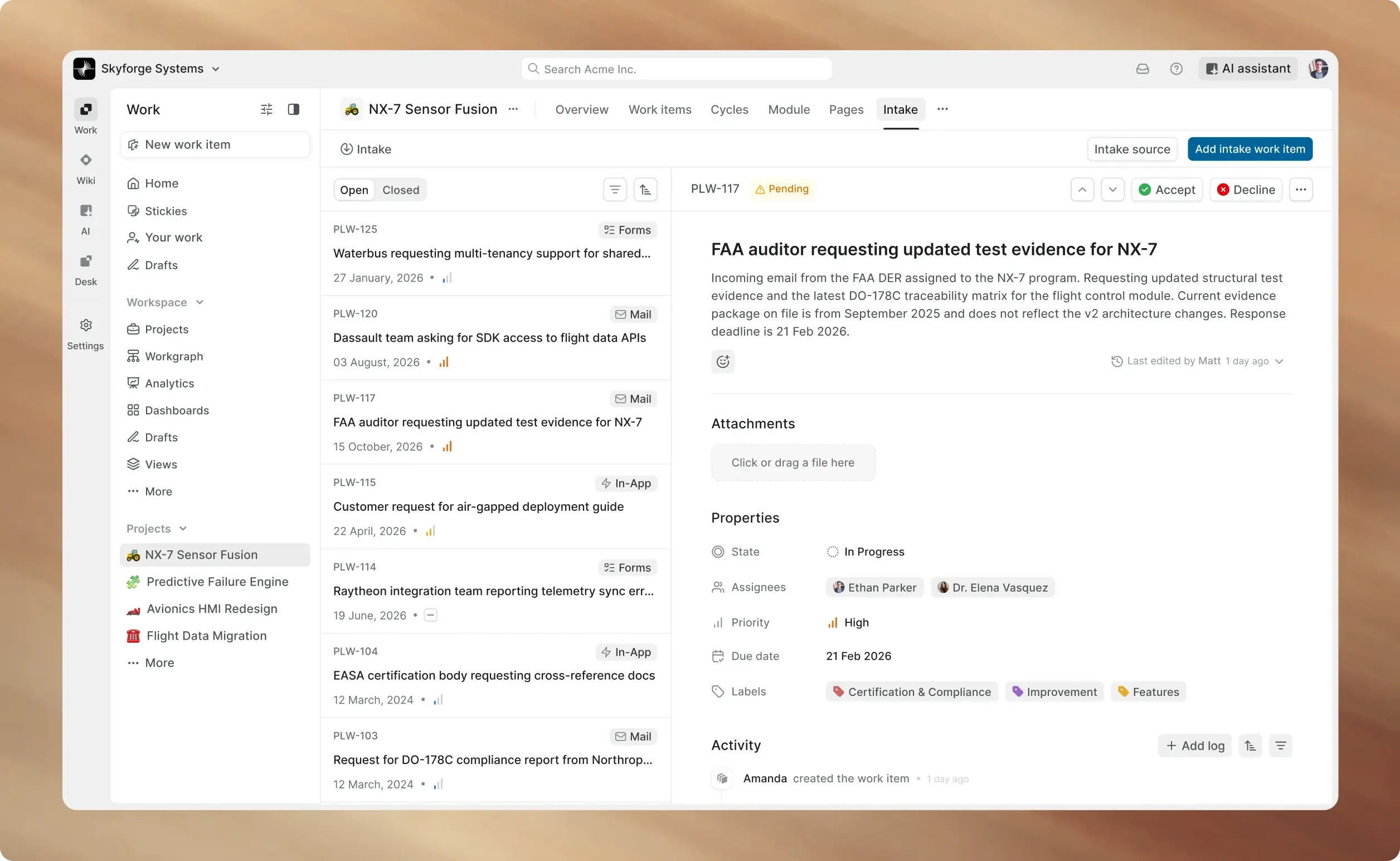
Collect requests from forms, email, and in-app. Triage in one queue.
Accept what matters, decline what does not.
Autonomous triage for every
request, from every channel
Collect requests from forms, email, and in-app. Triage in one queue.
Accept what matters, decline what does not.
Teams that run their intake
through Plane






Three channels in,
one triage queue out
Forms collect fields. Email parses the subject, body, and attachments.
In-app and API submit directly. Everything lands in one queue.
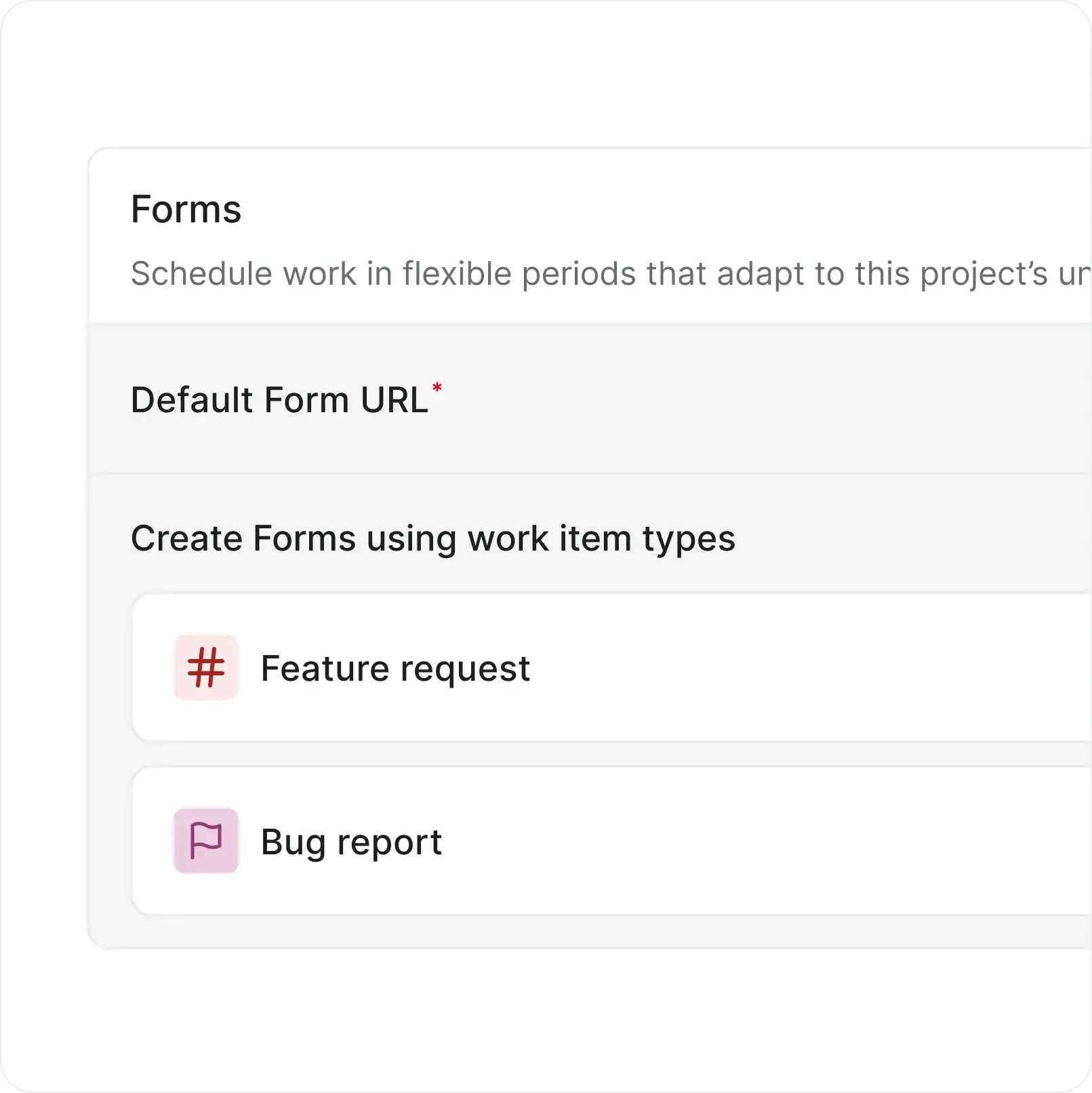
Public forms anyone can submit
Share a link and collect structured requests without requiring an account.
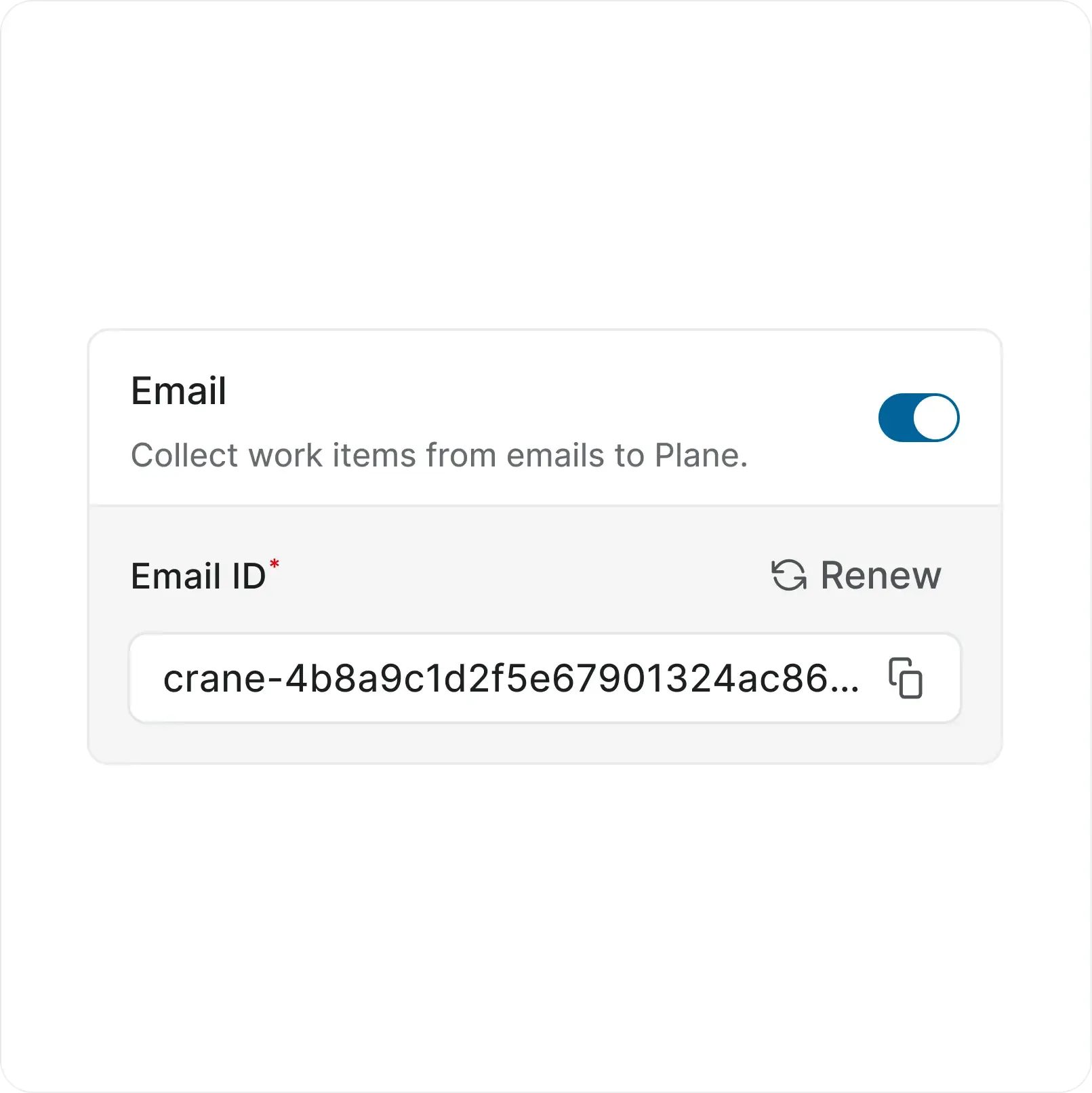
A dedicated email address per project
Subjects become titles. Bodies become descriptions. Attachments carry over intact.
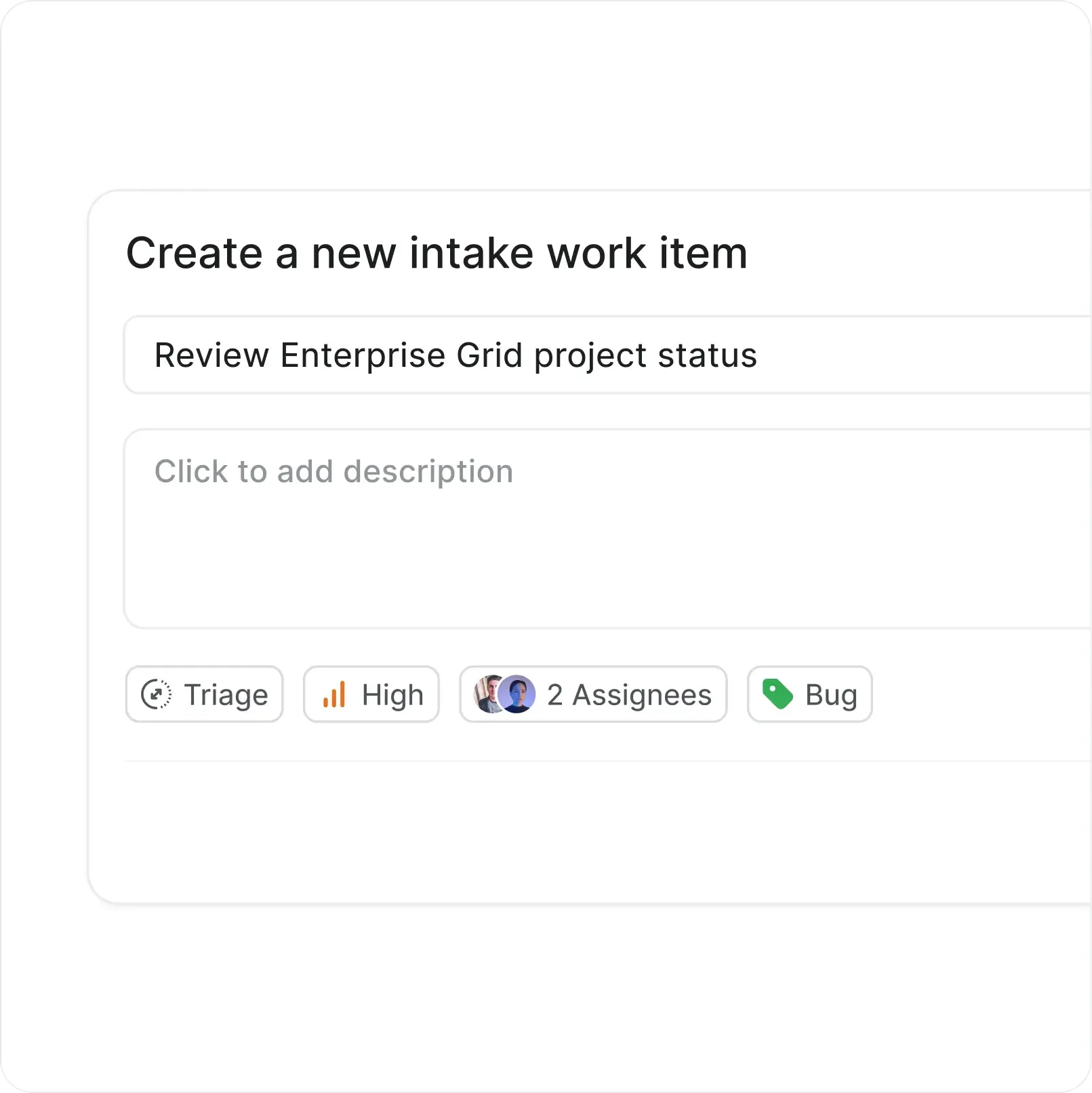
In-app submissions and API
Project members and guests submit inside Plane. The API pipes requests from external systems into the same queue.
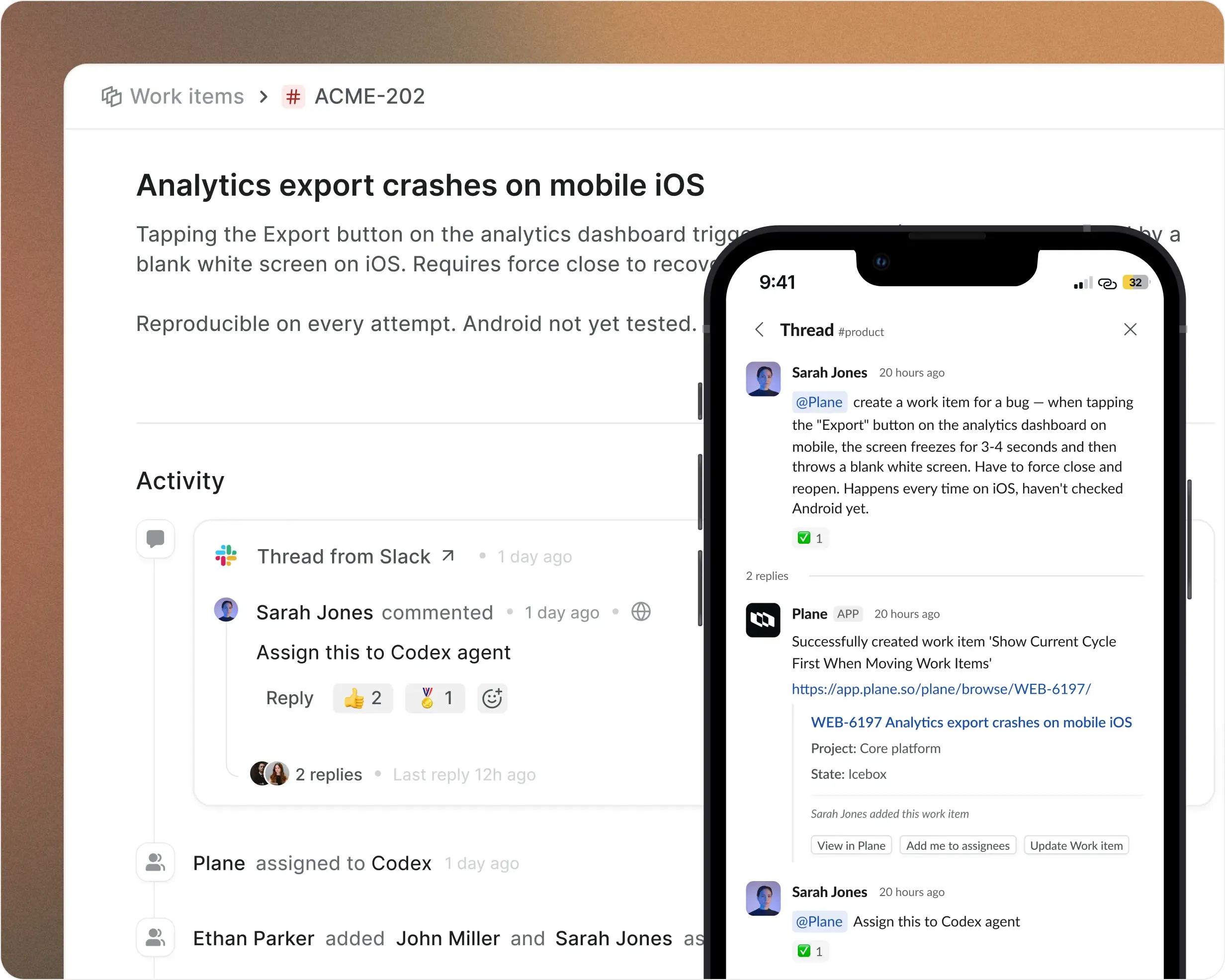
Turn Slack conversations
into trackable work
Slack is where requests start. Plane is where they get done.
The integration keeps both in sync so nothing falls through the thread.

Create work items from any message
Bi-directional thread sync
Route updates to the right channels
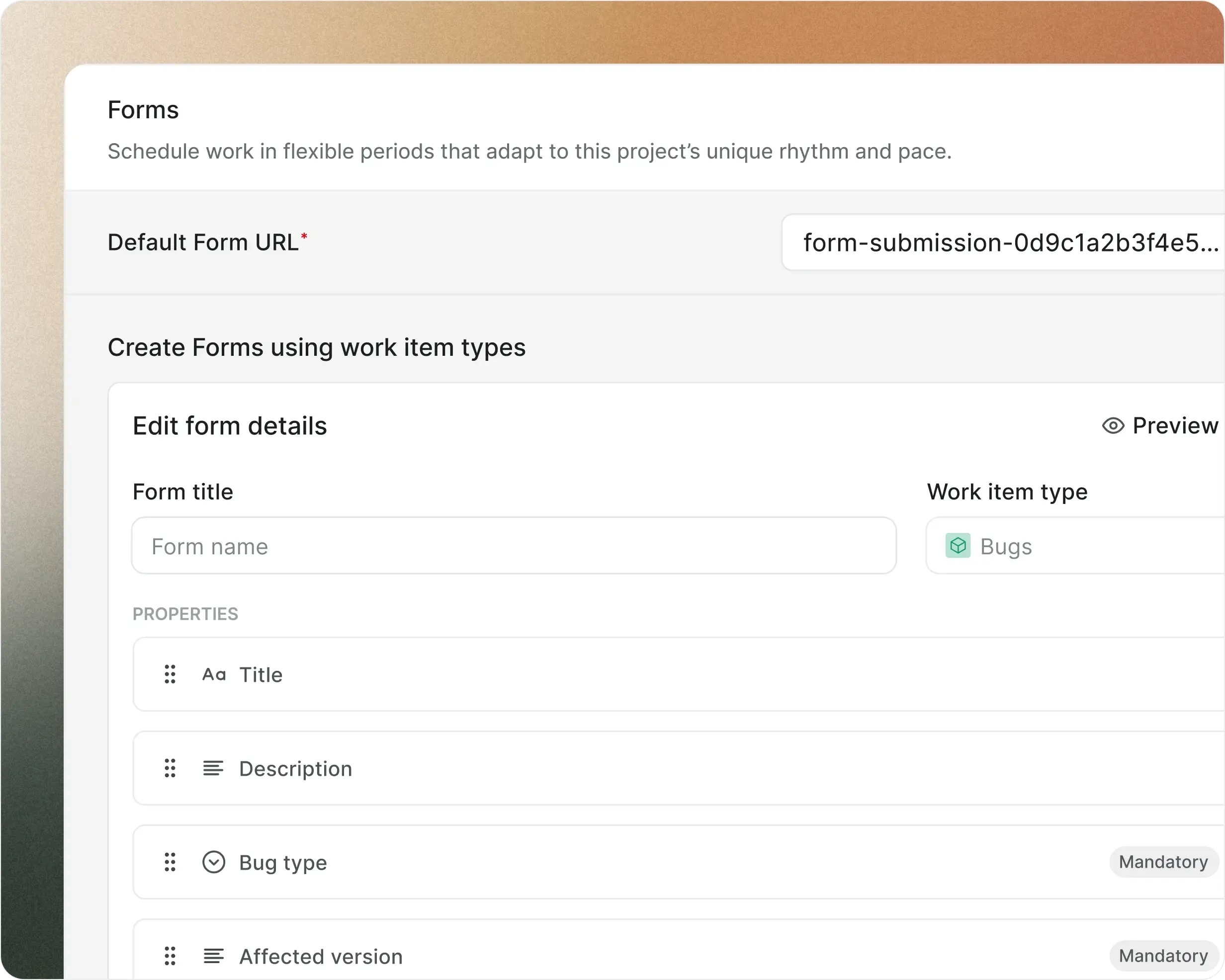
One form per request type,
every field intentional
Build submission forms tied to work item types. Bug reports collect severity. Feature requests collect priority.

Fields match your work item schema

Drag, reorder, preview before publishing
Regenerate URLs for security
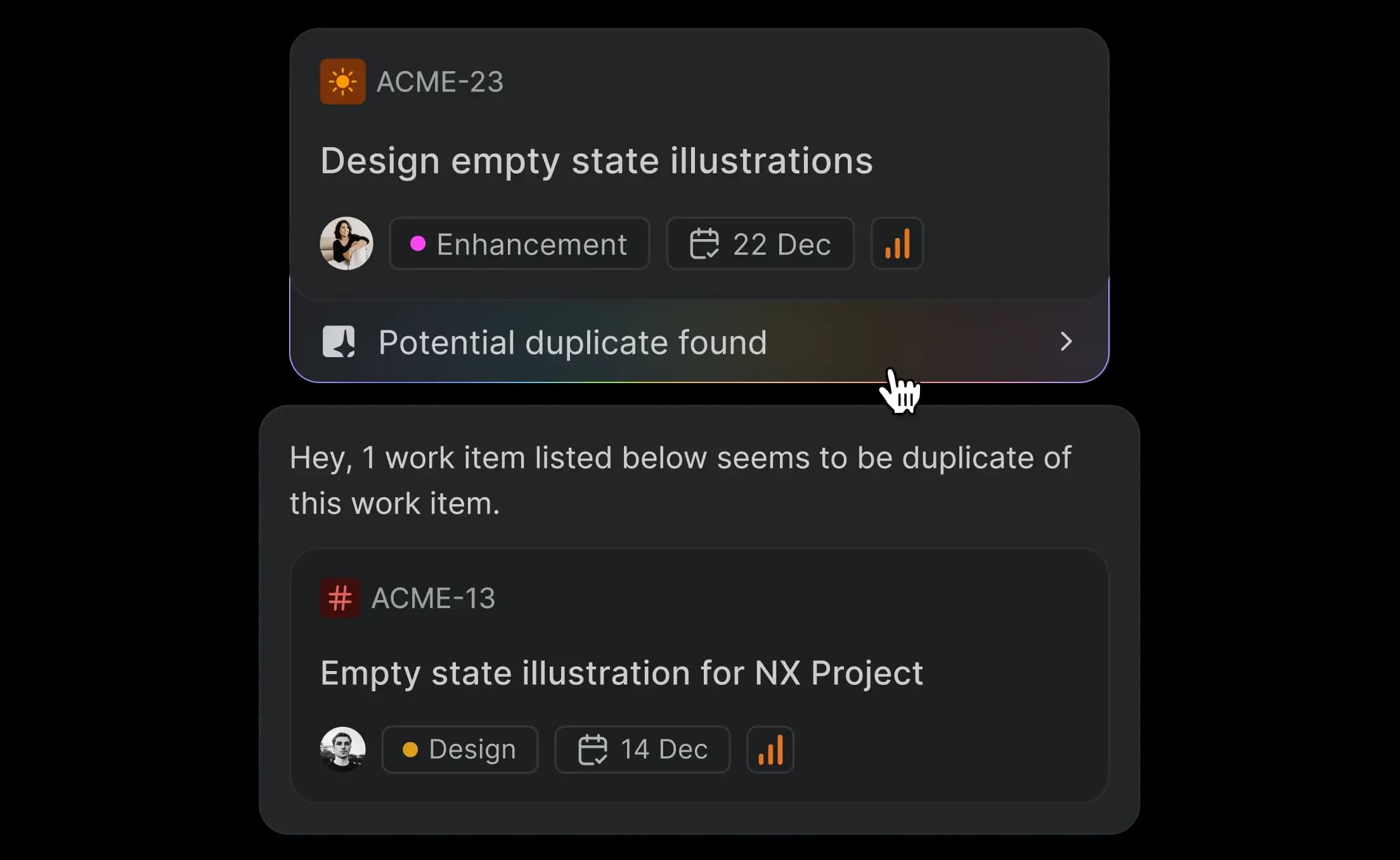
AI that triages alongside your team
Catch duplicates instantly
Every incoming request runs against your existing backlog. AI flags matches with a confidence score before your team reviews.
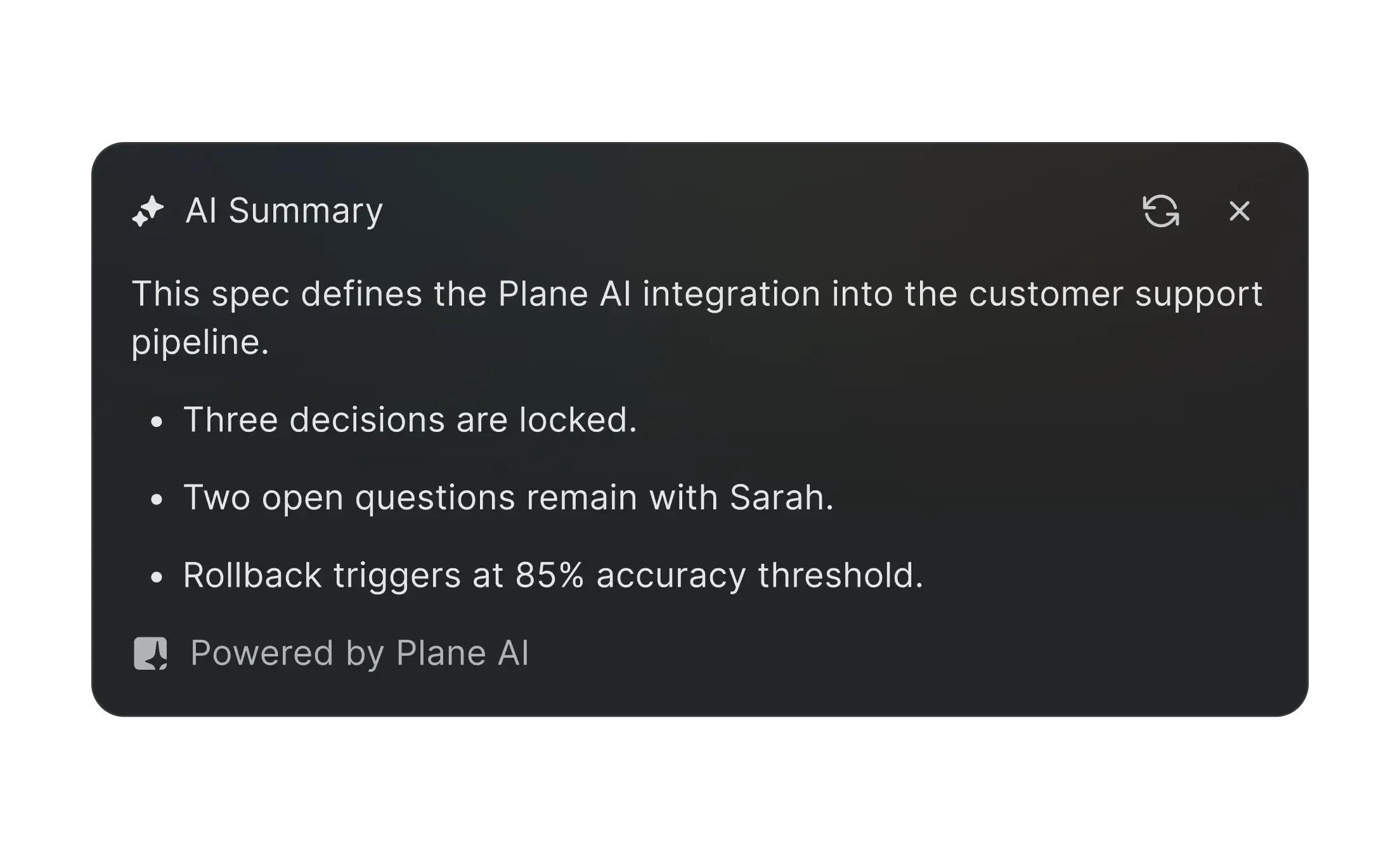
Summarize incoming requests
Long-form submissions condensed into key points. Your triage team reviews the summary, not the wall of text.
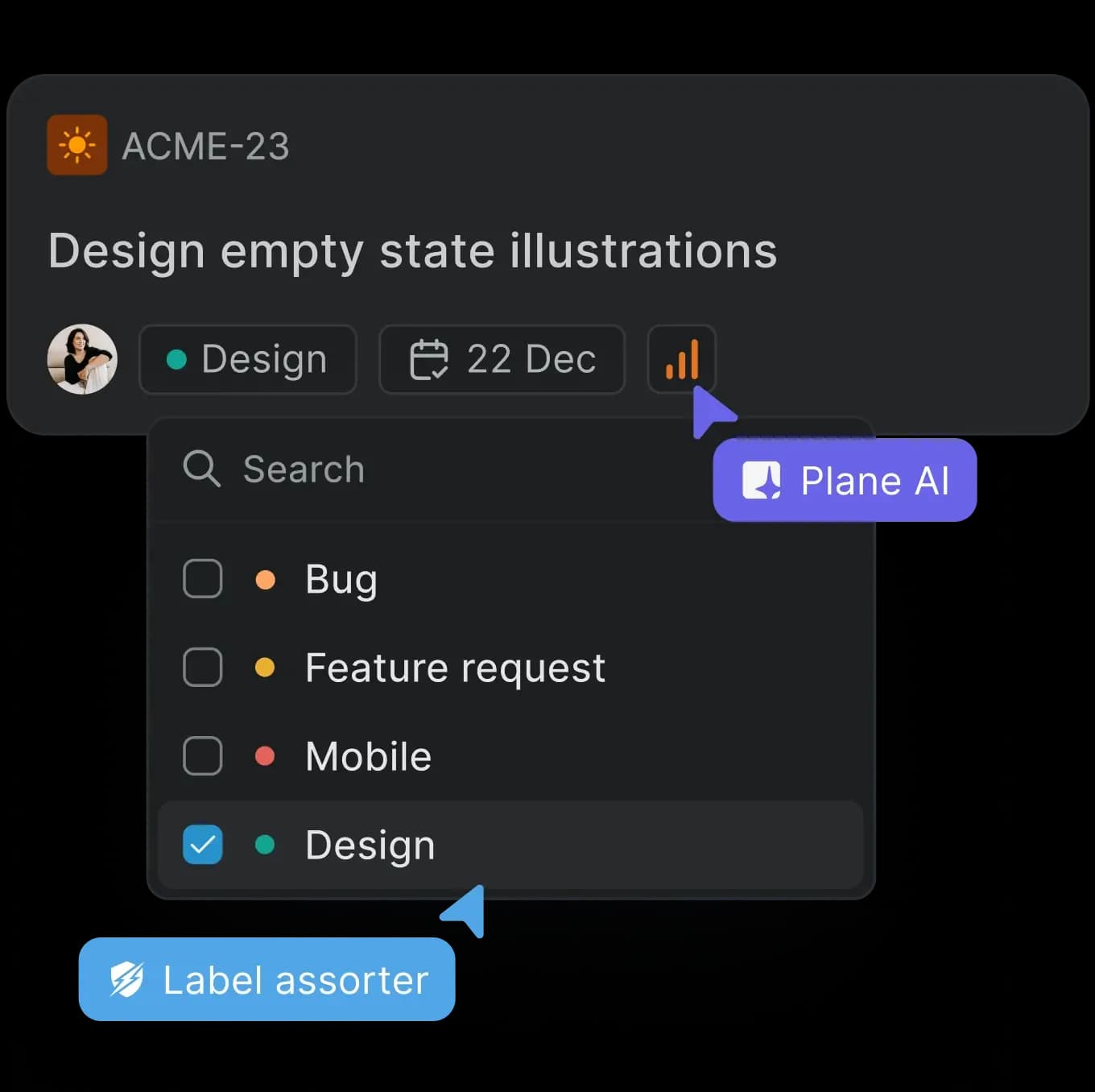
Classify and route automatically
AI reads the request, suggests properties, and recommends the right project or team.
Assign triage to AI agents
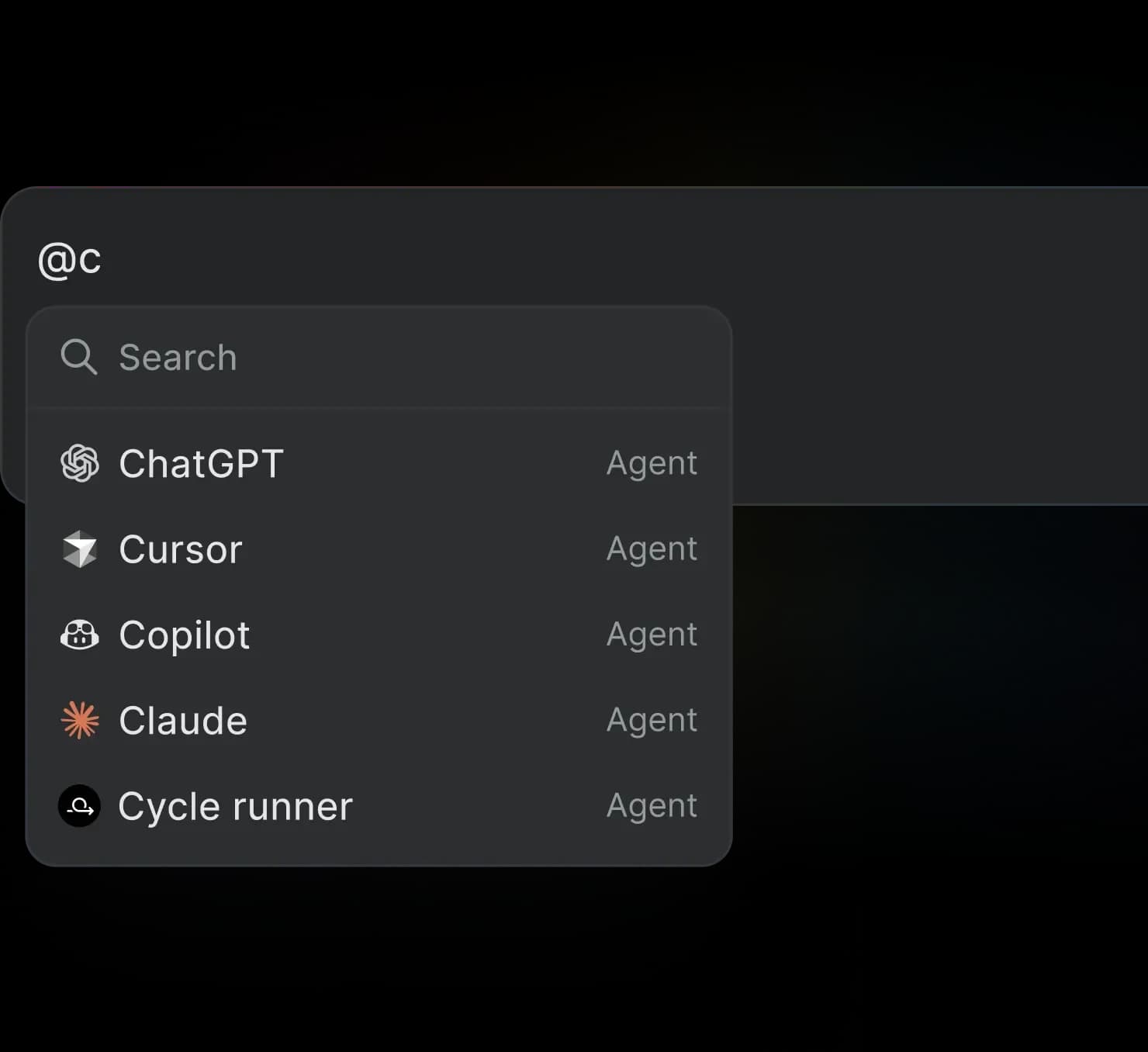
@mention an agent on an intake item. It reviews, adds context, and recommends accept or decline.
Turn Slack threads into work-items
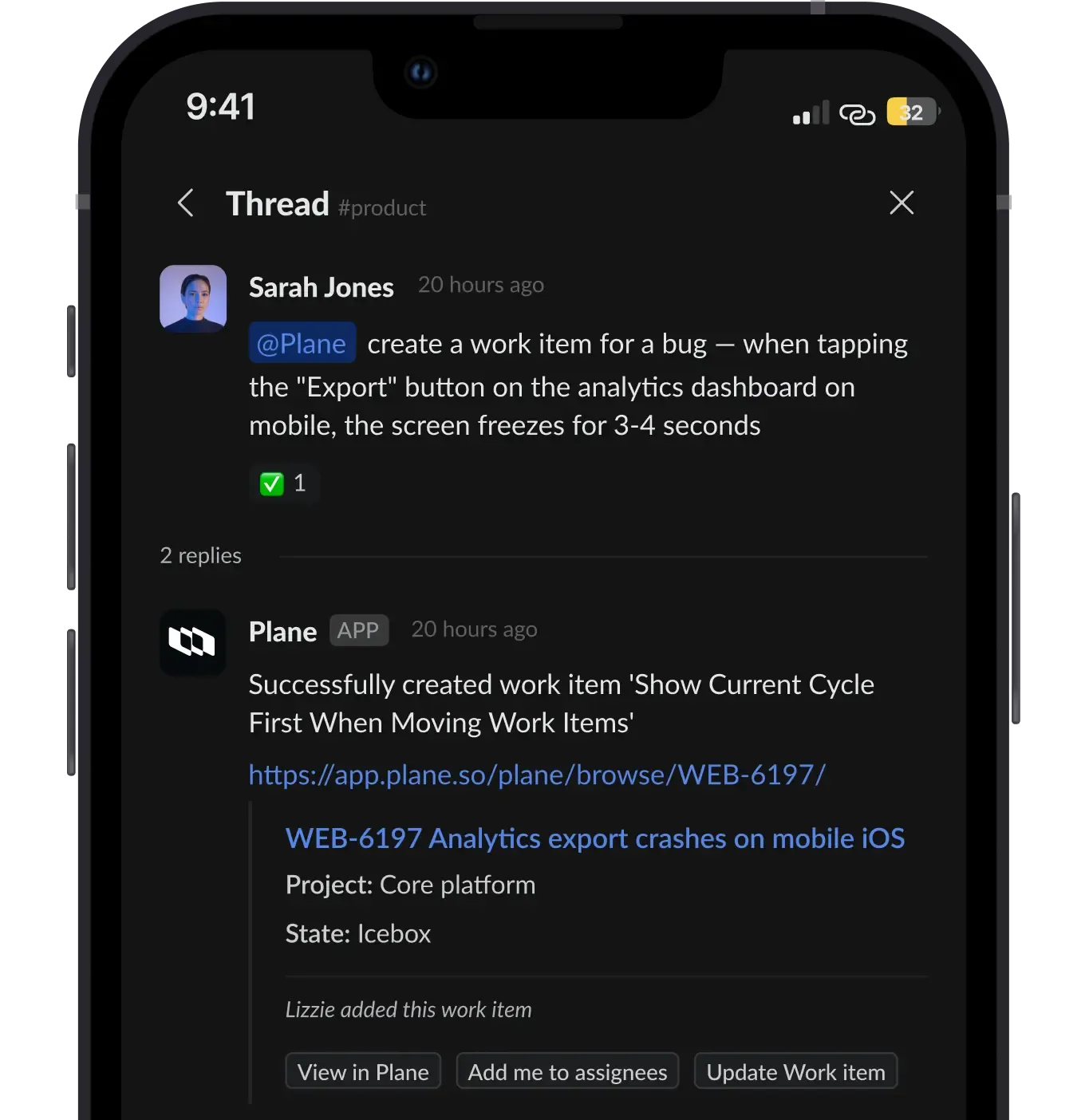
Plane AI reads entire Slack threads, extracts actionable items, and creates work items.
Triage that holds up
at enterprise scale
Every detail designed for teams processing hundreds of requests a week.

Intake responsibility
Assign an owner per project. Every new request auto-notifies them.
Accept, decline, snooze, or duplicate
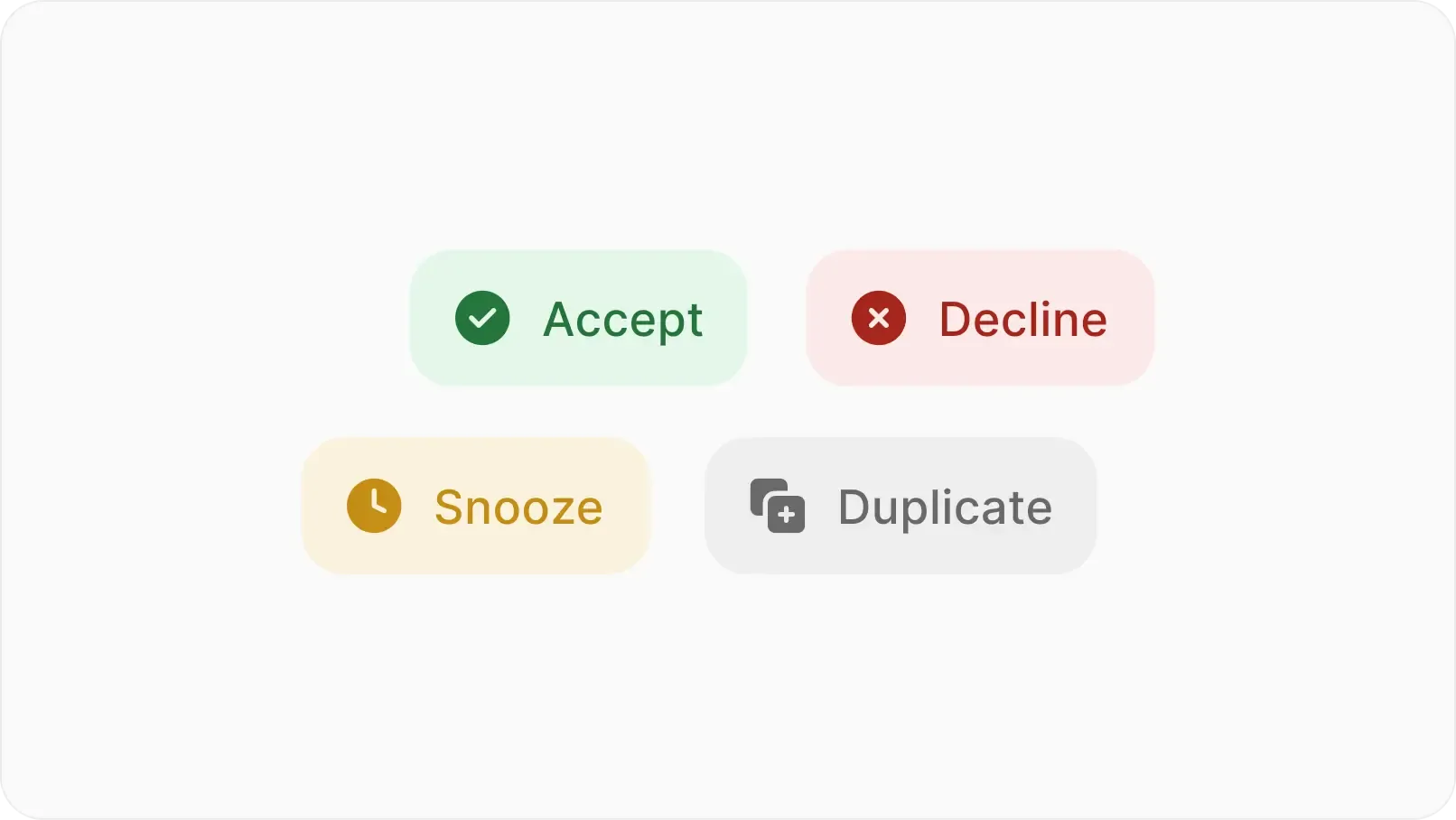
Four actions on every request. Snooze defers. Duplicates link to the original.
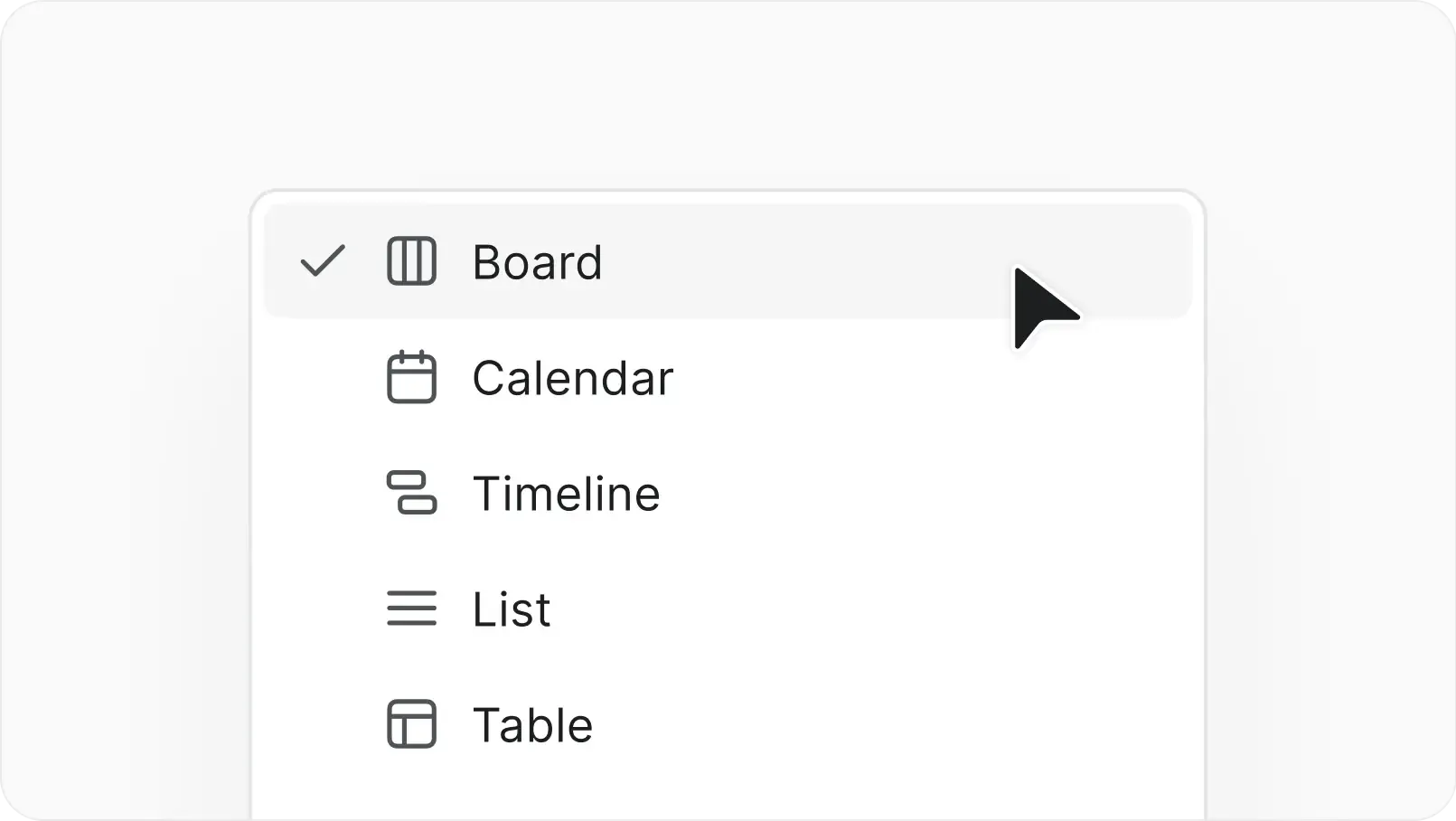
Five layouts, one dataset
Switch between list, board, table, calendar, and timeline without losing filters.
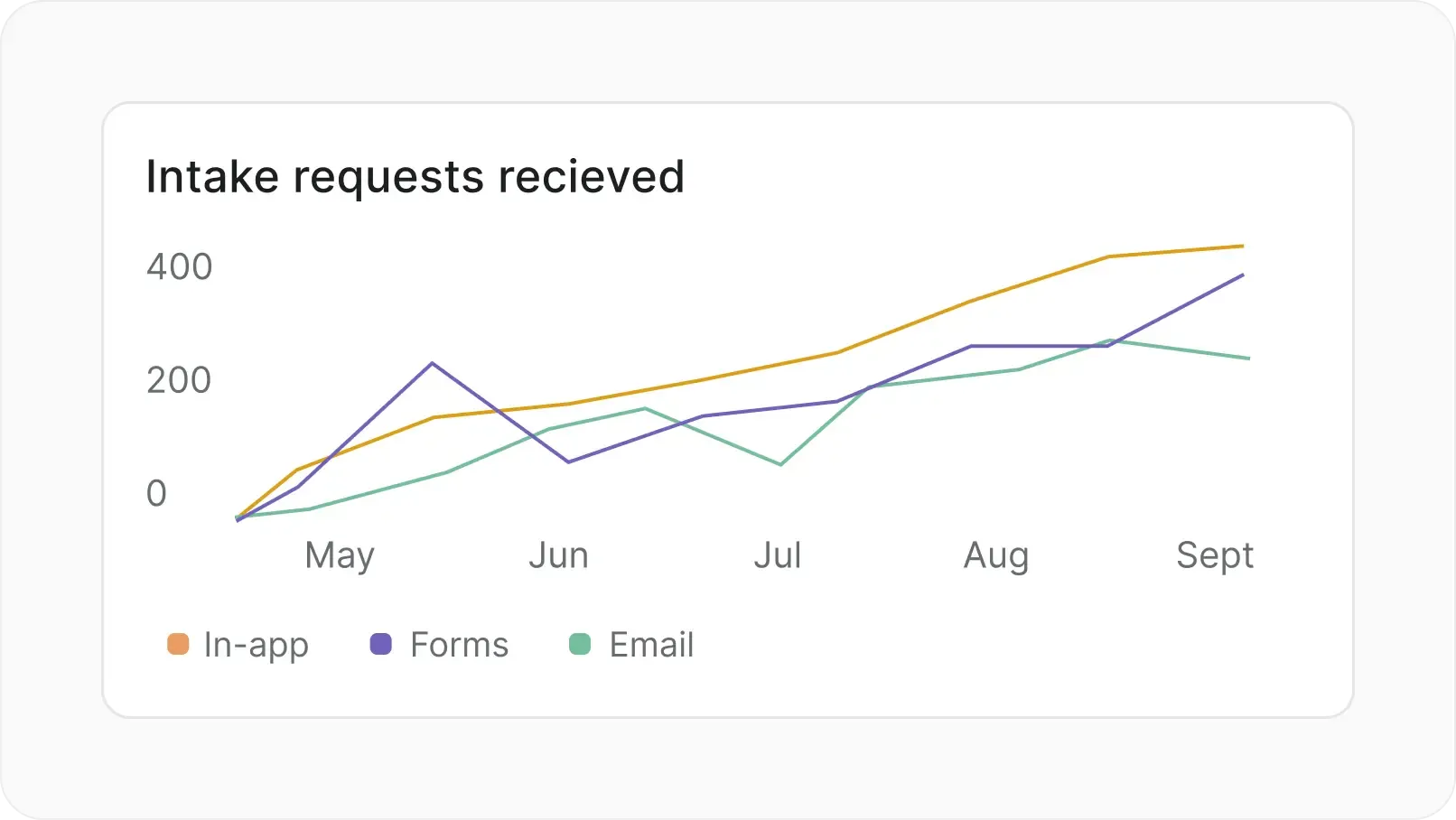
Intake analytics
Track volume, acceptance rates, and triage trends over time. Export to CSV.
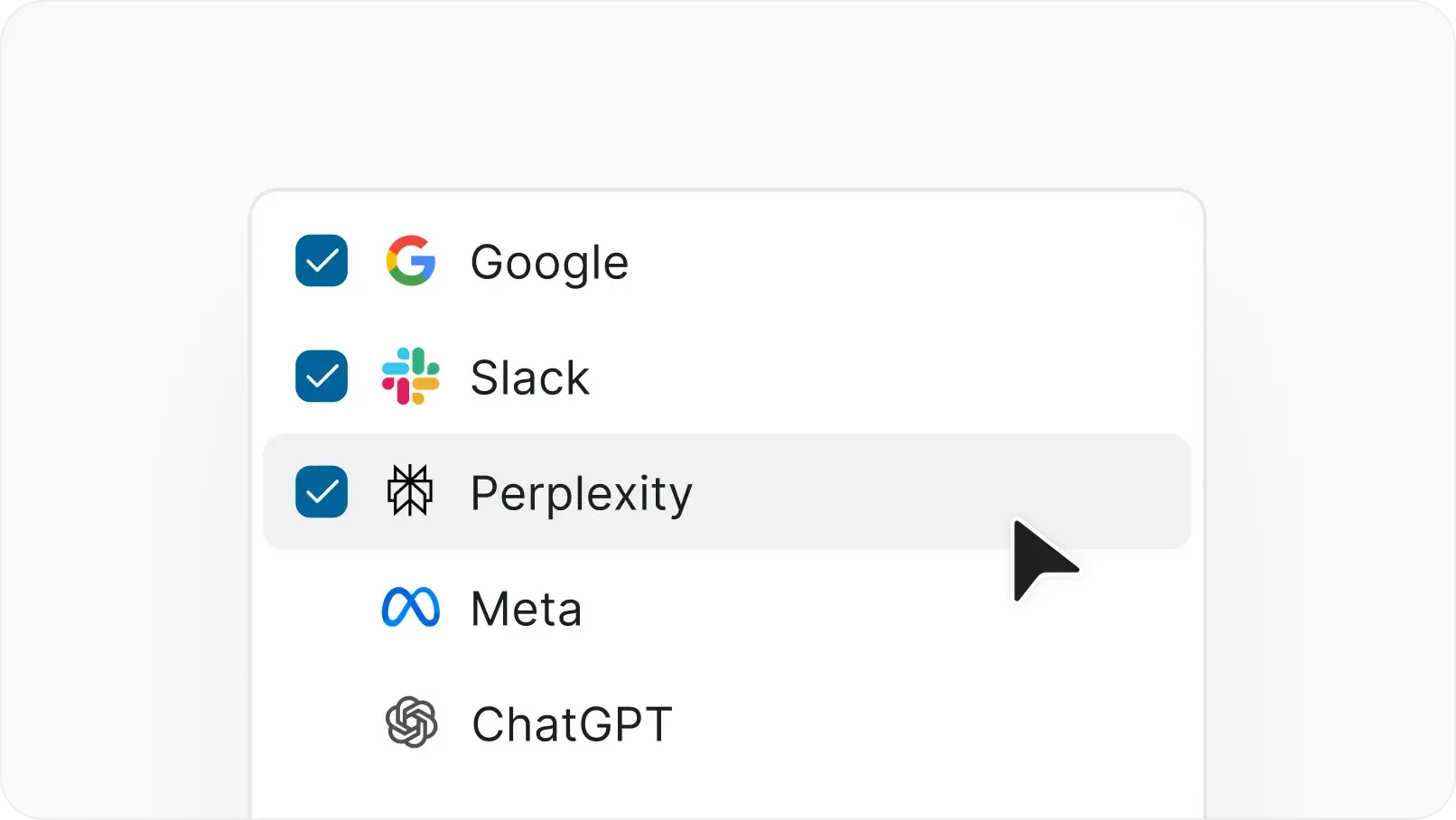
Customer context
Link requests to customer records. Prioritize by revenue or contract stage.
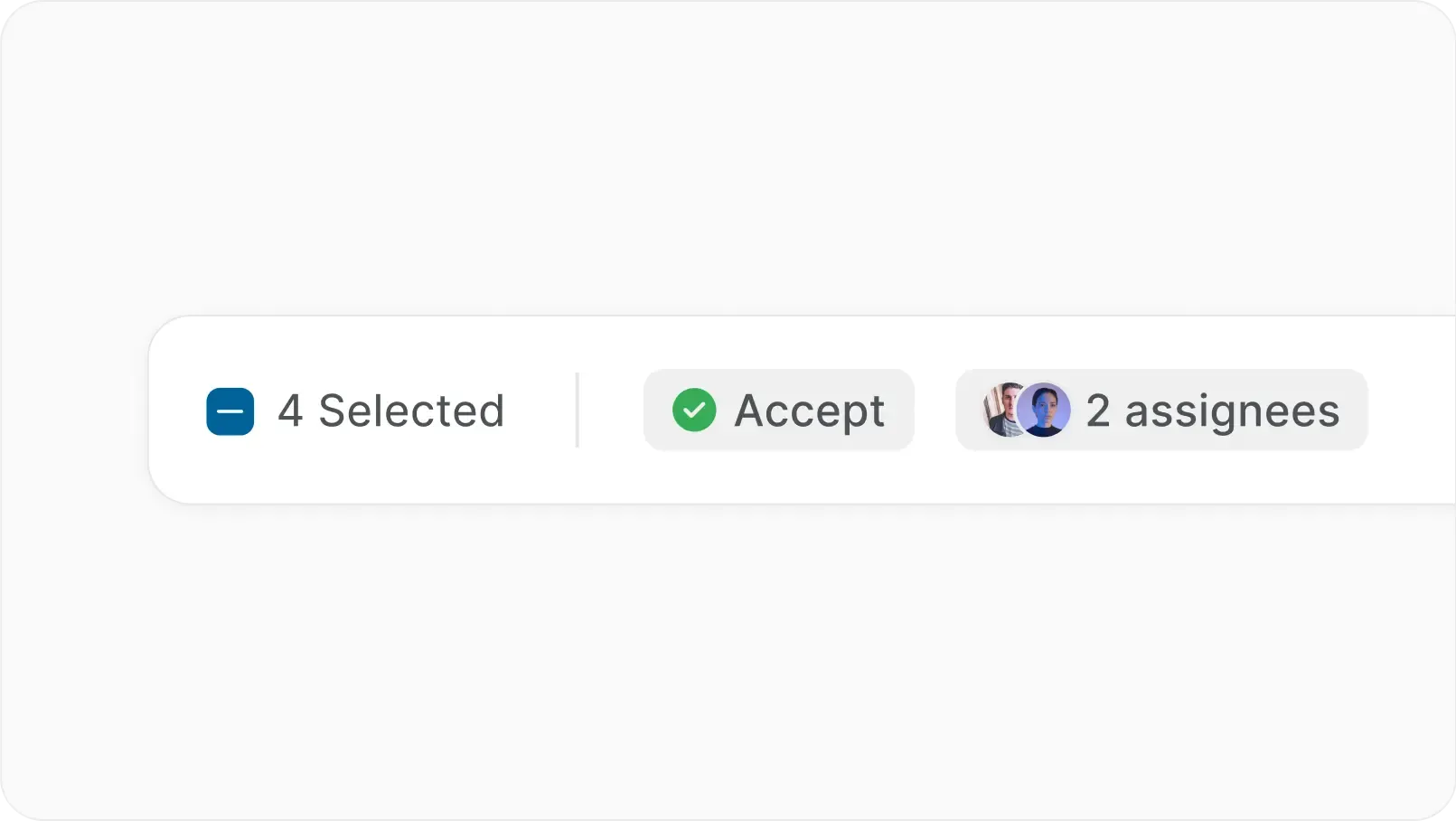
Bulk triage
Select multiple requests and accept, decline, or assign in one action.
Intake feeds everything downstream
Accepted requests flow directly into your project workflow and connect to the features your team already uses.
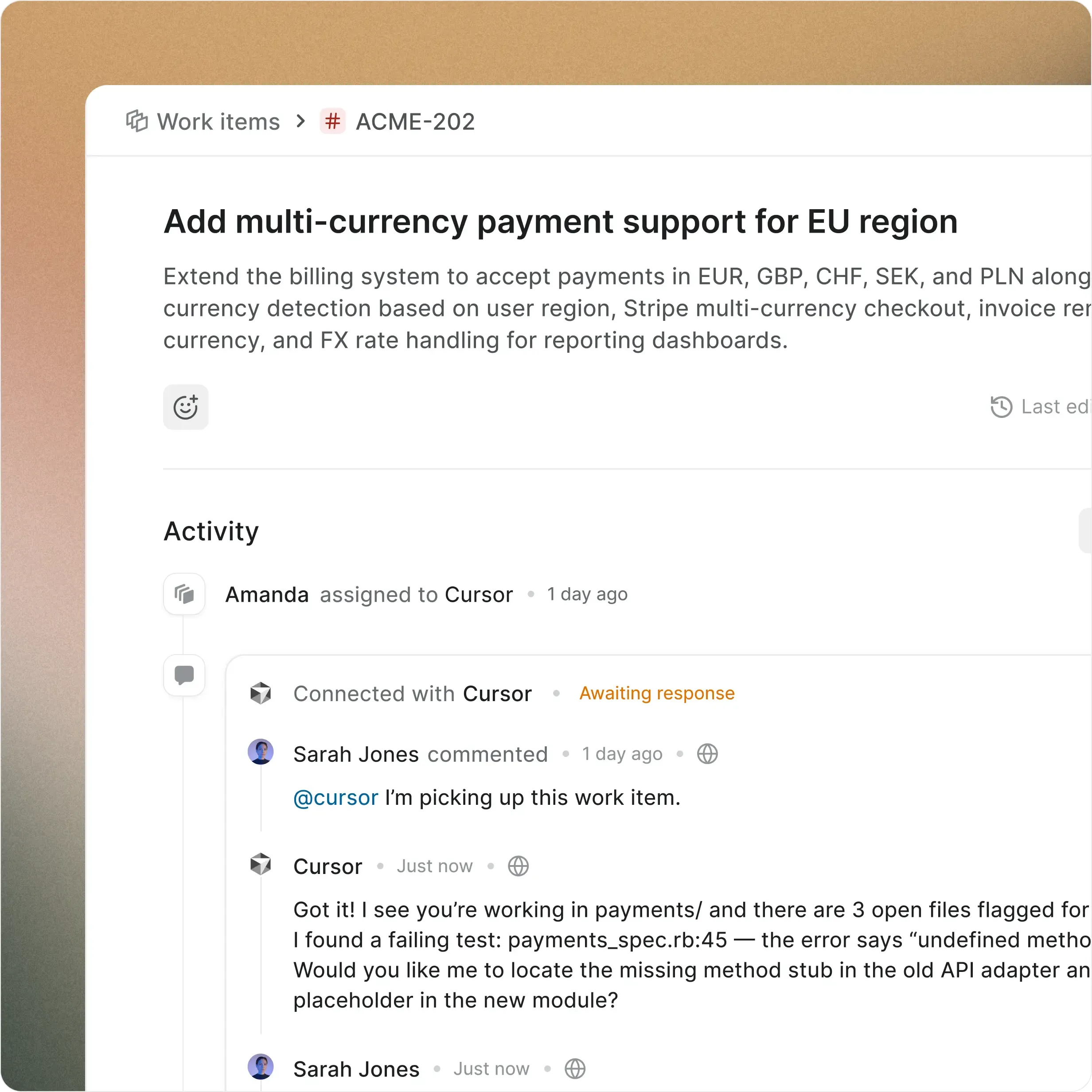
Your Intake. Your infrastructure.
Everything you get on cloud, deployed on your infrastructure. Same speed, same capabilities, zero trade-offs.
Install in under 10 minutes
Deploy on Docker or Kubernetes
Air-gapped available
Admin panel for SMTP, auth, and more
One-click backups
Migrate from Jira DC seamlessly
Enterprise-grade security, compliance, and control
Plane is built for teams where trust boundaries matter. Certified, encrypted, and governed for organizations that take security seriously.

Certified across four compliance standards
SOC 2, ISO 27001, GDPR, and CCPA compliance out of the box. Independently audited, continuously monitored.
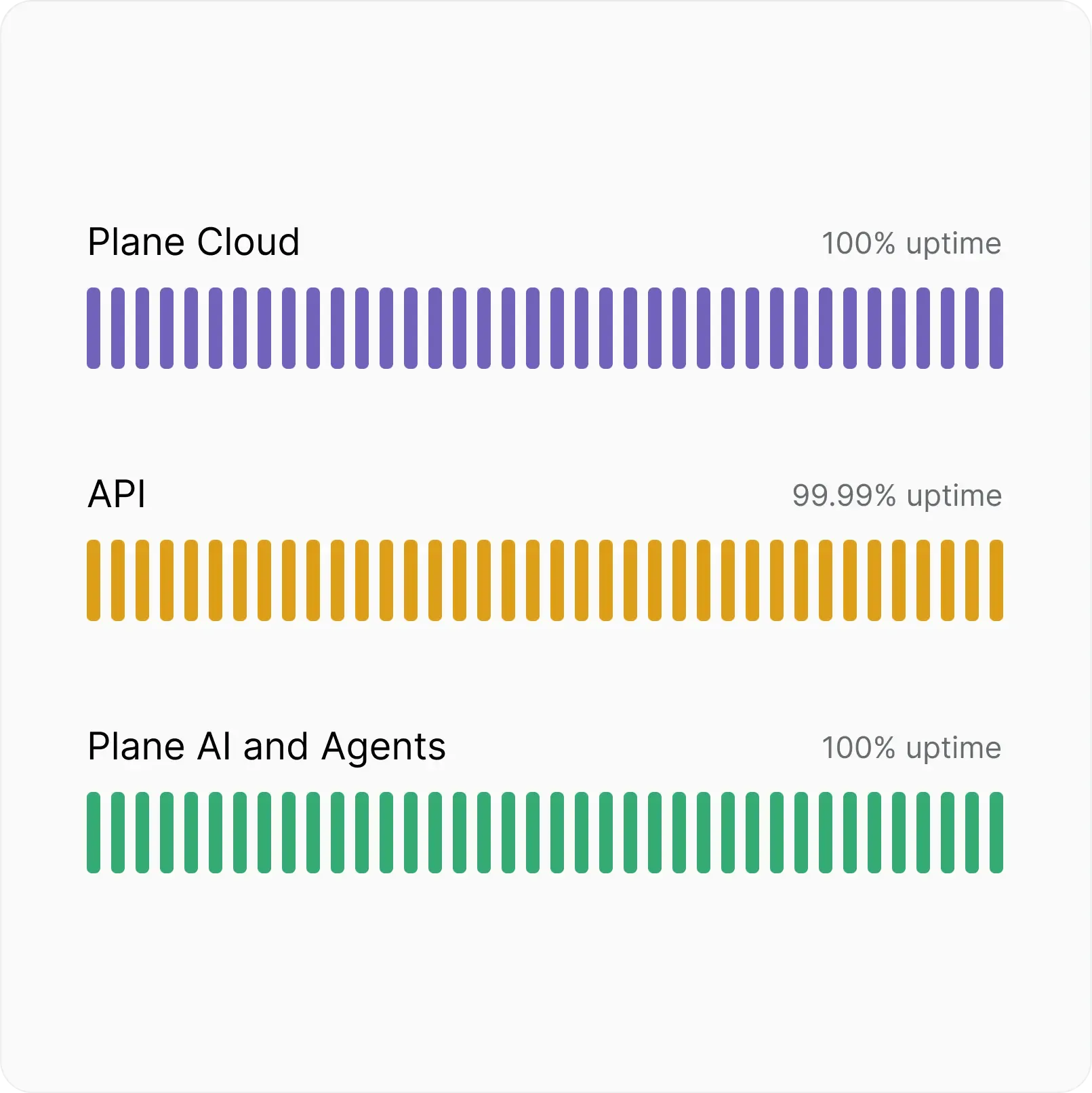
Fully committed uptime SLA
Automatic backups, real-time scaling, and multi-layer failovers. Built to stay up when it matters most.
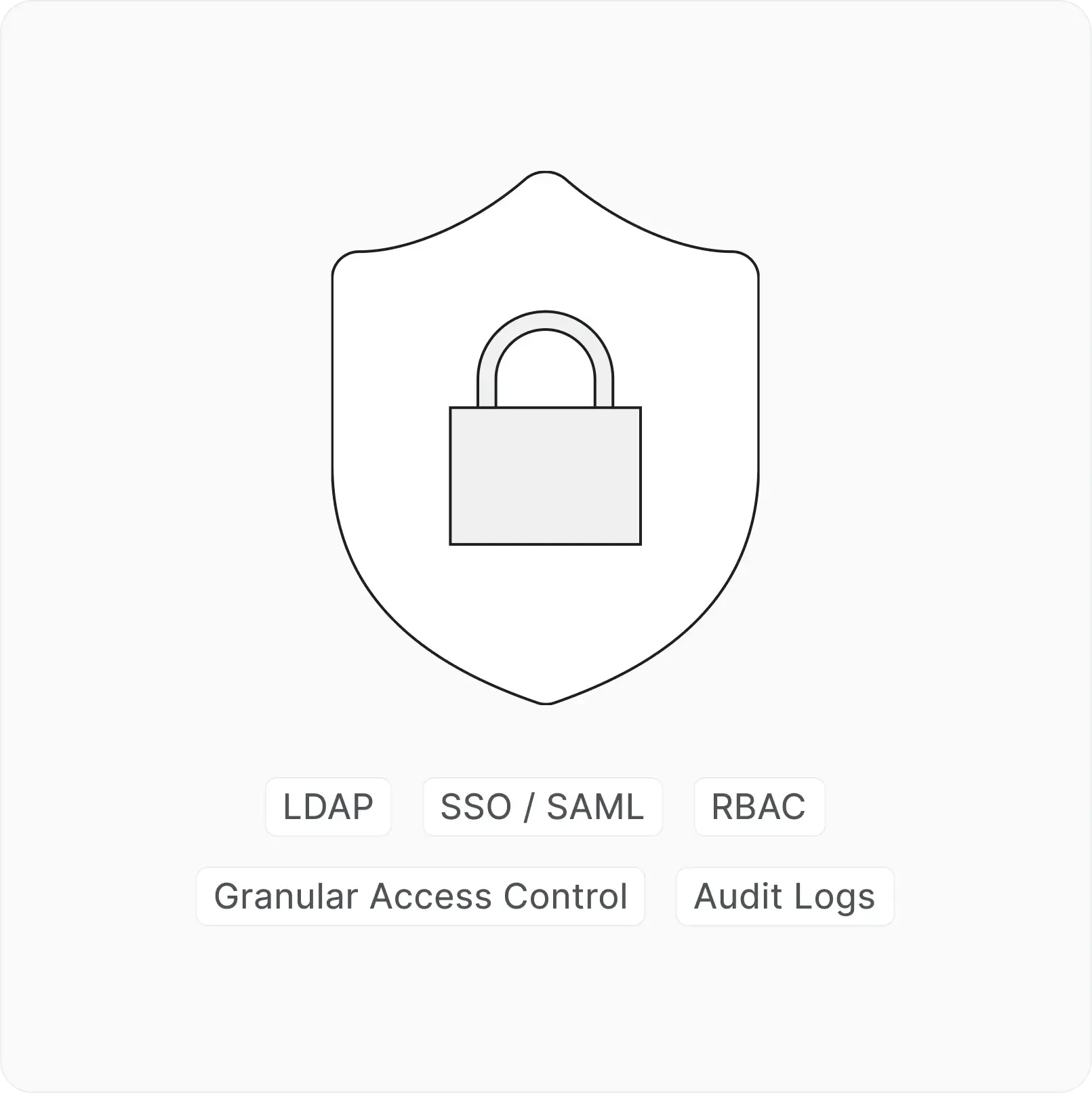
Identity and access at every layer
SSO, SAML, and LDAP across every workspace. Authenticate your way.
Next-gen project
management starts here


 Download for Mac
 Download for Android