Run aerospace programs with governance, traceability, and security
Plane brings engineering change, supplier quality, certification evidence, into one workspace — with the approvals, and deployment control


Join 50,000+ teams
that actually enjoy work
Humanity's next-generation space programs now run on Plane


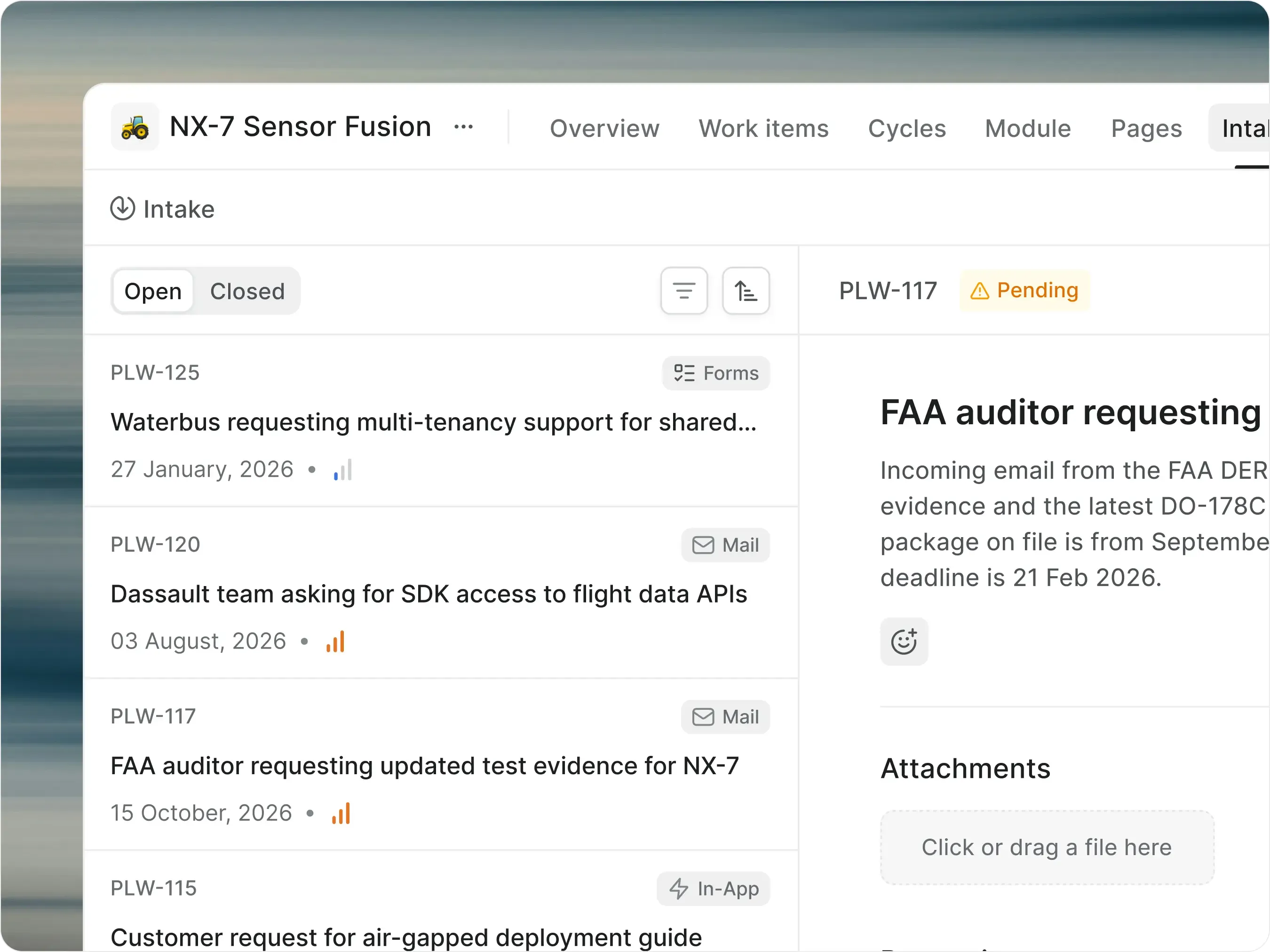
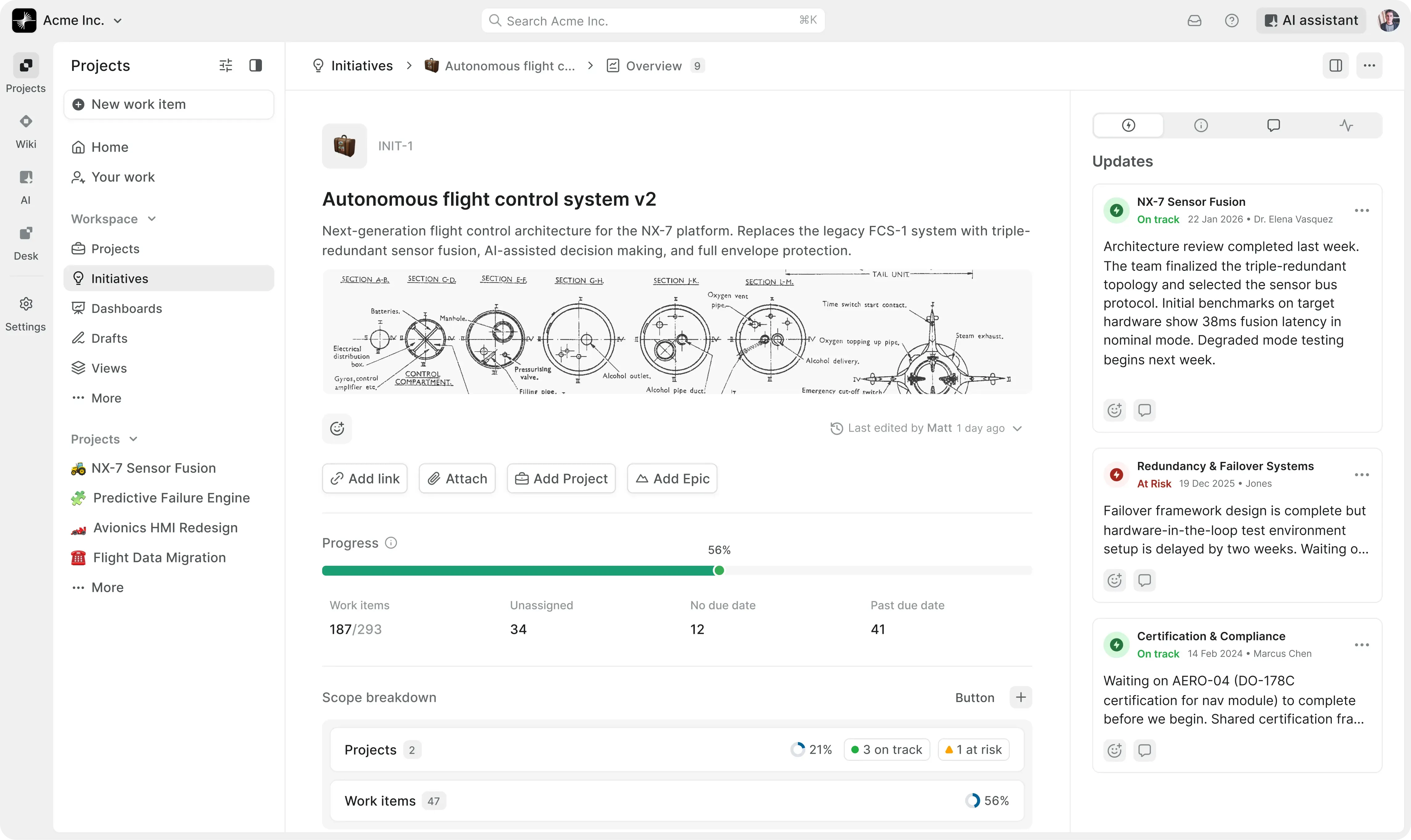
Trace every decision back to the work
Requirements, changes, approvals, and evidence — connected in one execution record.


Govern change without slowing teams down
Visual workflows, approval gates, and role-based permissions route every work item correctly.


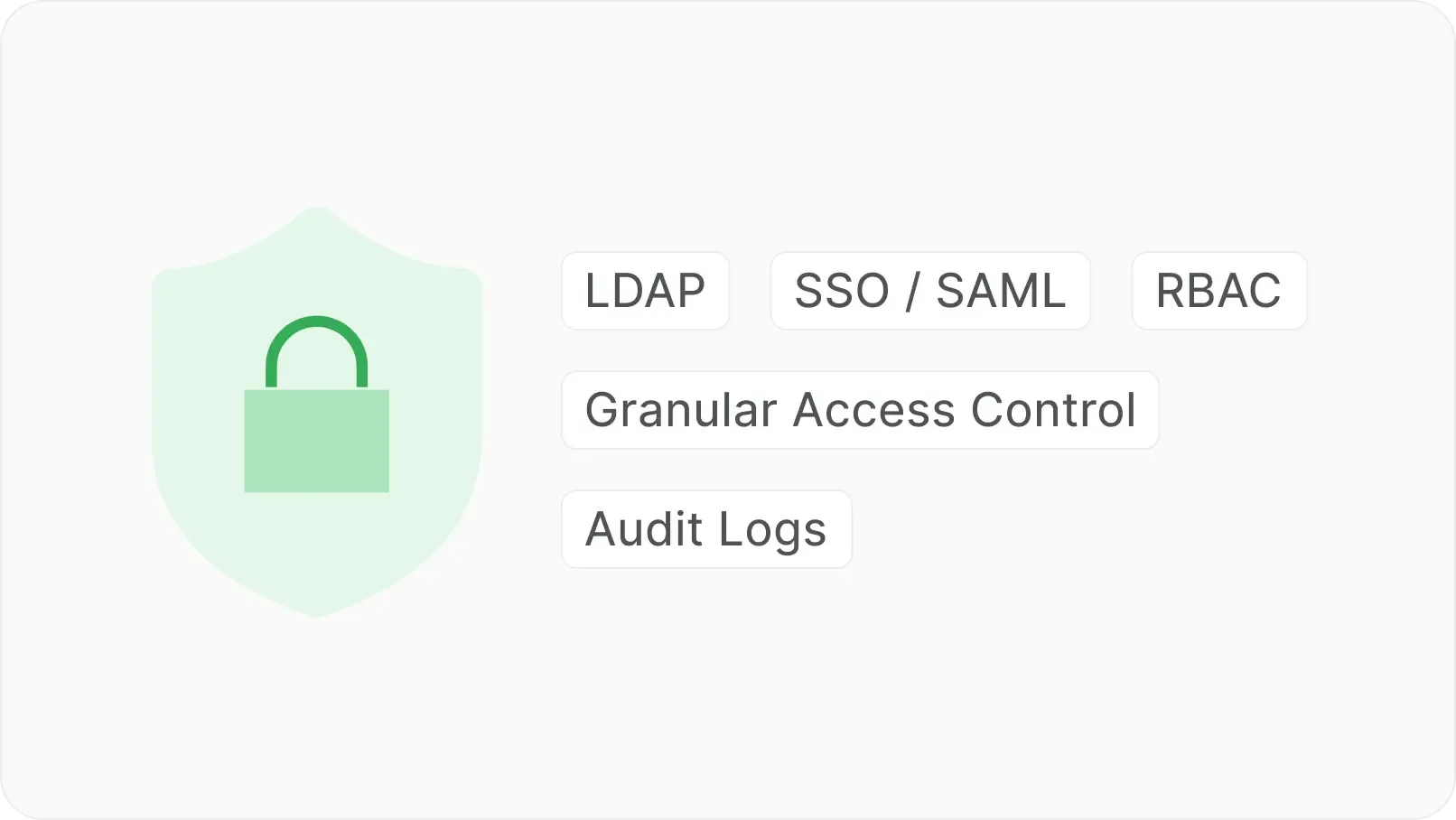
Run sensitive programs on your infrastructure
Cloud, self-hosted, or fully air-gapped — wherever program data must stay.
Manage complex aerospace workflows, end to end
Manage the engineering change lifecycle, from request to authorized release
Plan, organize, and deliver work across teams with a system built for structure, speed, and scale.


Distinct types for ECR, ECO, ECN, deviation, and waiver, each with its own properties and workflow.
Custom Work Item Types
Enforce program, part number, serial number, effectivity, severity, and configuration baseline before submission.
Required properties
Route through engineering, quality, program, and certification review with role-based approvers.
Approval gates
Spawn linked implementation tasks under the approved change.
Parent-child relationships
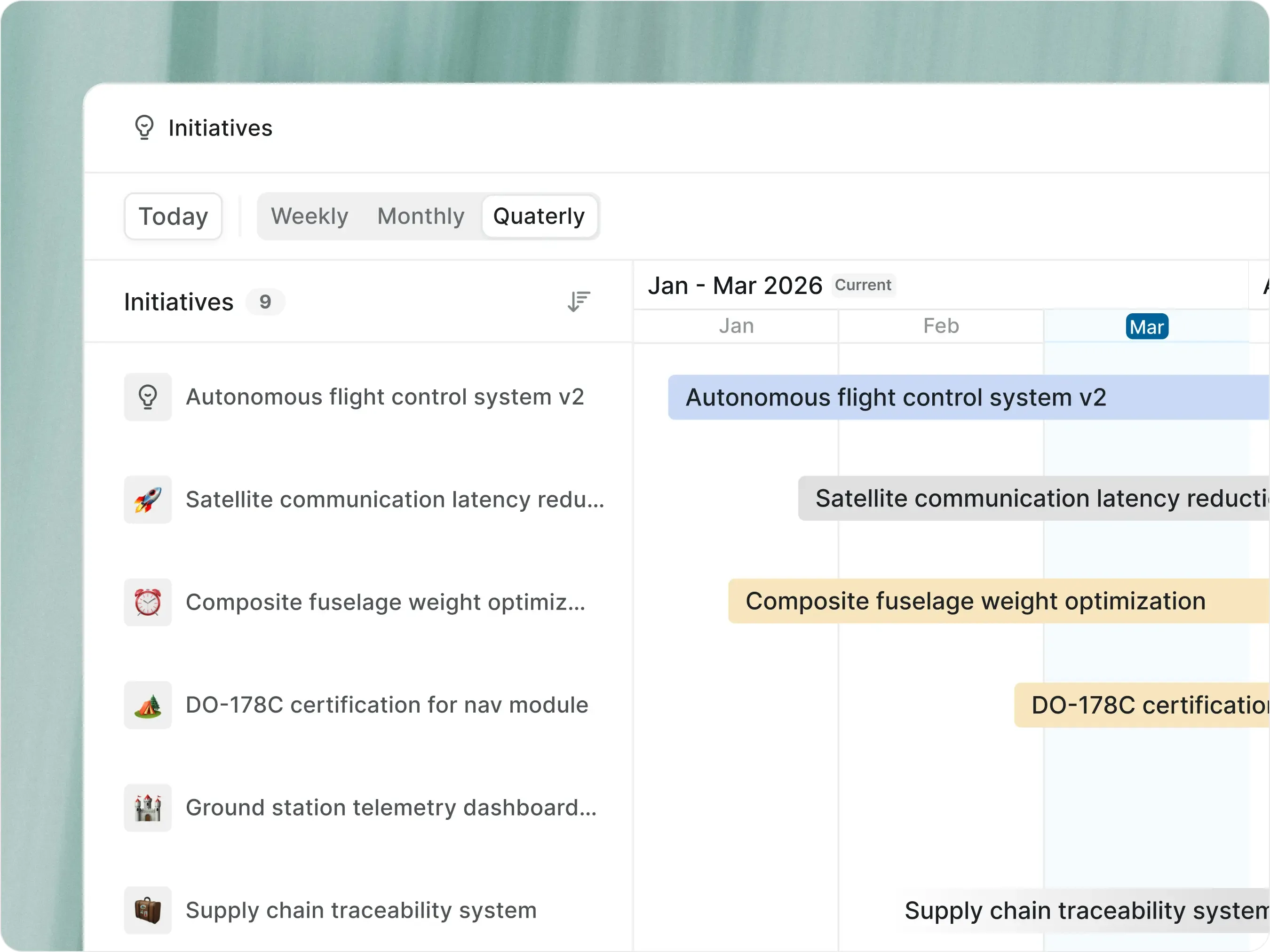
Visualize change effectivity and rollout windows across the program.
Timeline view
Run certification programs from requirement to approved evidence
Track, review, and approve every artifact for DO-178C, DO-254, ARP4754A, or AS9100 — with reviewer signatures, state changes, and version history preserved.


Distinct types for ECR, ECO, ECN, deviation, and waiver, each with its own properties and workflow.
Custom Work Item Types
Route evidence through reviewer-by-role gates before it can move to an accepted state.
Approval gates
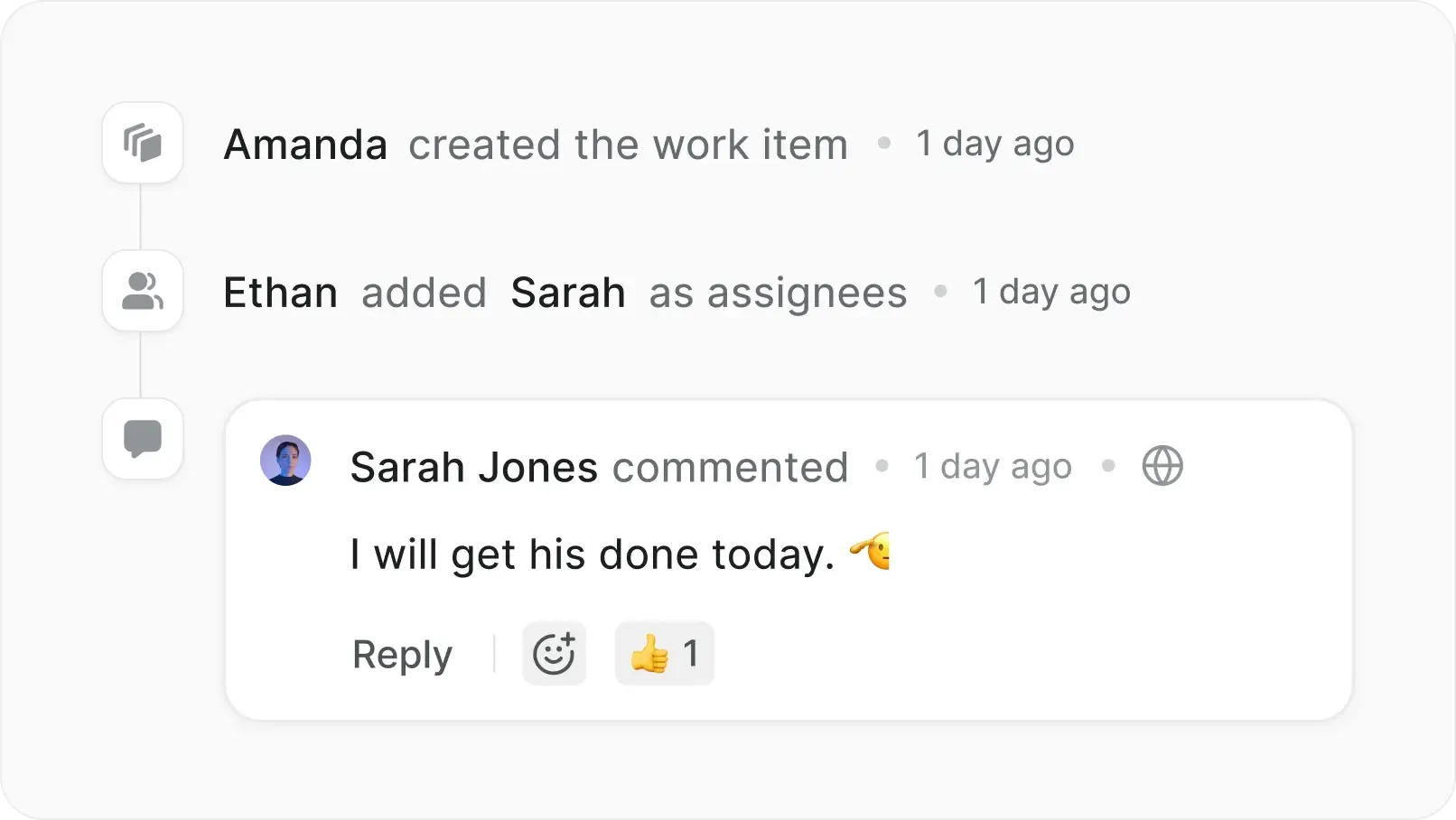
Every state change, edit, and comment captured with author and timestamp.
Activity history
Connect requirements, tests, defects, and corrective actions so the trail stays intact.
Linked work items
Author procedures, review notes, and program documentation linked to the work.
Wiki pages
Move supplier quality issues from intake to closure
Capture, disposition, and close every NCR, SCAR, or CAPA — with supplier, part, and lot on the same record.


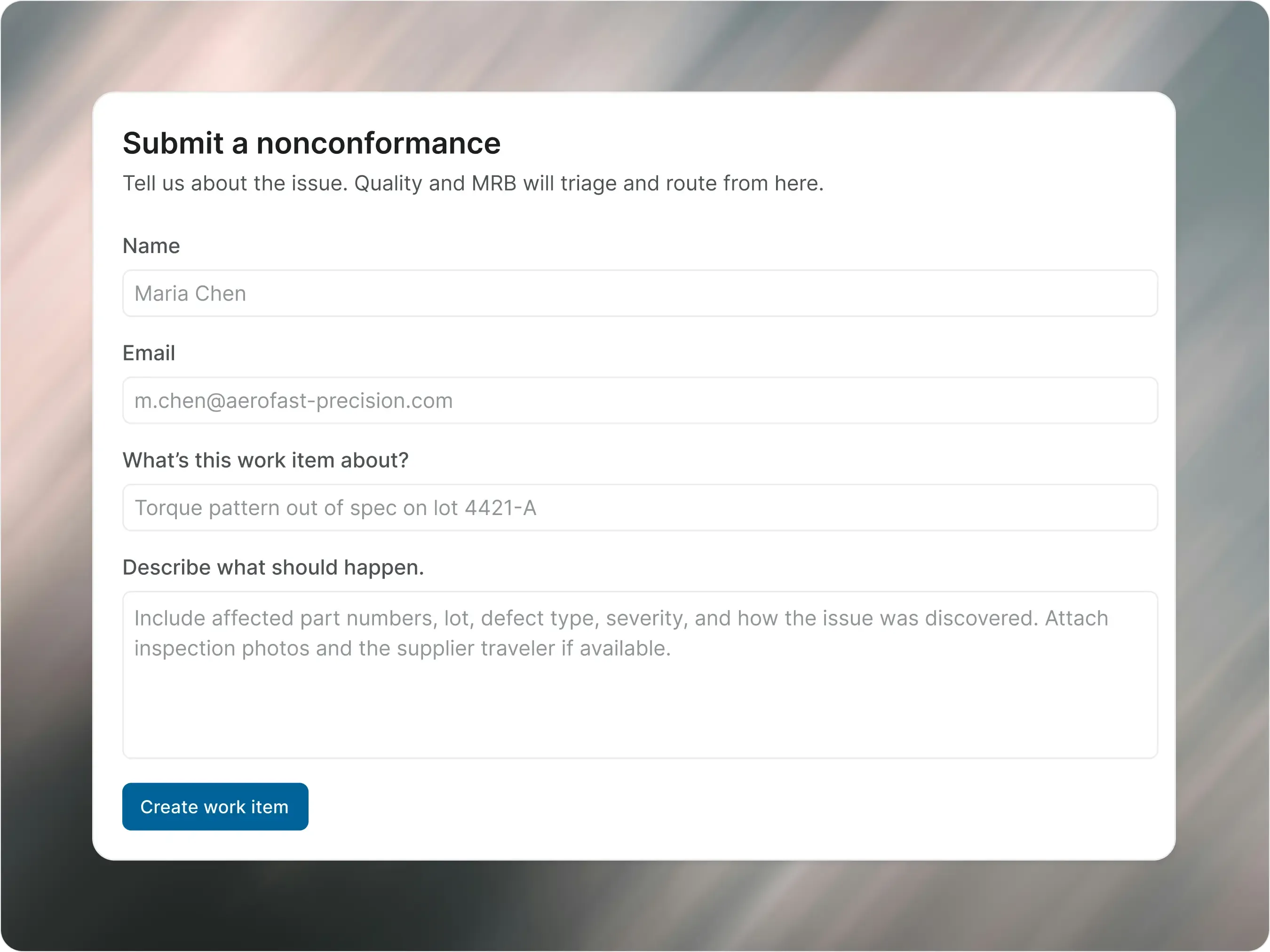
Suppliers submit nonconformances through structured public forms — no Plane account required.
Intake forms
Enforce supplier, part number, lot, defect type, severity, and disposition on every NCR.
Required fields
MRB dispositions — use-as-is, rework, scrap, return, deviation — route to the right reviewers.
Disposition workflows
Corrective actions open as linked work items, with closure traceable to the originating NCR.
Linked CAPAs and SCARs
Track open NCRs, aging issues, repeat suppliers, and overdue actions in real time
Dashboards
Capture anomalies, triage risk, and close them before the next campaign milestone
Log, triage, and close every anomaly — with test run, vehicle, and subsystem linked to the work.


Link blockers, duplicates, related anomalies, and downstream fixes.
Work item relationships
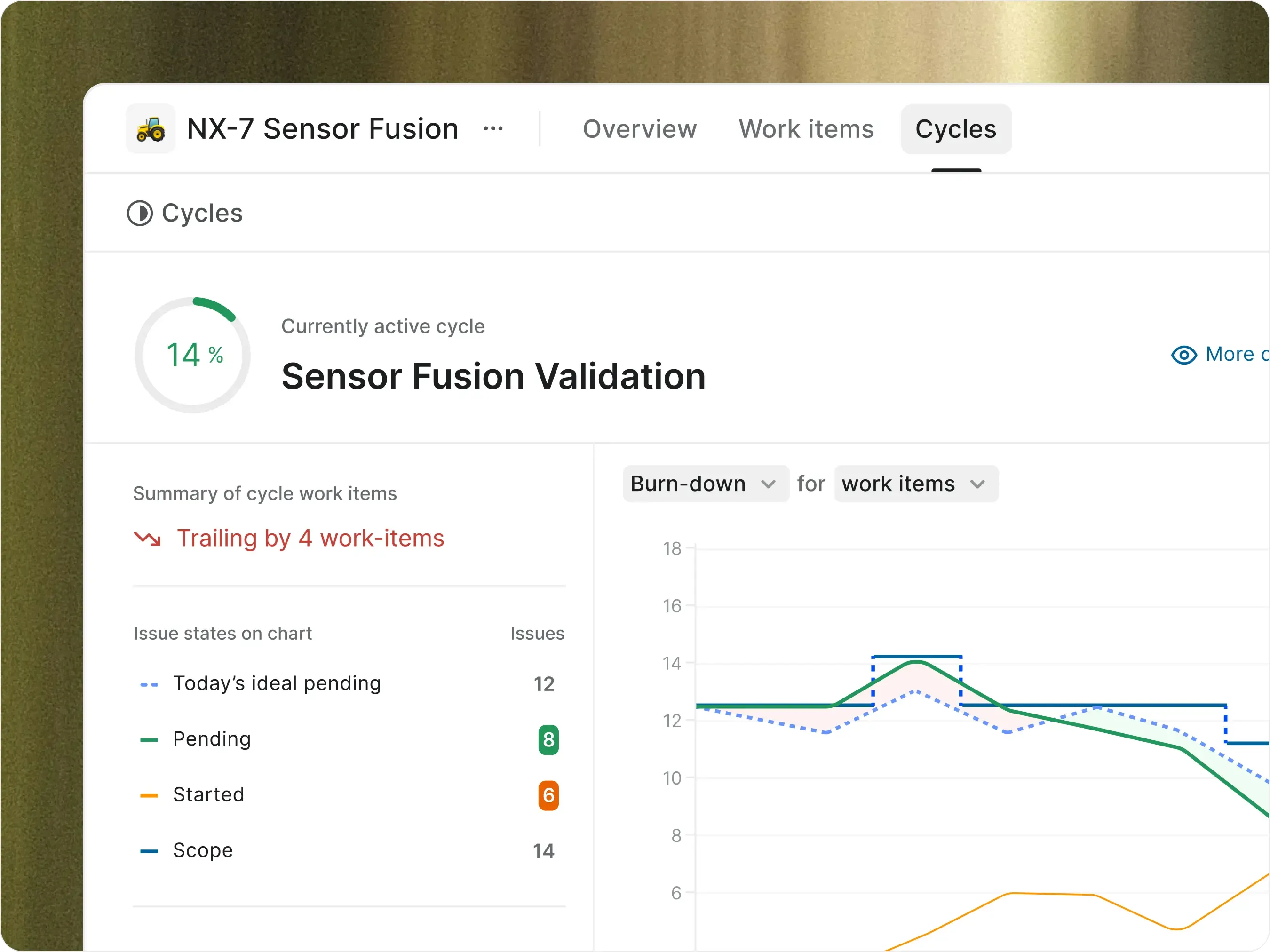
Run test campaigns as time-boxed cycles with rollover and velocity tracking.
Cycles
Generate test-readiness updates from work item activity.
AI summaries
Surface overdue blockers and stalled work before the next readiness review.
At-risk detection
Share read-only views with stakeholders and customers without workspace access.
External views
AI and agents, on the infrastructure you control
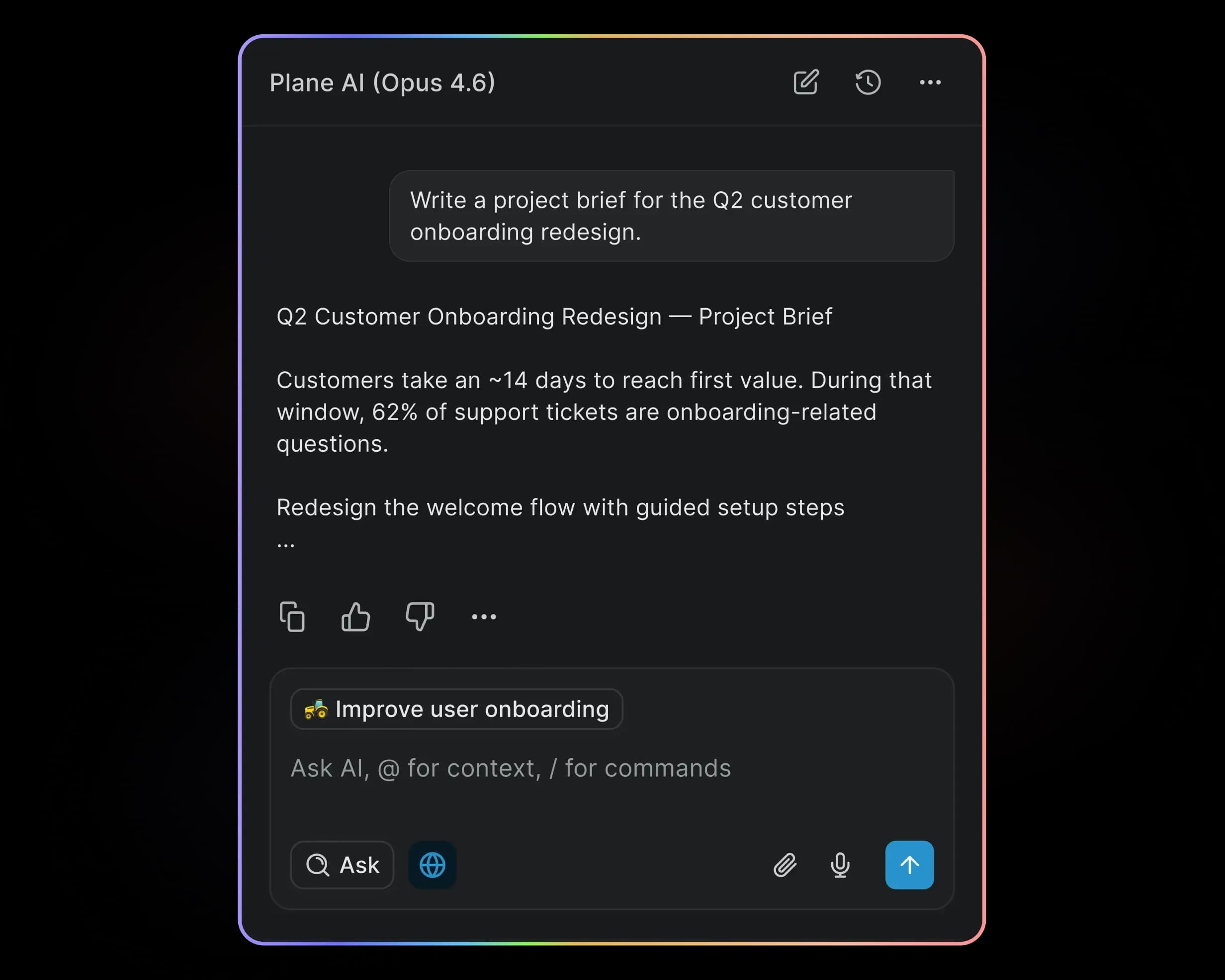
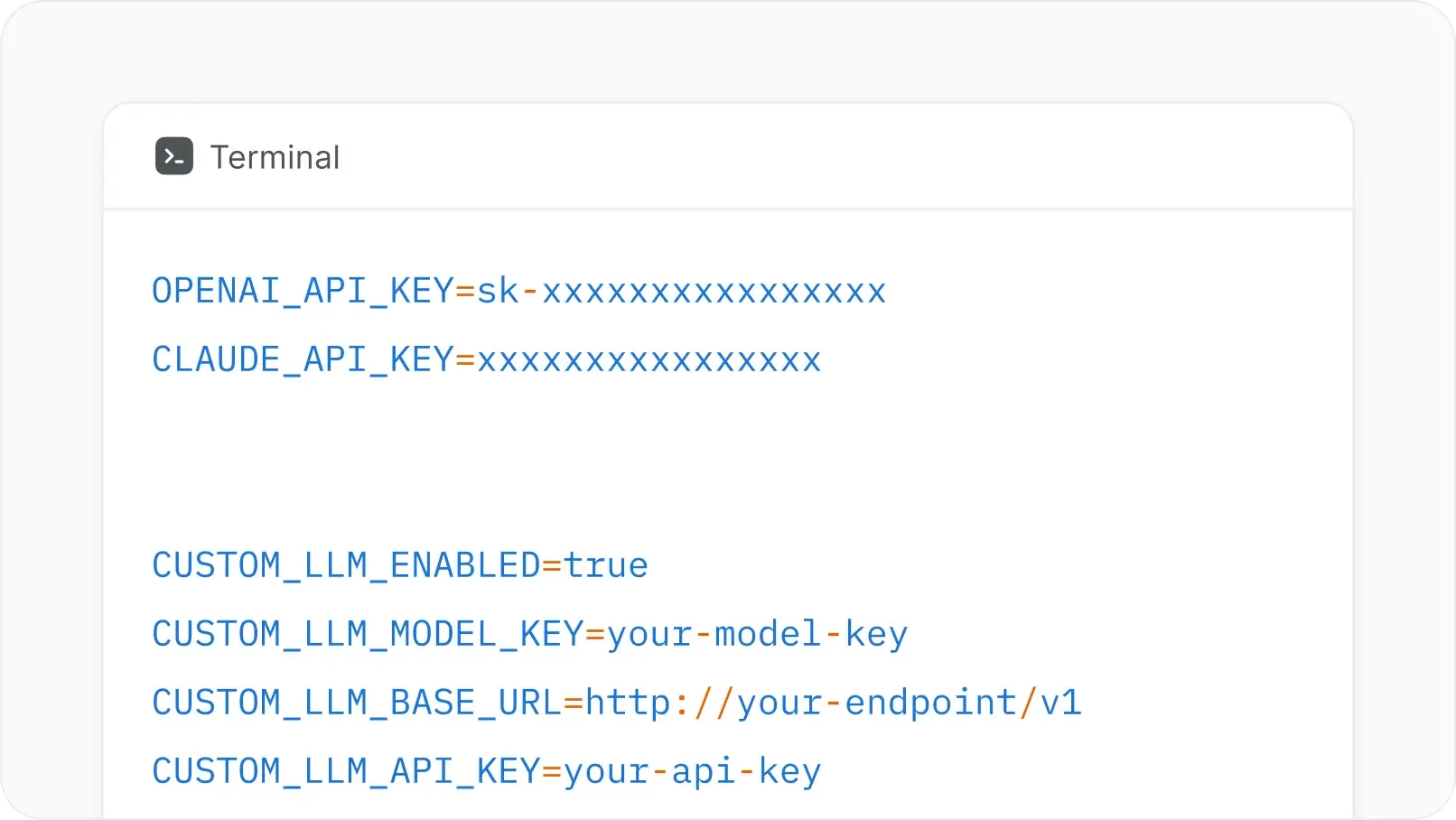
Plane AI and agents run fully on your infrastructure — on-prem, private cloud, GovCloud, or fully air-gapped.
Automate tasks and set workflows for agents to run
Bring your own OpenAI, Anthropic, Bedrock, or local model
Agents follow the same RBAC and approval gates as your team


Run aerospace work where
your data already lives


Self-hosted by default
Run Plane in your VPC, data center, Kubernetes cluster, or Docker environment.


Air-gapped deployment
Zero external calls. Offline updates. Signed bundles. No telemetry.


Identity and access
SAML, LDAP, SCIM, RBAC, and workspace permissions on every record.


AI under your control
Customer-controlled providers, local models, or self-hosted AI workflows.


Audit trail on every action
Every state change, edit, comment, and approval preserved with author and timestamp.


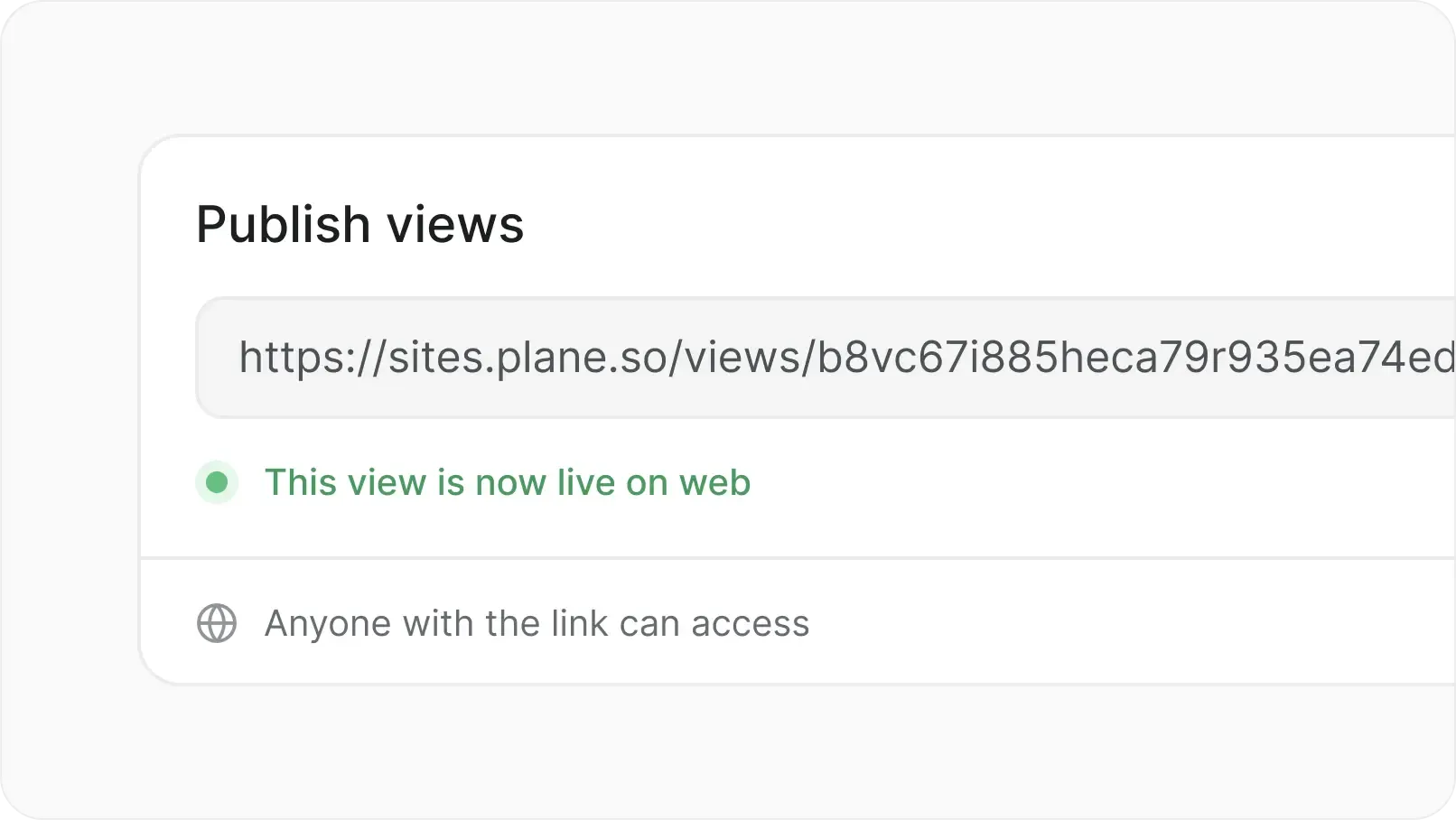
Publish externally
Share boards and views with stakeholders outside Plane. Collect feedback without giving full project access.
Move off Jira Data Center
Migrate work, mappings, and history without rebuilding workflows from scratch. Aerospace programs in flight don't pause.
Workflow translation, not rebuild
White-glove migration team
Issue types mapped to Work Item Types
Custom fields and history preserved
FAQs
Plane is built for teams where trust boundaries matter. Certified, encrypted, and governed for organizations that take security.
Yes. Plane can be deployed in fully air-gapped environments with offline updates, no telemetry, and no required cloud calls for program data.
Yes. Plane can be deployed on your infrastructure using Docker, Kubernetes, private cloud, or data-center environments.
Plane can be self-hosted or air-gapped and configured with strict access controls, identity management, and audit logs. Your legal and compliance teams should determine whether your specific data, users, and workflows fall under ITAR, EAR, or other export-control requirements.
Yes. Work Item Types let each kind of work have its own properties, templates, workflows, and required fields.
Yes. Plane supports type-specific workflows, so an ECO, NCR, CAPA, test anomaly, and MRO inspection can each follow a different path.
Yes. Plane logs work item activity, comments, state changes, property updates, workflow changes, and approvals with authors and timestamps.
Plane can replace Jira for many engineering, quality, and program workflows, especially where teams want structured work, simpler administration, self-hosting, and governed approvals. For migration, Plane can map Jira issue types and fields into Plane Work Item Types.
Plane can support controlled collaboration through permissions, guest access patterns, shared views, and structured intake. For highly restricted supplier environments, access design should be reviewed during rollout.