Workflows and Approvals
Control how work moves
without the config overhead
Control how work moves
without the config overhead
State transitions, approval gates, and role-based permissions per project.
Configure visually and go live in minutes.
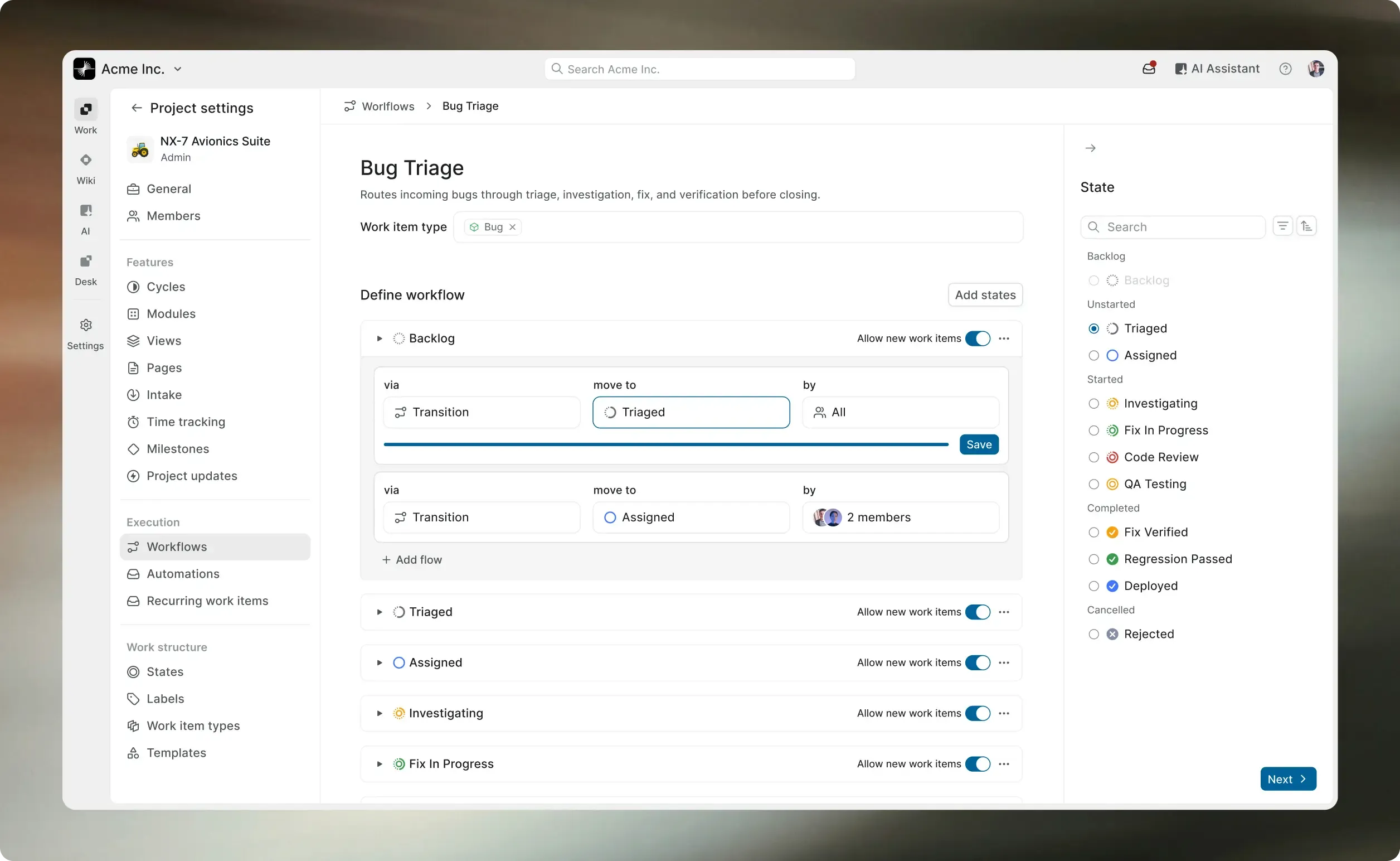
Control how work moves
without the config overhead
State transitions, approval gates, and role-based permissions per project.
Configure visually and go live in minutes.
50,000+ teams run
Plane in production






Guardrails that enforce process,
not slow it down
State rules, approval gates, and type-specific paths, all configured per project.
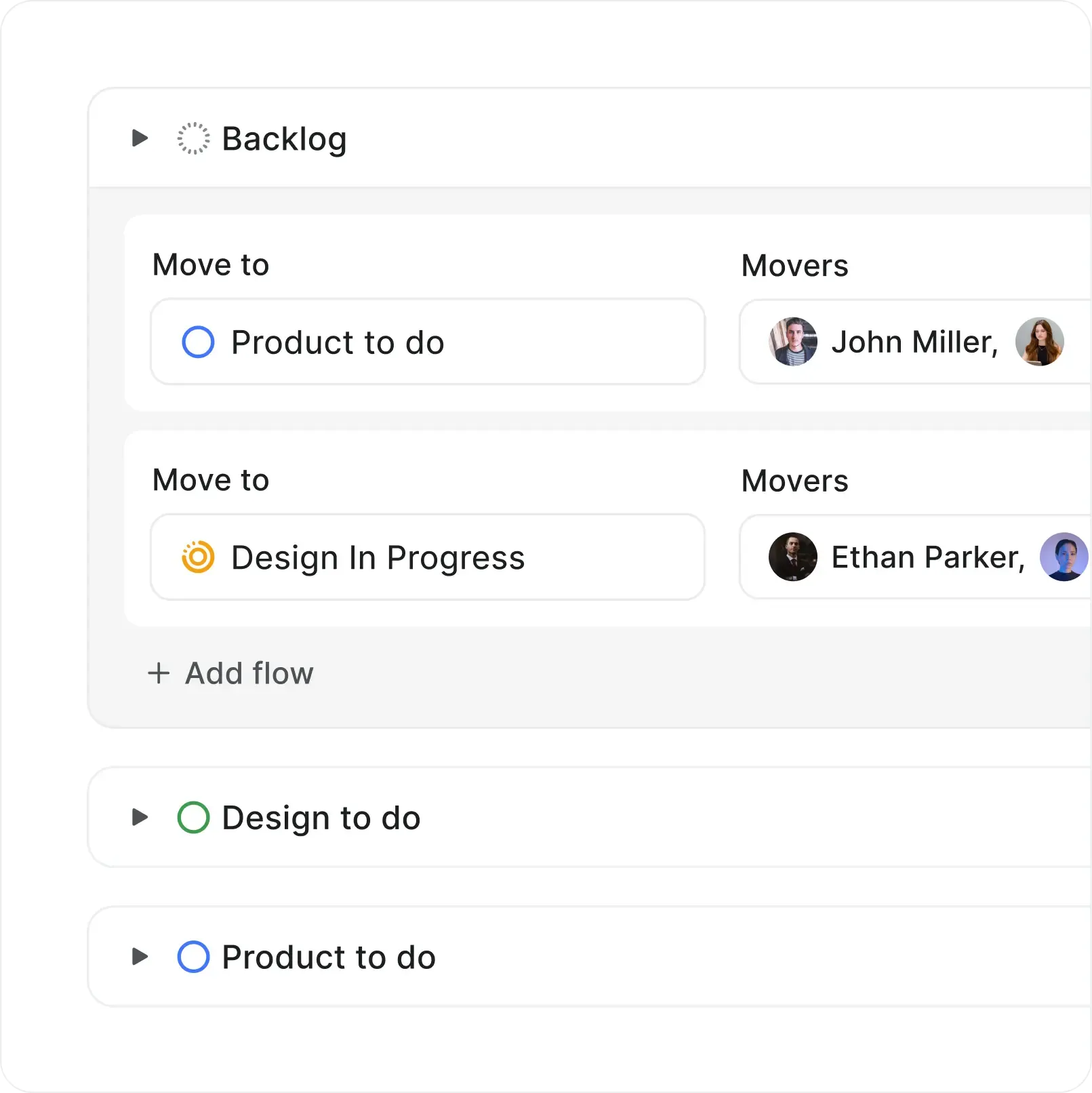
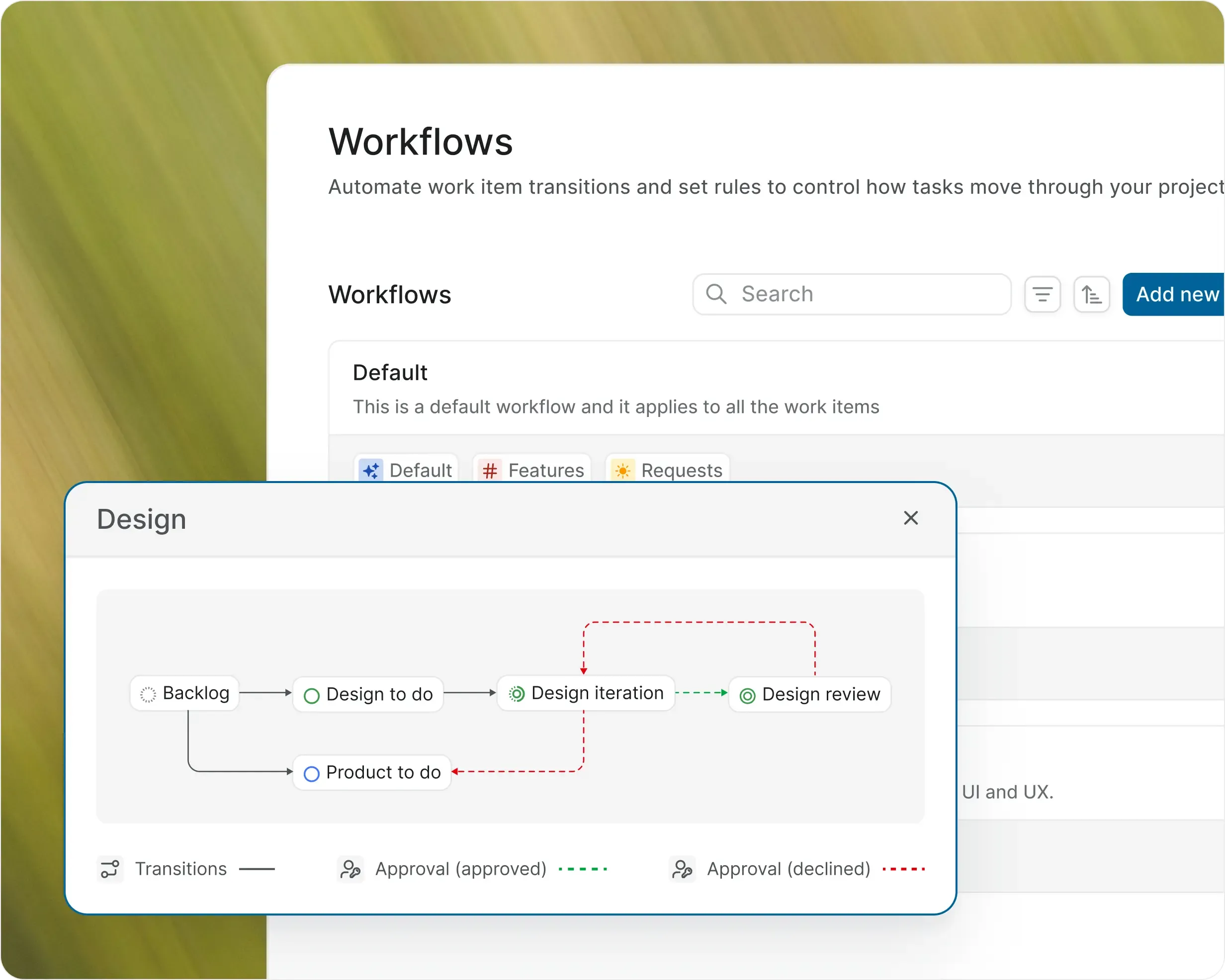
State transitions you control
Define which states a work item can move to and who can make the transition.
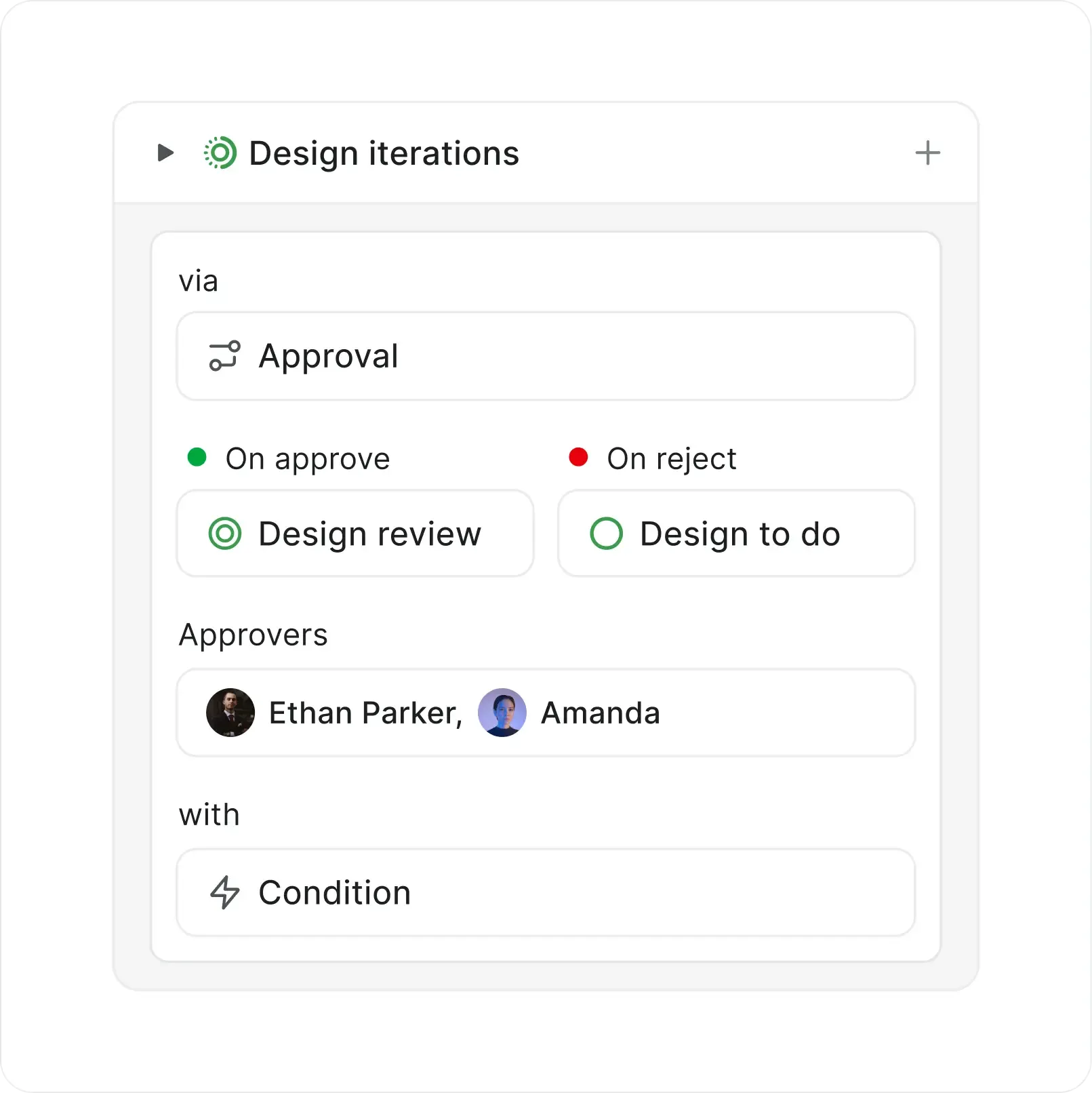
Approval gates before critical transitions
Require sign-off from designated approvers before work progresses. Rejected items route to a fallback state.
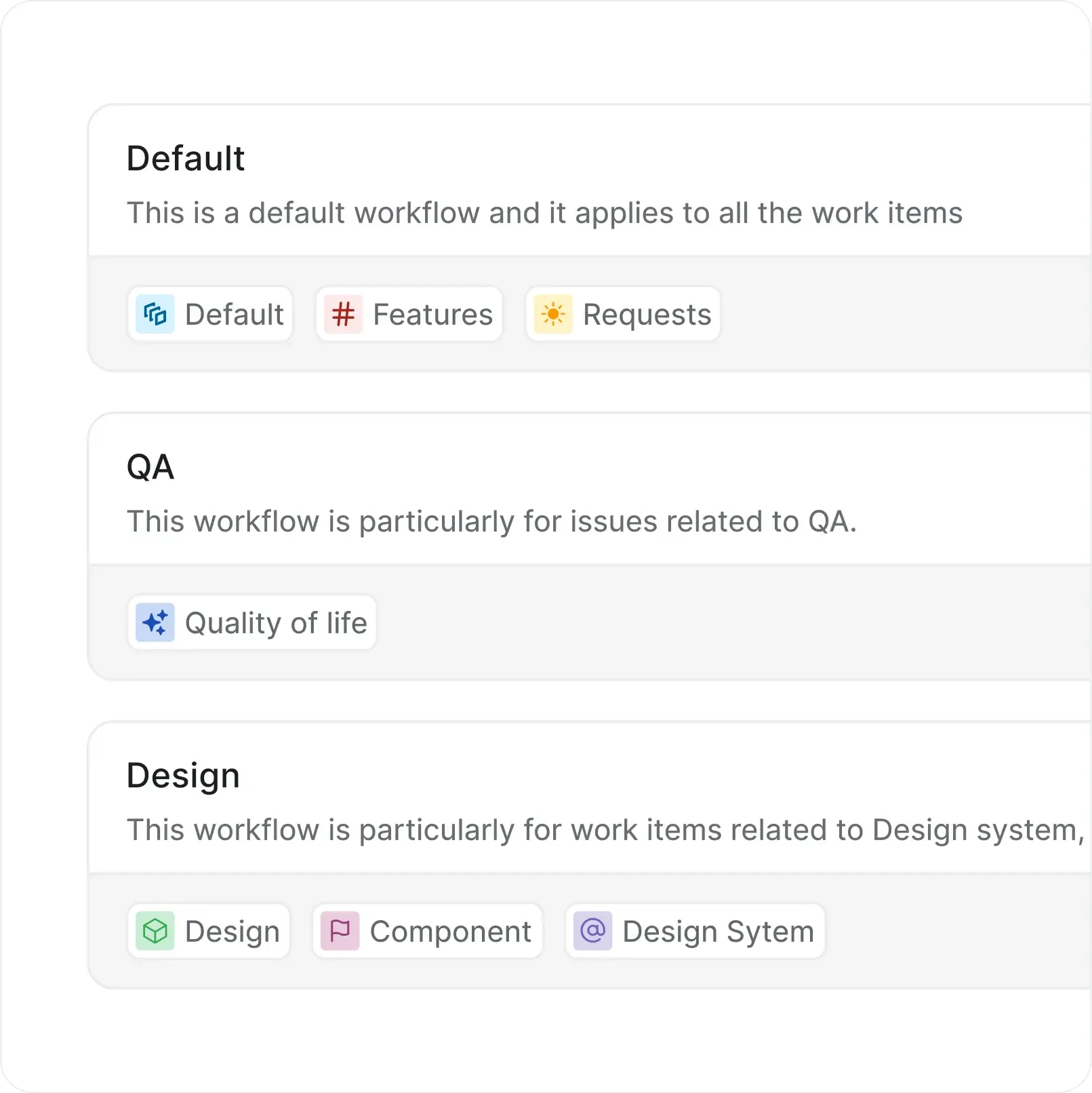
Type-specific workflows
Bugs, features, and improvements follow different paths. Assign workflows per work item type.
Configure in clicks,
update on the fly
Build workflows visually with states, transitions, and approvals. Preview changes before going live.

Visual workflow builder with live preview

Pause workflows without deleting them
Search, filter, and sort workflows by status or type
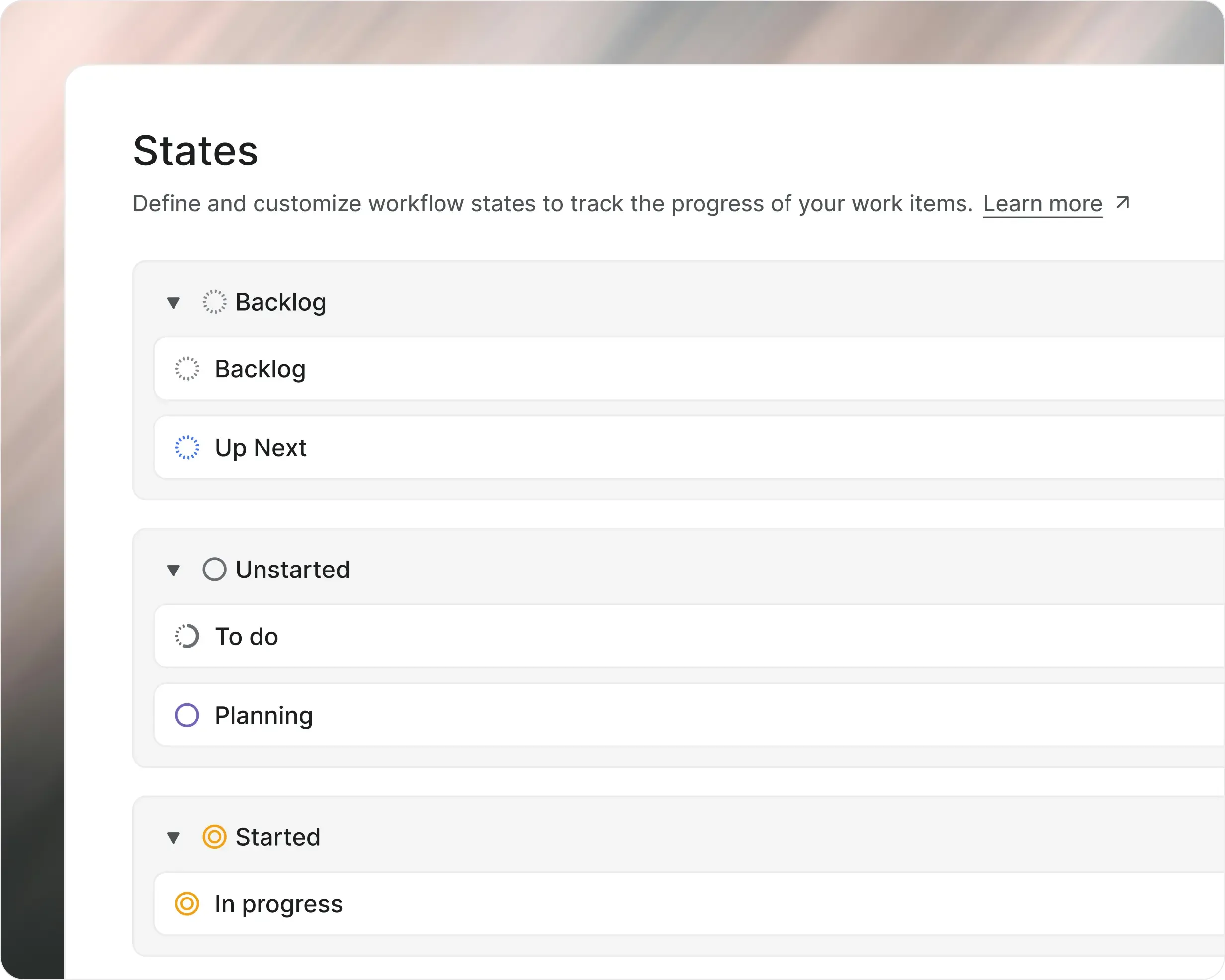
Five state groups, unlimited custom states
Backlog, Unstarted, Started, Completed, Cancelled. Create custom states inside each group to match your process.

Add, edit, reorder, and delete states per project

Control which states accept new work items

Set default states for new work items
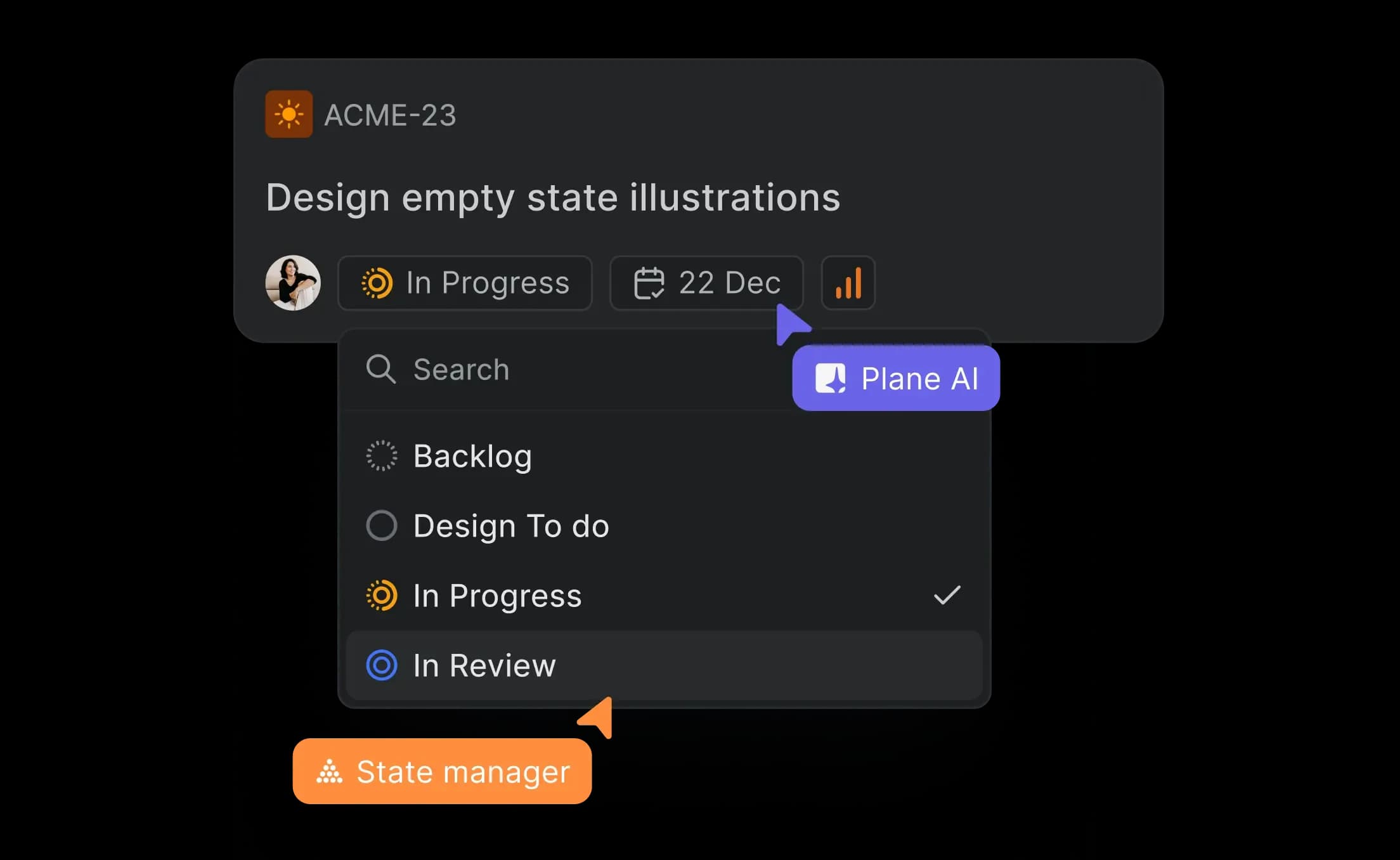
AI that routes work before your
team has to
Suggest the right transition
AI recommends the next state based on work item context, recent activity, and workflow rules.
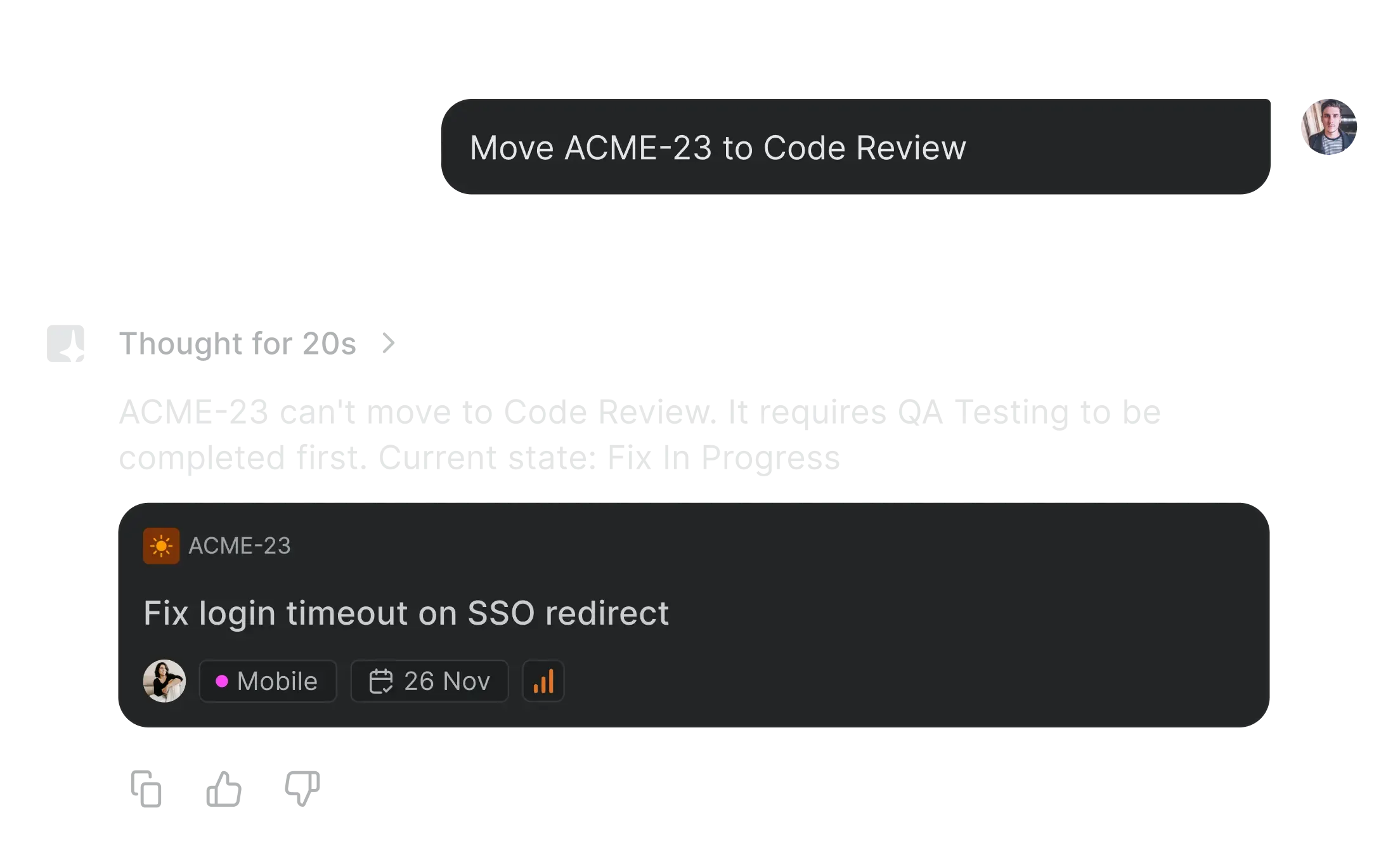
Flag stuck items
AI highlights work items that have not moved states in longer than expected. Surface blockers before the standup does.
Small details that make
workflows easy to love
Designed to keep your team in flow, not in process
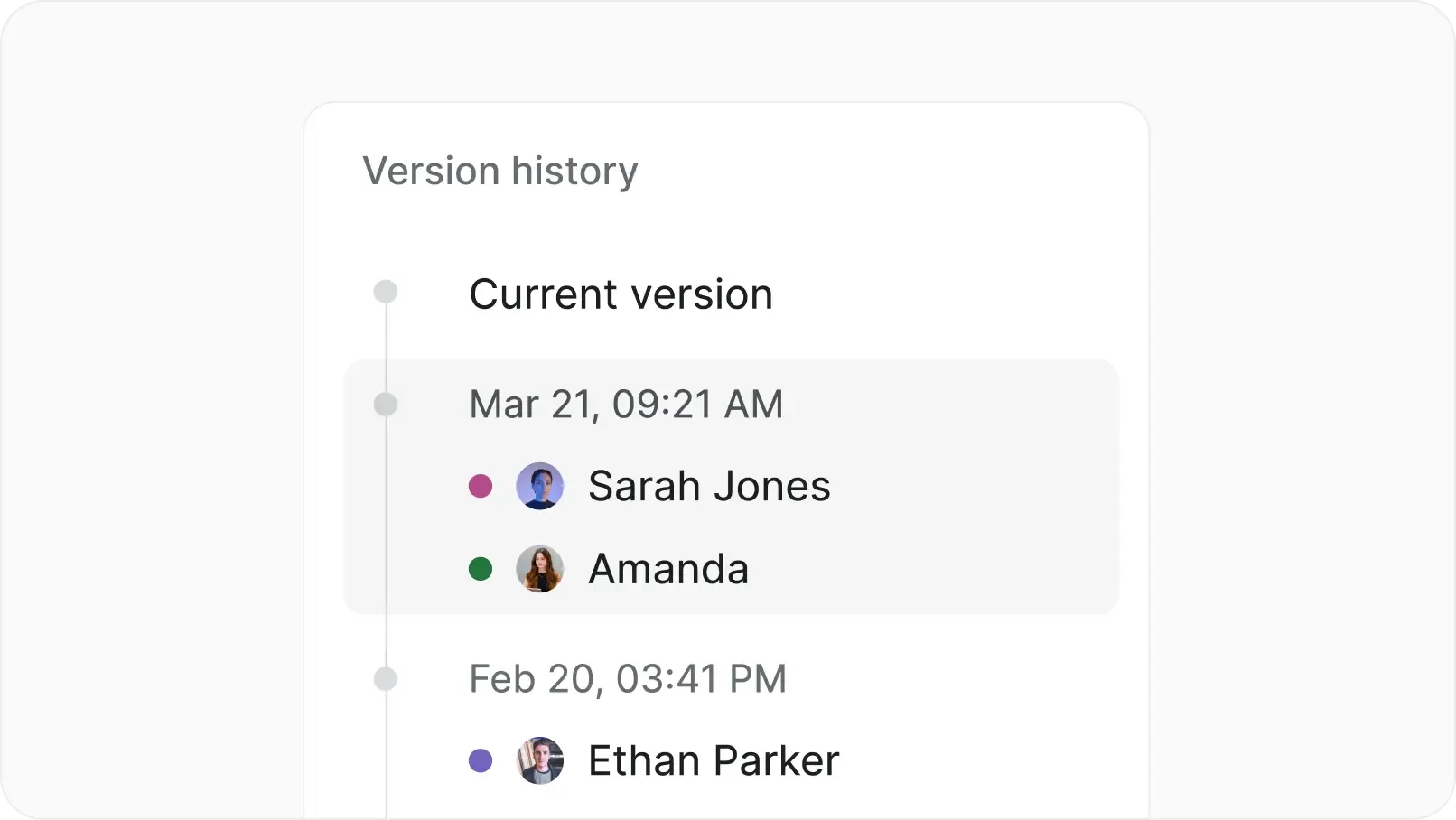
Full change history
Every edit to a workflow is logged. See who changed what and when.
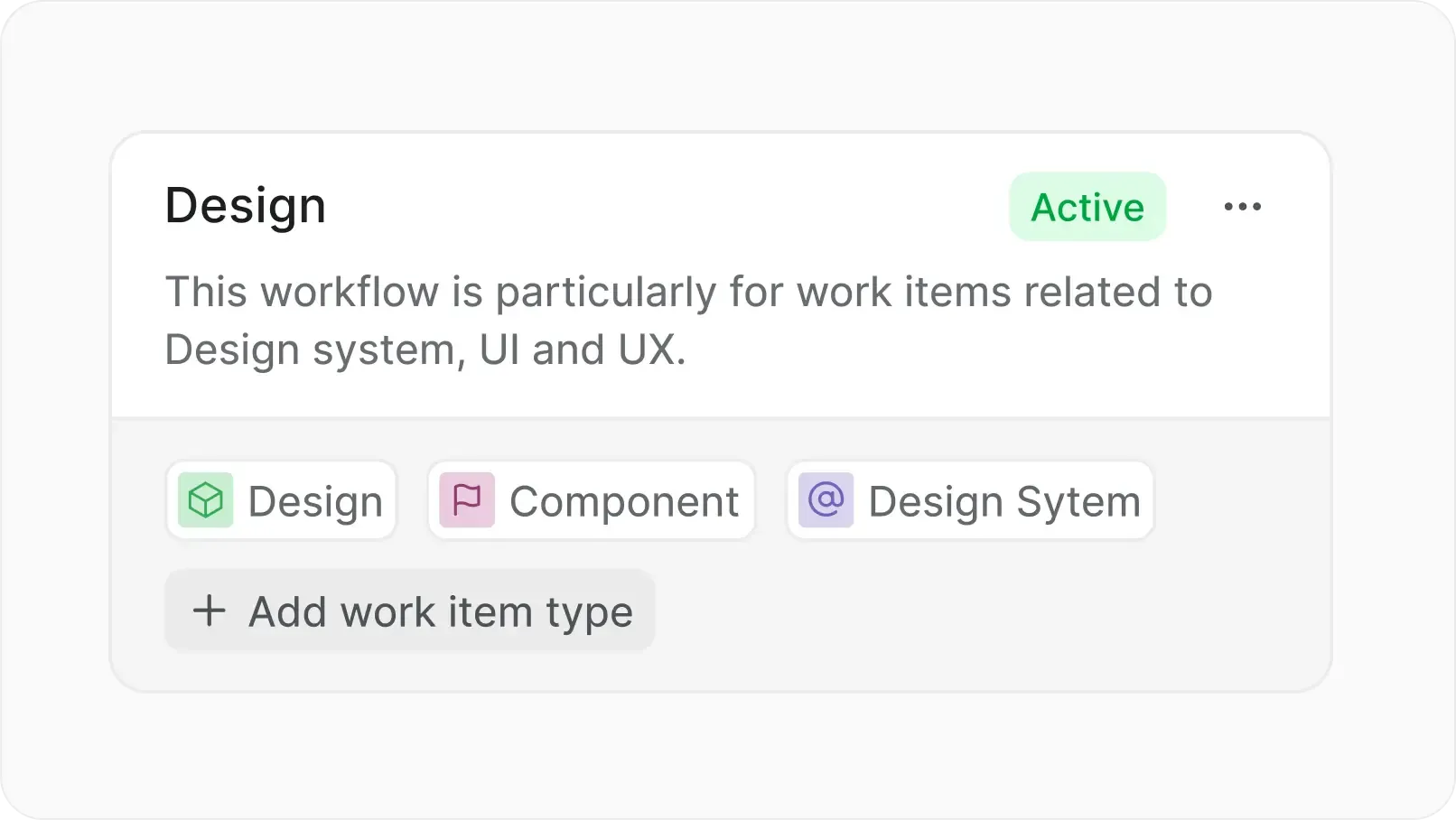
Workflow precedence
Type-specific workflows override the default for matching work item types. Everything else follows the default path.
Admin-controlled changes
Only project owners and admins can set up and edit workflows. Approvers are assigned per project.
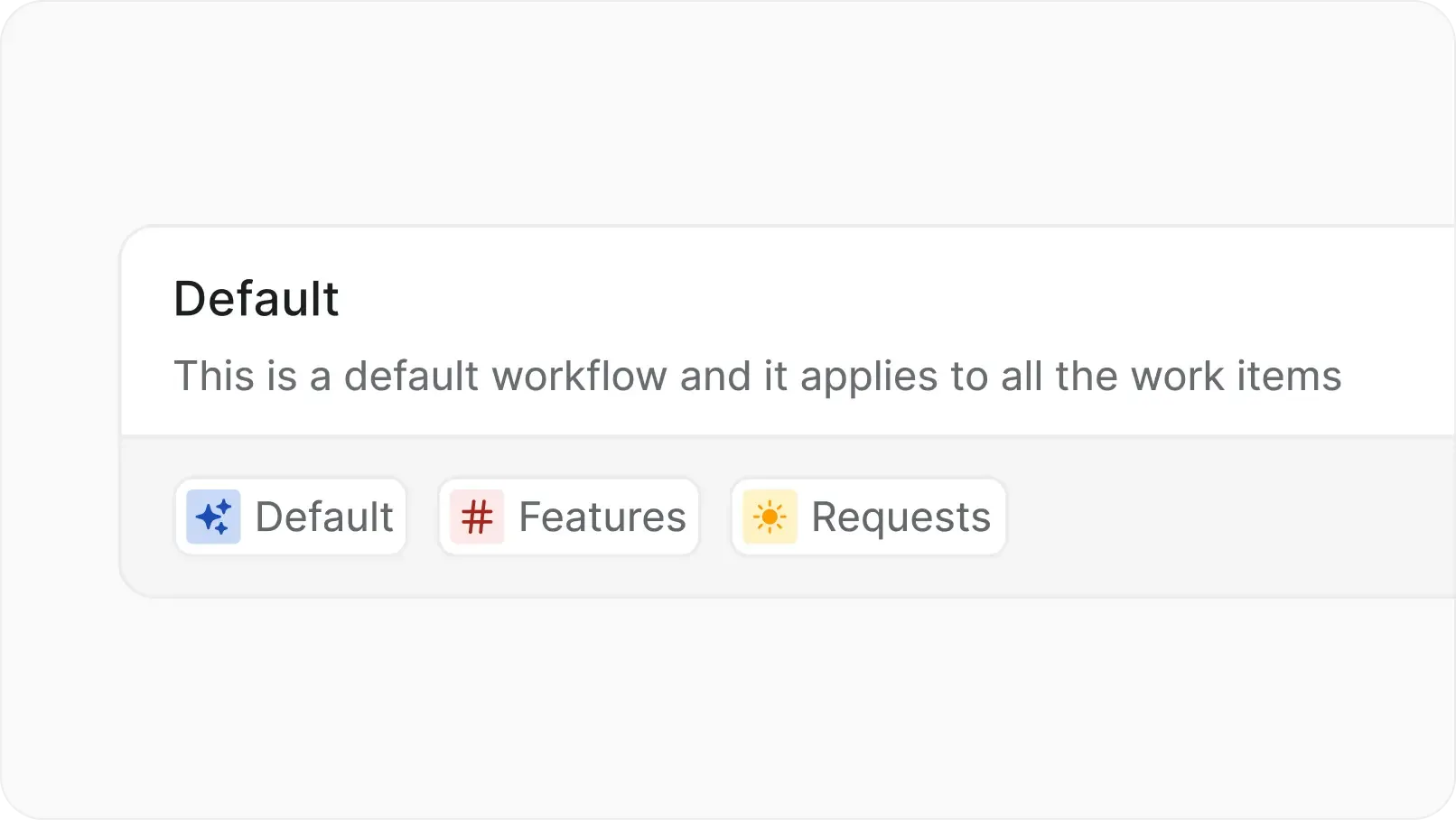
Default workflow per project
Every project ships with a default workflow. Previous state configurations are preserved automatically.
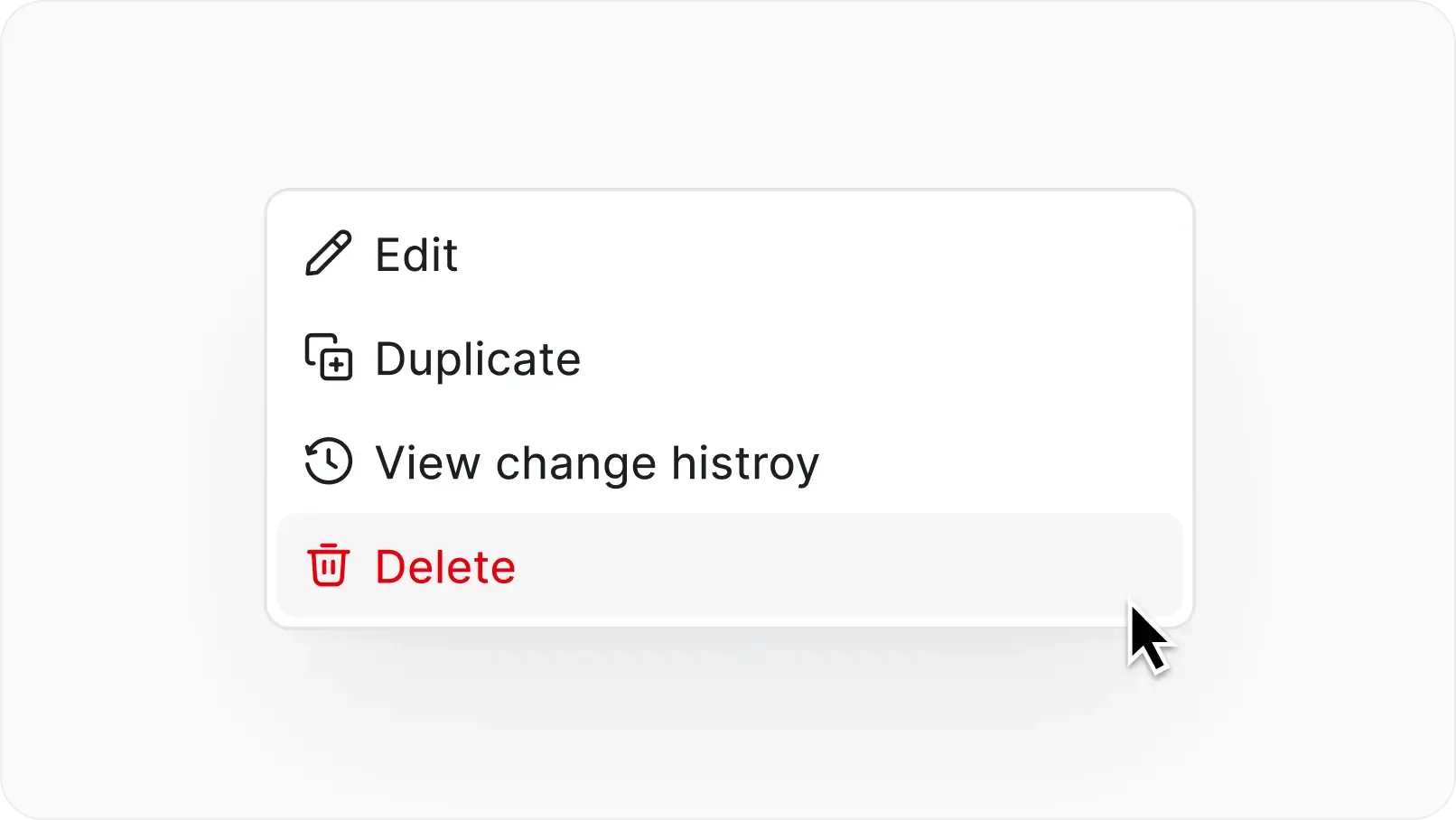
Delete without disruption
Remove a workflow and items fall back to the default. Nothing gets stuck.
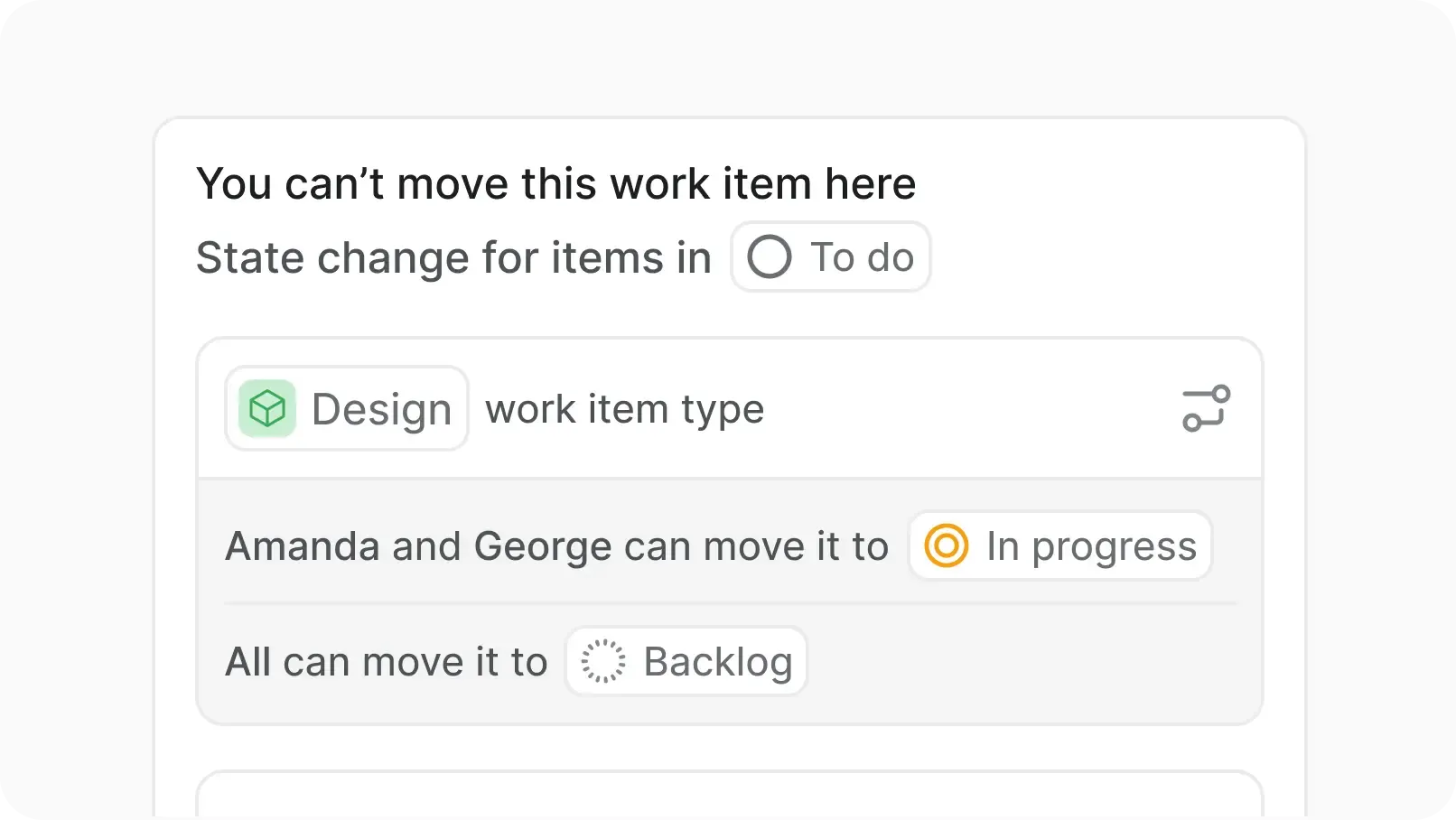
Blocker messages on invalid moves
Unauthorized transitions trigger clear blocker messages. Team members see exactly why an item cannot move.
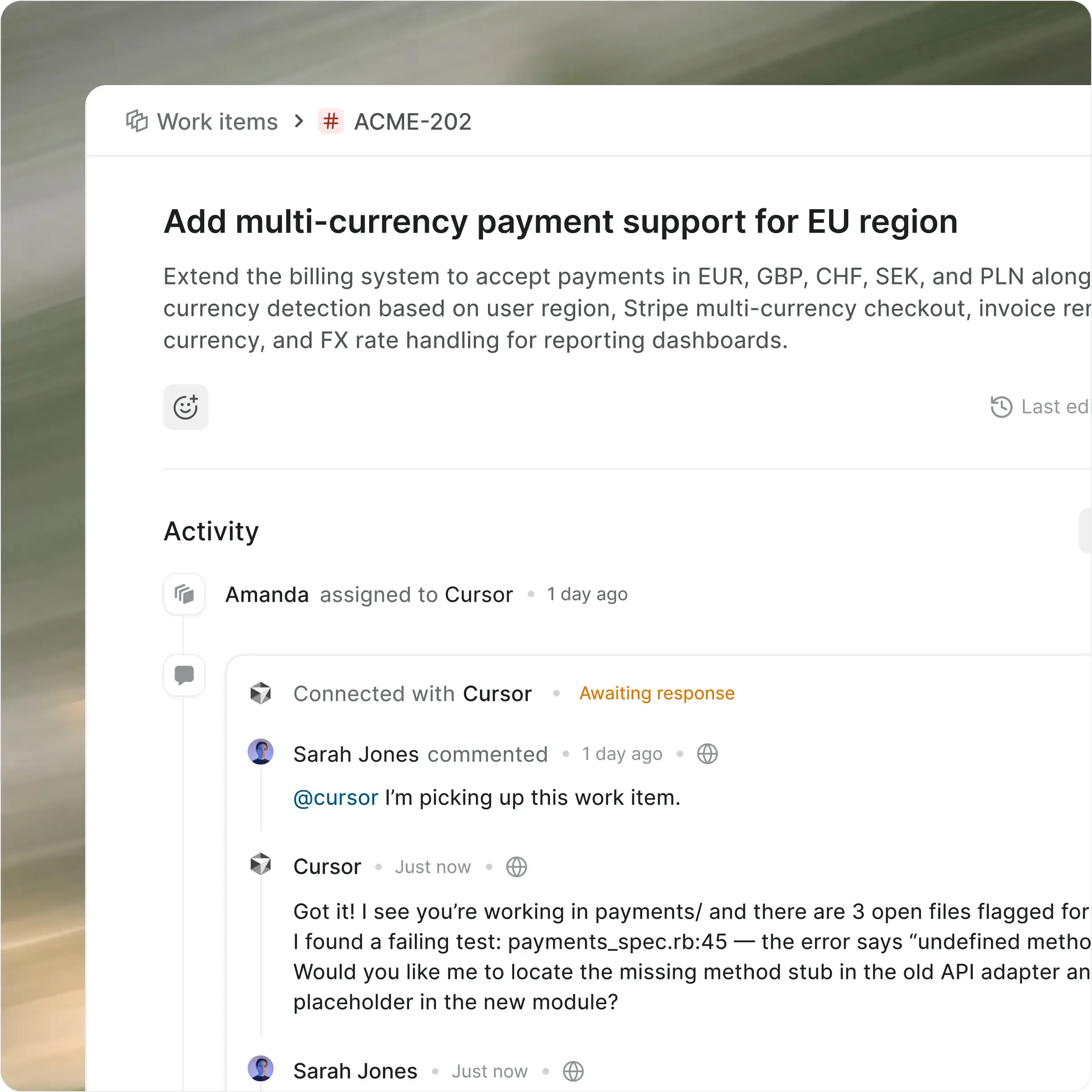
Workflows connect to everything downstream
Workflows govern how work moves. Every connected feature respects that governance.
Your workflows, your infrastructure
Everything you get on cloud, deployed on your infrastructure. Same speed, same capabilities, zero trade-offs.
Install in under 10 minutes
Deploy on Docker or Kubernetes
One-click backups
God mode for instance config
Air-gapped available
Migrate from Jira DC seamlessly
Admin panel for SMTP, auth, and more
Prime CLI to manage your instance
Enterprise-grade security, compliance, and control
Plane is built for teams where trust boundaries matter. Certified, encrypted, and governed end-to-end.

Certified across four compliance standards
SOC 2, ISO 27001, GDPR, and CCPA compliance out of the box. Independently audited, continuously monitored.
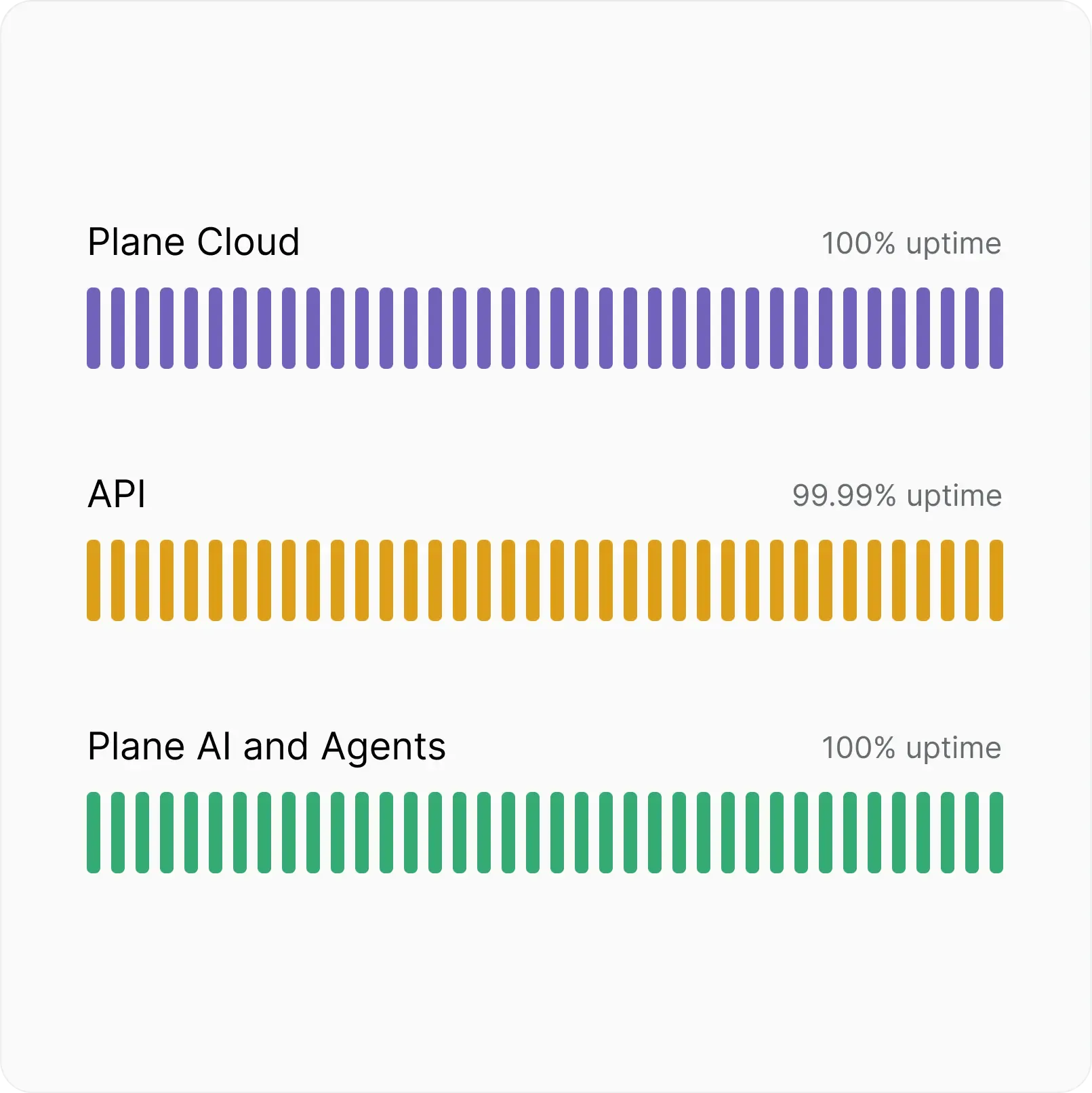
Fully committed uptime SLA
Automatic backups, real-time scaling, and multi-layer failovers. 100% Cloud uptime, 99.99% API uptime.
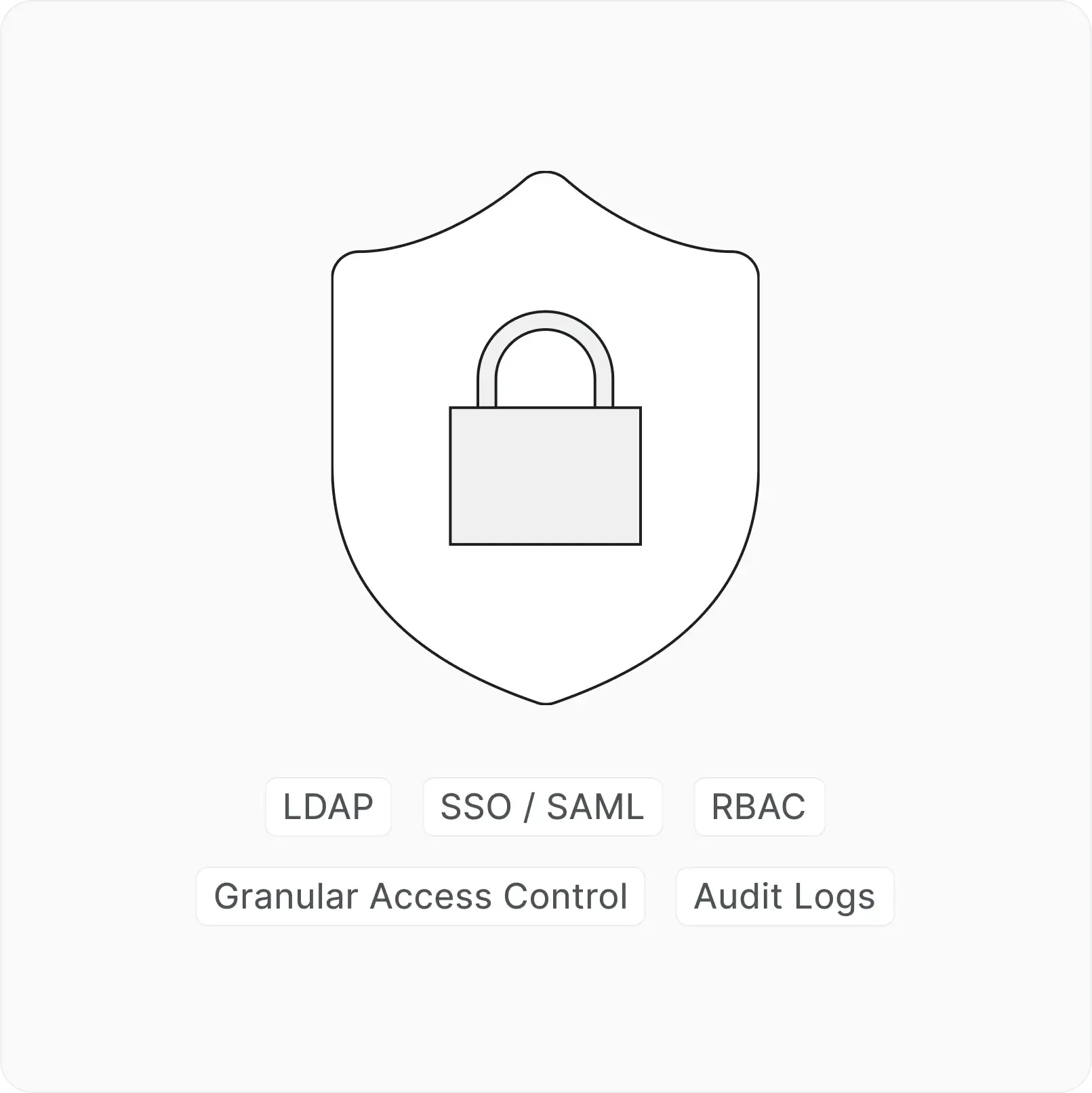
Identity and access at every layer
SSO, SAML, and LDAP across every workspace. RBAC, granular access control, and audit logs included.
Next-gen project
management starts here


 Download for Mac
 Download for Android