Form teams with any group of coworkers—functional, specialist, or cross-collaborative.
Link existing projects, house your team’s knowledge, and track team-level metrics easily.
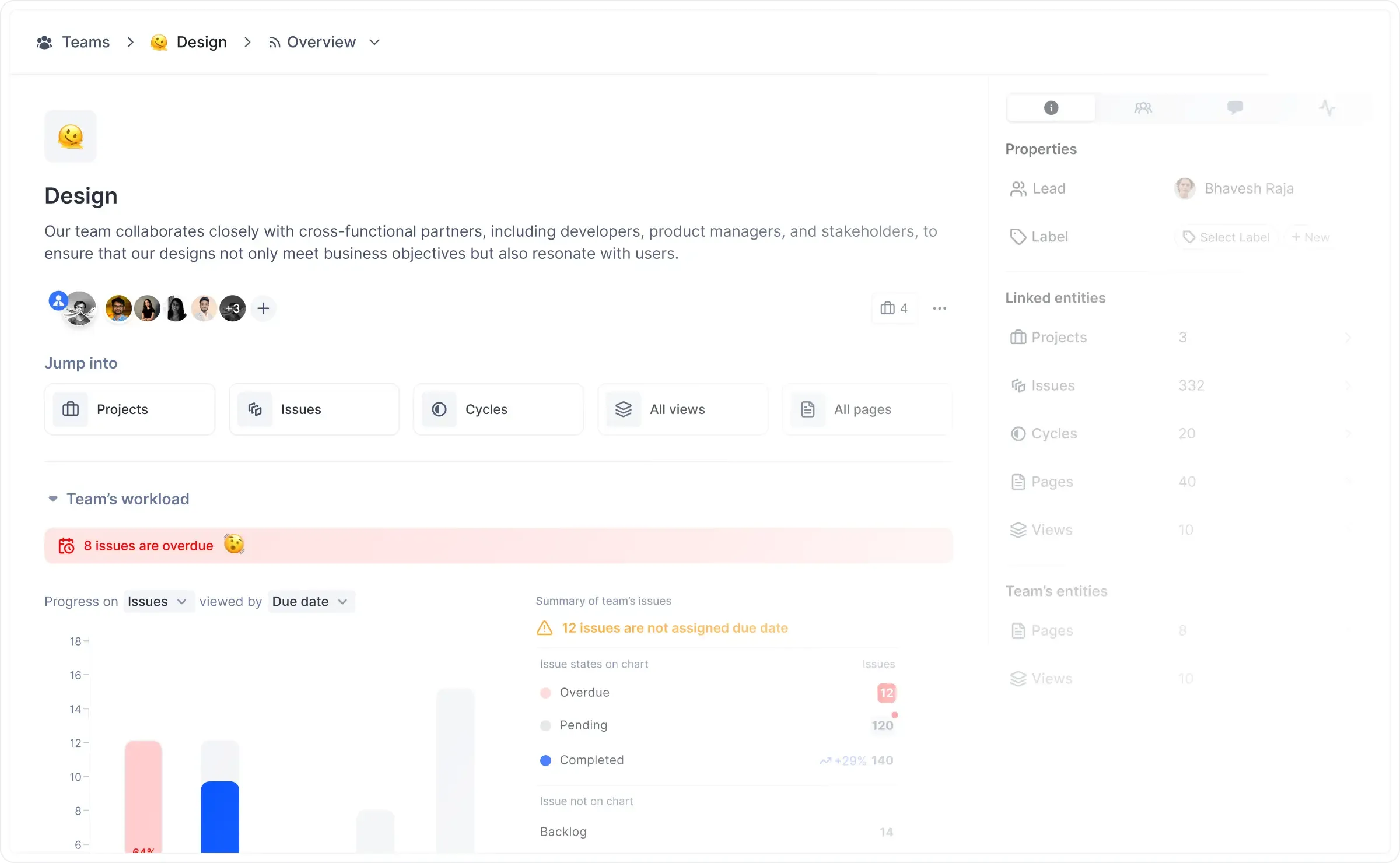
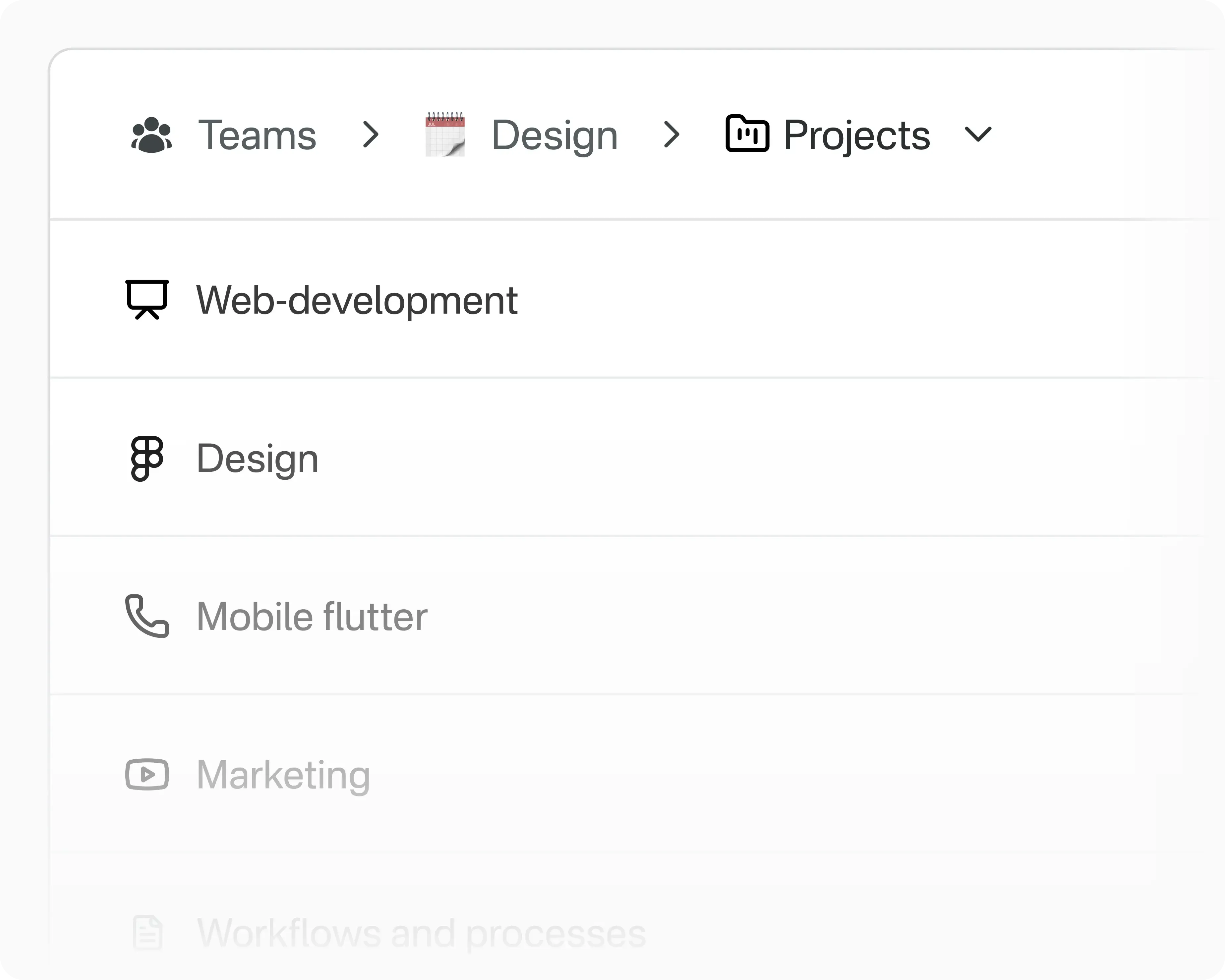
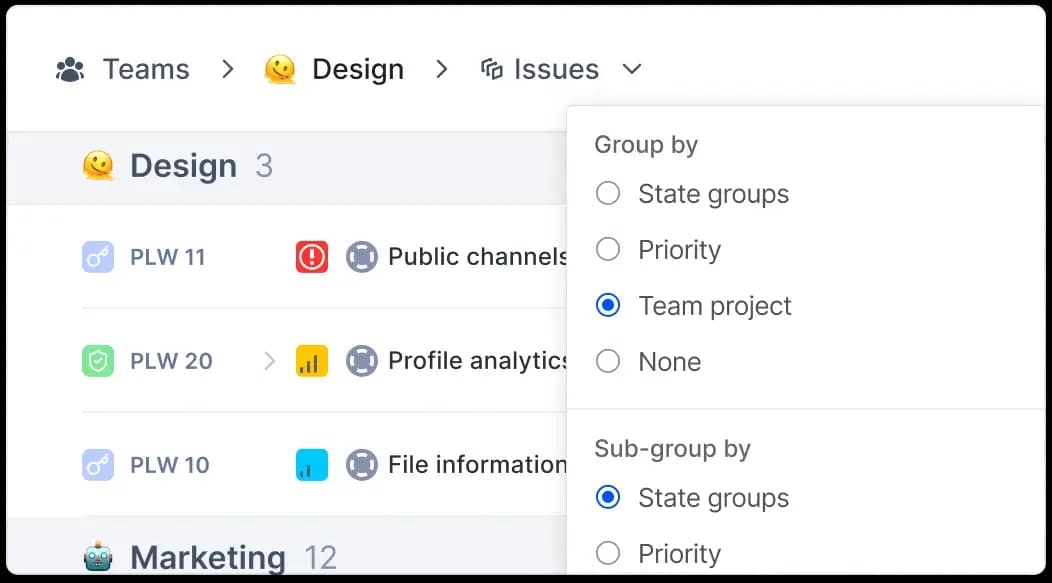
Group members into team and link projects they are already in. Track team-specific work in your teamspace along with a preset view of metrics that's relevant to your team, not the entire project.


Teamspaces now show you only that work that is assigned to members of your team from projects that you link. Zoom out to see all relevant work and swoop in to see who needs help.


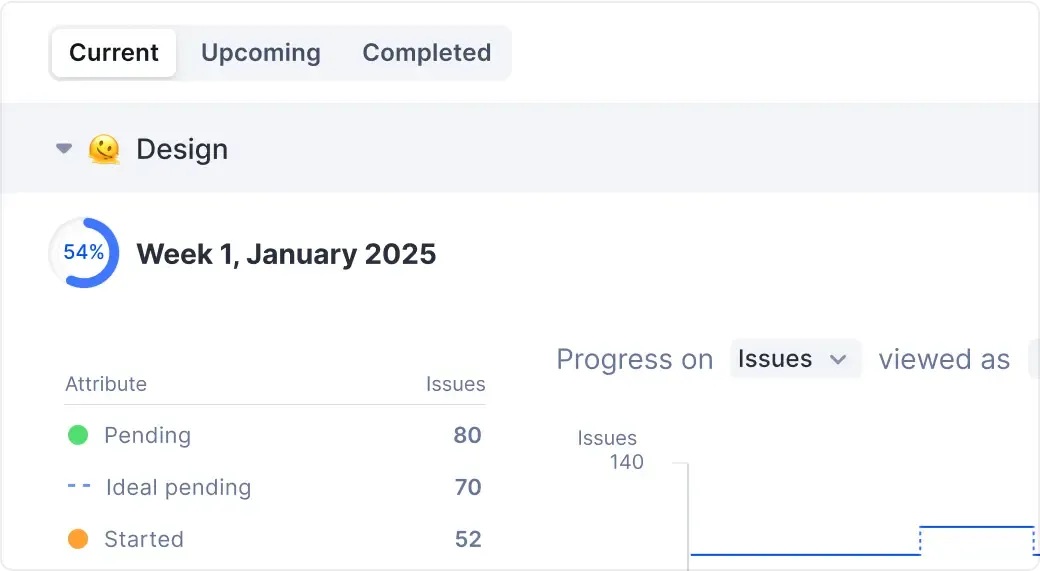
See all cycles from linked projects with preset views for just your team's work. Track just how your team's contributing to a cycle and who's falling behind without switching contexts.


Let your stakeholders and viewers choose what they want to see
without disrupting anyone else’s views.
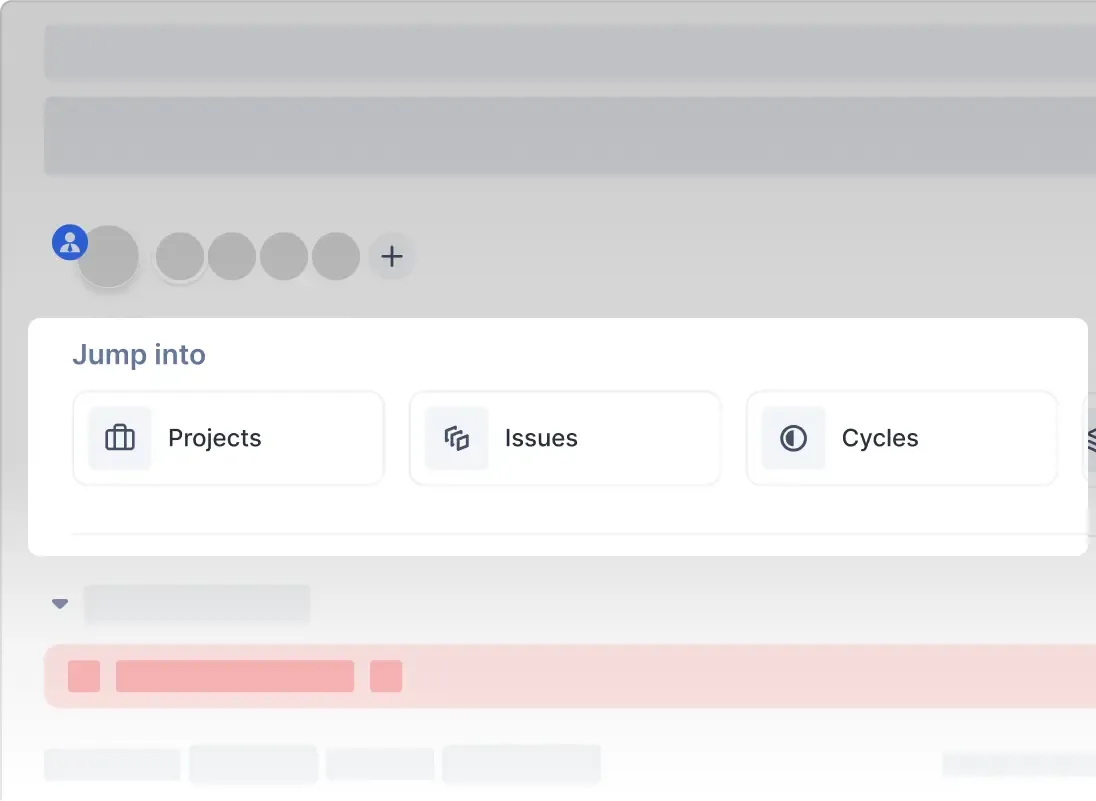
See your team’s members and description each time you land on the Overview. Use quick-access gateways to anything from here.


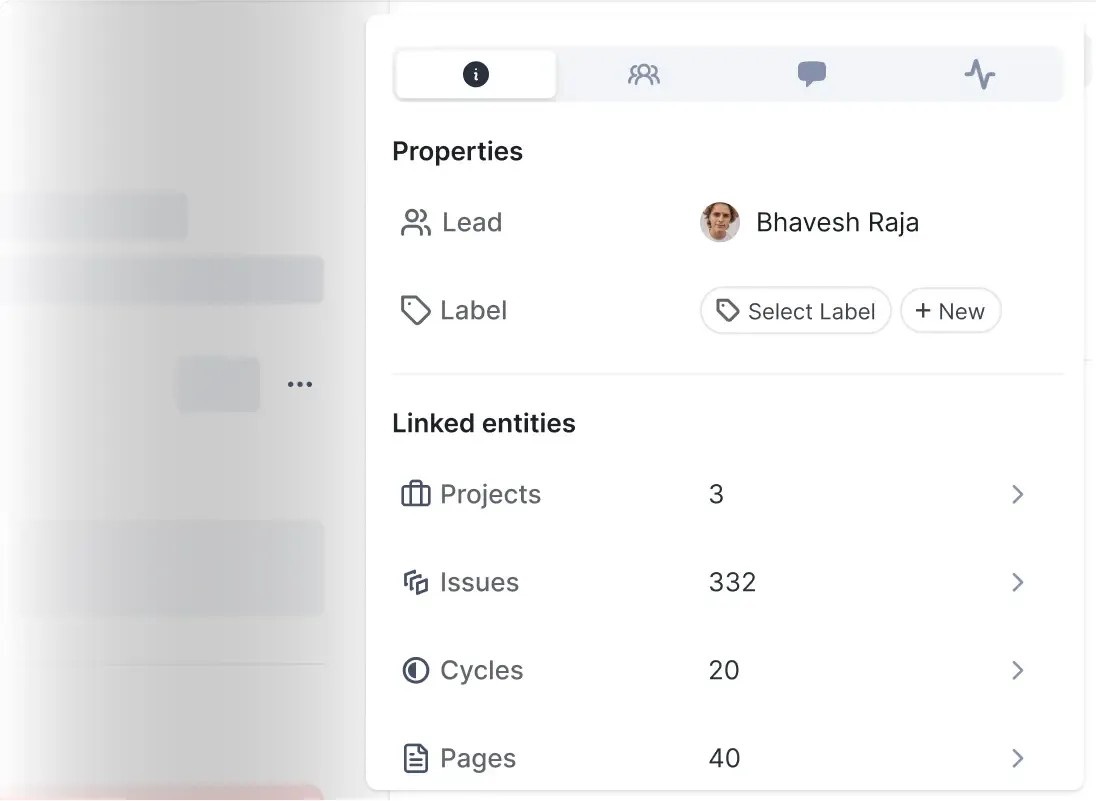
Tab your way to pertinent info in four neat categories. Click to tuck the pane away when you need more screen.


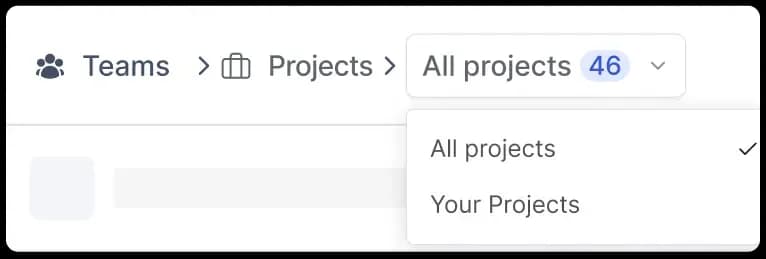
Land on a default view of your choice each time and switch to the other in a click.


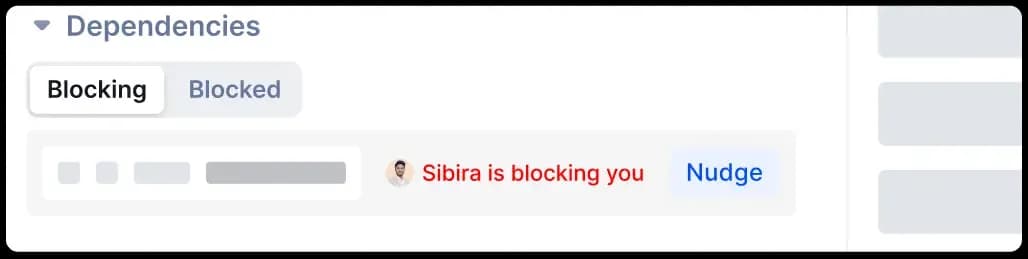
Send nudges to your teammates to unblock yourself. Get alerted to nudges in-app, on our mobile apps, and via e-mail.


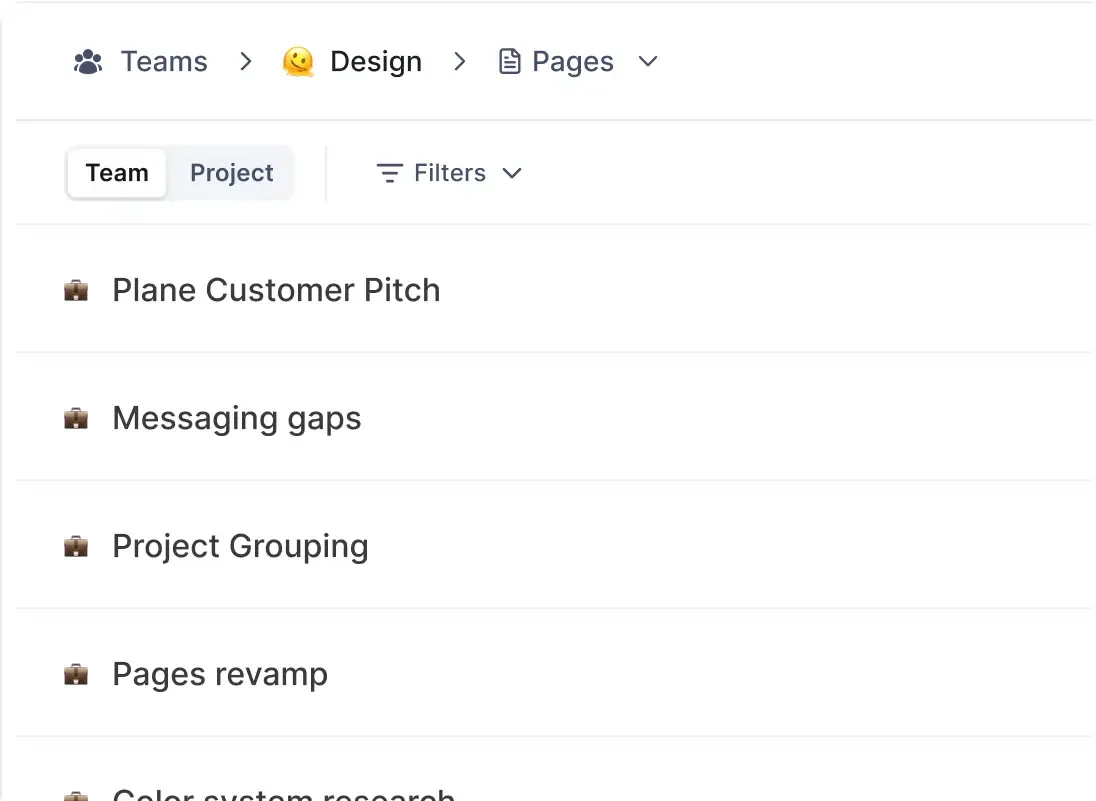
Forget the rest of any project. Create your own focus views to track
your team’s work and build up team-specific knowledge with Team Pages.
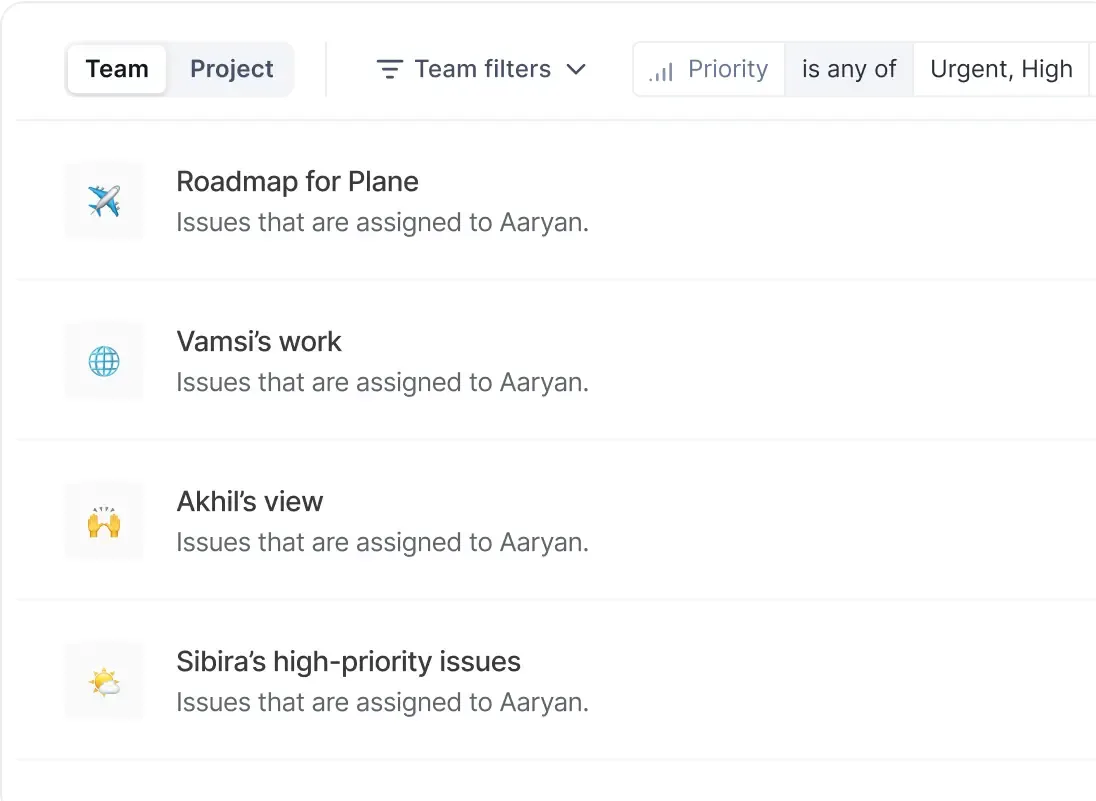
Create views that only your team has access to and switch easily between those and project-level views.


Lay down your processes, build your wikis, and keep your team’s knowledge separate from a project’s docs.


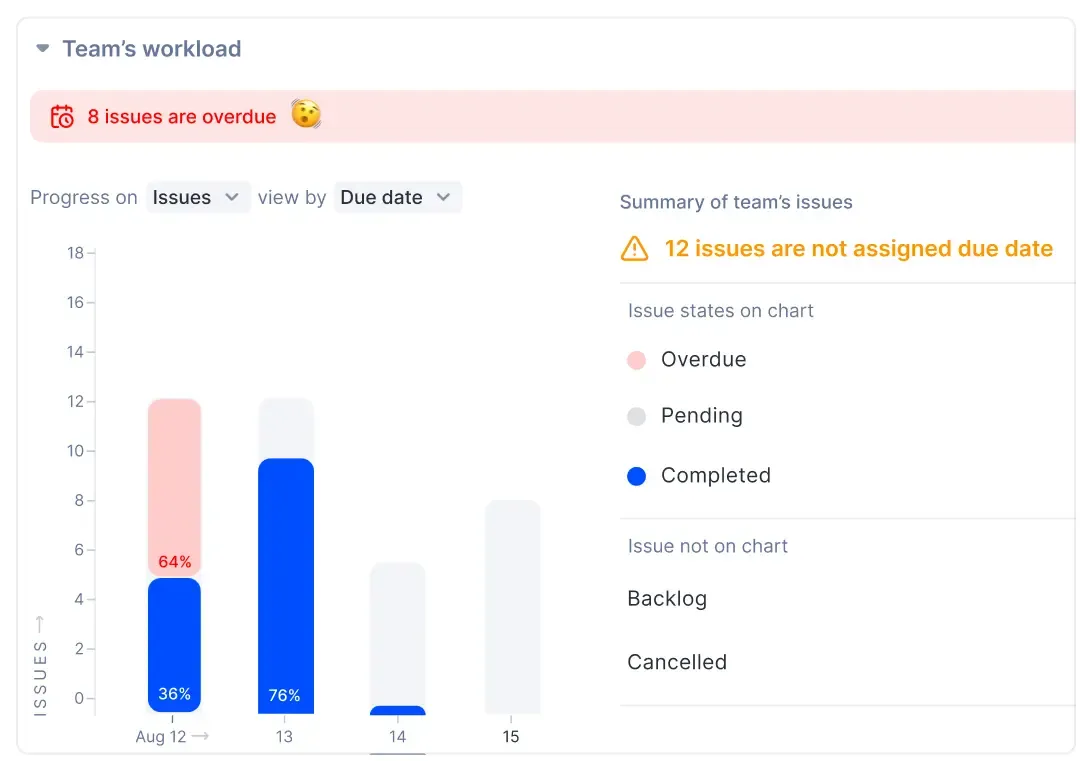
See workload per member in your team, track
distribution, and plan capacity on demand.


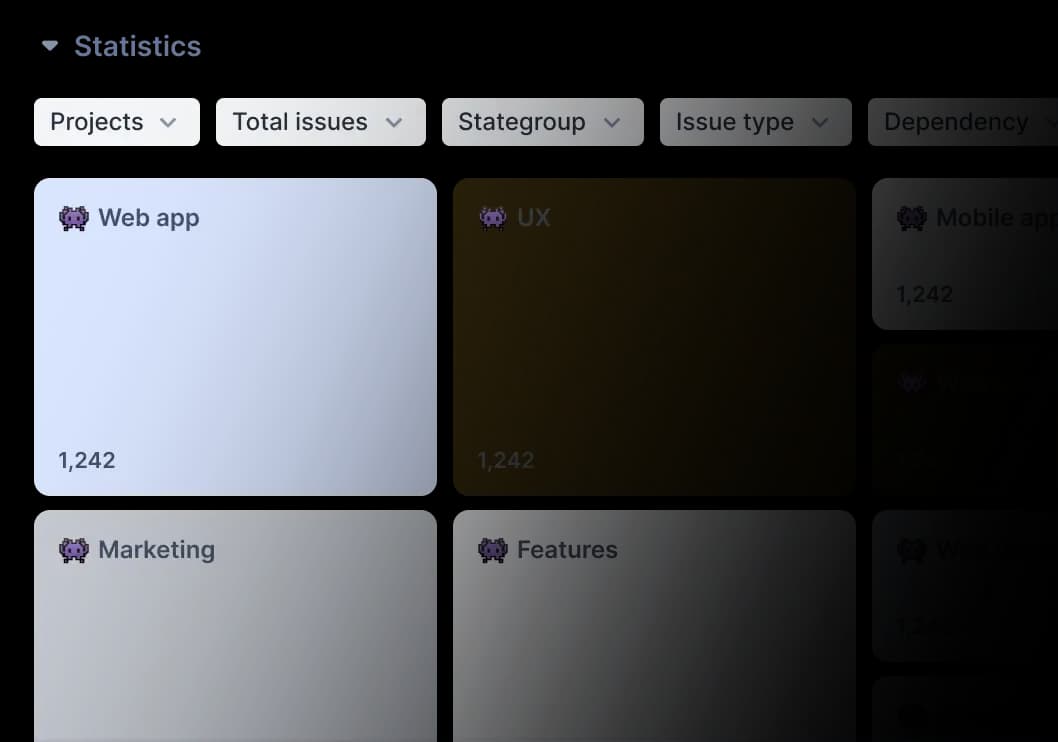
See all your team’s numbers in an intuitive, first-on-Plane treemap. Click through to breakdowns and zoom back out for the overview easily.