Definition of done (DoD): Checklist examples for Agile teams
Introduction
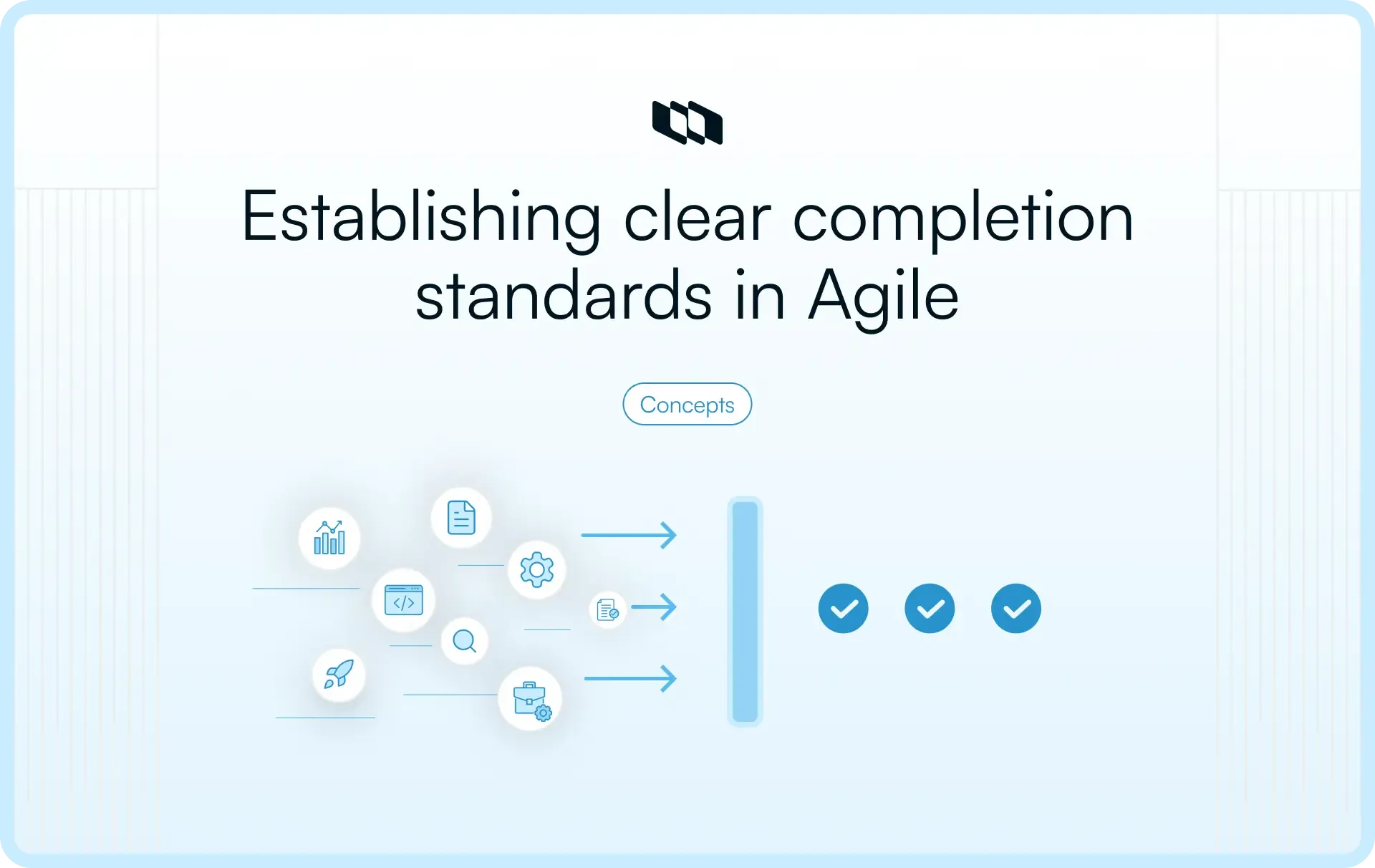
Your team just finished a feature, but is it really done? Without clear standards, "done" means different things to different people. Developers think code complete equals finished, while QA expects thorough testing, and product owners want documented, deployable work. This disconnect creates confusion, technical debt, and frustrated stakeholders who thought they were getting shippable software. This is where the definition of done enters; it's your team's shared agreement on what complete work actually means. This guide explores what a definition of done is, why Agile teams rely on it, and offers structured DoD checklist examples that support reliable delivery.
What is definition of done in Agile?
The definition of done is a shared checklist that defines when a task, user story, or increment meets the team’s quality and completion standards. It includes the criteria that must be satisfied before work is marked complete and considered ready for release or stakeholder review.
In Agile environments, teams use a definition of done checklist to ensure every work item meets the same baseline. This checklist often includes testing completion, code or deliverable review, documentation updates, and validation against acceptance criteria. By using a shared definition of done in Agile, teams ensure that completion reflects real readiness rather than individual interpretation.
A well-defined definition of done also creates consistency across sprints. Each completed task meets the same standard, improving predictability and building confidence in delivery timelines.
What “done” means in Agile and Scrum teams
In Agile and Scrum environments, “done” represents work that is complete, validated, and ready for use. Teams aim to produce a potentially shippable increment at the end of each sprint, meaning the delivered work meets quality standards and can move to production or release without additional effort.
The definition of done applies at multiple levels. At the work item level, it ensures each user story or task meets quality and validation criteria. At the sprint level, it confirms that the combined output of completed work forms a usable increment. This shared understanding allows teams to review progress confidently and ensures that completed work contributes to a releasable outcome at any point in the delivery cycle.
Definition of done vs. acceptance criteria vs. definition of ready
The terms definition of done, acceptance criteria, and definition of ready all guide delivery, yet each applies to a different stage of work. Clear separation between them improves sprint planning, execution quality, and release confidence.
Acceptance criteria define what success looks like for a specific user story. The definition of ready determines when that story is ready to enter a sprint. The definition of done defines when the work is fully complete and ready for release.
- Acceptance criteria focus on functional success: They describe what a feature must achieve from a user or business perspective. For example, a login feature may require email validation, password rules, and clear error messages. These conditions confirm that the feature works as expected.
- Definition of ready focuses on readiness to start: It ensures a backlog item has enough clarity before development begins. A story usually includes a clear description, acceptance criteria, known dependencies, and an agreed estimate. Once these conditions are met, the team can confidently begin work.
- Definition of done focuses on completion and release readiness: It applies after development begins and defines the quality standards required before work can be marked complete. Code review, testing, documentation updates, and validation checks typically form part of a definition of done checklist. Only after these standards are met does a task count as finished.
Together, these three create alignment across the delivery lifecycle. Definition of ready protects the start of work, acceptance criteria guide functionality, and the definition of done ensures that completed work meets consistent quality and release standards.
Who creates the definition of done?
A definition of done works only when the people doing the work believe in it. If it is written by one role and handed down to the team, it becomes a compliance checklist. If it is created together, it becomes a shared quality standard that guides real execution. Let's have a look at who is responsible for creating the definition of done:
1. The role of the Scrum or Agile team
The definition of done should be created by the team responsible for delivering the increment. This includes engineers, product managers, QA, designers, and any role involved in validation or release.
Each group sees completion through a different lens:
- Engineering focuses on code quality, review standards, and testing practices.
- Product focuses on alignment with acceptance criteria and user value.
- QA focuses on validation, edge cases, and stability.
- Design or documentation roles focus on usability and clarity.
When these perspectives combine, the DoD checklist captures the full reality of delivery. It stops being “dev complete” and becomes truly “delivery complete.”
Collaborative creation also drives adoption. Teams follow standards more consistently when they help shape them. The definition of done becomes part of how work flows, not a rule applied at the end.
2. Shared ownership and accountability
A DoD does not belong to a scrum master, engineering lead, or product manager. It belongs to the team.
Shared ownership means every completed task must satisfy the same agreed criteria before it is marked as done. Engineers confirm review and testing standards. The product ensures acceptance criteria are met. QA validates functional behavior. Completion becomes a collective responsibility rather than an individual judgment.
This shared accountability strengthens delivery discipline. It keeps quality integrated into daily execution instead of treating it as a final checkpoint. When the team owns the DoD in Scrum, they refine it based on real challenges and update it as practices mature.
3. Organizational vs. team-level definition of done
In growing organizations, a layered approach often works best.
- At the organizational level, leadership may define a baseline DoD. This baseline can include universal standards such as security validation, compliance checks, documentation updates, and release readiness. It ensures consistent quality across teams and products.
- At the team level, each team extends that baseline. A data engineering team may add data validation and monitoring criteria. A platform team may include infrastructure or performance checks. A product team may add usability validation or analytics tracking.
This structure creates balance. A shared baseline maintains reliability and consistency. Team-level additions ensure relevance to daily workflow.
When clearly defined at both levels, the DoD becomes a stable quality foundation across the organization while remaining practical for individual teams.
Key components of a definition of done checklist
A DoD checklist isn't just a random collection of tasks—it's a carefully structured agreement that ensures quality standards are met consistently. The most effective DoD checklists share core components that address multiple aspects of software delivery.
- Code quality standards form the foundation. This includes passing all unit tests, meeting code coverage thresholds, and passing peer code reviews. These technical criteria prevent technical debt from accumulating.
- Documentation requirements ensure knowledge isn't trapped in one person's head. Update API documentation, add inline code comments for complex logic, and refresh user-facing guides where relevant. Documentation keeps future developers, and your future self, from hitting roadblocks.
- Testing layers extend beyond unit tests. Integration tests verify that components work together, regression tests confirm that existing functionality remains intact, and acceptance tests validate that the feature meets requirements.
- Deployment readiness includes version control commits, successful builds in staging environments, and database migrations that have been tested. Your feature isn't truly done if it can't be smoothly deployed to production.
The strongest DoD checklists are living documents; teams regularly revisit and refine them as they learn what "done" really means.
Definition of done checklist examples for Agile teams
A definition of done becomes useful only when teams can apply it directly to real work. The examples below show how different teams use a DoD checklist to ensure that completed work meets consistent quality and readiness standards. Each scenario reflects how completion looks in practice across different functions.
1. Basic definition of done checklist for any Agile team
This universal DoD checklist works across most teams and functions. It focuses on clarity, quality, and readiness before marking any task complete.
Example scenario: A cross-functional team is working on improving onboarding for a SaaS product. Tasks include UI updates, copy changes, and workflow improvements. To ensure consistent completion across functions, the team uses a shared DoD in Agile.
Basic DoD checklist:
- Task meets defined acceptance criteria
- Work reviewed by a relevant team member
- Required testing or validation completed
- Documentation or notes updated
- Dependencies resolved
- Ready for stakeholder review or release
This baseline checklist ensures that every task, regardless of function, meets the same standard before it is completed.
2. Definition of done checklist for software development teams
Software teams require a more detailed DoD to account for technical validation and release dependencies.
Example scenario: An engineering team builds a new search feature for a web application. The feature must integrate with existing systems, pass testing, and remain stable after deployment.
Software team DoD checklist:
- Code reviewed and approved
- Automated tests written and passing
- Manual or integration testing completed
- No critical or high-priority defects
- Documentation or comments updated
- Feature deployed to staging and verified
- Ready for production deployment
This DoD example ensures that the feature reaches completion with stability and reliability, not just functional correctness.
3. Definition of done checklist for product or feature teams
Product and feature teams focus on validation, alignment with user needs, and release readiness.
Example scenario: A product team launches a new dashboard feature for customers. The feature must align with user expectations and support business goals.
Product team DoD checklist:
- Feature meets defined acceptance criteria
- User experience validated through review or testing
- Analytics or tracking is configured
- Stakeholder review completed
- Release notes or internal documentation prepared
- Ready for rollout or announcement
This checklist ensures that features deliver value and align with the product strategy before they are marked complete.
4. Definition of done checklist for non-engineering teams
Non-engineering teams such as marketing, design, or operations also benefit from a clear DoD.
Example scenario: A marketing team prepares a campaign launch for a new feature. Multiple assets must be completed and aligned before launch.
Non-engineering DoD checklist:
- Content or deliverable reviewed and approved
- Brand and messaging guidelines followed
- Links, assets, or dependencies verified
- Stakeholder sign-off completed
- Scheduled or published in relevant channels
- Performance tracking prepared
This DoD checklist ensures that deliverables are fully prepared and aligned before they are marked complete.
Levels of definition of done
A strong DoD in Agile teams operates at multiple levels. Completion standards for a single task differ from the standards required for a full sprint or a production release. When teams define DoD at only one level, gaps emerge during handoffs and release preparation. Clear levels ensure that every stage of delivery meets the required quality and readiness standards.
1. Story or task-level definition of done
This level applies to individual backlog items such as user stories, tasks, or bug fixes. It ensures that each unit of work meets consistent quality standards before moving forward.
- Functional completion: Acceptance criteria for the story are fully satisfied and validated.
- Code or deliverable quality checks: Peer review or design review is completed and approved.
- Testing completed: Unit, functional, or relevant validation checks are finished successfully.
- Documentation updated: Any required documentation, notes, or comments reflect the completed work.
- Ready for integration: The work can safely move into the shared codebase or workflow without additional fixes.
A strong story-level DoD checklist ensures that every completed item contributes cleanly to the overall sprint output.
2. Sprint-level definition of done
Sprint-level completion focuses on the combined output of all completed work during the sprint. Even if individual stories meet their DoD, the sprint output must still form a usable increment.
- All committed stories meet story-level DoD: No partially complete items are counted as finished.
- Integrated and tested together: Completed items function correctly when combined.
- No unresolved critical defects: Major issues are addressed before sprint closure.
- Stakeholder or product validation completed: Work aligns with sprint goals and expectations.
- Ready for demonstration or deployment: The increment can be reviewed, shared, and released with confidence.
A clear sprint-level DoD ensures that sprint reviews reflect real progress rather than partially finished work.
3. Release-level definition of done
Release-level DoD applies when work moves toward external deployment or customer availability. This level introduces additional checks that go beyond day-to-day sprint completion.
- End-to-end validation completed: Features work reliably across integrated environments.
- Performance and security checks passed: Systems meet required stability and safety standards.
- Documentation and release notes prepared: Users and internal teams understand the update.
- Compliance or regulatory checks completed: Required approvals or standards are satisfied.
- Deployment readiness confirmed: Infrastructure, monitoring, and rollback plans are in place.
A release-level DoD ensures that completed work reaches users in a stable and reliable state. When teams maintain clear DoD standards across story, sprint, and release levels, delivery remains consistent from initial development to final deployment.
How to create a definition of done for your team
A useful DoD comes from real delivery experience, not theory. Teams build strong completion standards by observing where work breaks down and converting those lessons into clear, repeatable criteria. A structured approach helps teams create a definition-of-done checklist that reflects actual workflow needs and evolves over time.
1. Identify recurring gaps in completed work
Start by examining work that was marked complete but later required additional effort. These gaps reveal what your DoD currently misses.
- Review recent sprints and releases to identify unfinished tasks that surfaced after completion.
- Look for repeated patterns such as missing documentation, incomplete testing, or late stakeholder feedback.
- Note where work returned to the backlog after the sprint review or release preparation.
These recurring gaps form the foundation of a strong DoD in Agile teams. Each missed step represents a completion criterion that needs to be made explicit.
2. Collaborate with the full team
A DoD works best when it reflects the entire delivery lifecycle. Involve everyone responsible for building, validating, and releasing work.
- Engineering teams define standards for review, testing, and integration.
- Product managers ensure alignment with acceptance criteria and business goals.
- QA and operations teams highlight validation and release readiness requirements.
- Design or documentation roles contribute usability and communication checks.
This collaborative process ensures that the DoD checklist captures every step required for true completion. Shared input also increases adoption and consistency across sprints.
3. Convert expectations into checklist items
Many teams rely on implicit expectations that remain undocumented. Turning these expectations into clear checklist items removes ambiguity.
- Replace vague expectations with measurable criteria.
- Use simple, verifiable statements such as “code reviewed and approved” or “documentation updated.”
- Group checklist items into logical sections such as testing, review, and release readiness.
When expectations become explicit, teams gain clarity on what completion requires. The DoD shifts from assumption to shared agreement.
4. Test and refine across sprints
The DoD should be tested in real-world conditions. Apply the checklist to current backlog items and observe how it performs during execution.
- Use the checklist during sprint execution and reviews.
- Identify criteria that slow delivery unnecessarily or fail to capture essential steps.
- Adjust wording and structure to match the actual workflow.
Testing the DoD in Scrum environments ensures that it remains practical and aligned with team capacity.
5. Review and update regularly
Delivery processes evolve as teams adopt new tools, automation, and quality practices. The DoD should evolve with them.
- Review the checklist during retrospectives or periodic process reviews.
- Add new criteria when recurring gaps appear.
- Simplify or refine items that no longer reflect the current workflow.
A living DoD keeps completion standards relevant and effective. As teams mature, the checklist becomes more refined, measurable, and aligned with real delivery needs.
Common mistakes teams make with DoD
A DoD improves delivery only when teams use it consistently and keep it practical. Many teams create a checklist once and assume it will solve alignment issues. In reality, gaps appear when the definition of done becomes unclear, unrealistic, or disconnected from daily workflow. Recognizing these common mistakes helps teams maintain a DoD that supports consistent and reliable delivery.
1. Confusing definition of done with acceptance criteria
Acceptance criteria and the DoD serve different purposes, yet teams often combine them into a single checklist.
- Acceptance criteria define what a specific feature must achieve.
- The DoD checklist defines the quality and completion standards that apply to every task.
- When teams treat them as the same, functional success may be validated while quality checks remain incomplete.
Separating these concepts ensures that work meets both functional expectations and completion standards before it moves to done.
2. Creating a checklist that is too long or too vague
A DoD should be clear and practical. When it becomes overly detailed or unclear, teams struggle to apply it consistently.
- An excessively long checklist slows execution and reduces adoption.
- Vague criteria such as “properly tested” or “reviewed” create interpretation gaps.
- Teams may begin skipping items when the checklist feels unrealistic.
A strong DoD in Agile environments uses concise, measurable criteria that can be verified quickly during execution.
3. Not making DoD visible in the workflow
A DoD cannot guide delivery if it remains buried in documentation. Visibility ensures that completion standards influence everyday work.
- Teams need quick access to the DoD checklist while working on tasks.
- Visibility during sprint planning and reviews reinforces consistent use.
- Clear display within the workflow helps teams confirm completion before moving tasks forward.
When the DoD remains visible and accessible, it becomes part of daily execution rather than a forgotten guideline.
4. Skipping DoD under deadline pressure
Delivery pressure often leads teams to mark work complete before it meets defined standards. This creates short-term progress but introduces long-term issues.
- Incomplete testing or documentation resurfaces later as rework.
- Quality gaps accumulate, slowing future releases.
- Sprint metrics lose accuracy when partially completed work is counted as done.
Maintaining the DoD in Scrum environments during high-pressure periods protects delivery quality and prevents hidden work from compounding.
5. Failing to update DoD over time
Teams evolve as tools, processes, and maturity improve. A static DoD eventually becomes outdated.
- New testing practices or automation may require updated criteria.
- Changes in release processes may introduce additional validation steps.
- Repeated delivery gaps often signal missing checklist items.
Regular review ensures that the DoD continues to reflect current workflow realities. A living checklist supports consistent quality and keeps completion standards aligned with how the team actually delivers work.
Final thoughts
A strong DoD turns completion into a measurable standard rather than a status update. It aligns engineering, product, and QA around a shared expectation of quality and ensures that every backlog item contributes to a potentially shippable increment. When teams use a clear definition of done checklist, sprint reviews reflect real progress, velocity becomes meaningful, and release decisions carry confidence. Over time, this clarity compounds. Estimation improves, rework decreases, and delivery becomes predictable.
A DoD in Agile is a practical discipline. It defines the finish line for every task and ensures that when work is marked complete, it is truly ready to move forward.
Frequently asked questions
Q1. What does the definition of done (DoD) ensure?
The definition of done ensures that every completed task meets a shared quality and completion standard before it is marked finished. It confirms that testing, review, validation, and documentation requirements are satisfied, so the work is potentially releasable and ready for stakeholder review or production use.
Q2. What is the definition of done for data engineering?
The definition of done for data engineering typically includes data validation, pipeline testing, schema checks, documentation updates, and monitoring readiness. It ensures that data pipelines run reliably, that outputs are accurate, that dependencies are stable, and that the delivered work can support downstream analytics or production systems without additional fixes.
Q3. What is the definition of DoD?
DoD stands for definition of done. It is a shared checklist used by Agile and Scrum teams to determine when a task or user story meets all required quality, testing, and release standards. A clear definition of done in Agile helps teams deliver consistent and reliable outcomes across every sprint.
Q4. Can the definition of done evolve?
Yes, the definition of done should evolve as teams mature and delivery practices improve. New testing standards, automation, compliance requirements, or workflow changes often require updates to the definition-of-done checklist. Regular reviews during retrospectives help keep it aligned with current processes.
Q5. What is the definition of done (DoD)?
The definition of done is a shared agreement within a team that defines when work is complete and ready for release or review. It includes measurable criteria such as testing completion, review approval, and documentation updates. A well-defined definition of done ensures that completed work reflects true progress and consistent quality.
Recommended for you



 Download for Mac
 Download for Android