The role of wikis in improving team communication
Introduction
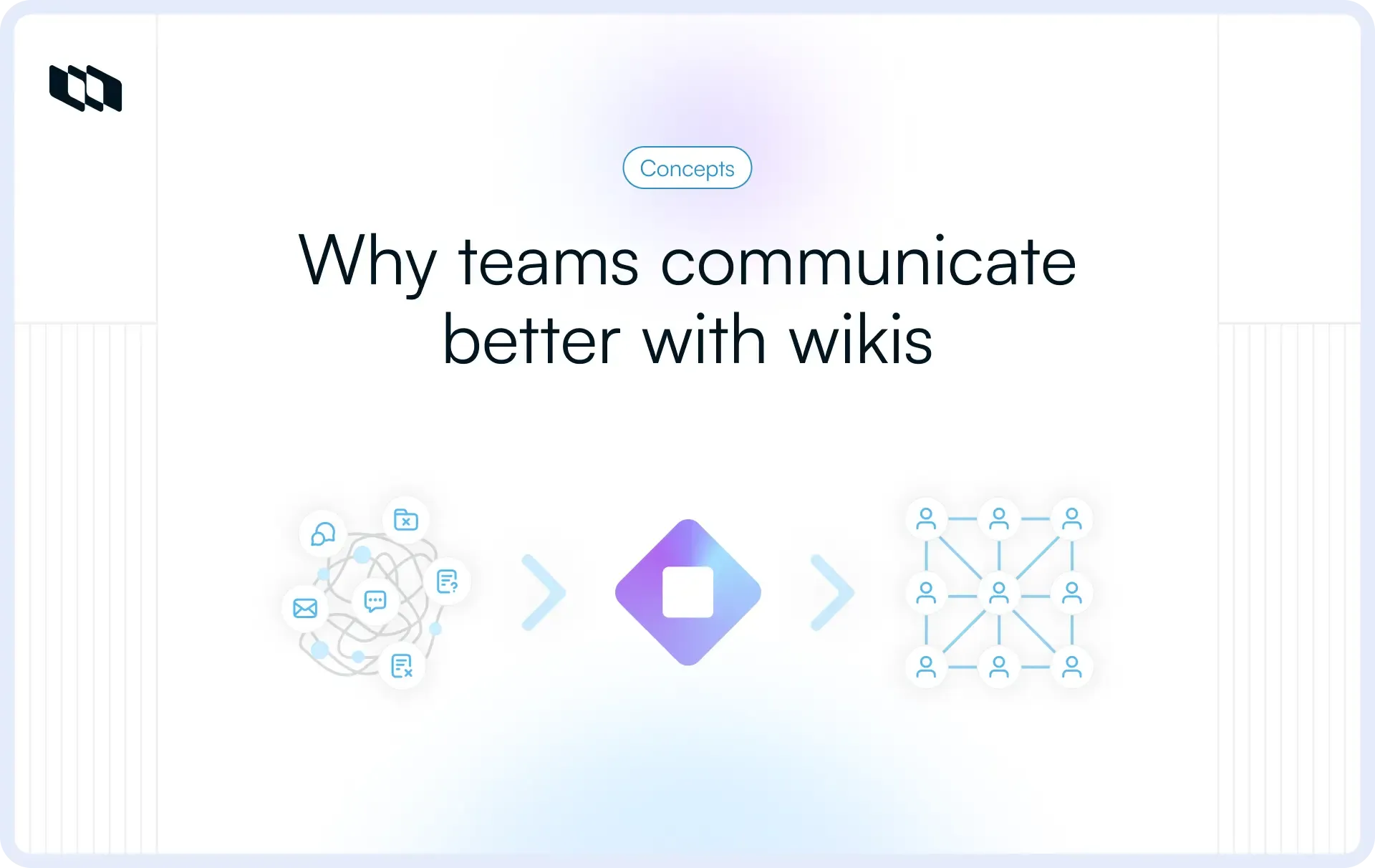
Every growing team hits a tipping point where context becomes difficult to track. People ask the same questions, updates get buried, and decisions live in screenshots rather than in systems. A well-maintained wiki addresses this by serving as the team’s shared memory, one place to find answers, understand decisions, and stay aligned. In this guide, we explore how wikis improve communication and what distinguishes a helpful wiki from a forgotten one.
What is a team wiki?
A team wiki is the central place where a company’s knowledge resides, not scattered across files, chats, or individual memories, but instead organized, linkable, and easy for anyone to update. It transforms day-to-day work, decisions, and processes into a shared resource the entire team can rely on. Unlike static documents or fleeting chat threads, a wiki stays current and evolves as the team learns.
How does wiki differ from docs and chat?
Wiki vs. shared docs
Shared docs work well for one-time outputs: specs, briefs, meeting notes, PRDs. They’re static snapshots created for a specific moment.
A wiki, on the other hand, is built for ongoing clarity. Pages are linked, structured, and regularly updated so that information doesn’t get lost in outdated files. Instead of digging through folders or scattered documents, people navigate a connected knowledge base that keeps content current.
Wiki vs. chat
Chat is designed for speed, quick questions, fast decisions, and immediate alignment. But chat isn’t where long-term knowledge should live. Messages disappear, threads go off-topic, and critical context becomes nearly impossible to retrieve.
A wiki serves as the permanent home for the answers and decisions that matter. If chat is conversation, the wiki is memory. Anything the team might need again should be moved from Slack into the wiki.
Why wikis matter in remote/async teams
Distributed teams succeed only when information flows freely, without requiring everyone to be online at the same time. A wiki reduces dependence on real-time conversations and eliminates endless back-and-forth. People can get answers without interrupting teammates, onboard faster, and stay aligned across time zones—the result: fewer status meetings, fewer blockers, and cleaner, more predictable communication.
The communication problems wikis actually solve
Wikis aren’t just a documentation tool, they’re an antidote to the communication chaos that naturally emerges as teams grow. By creating a single trusted place for context, decisions, and processes, they reduce the friction that no amount of meetings or Slack messages can fix.
1. Scattered context and lost decisions
Teams often remember that a decision was made, but not where it lives. Slack threads vanish, docs get duplicated, and people rely on memory instead of systems. A wiki consolidates this scattered context into a single place so decisions don’t need to be rediscovered or re-explained.
2. Inconsistent answers across teams
Without a shared source of truth, each team builds its own version of “how things work.” Engineering follows one workflow, design follows another, and the product has explanations that live in old docs. A wiki aligns everyone around the same definitions, processes, and expectations.
3. Communication overload (meetings, pings, updates)
Teams compensate for missing information with more meetings, more pings, and more status updates. But most of these interruptions exist only because the right context isn’t accessible. When the wiki becomes the center of truth, teams replace recurring questions with self-serve clarity, and the meeting load drops naturally.
4. Onboarding confusion
New hires shouldn’t need to “hunt humans” to learn how work happens. With a strong wiki, onboarding becomes predictable and repeatable. People ramp faster, make fewer mistakes, and integrate into the team without relying on tribal knowledge.
How wikis improve team communication (the core roles they play)
Wikis improve communication not by adding another tool, but by creating the structure teams need to communicate consistently. They reduce ambiguity, provide shared context, and make information reusable instead of short-lived.
1. Enable async communication
Most communication bottlenecks happen because teams rely too heavily on real-time responses. When updates, decisions, and clarifications are captured in a wiki, teammates don’t need to chase someone on Slack or wait for a meeting to get direction. Work continues smoothly across time zones, and decisions remain visible long after the conversation ends.
2. Provide a single source of truth
Without a single source of truth, teams operate on different interpretations of how things work. A wiki centralizes the essentials, policies, processes, definitions, FAQs, and updates into a single reliable source. This eliminates version drift and ensures everyone is aligned on the most up-to-date information.
3. Improve transparency across teams
Teams communicate better when they can see the full picture. A wiki gives product, engineering, design, and operations visibility into each other’s workflows, decisions, and dependencies. This reduces assumptions, clarifies expectations, and creates a more predictable execution rhythm across functions.
4. Document decisions and reasoning
Communication breaks when people know what changed but not why. Wikis capture the reasoning behind decisions so future teammates don’t have to repeat debates or rely on memory. This long-term traceability helps teams make faster, more informed decisions and avoid revisiting old conversations.
5. Speed up onboarding and cross-team handoffs
New hires and collaborators communicate better when they start with the right context. A wiki turns onboarding into a self-serve experience: workflows, definitions, rituals, and expectations are already documented. Cross-team handoffs also become easier because teams can share pages rather than re-explain processes.
Handoffs improve dramatically when definitions and expectations are clear. Analytics that actually matter in project management show how teams use shared metrics and documentation to stay aligned.
6. Reduce repeated questions
Teams lose hours answering the same questions over and over. When a wiki becomes part of the communication habit, teammates link to existing pages rather than rewrite explanations. Over time, this reduces noise, keeps Slack cleaner, and ensures consistent answers across the organization.
How to design a wiki that genuinely strengthens communication
A wiki only improves communication if it’s intentionally designed. Many teams create pages, add a few documents, and expect clarity to appear magically. But effective wikis are built around how teams actually work, how they make decisions, share updates, and move projects forward. These principles help you design a wiki that becomes a communication multiplier instead of another abandoned tool.
1. Structure it around workflows, not org charts
Organizational charts change; workflows don’t.
Instead of creating spaces like “engineering,” “design,” or “marketing,” structure the wiki around recurring activities:
- How we work: rituals, processes, definitions, operating principles
- What we’re working on: roadmaps, projects, priorities
- What we decided: decisions, RFCs, architectural choices, trade-offs
This workflow-first approach keeps information naturally connected and helps teams find context based on what they’re trying to do, not which department they belong to.
2. Use communication-first templates
Templates are the fastest way to enforce clarity and consistency. They reduce ambiguity and make sure the correct information is captured every time. High-impact templates include:
- Meeting notes with clear decisions and owners
- Decision records that capture context, options, and reasoning
- Project updates with status, risks, and next steps
- RFCs for proposing changes across teams
- FAQs for recurring questions and onboarding
These templates ensure that communication becomes structured, searchable, and easy to reference.
3. Keep discussions visible
Good wikis don’t hide conversations; they make them part of the knowledge base. Use comments, mentions, and inline discussions to show how decisions evolved. Version history helps teams trace when changes were made and why. This visibility strengthens communication because the reasoning is transparent, not tucked away in private chats.
4. Maintain clarity with naming, tagging, and linking
A wiki only works if people can find what they need. Clear naming conventions (“product decisions,” “engineering workflows,” “project templates”), consistent tags, and thoughtful linking help the team navigate faster. Interlinked pages also create a natural map of related knowledge, making it easier to understand context without digging through folders.
5. Establish owners and review cadences
Wikis decay when no one is responsible for keeping them up to date. Assign page owners, not to write everything, but to ensure the information remains accurate. Pair this with a review cadence (monthly, quarterly, or tied to project cycles) so outdated content gets refreshed or archived. Trust increases when people know the wiki reflects reality.
Practical ways teams use wikis to communicate better
Wikis become powerful when they’re woven into daily communication habits. Instead of treating them as static documentation, high-performing teams use wikis as active tools that replace meetings, reduce noise, and create shared clarity across functions.
1. Replacing status meetings with written updates
Many recurring meetings exist only because updates aren’t documented. With a wiki, teams replace weekly status calls with lightweight written updates. Project pages track progress, risks, and next steps. Teammates read asynchronously, add comments, and clarify anything unclear, no live meeting required.
2. Turning Slack threads into canonical wiki pages
Slack is great for discussion, but terrible for memory. Strong teams follow a simple rule: if the answer matters, move it to the wiki. When a Slack thread leads to a decision, a clarified requirement, or a resolved question, someone converts the final outcome into a wiki page. This eliminates repeated explanations and ensures the real answer is always discoverable.
3. Documenting team rituals and processes
Rituals drive consistency, but they only work when everyone knows how they function. Wikis capture sprint cadences, estimation guidelines, onboarding steps, release processes, and review rituals so teams don’t rely on tribal knowledge. New hires ramp faster, and existing teammates stay aligned even when processes evolve.
4. Capturing decisions and change logs
Wikis provide a durable trail of what changed, why it changed, and who decided. Decision logs, architecture notes, product trade-offs, and policy updates live side-by-side with context. This reduces repeated discussions and helps teams avoid revisiting old debates because the reasoning is already documented.
5. Supporting cross-functional teams
Cross-functional work requires shared definitions, consistent workflows, and clear expectations. Wikis become the common space where teams document shared playbooks, definitions of done, cross-team handoff templates, and communication norms. When everyone references the same pages, handoffs become smoother, and misunderstandings drop.
Introducing a wiki-first communication habit in your team
A wiki only works when it becomes part of how teams communicate every day. The goal isn’t to document everything; it’s to document the information people routinely need to move faster. These practices help teams shift from ad-hoc communication to a wiki-first culture that scales naturally as the company grows.
1. Start with high-impact areas
Don’t try to build the entire wiki at once. Begin with the areas that immediately reduce noise and confusion: onboarding guides, decision logs, and project status pages. These categories have the highest communication cost, so documenting them first creates instant value and motivates teams to contribute more.
2. Seed the wiki with must-have pages
People won’t adopt a wiki that feels empty. Create a strong base layer before asking others to contribute, including how the team works, current projects, decision records, reference guides, and recurring rituals. When the wiki already helps people unblock themselves, adoption becomes organic.
3. Create simple contribution rules
Contribution should be easy and obvious. Set a lightweight rule the whole team can remember: if someone else might ask this later, document it. This shifts the mindset from “write long docs” to “capture reusable knowledge,” which is far more sustainable.
4. Answer questions with links
Habits form through repetition. When teammates reply to questions with wiki links instead of rewritten explanations, it reinforces the wiki as the primary source of truth. Over time, people check the wiki first, ask second, reducing duplicated questions and Slack overload.
5. Celebrate contributions
Wikis thrive when teams see documentation as valuable rather than extra work. Call out great pages, highlight improvements in standups, and acknowledge contributors who keep information clean and up to date. Public recognition reinforces the idea that documenting knowledge is a core part of how the team communicates, not an afterthought.
Common pitfalls to avoid
A wiki is only as useful as the discipline behind it. Many teams set one up with good intentions, but without the right practices, the wiki quickly becomes cluttered, outdated, or ignored.
These are the pitfalls most teams fall into, and how to prevent them.
1. Stale pages
Wikis lose trust the moment information feels outdated. When teammates can’t rely on accuracy, they stop checking the wiki altogether.
To fix this, assign owners for essential pages and set review schedules tied to sprint cycles, quarterly planning, or product updates. A light maintenance routine keeps pages fresh and dependable.
2. Over-structure or under-structure
Too much structure makes content hard to find; too little structure makes everything messy. Navigation needs to be simple, predictable, and aligned with real workflows. Avoid deep hierarchies and overly clever categorization. Instead, use clear top-level spaces, consistent naming, and intuitive links.
3. Documenting everything vs documenting what matters
A healthy wiki is not an archive of every conversation; it’s a curated set of decisions, processes, and context people routinely need. Document the information that prevents repeated questions, clarifies expectations, or supports cross-team alignment. Skip the noise. Prioritize clarity over completeness.
4. Unclear rules on “chat vs wiki vs docs”
When teams don’t know where information belongs, content spreads across tools and becomes hard to track. Create simple rules:
- Chat → fast conversations.
- Docs → long-form, one-off work.
- Wiki → reusable knowledge and decisions.
These guidelines reduce uncertainty and help teams form consistent habits.
How to measure whether your wiki is improving communication
A wiki should make communication clearer, faster, and less dependent on real-time conversations. To know whether it’s actually working, teams need to track both behaviors and outcomes, not just page counts. These indicators show whether the wiki is becoming the communication layer your team relies on.
1. Leading indicators
Leading indicators show whether habits are shifting in the right direction. They’re early signals that the wiki is becoming part of everyday communication.
- Fewer repeated questions: teammates stop asking for links, definitions, or process steps because the answers already exist.
- More page views and successful searches: people find what they need without Slack prompts or meetings.
- More async updates: project updates, decisions, and clarifications start showing up in the wiki instead of status meetings or DMs.
These signs indicate the wiki is becoming the first stop for context, not an afterthought.
2. Lagging indicators
Lagging indicators show the longer-term impact. They’re slower to move but are directly tied to execution quality.
- Faster onboarding: new hires ramp without depending heavily on one-on-one explanations.
- Fewer communication-related blockers in retros: teams spend less time unblocking each other and more time shipping.
When lagging indicators improve, it means the wiki is not just used, it’s reshaping how teams communicate and collaborate.
3. Qualitative signals
Not every benefit is measurable. Some of the strongest indicators are felt in day-to-day work.
- “I can usually find what I need.”
- “We link wiki pages instead of re-explaining things.”
- “I don’t have to ask around for context anymore.”
These statements mean the wiki has become a trustworthy part of the communication workflow — the real marker of success.
Conclusion
Clear communication is the foundation of fast, predictable execution, but it gets harder as teams grow, span time zones, and adopt more tools. A well-designed team wiki solves this by creating a shared space where everyone can find answers, understand decisions, and stay aligned without constant back-and-forth.
When used as the team’s communication layer, a wiki reduces meetings, eliminates repeated questions, streamlines onboarding, and supports effective cross-functional work. It stops being “just documentation” and becomes part of your infrastructure, keeping knowledge stable even as teams, priorities, and products evolve.
The goal isn’t to document everything. It’s to report what matters. With the right structure, habits, and ownership, a wiki becomes one of the simplest and most powerful ways to scale communication.
Frequently asked questions
Q1. What is wiki communication?
Wiki communication refers to using a shared, continuously updated knowledge space to communicate decisions, processes, and context. Instead of relying on Slack or meetings, teams use the wiki as the place to document and reference important information, enabling clearer, more asynchronous communication.
Q2. What is a team wiki?
A team wiki is a living knowledge hub where teams document how they work, what they’re working on, and why decisions were made. It centralizes processes, updates, definitions, and context so everyone can find reliable information without having to chase teammates for answers.
Q3. What are the 5 types of team communication?
The five common types of team communication are:
- synchronous communication (real-time discussions and meetings)
- asynchronous communication (written updates, wiki pages, comments)
- formal communication (processes, policies, structured documents)
- informal communication (quick chats, DMs, hallway conversations)
- cross-functional communication (alignment across product, engineering, design, etc.)
Q4. What is the main purpose of a wiki?
The main purpose of a wiki is to create a single, trustworthy source of truth for reusable knowledge. It captures decisions, processes, and context in a way that anyone can update, reference, and build upon, improving clarity and reducing communication overhead.
Q5. What are the 4 main types of communication?
The four main types of communication are:
- verbal communication (meetings, calls, discussions)
- written communication (wikis, docs, emails, async updates)
- visual communication (diagrams, dashboards, workflows)
- non-verbal communication (tone, cues, behaviors that influence understanding)
Recommended for you


 Download for Mac
 Download for Android