What is an information silo? Examples and how to avoid it
Introduction
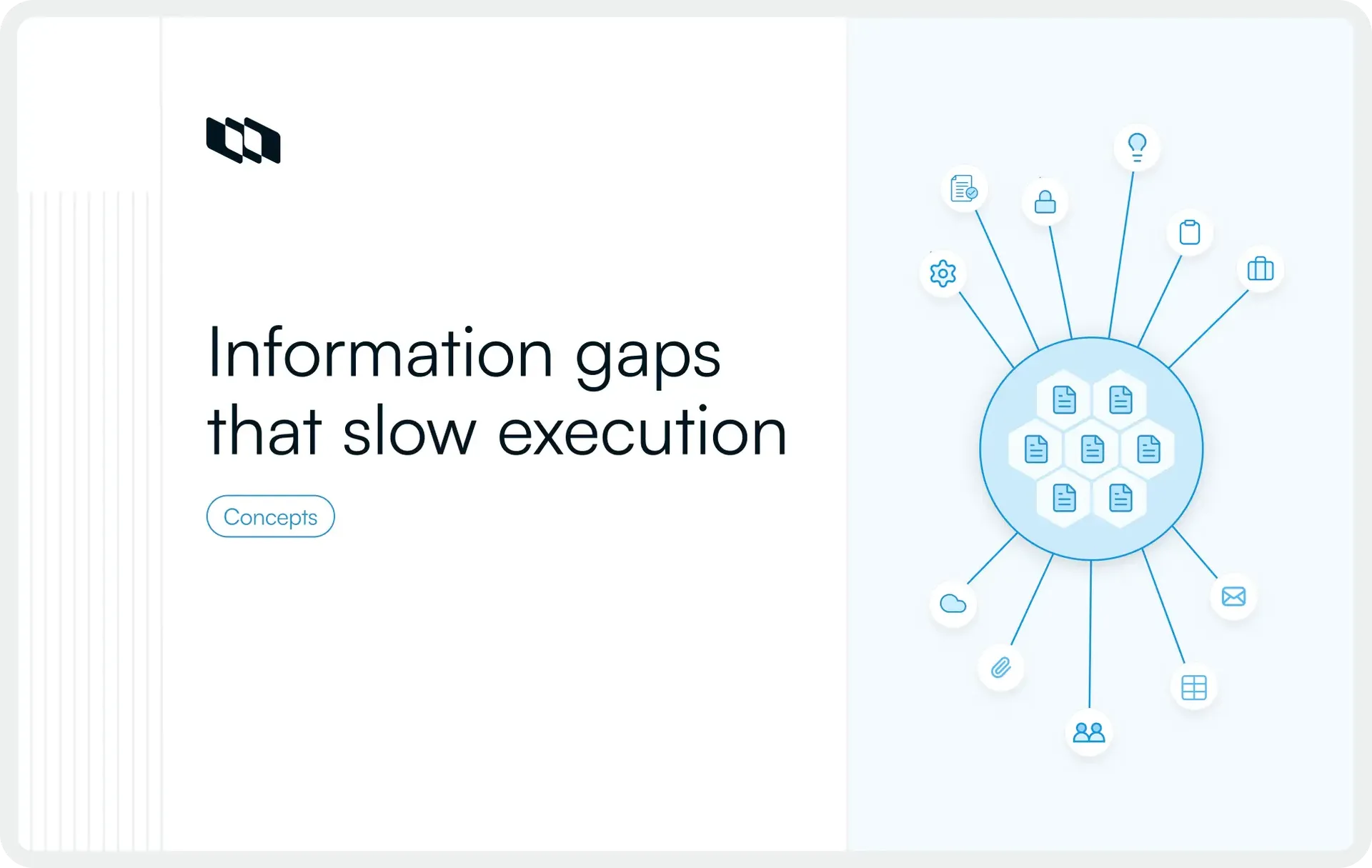
A simple question sparks a long chain of messages, with one answer living in a document, another in a task comment, and a third in someone’s memory. Work keeps moving, yet clarity stays fragmented, which is how an information silo quietly forms in modern organizations. Information silos shape decisions, timelines, and outcomes across product, engineering, and delivery teams long before anyone notices the pattern. This article explains the information silo meaning, highlights real examples of information silos at work, and explores practical ways teams can avoid information silos by improving how information flows across everyday workflows.
What is an information silo?
An information silo is a situation in which important information exists within an organization but is accessible only to a specific team, tool, or individual. The knowledge is available, yet people who need it to make decisions or move work forward cannot easily find or use it.
This creates gaps in context, even when teams appear busy and aligned. In simple terms, an information silo forms when information stays isolated rather than being shared.
Information silo: Meaning in everyday work
In day-to-day work, information silos show up when updates, decisions, or insights live in places that only a few people check. A roadmap update stored in a private document, customer feedback locked inside a support tool, or project decisions discussed only in direct messages all contribute to siloed information. Each piece makes sense on its own, but the broader team lacks a complete view.
Information silos are about access, not intent
Most information silos form without deliberate effort. Teams usually share information with good intent, yet access remains limited because there is no clear system for visibility. When people rely on memory, personal notes, or informal conversations, information becomes difficult to retrieve later. Over time, teams depend on individuals rather than shared knowledge, which strengthens the information silo.
Information silos in organizations
Information silos in organizations often grow as teams scale, tools multiply, and responsibilities become more specialized. Different teams manage their own data, documents, and updates, which leads to siloed information across departments. Without shared visibility, teams make decisions based on partial context, even though the information already exists elsewhere.
Understanding what an information silo is helps teams recognize that the issue sits in how information flows, where it lives, and who can access it, rather than in how hard people work or how much they communicate.
What does “working in a silo” mean at work?
Working in a silo at work means teams or individuals carry out their responsibilities with limited visibility into related work happening elsewhere. Each group focuses on its own tasks, updates, and decisions, while shared context across teams stays incomplete or delayed.
This usually happens when information flows mainly within team boundaries instead of across the organization. Project updates, decisions, and dependencies remain visible only to a few people, which makes coordination harder even when teams depend on each other’s work. Over time, work moves forward in parallel, but alignment weakens because teams lack a shared understanding of goals, progress, and constraints.
For example, a product team may finalize a feature change, while the marketing team continues planning a launch based on older information because the update was shared only in a private channel. Both teams move ahead, yet the lack of shared context creates rework and delays later.
Examples of information silos in everyday work
Information silos often appear in small, routine moments rather than large breakdowns. These examples show how siloed information quietly forms during normal work.
- Decisions shared only in private chats: Key choices discussed in direct messages or closed meetings remain invisible to the rest of the team, which leads to confusion later.
- Customer feedback stuck with one team: Insights from sales or support stay inside one function, while product and delivery teams work without that context.
- Project updates spread across multiple tools: Status updates live in different trackers, documents, and threads, making it hard to understand the current state of work.
- Onboarding knowledge living in someone’s head: New team members rely on individuals for answers because critical information was never documented or shared.
Each of these situations reflects an information silo, where knowledge exists but access remains limited to a few people.
Why information silos happen
Information silos develop through everyday work patterns rather than deliberate choices. As teams grow, specialize, and adopt new tools, information naturally spreads across people and systems. Understanding these causes helps teams address information silos without assigning blame.
1. Organizational reasons
Many organizations structure teams around specific functions such as product, engineering, marketing, or support. Each team focuses on its own goals, timelines, and responsibilities, limiting others' visibility into their work. As a result, information silos form in organizations when teams share updates primarily within their own functions rather than across the broader group. Over time, cross-team context becomes harder to maintain, even when collaboration remains important.
2. Process-related reasons
Information silos often appear when there are no clear rules for where information should live. Decisions might stay in meeting notes, updates in chat threads, and plans in personal documents. Inconsistent documentation habits make it difficult to find information later, which encourages people to ask around rather than rely on shared sources. This gradually turns information into something that moves through conversations instead of systems.
3. Tool-related reasons
Modern teams use many tools to manage work, communication, and knowledge. When these tools do not connect well, information tends to scatter by default. Updates may exist in one system, while context lives elsewhere, which creates siloed information across platforms. Even when teams work hard to stay aligned, poor integrations and overlapping tools make shared visibility difficult.
4. Human reasons
Human behavior also contributes to the formation of information silos. People often share updates with those closest to their work and assume others already have the necessary context. In fast-moving environments, teams focus on execution, reducing the time spent deciding which information should be shared more widely. These habits strengthen information silos over time, even when everyone intends to keep work transparent and accessible.
Why information silos are a problem
Information silos affect how work moves through an organization. When access to information stays limited, teams spend more time clarifying context and less time making progress. The impact shows up in day-to-day execution rather than abstract issues.
1. Slower decision-making
Decisions depend on having the right information at the right time. When information sits inside silos, teams pause work to search for updates, wait for responses, or verify details. This slows decision-making and creates delays, even when the required information already exists elsewhere.
2. Duplicated work
Siloed information often leads teams to repeat work that has already been done. Without visibility into existing plans, research, or progress, teams recreate documents, rebuild trackers, or solve the same problem multiple times. This duplication consumes time and effort that could be spent on new work.
3. Misalignment across teams
Information silos cause teams to operate with different assumptions. One team may act on updated information while another works from an older version. This misalignment leads to conflicting priorities, rework, and missed dependencies, especially in cross-functional projects.
4. Confusion during handoffs
Handoffs rely on shared context. When information lives in scattered tools or private conversations, critical details fail to travel with the work. Teams receiving ownership spend time reconstructing the background, which increases errors and slows execution.
5. Knowledge loss when people leave
When information stays in personal documents or individual memory, it leaves with the person. Teams then lose decisions, rationale, and historical context, which makes continuity difficult and increases reliance on rediscovery rather than reuse.
How to spot information silos early
Information silos rarely appear all at once. They usually form through small, repeated gaps in visibility that teams start accepting as normal. Spotting these patterns early helps teams address siloed information before it affects execution and decision-making.
- One of the clearest signs is when the same questions keep coming up across meetings and chat threads. Teams ask for updates, decisions, or background information that already exists, indicating that information remains difficult to locate when needed.
- Another signal appears when progress depends on specific individuals. Instead of finding answers in shared systems, people rely on a few team members who hold key context. This creates bottlenecks and increases dependency on personal knowledge rather than accessible information.
- Information silos also surface through multiple versions of the same content. When plans, timelines, or decisions differ across documents and tools, teams struggle to understand which source reflects the current state of work.
- Finally, teams notice silos when a large portion of time goes into searching for context. Work slows as people reconstruct background, trace decisions, or piece together updates that should already be visible. These patterns together indicate that information exists, but access remains uneven across the team.
How to avoid information silos
Avoiding information silos requires consistent habits that support shared visibility as work moves forward. Small changes in how teams capture, share, and organize information create lasting improvements without adding extra process.
1. Create a single source of truth
A single source of truth is a single, reliable place where teams can find current information about work, decisions, and progress. Instead of checking multiple documents or tools, everyone knows where to look first. This reduces confusion, supports faster decisions, and keeps information accessible as teams grow. When updates live in one place, information stays connected to the work rather than scattered across conversations.
2. Make information sharing part of the workflow
Information sharing works best when it happens alongside daily work. Writing things down once and updating them as work progresses keeps context accurate and reusable. Documenting decisions as they are made preserves clarity and prevents later confusion. Linking to existing information rather than repeating it helps teams stay aligned while keeping knowledge in one place.
3. Improve visibility without adding more meetings
Visibility improves when teams share progress asynchronously. Regular updates, shared project context, and clear ownership allow everyone to understand the state of work without relying on frequent meetings. When responsibilities and updates remain visible, teams coordinate more smoothly and respond faster to changes.
4. Reduce unnecessary tool sprawl
Tool sprawl increases the chances of information silos. When the same information exists in multiple places, teams spend time comparing sources instead of acting. Reducing overlap between tools and using a consistent structure across systems helps keep information easier to find and maintain. Fewer locations for the same content strengthen shared understanding across teams.
Final thoughts
Information silos usually emerge from how work flows through teams, rather than from individual behavior. When information spreads across tools, conversations, and personal notes, access becomes uneven even with strong collaboration in place. Addressing this starts with small, consistent habits that keep information visible as work progresses.
Clear places for updates, shared project context, and lightweight documentation reduce reliance on memory and informal handoffs. Over time, these practices make information easier to find, easier to trust, and easier to use. Better visibility supports better decisions, smoother execution, and work that moves forward with shared understanding.
Frequently asked questions
Q1. What is an information silo?
An information silo is a situation in which information exists within an organization but is accessible only to a specific team, system, or individual. The information is available, yet people who need it for decision-making or execution cannot easily find or use it, leading to gaps in context and visibility.
Q2. What exactly is a silo?
In a work setting, a silo refers to separation. It describes teams, systems, or processes that operate independently, with limited information sharing. A silo forms when work or knowledge stays contained instead of flowing across the organization.
Q3. What is another name for information silos?
Information silos are often referred to as siloed information, data silos, or organizational silos, depending on the context. All these terms describe the same underlying issue: information that remains isolated rather than shared.
Q4. What is a silo in information technology?
In information technology, a silo refers to data or systems that operate independently and do not integrate with others. This makes it difficult to access, combine, or use information across platforms, even when teams rely on related data to do their work.
Q5. What does “in silo” mean?
“In silo” means working with limited visibility into related information or activities. When someone works in a silo, they focus on their own tasks or data without access to the broader context needed for coordination and alignment.
Recommended for you



 Download for Mac
 Download for Android