How to manage work in progress (WIP) in project management
Introduction
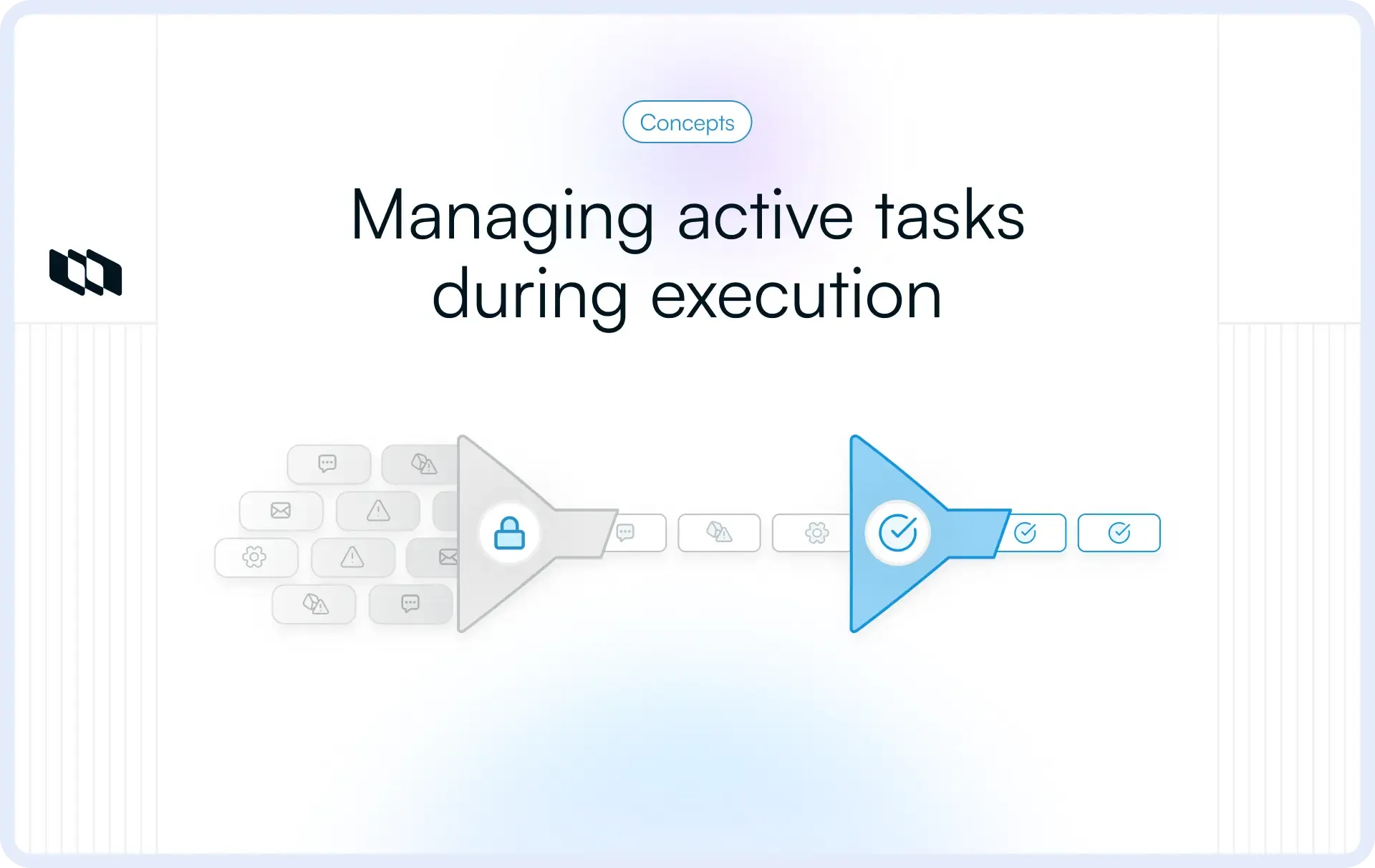
Most delivery problems trace back to one root cause: excessive work in progress. When projects carry more active work than teams can absorb, flow degrades, and timelines stretch. In project management, work in progress refers to all items that have started and are moving through the workflow. Managing WIP in projects improves predictability by controlling how much work enters the system, tracking aging WIP, and keeping focus on completion rather than utilization.
What is work in progress (WIP) in project management?
Work in progress sits at the center of how projects move from planning to delivery. Teams often track tasks and timelines closely, yet WIP explains why execution still slows even when everyone stays busy.
What counts as work in progress
In project management, work in progress includes any item that has started and has not reached completion. The moment work leaves the backlog and enters execution, it becomes WIP. This applies to tasks in progress, items awaiting review, work under testing, and pieces paused due to dependencies or approvals. WIP reflects commitment. Once work starts, it consumes time, attention, and coordination across the project workflow.
How WIP shows up in real projects
Work in progress rarely appears as a single visible list. It spreads across stages and teams.
- Tasks actively being worked on by individuals or squads,
- Reviews waiting for feedback or approval,
- Blocked work waiting on inputs, decisions, or dependencies
- Partially completed items sitting idle between handoffs
Each of these counts as WIP in project management. When many items sit in these states, flow slows and cycle time increases even though activity remains high.
Work in progress vs. work in process
Teams often see both terms used interchangeably, especially across Agile and Lean literature.
- Work in progress commonly appears in Kanban and project delivery contexts to describe active work moving through stages
- Work in process appears more often in Lean and Disciplined Agile systems language, with the same practical meaning
In day-to-day project management, both terms point to the same idea: controlling how much work enters execution at any given time. Managing work in progress in projects focuses on keeping this amount within the team’s delivery capacity, so work flows steadily to completion.
The two types of WIP you will see in projects
When people search for work in progress, SERPs often blend two very different meanings. Separating them early keeps teams aligned and avoids confusion during execution.
1. Delivery WIP
Delivery WIP covers work moving through the project workflow. These are tasks that have left planning and entered execution.
In most projects, delivery WIP flows through stages like to do → in progress → review → test → done. Each task in these stages counts as work in progress in project management.
Delivery WIP directly shapes how fast a project moves. As more tasks stay active at the same time, cycle time grows, bottlenecks form around reviews or approvals, and delivery dates become harder to predict. Managing WIP in projects keeps this flow steady so work reaches completion at a consistent pace.
2. Financial WIP
Financial WIP focuses on work completed from an effort standpoint, but awaiting billing or revenue recognition. This appears frequently in agencies, consulting teams, and professional services organizations.
Here, work in progress represents hours delivered, services rendered, or milestones achieved that still sit between execution and invoicing. Finance teams track this form of WIP to understand cash flow, project margins, and revenue timing.
While both types use the term work in progress, they serve different goals.
- Delivery WIP supports execution speed and predictability.
- Financial WIP supports accurate billing and financial visibility.
Clear separation helps teams manage work in progress in projects without mixing delivery flow with accounting outcomes.
The theory behind managing WIP
Managing work in progress in projects rests on a simple systems idea: teams deliver faster when fewer items stay active at the same time.
Why limiting active work improves flow
Every project operates as a flow of work moving through people, tools, and decisions. When too many tasks enter execution together, queues form around reviews, approvals, and handoffs. Items wait longer, attention spreads thin, and progress slows across the project workflow.
Limiting work in progress reduces these queues. With fewer active items, teams complete work sooner, bottlenecks surface earlier, and movement through each stage becomes smoother. This is why WIP limits in project management consistently lead to shorter cycle times and steadier delivery.
How finishing work faster improves feedback and quality
Work only creates value when it reaches completion. Finishing tasks earlier shortens the time between action and feedback. Teams spot gaps, defects, or missed expectations while keeping context fresh, leading to cleaner outcomes and fewer late changes.
Managing WIP in projects also improves quality by lowering context switching. Teams focus on fewer items, maintain clarity on requirements, and apply feedback while the work still sits close to the people who built it.
Where Lean, Kanban, and Disciplined Agile fit
Lean, Kanban, and Disciplined Agile all center on controlling work in progress to improve flow. Lean emphasizes reducing queues and waiting. Kanban makes WIP visible across stages and encourages limits to protect flow. Disciplined Agile highlights finishing work through collaboration rather than starting more items.
Together, these approaches reinforce the same principle in project management: managing work in progress shapes delivery speed, quality, and predictability more than detailed scheduling alone.
WIP limits vs focusing on finishing
Teams often approach work in progress management from two angles. One uses clear limits to control how much work stays active. The other emphasizes finishing existing work before starting anything new. Both aim to improve flow, and modern project teams combine them in practice.
What WIP limits are and how they work
WIP limits the number of tasks that can exist in a specific stage of the project workflow at one time. A team might allow only three items in development or two items in review. Once the limit is reached, no new work enters that stage until something moves forward.
In project management, WIP limits act as a control mechanism. They prevent overload, reveal bottlenecks early, and encourage teams to complete work already in progress rather than start additional tasks.
Why Disciplined Agile emphasizes finishing work
Disciplined Agile focuses on flow efficiency through collaboration. Instead of relying only on numerical limits, it encourages teams to finish existing work together. When a task stalls in review or testing, team members shift effort to unblock it rather than pulling in new items.
This approach treats work in progress as a shared responsibility. Finishing work faster reduces queues, improves feedback loops, and keeps delivery predictable.
How modern teams combine both approaches
Most teams manage work in progress in projects by blending structure with behavior. WIP limits provide clear guardrails, while a finishing mindset shapes daily decisions.
Aspect | WIP limits | Focus on finishing |
Core mechanism | Caps active work per stage | Shared ownership of completion |
Primary goal | Control flow and prevent overload | Move work to done faster |
Typical trigger | Stage reaches its limit | Work stalls or ages |
Team response | Pause new work | Swarm to unblock and complete |
Best used when | Work piles up in specific stages | Dependencies or reviews slow the flow |
In practice, teams set WIP limits to control how much work enters execution, then use a finishing mindset to resolve delays. This combination keeps work in progress in project management visible, manageable, and focused on outcomes rather than activity.
How to manage work in progress in projects
Managing work in progress in projects works when teams control how work enters execution, how it moves, and how long it stays active. The steps below show how teams do this in real project environments.
1. Define exactly when work becomes “in progress”
The first step is deciding when work officially becomes WIP. In project management, work should count as work in progress only after it meets a clear readiness bar.
For example, a product team may decide that a task becomes WIP only after requirements are approved and the assignee has the capacity to start within the same day. Anything still waiting for clarity stays outside execution. This single rule prevents half-ready tasks from inflating WIP before work even begins.
Clear entry rules make work in progress in project management intentional rather than accidental.
2. Map workflow stages based on how work actually moves
Next, map the stages work passes through during execution. These stages should reflect reality, not ideal flow.
For example, a typical software project may use stages such as ready, development, review, testing, and release. If reviews frequently delay work, the review deserves its own stage. Each stage represents a place where WIP can build up and slow flow.
A realistic workflow makes it easier to see where work in progress accumulates and why tasks stop moving.
3. Control how much work enters each stage
Once stages are visible, control inflow using WIP limits. WIP limits in project management cap the number of items that can exist in a stage at one time.
For example, a team may allow four tasks in development and two in review. When the review reaches its limit, developers stop pulling new work and help clear reviews instead. This keeps work moving forward rather than piling up at handoffs.
WIP limits turn flow problems into visible signals instead of hidden delays.
4. Treat blocked and waiting work as active WIP
Blocked work still consumes time and attention. Teams manage WIP more effectively when blocked items remain visible and actionable.
For example, if a task waits on legal approval or design input, it remains counted as work in progress with a clear blocker reason attached. During reviews, teams address blockers first rather than starting new tasks.
This approach reduces aging WIP and keeps progress focused on finishing work.
5. Track how long work stays in each stage
Time reveals risk earlier than status. Tracking how long items remain in each stage shows where the flow slows.
For instance, if development usually takes two days but a task stays there for six, the delay signals complexity or unclear requirements. Aging WIP in project management helps teams intervene early by breaking work down, reallocating help, or clarifying scope.
Teams that track age catch problems before deadlines slip.
6. Review WIP during execution, not after delivery
WIP management works through frequent review. Teams review work in progress during standups or weekly execution meetings, focusing on active items rather than completed work.
A practical review asks simple questions: Which items are aging? Which stages feel overloaded? What needs to be finished before the new work starts? These conversations shift attention from reporting progress to improving flow.
7. Adjust rules as capacity and priorities change
Projects change, and WIP rules should change with them. Team size, scope, and urgency all affect how much work stays active.
For example, when a team loses capacity due to planned leave, lowering WIP limits prevents overload. When deadlines tighten, teams may narrow focus to fewer high-priority items. Managing work in progress in projects works best when teams treat it as an adaptive system rather than a fixed process.
The key WIP metrics teams use
Managing work in progress in projects becomes easier when teams look at flow through concrete signals. These WIP metrics help teams understand where work slows and why delivery feels uneven.
1. Total WIP
Total WIP shows how much work is currently active across the project workflow. It includes tasks in progress, items awaiting review, and work blocked by dependencies.
High total WIP often signals that too much work has entered execution. As WIP grows, queues form and progress thins across stages. Tracking total WIP in project management helps teams decide when to pause new starts and shift focus to completion.
For example, a product team may have twelve tasks marked as in progress across design, development, and review. Even if each task looks small, the combined load stretches attention and increases waiting time. High total WIP in project management often explains why progress feels scattered and why tasks move slowly through the workflow.
Tracking total WIP helps teams decide when to stop starting new work and focus on completing what is already in motion.
2. Aging WIP
Aging WIP tracks how long work has stayed in a single stage. Instead of asking whether a task is in progress, aging WIP asks how long it has been there. Items with high age highlight bottlenecks, unclear ownership, or stalled dependencies. Aging WIP in project management helps teams spot problems early and take action while context remains fresh.
Consider a feature that has been in code review for five days, while similar work usually clears review in one day. The age signals a bottleneck. The issue may sit in reviewer availability, unclear requirements, or competing priorities.
Aging WIP in project management helps teams act early by surfacing stalled work before delays spread across the project.
3. Cycle time and throughput
Cycle time measures how long a work item takes to move from start to completion. Throughput shows how many items are completed within a given period.
For instance, if a team completes 10 tasks per week with a cycle time of 4 days, delivery remains predictable. When total WIP increases, cycle time often stretches to seven or eight days, and throughput becomes uneven.
How to read and use an aging WIP chart
An aging WIP chart helps teams understand how long work has been sitting in one stage, not just where it sits today. This makes it one of the most practical tools for managing work in progress in projects.
What an aging WIP chart shows
An aging WIP chart plots active work items against time. Each item appears as a bar or marker that grows longer the more time it spends in a single workflow stage.
For example, if tasks in development are usually completed in two days, an item that has stayed there for five days stands out immediately. The chart does not measure effort. It measures waiting and delay, which often drive delivery risk.
Aging WIP focuses attention on time, which is harder to ignore than status labels.
How to spot stuck work and bottlenecks
Stuck work appears as items with significantly higher age than those in the same stage. When several items age together in a single stage, that stage itself becomes the bottleneck.
For instance:
- Development items average two days, but three tasks sit there for six days
- Review items usually clear in one day, but five items age past four days
These patterns signal capacity constraints, unclear ownership, or dependency issues. Aging WIP in project management makes these problems visible early, before deadlines surface the impact.
How to decide the right action
Once aging work appears, teams choose actions based on cause rather than urgency.
- Unblock: Use this when work waits on input, approval, or clarification. Assign ownership to remove the blocker and move the item forward.
- Break down: Use this when work proves larger or more complex than expected. Split the task into smaller pieces so parts can move independently and reduce aging.
- Re-prioritize: Use this when priorities have shifted. If the work no longer deserves immediate focus, move it out of active execution to reduce total WIP.
Aging WIP charts support better decisions by showing where time accumulates. Teams that use them consistently manage work in progress in project management with intent instead of reacting late to missed dates.
Best practices for managing WIP
Effective work in progress management depends on a small set of execution rules that teams apply consistently during delivery.
1. Set clear pull policies for when work can start
Pull policies define when work enters execution and ensure tasks move forward only when capacity exists and readiness criteria are met. This keeps total WIP in project management aligned with delivery capability and prevents unnecessary buildup of active work early in the workflow.
2. Keep the work small enough to finish quickly
Work sized for short completion cycles moves through stages faster and reduces aging WIP. Smaller items improve feedback timing, reduce coordination overhead, and help teams maintain a steady flow throughout the project lifecycle.
3. Reduce handoffs and interruptions
Each handoff introduces waiting, and each interruption stretches cycle time. Clear ownership across stages and fewer transitions help work move continuously rather than stall between teams or roles.
4. Use automation and alerts to flag aging work
Automation strengthens WIP management by surfacing work that stays active longer than expected. Early signals allow teams to intervene while context remains fresh and before delays spread downstream.
5. Review WIP as part of the normal team cadence
Regular WIP reviews keep attention on active work, aging items, and flow constraints rather than status updates. When teams treat WIP as part of everyday execution, delivery remains predictable.
Common WIP management mistakes
Teams often understand work in progress in theory, yet execution breaks down through a few repeatable patterns. These mistakes weaken the flow and reduce the impact of WIP management in projects.
1. Setting limits but not changing behavior
WIP limits lose value when teams continue starting new work despite full stages. Limits work only when they trigger action, such as swarming to finish or unblocking stalled items. Without behavior change, limits become passive numbers that fail to protect flow.
2. Treating WIP as a reporting number instead of a flow signal
When teams track WIP only for dashboards or reviews, it stops influencing daily decisions. Work in progress should guide execution by showing when to pause intake, shift focus, or address bottlenecks. Using WIP as a flow signal keeps delivery responsive.
3. Letting urgent work constantly break the system
Frequent urgent requests inflate total WIP and disrupt planned flow. When every request bypasses limits, work piles up across stages, and cycle time grows. Managing work in progress in projects requires clear rules for handling urgency without overwhelming the system.
4. Tracking only the status instead of how long work is stuck
Status labels show where work sits, not how long it waits. Teams that ignore time miss early warning signs. Tracking aging WIP in project management surfaces stalled work sooner and enables corrective action before delays compound.
Wrapping up
Managing work in progress in projects centers on focus and completion. When teams limit how much work stays active, attention sharpens, and effort moves toward finishing rather than starting. This shift reduces wait times, shortens cycle times, and brings clarity to execution across the project workflow. Small improvements in WIP management compound over time. Fewer active items lead to faster feedback, steadier throughput, and more predictable delivery. Teams that manage WIP deliberately build systems that support consistent outcomes instead of reactive execution.
Frequently asked questions
Q1. What is work in progress in project management?
Work in progress in project management refers to all tasks that have started but are not yet finished. This includes work in progress, items awaiting review, blocked tasks, and work paused due to dependencies. WIP represents how much effort and attention a project is currently receiving at any given time.
Q2. How do you manage work in progress?
Teams manage work in progress by controlling how much work enters execution, making active work visible, and reviewing flow regularly. This includes defining clear entry rules for starting work, applying WIP limits, tracking how long tasks stay in each stage, and focusing on finishing existing work before starting new tasks.
Q3. What are the 5 C’s of project management?
The 5 C’s of project management commonly refer to:
- Clear objectives
- Communication
- Coordination
- Control
- Commitment
Together, they help teams align expectations, manage execution, and deliver outcomes predictably.
Q4. What are the 5 stages of project management?
The five stages of project management are:
- Initiation
- Planning
- Execution
- Monitoring and control
- Closure
These stages describe how a project moves from idea to completion.
Q5. What are the 7 stages of project management?
The seven-stage model expands execution and control into more detail:
- Initiation
- Definition
- Planning
- Execution
- Monitoring
- Control
- Closure
This model is often used in larger or more complex projects where tighter governance is required.
Recommended for you



 Download for Mac
 Download for Android