Work Breakdown Structure (WBS) versus Work Schedule
The work breakdown structure (WBS) and work schedule are both essential tools in project management, but they serve different purposes and are used at different stages of the project lifecycle.
The work breakdown structure (WBS) and work schedule are both essential tools in project management, but they serve different purposes and are used at different stages of the project lifecycle.
Raj Roy
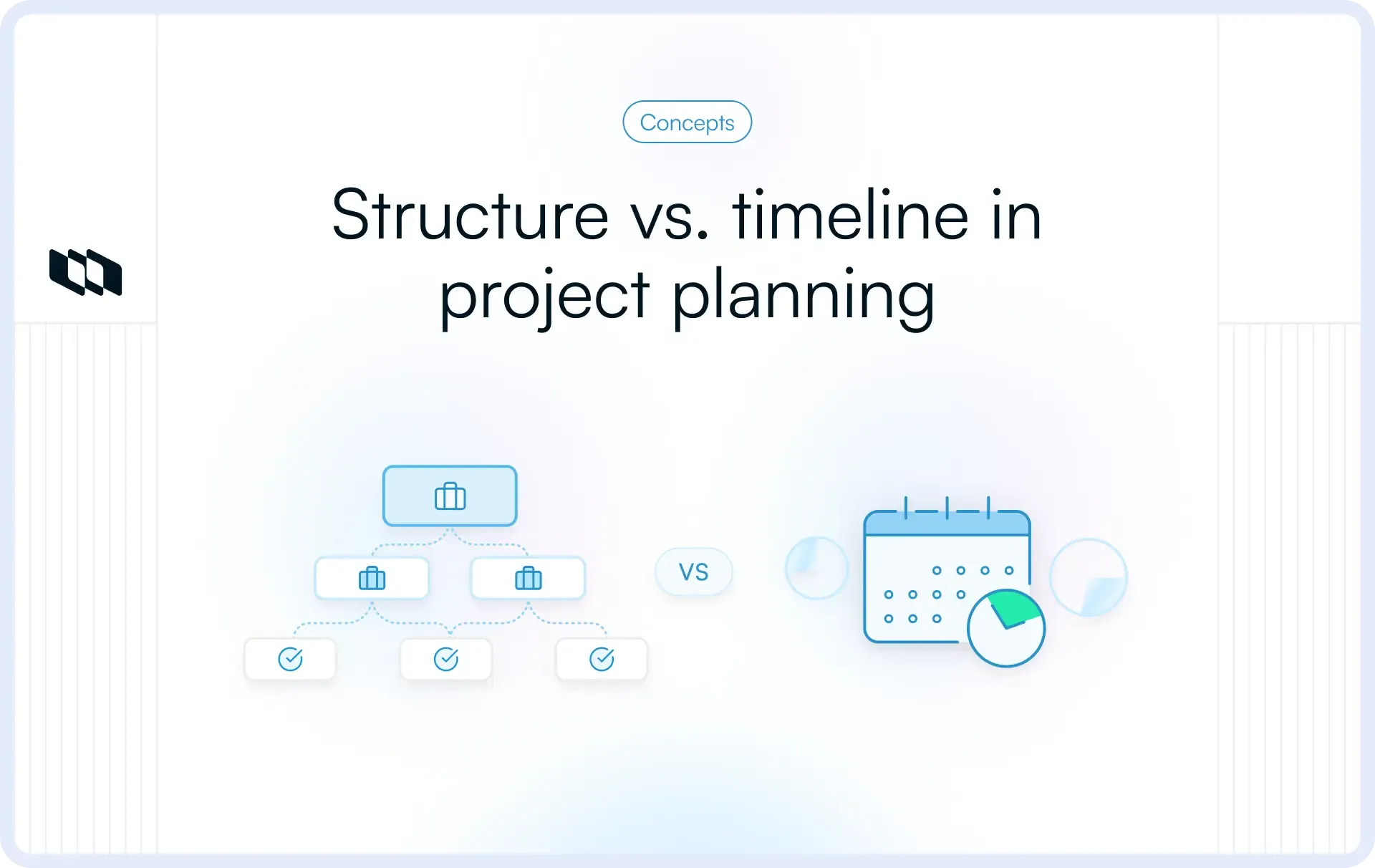
Work Breakdown Structure (WBS) versus work schedule: Key differences
The work breakdown structure (WBS) and the work schedule are both essential tools in project management, but they serve different purposes and are used at different stages of the project lifecycle. Here are the key differences between them:
- Purpose
- WBS: The WBS is a hierarchical decomposition of a project into smaller, manageable components called deliverables or work packages. Its purpose is to define and organize the scope of work clearly.
- Work schedule: The work schedule outlines when tasks or activities will be performed, specifying timelines, durations, and sequencing. It focuses on time management rather than project scope.
- Structure
- WBS: Organized hierarchically, the WBS breaks down the project into levels, starting with the project goal, major deliverables, and smaller work packages.
- Work schedule: Usually presented as a timeline, Gantt chart, or calendar, the schedule shows the sequence and duration of activities and their interdependencies.
- Focus
- WBS: Focuses on deliverables and the division of work into smaller, manageable parts. It is concerned with whatneeds to be delivered.
- Work schedule: Focuses on task durations, start and end dates, and deadlines. It is concerned with when and how long tasks take.
- Role in project planning
- WBS: A foundational planning tool used to define scope and ensure all necessary work is accounted for before detailed planning begins.
- Work schedule: Developed after the WBS, using its components to assign dates, sequence tasks, and allocate resources.
- Tools used
- WBS: Typically created using diagrams, charts, or specialized software like Microsoft Visio, Lucidchart, or WBS Chart Pro.
- Work schedule: Commonly developed using tools like Microsoft Project, Excel, or scheduling software such as Primavera or Smartsheet.
Recommended for you
View all blogs


Every team, every use case, the right momentum
Hundreds of Jira, Linear, Asana, and ClickUp customers
have rediscovered the joy of work. We’d love to help you do that, too.

 Download for Mac
 Download for Android