Maintaining data integrity during migration
Introduction
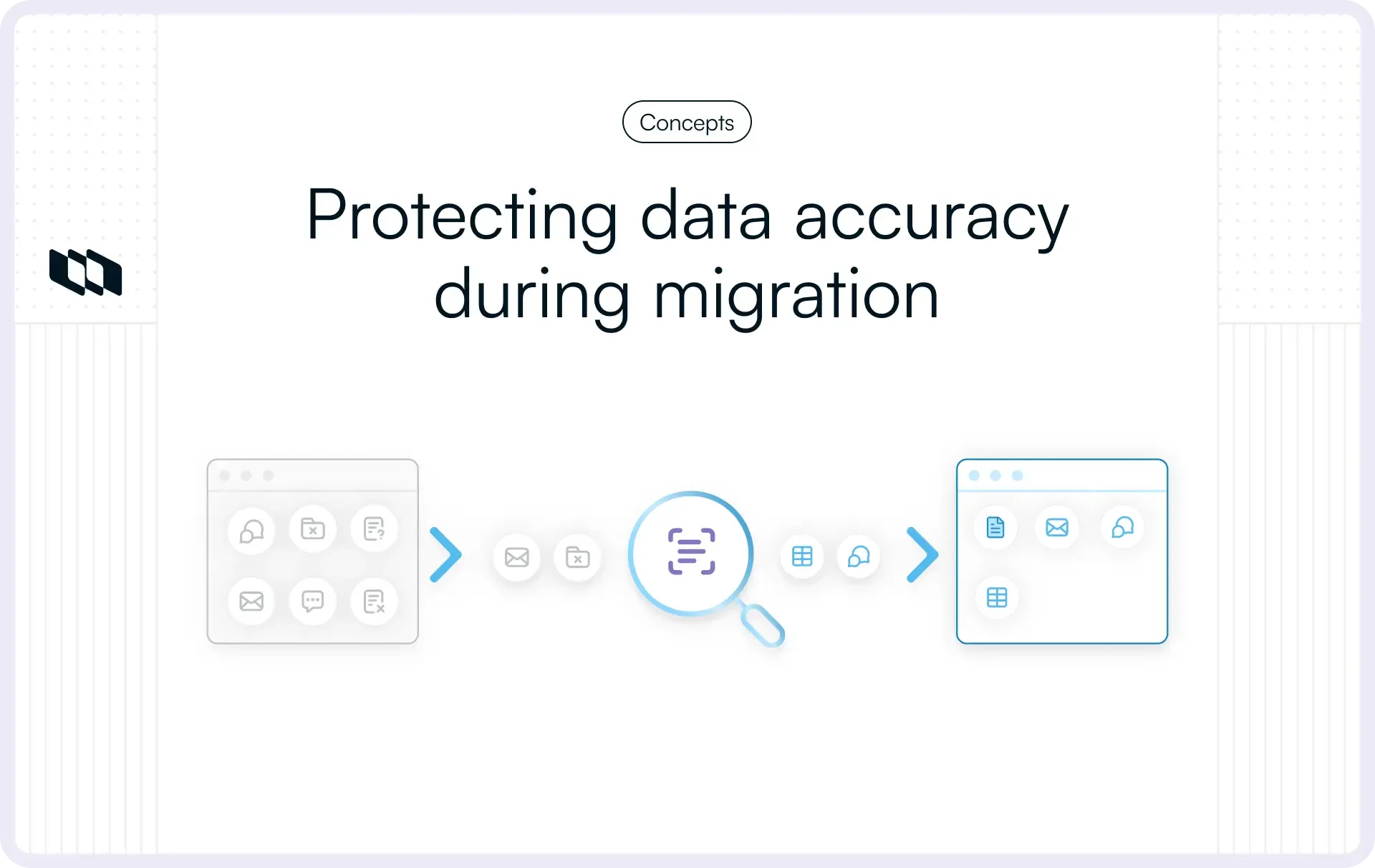
The migration completed on schedule, teams switched tools, and everything looked fine until planning conversations started feeling off, ownership became unclear, and reports stopped matching day-to-day work. These issues arise from data integrity gaps that surface after system changes. Maintaining data integrity during migration ensures project data stays accurate, complete, and consistent as it moves between tools. This guide explains how to maintain data integrity during migration using validation checkpoints, data reconciliation methods, and practical controls teams can apply before, during, and after a data migration.
What does data integrity mean during a migration?
Data integrity during migration refers to whether information retains its meaning, structure, and trustworthiness as it moves from one system to another. For project and product teams, integrity affects how work gets planned, tracked, and reviewed after the move. A migration succeeds when teams open the new system and recognize their work exactly as expected.
Data integrity during migration rests on the following four practical pillars:
1. Accuracy: Values stay correct after the move
Accuracy means each field carries the same value before and after migration. Statuses, priorities, dates, estimates, and owners should reflect the same reality in the new system. Accuracy issues often appear when field mappings convert values incorrectly, such as a resolved task showing as active or a priority shifting levels. Maintaining data integrity during migration requires verifying that key values represent the same state of work across systems.
2. Completeness: All critical data makes the move
Completeness ensures that all required records and fields exist after migration. Projects, work items, comments, attachments, and historical updates should appear where teams expect them. Gaps in completeness surface when migrations exclude certain item types, older records, or custom fields that teams rely on daily. Data integrity during migration improves when teams define what must migrate and validate record counts before and after the move.
3. Consistency: Rules apply the same way everywhere
Consistency means data follows the same rules across projects, teams, and workflows. Status transitions, required fields, naming conventions, and ownership rules should behave uniformly in the new system. Inconsistent data creates confusion during reporting and execution reviews. Maintaining data integrity during migration involves aligning schemas, workflows, and validation rules so data behaves predictably at scale.
4. Relationships: Connections between records stay intact
Relationships describe how records connect to each other. Parent and child tasks, dependencies, links, and references shape how teams understand work. Relationship issues appear when tasks lose their hierarchy or dependencies disappear during migration. Data integrity during migration depends on preserving these connections, so planning, sequencing, and coordination continue smoothly.
Together, accuracy, completeness, consistency, and relationships define whether teams trust their data after migration. When these elements remain intact, teams focus on delivery rather than reconstruction.
Where data integrity usually breaks during migrations
Most data integrity issues during migration come from predictable breakpoints rather than unexpected system failures. These issues arise when teams move real project data with history, ownership, and structure, rather than clean sample records. Recognizing these failure points early helps teams plan validations that actually protect the integrity of data migrations.
1. Field and status mapping errors
Field and status mapping errors occur when values do not translate cleanly between systems. Statuses with different meanings, priority scales that follow different ranges, or custom fields with mismatched types often lead to incorrect conversions. A common example occurs when completed work reopens because the status logic is misaligned. Maintaining data integrity during migration requires reviewing every mapped field for semantic meaning, not just for name matching.
2. User and identity mismatches
User mismatches occur when accounts differ across systems in email format, usernames, or status (e.g., deactivated). Tasks may lose owners or shift ownership to incorrect users after migration. Identity issues also affect audit trails and historical attribution. Data integrity during migration depends on resolving identity mappings early so ownership, accountability, and reporting remain reliable.
3. Broken relationships between records
Relationships define how work connects. Parent-child structures, linked tasks, and dependencies support planning and sequencing. During migration, these connections can break when identifiers change or when related records migrate in separate batches. Broken relationships reduce visibility into progress and risk. Maintaining data integrity during migration requires validating that links and hierarchies persist exactly as expected.
4. Duplicates and overwrites
Duplicates occur when records migrate more than once or when identifiers do not match existing data. Overwrites occur when newer records replace valid historical data. Both issues distort reporting and inflate workloads. Data migration integrity improves when teams use clear de-duplication rules and maintain strict controls over write operations during migration.
5. Formatting, timezone, and encoding issues
Formatting issues affect dates, text fields, and numerical values. Timezone shifts can change due dates or activity timelines, while encoding problems may corrupt comments or attachments. These errors often go unnoticed until teams review historical data. Maintaining data integrity during migration includes validating formats and timestamps so records retain their original context.
These failure points explain why data migration validation matters as much as the migration itself. Teams that anticipate these risks reduce rework, confusion, and trust gaps after go-live.
Pre-migration: Set integrity rules before moving any data
Maintaining data integrity during migration starts before any export, script, or vendor tool runs. The fastest way to lose trust later is to treat migration as a one-time transfer, because teams rarely suffer from the move itself; they suffer from unclear rules about what “correct” looks like afterward. This section helps you set those rules in a way that makes data migration validation simpler and prevents avoidable rework.
1. Define the source of truth
During a migration, conflicts show up in predictable places. A task might exist in both systems with different owners, a status might mean different things, or a record might have been updated in one system while the other stayed stale. If you do not decide which system wins, the migration will decide for you, and the result feels random to the team.
Start by choosing one source of truth for each category of data:
- Work item fields and current state, such as status, priority, owner, and due date
- Comments and updates, including timestamps and authorship
- Attachments and linked documents
- User identity and team membership
- Permissions and access rules
Then define who can approve exceptions. This matters when reality gets messy, such as when a set of projects requires a different workflow mapping or a team that needs permissions handled differently for compliance reasons. Pick one accountable owner for exception approvals, and keep the exception list small and written down.
A simple rule that helps: decide your source of truth once, then treat every exception as a deliberate choice, not an accident.
2. Inventory what will and won’t be migrated
A migration inventory is a list that prevents surprises. Most integrity issues that feel like “missing data” are often “data that was never planned to move.” Teams assume everything will migrate because they can see it in the old tool, but migration tools often skip parts of the system unless you explicitly include them.
Create an inventory that answers two questions for each item: whether it will migrate and how it will appear in the new system. Include the following categories:
- Projects and workspaces
- Work items, including types like bugs, tasks, stories, epics
- Labels, tags, components, or categories
- Comments, activity history, and audit trails
- Attachments and files
- Users, teams, and roles
- Permissions and access rules
- Custom fields and field values
- Relationships, such as parent-child links and dependencies
Next, call out what will not migrate. This step supports data reconciliation during later migrations by allowing you to compare expected counts with migrated counts without guessing.
3. Create a reviewable mapping document
A mapping document is where data migration integrity either gets protected or quietly compromised. It is a human-readable plan for how each field and value moves, and it should be reviewable by the people who understand how the team actually works.
Build the mapping document around these elements:
- Status mapping: Statuses carry meaning, not just labels. Map each source status to a destination status based on the team's intended meaning. If your current system has statuses such as “blocked” or “ready for QA,” decide whether they map to an existing status, a new status, or a label. Include a column for “meaning in plain words” so reviewers can catch mismatches early.
- Priority mapping: Priority scales vary. Some tools use P0 to P3; others use high, medium, and low. Teams often have local definitions. Map priority based on the urgency rules your team uses during planning, not based on what looks similar.
- Issue type mapping: Issue types affect reporting and workflows. Decide how bugs, tasks, stories, spikes, and epics map to one another. If the destination tool uses fewer types, decide how you will preserve meaning, such as using a label or a custom field.
- Custom fields: This is where integrity issues hide. Confirm field types, allowed values, and whether a field stays required. A text field that becomes a dropdown will break values, and a multi-select field that becomes a single select will silently drop information.
- Workflow and rules: If the destination system enforces different rules, note them. Required fields, status transition rules, and permissions can change how migrated data behaves after going live. Consistency depends on these rules being defined up front.
A good mapping document becomes a shared reference during migration validation. When a mismatch appears, you can trace it back to a mapping choice rather than debating what “correct” means.
4. Clean the source data where it matters
Cleaning data does not mean making your dataset perfect. It means removing the issues that cause the most damage when moved. The goal is to reduce noise so validation becomes faster and reporting becomes reliable. Focus on high-impact fixes.
- Fix missing owners and key fields: Unassigned work items may exist in the old tool without causing daily pain, but they create confusion after migration when teams retriage everything. Ensure each active work item has an owner, a status that reflects reality, and the minimum fields your team uses for planning.
- Address obvious duplicates: Duplicates compound during migration. If you already have duplicate work items in the source system, a migration can create additional duplicates due to mismatches in identifiers. Deduplicate the most visible cases first, such as duplicates in active projects or duplicates created through integrations.
- Retire unused fields and stale structures: Old custom fields and labels that nobody uses add clutter and increase mapping complexity. If a field has been empty for months, consider excluding it or removing it before the move. This improves consistency and makes it easier to validate data after migration.
- Clean relationships that are already broken: If parent-child links or dependencies are already inconsistent, migration will preserve the inconsistency and make it harder to fix later. Run a quick relationship review for active projects so the moved structure remains usable.
When these pre-migration steps are done well, the rest of the process becomes less about firefighting and more about controlled verification.
This is the foundation of the data migration validation checklist, because it sets clear expectations for what should move, how it should look, and how you will prove it.
Migration validation: The three checkpoints that protect integrity
Data migration validation helps teams confirm that data continues to behave as expected as it moves across systems. Instead of treating validation as a final step, it works best as a series of checks that follow the migration journey.
These three checkpoints show teams what to look for before, during, and after the move to protect data integrity during migration.
1. Pre-migration validation
Before migrating anything, capture a simple baseline that represents correct data. Focus on counts that matter, such as total projects, active and closed work items, and key item types. Then note how important fields like status, priority, and ownership are distributed. Finally, pick a small set of known work items that teams recognize easily, since these samples will help confirm whether meaning stays intact after migration.
2. In-migration validation
During migration, validation works best in batches. Move a defined set of data, then pause to compare expected counts and review any errors before continuing. This makes patterns easier to spot and prevents small issues from spreading across the entire dataset. Batch validation also helps teams confirm that relationships and ownership remain intact while context is still fresh.
3. Post-migration validation
After migration, validation shifts from numbers to experience. Check whether workflows, permissions, search, and reports behave the way teams expect in daily work. Review the known samples again to confirm that history, comments, and relationships look familiar. This final checkpoint confirms that data integrity during migration translates into a system that teams can trust and use with confidence.
Integrity checks that actually catch problems
Integrity issues rarely appear through a single failed test. They surface when teams compare expectations with reality and notice small mismatches that compound over time. These checks focus on practical signals that help teams confirm data migration integrity without overloading the process.
1. Record count reconciliation
Start with counts because they provide the fastest signal. Compare totals by project, work item type, and status between the source and destination systems. Small differences often point to excluded records or mapping gaps, while large gaps usually indicate failed batches or filtering issues. Record count reconciliation supports data reconciliation in migration by showing whether the overall shape of the data remained intact.
2. Targeted sampling
Sampling adds confidence where counts cannot. Select a small group of high-risk items, such as the oldest records, work items with many comments, and tasks connected through dependencies. Review these items end-to-end to confirm that values, history, and ownership feel familiar. This approach helps teams validate data after migration without manually reviewing everything.
3. Relationship verification
Relationships shape how teams understand work. Verify that parent-child structures, linked items, and dependencies appear correctly in the new system. Missing or incorrect relationships often explain why timelines and planning views feel unreliable after migration. Maintaining data integrity during migration depends on preserving these connections.
4. Schema and constraint checks
Schema checks confirm that data follows the same rules after migration. Validate required fields, field formats, allowed values, and limits to ensure records behave consistently across projects. Constraint issues often arise when fields change type or when new validation rules are applied in the destination system.
5. Parallel run comparison
A short parallel run helps surface issues that static checks miss. For a limited time, compare views, reports, and workflows in both systems to confirm they tell the same story. Differences in totals, status changes, or timelines highlight integrity gaps before teams fully switch over. This step reinforces data integrity during migration by connecting validation to real usage.
How to maintain data integrity when data changes during migration?
Most migrations involve change, not just movement. Teams take the opportunity to clean up workflows, consolidate projects, or rethink team structures. These changes can improve the system in the long term, but they also pose the greatest risk to data integrity during migration. The key is sequencing: stabilize the data first so teams can trust it, then optimize with intent.
1. Workflow and status redesigns
Workflow changes are one of the most tempting adjustments during migration. Teams want fewer statuses, clearer transitions, or better alignment with how work actually flows. The risk arises when redesigns occur simultaneously with data movement, because historical meaning becomes harder to preserve.
A safer approach maps old statuses to their closest equivalent first, even if the result feels imperfect. Once teams confirm that work items reflect their original state correctly, workflows can evolve with confidence. This preserves data migration integrity by separating correctness from improvement.
2. Merging or splitting projects
Migrations often trigger structural changes. Multiple projects may merge into one, or a large workspace may split into smaller, focused areas. These decisions affect reporting, ownership, and history.
When merging projects, confirm how identifiers, timelines, and ownership translate so historical context stays readable. When splitting projects, ensure records retain their original relationships and metadata. Data integrity during migration improves when structural changes occur in a controlled step, after teams verify that all records have moved accurately.
3. Renaming fields and labels
Field and label renaming may seem simple, yet it often masks integrity issues. A renamed field may represent a different concept than before, or a label may collapse multiple meanings into one. Over time, this erodes the clarity of reporting.
Treat renames as transformations with documented intent. Map old names to new names clearly, confirm values still make sense, and avoid combining meanings during the initial migration. Maintaining data integrity during migration means preserving interpretation, not just text.
4. Restructuring users and teams
User and team restructuring frequently happens alongside tool changes, especially during growth or reorganization. These shifts affect ownership, permissions, and historical attribution.
Protect integrity by migrating users and team structures as they existed at the time of the move. After validation, teams can gradually update memberships and access rules. This ensures accountability and reporting remain accurate during the transition.
5. Stabilize first, optimize later
The strongest migrations follow a simple principle. Move data in a way that preserves meaning, relationships, and trust, then improve structure once the system feels reliable. Stabilizing first gives teams a clear reference point, making optimization safer and easier. This approach keeps data integrity during migration intact while still allowing thoughtful change.
Post-migration: Keeping data trustworthy after go-live
Migration does not end at go-live. Once teams start using the new system, small integrity issues surface through everyday work. Addressing these early keeps confidence high and prevents long-term erosion of data quality. Post-migration practices focus on reinforcing data integrity during migration by carrying it forward into daily operations.
1. Run an early integrity sweep
An early integrity sweep helps teams catch issues while context is still fresh. Review active projects for duplicate records, broken relationships, missing owners, and unexpected permission gaps. These checks work best within the first few weeks, when teams still remember how data looked before the move. Fixing these issues early reduces confusion and keeps reporting reliable as adoption grows.
2. Establish basic governance rules
After go-live, integrity depends on clear ownership. Decide who can change workflows, add or remove fields, and modify project structures. Define how these changes get reviewed and approved. Lightweight governance prevents inconsistent changes that slowly undermine data consistency and makes future migrations easier to manage.
3. Document new data standards
Documentation anchors integrity over time. Capture simple rules for naming, statuses, required fields, and ownership expectations in a shared place. Keep this documentation practical and easy to reference so teams actually use it. Clear standards help maintain data integrity long after migration by aligning how teams create and update records.
Wrapping up
Maintaining data integrity during migration determines whether teams trust their system or work around it. Accurate records, preserved relationships, and consistent rules allow teams to plan, execute, and review work without second-guessing their data. Integrity holds when teams define expectations early, validate at each stage, and reinforce good practices after go-live. A migration that protects meaning, not just data, sets a stable foundation for future growth and change. When integrity stays intact, teams spend less time fixing issues and more time delivering work with confidence.
Frequently asked questions
Q1. How to ensure data integrity during migration?
To ensure data integrity during migration, teams should define a clear source of truth, clean high-impact data before migration, and run data migration validation at every stage. This includes record count reconciliation, relationship verification, targeted sampling, and post-migration usability checks to confirm data accuracy, completeness, and consistency.
Q2. What is data migration integrity?
Data migration integrity is the ability to preserve data accuracy, completeness, consistency, and relationships when moving data from one system to another. Strong data migration integrity ensures that records, ownership, workflows, and historical context remain correct after migration.
Q3. How do you maintain data integrity?
Data integrity is maintained by setting clear data standards, validating data changes regularly, and controlling how fields, workflows, and permissions are modified. During migration, maintaining data integrity requires structured mapping, staged validation, and post-migration governance to prevent data loss, duplication, or inconsistency.
Q4. What are the 4 pillars of data integrity?
The four pillars of data integrity are accuracy, completeness, consistency, and relationships. Accuracy ensures values remain correct, completeness ensures all required data is present, consistency ensures rules apply uniformly, and relationships ensure links between records stay intact during and after migration.
Q5. What are the 7 principles of data integrity?
The seven principles of data integrity include accuracy, completeness, consistency, timeliness, validity, uniqueness, and traceability. These principles help ensure data remains reliable, trustworthy, and usable throughout its lifecycle, especially during data migration and system transitions.
Recommended for you




 Download for Mac
 Download for Android