Introducing Propel, Plane's new design system
Menus, date fields, and dialogs now look and work the same on every screen.
Menus, date fields, and dialogs now look and work the same on every screen.
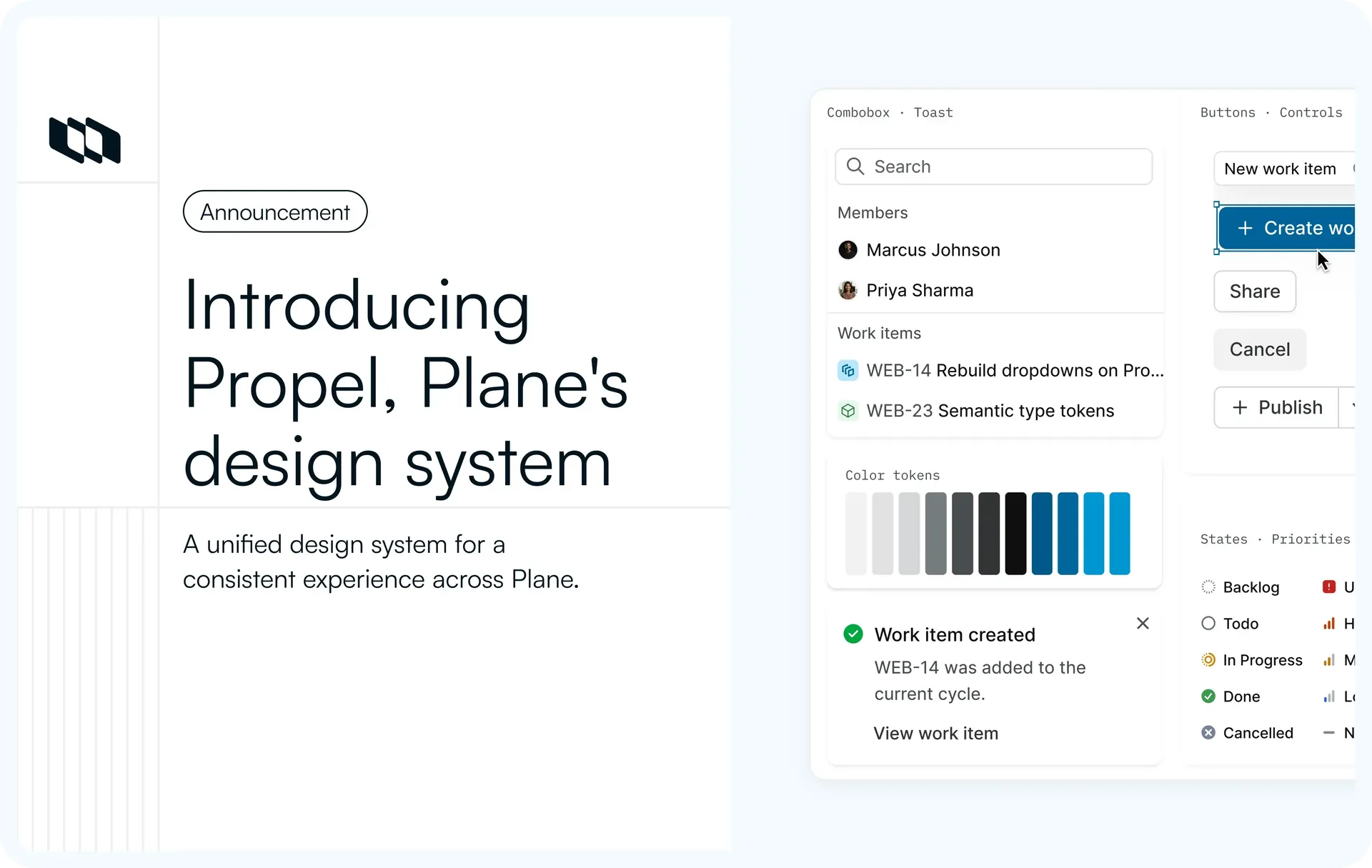
Plane now runs on Propel, our new design system. Every screen in the web app is built from the same set of components, so menus, date fields, and dialogs look and behave the same across the app. The layout of each screen hasn't changed, and everything we build from here uses Propel.
Work item rows in the List layout, built with Propel
What's new with Propel
Date labels in the List layout
Empty date fields in the List layout now show Start date and Due date instead of an icon, the same labels the create dialog uses.
Before and after of work item rows in the List layout. After, empty date fields read Start date and Due date
Archive and Delete grouped separately
In a work item's right-click menu, Archive and Delete are now below a divider, separate from Edit, Make a copy, Open in new tab, and Copy link. Delete is shown in red.
Before and after of a work item's right-click menu. After, a divider sets Archive and Delete apart, and Delete is red
Clear dates from the calendar
To remove a date, open its calendar and select Clear in the footer.
The calendar of a start date in the List layout, with Clear in the footer
Consistent date fields across views
The work item list, peek view, create dialog, and command menu use the same Propel components. A date field in a list row looks the same as one in the Create new work item dialog.
The Create new work item dialog has its date fields matching the list behind it.
Instance admin app
The instance admin app for self-hosted Plane now uses the same buttons, fields, and switches as the main app, in both light and dark themes.
General settings in the instance admin app, in light and in dark
Light, dark, and high contrast
Choose Light, Dark, Light high contrast, or Dark high contrast, and every Propel component supports all four. You can also pick System Preference to follow your device, or set a Custom theme. Change it in Preferences under account settings and it applies right away, without reloading the page.
The same right-click menu in the dark theme, with the divider and red Delete carried over
One library across Plane
Before Propel, the web app used three component libraries, and small differences built up between screens. Now the web app, the instance admin app, published views, and the desktop app all use Propel, and the old libraries are gone from the codebase.
Good to know
- Escape doesn't close the Create new work item dialog yet. Use Discard instead.
- The header row of the Members table scrolls out of view with the page.
Availability
Live on Plane Cloud now, and in self-hosted Plane from 4.0.0. Component docs are at propel.plane.so.
Recommended for you



 Download for Mac
 Download for Android