Introducing PowerK 2.0: Keyboard-first navigation and actions
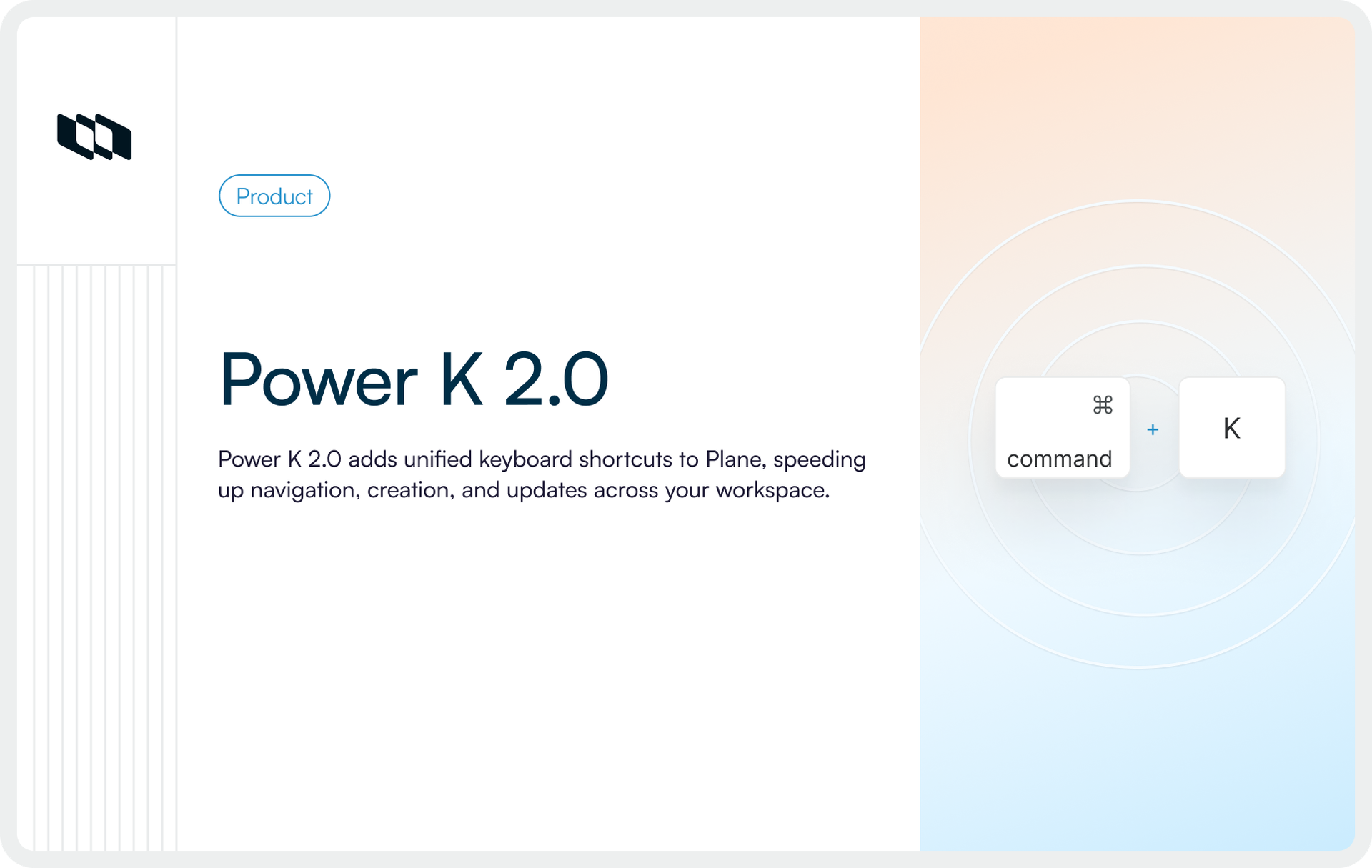
Today, we’re launching PowerK 2.0, a major upgrade to Plane’s command layer, available to all Plane workspaces. With this release, teams can navigate projects, cycles, docs, analytics, intake queues, and backlogs, and perform common actions directly from the keyboard.
Power K 2.0 is deeply integrated into Plane and built for teams operating in complex workspaces, giving them precise, low-friction control over how they move through work and act on it.
What we’re launching
A keyboard-driven way to move, create, and act in Plane
PowerK 2.0 turns Plane into a keyboard-first workspace. Instead of clicking through sidebars and menus, you open a single command surface to go anywhere, create anything, and run common actions from one place.
In practical terms, PowerK 2.0 lets you,
- Move between projects, teamspaces, cycles, modules, docs, analytics, and backlogs without touching your mouse.
- Create new work items, projects, cycles, docs, and more directly from the command surface.
- Update existing work in place, using contextual actions that match where you are and what you have selected.
- Search across your workspace from one entry point, rather than hunting through separate views.
The result is a consistent way to drive Plane from the keyboard, whether you are reviewing a roadmap, triaging intake, or updating a cycle.
Power K 2.0 and the new keyboard shortcut system give teams a fast, consistent way to move, create, and update work anywhere in Plane, without leaving the keyboard.
A predictable shortcut language
Under the hood, Power K 2.0 uses a unified shortcut language that applies across the product.
Every major entity in Plane has a canonical symbol: projects, work items, cycles, docs, initiatives, teamspaces, and others. You combine these symbols with simple patterns to move, open, or create:
G+ symbol to go to a list. For example,GthenItakes you to work items.O+ symbol to open something specific. For example,OthenPopens a project.N+ symbol to create. For example,NthenCcreates a new cycle.
Once you understand the pattern, the shortcuts become predictable. You are not memorizing individual key combinations, you are applying the same language everywhere in your workspace.
Deep contextual actions, wherever you are working
Power K 2.0 is not only about navigation. It also brings a wide set of actions into the same keyboard-driven flow.
From a work item, epic, or list, you can:
- Change state, priority, estimates, and labels.
- Assign items to teammates or assign work to yourself.
- Add items to cycles or modules without leaving the view.
- Subscribe to updates, delete items, or copy IDs and titles.
You stay in context, press a few keys, and the change is applied.
Why did we build Power K 2.0 — and why now
Plane is used by small teams, mid-size product orgs, and large enterprises running multiple projects and initiatives in parallel. As these workspaces grew deeper, a clear pattern emerged.
Work rarely lives in a single place. A single effort can span projects, epics, work items, cycles, modules, docs, dashboards, and intake queues. Moving between those layers started to feel slower than doing the work itself.
We also saw the same behavior across customers,
- People spend time clicking through sidebars and breadcrumbs just to reach the right view.
- Updates move to Slack or screenshots when opening “one more tab” feels like too much.
- Important changes get delayed because navigating to the right set of items takes too long.
Internally, we rely heavily on keyboard shortcuts to ship Plane itself. We know how much difference it makes when you can move and act without breaking focus. But most tools either treat shortcuts as an afterthought, or implement them in ways that are hard to learn and hard to extend.
What was missing was a consistent command layer for project management: something that works the same way across navigation, creation, and actions, and that can scale as workspaces and features grow.
Power K 2.0 is our answer to that gap. It gives Plane a first-class command system that keeps work fast, even when the underlying structure is deep and complex.
What’s next in PowerK 2.0
Power K 2.0 is the first step toward making Plane fully keyboard-driven.
In upcoming releases, we’re exploring,
- More context-aware suggestions based on where you are in Plane and what you’re working on
- Faster bulk and multi-select actions that can be driven entirely from the command surface
- AI-powered commands that let you describe a change and have Plane apply it for you
- Deeper connections between commands and Projects, Wiki, analytics, and Intake
The north star is simple,
Plane should stay fast and direct to use, even as your workspace and processes become more complex.
Recommended for you



 Download for Mac
 Download for Android