Epics is becoming a work item type in Plane
Epics will work like every other work item type in Plane, making project structures easier to customize around your workflow.
Epics will work like every other work item type in Plane, making project structures easier to customize around your workflow.
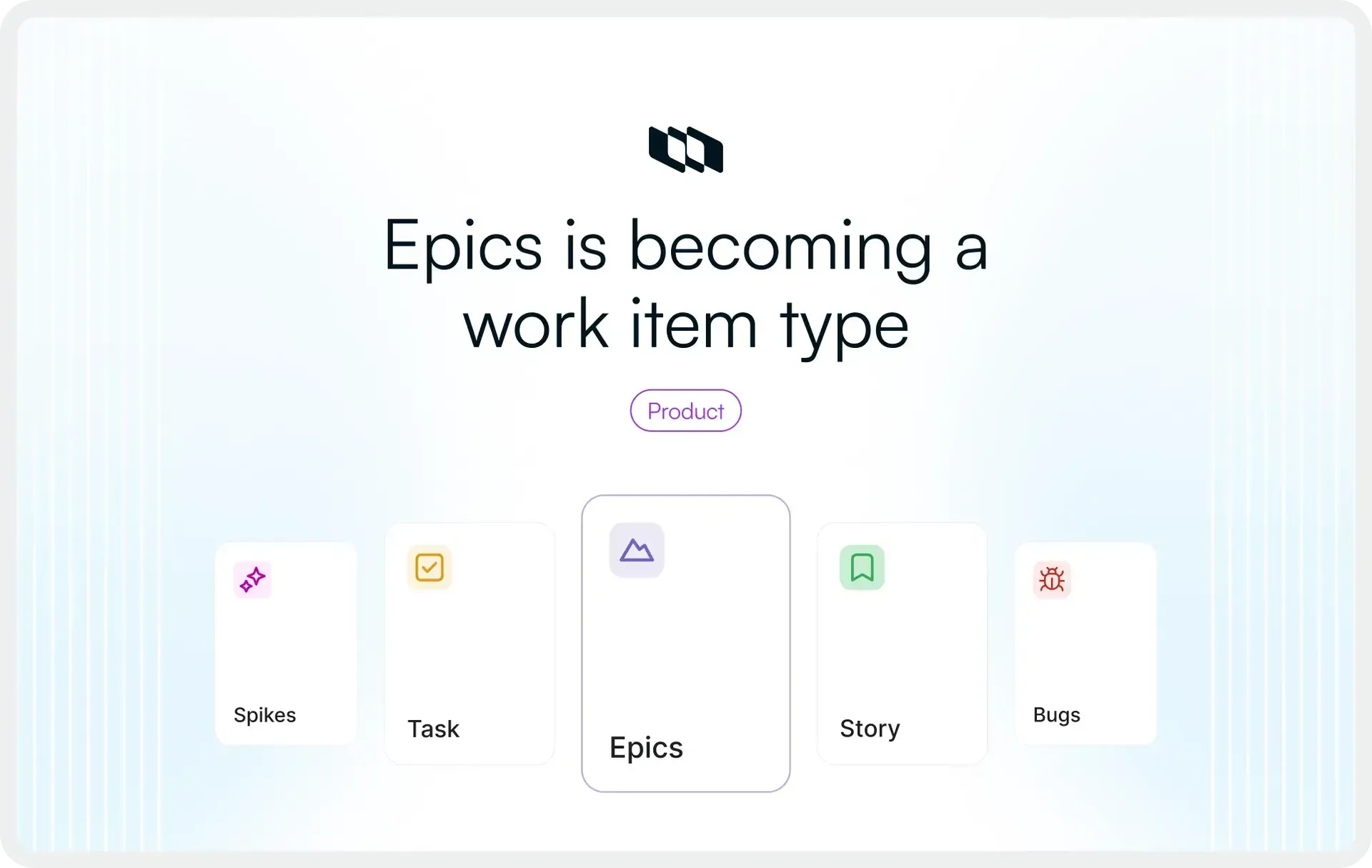
Epics is changing in Plane. We're folding the dedicated Epics surface into Work Items, where Epic becomes a configurable work item type alongside the others your team already uses. Your epics, their comments, their updates, and their initiative links all carry over. We delete nothing, and no workflow breaks.
This also unlocks new things you can do with epics, like adding them to cycles and modules or embedding them in pages.
Update: This is GA.
This ships next week, Tuesday, May 26 for all cloud users. For all Commercial self-hosted users, this will part of 3.0.0.
Here is what that means in practice, and why we are making the change
What we are changing
Two changes, no more
First, we're removing the separate Epics tab from project navigation. Epics will live in the same place as the rest of your work items, filterable and groupable like any other type. Second, Epic stops being a fixed, special-cased entity and becomes a work item type you can enable or disable.
What stayed the same
Your structure is intact
The hierarchy you built still works. A project still sits above your epics, and an epic still sits above its work items. Your epics keep their comment history, their updates, their sub-items, and their connection to any initiative. If your team plans around epics, you keep planning around epics; nothing about that essence has moved.
Why we are doing this
A hardcoded layer is a hidden opinion.
Treating epics as a separate, hardcoded layer made an assumption about how every team works, and that assumption did not hold for everyone. Some teams want a portfolio level above epics. Some want a delivery layer below. Some do not use epics at all and want that vocabulary to be something else entirely.
The structure should follow your process, not ask your process to follow the structure
Why a hardcoded Epic breaks at scale
One slice is never enough at 200, let alone 2,000.
A twenty-person team becomes two hundred, then thousands. Portfolios appear. Programs. Delivery layers. Several projects start rolling up into a single initiative. The neat little gap between "a work item" and "a project", the one place Epic used to live, is no longer enough room to model how the organization actually works.
At that size, you need to define your own hierarchy: name your own levels, decide how many there are, and choose where each work item type sits among them. The product's job is to get out of the way and let you draw that map, not to hand you a pre-drawn one and hope it matches.
What Epic as a type unlocks
While Epic lived outside the work item model, it was cut off from everything that model can do. Bringing it in doesn't just preserve what epics had; it hands them capabilities they could never have before, for free.
Epics in cycles & modules
Previously only standard work items could join a cycle or module. Epic can now be scoped into your sprint and release workflows directly.
Epics as live page embeds
Embed an epic in a planning doc, a wiki entry or a customer-facing page as a reference that stays in sync as the work moves.
Initiatives accept any type
The epics-only limit is gone. Attach any work item type to an initiative and shape portfolio planning the way you want.
Progress on every parent
Progress updates, the percentage roll-up and the state-group split of children now apply to any parent, not just epics.
What this means for your team
Works for small teams, scales for everyone else
If you're a small team
You lose nothing. Filter Work Items by Type = Epic. Save it as a view and favorite it. It pins to the left menu in a prominent spot, arguably easier to reach than the old tab, and it carries the same progress and breakdown views you relied on.
As you grow
You stop being boxed into a single epic layer. You define the tiers your organization actually has, portfolio, program, delivery, whatever you call them, and decide where each type lives. Every team gets the Project → Epic → Work items spine from day one; the deeper, fully configurable multi-level hierarchy is how Plane scales up alongside your team and plan.
Bring your Epics view back in 3 steps -
For anyone who used to open the dedicated tab.
- Open Work Items and filter by Type = Epic.
- Save it as a View, name it "Epics"
- Mark the view as a Favorite - it pins to the top of your left menu, ready in one click.
What we're adding alongside this
We're expanding two capabilities so you don't lose anything in the move.
Work Item Updates. The progress updates we previously offered only on epics now work on any work item type. Updates continue to roll up to initiatives the way they do today.
Initiatives accept any work item. We've removed the epics-only limit. You can attach any work item type to an initiative, which gives you more freedom in how you structure portfolio-level planning.
When this is happening
This ships next week, Tuesday, May 26 for all cloud users, update: This is GA. For all Commercial self-hosted users, this will part of 3.0.0. Bring questions to the community forum, where we're tracking this change and answering as it rolls out.
Recommended for you



 Download for Mac
 Download for Android