Introducing Workspace Governance
One set of states, labels, and workflows for every project in your workspace.
One set of states, labels, and workflows for every project in your workspace.
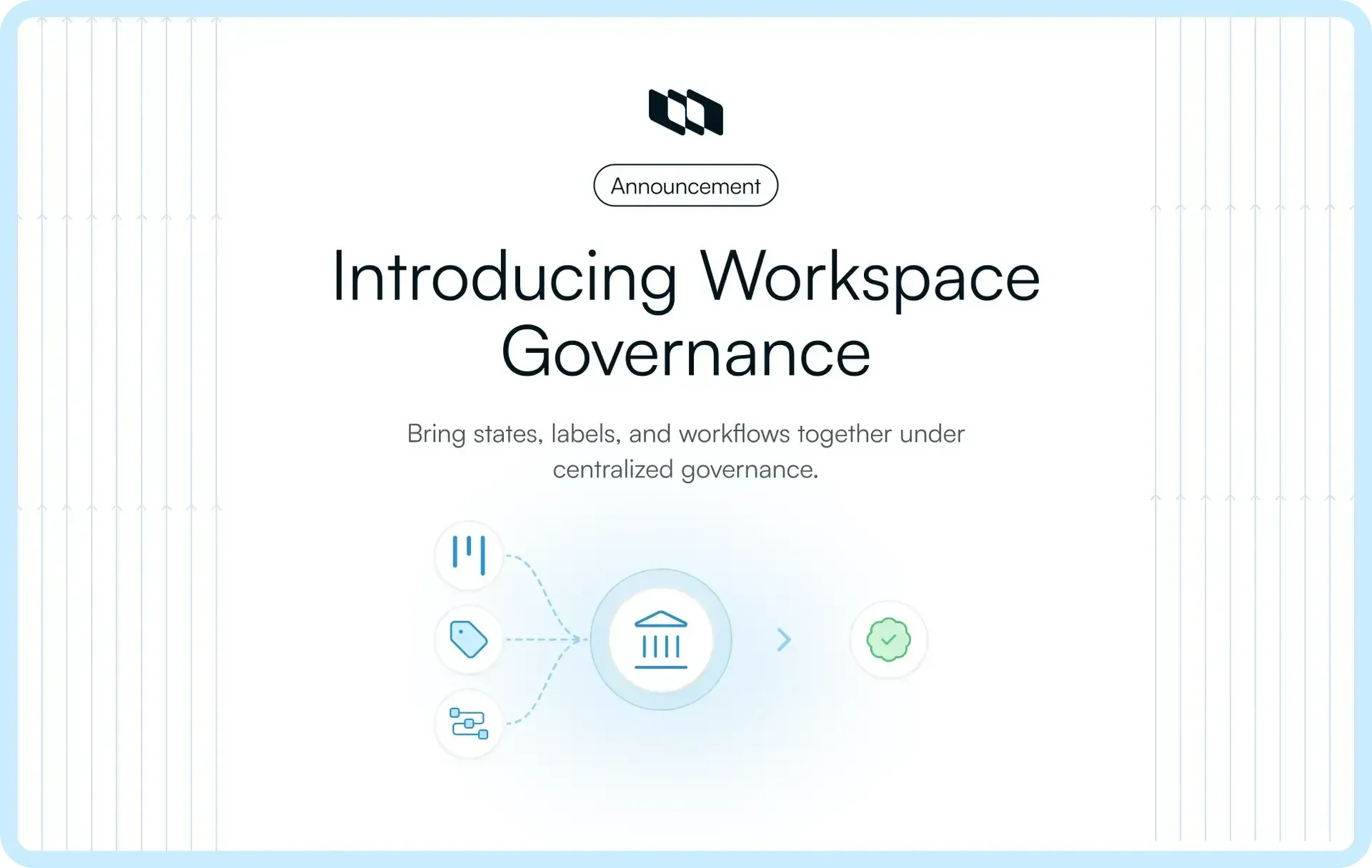
Workspace Governance gives every project in a workspace the same states, labels, and workflows. A workspace admin manages them in one place, and before you turn it on, a review shows exactly how each project's setup will merge.
What's included
Shared states
Each project's states move into one workspace catalog. States with the same name and group merge, ignoring case, so Qa Review and QA review become one. A name used in two groups stays as two states, renamed with its group, like Review (Started).
Before and after of a project's states. After, the workspace catalog has one QA review and a Review (Started)
[Image: Before and after of a project's states. After, the workspace catalog has one QA review and a Review (Started)]
Shared labels
Labels merge by name, ignoring case. Bug, BUG, and bug from three projects become one Bug. Labels that differ by more than case, like Tech debt and tech-debt, stay separate.
The labels breakdown for Bug, listing three spellings and proposing one label
Workspace workflows
Each project's workflow moves into the workspace catalog as its own entry, next to Default. Nothing is combined, and every workflow stays active.
[Image: The workspace workflows catalog after enablement, listing Default and each project's workflow]
Workflow rules by work item type
Each work item type has a governance mode. Any allows every workspace workflow, Constrained limits projects to an approved list, and Required sets one workflow that projects can't change.
The Governance tab for the Task type, with Any, Constrained, and Required
Migration review
Before anything changes, a review walks through States, Workflows, Labels, and Automations. Open View details on any merge to see which projects it comes from.
The confirm step of the review. Typing confirm makes Enable governance available
Where it helps
Projects that grew their own setup
Three spellings of Bug and the same state defined in project after project. Governance folds them into one catalog, and the review shows every merge before you commit.
A standard process across teams
Set a work item type to Required, and every project uses the approved workflow for that type. Constrained gives projects a short approved list to choose from instead.
One owner for the setup
Once governance is on, states, labels, and workflows leave project settings and live in workspace settings. Project admins work with what the workspace defines instead of creating their own.
Project settings after enablement, without States, Labels, and Workflows
Turning it on
A workspace admin starts from Settings, Workspace Governance. The migration review comes first, and enabling takes typing confirm, because governance can't be turned off. While the migration runs, edits in that workspace pause. Other workspaces aren't affected.
Good to know
- Turning governance on can't be undone.
- Personal filters and selections for states, labels, and work item types are reset, not remapped.
- Templates and recurring work items don't move to the workspace catalogs.
- The review leaves out archived projects, but the migration includes them, so an archived project's state can change a name the review showed.
- A workflow that was disabled in its project is active in the catalog after the migration.
- Custom permission schemes don't pick up workspace label permissions on their own. Check them before you enable.
- Integrations can't create states inside a project once governance is on.
Availability
Workspace Governance is available on the Enterprise Grid plan, on Plane Cloud and in self-hosted Plane from v3.2.0. See the Workspace Governance docs and the v3.2.0 release notes.
Recommended for you
.png&w=3840&q=75&dpl=dpl_CRokCNitd5roZPRmv7QPpHQJxN4G)



 Download for Mac
 Download for Android