Introducing Audit logs in Plane
See who changed access and settings in your workspace, and when.
See who changed access and settings in your workspace, and when.
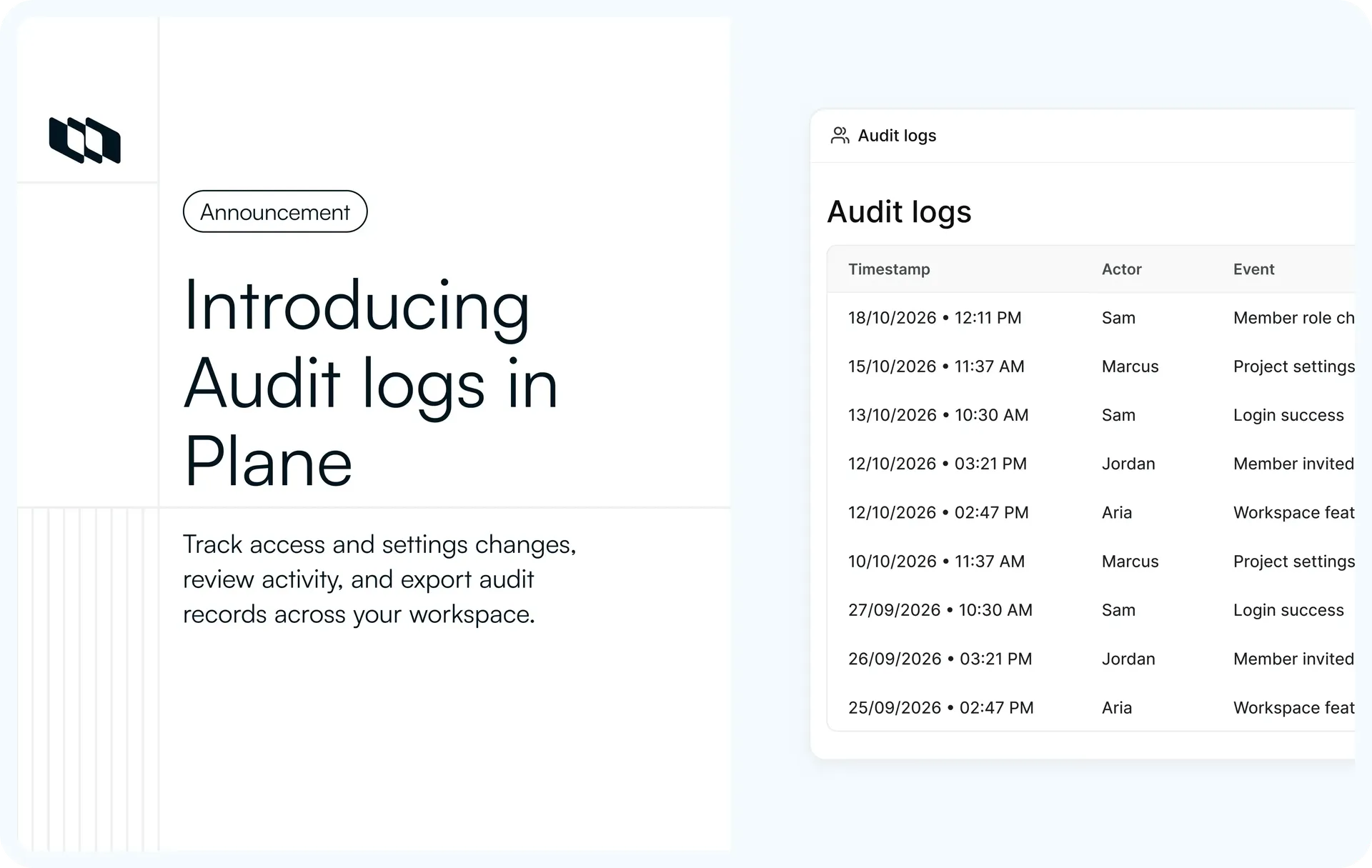
Plane now keeps audit logs. Changes to access and settings, like a member removed or a token revoked, are recorded with who made them and when. Workspace admins can filter, search, and export the log, and the API returns the same rows.
There's a log for each workspace, one for each project, and one in God Mode for sign-ins.
The workspace audit log. Filtered to Member, searched for one name, then exported as CSV
Here's what's new.
What's new
1. A log for each workspace
Workspace settings, Audit logs lists each event with a timestamp, the actor, the event, and what it affected, newest first. It covers access and settings, not every edit to a work item or page.
The audit log in workspace settings, one event on each row
2. Filters and search
Filter by actor, category, outcome, or date range. Search matches names, emails, and the event itself, so typing "removed" finds every removal.
The Filters menu, with Actor, Category, Outcome, and Date range
3. Exports with the full detail
Export the filtered rows as Excel or CSV. The file includes what the table leaves out: old and new values, IP address, outcome, and reason.
4. A log for each project
Each project has its own audit log in project settings. Project admins can read and export it without workspace-level access.
A project's audit log, opened by a project admin
5. Sign-ins in God Mode
On self-hosted Plane, God Mode has its own log for sign-ins, failed sign-ins, and changes made in the admin panel.
The audit log in God Mode, with sign-ins by several people
Put it to work
Find out who removed a member
Filter to Member and search the person's name. The Member removed row shows which admin removed them, and when.
The audit log filtered to Member and searched for one name. The first row is Member removed
Give an auditor a date range
Set a custom date range, add the categories the review covers, and download the file. The export also adds a row to the log with your name on it.
A custom date range and two categories, then an export that turns to Completed under Previous exports
Trace an API token
Search a workspace token's label to see who created it and who revoked it. The log records the token's lifecycle, not the requests made with it. The same search works through the API.
A search for a token's label, leaving Workspace token created and Workspace token revoked
Check failed sign-ins
In God Mode, filter to Failure under Outcome. Each row shows the email that was tried and when.
The God Mode audit log filtered to failed sign-ins
How it works
Each row is chained to the one before it with a keyed hash. If a stored row is changed, removed from the middle, or reordered, a check of the chain fails from that point on. Rows are written in the background, so recording an event doesn't slow down the request that caused it.
How an audit log row is written, chained, and checked
For admins and self-hosted teams
- Workspace owners and admins can view and export the workspace log by default. Members and guests can't.
- Recording starts once audit logs are on for the workspace. Earlier actions aren't added.
- Token secrets aren't stored, and secret-looking values in webhook URLs are masked.
- The actor's name, email, and IP address stay on the row after the account is removed.
- Rows are kept permanently. There's no way to clear or prune the log.
Good to know
- The workspace log's Category filter has no Project option.
- In the date filter, Before stops at the start of the day you pick. To include the 12th, pick the 13th.
- If your profile isn't set to UTC, check the first and last days of a date-range export against the table.
- An export over the row limit fails and asks you to narrow the filters. Finished export files expire.
- The chain check runs against the database. There's no screen or API endpoint for it.
- The check can't detect rows missing from the end of the log, or changes made by someone who holds the app's secret key.
Availability
Audit logs are available on the Enterprise Grid plan, on Plane Cloud and in self-hosted Plane. See the workspace audit logs docs, the project audit logs docs, and the API reference.
Recommended for you



 Download for Mac
 Download for Android