The self-hosting maturity model: From homelab to regulated enterprise
A practical framework to assess your self-hosted infrastructure, identify operational gaps, and build a more reliable deployment.
A practical framework to assess your self-hosted infrastructure, identify operational gaps, and build a more reliable deployment.
Your self-hosted application is running. But as more people depend on it, keeping it available, secure, and recoverable becomes a larger responsibility. An untested backup or undocumented upgrade can turn a routine failure into prolonged downtime.
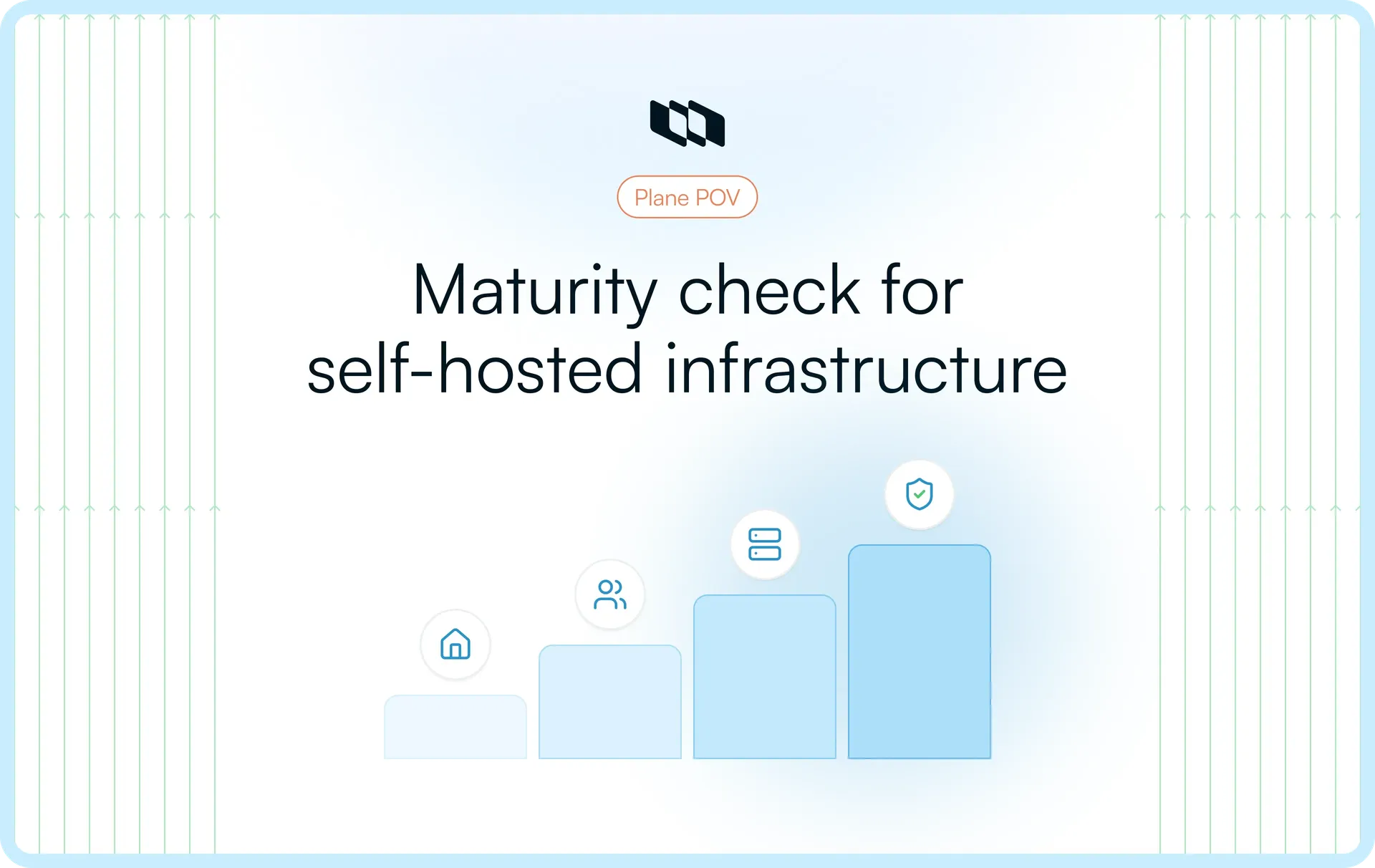
How prepared is your deployment for that responsibility? The self-hosting maturity model assesses operational readiness across six dimensions, from infrastructure and recovery to governance. It describes four operating profiles: Homelab, Team, Production, and Regulated enterprise.
In this guide, we'll break down each profile, show how to assess your current setup, and identify practical steps to improve it, using self-hosted Plane as a running example.
What defines self-hosting maturity?
Infrastructure ownership vs. operational responsibility
A homelab, a virtual machine in a private cloud, and a Kubernetes cluster can all be self-hosted. None of them is automatically mature because of where or how it runs. The reasons organizations choose self-hosting are different from the practices needed to operate it reliably.
The more useful distinction is between controlling the environment and being able to operate it predictably. Can another engineer maintain it? Can you recover the latest data after losing a host? Do you know which changes need approval, which services are allowed to communicate outside the network, and which alerts require action?
A Docker Compose deployment with documented upgrades, independently protected data, and successful recovery tests may be better operated than a Kubernetes deployment whose backups have never been restored. Maturity measures operational capability, not an organization's preferred orchestration tool.
The six dimensions of self-hosting maturity
We can assess those capabilities across six dimensions. They are related, but progress in one does not guarantee progress in another.
Dimension | The question it answers |
Infrastructure and availability | Can the application remain usable, or be restored within an acceptable time, when a host or dependency fails? |
Backup and disaster recovery | Can we recover the data, files, configuration, and application state that users actually need? |
Security and access management | Who can access the application and its infrastructure, and how quickly can that access be changed or revoked? |
Maintenance and upgrades | Can we make changes safely, verify them, and recover if an upgrade goes wrong? |
Monitoring and incident response | Will we detect a real user-facing failure and know who needs to act? |
Governance and compliance | Can we explain and demonstrate the controls that our organization or regulators require? |
An organization might have strong availability controls and weak recovery procedures. Another might have rigorous identity governance but depend on manual, untested upgrades.
The four self-hosting maturity stages
Self-hosting maturity typically progresses through four operating stages: Homelab, Team, Production, and Enterprise. Each represents a change in how an application is maintained, secured, monitored, and governed as more users and business-critical workflows depend on it. These stages provide a framework for assessing operational readiness rather than a mandatory sequence. Organizations may need enterprise-grade controls or additional regulatory safeguards from their first deployment.
Stage 1: Homelab, deploy and experiment
The application exists to test an idea or evaluate features. One person can usually install it, maintain it, and decide when to take it offline. Reliability is useful, but it is not yet an explicit obligation to other teams.
Typical operating conditions
- Individual ownership: Setup, configuration, and troubleshooting rely heavily on the installer.
- Informal safeguards: Updates, backups, and operational notes may be handled manually.
- Low recovery expectations: Rebuilding the environment may be acceptable because it is not a shared system of record.
Plane in practice: An engineer evaluates Plane with its Docker All-in-One (AIO) installation. Plane documents AIO as a proof-of-concept option, not a production method. Even with the application packaged in one container, the setup still requires supporting data services.
When it stops being enough: Other people begin depending on the instance or storing information that must survive a host failure.
Stage 2: Team, establish operational ownership
The application has become a shared service. Its users expect their data to persist, access to be controlled, and routine maintenance to cause as little disruption as possible.
Shared-service safeguards
- Named ownership: An administrator or team is responsible for upgrades, incidents, and configuration.
- Protected state: Persistent storage, recurring backups, and a separate copy of critical configuration are part of normal operations.
- Shared procedures: Colleagues can find logs, maintain access, and follow documented maintenance steps.
A team can meet those conditions and still have an important gap: the backup process may never have been tested through a complete restore.
Plane in practice: A platform team operates a shared Plane instance using Docker Compose. It establishes administrative ownership, configures persistent storage and scheduled backups, and maintains deployment configuration securely.
When it stops being enough: Downtime or lost work has a material business impact, and the team needs measurable recovery expectations.
Stage 3: Production, build for reliability and recovery
Production maturity means the team has defined what acceptable disruption looks like and can demonstrate how it will detect, respond to, and recover from failures. The deployment architecture is chosen to support those requirements.
Production reliability practices
- Recovery objectives: Recovery point objective (RPO) defines acceptable data loss; recovery time objective (RTO) defines acceptable restoration time. Backup frequency and recovery design are evaluated against those targets.
- Tested restoration: Data, uploaded files, application settings, and relevant secrets can be recovered together.
- Meaningful observability: Monitoring covers user-facing workflows and dependencies, not merely whether the web container responds.
- Controlled changes: Upgrades have known versions, migration checks, verification steps, and a documented recovery path.
For example, a once-daily backup alone would not meet a fifteen-minute RPO. Likewise, starting an older container image does not prove an application can safely run against a database whose schema has changed.
Plane in practice: Plane can be operated in production using Docker Compose or Kubernetes. A platform team might separate PostgreSQL and object storage from the application host, monitor supporting services, and test a restore that opens an existing work item and retrieves an attachment.
When additional governance becomes necessary: The organization needs enforceable access policies, documented approval controls, and evidence of compliance-related operations.
Stage 4: Regulated enterprise, enforce and demonstrate required controls
Some organizations must prove how systems are operated and protected because of customer contracts, internal security policies, or regulatory obligations. They need production reliability alongside controls that can be reviewed and evidenced.
Controls and evidence
- Governed access: Administrative privileges are limited, reviewed, and revoked when no longer needed.
- Traceable changes: Relevant access and configuration events have records that support investigation and review.
- Defined data and network boundaries: Operators can explain where data lives, which systems communicate, and how updates enter the environment.
- Auditable procedures: Policies are tied to responsible people, technical controls, and evidence of execution.
Some environments require a fully disconnected network. Others allow tightly controlled outbound access. Air-gapping is a specific architectural requirement, not a universal measure of technical maturity, and self-hosting alone does not establish regulatory compliance. Our guide to air-gapped project management examines the network, dependency, and operational implications.
Plane in practice: Instance admins can use God Mode for instance-wide administration and authentication settings. Audit logs, available with Enterprise Grid, record supported access, authentication, and settings events; they are not a record of every edit to a work item. Plane's Airgapped Edition, also an Enterprise Grid offering, supports isolated deployments where external connectivity is prohibited. The organization must still operate and evidence the applicable infrastructure and security controls.
What success looks like: An operator can show the requirement, the control that addresses it, who owns it, and the evidence demonstrating it works.
How to assess your self-hosting maturity
Assess the application and its supporting services together. Start with the operational requirements that matter to your users, then examine the six dimensions above. Do not assign a maturity level based only on the infrastructure you've installed.
Check outcomes, not just configuration
For each dimension, record the expected outcome, the current practice, and the evidence that it works. Use three evidence classifications:
- Unverified: The control is missing, undocumented, or assumed to work.
- Documented: A configuration or runbook exists, but nobody has tested the outcome.
- Demonstrated: A relevant recent test or operational record shows that the outcome was achieved.
These are evidence categories, not additional maturity stages. For a Plane deployment, check database and object-storage recovery alongside application availability. A successful sign-in does not prove attachments can be restored, and a healthy web container does not prove that background jobs are running.
Apply the assessment to a self-hosted Plane deployment
Consider a hypothetical team that has established availability and upgrade procedures, but has not tested a complete restoration. Its assessment might look like this:
Dimension | Observed evidence | Assessment |
Infrastructure and availability | The team has agreed availability and host-recovery targets; a failure exercise met those targets. | Production |
Backup and disaster recovery | Daily backups run, but database, attachments, keys, and configuration have not been restored together. | Team |
Security and access management | Centralized sign-in is configured; privileged access reviews are informal. | Team |
Maintenance and upgrades | A staging rehearsal, migration checks, deployment verification, and an applicable recovery plan are documented and tested. | Production |
Monitoring and incident response | Host checks run, but a stalled background worker would not trigger a response. | Team |
Governance and compliance | The team's policy requires periodic privileged-access reviews, but it cannot produce records of those reviews. | Requirement gap |
The assessment is intentionally uneven. Adding more infrastructure would not address an untested restore. The absent access-review evidence also needs action because the organization's policy explicitly requires it.
How to interpret the result: Rate the operating dimensions against the appropriate stage and the evidence available. Assess regulatory or contractual requirements separately, since they don't apply to every organization.
How to progress to the next stage
The stages explain how a deployment is operated. Progress means closing a specific gap and proving the improvement worked. Use these steps as a checklist, not as a reason to introduce tooling you do not need.
Make operations repeatable
- Document the setup: Record the deployed version, dependencies, configuration location, maintenance procedure, and administrator ownership.
- Protect persistent data: Schedule backups and keep recovery material outside the application host's failure domain.
- Test the handoff: Have another authorized engineer follow the runbook and locate the material needed to restore service.
Evidence of progress: Another operator can carry out routine maintenance without relying on the original installer.
Make reliability measurable
- Define recovery targets: Agree on acceptable downtime and data loss, then check whether the backup and service design can meet them.
- Run a full restore: Recover application data, files, secrets, and configuration in a separate environment. Test actual workflows and record the result.
- Rehearse changes: Validate upgrades and migrations, define what would trigger recovery, and route critical alerts to someone responsible.
Evidence of progress: A documented recovery test meets the agreed target, and the team has verified procedures for changes and incidents.
Apply governance controls where required
- Identify obligations: Map applicable access, retention, network, and change requirements to owners.
- Test enforcement: Verify permissions, review privileged access, and confirm the relevant events are captured.
- Produce evidence: Keep the approvals, review records, and change history required by the organization. For isolated environments, document how software artifacts are introduced and verified.
Evidence of progress: Reviewers can connect each applicable requirement to its control and supporting record. Teams without those obligations need not treat this as an automatic next stage.
Building a mature self-hosted environment with Plane
Consider a platform team expanding its self-hosted Plane instance beyond a small engineering group. Before more teams depend on it, the platform team must make three decisions: where Plane will run, how it will be recovered, and which access and governance controls it must enforce.
Can Plane run within your infrastructure requirements?
The team can keep Docker Compose if its hosting, availability, and recovery design meet its requirements. Hosting location is only one part of data sovereignty; identity providers, integrations, and other external services also affect the data boundary. Moving to Kubernetes makes sense when it aligns with an existing cluster operating model, not as a maturity milestone in itself.
- Docker Compose: A supported production path when the operator manages data services, access, monitoring, backups, and recovery appropriately. See the Docker production guide.
- Kubernetes: A Helm-based path for teams already running Kubernetes infrastructure. The cluster does not eliminate responsibility for stateful data or recovery. See the Kubernetes production guide.
- Airgapped deployments: Plane's Airgapped Edition supports Docker or Kubernetes for environments that must run without public internet access. It is offered with Enterprise Grid and has additional licensing requirements. The offline licensing and upgrade process explains how those operations work without direct internet access.
- Evaluation: Docker All-in-One (AIO) is a proof-of-concept option, not a production method. Its application services run in one container and it still requires external supporting data services.
Can your team upgrade and recover the deployment?
Before expanding access, the example team should rehearse a restoration and verify that existing work items and attachments are available afterward. The operational requirements remain its responsibility, regardless of deployment method.
- Management tools: Commercial Docker deployments use Prime CLI for instance management, while Community deployments use
setup.sh. Kubernetes operators follow the Helm deployment workflow. - Data services: PPlane uses PostgreSQL, a Redis-compatible cache, RabbitMQ, and object storage. Teams can configure and manage these services according to their infrastructure, availability, and recovery requirements.
- Backups: The documented backup and restore procedures cover supported local services. Externally operated databases and storage require their own backup and restoration process.
- Verification: Preserve the necessary configuration and application keys, restore the relevant data and files, and confirm critical workflows in the recovered instance.
An upgrade command or a completed backup is not evidence that a system meets its recovery objectives. The team must test the full process.
Plane's authentication setup is another example of why configuration matters during recovery. External identity providers handle user authentication, while Plane stores sensitive instance settings in encrypted form. Restoring those settings requires preserving the original SECRET_KEY alongside the database.
Can you enforce and review the controls you need?
As more departments use Plane, the team should distinguish instance administration, application permissions, and infrastructure governance.
- Instance administration: God Mode provides instance-wide administrative and authentication settings.
- Application access: Workspace and project permissions define access within Plane. Additional governance capabilities depend on the licensed configuration.
- Audit evidence: Enterprise Grid audit logs cover supported access, authentication, and configuration events. They do not capture every work item or page edit and cannot replace infrastructure, network, or identity-provider records.
The evaluation is therefore bigger than selecting Docker or Kubernetes. The question is whether Plane's supported application capabilities, together with the team's operating procedures, meet the organization's requirements.
Put self-hosting into practice with Plane
A mature self-hosted setup starts with choosing software that fits your infrastructure and the way your team operates it.
Plane gives you the flexibility to deploy on Docker Compose or Kubernetes, manage instance-level settings, and configure access controls. For organizations with stricter requirements, Enterprise Grid adds audit logs and air-gapped deployment options.
Run Plane on your own infrastructure, maintain control over your data, and choose the deployment approach that meets your operational requirements.
Recommended for you



 Download for Mac
 Download for Android
