Retail project management in Plane: A practical guide
See how retail teams use Plane to keep work connected across merchandising, e-commerce, and store operations.
See how retail teams use Plane to keep work connected across merchandising, e-commerce, and store operations.
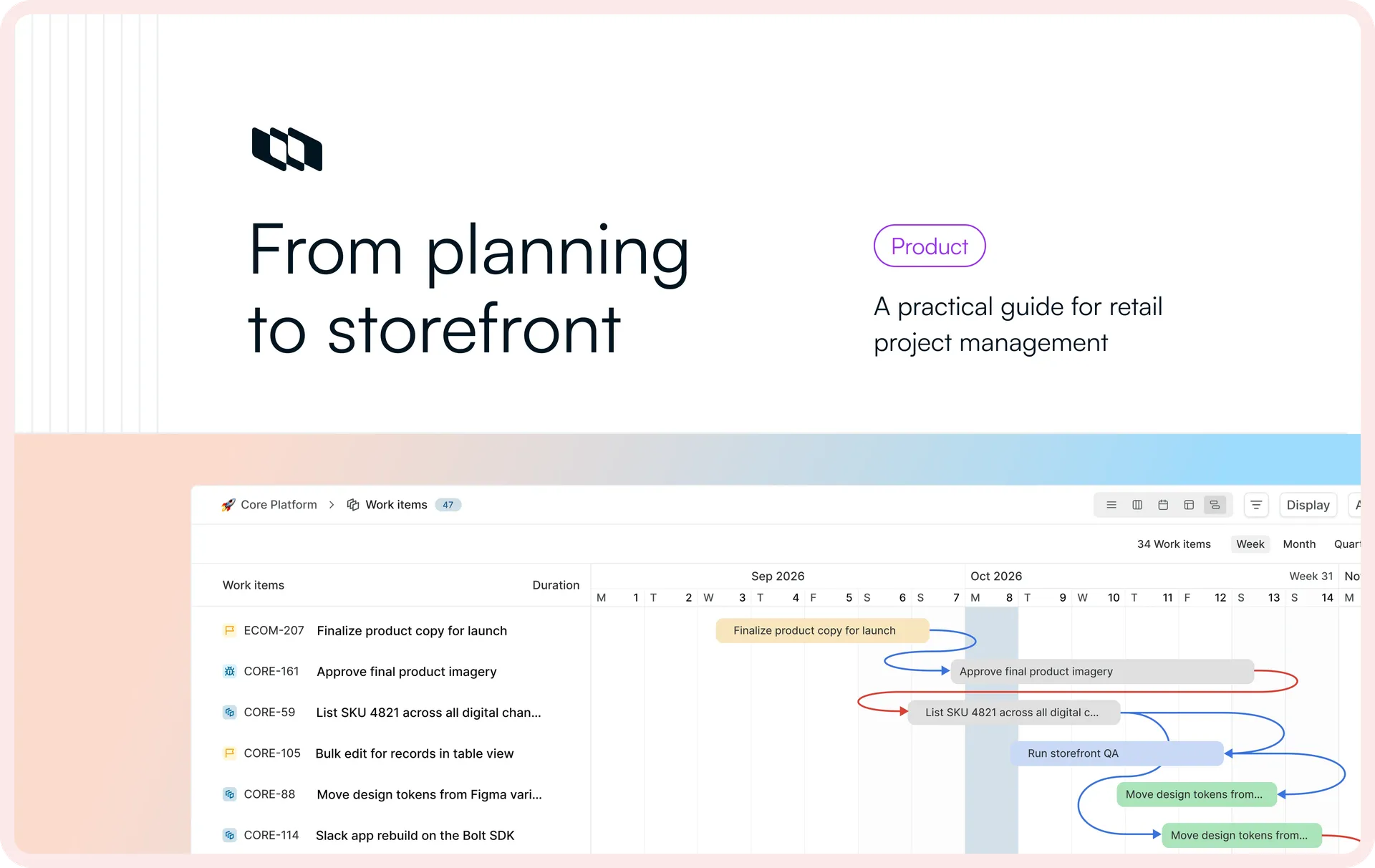
A seasonal collection is going live in three weeks, on a date that is already public. It drops on the same morning across the online store and the physical stores in one market, and to a customer it is a single event: the new range appears online, the windows change, the signage is up, the prices are right at the till.
Inside the business it is not one event at all. Merchandising has decided the assortment, prices, and promotions. E-commerce is building the product pages, wiring up the storefront, and running quality checks before anything ships. Store operations is receiving inventory, setting planograms, briefing staff, and checking the tills ring up the launch prices.
Each team already has systems that run its part of commerce. What they lack is a shared view of the work required to get the launch ready, which is a different thing from the systems that record it. That gap is the real project-management problem in retail: not recording each part of the launch, but coordinating the work between them. Plane fills it by keeping launch work connected across merchandising, e-commerce, and stores, while Plane AI helps the people running the launch see what changed, what is blocked, and where readiness is slipping. A launch is the sharpest version of this problem, but the same coordination model applies to promotions, assortment changes, campaigns, and store rollouts.
Why retail launches are hard to coordinate end-to-end
A launch moves through a recognizable sequence: commercial plan, content and asset readiness, storefront setup, QA, store readiness, go-live, and verification. It is the operating model most retail teams already run, and it looks orderly on a slide.
The problem is that it crosses three functions and several systems of record, none of which owns the launch as a whole. That split is what makes retail project management difficult: each function and system can be working correctly while the launch between them is not.
- No one owns readiness end to end. Merchandising, e-commerce, and stores each own one stretch, and each sees its own part clearly and the rest dimly.
- Authoritative records live in different systems. ERP or merchandising holds assortment and pricing, PIM holds product data, DAM holds assets, the commerce platform holds the storefront, and POS runs the in-store transaction.
- Handoffs compress downstream timelines. The public date holds even when upstream work slips, so the slack comes out of whoever is next in line.
- Changes propagate across functions. A pricing, assortment, asset, or inventory change rarely stays put; it creates work in a team that had already moved on.
- Status has to be reconstructed. Each function can look healthy on its own while the launch overall is not ready, so a launch review starts by reconciling versions of the truth.
That third point bites hardest. A late pricing decision eats into QA time without delaying the launch date. Plane makes those handoffs, changes, and readiness gaps visible while there is still time to act on them.
How one retail launch is structured in Plane
The retail launch sits inside Plane as one thing at the top, with each team working beneath it and the connections between them modeled rather than assumed:
Layer | How it maps in Plane | What it does for the launch |
Launch | Groups the seasonal collection across merchandising, e-commerce, and store operations and gives leadership one view of progress. | |
Functional work | Projects | Each team runs its own workflow while staying connected to the same launch. |
Execution | Work Item Types and custom properties | Structures commercial decisions, content, assets, QA, store rollout, market, channel, launch date, and other retail-specific work. |
Handoffs and timing | Dependencies | Connects work across teams and anchors shared dates such as content freeze, staging sign-off, and go-live. |
Context and visibility | Wiki, Dashboards, and Plane AI | Keeps the launch brief and operating context connected while surfacing readiness, blockers, and changes across the launch. |
The rest of this is how that structure plays out for each team.
How the work moves across merchandising, e-commerce, and stores
The three functions move toward the same launch in overlapping stages, but their work is tightly dependent: each team relies on decisions and inputs owned by another, which is what makes a launch a coordination problem rather than three separate to-do lists. The sections below follow the same launch through all three.
Merchandising: Define the commercial offer
Merchandising sets the commercial terms of the launch: assortment, pricing, promotions, markets, channels, and launch date.
Before downstream teams can commit, merchandising may need to lock:
- assortment
- launch pricing
- promotion
- market and channel availability
- launch date
A late change here ripples quickly. If a price changes a week before launch, it can affect promotion setup, POS configuration, signage already in production, and QA already completed. The decision looks small, but it triggers a domino effect.
In Plane, these decisions live as structured work with properties such as market, channel, category, and launch date. Approvals make it clear what is signed off and what is still pending, while dependencies connect those decisions to the downstream work waiting on them.
If a price changes after sign-off, the affected work is already connected through those dependencies. Plane AI can then summarize what changed and which downstream work is now at risk.
E-commerce operations: Prepare the digital storefront
E-commerce turns the commercial decision into something a customer can buy. It is the deepest, most interdependent stretch of the launch, where almost everything waits on an input and feeds something downstream. It is also the stretch that gets squeezed. Every late input still lands on a fixed go-live date, and the compression shows up as less time for QA, exactly where the small, expensive problems hide.
The storefront work runs as a sequence, with one item carried through it to show how the pieces connect:
Content and asset readiness → storefront setup → QA → staging sign-off → go-live
1. Structure the launch work
Each kind of work gets its own Work Item Type: product content, asset, storefront configuration, QA, and integration check. Each carries the properties that the work needs, so the content item for SKU 4821, one style in the collection, references its SKU, market, and go-live date and links out to the PIM record and DAM asset set rather than copying them in. Those systems stay authoritative for the product data and the assets; Plane holds the work of getting them launch-ready.
2. Connect the inputs storefront work depends on
Storefront work cannot start before its inputs exist, so those handoffs are modeled as dependencies that make the blocked work and the input it waits on visible rather than assumed. SKU 4821's asset arrives late, holding up its PDP and collection-page work; elsewhere, price approval gates promotion setup.
3. Turn failed checks into owned work
Once that asset clears and its PDP work is done, SKU 4821 surfaces again when QA runs: the launch promotion applies to the whole collection except this one style, where the discount silently fails to calculate. Rather than a red cell in a checklist only its author reads, the failure becomes its own follow-up work item with an owner and a due date.
4. Gate go-live on readiness
That open item on SKU 4821 now sits between the launch and go-live, which is what should happen. Milestones anchor the shared dates every team works toward: content freeze, staging sign-off, and go-live, and an approval gates the final transition, so go-live is a decision made on the evidence rather than a date that arrives with QA still open.
5. Ask Plane AI what is still blocking launch
Because the launch record is connected, a lead can ask what still stands between the collection and go-live and get SKU 4821 back, with its failed promotion check and the PDP work behind it. Plane AI answers questions like these from the work itself:
- Which parts of the launch aren't ready, and why?
- Which QA failures still affect go-live?
- What is still blocking staging sign-off?
It reasons over the work items, properties, and dependencies in Plane, not the commerce platform directly, unless that system's data has been brought into the workflow, so the answer is only as complete as what the teams have captured.
Store operations: Execute consistently across locations
Store operations makes the launch look the same in every location. The individual tasks are simple enough but what's difficult is that HQ wants one launch standard while every store differs by region, format, staffing, and when its stock arrives. Stores need enough local ownership to report when reality diverges from the plan. So store operations is really exception management. When the launch is on track in most stores, the useful information is the short list that cannot launch and why.
Store readiness can include:
- inventory confirmed
- signage received and installed
- displays and planograms complete
- staff briefed
- POS pricing verified
- promotion verified
The day before go-live, "94 percent of tasks complete" tells leadership nothing actionable. "Twelve stores are missing launch signage, all in one region, because a print shipment is late" tells them exactly what to escalate and to whom.
To get that second answer, the rollout carries ownership at the store or regional level, with region and store format as properties so the plan can be grouped the way stores actually vary. A store cannot be counted ready before its stock is confirmed, since inventory feeds readiness through a dependency. Stores report problems through Intake, which routes them to whoever owns the fix, and leadership can cut readiness by region, state, or blocker into saved Dashboards, with PQL, Plane Query Language, handling more specific conditions. Asked which stores are at risk and why, Plane AI answers from the current state of the rollout.
How the launch stays connected as work moves between teams
The launch holds together because the connections between the three functions are modeled, not left to meetings and memory.
Launch question | How Plane supports it |
What has been decided? | Structured work and approvals |
Who owns this piece? | Project lead/work item assignee |
What is waiting on what? | Dependencies |
Which dates cannot move? | Milestones and Timeline |
Is the launch ready? | Dashboards and PQL |
What needs attention now? | Intake and Plane AI |
Where does the underlying record live? | References and links to authoritative systems |
Where Plane's role ends
The boundary matters because duplicating product, pricing, inventory, or customer records into Plane creates two places that can disagree. Commerce systems run and record commerce. Plane coordinates the work around them.
The difference shows up the moment you ask a specialist system whether the launch is ready. The PIM can tell you a product record is complete. The DAM can tell you an asset exists. The POS can tell you a price is configured. None of them alone can tell you whether the launch as a whole is ready, because readiness lives in the work between them. Plane is the connected execution record around systems that stay authoritative for their own data.
System | What stays authoritative there | What Plane coordinates around it |
PIM | Product data, attributes, SKUs | Product-content readiness and approval work |
DAM | Photography, video, brand assets | Asset requests, reviews, and launch readiness |
ERP / merchandising | Assortment, pricing, cost | Decisions and downstream execution around commercial changes |
OMS | Orders and fulfillment | Launch-readiness work around order operations |
WMS | Inventory and warehouse state | Inventory-related readiness and follow-up |
Commerce platform / CMS | Live storefront and configuration | Storefront setup, QA, approval, and go-live work |
POS | In-store transactions | Pricing, promotion, and store-readiness checks |
CRM / CDP | Customer records and segments | Collaborative work referencing those records |
Plane should hold the work required to move those records forward. The records themselves stay in the systems that own them. Deciding that boundary before configuring workflows is what keeps it clean.
Security and sensitive data in retail work
Launch work is collaborative, and collaborative work carries context: unreleased pricing, future assortment, supplier terms, campaign timing, sometimes customer or account information. The goal is to control how that context is accessed and handled when it appears.l
Control who can access launch work
Plane uses role-based access with single sign-on through standard identity providers over OIDC or SAML, so who can see and change launch work runs on the same identity system as the rest of the organization, with roles and project memberships scoped to the launch.
Keep sensitive context governed
Retail teams should be deliberate about when payment, account, or customer information needs to appear in the work at all, minimizing unnecessary duplication where it does. Work items log state transitions and property changes with author and timestamp, so there is a record of who changed what and when.
Keep authoritative records authoritative
Linking to the authoritative record keeps sensitive data where it is governed. Beyond that, controls on sensitive information in collaborative work should follow the organization's own data-handling requirements.
Choosing where Plane runs
For most retail organizations, the deployment decision comes down to Plane Cloud, where Plane operates the infrastructure, and self-hosted Plane, where the organization runs it on infrastructure it controls, from a single Docker container to a Kubernetes cluster.
Retail architecture question | Plane Cloud | Self-hosted Plane |
Reaching ERP, OMS, or POS behind the firewall | Through published or internet-facing integration paths | Runs inside the network that already reaches those systems |
Network placement | Plane-hosted, accessed over the public internet | Organization-managed |
Regional and data-residency requirements | Based on available network and integration paths | Controlled by where the organization deploys |
Who operates the infrastructure | Plane's team | Your platform or IT team |
For organizations that operate genuinely isolated environments, Plane also offers an air-gapped edition that runs entirely offline, a fit for a specific operating posture rather than a standard retail requirement.
A phased way to adopt Plane in retail
Trying to model every launch across every brand and region at once is the surest way to stall. The pattern that works is narrower and sequential.
Phase 1: Start with one launch
Pick one bounded launch, market, or channel where coordination already breaks. Define who owns what, which systems are authoritative, and where the approval points sit, then run one real launch end to end and see where the handoffs and failure points actually are.
Phase 2: Standardize what worked
Turn the pilot's Work Item Types, properties, workflows, milestone conventions, and dashboards into a shared model the next launch reuses. A launch stops being bespoke and becomes repeatable.
Phase 3: Expand across channels and locations
Extend the model across brands, channels, regions, and stores, using Initiatives to group launches so leadership keeps one view as volume grows. The same structure now covers campaigns, promotions, and regional activations, and expansion is the moment to revisit access, integrations, and data handling.
Bottom line
Put your own next launch against four questions. Which systems stay authoritative, and is everyone clear on that line? Which teams and locations have to coordinate, and can they see each other's work? Which approvals and dependencies determine whether the date holds? And where is launch risk invisible until it is too late to act?
A launch is not ready because every team is green. It is ready when the work and handoffs that determine readiness have cleared, and launch confidence comes from seeing those handoffs, not just the completion inside each team.
See how much smoother your next retail launch can be with Plane.
Recommended for you



 Download for Mac
 Download for Android