How to plan and ship releases in Plane
Coordinate work across teams, resolve dependencies, assess readiness, and ship with confidence.
Coordinate work across teams, resolve dependencies, assess readiness, and ship with confidence.
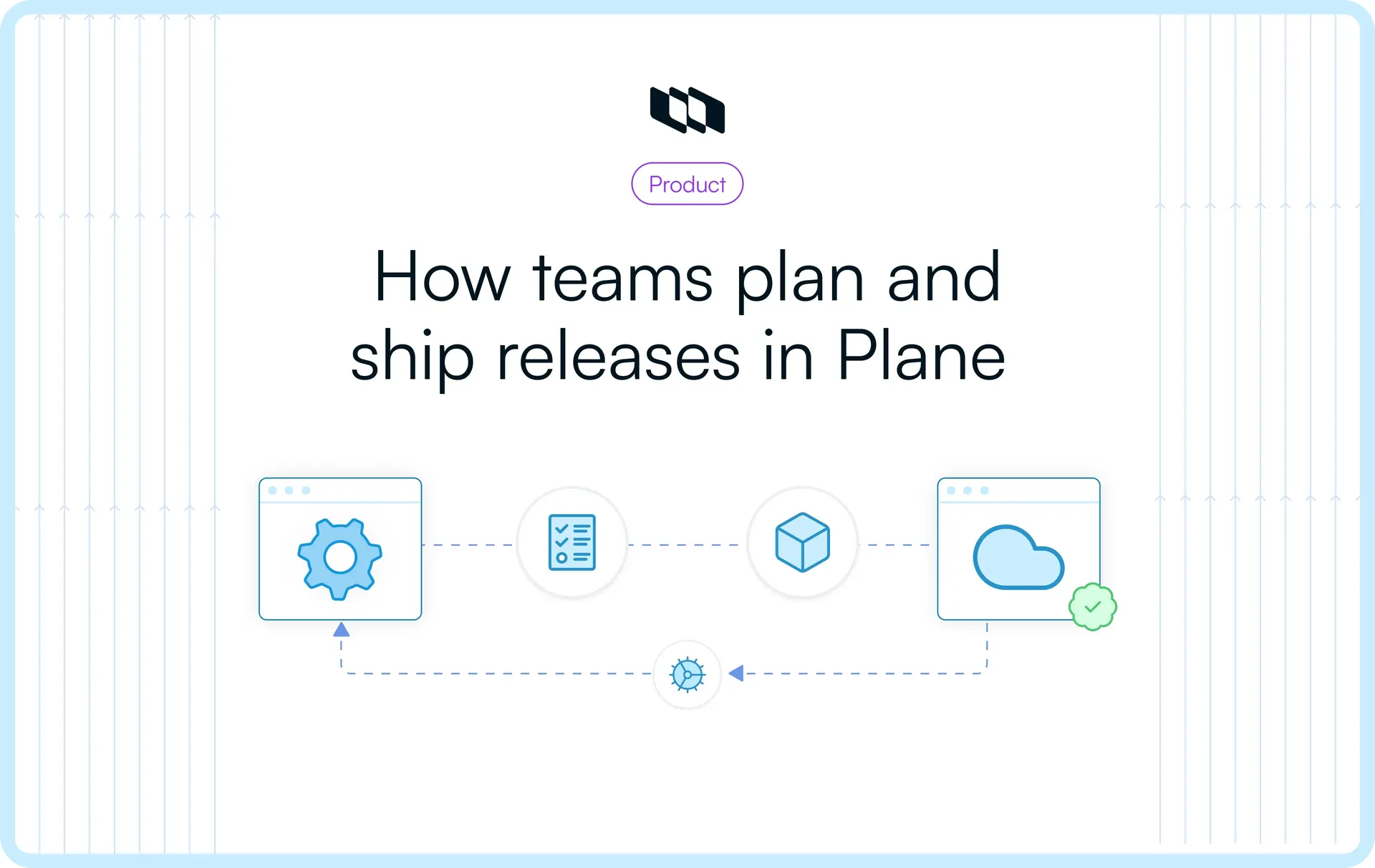
Releasing a software version takes coordination across engineering, QA, Docs, and Support. Even when most of the work is complete, an unresolved dependency can still prevent the release from shipping.
Managing a release means deciding what the version contains, which pieces depend on others, whether finished work is safe to release, and what happens to the rest. Each project board tracks the work its team owns. Release leads need a consolidated view of the scope, dependencies, and ship date.
Releases in Plane gathers work items from across projects under one version and tracks their combined state. Corvo, a self-hosted commerce platform organization, is preparing v4.2: two fixes customers have asked about, for tax calculation on multi-item orders and webhook reliability, and a planned checkout currency selector that depends on unfinished Platform API work.
Establish the release scope
Create a Release around the version you intend to ship. Plane supports two scopes:
- Workspace Release: Collect work items from different projects into one version, with a shared lead and target date.
- Project Release: Track a version that belongs to a single project.
Corvo chooses a workspace Release because Platform, Web, Mobile, QA, Docs, and Support all contribute to v4.2. The release lead adds a name, version tag, target date, and description. The status starts as Unreleased.
With Releases enabled in workspace settings, the lead works across three tabs:
- Overview: Release properties, activity, and a progress tracker.
- Scope: The work items associated with the version, even when they belong to different projects.
- Changelog: The notes that describe what the version actually delivers.
As project teams update work item states, Overview reflects the completed, pending, and cancelled counts. Corvo starts with 20 of 48 items complete (42%). That gives the lead a delivery baseline. Release readiness still depends on testing, unresolved dependencies, and whether the remaining work can safely wait.
Bring work from multiple projects into one release
Open Scope and select Add work items. Search by title or identifier, choose the relevant items from each project, and add them to the Release. Teams can also associate a Release from the Releases property on an individual work item.
A work item stays in its original project, retaining its assignee, state, comments, and history. Teams continue planning in their own Cycles and workflows, while the release lead reviews the combined scope without duplicating work.
Corvo brings together its new order-management features, tax and webhook fixes, mobile improvements, QA checks, documentation, and support preparation. The release lead can inspect the full list without opening six separate project boards.
As work item states change, the Release reflects the team's progress. The next step is checking the development activity and test evidence behind those states, especially for changes approaching the ship date.
Track development and QA
Engineers keep working in their projects. From the work items associated with a Release, the lead can inspect linked development activity through Plane's GitHub and GitLab integrations, which associate pull requests or merge requests with the work being delivered.
When configured, pull request events update linked work items according to the project's state mapping. A bracketed work item reference enables state automation; an ordinary reference links the request without changing the work item's state.
In Corvo's mapping, a merged PR moves its linked work item to Done. That signals progress in development. The release lead still needs QA's test results to establish whether the change has passed validation against the release candidate.
Corvo records regression results, defects, and retests on QA work items. A tax rounding issue found during testing is fixed and retested; webhook reliability changes also pass validation. The release lead can follow the linked development activity and read the QA results before counting those changes as ready.
Checkout cannot reach that point yet. Its API dependency remains under review, leaving QA without a complete implementation to verify. The dependency becomes a release risk because it affects a feature promised for v4.2.
Review release readiness
With the ship date approaching, Corvo brings the evidence into a workspace Wiki page. The checklist gives everyone involved the same criteria for the review, without requiring them to interpret a completion percentage as a ship decision.
For each check, the team names an owner, points to the supporting work item or document, and records the action if evidence is missing.
Readiness check | Owner | Evidence | If incomplete |
Regression tests passed | QA | Results and retests | Hold |
Changes functionally verified | QA | QA notes and linked PRs | Defer unverified work |
No open critical defects | Platform | Defect work items | Hold |
Deployment and rollback prepared | Platform | Runbook and deployment plan | Hold |
Upgrade guidance ready | Docs | Upgrade instructions | Resolve before release |
Support guidance ready | Support | Support notes | Update guidance |
Dependencies resolved | Web | Checkout dependency | Defer or delay |
The checklist puts evidence behind each decision. QA has cleared the tax, webhook, and mobile changes. Engineering has prepared deployment and rollback steps. Docs and Support have reviewed the material for the verified scope.
Use a Plane Agent to prepare the review
A Plane Agent can assemble the open questions behind the checklist before the meeting. Corvo configures the Release readiness Agent with specific instructions, a mention trigger, and access limited to the projects contributing to v4.2.
The instructions give the Agent a narrow job:
- List unfinished release work and identify what is blocking it.
- Surface items that lack recorded QA results or have open defects.
- Summarize the remaining dependencies with work item references.
- Identify questions that should go back to the responsible owners.
The Agent's summary surfaces the checkout dependency and the missing verification, with references to the relevant work items. The lead compares these findings with the Wiki checklist, asks owners to resolve any gaps, and makes the release decision. The Agent does not approve the release.
Decide what makes the final cut
With the dependency and missing QA evidence documented, Corvo has three choices:
- Delay v4.2: Give checkout more time, but hold back the verified fixes customers need.
- Rush checkout: Complete the API change and testing immediately, increasing the risk of an unverified feature.
- Reduce scope: Ship the verified work on schedule and move checkout to v4.3.
Corvo chooses the third option. Checkout was expected in this version, so the delay needs to be communicated, but holding finished fixes for an unverified dependency would create a larger problem.
Adjust the release scope
In Plane, the release lead removes the checkout selector and its API dependency from v4.2 and adds them to v4.3. Removing an item from Scope removes its link to that release, not the underlying work item. Its assignee, dependency, comments, and history stay intact.
Corvo records the reason on the checkout work item and the readiness Wiki page. Anyone returning to the feature in v4.3 can see what changed and why.
Prepare the final release candidate
Updating Scope in Plane does not change the code scheduled to ship. Engineering also ensures the unfinished checkout and API changes are excluded from the release candidate, either by leaving them unmerged or reverting changes that reached the release branch.
QA then revalidates the revised build, rather than relying only on earlier test results. Docs and Support update their materials to match the reduced scope. The Release stays Unreleased while the team prepares the final deployment.
Deploy and verify the release
Corvo deploys the final v4.2 candidate through its existing CI/CD pipeline. In Plane, the Release holds the agreed scope and target date, while the related work items provide a place to record deployment details and verification evidence.
After the rollout, the release lead and QA:
- Link the pipeline run and deployed build details to the relevant work items, keeping deployment evidence with the work.
- Record production smoke-test results on QA work items and verify the shipped tax, webhook, and mobile changes.
- Check the deployed build against the final v4.2 Scope, enter the actual release date, and manually set the Release status to Released.
Plane keeps the target date and actual release date separate. Together with the final Scope and linked work items, the release record shows what was planned, when it shipped, and which checks were performed. If verification uncovers an issue, Corvo tracks it as follow-up work without changing the record of what v4.2 contained.
Publish the final Changelog
After deployment, the lead reconciles the Changelog with the final shipped scope. Completed work items, QA evidence, and deployment records help confirm which features and fixes belong in the customer-facing notes.
Plane AI can help draft those notes from the verified changes the lead provides. The lead checks the draft, edits it for customers, and adds the final text to the Release's Changelog tab. Plane does not automatically publish it as an external announcement.
Corvo organizes v4.2's notes around:
- New features: Order activity history, bulk exports, and improved order filtering.
- Improvements and fixes: More reliable webhook retries, corrected tax calculations, and mobile refinements.
- Upgrade guidance: Deployment instructions, compatibility notes, and known issues.
Checkout does not appear as a shipped feature. Docs publishes the upgrade guide, Support uses the approved notes, and the release lead shares a customer announcement through the team's usual channels. The Changelog remains the definitive release record in Plane.
Run your next release in Plane
A release plan is only as good as the decisions it helps teams make. Plane gives release leads visibility into what is planned, what is blocking delivery, and what has been verified, with the supporting work and evidence connected across projects.
Keep teams aligned from the first scope decision to the final changelog. Get started with Plane to manage your next release with clearer priorities and an accurate record of what ships.
Recommended for you



 Download for Mac
 Download for Android