Introducing Plane AI actions
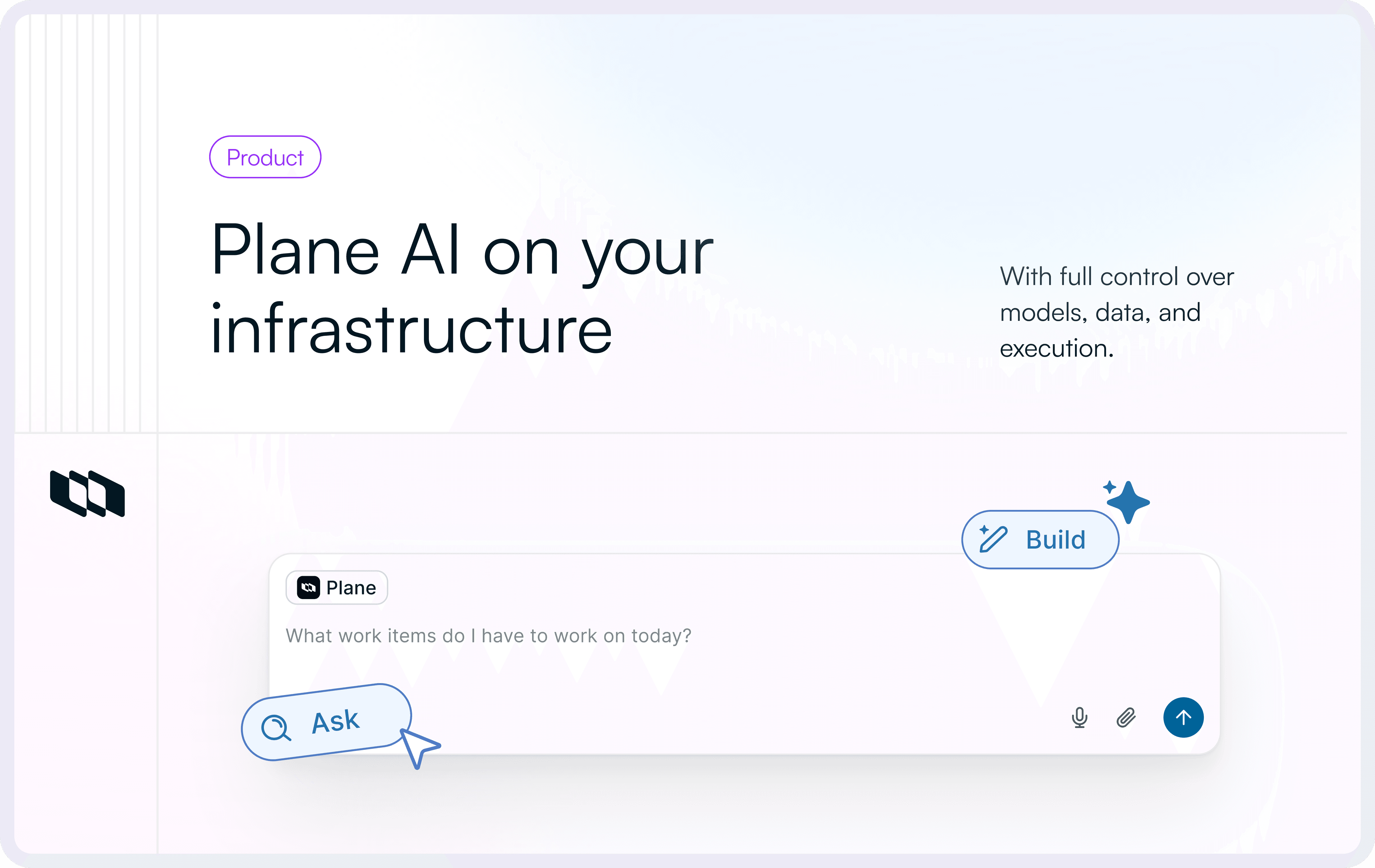
Plane AI actions introduce a structured way to automate work across Plane using natural language — with full transparency, human control, and zero guesswork.
Plane AI actions introduce a structured way to automate work across Plane using natural language — with full transparency, human control, and zero guesswork.
.webp&w=3840&q=75&dpl=dpl_6UGcvzNKutw9ZKU5o2zkF9iQ95Ws)
Today, we're launching Plane AI actions. You can create work items, update projects, manage cycles, organize modules, generate documentation, and run multi-step flows — all through a conversation. Every operation is planned before it runs, giving you a clear view of what will change.
Plane AI turns natural language into structured, reviewable workflows. Instead of executing commands immediately, it prepares a precise plan, shows you every intended change, and only runs after you approve it — automation that moves fast without losing control. There’s nothing to set up. Plane AI actions work for every Plane workspace starting today.
What are Plane AI Actions?
AI Actions are the operational layer of Plane AI. They let you express intent — “create a cycle for next sprint,” “assign these work items to me,” “move everything in backlog to the new module” — and turn it into structured updates across your workspace.
Unlike traditional AI assistants, Plane AI does not “fire off” actions immediately. It breaks work into two phases,
- Information gathering
Safe, read-only lookups - Action planning
A full preview of every change before execution
This makes automation predictable, reversible, and safe for teams where project data is critical.
Selling to enterprise requires control, visibility, and safety
Teams moving upmarket don’t just need speed — they need traceability, reviewability, and confidence that automation won’t rewrite production data without oversight.
Enterprise work happens across regulated environments, multiple teams, and complex approval chains. AI that acts without guardrails becomes a liability. AI that shows its plan, step by step, becomes an asset.
Plane AI Actions are built for that reality,
- Every modifying action is explicitly reviewed
- Every plan is transparent
- Every execution is audit-ready
Automation only works at enterprise scale when it is controllable. Plane AI actions bring that discipline to everyday workflows.
How it works
Plane AI Actions run on a structured Plan-Approve-Execute model.
Phase 1: Information Gathering (Immediate)
Read-only tools run instantly to understand your request.
- Search work items
- Resolve user names
- Determine project IDs and states
- Locate cycles, modules, and labels
These operations never modify data.
Phase 2: Action Planning (User approval required)
Plane AI compiles a clear, structured action plan. You see every field that will be created, updated, or linked. Only after you click Confirm does Plane AI execute the actions.
This separation keeps automation fast, predictable, and transparent.
What you can automate today
Work Items
- Create work items with complete details (title, description, priority, state, assignees, labels, dates)
- Update existing work items (modify any field)
- Create relationships between work items
- Create epics (special work item type for grouping related work)
- Move work items to modules/cycles
- Assign work items to team members
- Update priority, state, labels, dates, and other properties
Projects
- Create new projects
- List projects in workspace
- Update project details (name, description, settings)
- Archive/Unarchive projects
Cycles
- Create cycles with dates and descriptions
- List cycles
- Update cycle details
- Add work items to cycles
Modules
- Create modules (logical feature groupings)
- List modules (active and archived)
- Update module details
- Add work items to modules
Labels
- Create labels with names and colors
- List labels in project
States
- Create states (Backlog, Todo, In Progress, Done, etc.)
- List states in project
- Update state details
Pages
- Create project pages (documentation scoped to a project)
- Create workspace pages (documentation accessible across all projects)
Slack Integration
- Talk to Plane AI from your Slack channel using
@Planebot user - Can answer questions and perform actions
- Currently, our
Planebot on Slack doesn't support the Plane-Approve-Execute flow. The user request will be directly executed.
Artifact-level editing
When Plane AI creates an entity, it shows it as a live, editable artifact.
You can,
- Click fields to edit directly
- Use follow-up prompts (“assign to me”, “set state to In Progress”)
- Update multiple properties at once
- Apply changes instantly
Artifacts combine visual editing with natural language control, making iteration quick and frictionless.
Current limitations of Plane AI
Plane AI does not yet automate,
- Analytics, dashboards, charts
- Integration configuration (GitHub, Slack, Jira, etc.)
- Bulk destructive operations
- Workspace-level admin actions
- File uploads through chat
These areas require deeper safety and configuration layers and are part of future development.
Reach autonomous workflows — without losing control
Plane AI Actions are now available to all Plane users. Lookups run immediately. Plans are transparent. Execution happens only after approval. You get automation that respects your workspace — fast when it should be, cautious when it must be.
Check out the Plane AI actions documentation to learn more.
Recommended for you




 Download for Mac
 Download for Android