What's new in Plane: August 2026
One month, thirteen upgrades, and nearly every part of Plane moved: how you write, see work, ship, and let it run on its own.
One month, thirteen upgrades, and nearly every part of Plane moved: how you write, see work, ship, and let it run on its own.
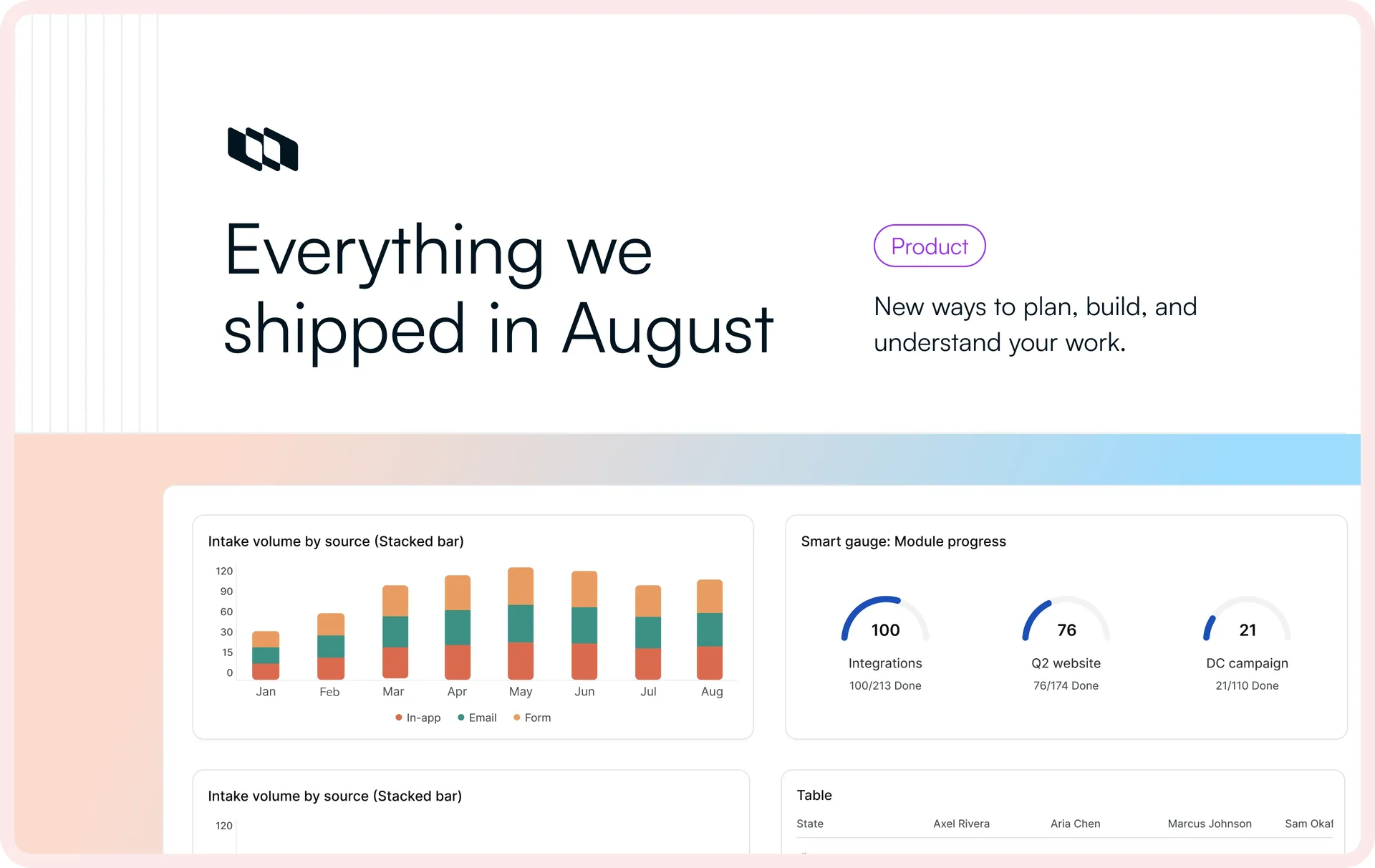
Over four weeks we shipped across almost the entire product: the docs you write, the dashboards you read, the views you share, the automations that run without you, the way you manage releases, and the models behind Plane AI.
Pages picked up tabs and toggles, inline links, and live MS-Office editing. Dashboards got a wave of new widgets. Views learned who to let in, comments learned how to stay out of the way, and automations reached further into the work they touch. No one feature carried the month, which is exactly why it's worth writing down all of them. Here's the full list.
Get more done inside Pages
A Page used to be where you wrote things down. This month it turned into a place where more of the actual work happens, structuring, editing, connecting, and exporting, without sending anyone somewhere else to do it.
Structure Pages with tabs and toggles
Toggles hide supporting detail until it's needed, and tabs split related content into sections on the same Page. A spec, its API details, and its test plan can each sit behind their own tab on one Page.
Embedded links keep overview pages up-to-date
Embedded page links pull a Wiki page's real hierarchy inline, including nested pages or pages by specific people. When the hierarchy changes, the overview updates with it, no manual updates required.
Export a Page with everything under it
Take the whole documentation hierarchy with you, subpages included, in PDF or DOCX. A parent page and all the nested pages beneath it export as one ZIP file.
Edit Microsoft Office files in place
Open a Word, Excel, or PowerPoint file attached to a Page, edit it in Office, and sync the changes back to the copy in Plane. If someone else is already in the file, Plane shows you it's in use so no one overwrites anyone.
Gain more visibility into your work
As work spreads across projects and teams, it gets harder to see what's backing up, who should be looking, and which of it matters. Three changes this month sharpen that picture.
Track your work with new dashboard widgets
New dashboard widgets read your work, and especially your Intake queue, from more angles:
- Intake items aging surfaces requests that have been sitting too long, before they turn into complaints.
- Intake volume by source shows where incoming requests are actually coming from.
- Intake breakdown gives you an overview of your entire Intake queue.
- Intake accepted vs. declined tracks the number of requests you decide on either way.
- Intake average time to accept and decline measures how fast the queue moves.
- Smart counter makes it easy to break down your work.
- Smart gauge tracks progress against a target.
- Pivot table breaks work down by two properties at once.
Share Views with just the right people
Hand a saved view to exactly the people who need it, as view-only or edit, so you can loop in a client, an exec, or a partner team on one slice of work without opening the whole workspace.
Measure how your Pages and Collections get accessed
Analytics show how Pages and Collections are being viewed and by whom, so you can tell the runbook everyone opens from the spec no one has touched since launch.
Hide comments to keep the thread clean
Cleaning up a thread by deleting a comment erases the record along with the mess. Now admins can hide and unhide comments on work items, Pages, and Teamspaces with a reason attached: off-topic, sensitive info, or other. The thread stays readable, the comment stays recoverable, and everyone can see why it was hidden.
Automations now support modules, milestones, and releases
An automation that stops short of the update you actually make still leaves you finishing it by hand.So change-property actions now cover modules, milestones, and releases.
Tap into GLM 5.3 Flash in Plane AI
Different work calls for different models, and sometimes speed wins. GLM 5.3 Flash is now in Plane AI's model picker. Use it when you want a fast, lightweight response, and switch to your other models depending on what you're working on.
Manage releases at the project level
Not every team ships on the same cadence, so one workspace-wide release view flattens teams that move at different speeds. Project-level releases give each project its own release navigation, filters, and progress reporting, so teams run their releases independently, on their own timeline, without stepping on anyone else's.
Reuse a workflow by duplicating it
A workflow you've already tuned is worth reusing, not rebuilding manually. Duplicating a workflow copies its states and transitions in one move, so the next team gets a working process without rebuilding it state by state.
Let members create their own projects
Waiting on an admin to spin up a project is a small block that stalls work. A new workspace setting lets members create projects themselves, once an admin turns it on.
Recommended for you
.webp&w=3840&q=75&dpl=dpl_HA17qnitKVddYuCtgqK7LTRe1y1d)



 Download for Mac
 Download for Android