Knowledge management without the second tool

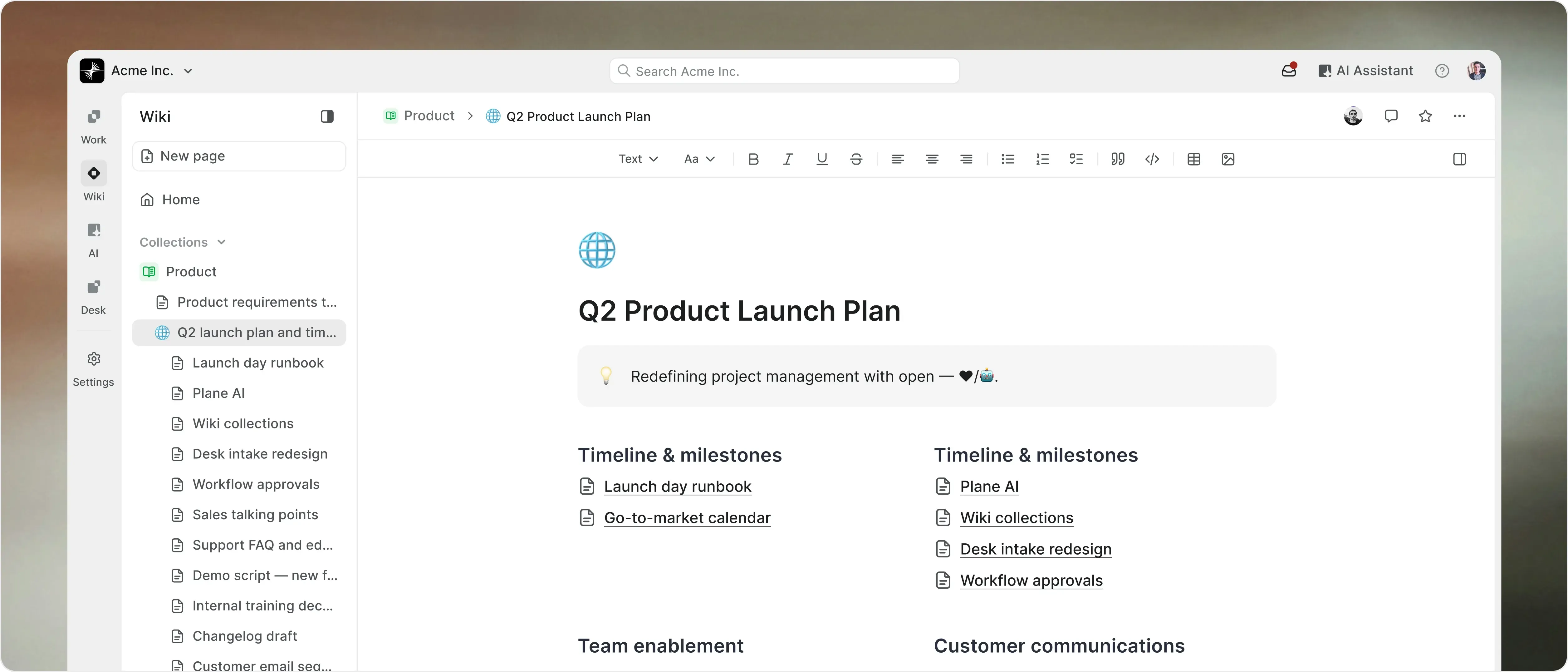
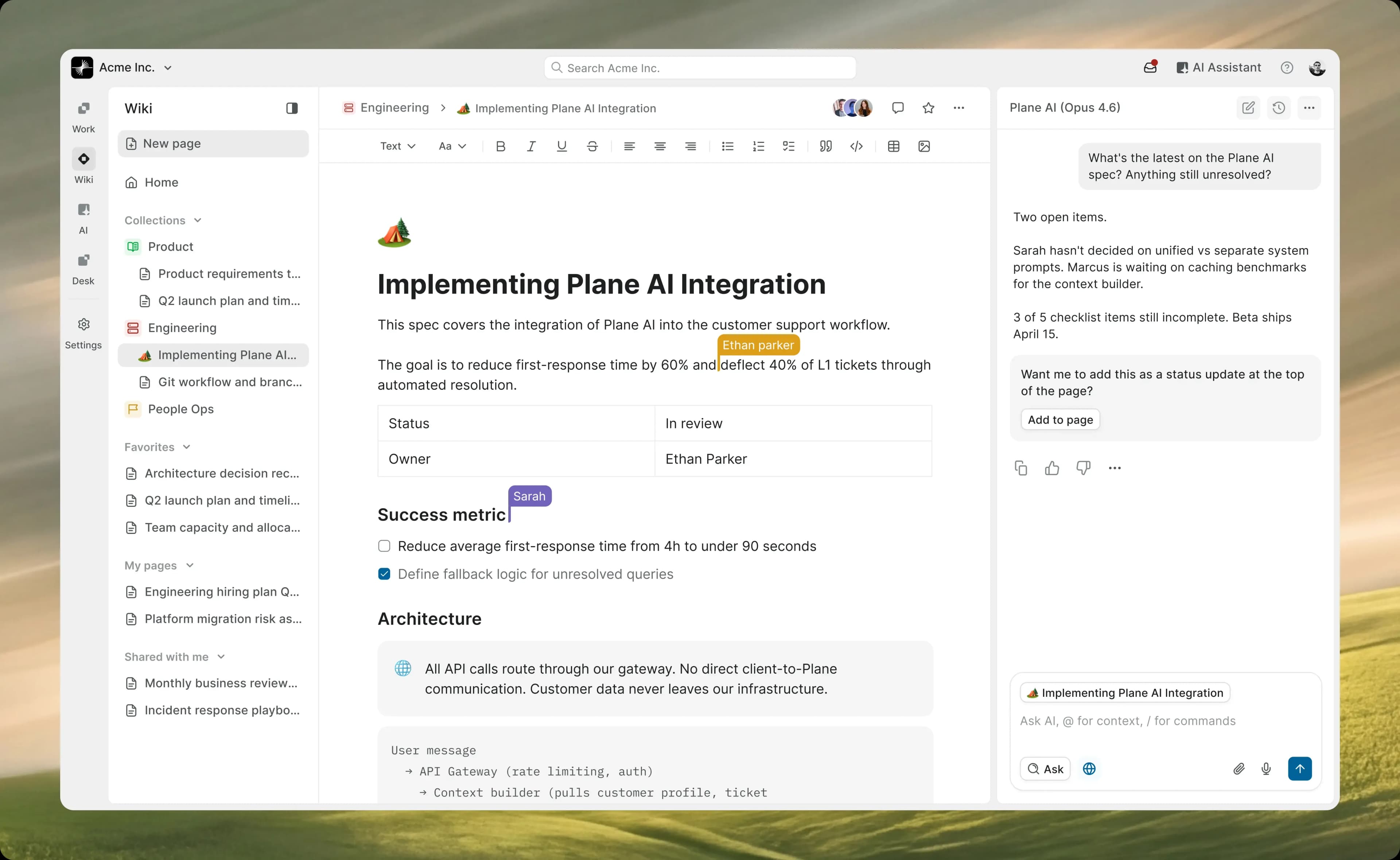
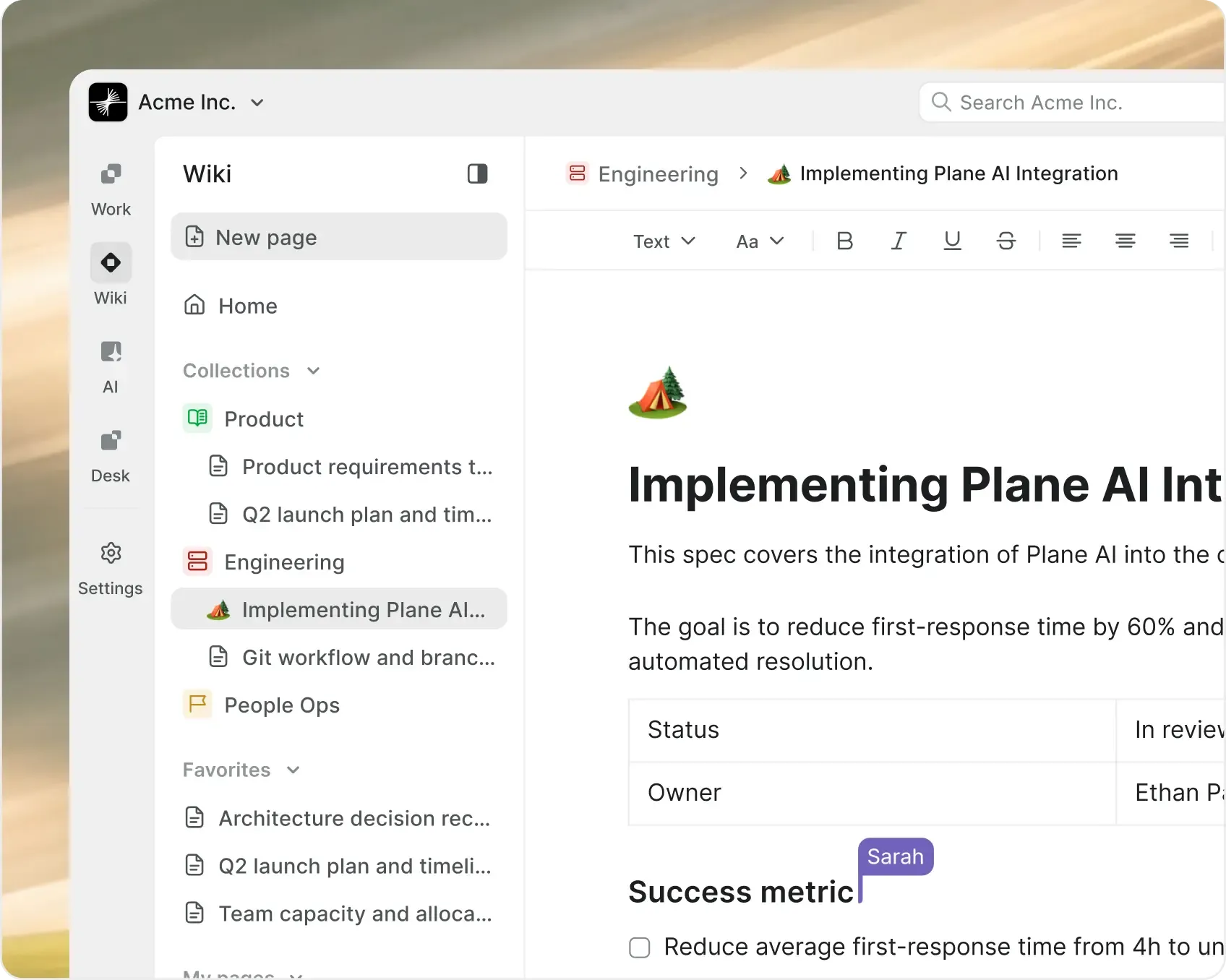
Wiki and docs, built into where your team delivers

Write, organize, and find everything your team knows. Connected
to your projects, searchable by AI, and always one click from execution.
hero-wiki-v2
Clarity

Docs right next to work

  • Wiki lives alongside your projects, not in a separate tool. Specs, runbooks, and decisions sit right where teams execute. Context never gets disconnected.

Structure

Organized by default

  • Nested pages, workspace-level hierarchy, and automatic table of contents. Structure scales from a single team to the whole org.

Continuity

Docs that outlast the author

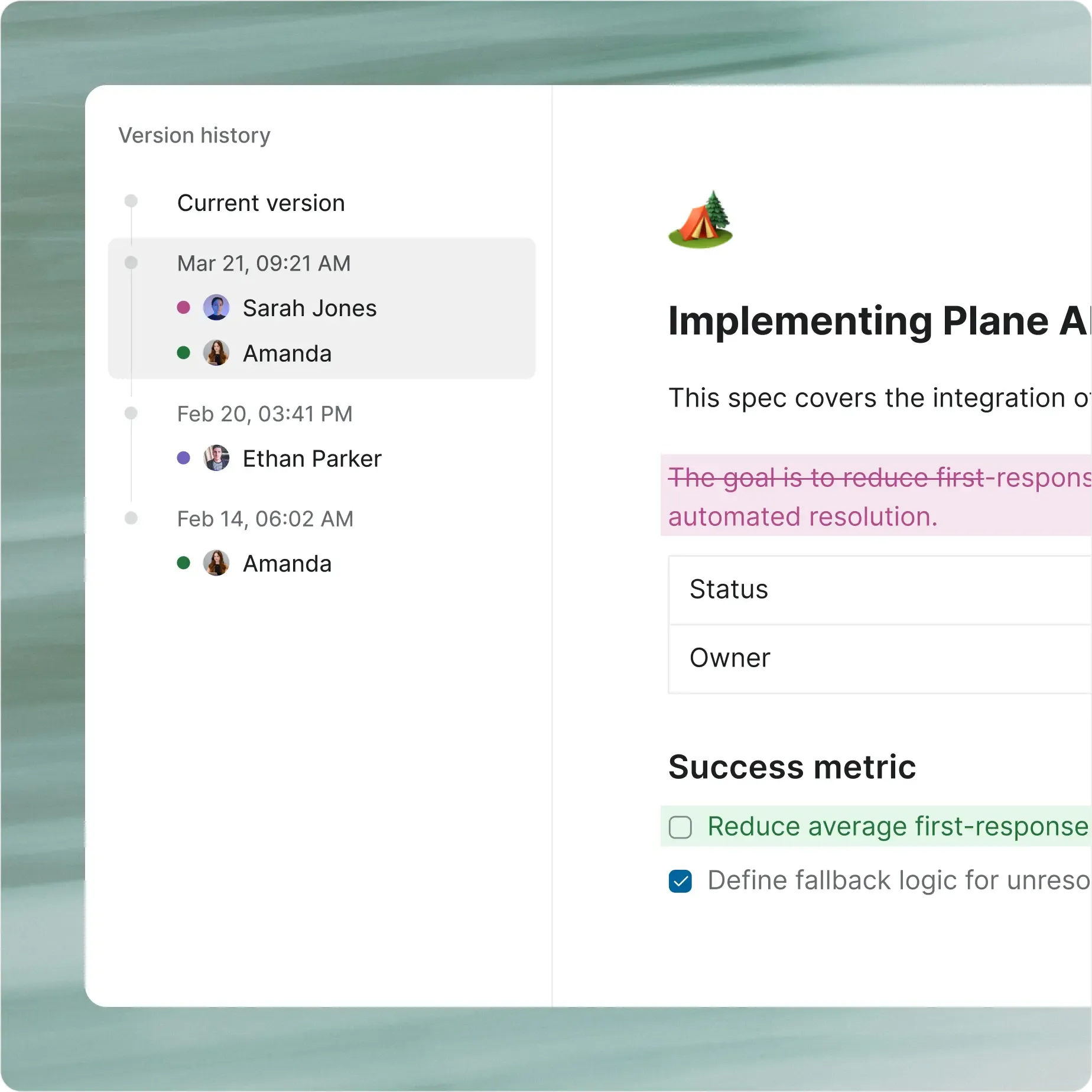
  • Version history, page locking, and inline comments keep institutional knowledge intact. People leave. Context stays.

Inside every wiki

Knowledge without the tab switch

Plan, organize, and deliver work across teams with a system built for structure, speed, and scale.

structure-wiki-v2

Wiki with AI at its core.
Every page. Every block.

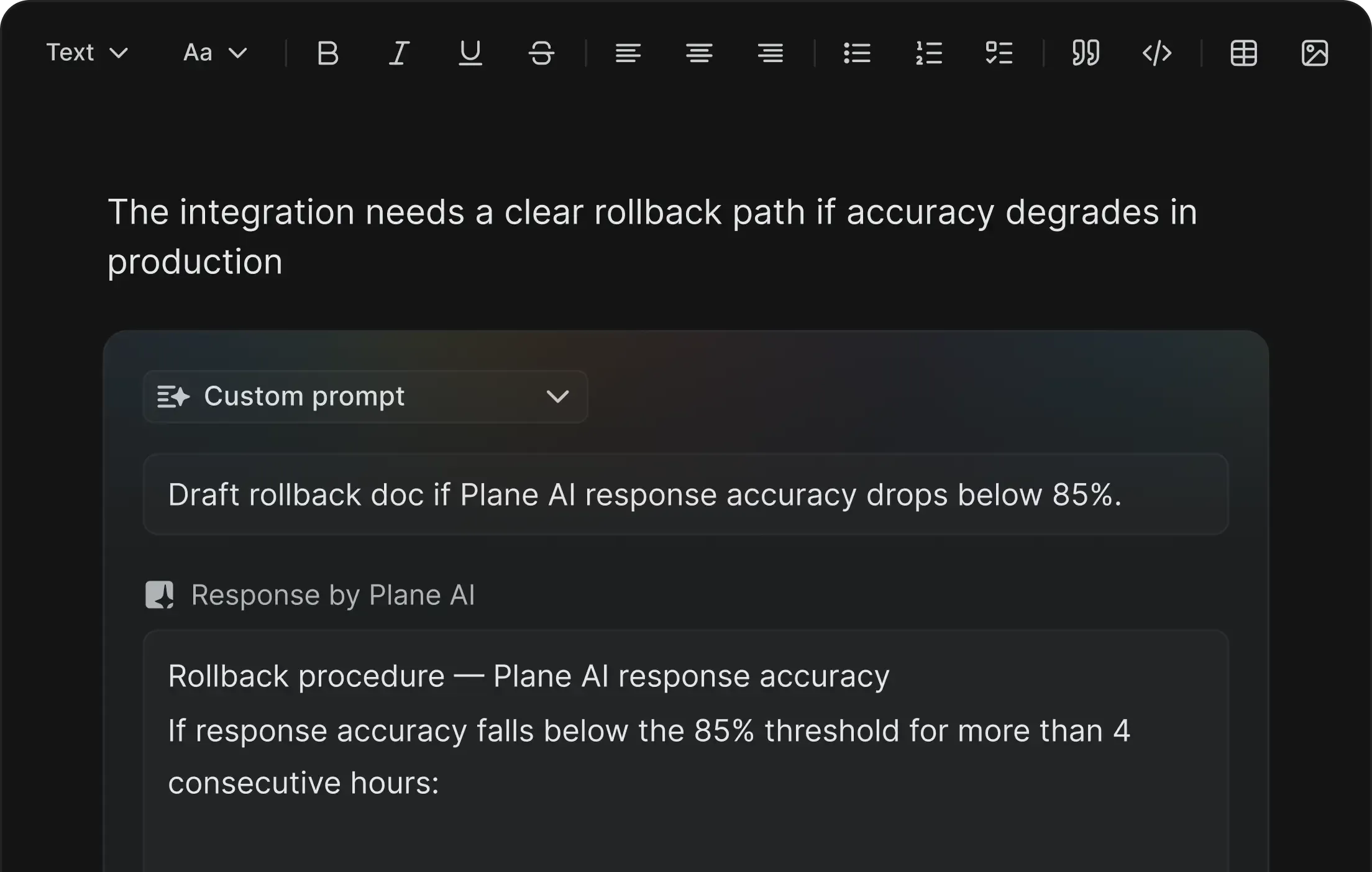
AI blocks that write on command

Type a prompt in any block. AI drafts the content inline. Paragraphs, tables, summaries, technical specs. Edit in place and keep writing.

blocks-wiki-v2

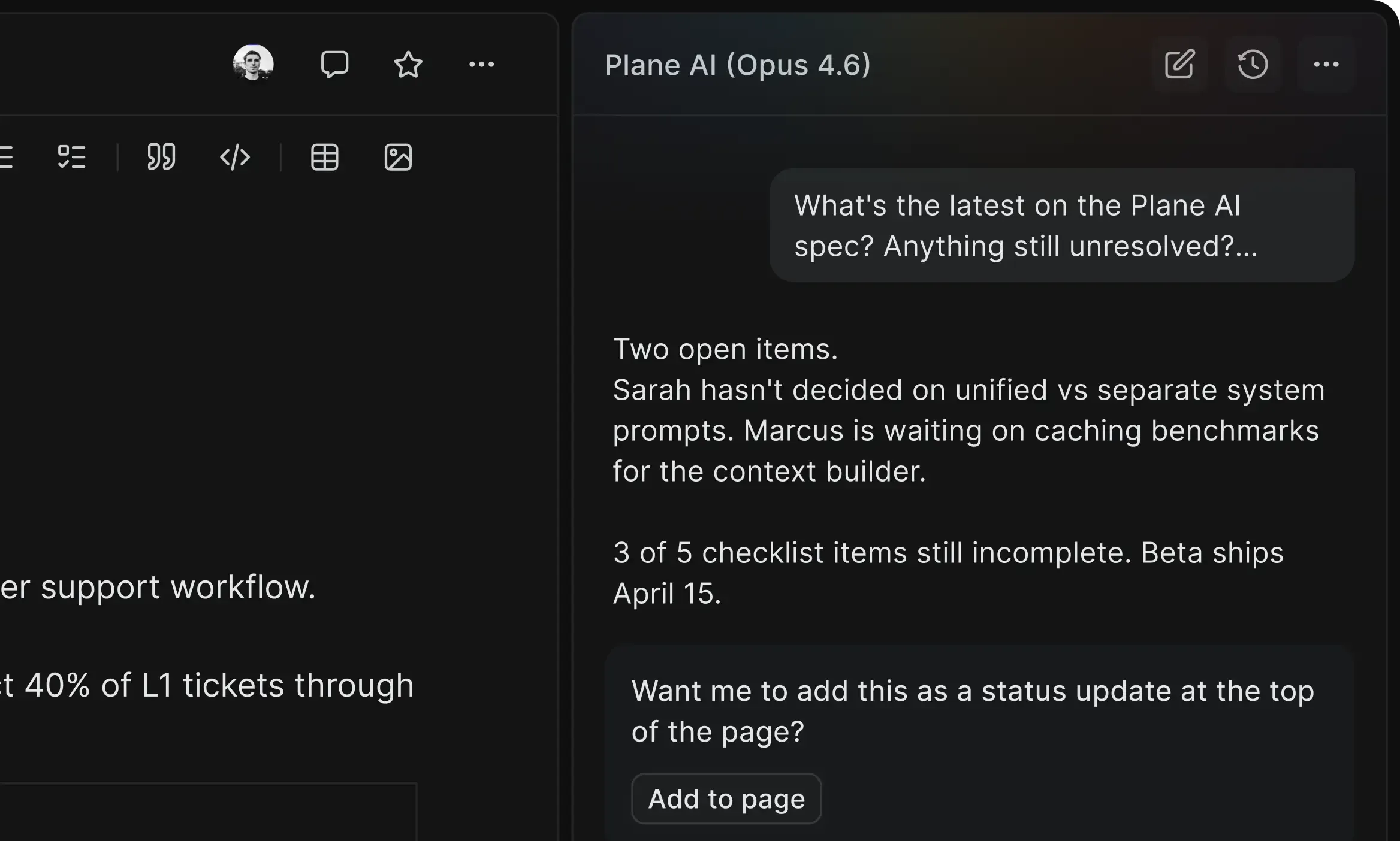
An always-on assistant for every page

An AI sidecar anchored to whatever you're working on. Ask questions, brainstorm ideas, get draft suggestions, or summarize the page. Full context of the doc.

assistant-wiki-v2

Built for real documentation workflows

Features that make knowledge management effortless at scale without adding process overhead.

screenshot-version-history-tabs

Why settle for legacy when you can self-host modern?

Everything you get on cloud, deployed on your infrastructure. Same speed, same capabilities, zero trade-offs.

  • Install in under 10 minutes

  • Deploy on Docker or Kubernetes

  • One-click backups

  • God mode for instance config

  • Air-gapped available

  • Migrate from Jira DC seamlessly

  • Admin panel for SMTP, auth, and more

  • Prime CLI to manage your instance

Import everything, connect to anything

Bring your existing docs into Plane and keep your wiki connected to the tools your team already uses.

import-wiki-v2

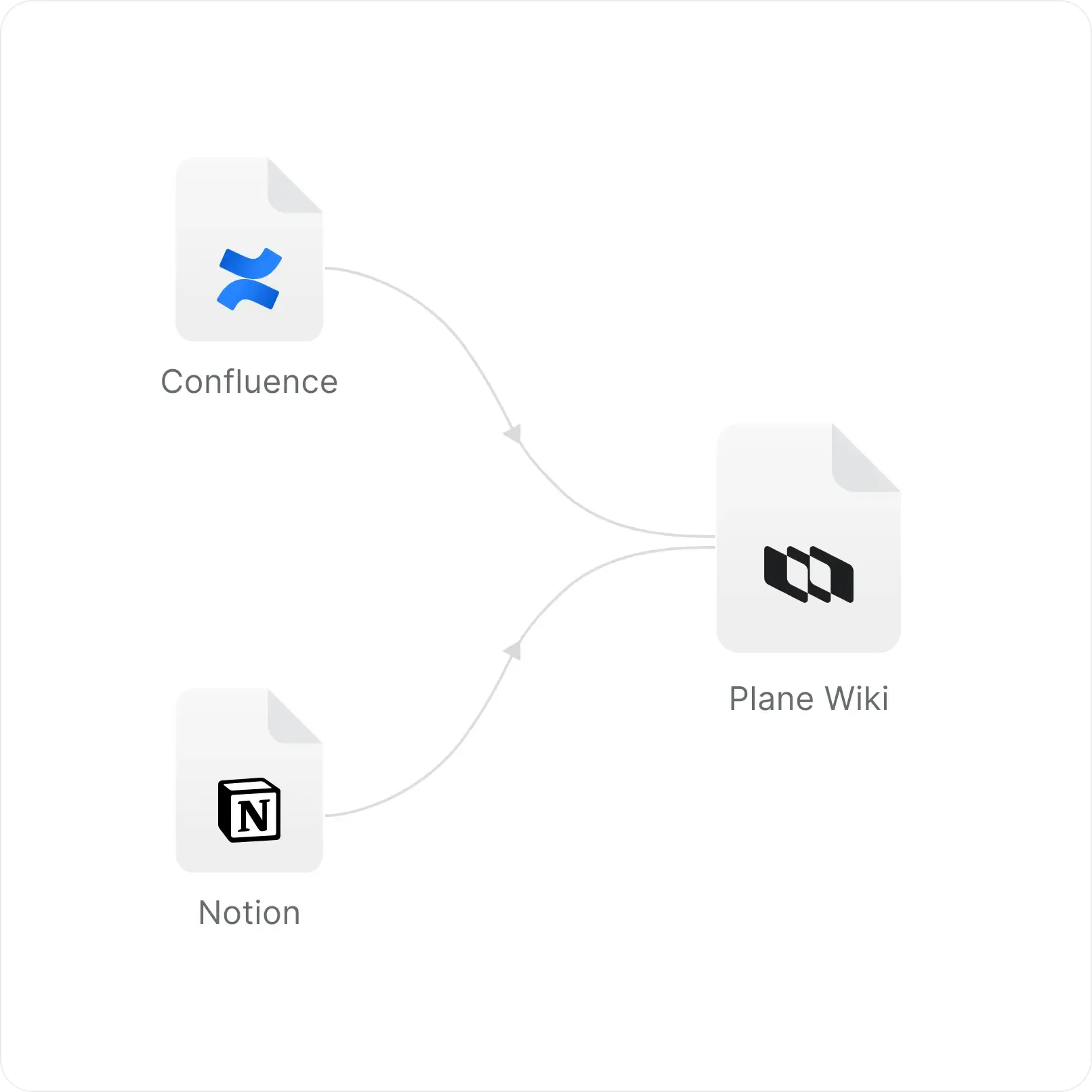
Import from Notion and Confluence

  • Migrate your existing wikis with hierarchy, formatting, and structure intact. No manual copy-paste. No lost pages.

embed-wiki-v2

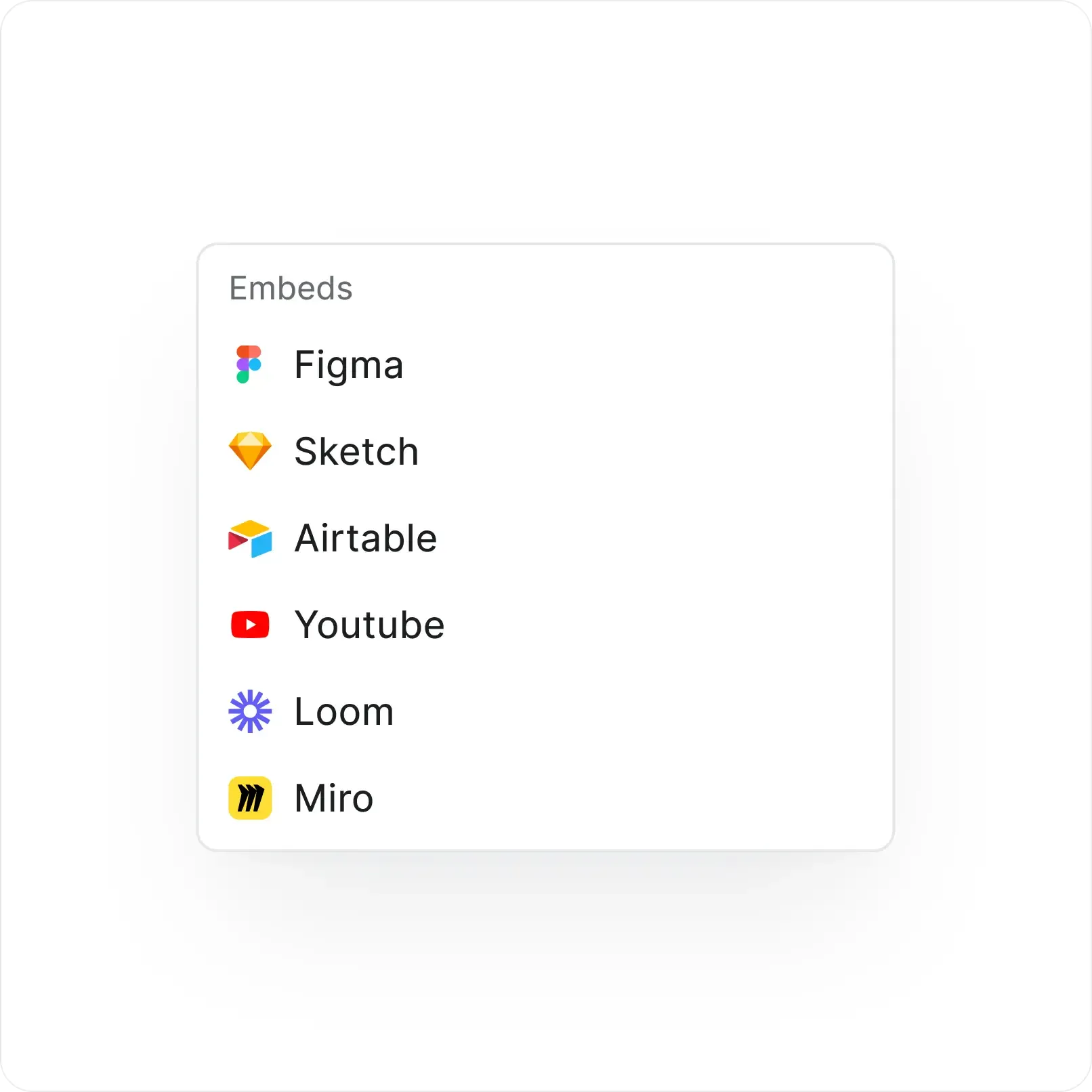
Embed rich content inline

  • YouTube, Loom, Figma, Airtable, and more. Embed external content directly in your pages with a single slash command.

ai-wiki-v2

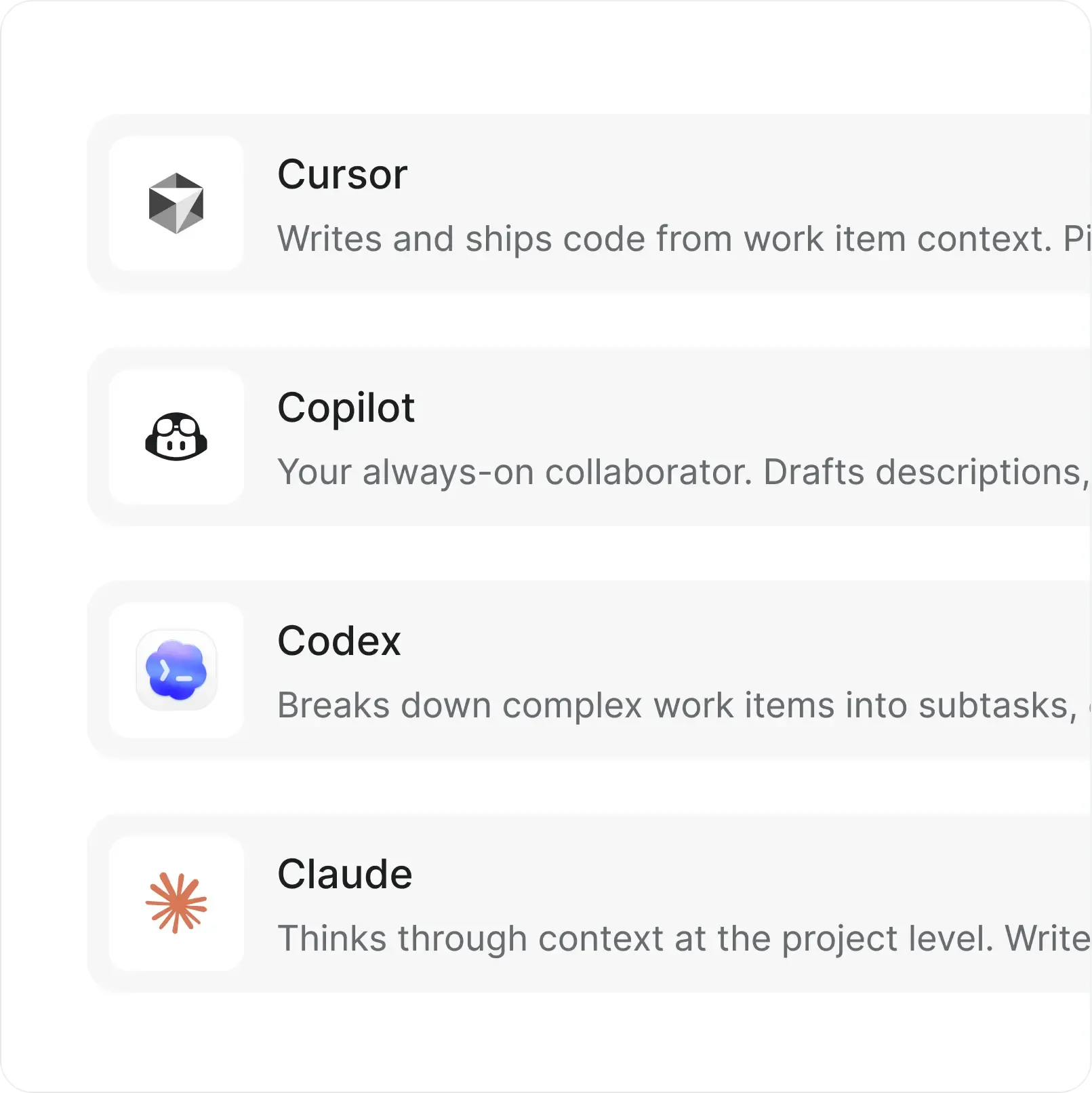
AI agents at your service

  • Assign AI agents to work items and let them handle triage, updates, and repetitive work across your projects.

Quality of life delights

Details that make docs effortless

Small things that add up when your team writes,
reviews, and references documentation every day.

screenshot-slash-command-grid-wiki-v2

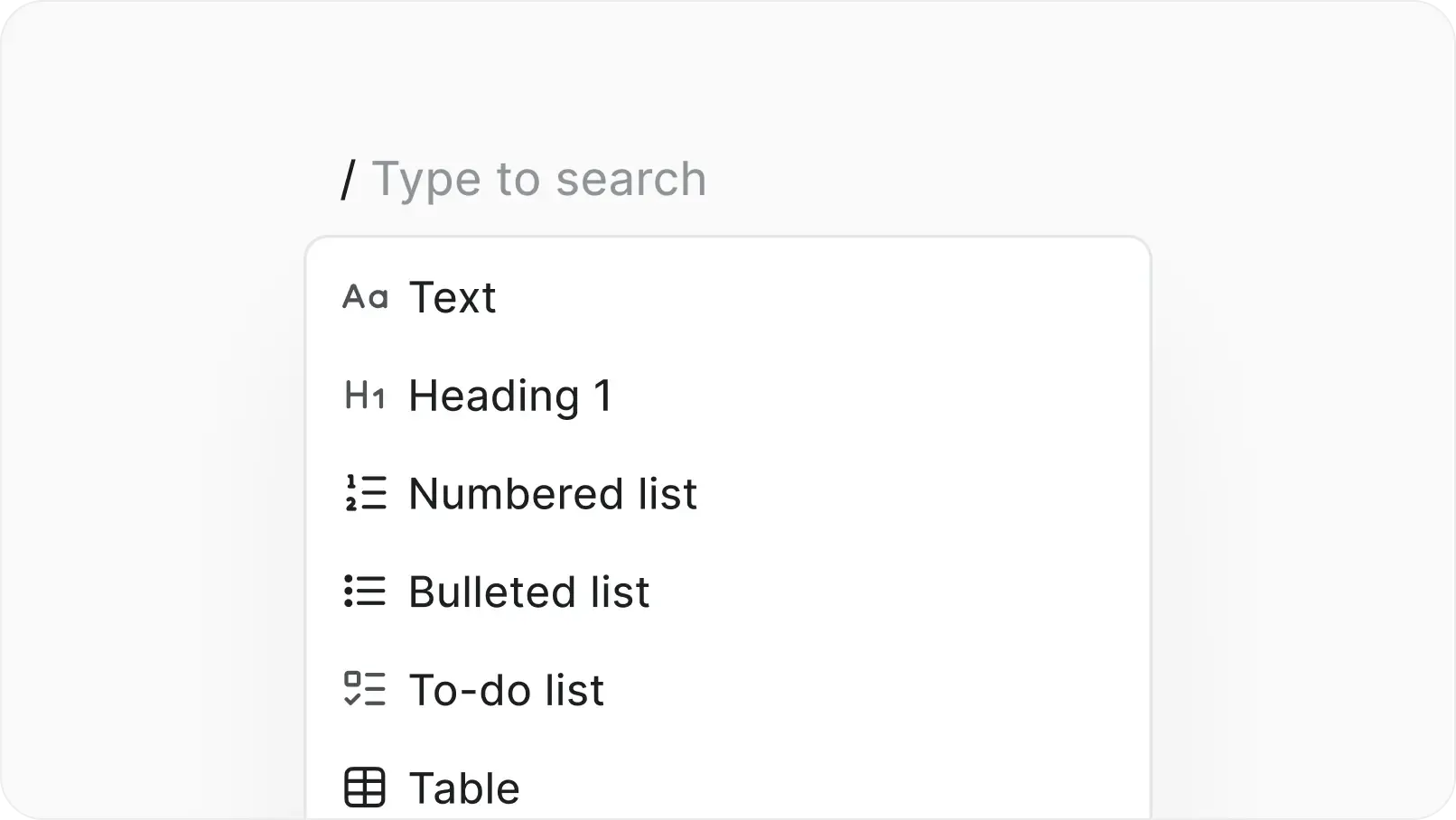
Slash commands for everything

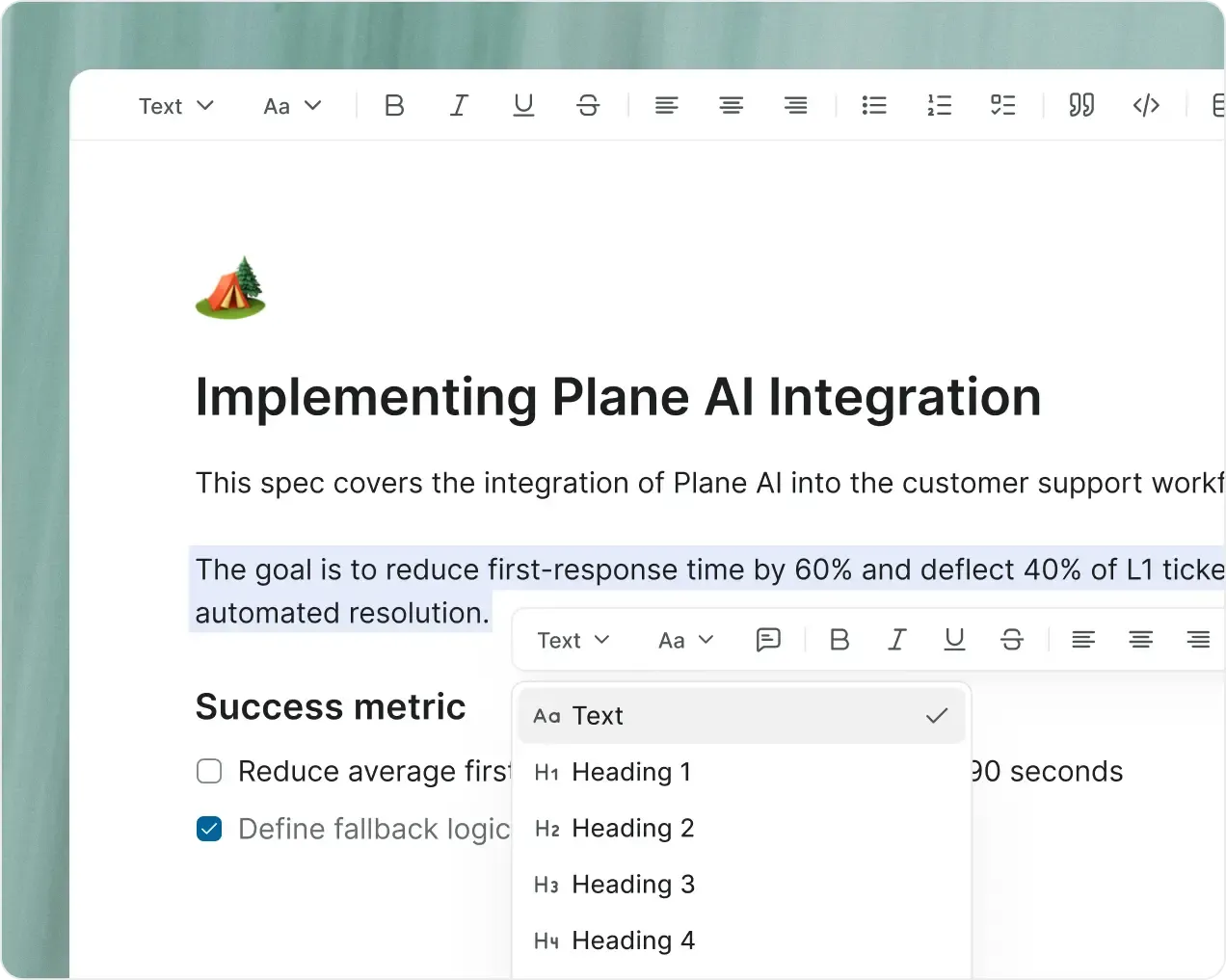
  • Type / to insert any block. Text, tables, code, embeds, diagrams, equations, and more.

screenshot-real-time-grid

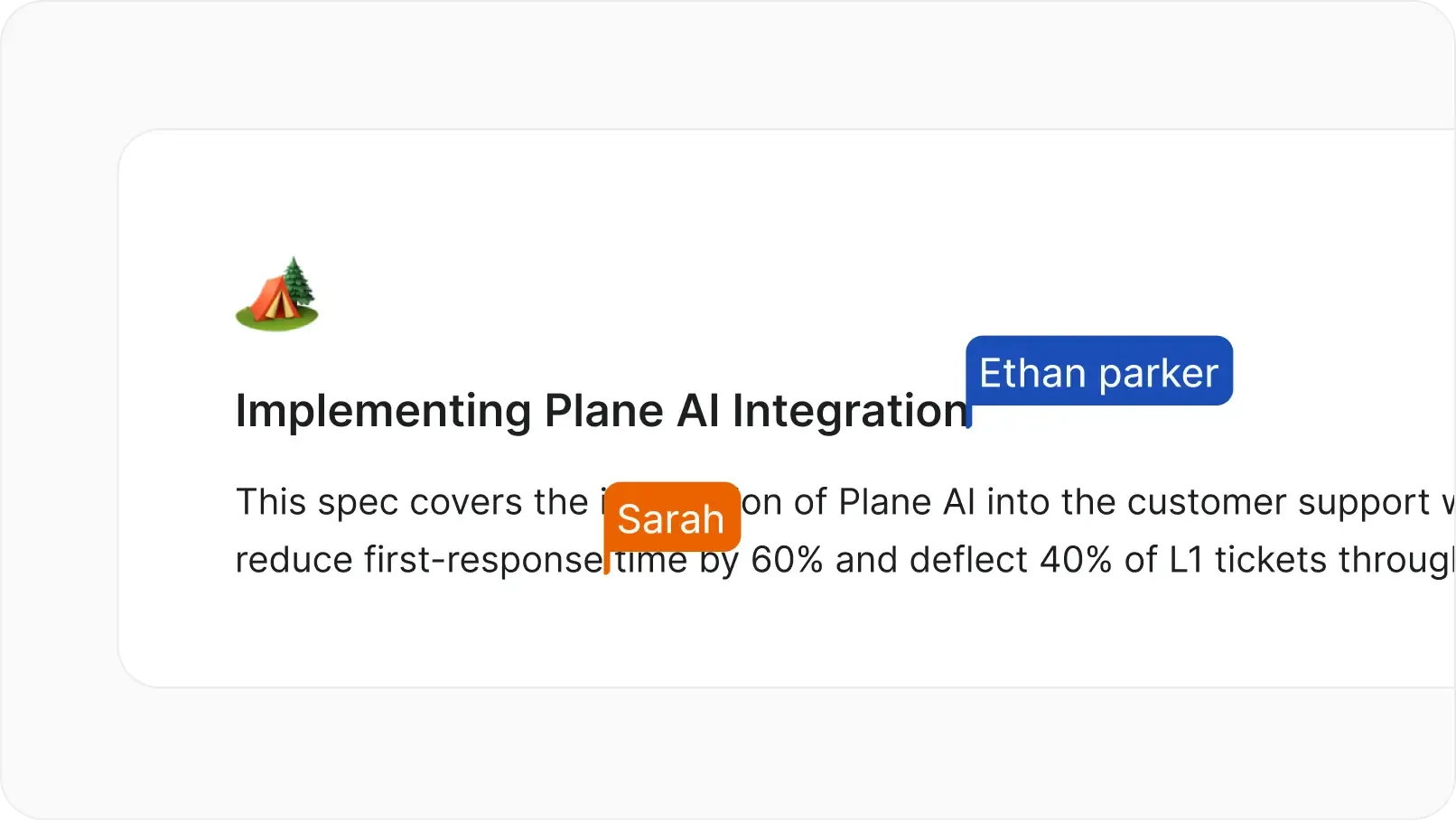
Real-time collaboration

  • See teammates' cursors as they edit. Every change syncs instantly.

screenshot-table-of-contents-grid

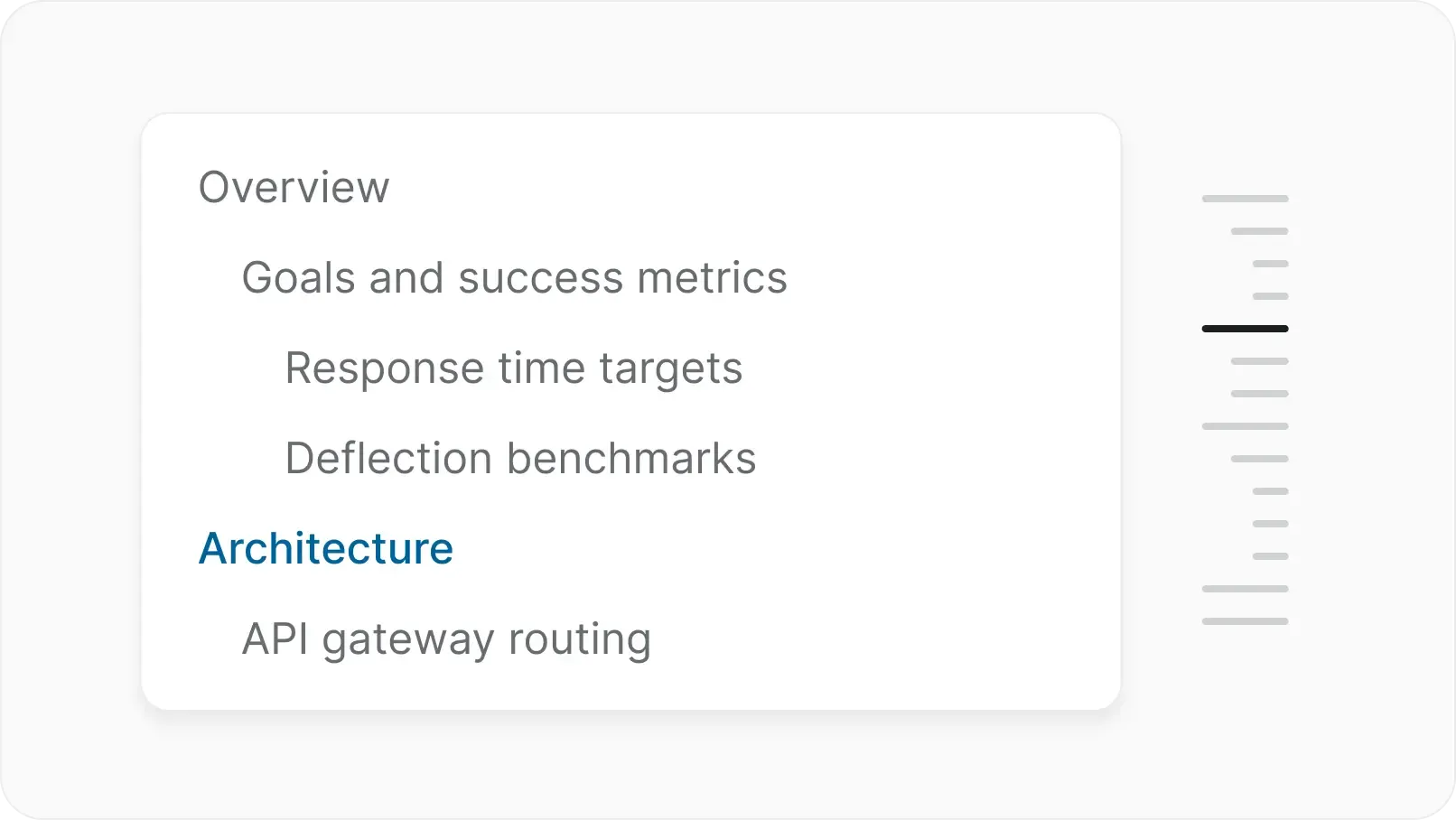
Auto-generated table of contents

  • Headings become a navigable outline automatically. Jump to any section in long docs with one click.

screenshot-convert-to-work-item-grid

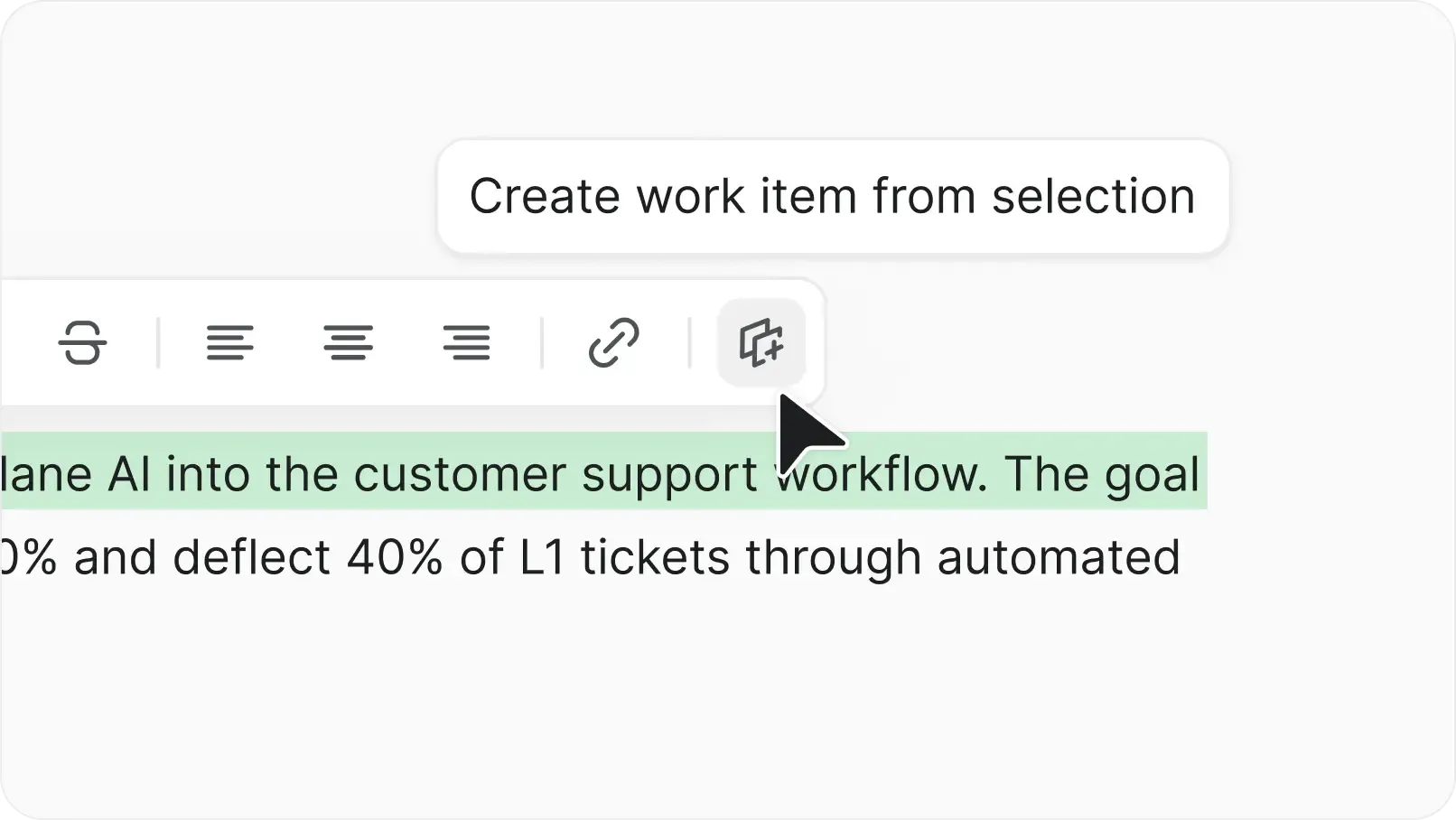
Turn text into work items

  • Highlight any sentence and convert it to a work item. The text becomes a linked mention.

screenshot-markdown-grid

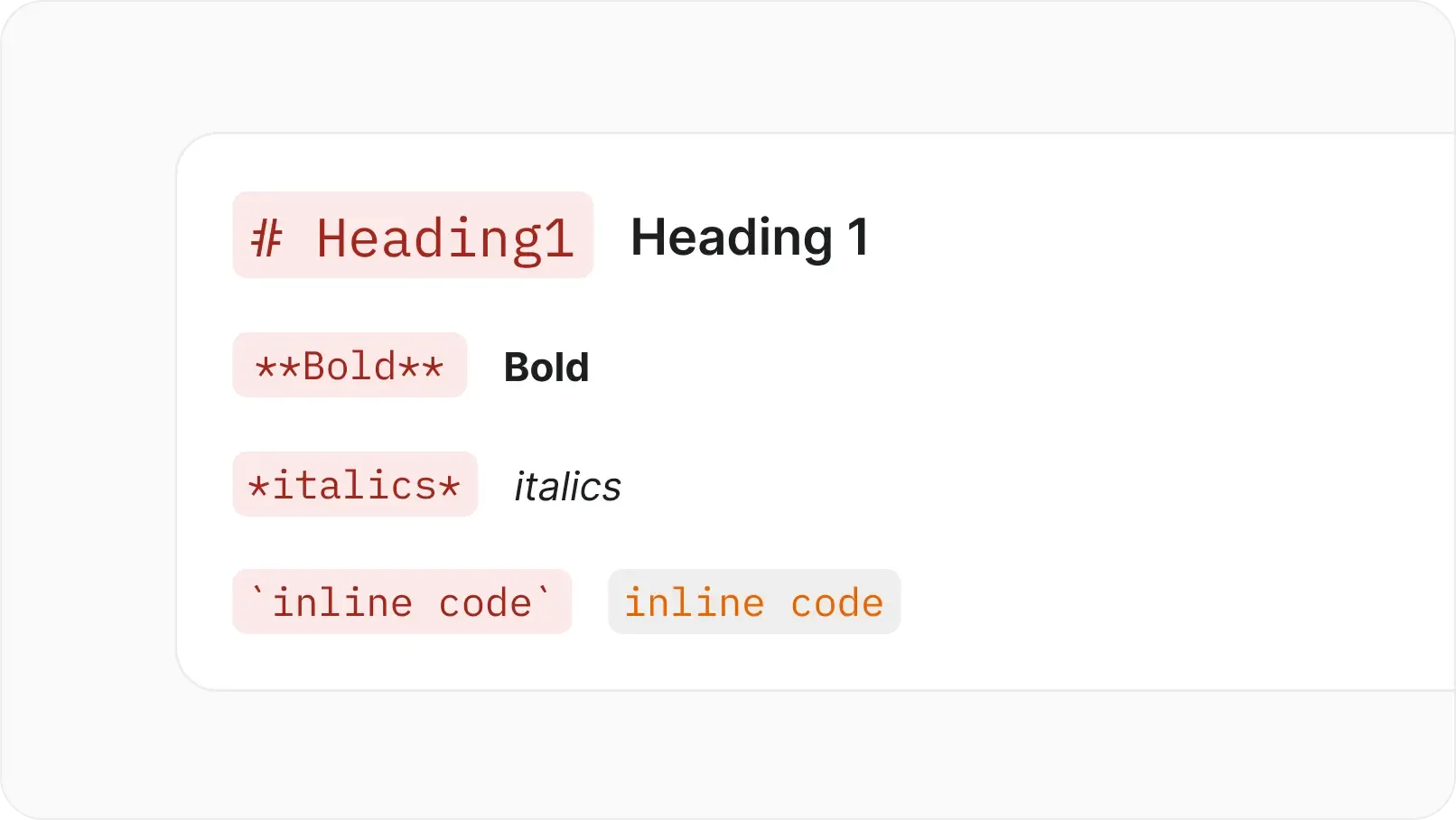
Markdown support

  • Type markdown syntax and Plane converts it automatically. Headings, lists, links, and formatting.

screenshot-full-width-grid

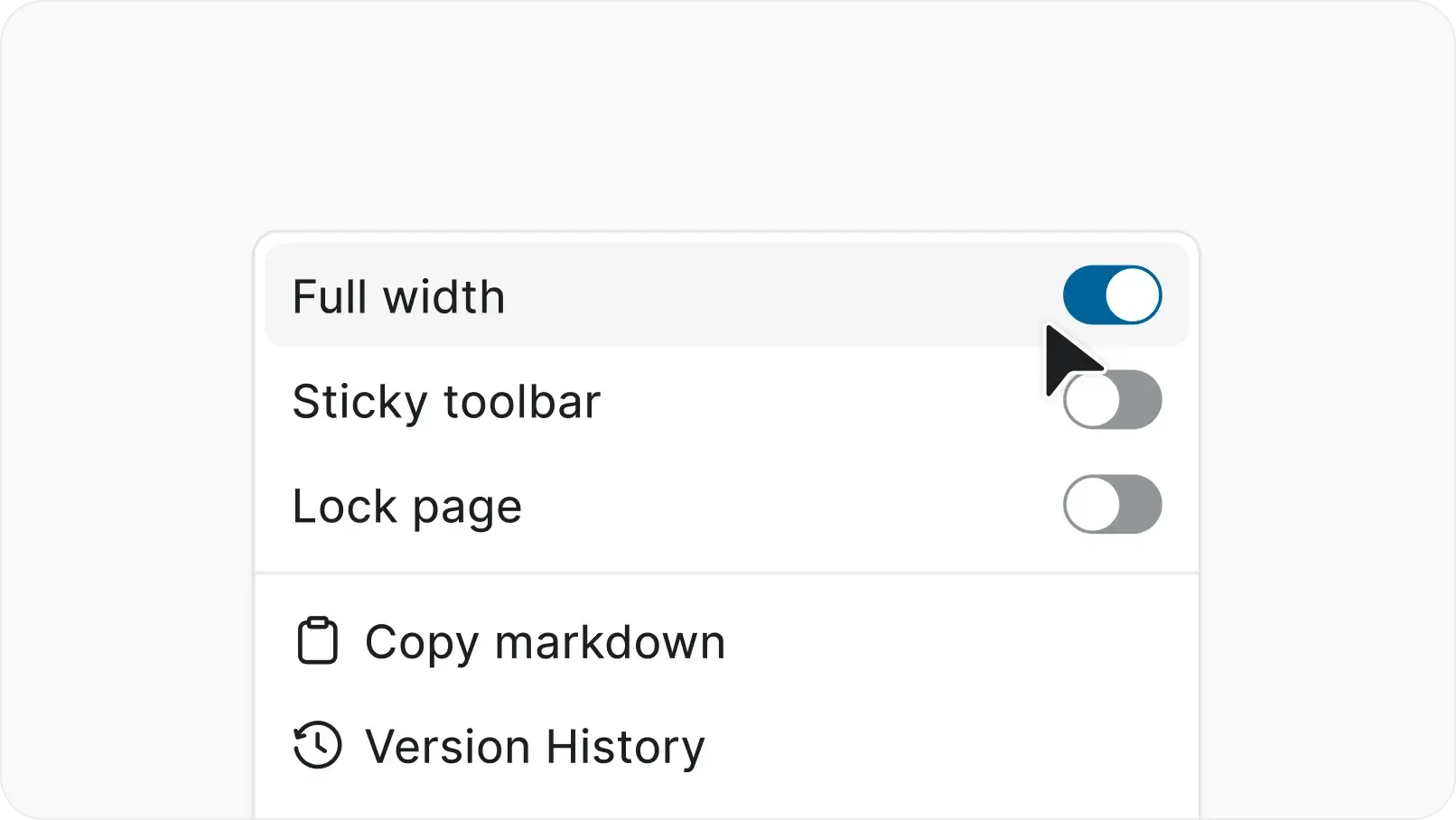
Full-width and focus mode

  • Expand the writing area for distraction-free documentation. Collapse sidebars and focus on the content.

Enterprise-grade security, compliance, and control

Plane is built for teams where trust boundaries matter. Certified, encrypted, and governed for organizations that take security seriously.

certified-project-management

Certified across four compliance standards

  • SOC 2, ISO 27001, GDPR, and CCPA compliance out of the box. Independently audited, continuously monitored.

uptime-projectmanagement

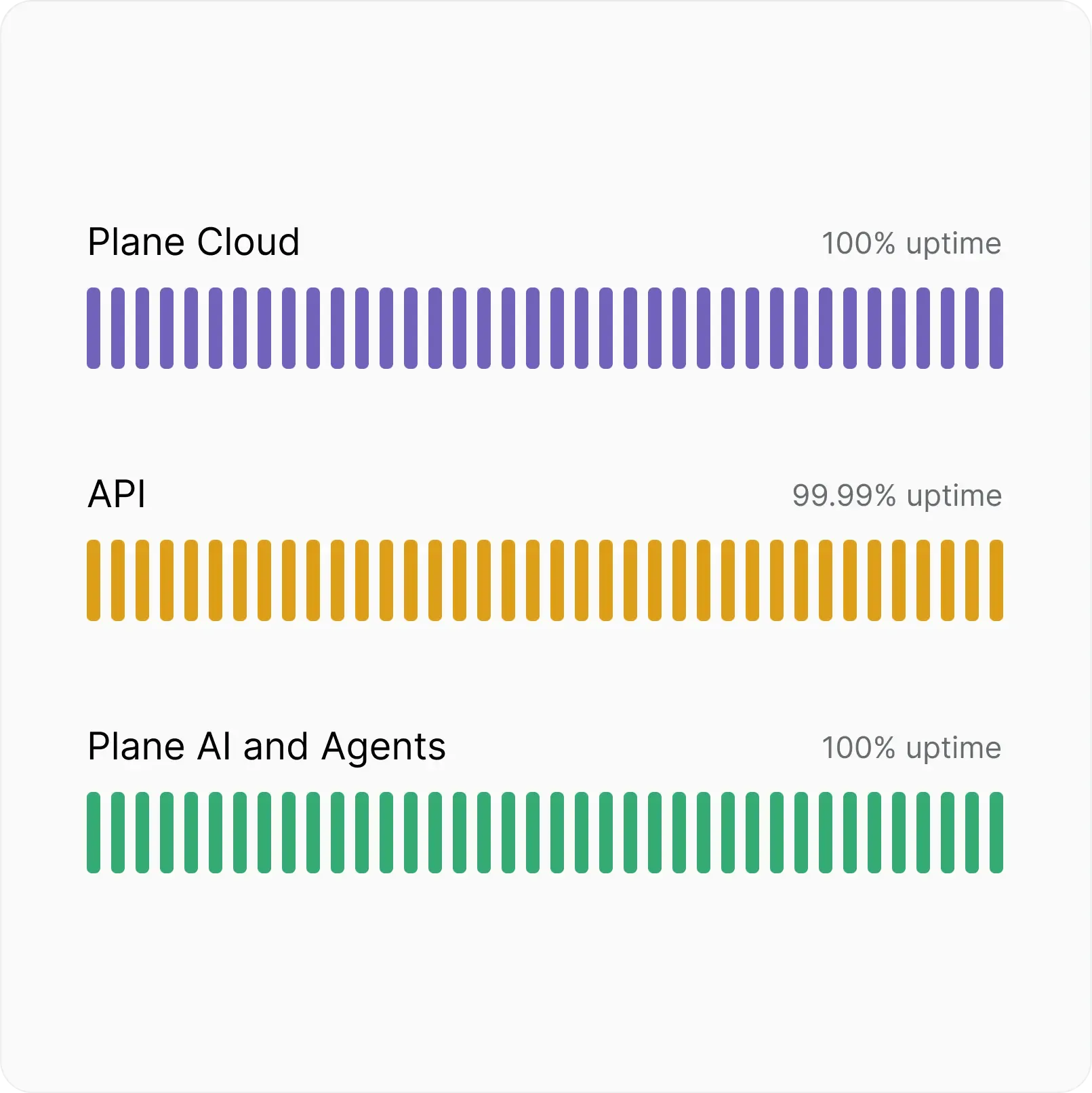
Fully committed uptime SLA

  • Automatic backups, real-time scaling, and multi-layer failovers. Built to stay up when it matters most.

authenticate-project-management

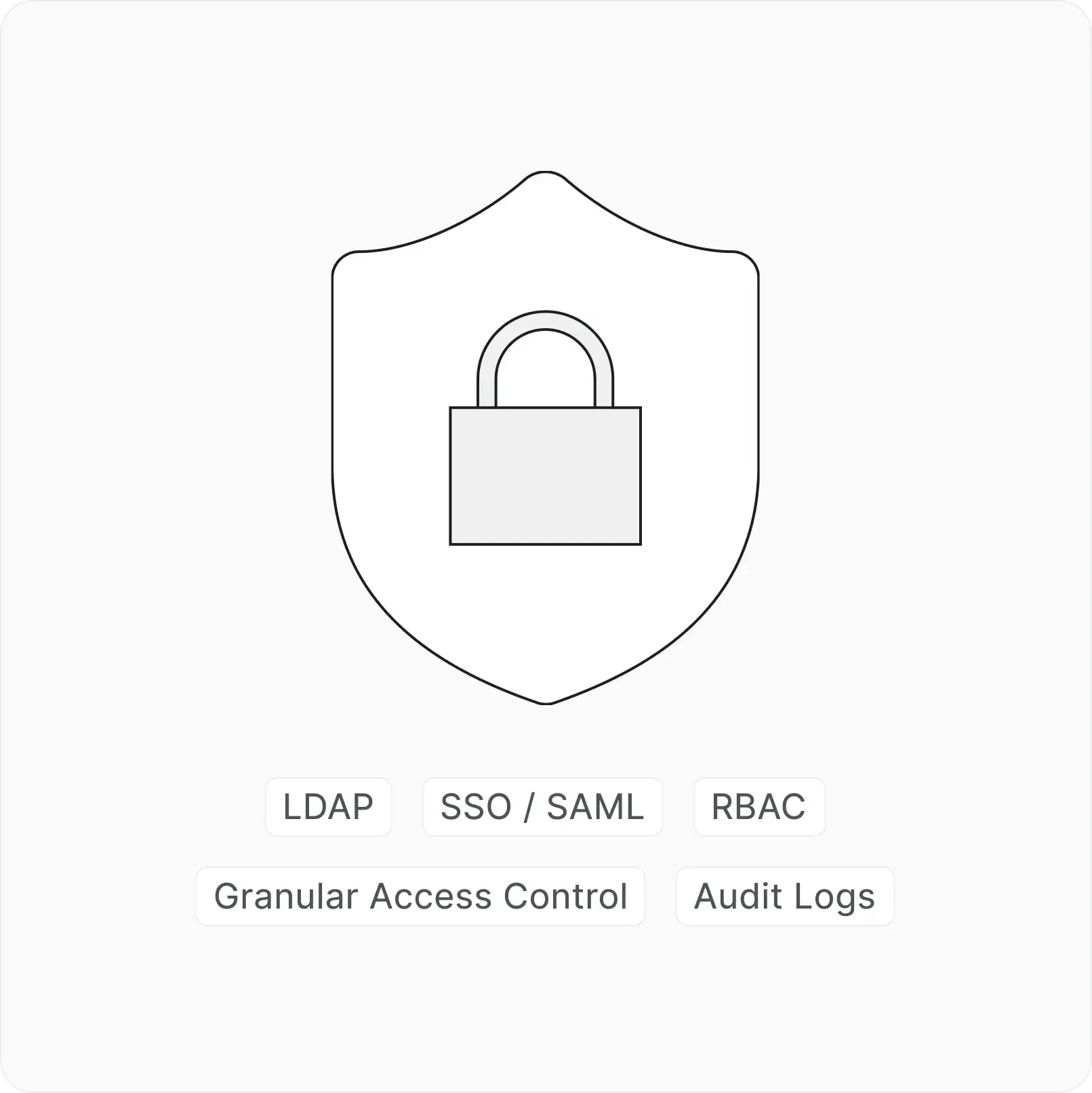
Identity and access at every layer

  • SSO, SAML, and LDAP across every workspace. Authenticate your way.

Everything you need to know

Quick answers to the most common questions about Plane.

Project Pages live inside a specific project and are scoped to that team's work. Wiki pages live at the workspace level and are designed for company-wide knowledge: policies, onboarding guides, technical references, and anything that spans projects.

Yes. Fortune 10 organizations run Plane with hundreds of thousands of work items across multi-team workspaces.

AI summarizes progress, catches duplicates, writes descriptions, and powers natural language search. Assign AI agents to work items and let them handle triage and repetitive tasks.

Yes. Docker, Kubernetes, and air-gapped deployments. Same features as Cloud. Install in under 20 minutes.

No. Every feature is off by default. Turn on cycles, modules, automations, and approvals when your team is ready.

Plane
Nacelle