hero block bg
YOUR WORK, YOUR WAY

Work Item types for modern, collaborative teams

Shape how you add, edit, and move work forward.
Align teams to shared language, control trackable fields, and configure props on the fly.

work-item-types-hero-desktop-light

Get started easily, scale endlessly.

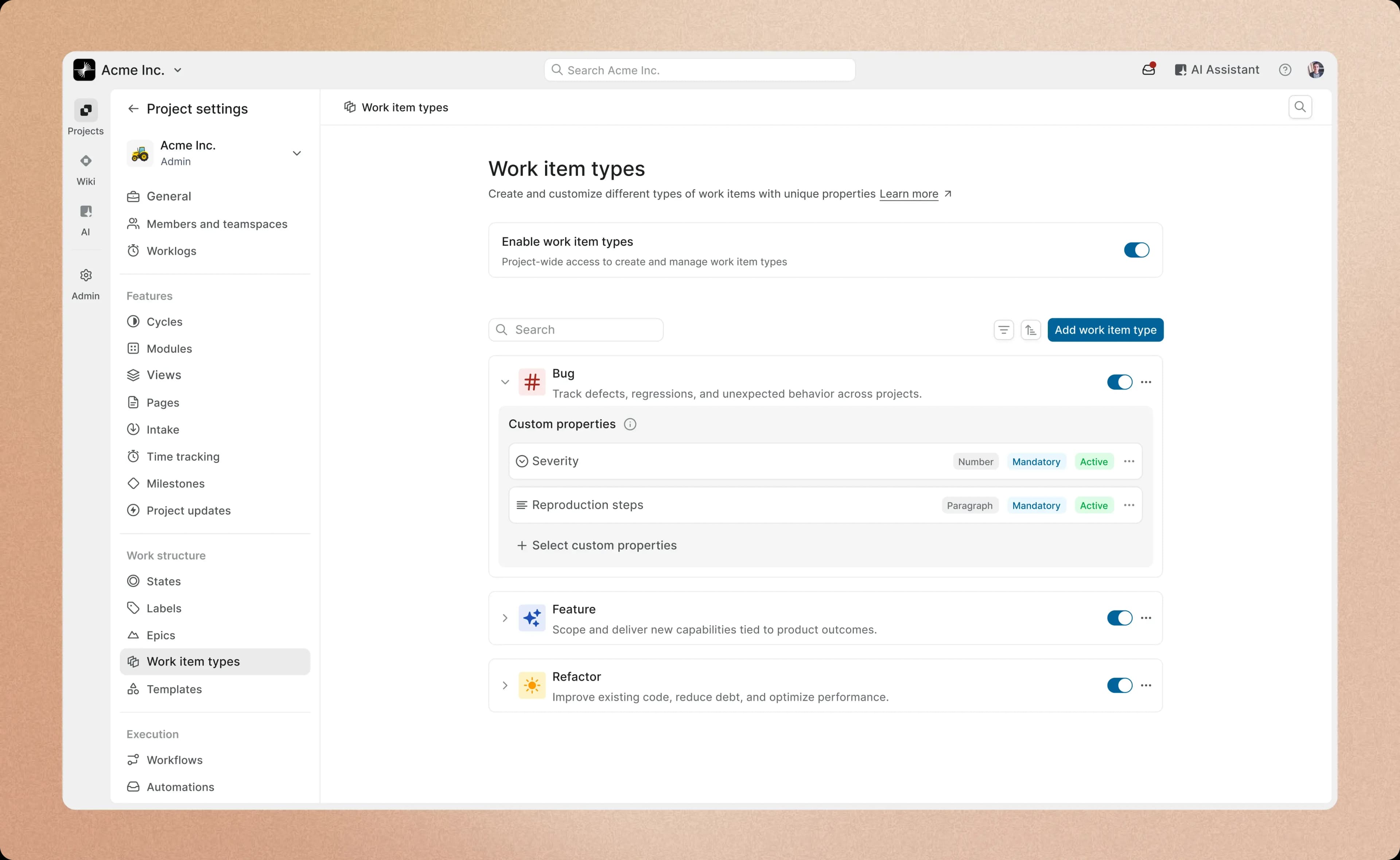
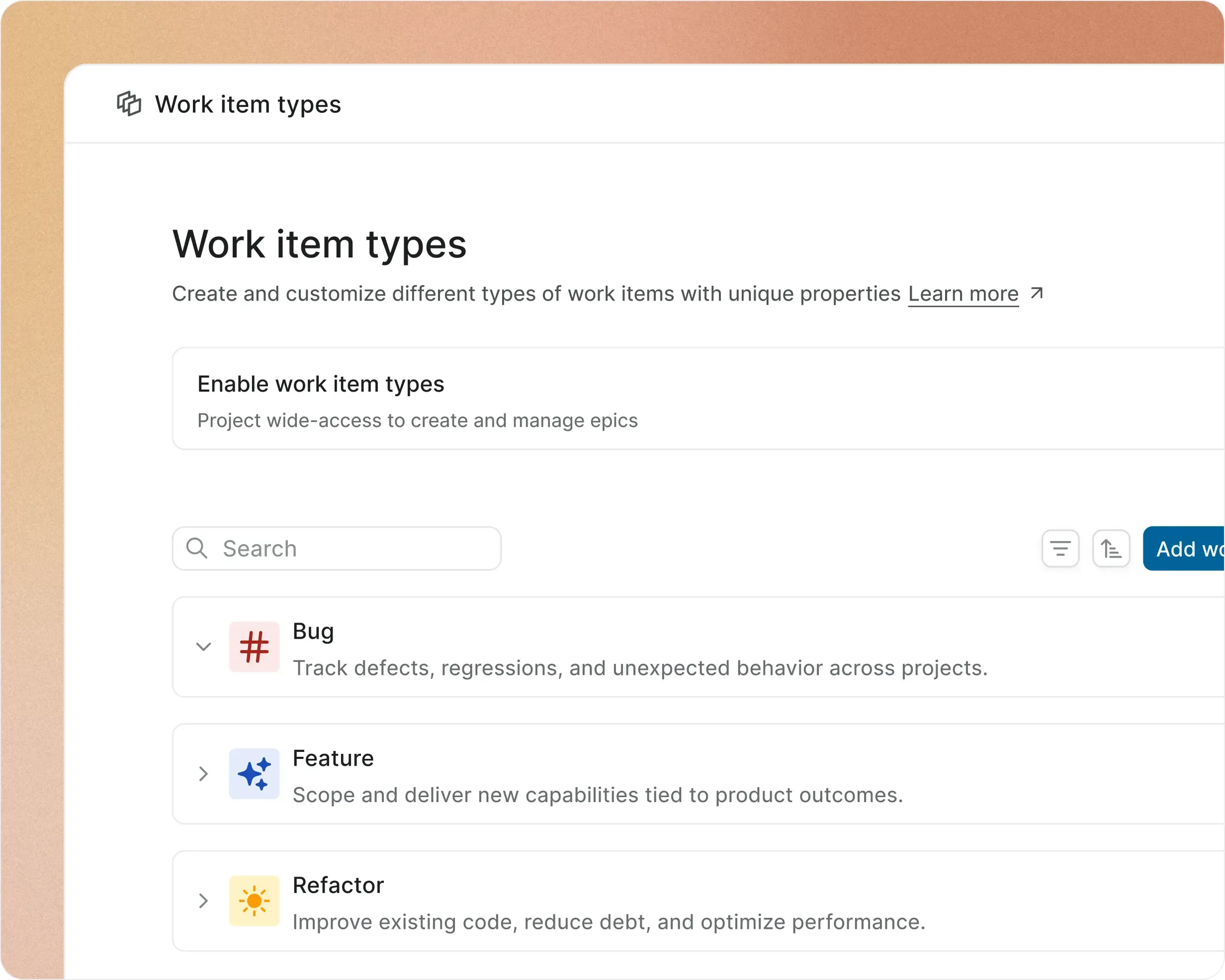
Add a work item type in less than a minute. Configure types at a per-project level.

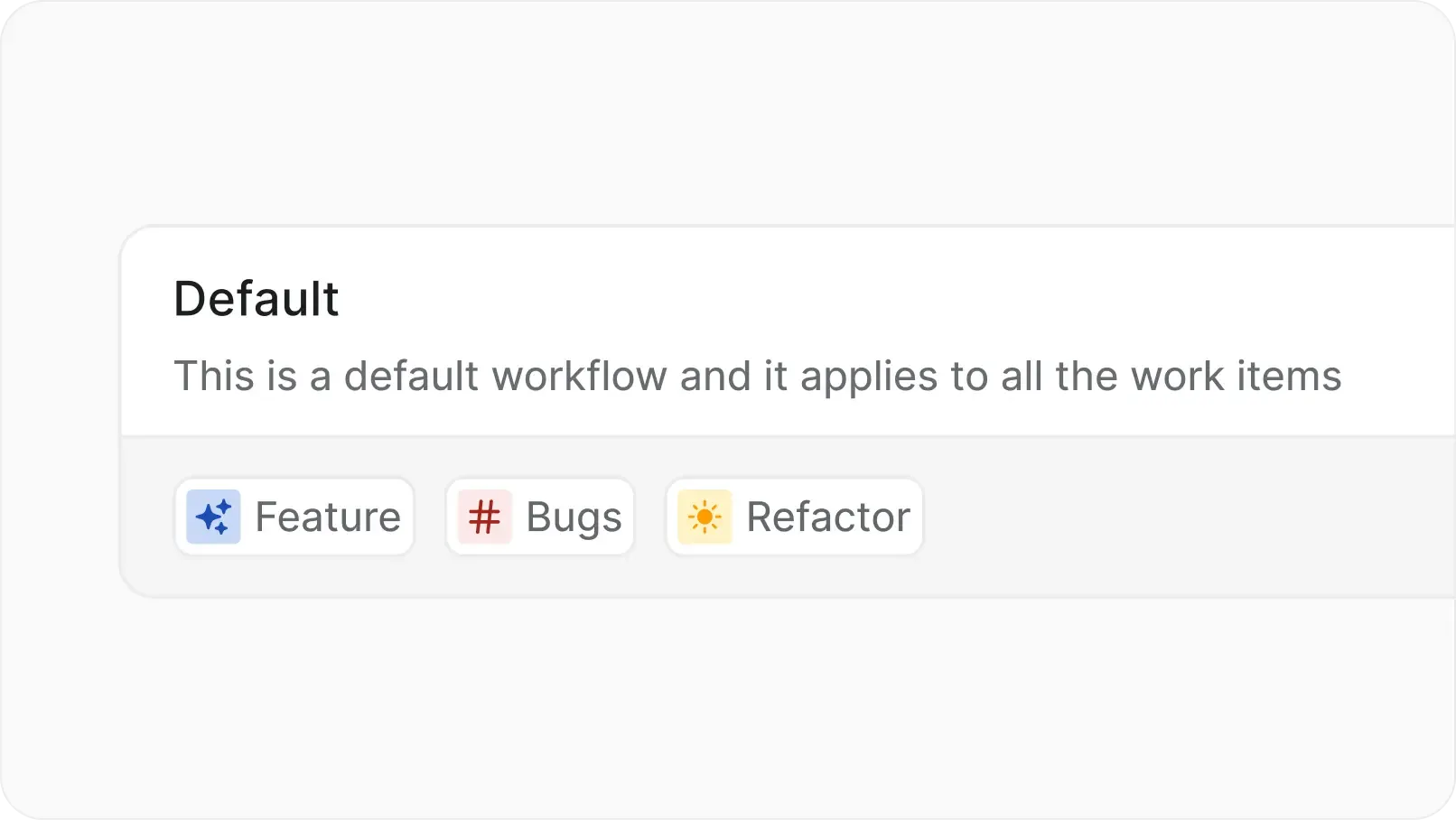
List of user-defined work item types such as Feature, Milestone, Chore, and Bug Report, allowing teams to structure and categorize work beyond the default type.
Create

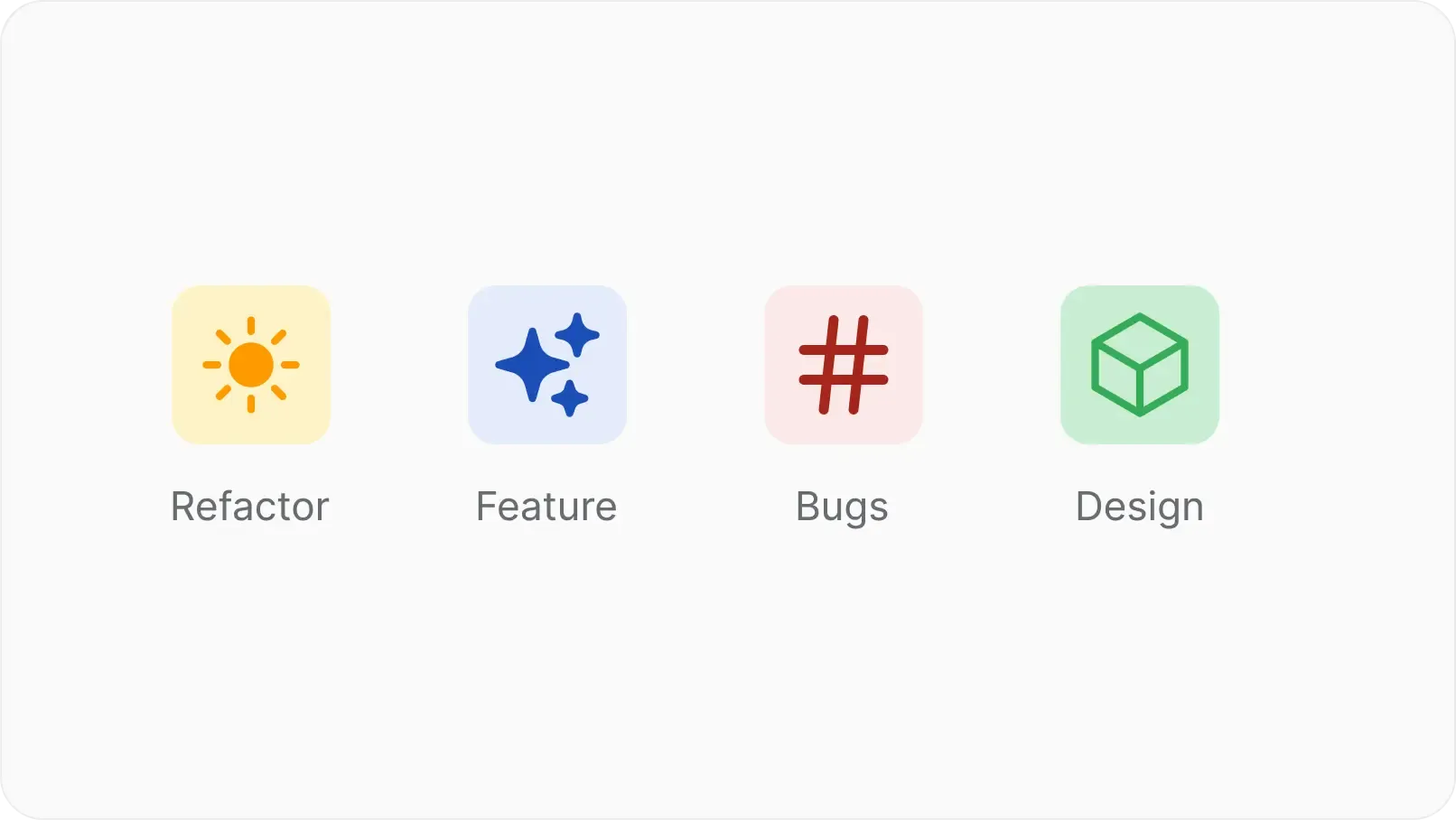
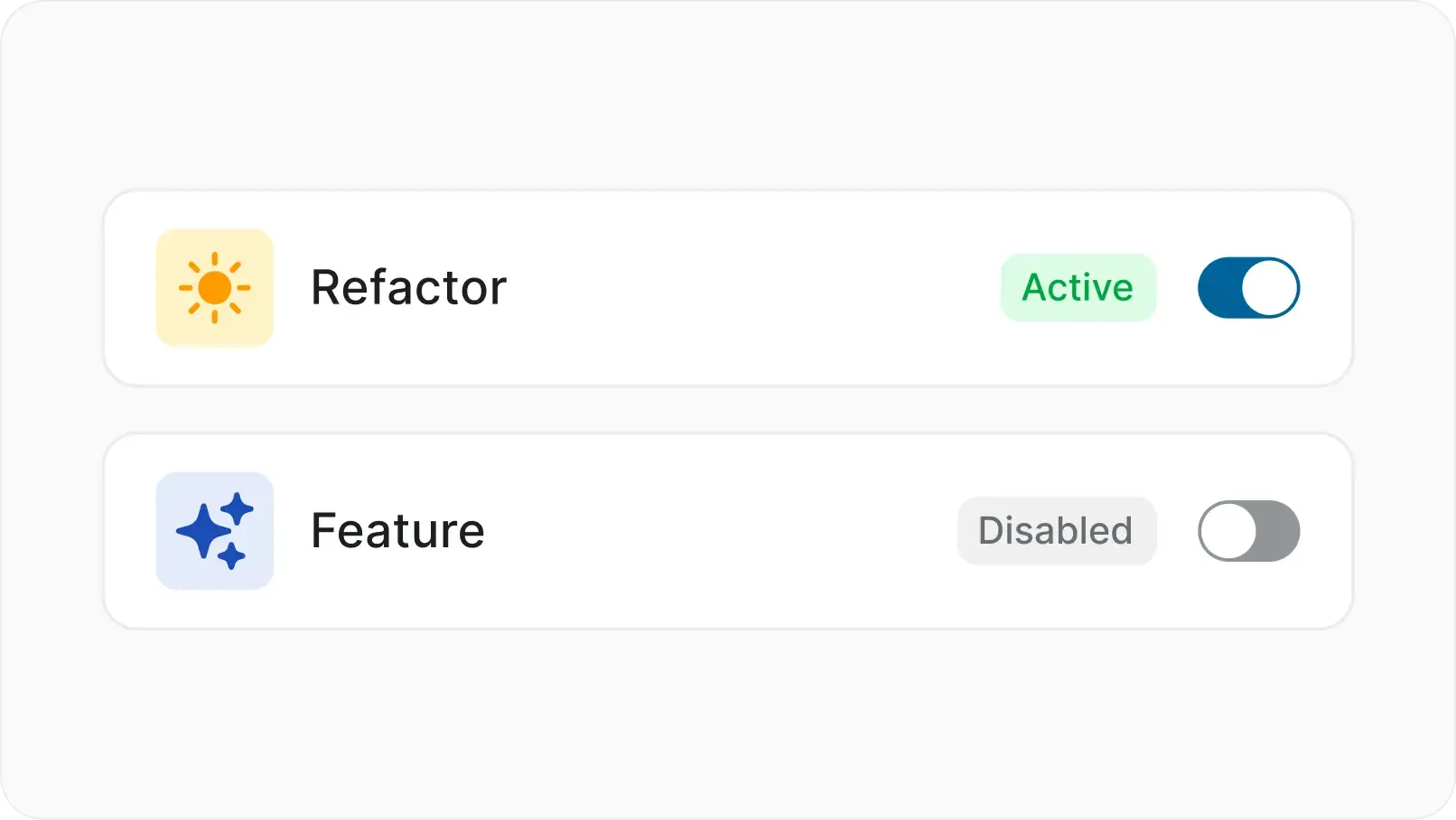
Tell campaigns or bookings apart from strategy or OKRs with familiar names, icons and colors.

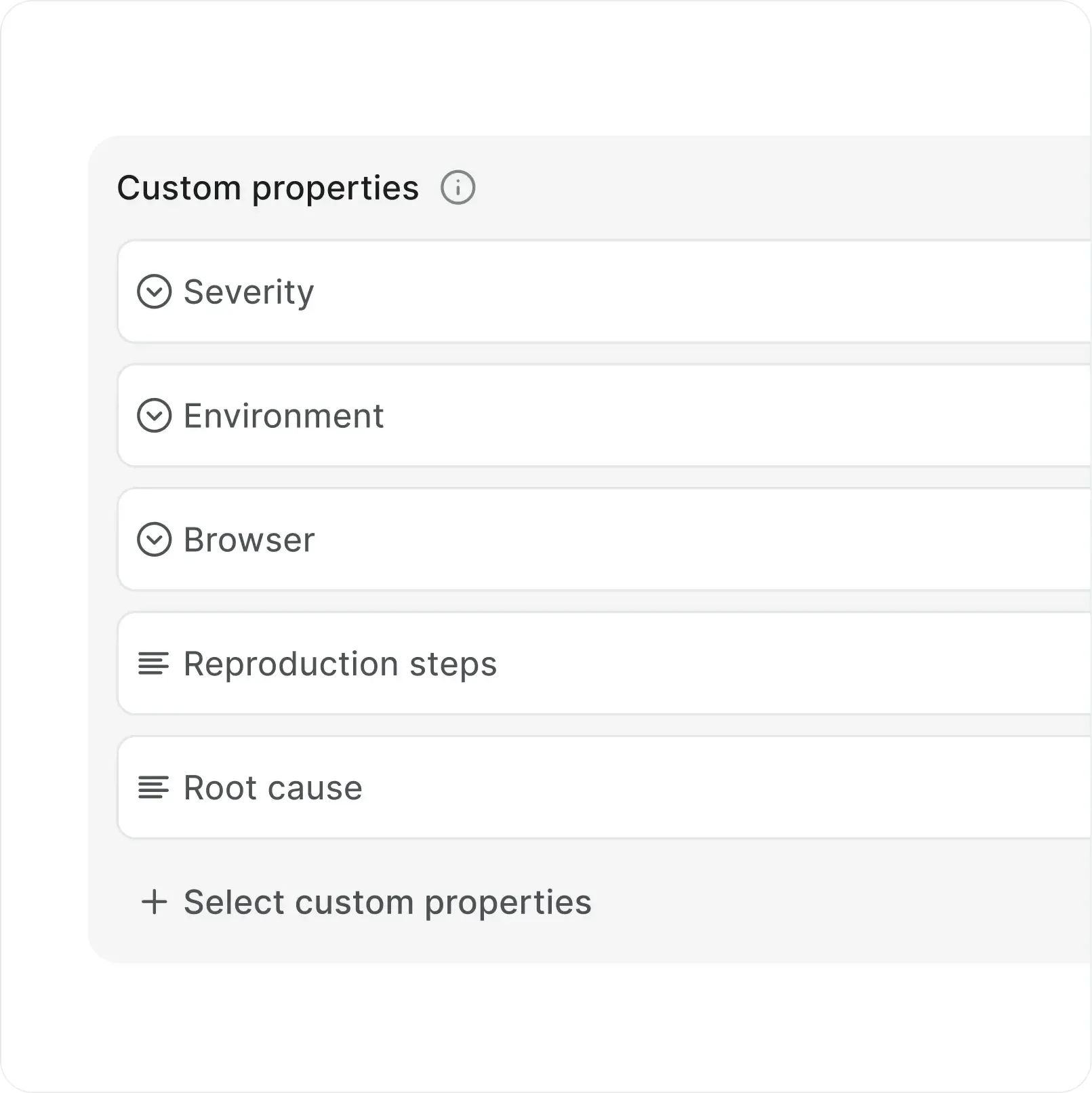
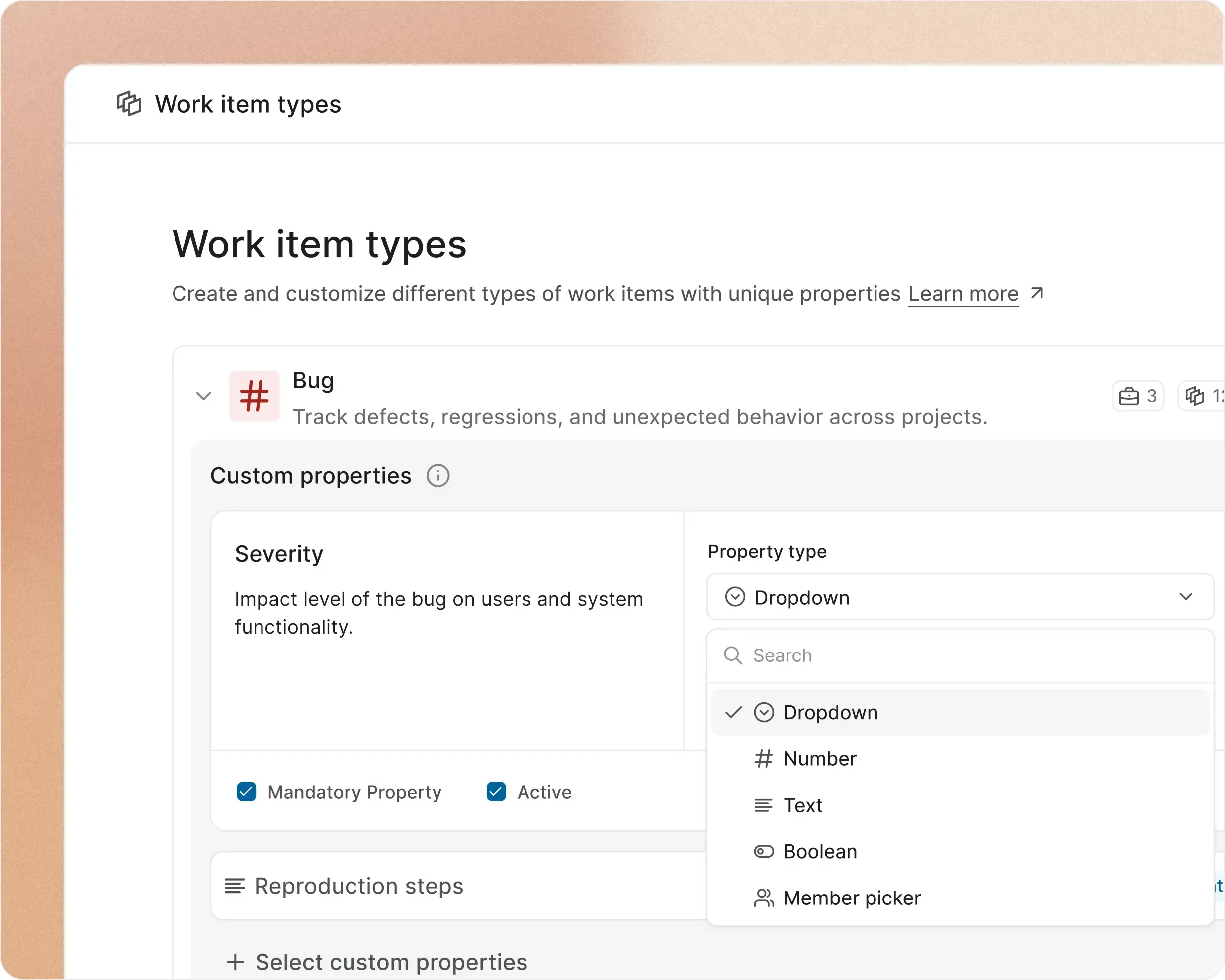
Work Item Types in Plane allow configuration of custom properties, with options to set field types such as text, number and endless customization.
Configure

Choose from a list of property types like text, dropdowns and even Boolean, offer selection options when you want to, and assign default values to make it easy for your team.

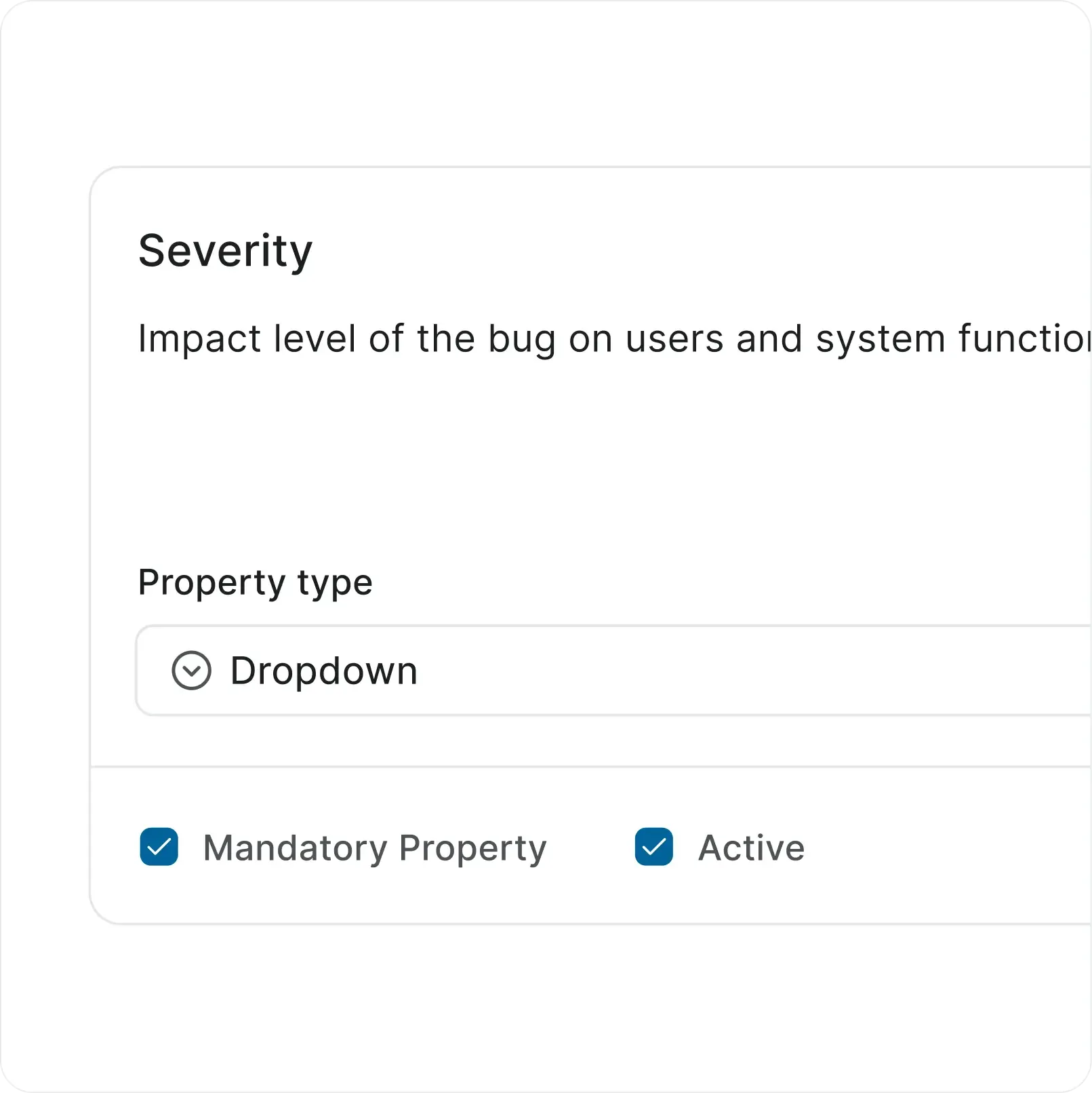
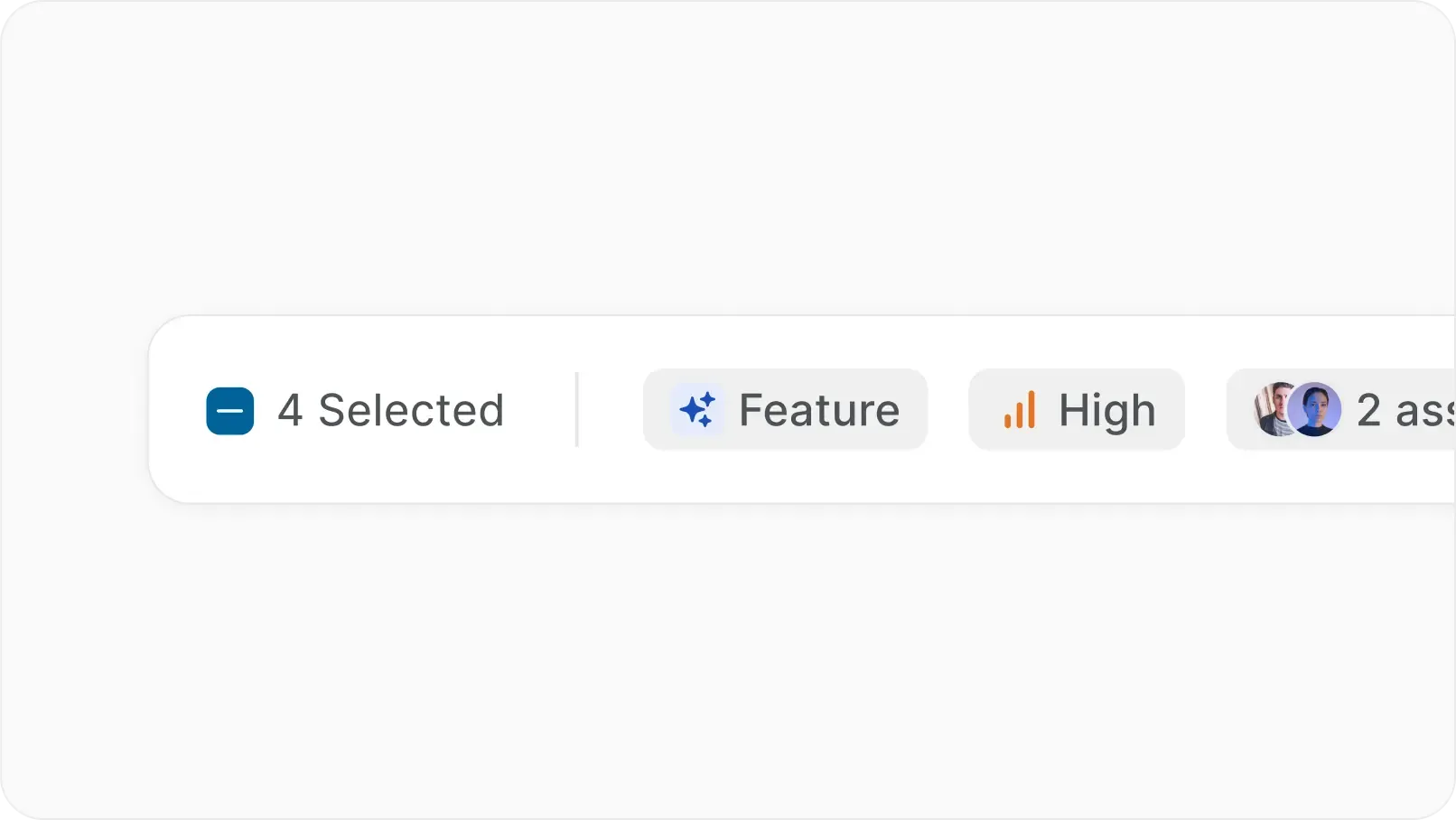
Work item types inside Plane let you control which properties are shown, set default values, and mark fields as mandatory or optional.
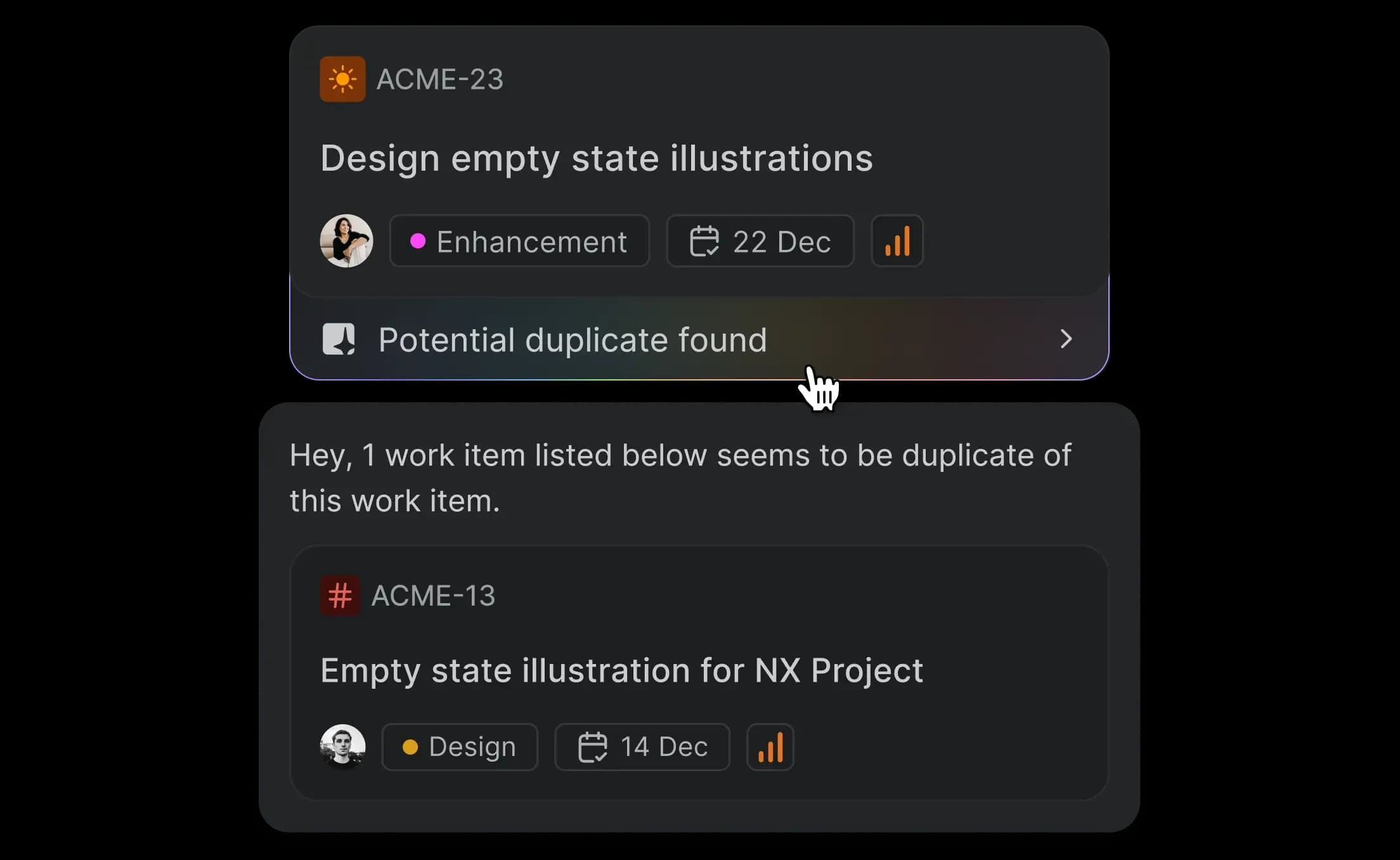
Control

Decide which properties show up and how. Easily mark those that are mandatory for the work item type. Rename and delete properties when you see fit.

MARKETING

Any use case, any team, any time

Plane for Marketing

Create Strategy, Landing page, Content or anything else in minutes. Configure precisely to your team’s exact needs.

work-items-marketing-tell-work-apart-desktop-light.webp
Tell Marketing’s work apart from others.

In shared projects or when switching between projects, tell Marketing’s work apart with names, icons, and colors that are unique to that team.

work-items-marketing-desktop-light.webp
Get your team moving in minutes.

Properties configured to Marketing make it easy for your team to make progress immediately.

Work item type view showing preconfigured properties like objective, product, reviewer and more to enable teams to start work quickly with minimal setup.
SOFTWARE PRODUCT

Map your product work with custom work item types

Plane for Product teams

Get product and engineering teams next to Marketing on Plane with their own work item types—Feature requests, Bugs, Front-end, Adoption, or anything else.


Plane setup for product teams showing configurable work item types with properties like goal, OKR, PRD, release date and more tailored for product and engineering needs.
Make Product and Engineering’s work different from others.

Let your custom work items play well with Plane’s default work items. Tell yours apart from anyone else’s with your own choice of icons and colors.


Board view with custom-styled work items for product and engineering teams, using distinct icons and colors to differentiate them from other teams.
Get all product teams pulling in one direction.

Craft properties in your work item types to align product, engineering, and design teams to the same definition of progress.

Custom properties in work item types help product, engineering, and design teams stay aligned around shared goals and progress tracking.
DIGITAL AGENCIES

Model your client work, your way

Plane for digital agencies

Make client management easy with different work item types by client, team, or project. Manage all client-facing and internal work off of one interface.

Customizable work item type configured for client account tracking, using properties like dates, dropdowns, and toggles to manage agency workflows.
Visually differentiate all kinds of work.

Be it key account management, a client deliverable, or a quarterly review, you can now have name, icons, colors, and props to tell them all apart in the same project, across projects, and between teams.


Board view showing visually distinct work items using custom names, icons, colors, and labels to separate different types of work across teams and projects.
Shared and unique properties per client

Shape work per client the way it works for everyone in a team and customize endlessly.

Filled-out work item details showing editable properties like account manager, services, dates, and revenue tailored per client for flexible team workflows for the use case of digital agencies.
INFORMATION TECHNOLOGY

Custom work item types for tickets, tasks, and change requests

Plane for IT + software consulting

Map your clients’ lifecycle stages to issue types—app development, UI + UX, bugs, maintenance, or anything else.


Work item type tailored for app development workflows, enabling IT and software consulting teams to track stages like objectives, versions, approvals, and more—customizable to match the full project lifecycle.
Distinguish work items across teams + projects

Easily make your work item types unique to clients, the work you do for them, and the teams that are involved.


Board view showcasing how teams can visually distinguish work items across clients and projects using unique labels, icons, and naming conventions tailored to their workflows.
Property types you need customized to each project

Select property types per work item from a growing list and configure as precisely as you want.

Property panel showing how project-specific work item types can be configured with fields like objective, type, version, and reviewers for granular control.
BOOKING MANAGEMENT

Structure every booking and task with custom work types

Plane for Booking Management

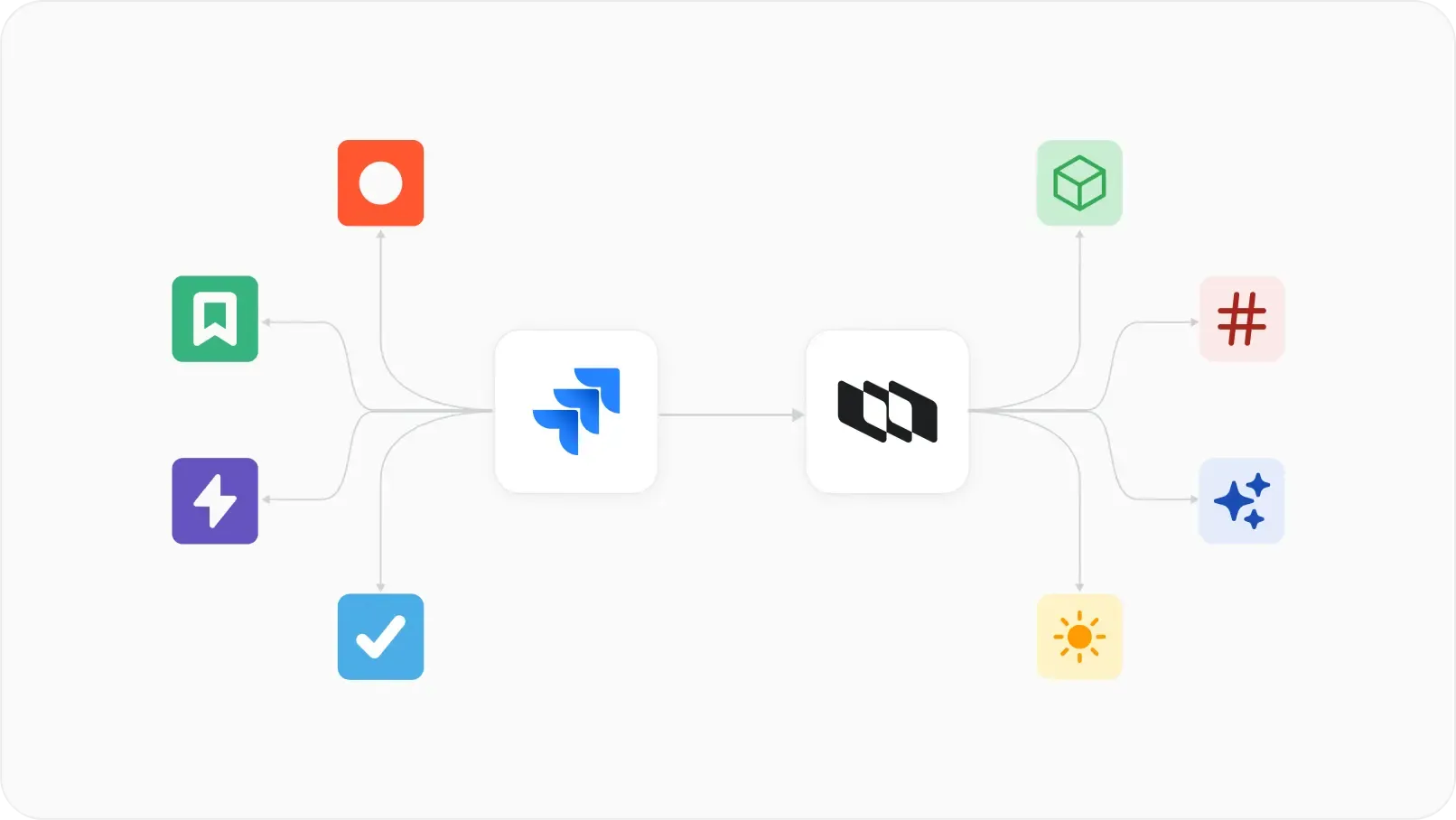
Map property types to your booking management software, manage operational tasks easily per booking, and customize by loyalty, tiers, or anything else.


work-items-booking-management-bring-in-from-any-source-desktop-light.webp
Bring in your bookings from any source.

Differentitate bookings by sources with unique icons, colors, and even properties to match each source’s.


work-items-booking-management-desktop-light.webp
Add, edit, and close tasks in record time.

Get your ground crew the exact info they need to start their day. Close tasks quickly with best-fit property type configs and default values.


work-items-booking-management-add-edit-desktop-light.webp

Why bother with Work Item Types

Unlock progress, productivity, and performance benefits when you shape how you add and edit work on Plane.

Plane

Customizable. Simple. Limitless.

Why Work Item Types on Plane

Work Item Types on Plane are simple to set up, flexible to any use case, and customizable to how your team already works.

No forced opinion • No configuration restrictions • No nickel-and-diming for experiential delights

Features
Plane

Pro


Jira

Premium


Linear

Business

Asana

Advanced


Work Item Types
Endless possiblities

Create your own infinite work item types.


Visual customization

Differentiate work item types with icons and colors in the same project or across several.


Easy configs

Create your own properties and apply them to your workspace or project.


Simple and easy set-up

Set work item types with props within minutes.


Dependent Properties

Configure custom properties with relationships to other properties.


Work Item Templates

Create an work item type once and use it forever in the same project or in others.


Super-complicated to set up


Dashboards and Widgets

Create your own dashboards with custom widgets and data types.


Shared Views

Choose a few members to share a view with.


Work Item Embeds

Embed work items from any project you are a member of into any page you can edit.


Time Tracking

Track time per work item by any number of members and easily download consolidated timesheets.


Link-To-Issues

Link pages in work without hunting for IDs or links.


Guests and Viewers

Let some users see everything or just their work items in a project.


Guest access with viewing limitations


Guest access with viewing limitations


Export to Jira

Export projects, members, work items, and docs without loss of data.


Without custom props


Import from GitHub

Import projects, members, work items, and views without any loss of data.


Without custom props


Without custom props


Publish Views

Put a view on the Internet or share with a select few in your team.


Only internal shared views

Import from Jira

Import projects, members, work items, and docs without loss of data.


Without custom props


Plane
Nacelle