How modern teams run agentic workflows in Plane
A look into how humans and agents work as one team in Plane.
A look into how humans and agents work as one team in Plane.
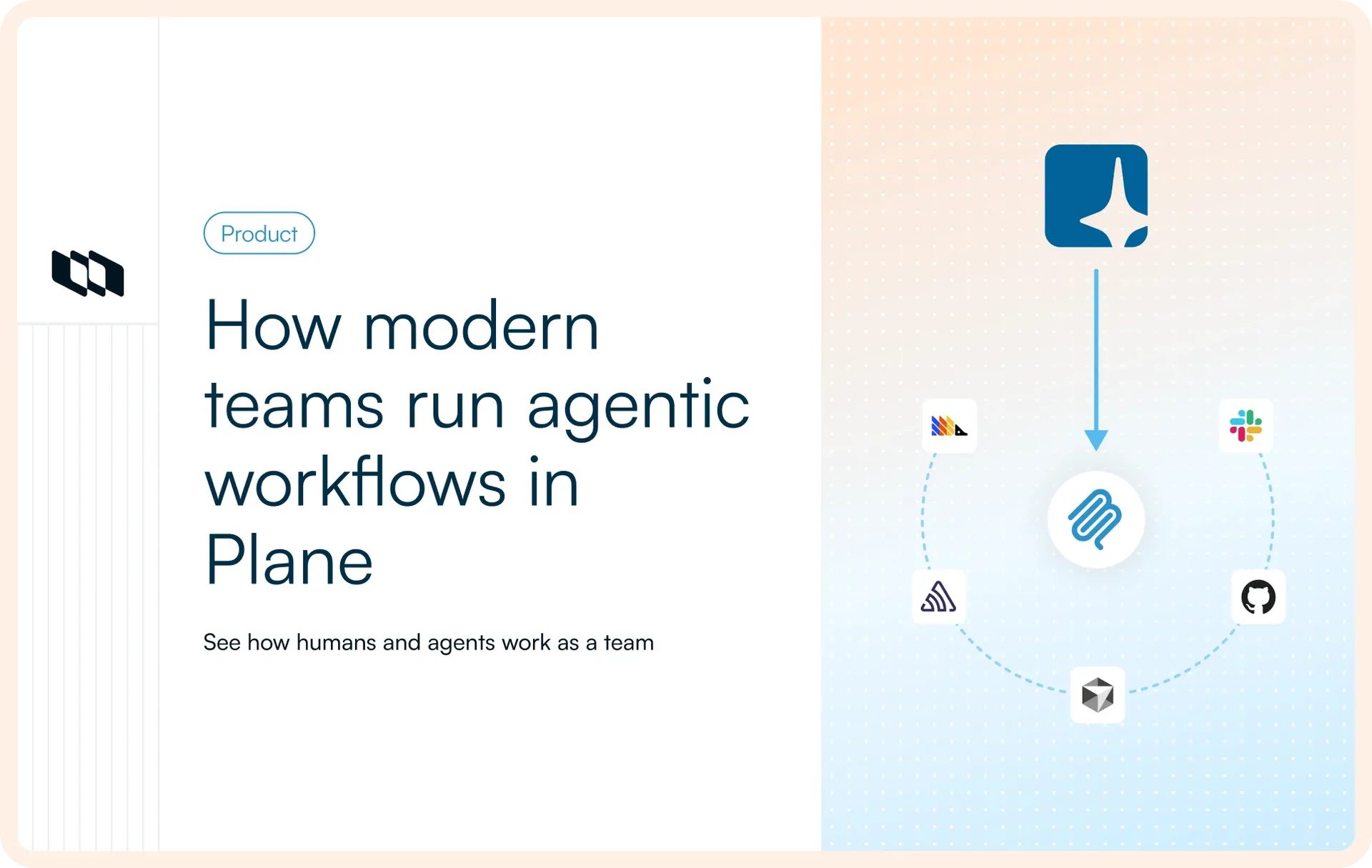
Most teams already run capable agents. One writes code, another investigates incidents, a third drafts release notes from merged pull requests. This is not a new concept; it has become a part of every team's day-to-day.
But the trust gap remains. While nobody questions the intelligence provided by agents, teams still hesitate to let the agents act on the intel and move the work forward. The agent identifies the root cause of an incident, but a human takes the issue ahead, sets the priority, assigns it, and carries it through the workflow in a separate tool where the work lives. That is the exact problem agents were supposed to solve.
A modern agentic workflow does not mean agents take independent actions; it is a system where humans make decisions and hand the execution to the agents.
What agentic workflows look like in practice
An agentic workflow is a loop with five parts:
- A trigger fires an alert.
- An agent reads the surrounding context.
- An agent proposes or acts.
- A human gate decides whether it proceeds.
- State moves.
Rules trigger workflows, agents reason and recommend actions, and humans make decisions, all within the same system. The operating model is simple: humans direct, systems structure, agents execute.
This also defines the boundaries. Agents gather context, assess the situation, and recommend the next best action. Humans decide what matters. They prioritize the work, define its scope, and decide when it is ready to move to the next stage. The agent's job is to speed up the work, and decision-making stays with the team.
A useful way to evaluate any agentic platform is to ask where each layer stops. Reasoning without access is just chat. Access without action is just reporting. Action without governance is just automation. An agentic workflow brings all four together.
How teams run agentic workflows in Plane
MartyPay is a payments processing company that is used by thousands of merchants. This morning its gateway started failing checkouts. Here's how their team moves this incident through Plane, from the first alert to documentation.
Detection: Sentry flags, Slack notifies
Sentry detects the payment failure rate crossing the threshold. It fires a webhook, and an Intake is automatically created in Plane.
Slack notifies the team in the alerts channel that Sentry has detected an incident and created an Intake in Plane for the team to immediately look at.
Triage: The PM accepts the work
The PM reviews the Intake, decides that the incident needs to be investigated, and accepts it. That single action converts the alert into a Work Item, bringing it into the team's backlog.
Humans and agents can now collaborate on this work item.
Enrichment: Plane AI adds impact, the PM prioritizes
The PM opens the AI sidecar and asks Plane AI to pull more information about the user impact. Plane AI connects to the PostHog MCP connector and adds the impact to the same work item as a comment: how many merchants are affected, which region, and since when. The work item now holds context on not just what broke but, how big the impact is.
With the enriched context in place, the PM now has enough information to decide the next step. They set the priority to Urgent, assign the work item to the engineering team, and move it into the next state.
Execution: Cursor implements, the engineer reviews, GitHub closes
The engineer picks up the work item and assigns it to Cursor.
Cursor gathers the brief from the work item itself, works against the connected GitHub repository, proposes the fix, and opens a pull request linked back to the same work item. The engineer reviews the proposed changes, requests revisions if needed, and approves the pull request once satisfied.
As soon as the pull request is merged, GitHub updates the work item automatically and moves it to the completion state. The engineer never has to switch back to update the state manually. The work item, the pull request, and the workflow stay synchronized from start to finish.
Documentation: Plane AI updates the runbook
Plane AI updates the existing payment incident runbook using the completed work item, its activity, discussion, and the linked pull request.
The team reviews the changes, adds any missing operational context, and publishes the updated version to the Wiki. Because the runbook lives alongside the work, every incident leaves the next one with better context than before.
When the next payment authorization issue appears, the team does not start from scratch. The runbook already includes information about the previous instance: what happened, how it was investigated, what was fixed, and which signals to watch. Plane AI can use that context in the next investigation, and the team builds on what they already know rather than rediscovering it.
Different ways agents work in Plane
The incident you just saw is one way agents work in Plane, but there are many more. The right entry point depends on where your agents already live.
If you... | Use | Because |
Already run Claude Code, Cursor, VS Code, Windsurf, or Zed | MCP server - | Your existing agent gains Plane as a tool. Open source and self-hostable. |
Want Plane AI to understand your stack | MCP connectors | GitHub, Sentry, PostHog, Intercom, and more. Available on Build and Autopilot. |
Want an agent on a specific work item | Native AI agents | Lives in the comment thread, runs on a non-billable bot user, can pause for human input. |
Want spec in, PR out | Cursor handoff | The work item becomes the implementation brief. The pull request stays linked back to it. |
Want infrastructure as code | Plane Compose | Workspace structure is proposed as YAML, reviewed as a Git diff, then created after approval. |
Need something custom | REST API and Webhooks | Build your own integrations and trigger-condition-action workflows. |
MCP server
If your teams already use Claude Code, Cursor, VS Code, Windsurf, or Zed, they do not need another agent. Plane's open-source MCP server gives those agents another platform to work in.
For more details, see the MCP server docs.
MCP connectors
Sometimes the information an agent needs already exists somewhere else. MCP connectors let Plane AI reason over live context from tools like GitHub, Sentry, PostHog, and Intercom without moving the work itself. The reasoning spans multiple systems, but the work stays in Plane.
For more details, see the MCP connectors docs.
Native AI agents
Native agents live where the work already happens. They are invoked from a work item, inherit its surrounding context, and leave every action in the activity timeline. They can also pause when they need help. Instead of failing or guessing, an agent can ask a question, wait for a response, and resume once the missing information arrives.
For more details, see the Agents docs.
Cursor handoff
Cursor is purpose-built for implementation. Assign a work item to Cursor, and it treats that work item as the implementation brief. Once the fix is ready, the pull request is linked back to the same work item, keeping planning and execution connected.
For more details, see the Cursor integration docs.
Plane Compose
Compose is a path where review happens before anything gets created. An agent proposes structure, a project, a workflow, a set of custom fields, as YAML in a Git diff, and nothing changes until someone reviews and merges it.
For more details, see the Plane Compose docs.
REST API and webhooks
REST APIs and webhooks let you connect internal systems, automate custom processes, and build your own trigger-condition-action workflows when the predefined paths are not enough.
For more details, see the API docs.
Keeping agents within bounds
The fastest way to lose trust in an agent is to give it more authority than it should have. Good agentic workflows should define clear boundaries.
Define guardrails within the workflow
Every workflow must have solid guardrails dictating who can move work into a given state and whether that transition requires approval.
Give agents necessary access only
An agent fixing bugs in one project does not need administrator access to your entire workspace. Give agents the smallest set of permissions required to do their job.
Native AI agents also run as non-billable bot users, so adding an agent to your workflow does not consume another seat.
Let Intake be the buffer
Agent-created requests should land in Intake first. This gives the team a chance to triage and decide what should become real work instead of directly feeding active projects.
Use Compose as version control
Compose turns workspace structure into version-controlled YAML. Instead of creating projects, workflows, or custom fields directly, changes are proposed as reviewable Git diffs. Git history records who changed the structure of the workspace and when.
Deploy the way your organization requires
Plane supports cloud, self-hosted, and air-gapped deployments. If your team already works with MCP clients, Plane's MCP server is open source and can be self-hosted alongside the rest of your infrastructure.
The important point is not where the model thinks. It is where it operates. An agentic workflow needs work items with state, approvals, and an activity trail. A conversation has none of them.
When things might go wrong
Agentic workflows are not bulletproof. They fail in specific, predictable ways, and knowing them matters more than pretending they don't exist.
When agents start making planning decisions
Priority is a planning decision, not an execution task. Agents can gather context and recommend a priority, but the decision must be made by the team.
When approvals become a checkbox
Clicking through a gate without reviewing the work is worse than having no gate at all. The activity trail now records a decision that never really happened.
When nobody answers the agent's questions
When an agent asks for instructions, and nobody responds, it just waits. You must give those requests an owner, or work will quietly stop moving.
When access is mistaken for context
An agent can read Sentry, PostHog, the Wiki, and recent work items, but still miss the decision made in a design review last week. Access to data is not the same as understanding the situation.
When Compose stops being the source of truth
If you define your workspace in YAML, then make structural changes directly in the UI, the two begin to drift apart. Nobody notices this discrepancy until an audit.
When the workflow is designed for tools nobody uses
Start with the tools you already use instead of designing around connectors, agents, or deployment models that never make it into day-to-day work.
Choosing an agentic platform
Agents will continue to improve. Better models will arrive, context windows will grow, and reasoning will get stronger. What matters is whether an agent can participate in the same workflow as the rest of your team.
So when you weigh any platform, ask four things.
- Can an agent reason over your live context?
- Can it reach the tools you already run?
- Can it act, not just generate text someone else has to carry forward?
- Does the knowledge it produces compound, so the next incident starts ahead of the last?
These questions matter more than any one platform's answer. Carry them into whatever you're evaluating.
An agent does not become useful the moment it produces the right answer. It becomes useful when it can carry the work forward. A brilliant agent in a chat window is still something you babysit. The same agent on a work item, behind a gate you control and a trail you can read later, is a teammate the system can hold accountable.
Book a demo to see it run on your own stack.
Recommended for you



 Download for Mac
 Download for Android