One Workspace, Infinite Momentum
The Plane Operating Manual
A comprehensive guide to understanding Plane's philosophy, hierarchy, and unified approach to project management

A comprehensive guide to understanding Plane's philosophy, hierarchy, and unified approach to project management
Plane is the modern project management platform that brings projects, knowledge, and AI together in one unified workspace for fast-moving, cross-functional teams.
Organizations where multiple teams work together toward shared goals. Engineering, marketing, operations - every team gets a tool built for them without working in silos.
Traditional tools force rigid structure or overwhelming flexibility. Plane provides a clear hierarchy that works while keeping knowledge, conversations, and AI in one place where work happens.
Cloud, self-hosted, and airgapped options with 100% feature parity. Choose what works for your organization without sacrificing functionality.
Plane is built on three foundational principles that shape how modern teams work. They ensure clarity across the organization, preserve context at every level, and help teams create lasting progress—not just busyness.
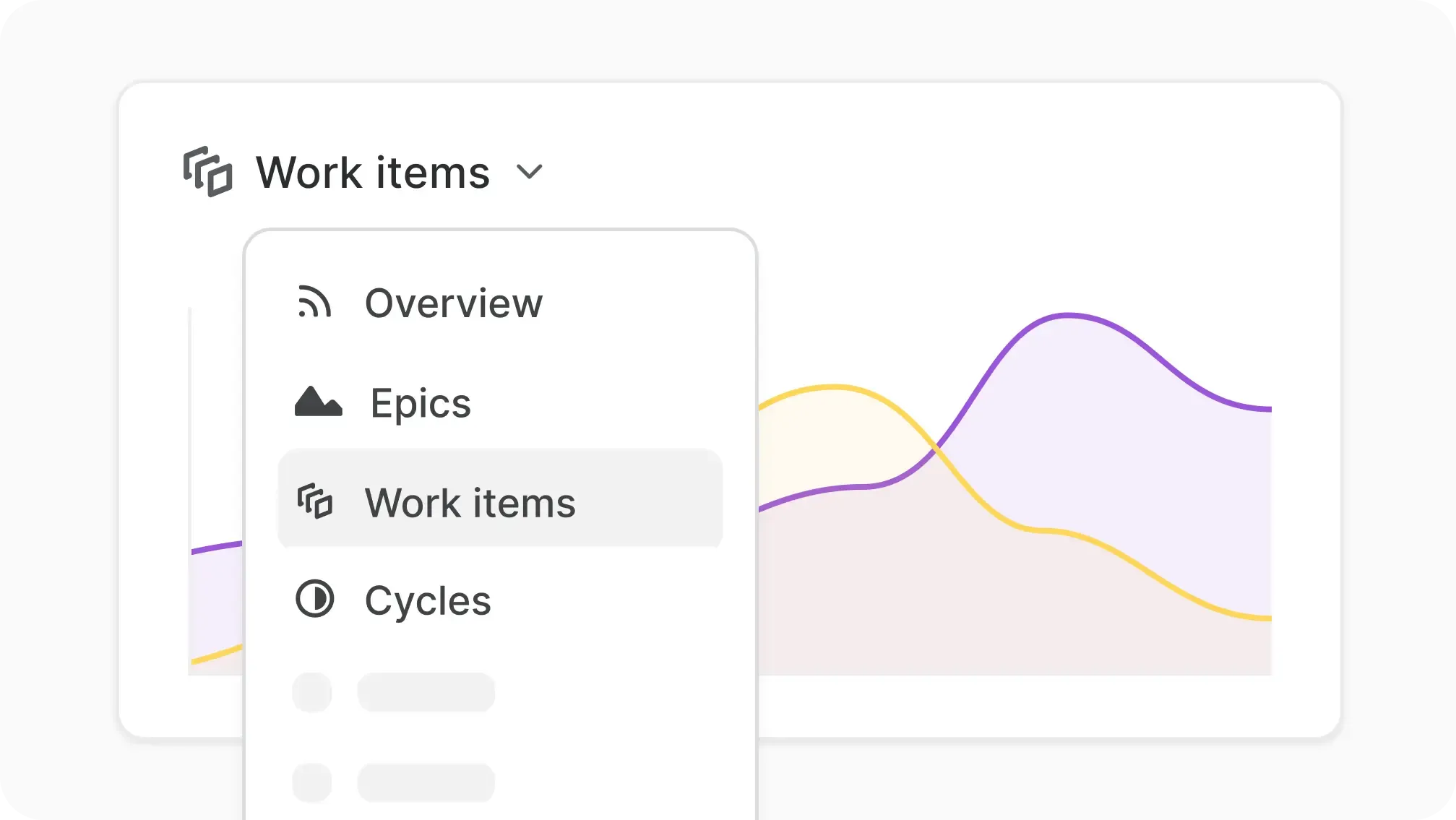
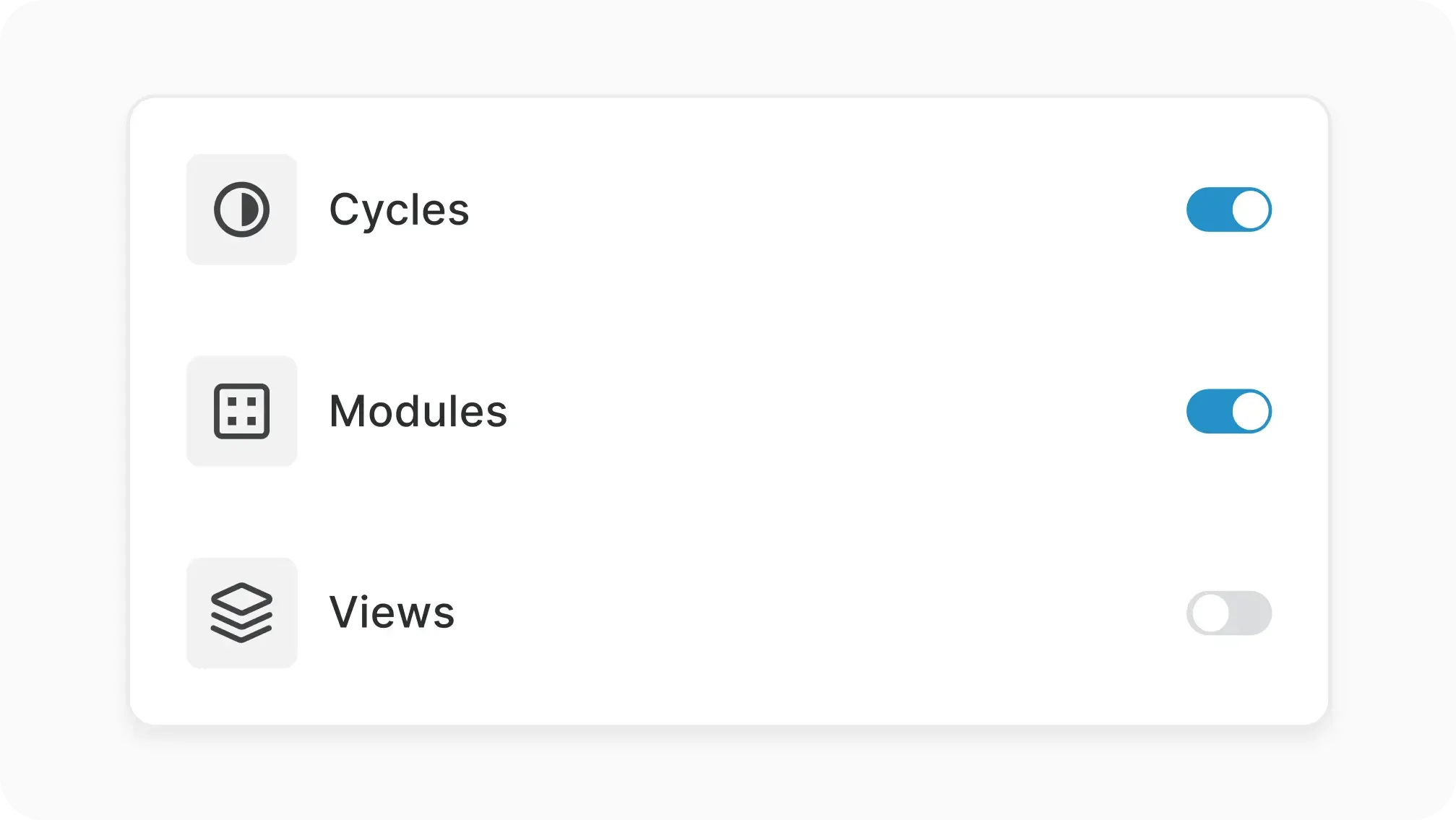
Tools shouldn’t take weeks to stand up. Plane starts simple with clear defaults (projects, states, cycles) and reveals depth as you grow—no admin dependency. You can import later; don’t over‑model on day one.
“Everything in one place” only works if it moves together. Plane keeps Projects, Wiki, and AI in one permission‑aware model so specs, decisions, and tasks stay linked—and AI can draft, summarize, and route work for you.
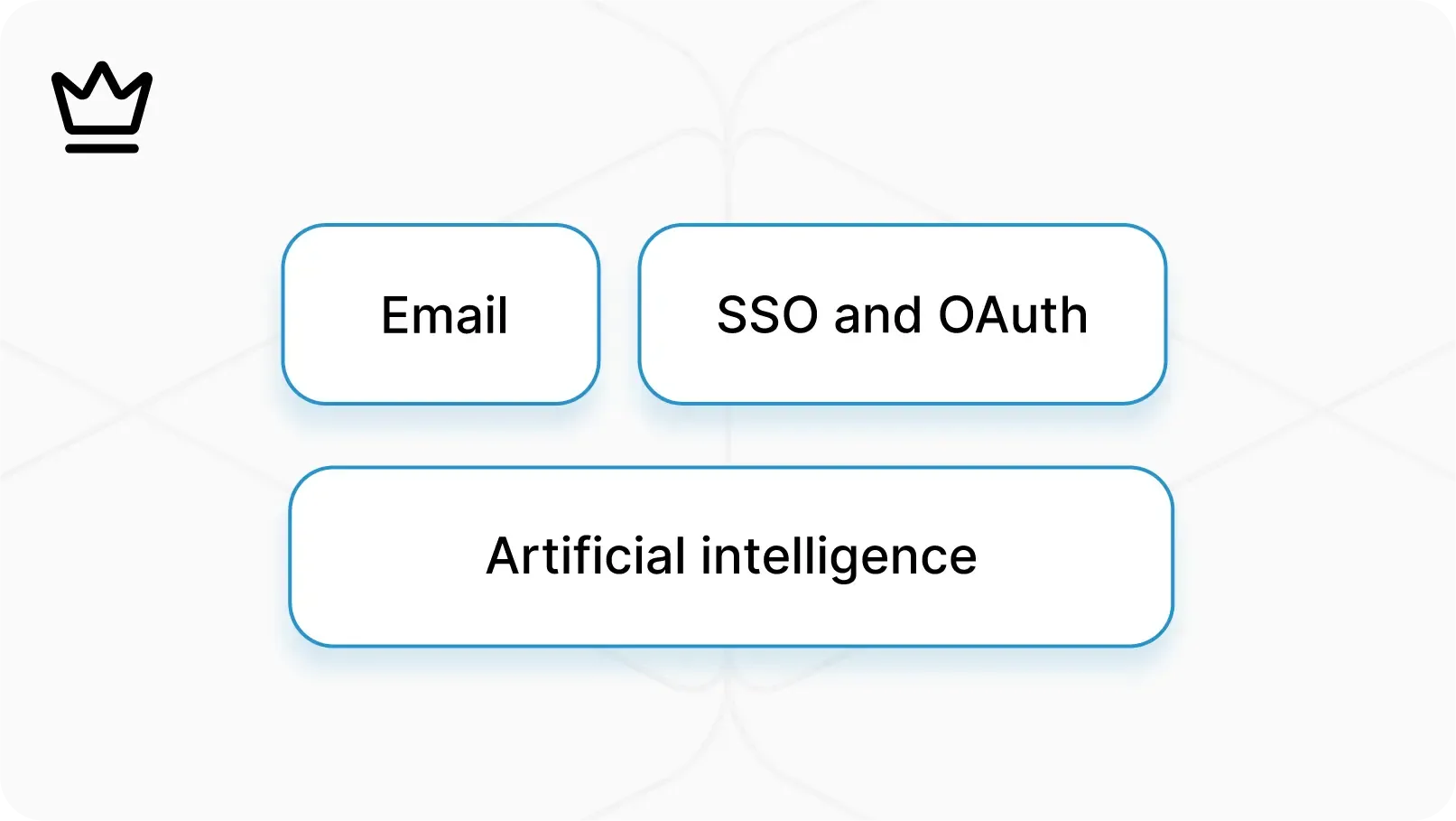
You don’t have to choose between a tool teams love and the governance your org needs. Plane supports Cloud, Self‑Hosted, and Air‑Gapped, with SSO, roles, audit trails, and bring‑your‑own private storage.
Plane is your company’s digital headquarters. Every team, every goal, and every piece of knowledge lives here, connected and accessible.
Mission-driven spaces where goals are planned and executed. They hold the scope, work items, docs, and progress in one place, with contributions from any team.
The shared knowledge layer for your company. Handbooks, briefs, specs, and playbooks stay linked directly to the work they create.
our intelligent teammate that summarizes, plans, and unblocks. Pi connects tasks and docs to surface insights across your workspace.
High-level goals that span multiple projects. They align strategy with execution and track progress toward company-wide outcomes
Dedicated areas for departments or functions. Each teamspace organizes its projects, docs, and settings under one structure.
Integrations and extensions that expand Plane. Connect your workspace with the rest of your stack in just a few clicks.
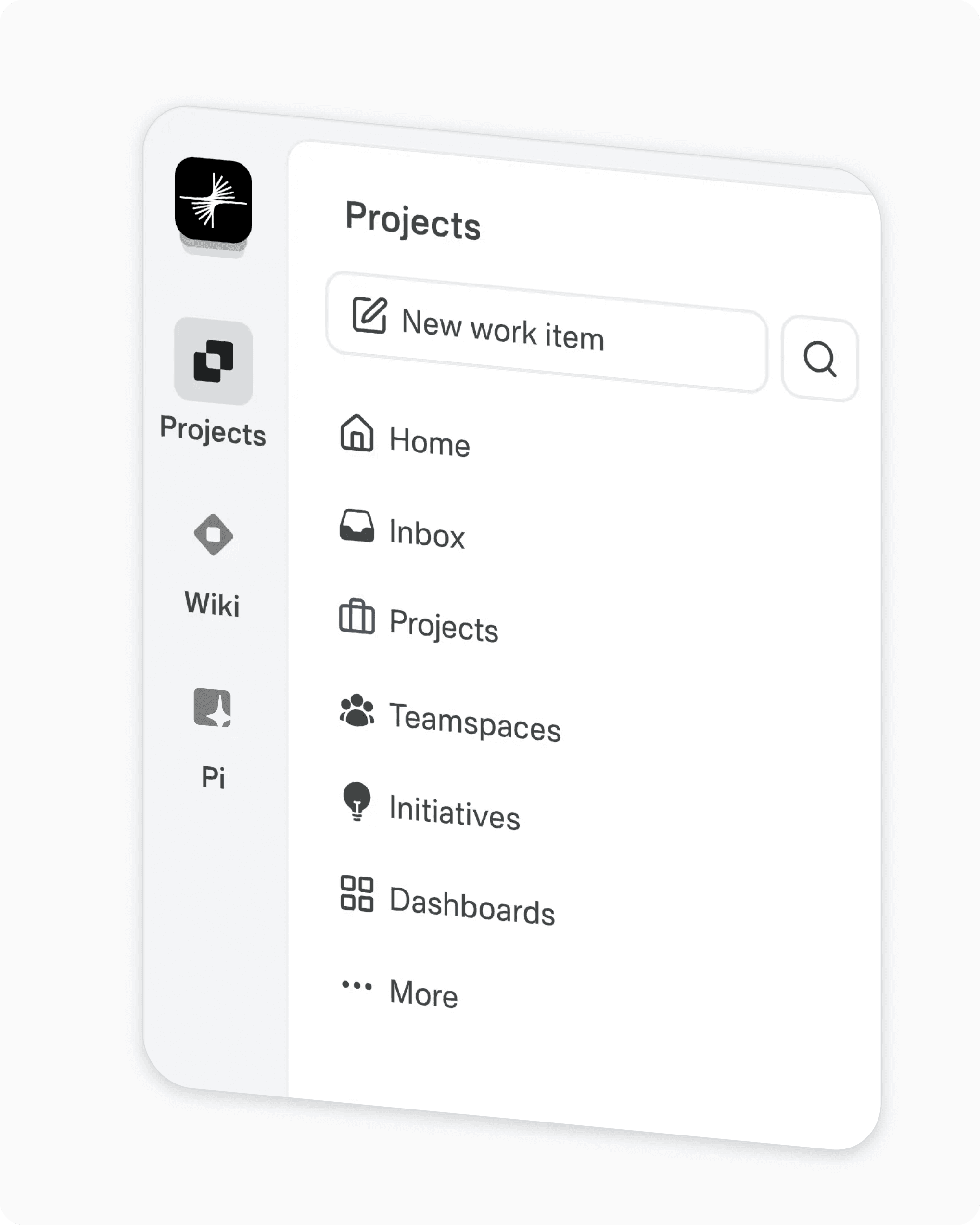
Projects are where teams plan, execute, and track real progress. They bring tasks, pages, and workflows together in one place.
The fundamental unit of progress: tasks, bugs, features, or stories. Sub-work items break complex work into smaller, trackable parts.
Larger bodies of work that group related items into outcomes. They provide structure and visibility for features or long-term goals.
Time-boxed sprints that build rhythm and predictability. They manage planned work, track carryovers, and keep progress sustainable.
Organize work by product area, component, or theme. Modules help align related efforts without losing the bigger picture.
Project-specific documentation such as briefs, specs, or retros. Linked to work items, they preserve context and decision history.
Multiple lenses to explore the same work. Switch between List, Board, Table, Calendar, or Gantt depending on your workflow.

Plane gives you the governance tools to keep work flowing smoothly and securely at scale.
Define how work moves from idea to done. Configure states, transitions, and rules to match each team’s process without friction.
Eliminate repetitive actions with no-code rules. Automatically update fields, send alerts, or move work forward when triggers occur.
Build visual overviews of progress and outcomes. Track health, spot bottlenecks, and give leadership clarity across multiple projects.
Enterprise-grade access with SSO, SAML, and RBAC. Keep your workspace compliant and secure as your organization scales.
Explore work from any angle with rich views and advanced filters. Slice by state, priority, team, or custom fields.
Structured ways to capture and triage requests. Intake channels turn incoming ideas, tickets, or feedback into actionable work.
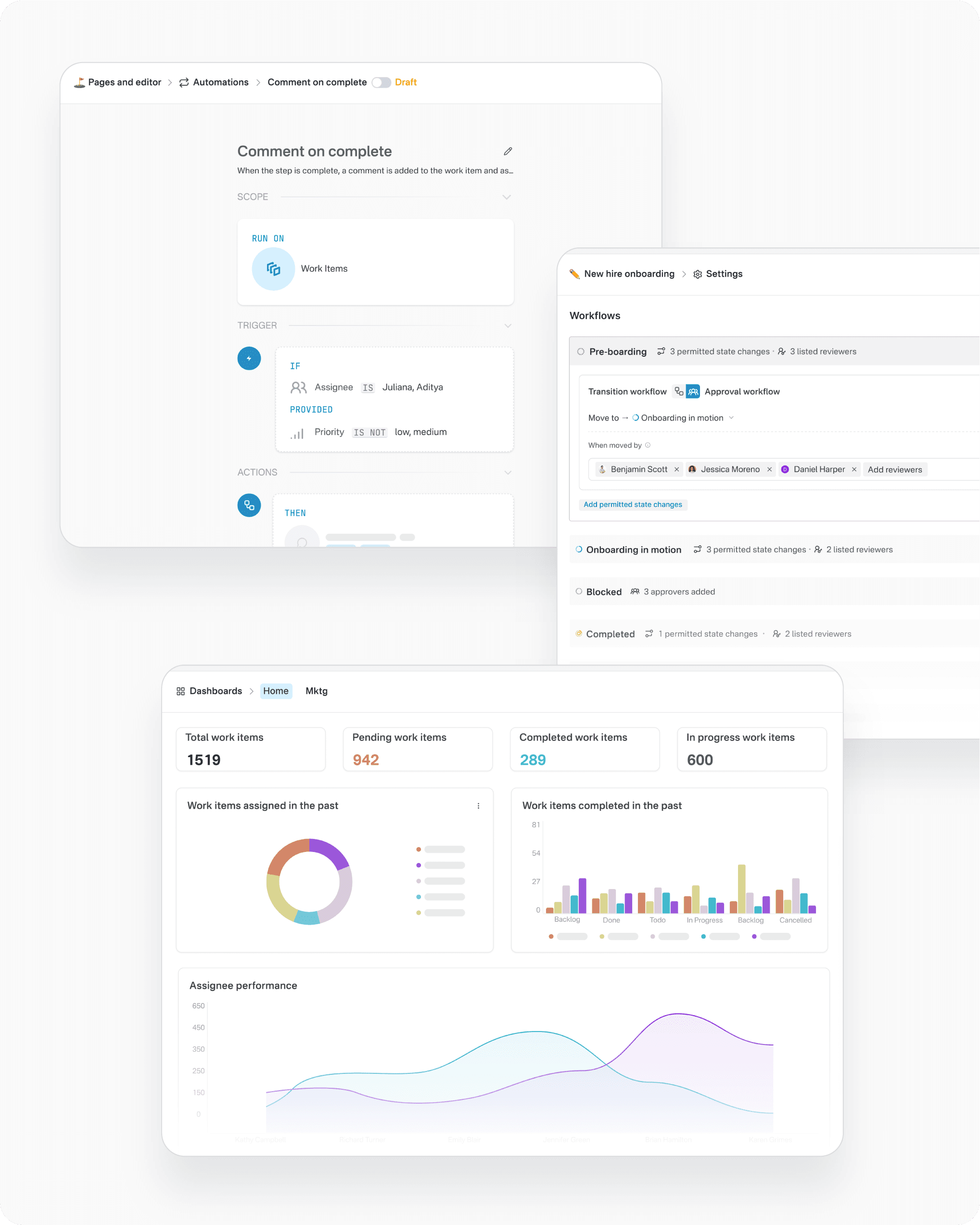
Plane is built on principles that make it reliable, secure, and adaptable from day one. Open at the core, enterprise-ready, and backed by a growing ecosystem.
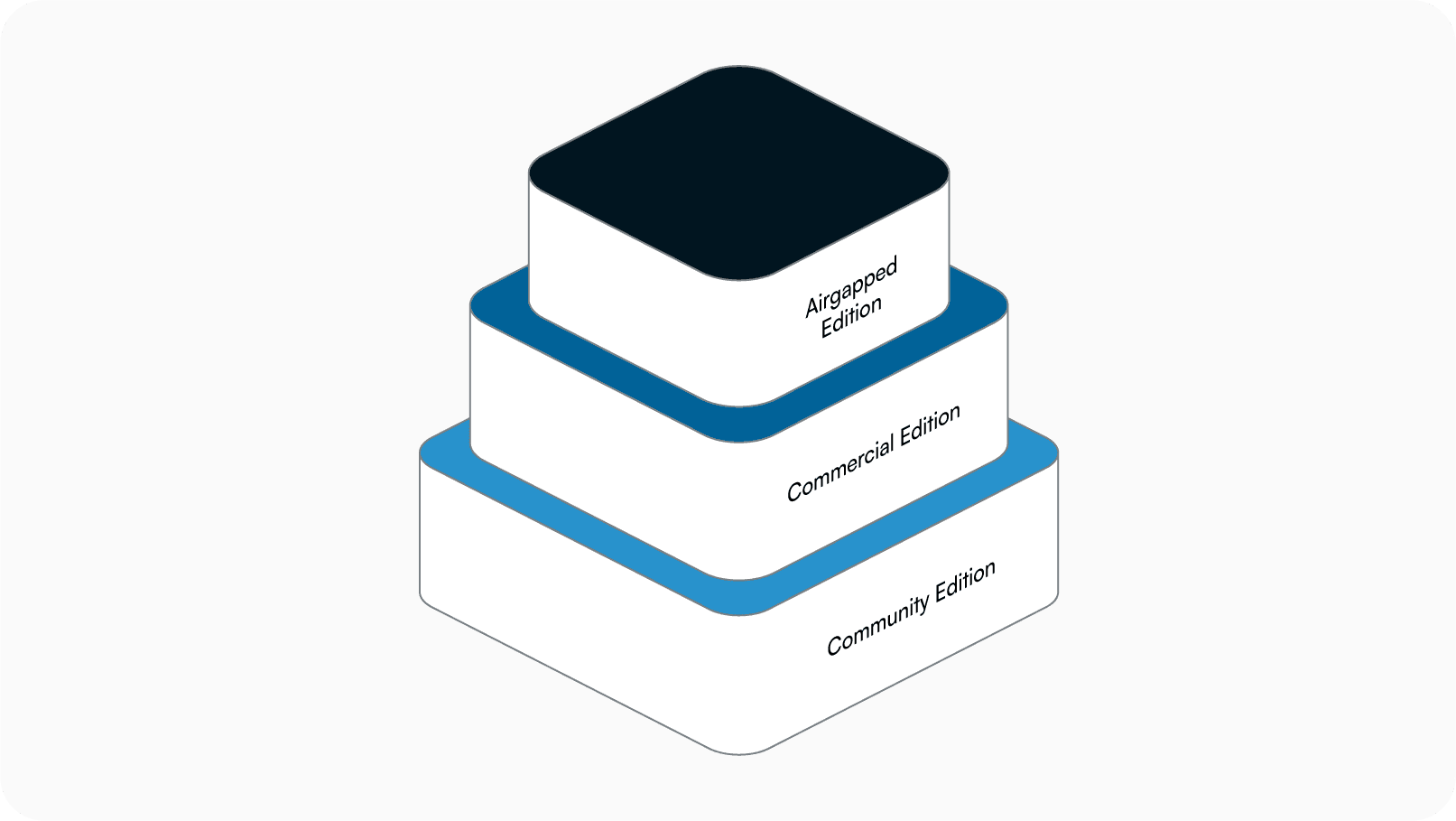
An open-source foundation you can inspect, extend, and trust — with a thriving community behind it.
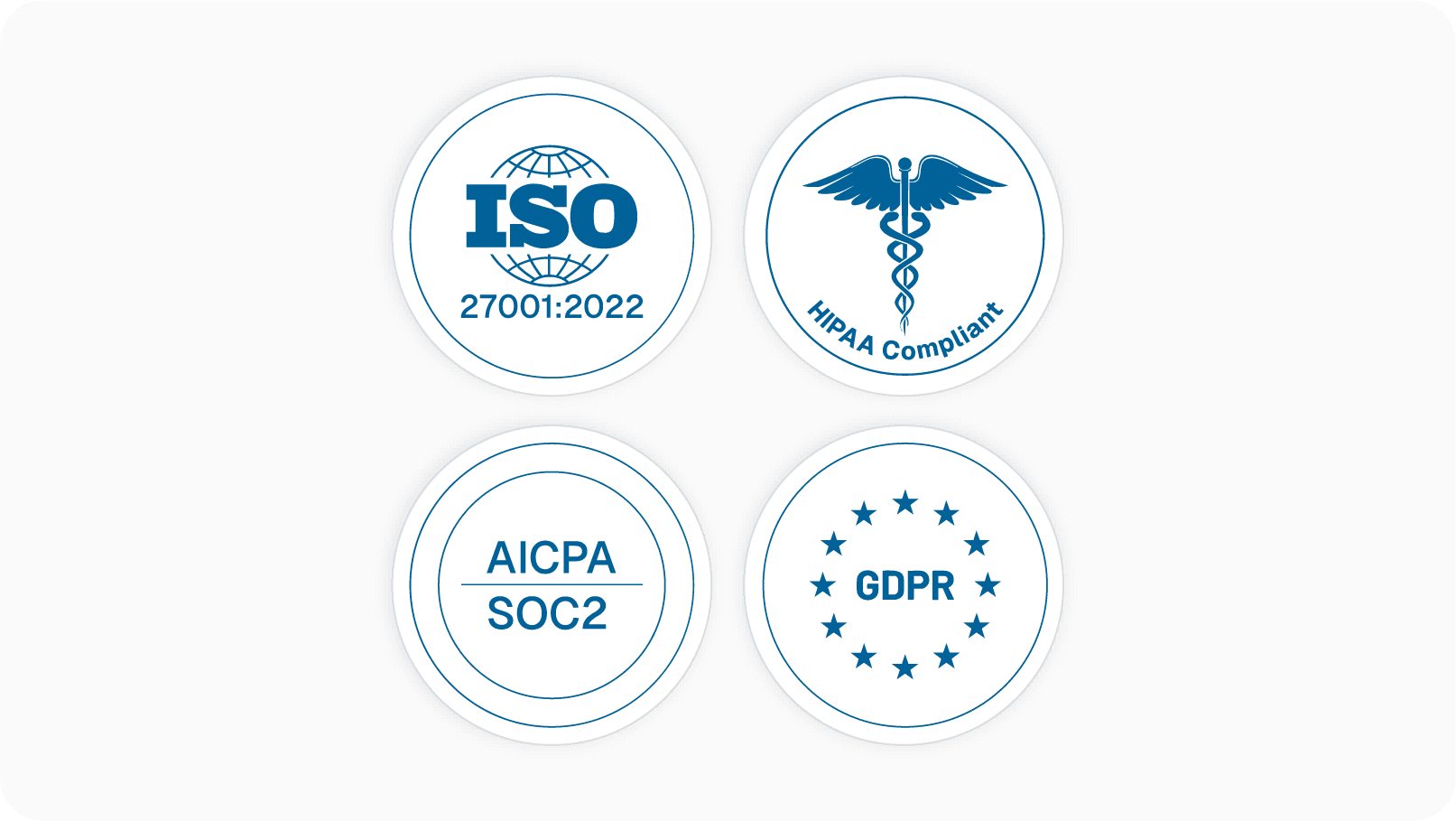
SOC 2, HIPAA, and GDPR compliant by design, with strict controls for regulated industries.
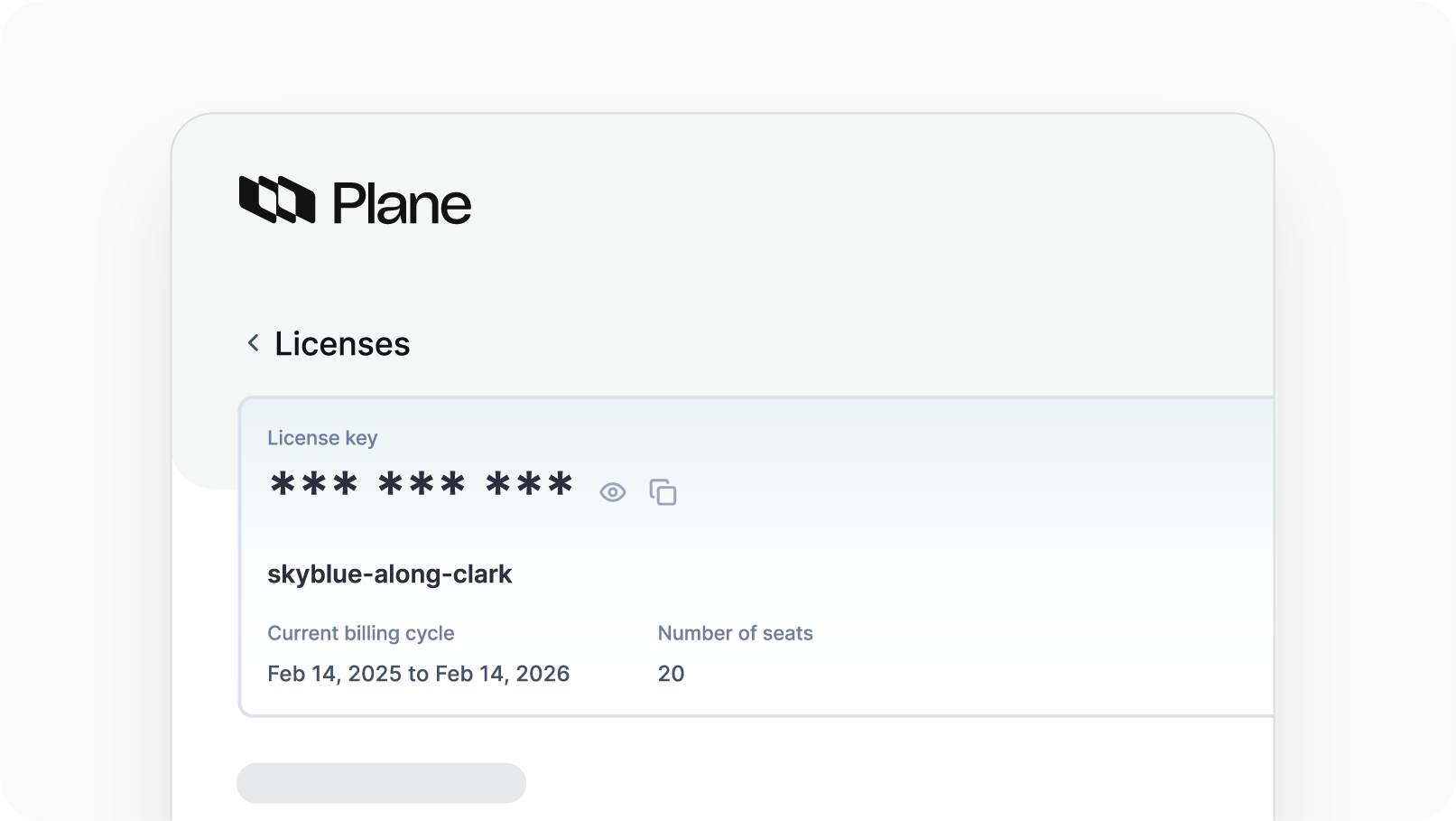
Choose Cloud, Self-hosted, or Air-gapped — Plane adapts to your infrastructure and compliance needs.
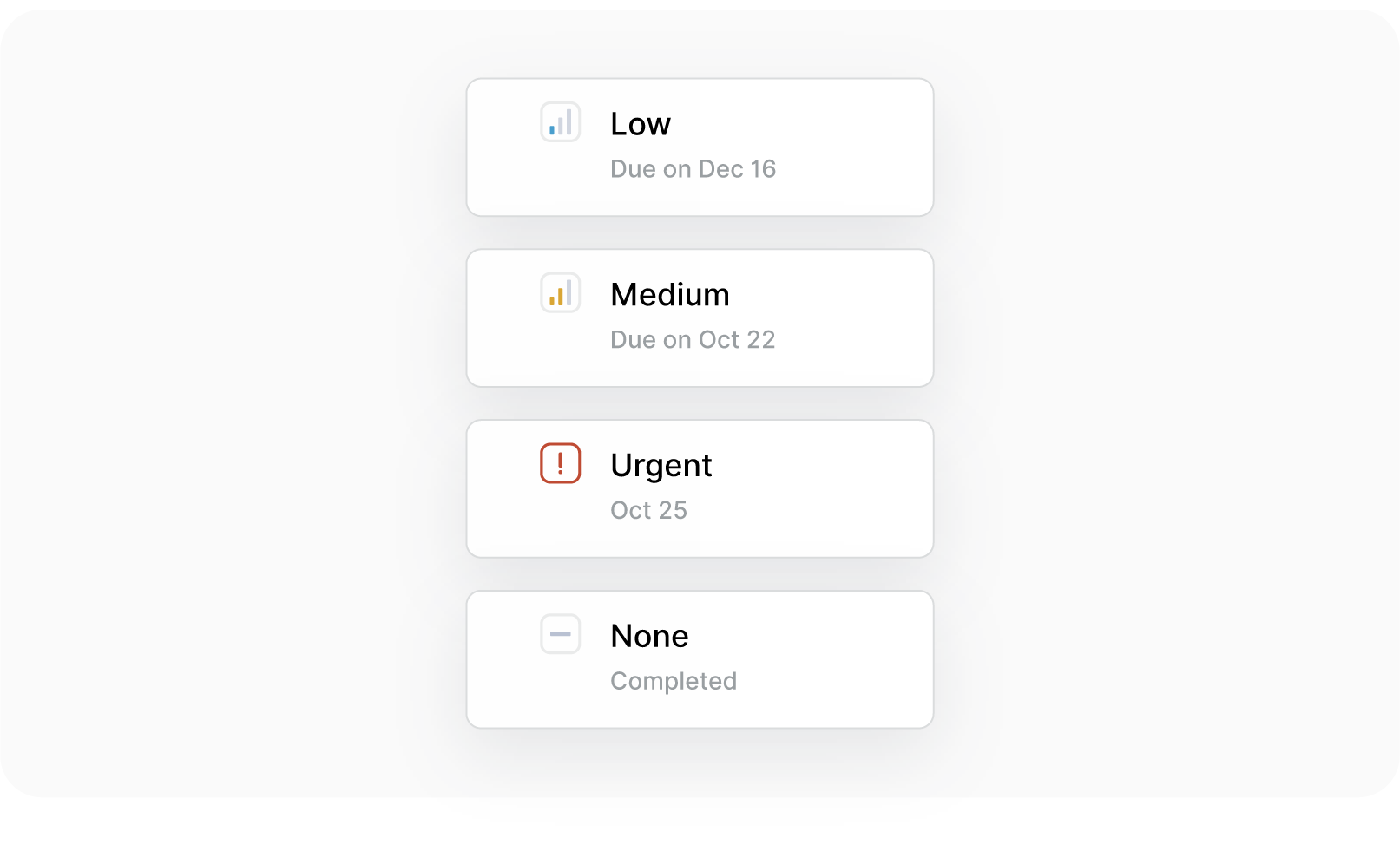
Get enterprise SLAs when you need them, or rely on free, always-on community support.
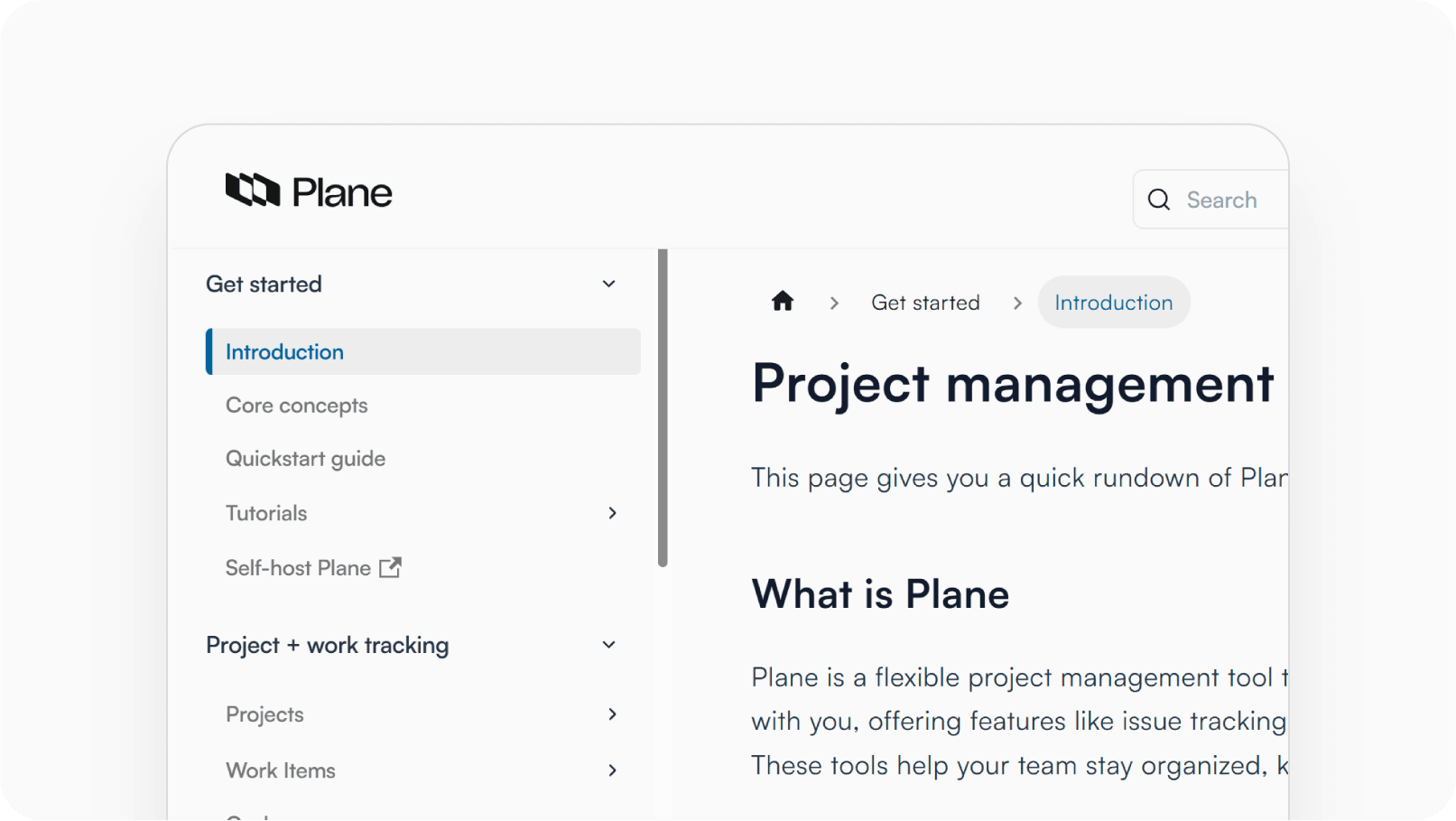
Clear, detailed docs for setup, scaling, and advanced use cases, so teams onboard faster.
Access templates and integrations that expand Plane to fit your unique workflows.

 Download for Mac
 Download for Android