Plane for growing teams

Turn growth into operating leverage

Plane connects priorities, projects, knowledge, and AI so teams move independently while leaders see company-wide progress. Add structure without more process.
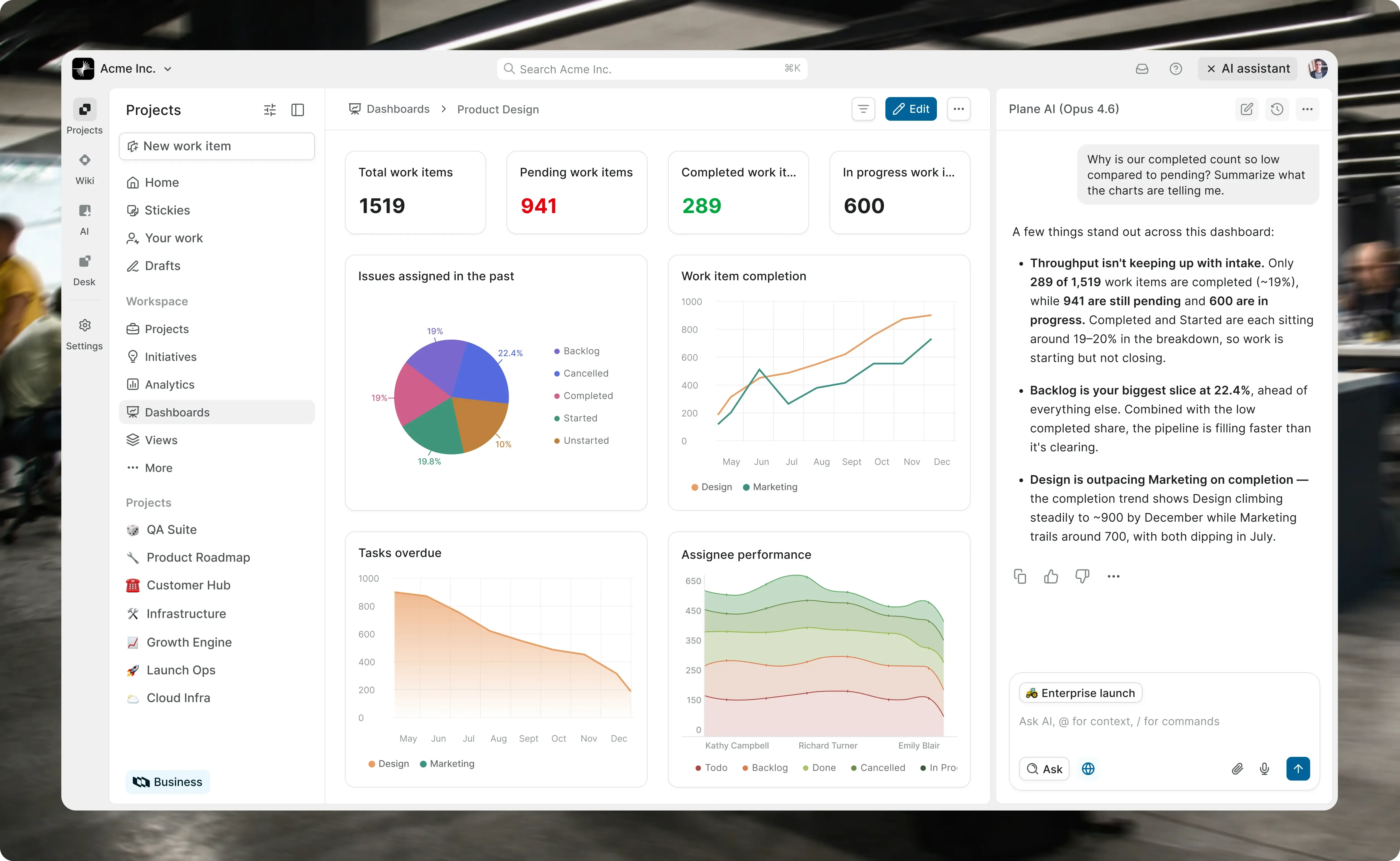

screenshot-mid-market-hero

Keep every team clear,
fast, and connected

Give every new team more capacity to deliver without adding more tools, meetings, or process.

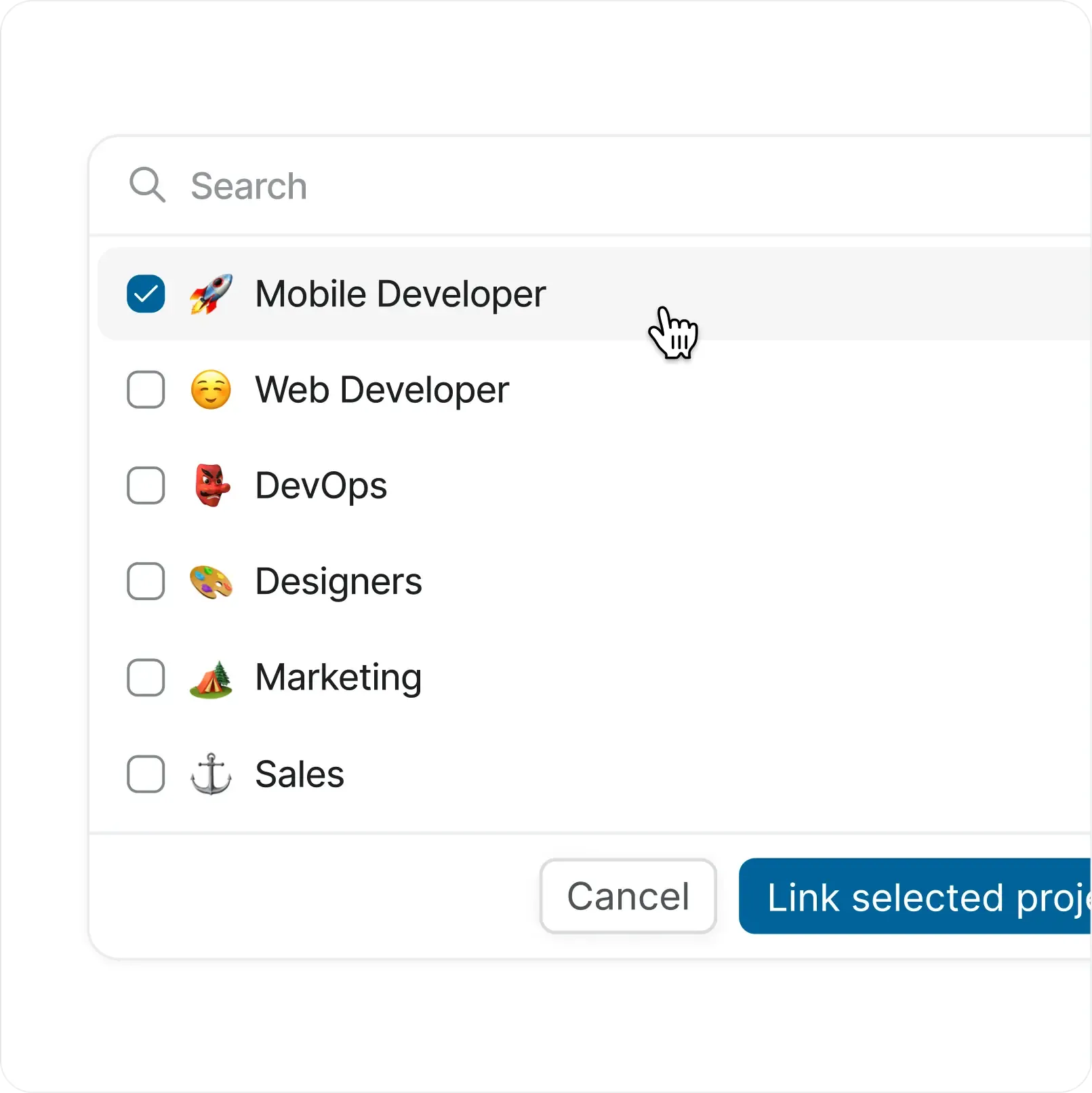
screenshot-add-projects-cards

Add teams without adding friction

  • Give people a clear place to understand priorities, decisions, and the work already moving.

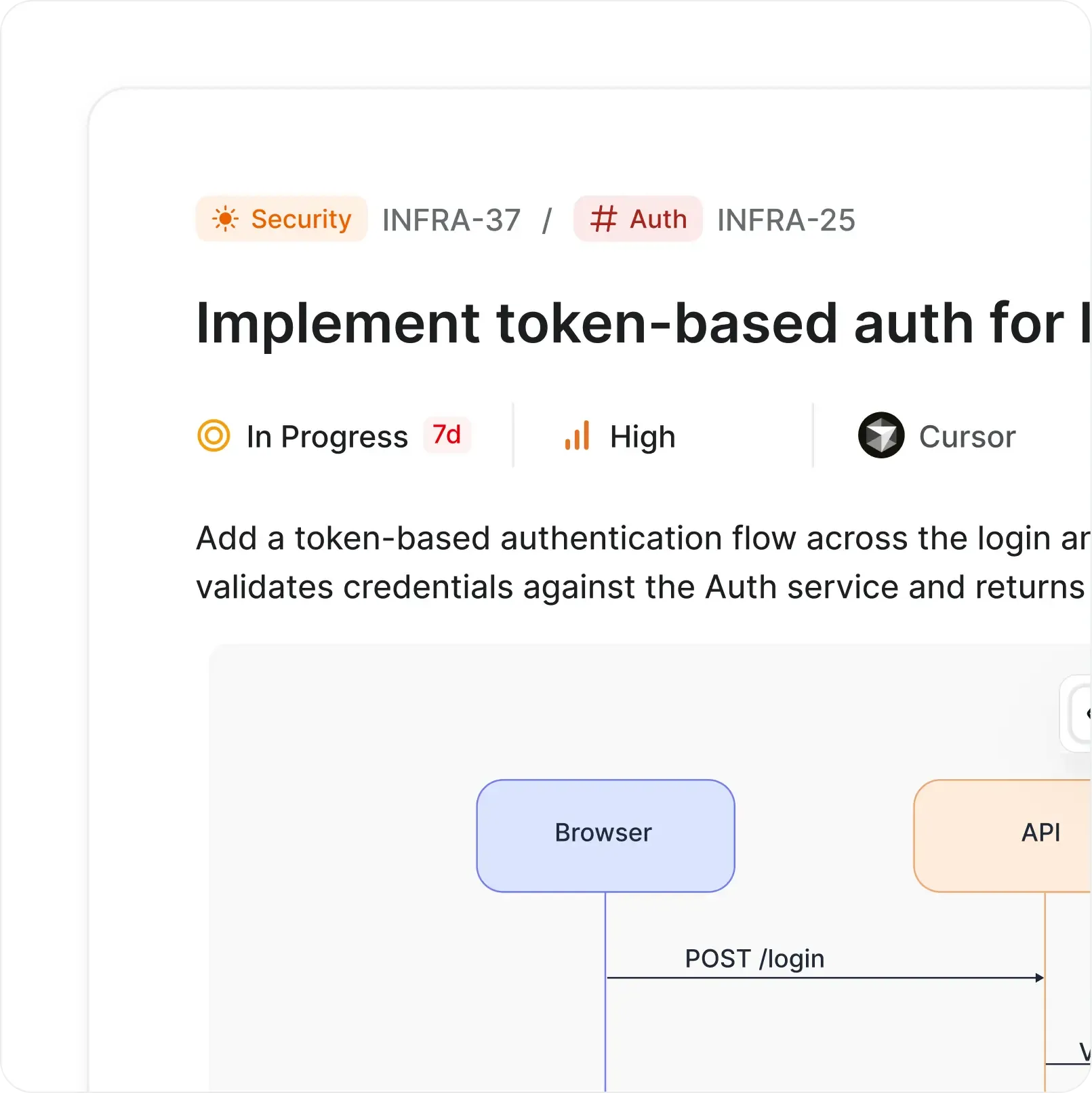
screenshot-work item-detail-cards

Keep context as people multiply

  • Preserve the thinking behind decisions so new teams can move without starting from scratch.

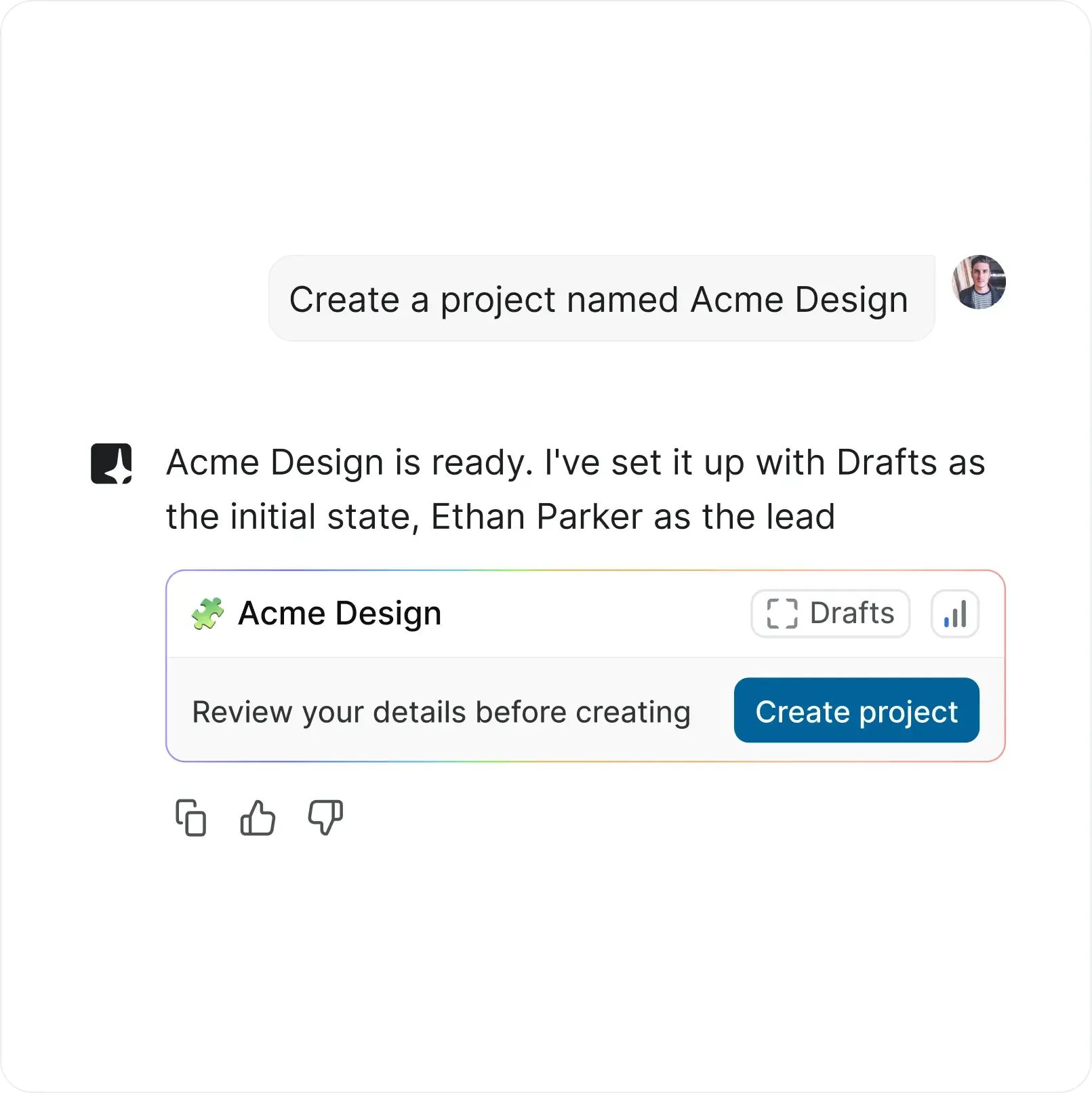
screenshot-ai-cards

Put AI to work across the company

  • Use shared context to summarize progress, organize work, and help every team move faster.

We liked owning the data and being able to extend the platform, but we kept hitting gaps in documentation and bugs we had to debug ourselves. It started to feel like more work than help.

Duane Arnett
FortyAU
40au

Make company priorities visible in the work

  • Plane connects strategy to delivery so every team sees what matters and how its work contributes.

  • work-items-filled

    Link initiatives to every contributing project

  • Track milestones and target dates across teams

  • Keep progress and decisions close to strategy

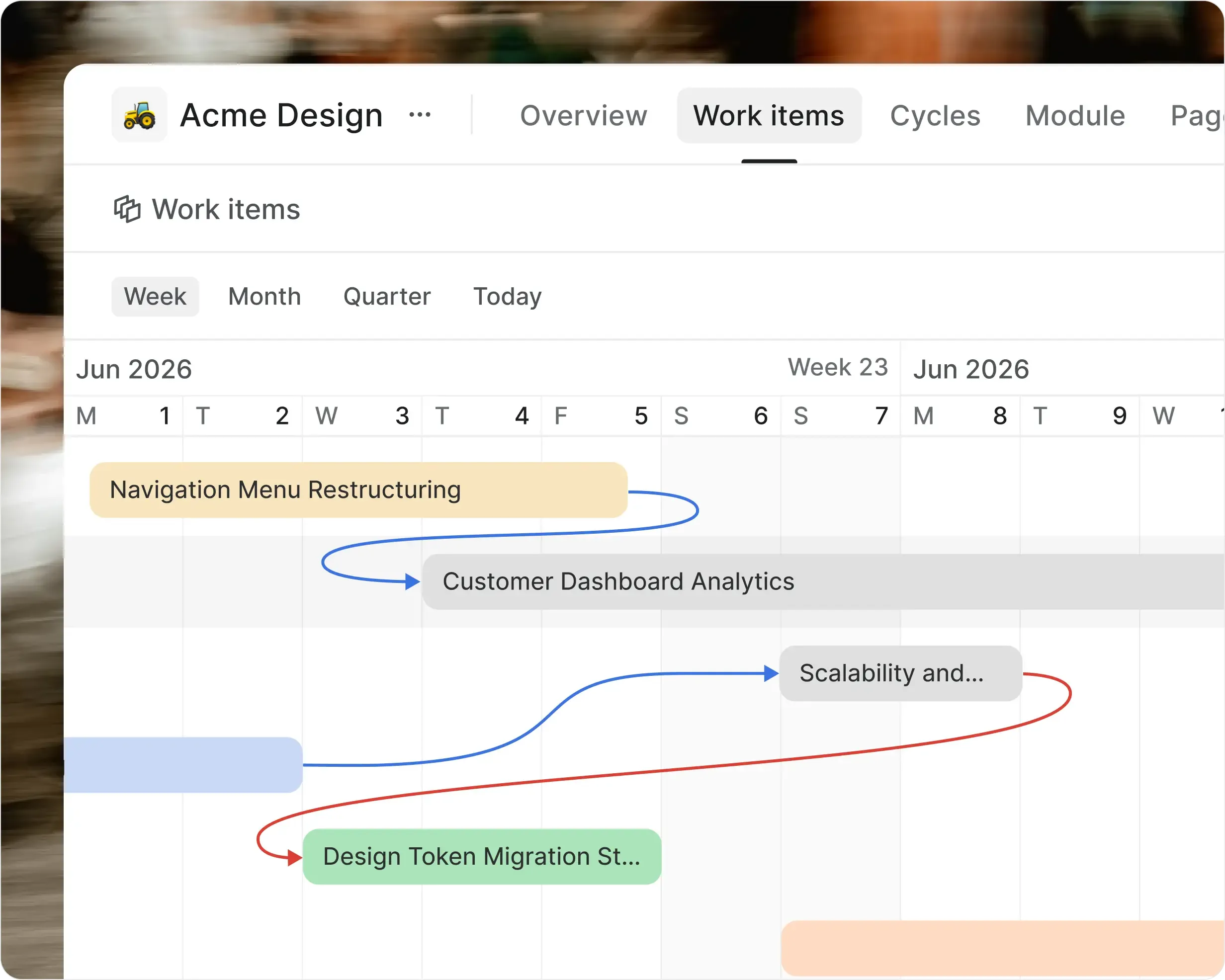
screenshot-timeline-dependencies-cards

Ship across teams without the coordination tax

  • As dependencies grow, Plane makes ownership, handoffs, and release progress clear before blockers delay delivery.

  • properties-filled-primary

    Map dependencies and critical handoffs

  • cursor-02

    Plan cycles and releases across teams

  • Give people and agents the same execution context

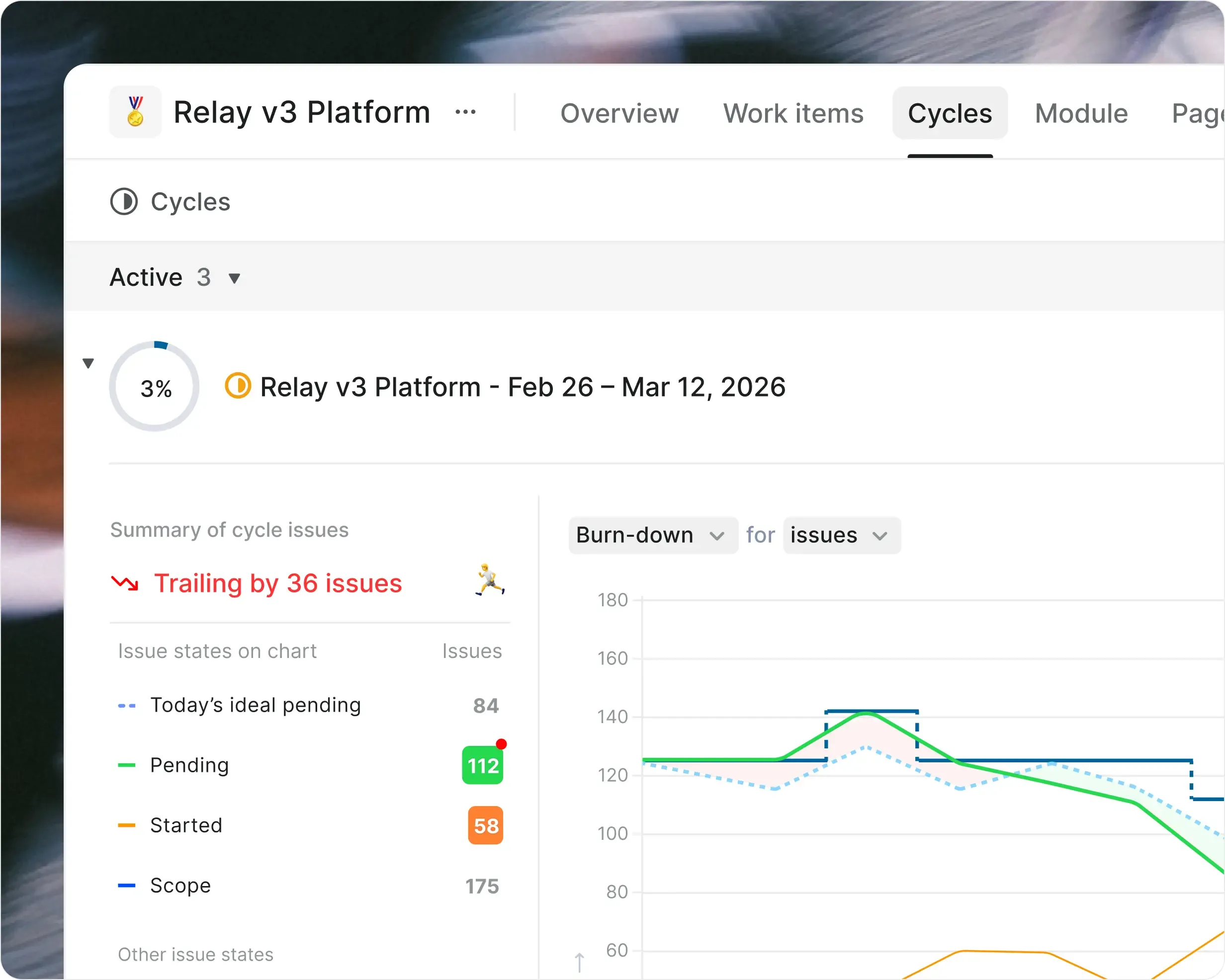
screenshot-cycles-cards

Spot risks before deadlines move

  • Plane gives leaders a live view of progress and risk without chasing updates.

  • work-items-filled

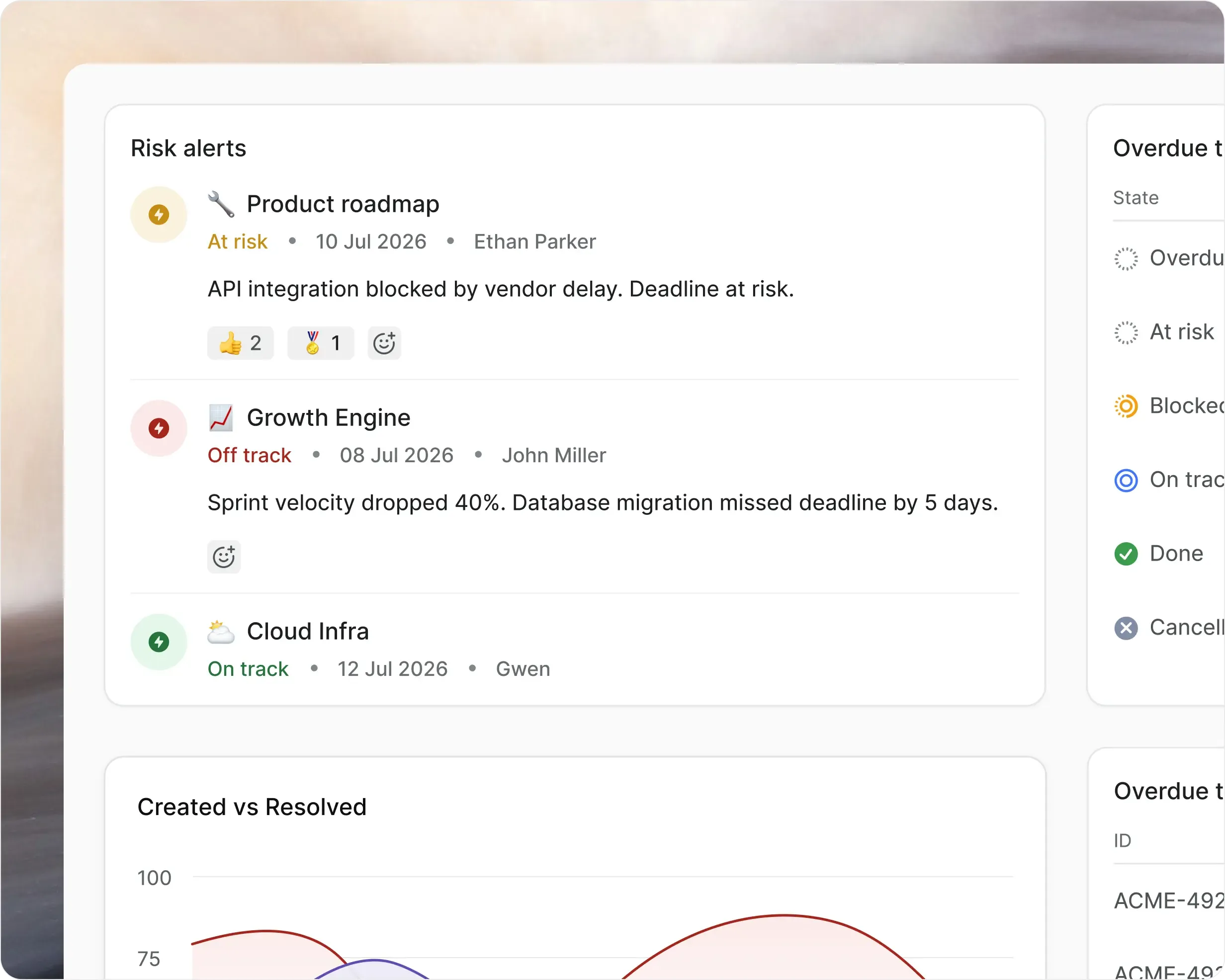
    Spot at-risk work and stalled dependencies

  • Compare delivery across teams and priorities

  • Share progress without another status meeting

screenshot-updates-cards

Keep work connected as teams
and tools multiply

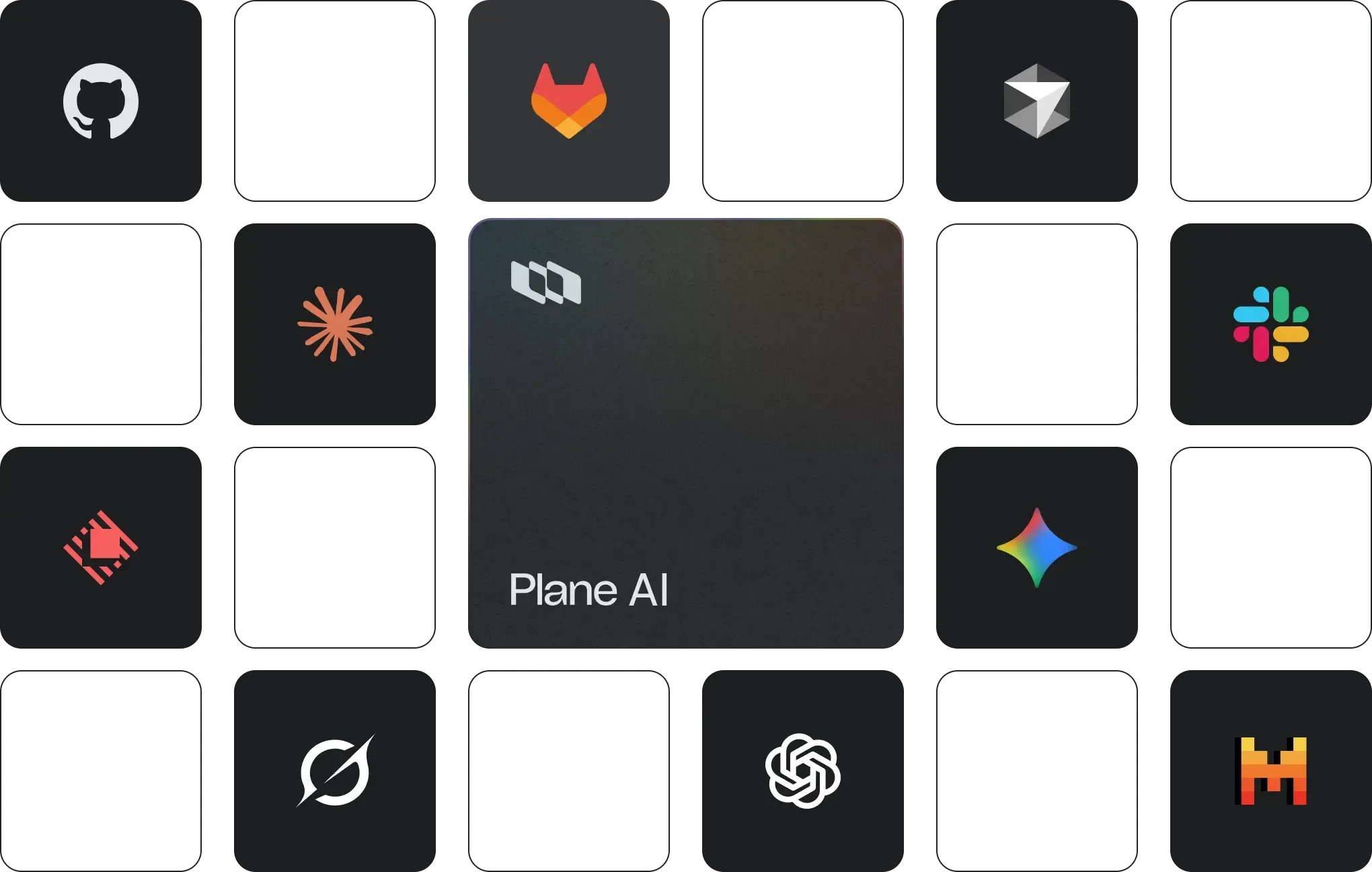
Plane AI across your engineering stack

GitHub, GitLab, Slack, Sentry, and more integrate natively. Plane AI acts across the tools your team already uses.

illustration-across-apps-bento

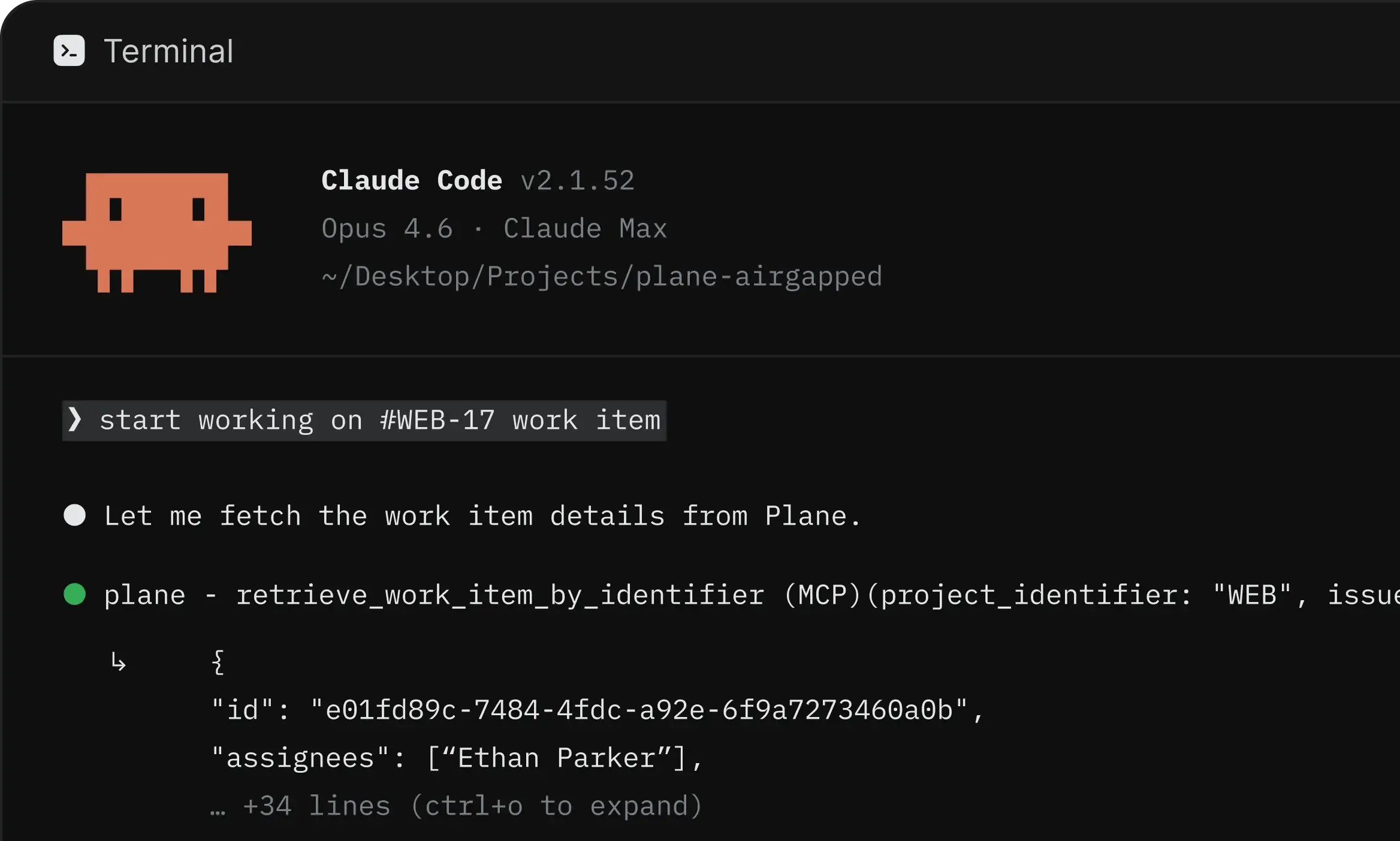
Plane through open-source MCP

Connect Claude Code, Cursor, or any MCP-compatible client to Plane's MCP server. Manage work without leaving your IDE.

screenshot-claude-code-bento

Be ready when bigger customers ask harder questions

Clear security reviews, meet procurement requirements, and control access across teams without slowing delivery.

certified-project-management

Certified across four compliance standards

  • SOC 2, ISO 27001, GDPR, and CCPA compliance out of the box. Independently audited, continuously monitored.

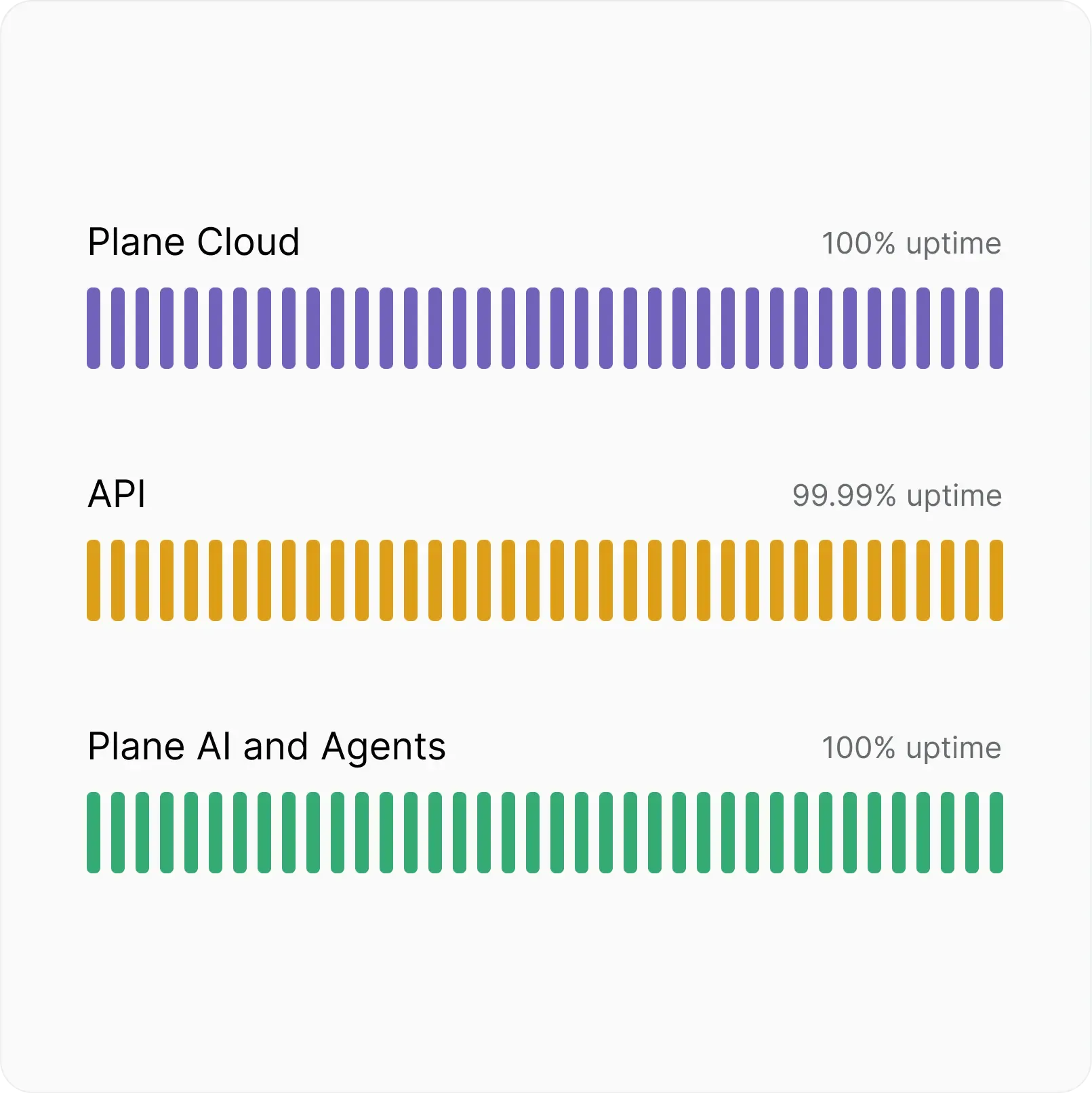
uptime-projectmanagement

Fully commited SLA

  • Automatic backups, real-time scaling, and multi-layer failovers. Built to stay up when it matters most.

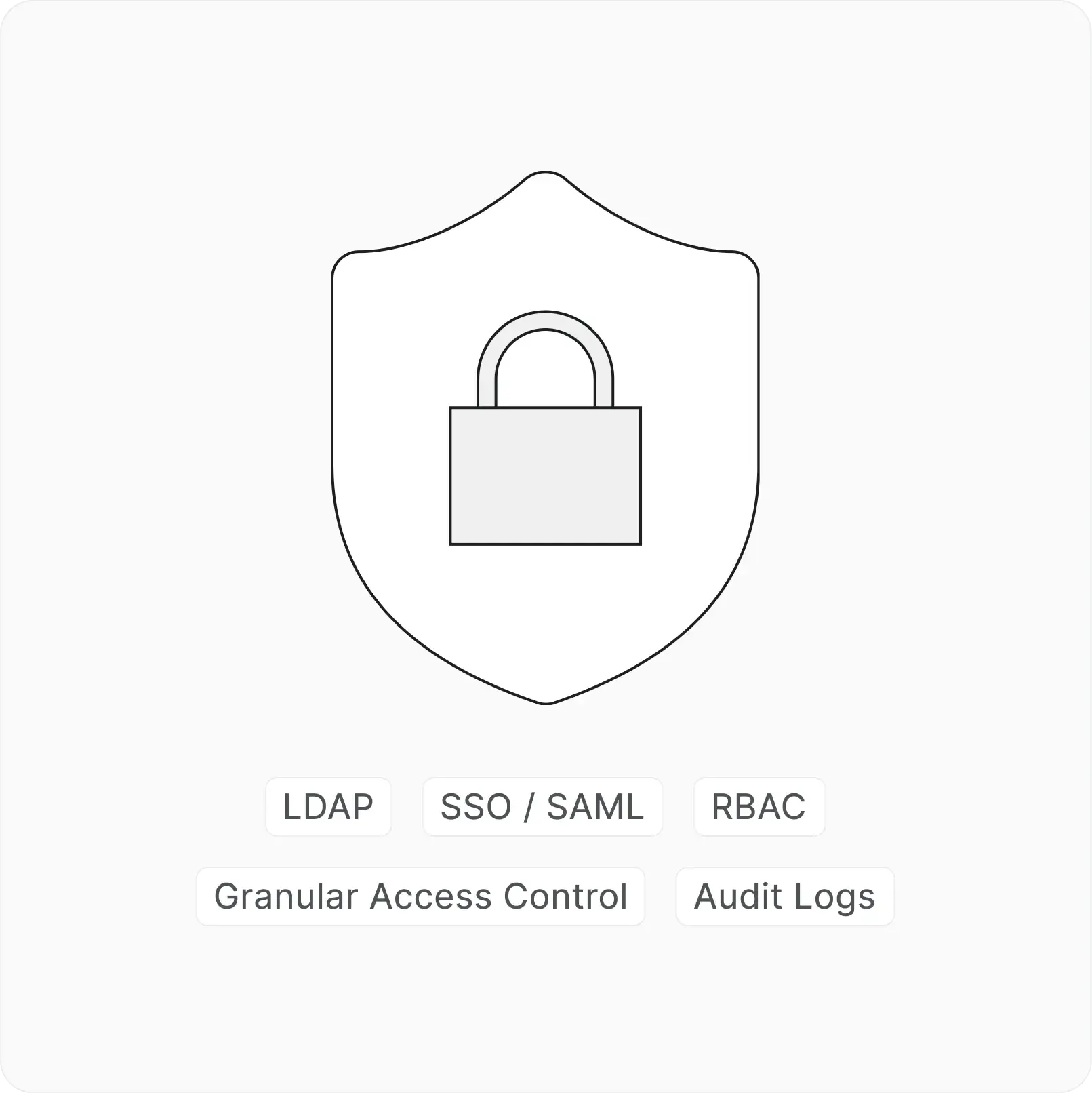
authenticate-project-management

Identity and access at every layer

  • SSO, SAML, and LDAP across every workspace. Authenticate your way.

FAQs

Everything you need to know about scaling teams,

coordinating work, and adding structure with Plane.

Paid plans support unlimited seats. Teamspaces organize functions, Initiatives connect work across projects, and dashboards give leaders a company-level view without disrupting team execution.

Initiatives connect strategic objectives to projects and work items, while epics and sub-work items structure delivery. Enterprise Grid can enforce shared work item types and parent-child hierarchy across every project.

Yes. Teams can adapt views, states, properties, cycles, and project workflows. Templates and workspace-level configuration standardize what should remain consistent.

Initiatives aggregate connected projects, work items, progress, and status updates. Dashboards and PQL provide focused views of delivery, risk, workload, and priorities.

Releases operate across the workspace and can include work from several projects. Each release has an owner, target date, status, progress, and changelog.

Plane supports separate workspace and project roles, private projects, guests, and Teamspace membership. Enterprise Grid adds custom roles, reusable permission schemes, and granular access control.

Yes. Native integrations connect GitHub, GitLab, Slack, Sentry, and more. APIs, webhooks, OAuth apps, MCP, and Plane Runner support internal tooling and custom automation.

Plane includes importers for Jira, Linear, Asana, ClickUp, Notion, Confluence, and CSV. Teams can migrate selected projects first, validate the setup, and roll out gradually.

Pro and Business fits teams that need unlimited seats, initiatives, dashboards, Wiki, and integrations. Business adds releases, Intake, templates, advanced reporting, and stronger workflow control. Enterprise Grid adds centralized hierarchy, custom roles, approval flows, and organization-wide governance.

From one team to many, keep

moving on Plane

Plane
Nacelle